Windows Mac
Novel writing software for Windows and Mac
Pay once, yours for life, your book stays on your computer.
No card needed for the trial.
No subscription
Pay oncefrom £24*Compare prices
Meet Muse
AI writing assistant that never ghostwrites
Search ChapterMuse
Features by task
Every feature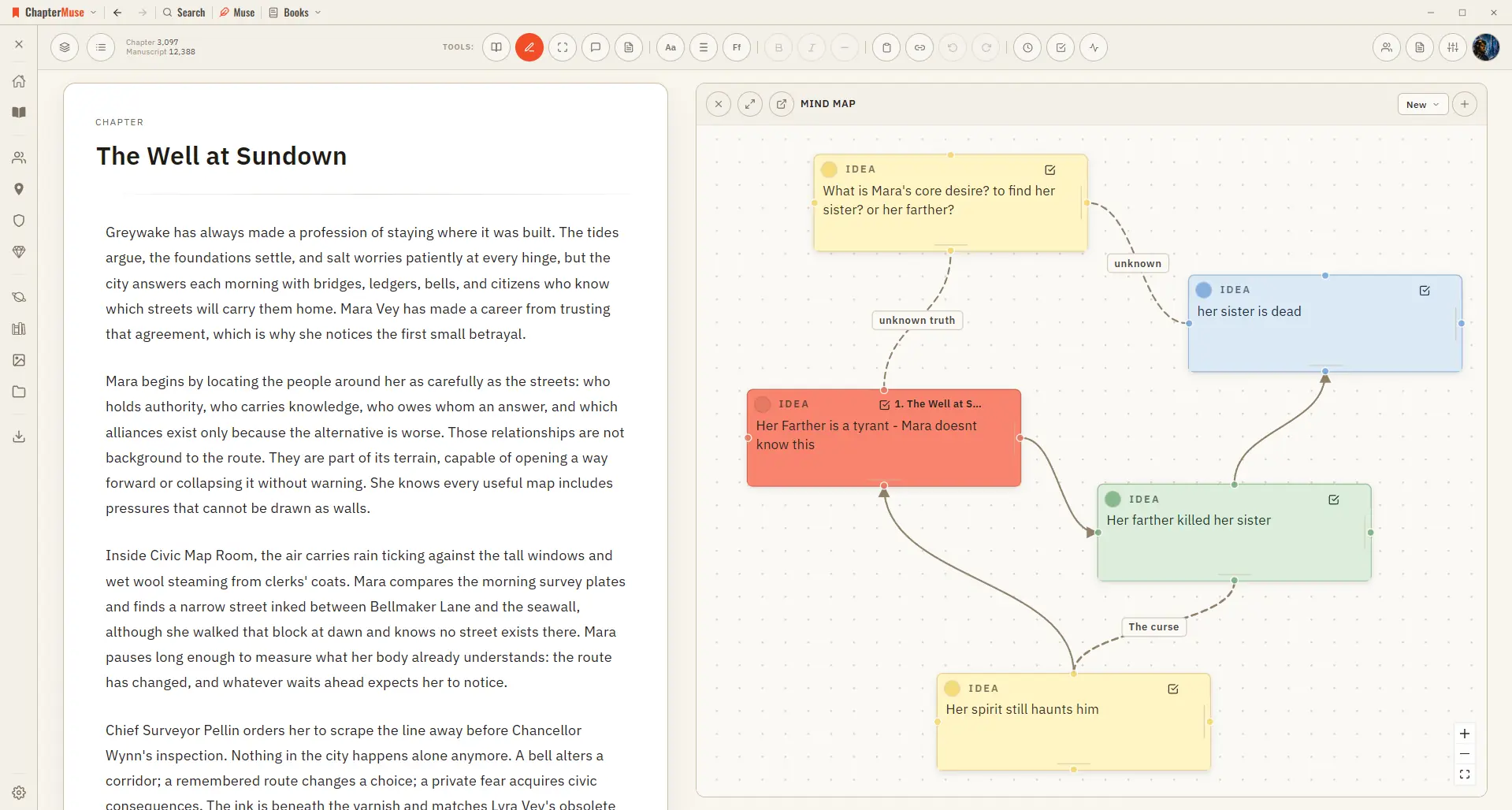
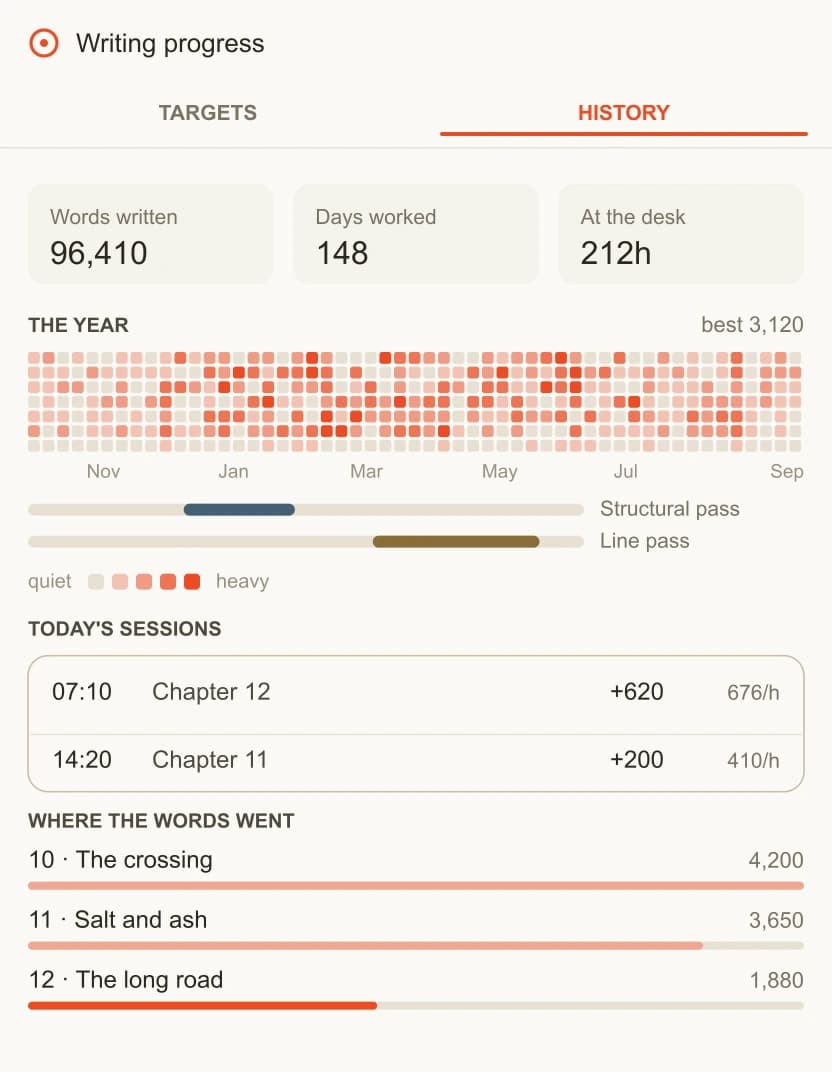
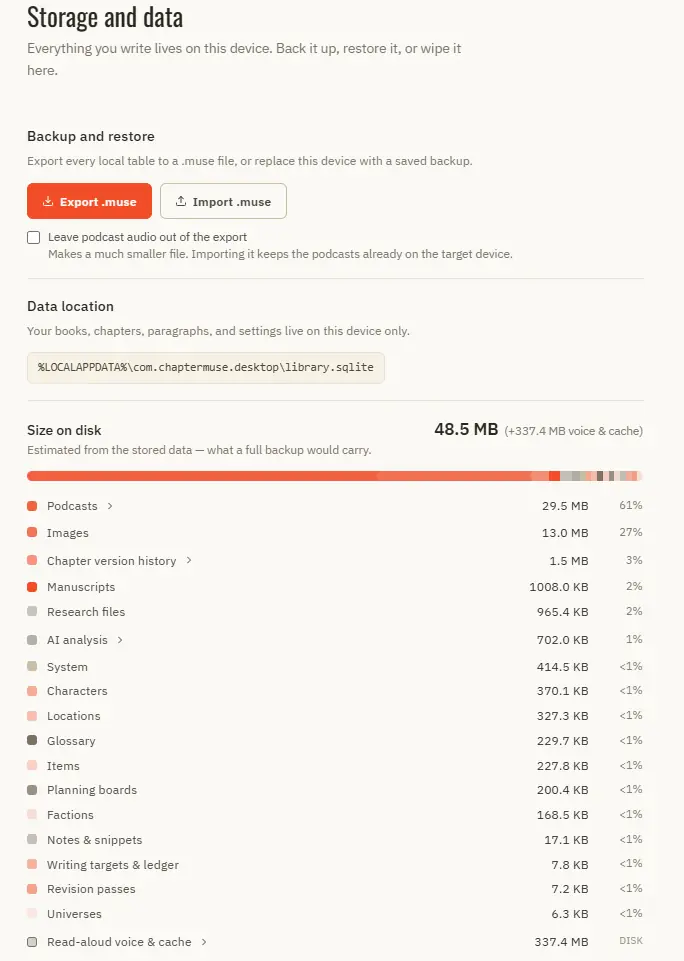
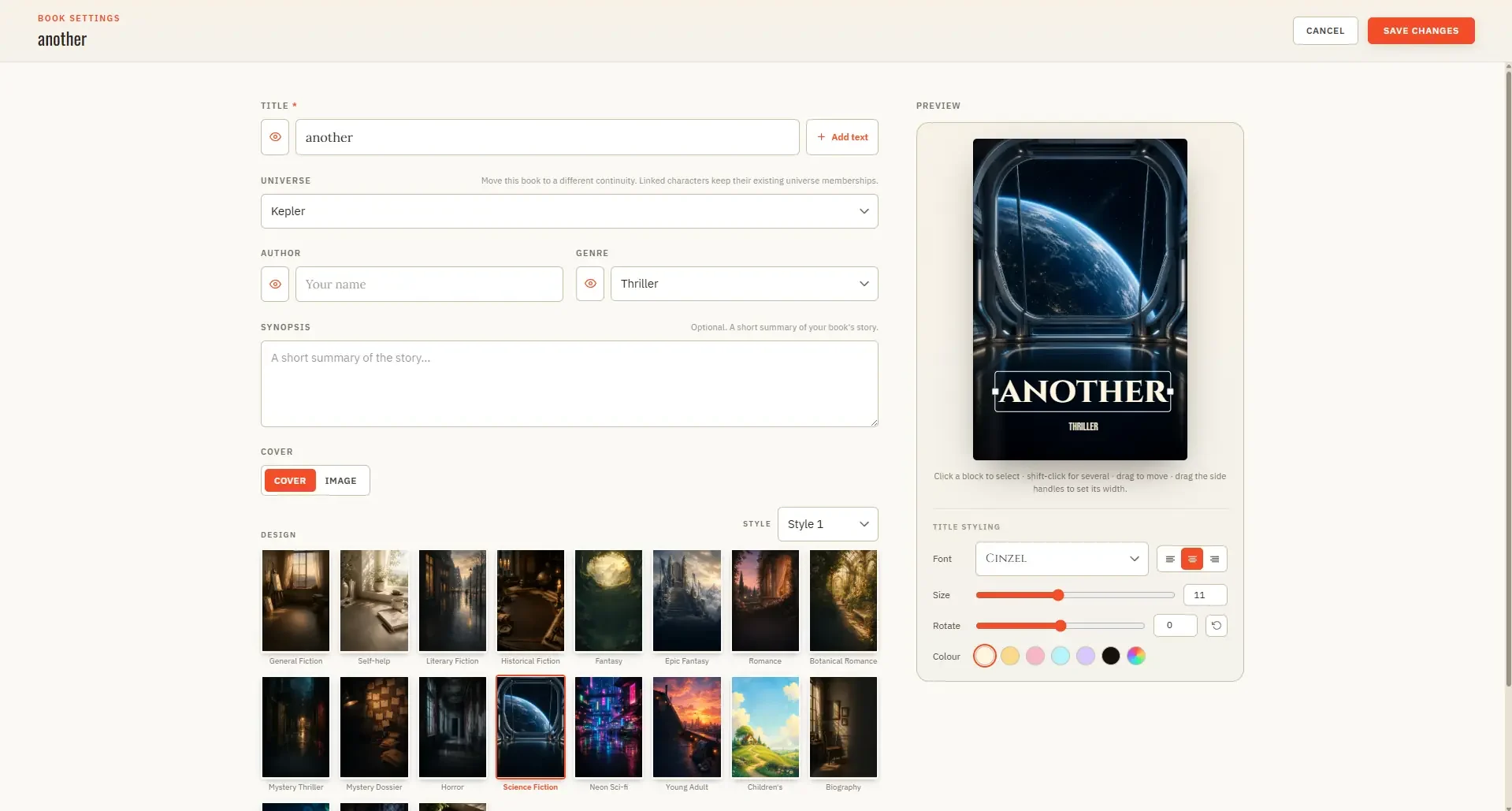
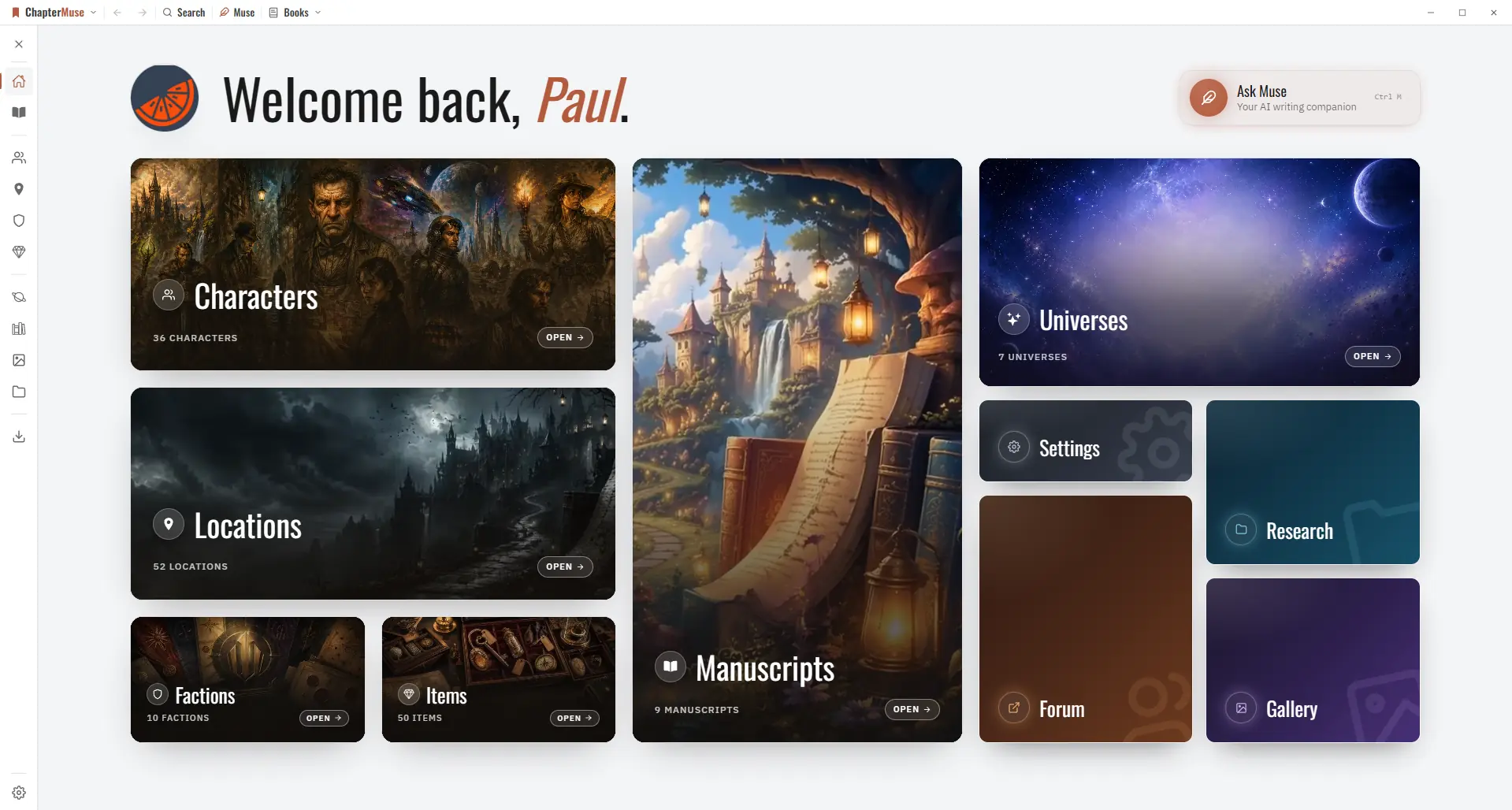
Inside the app
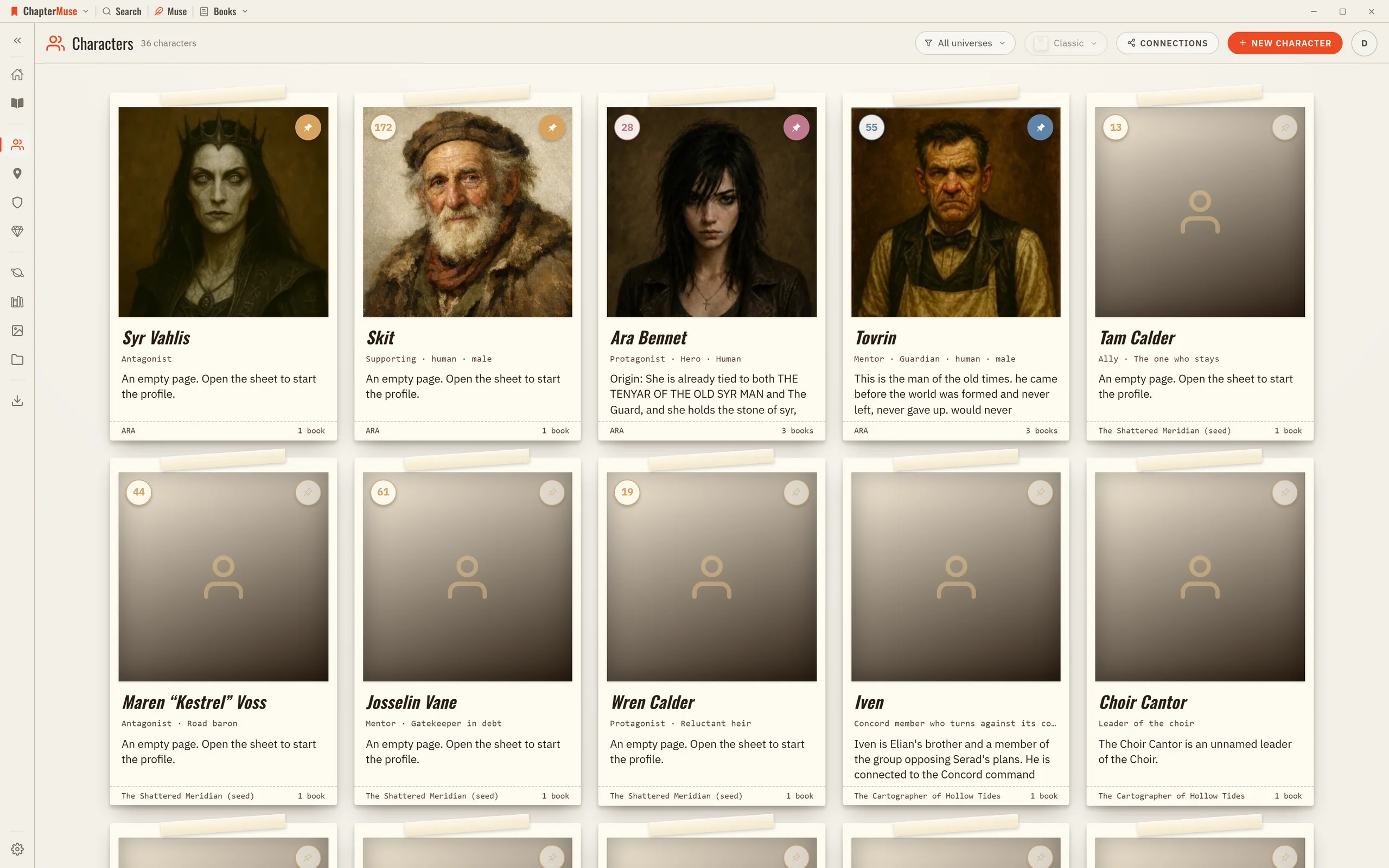
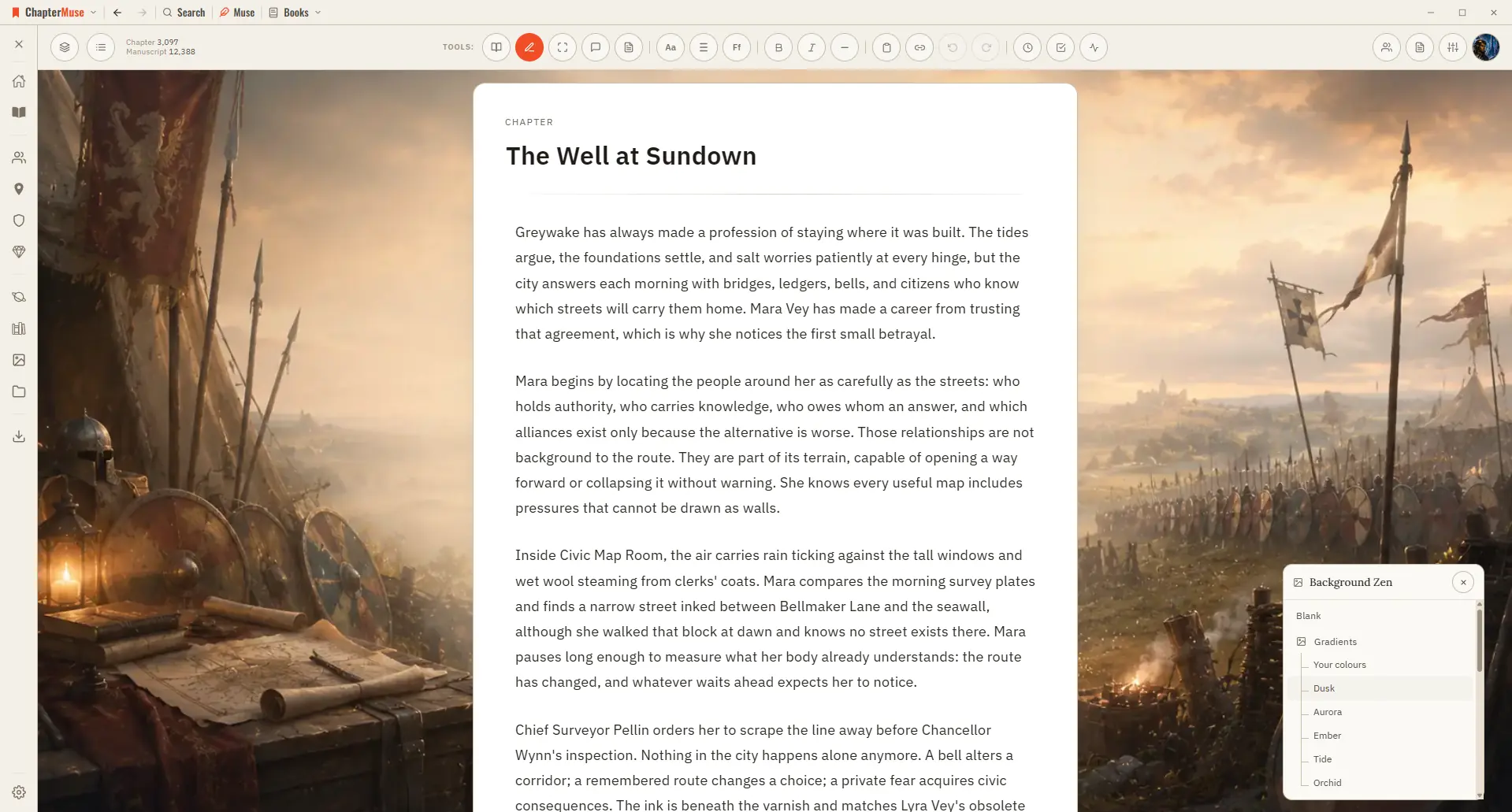
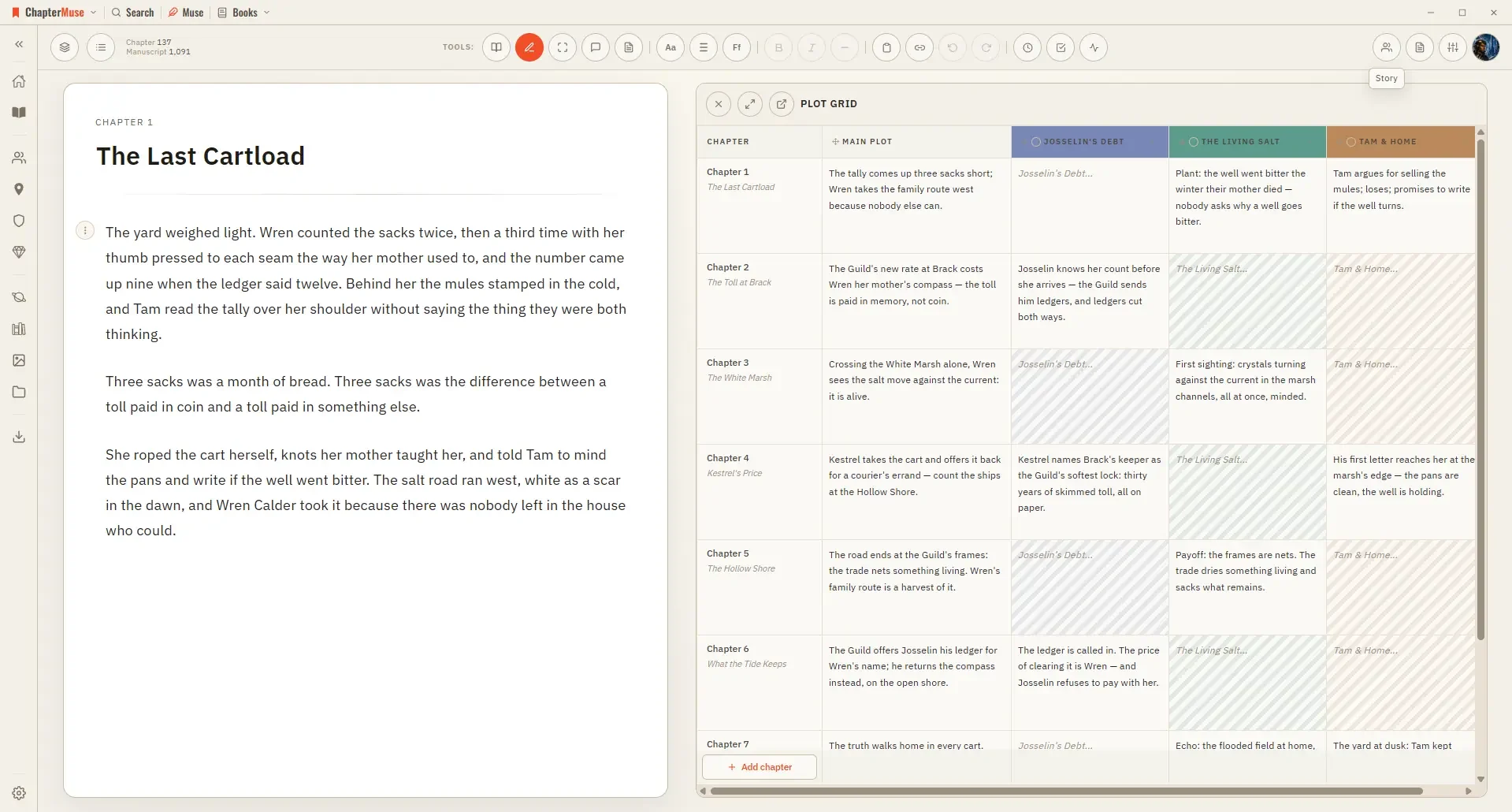
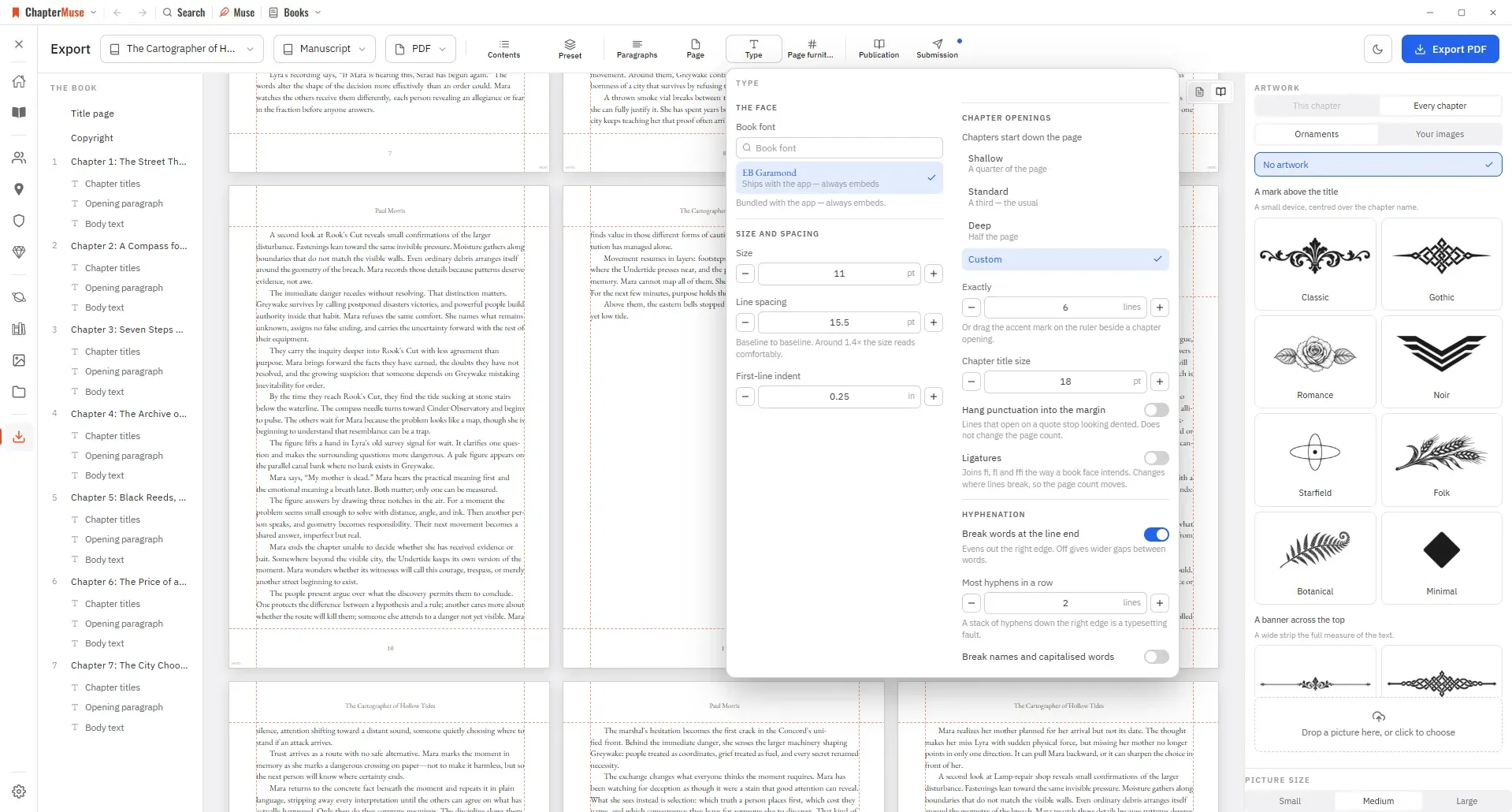
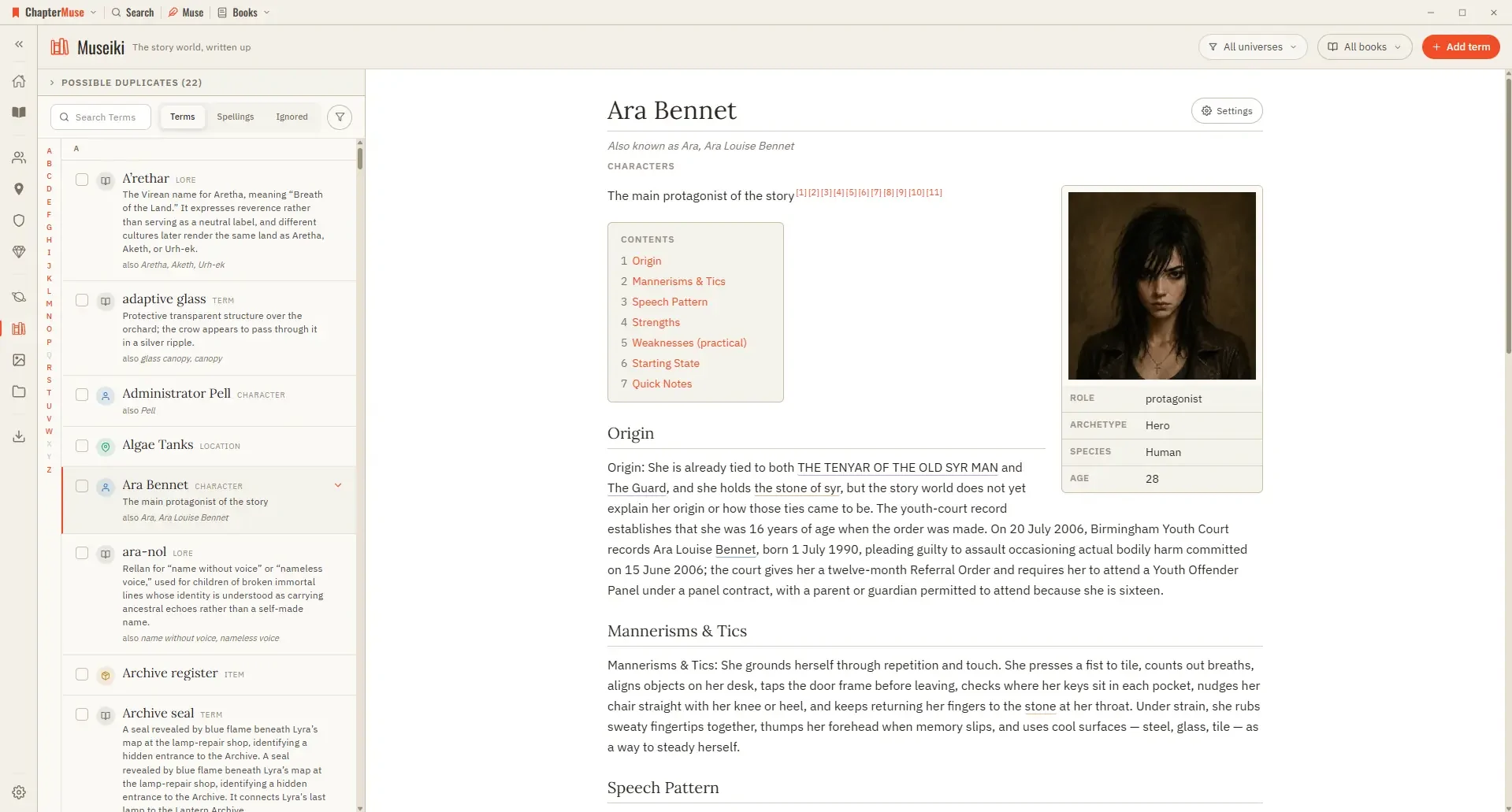
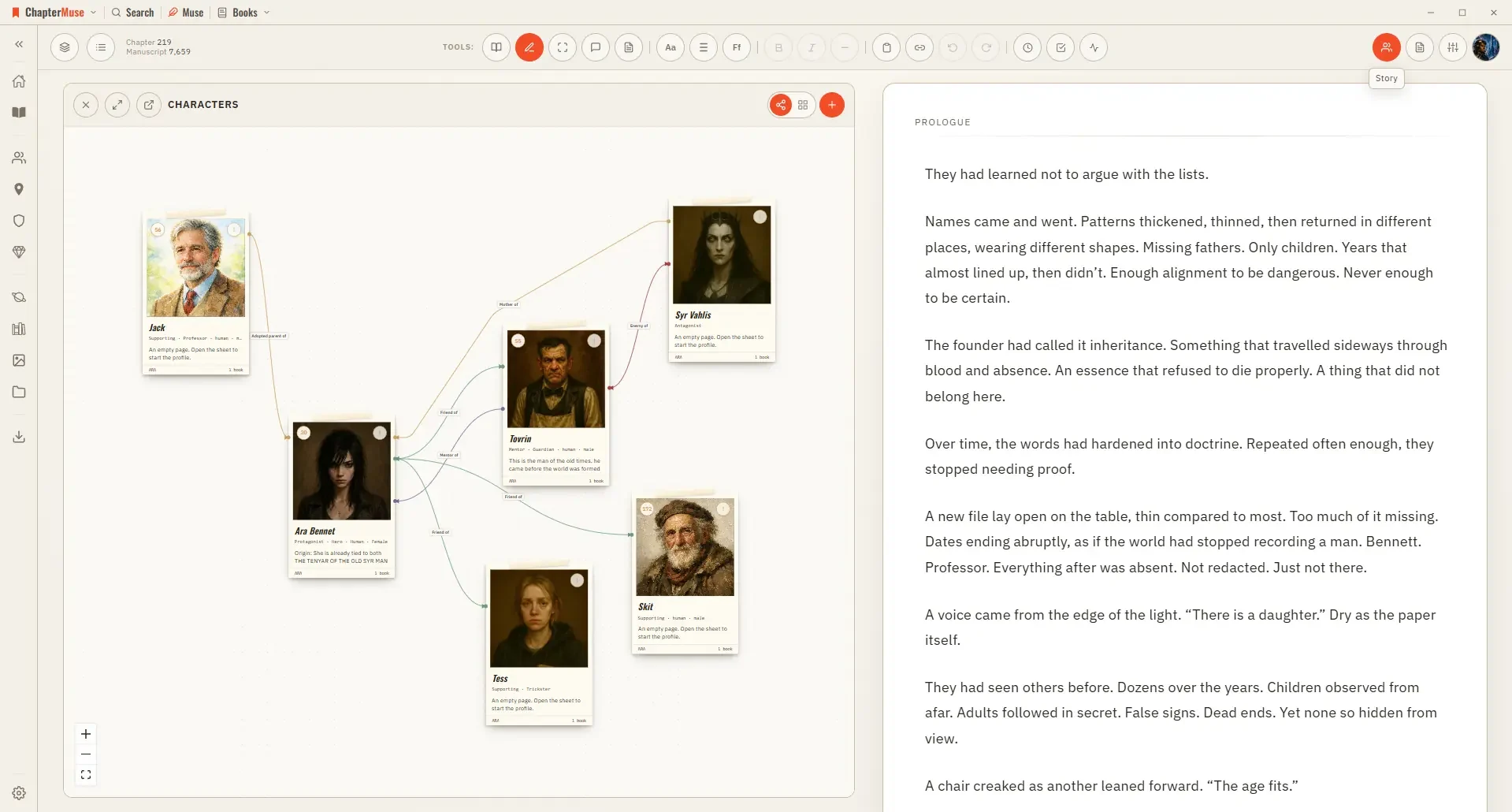
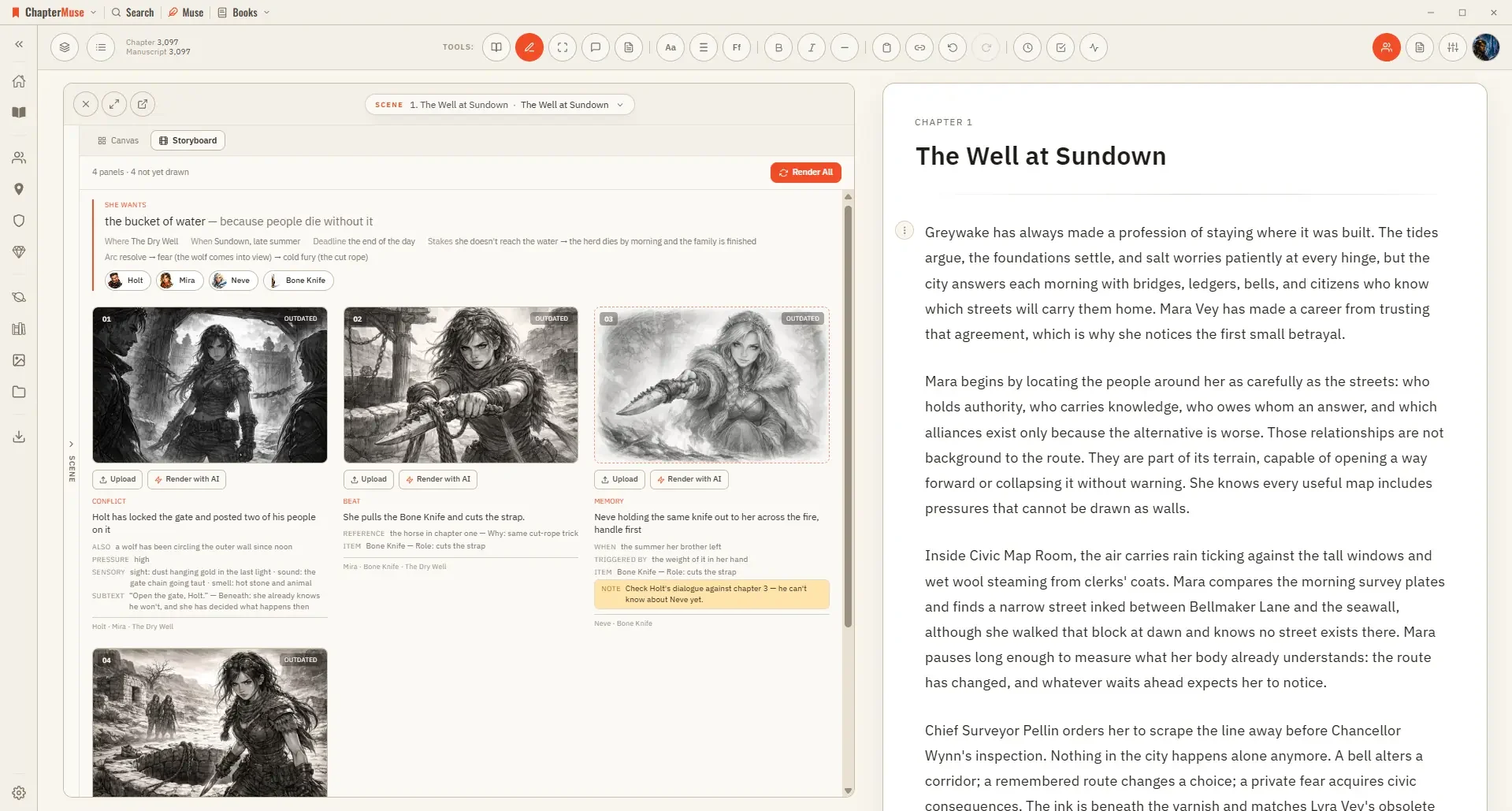

What are you writing?
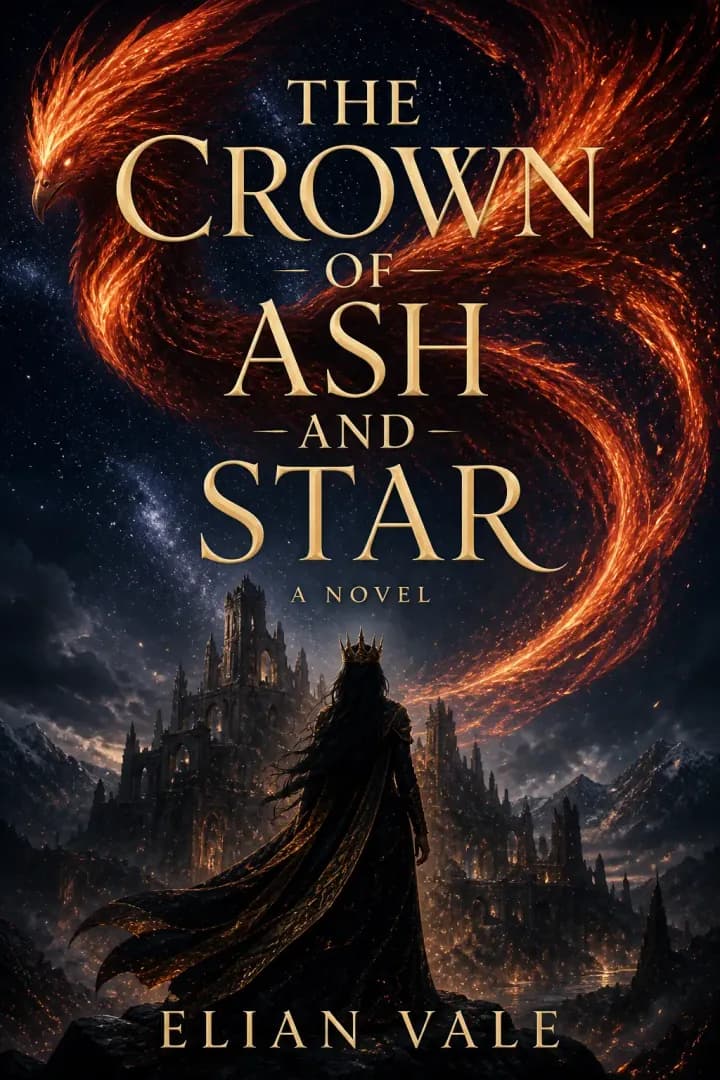
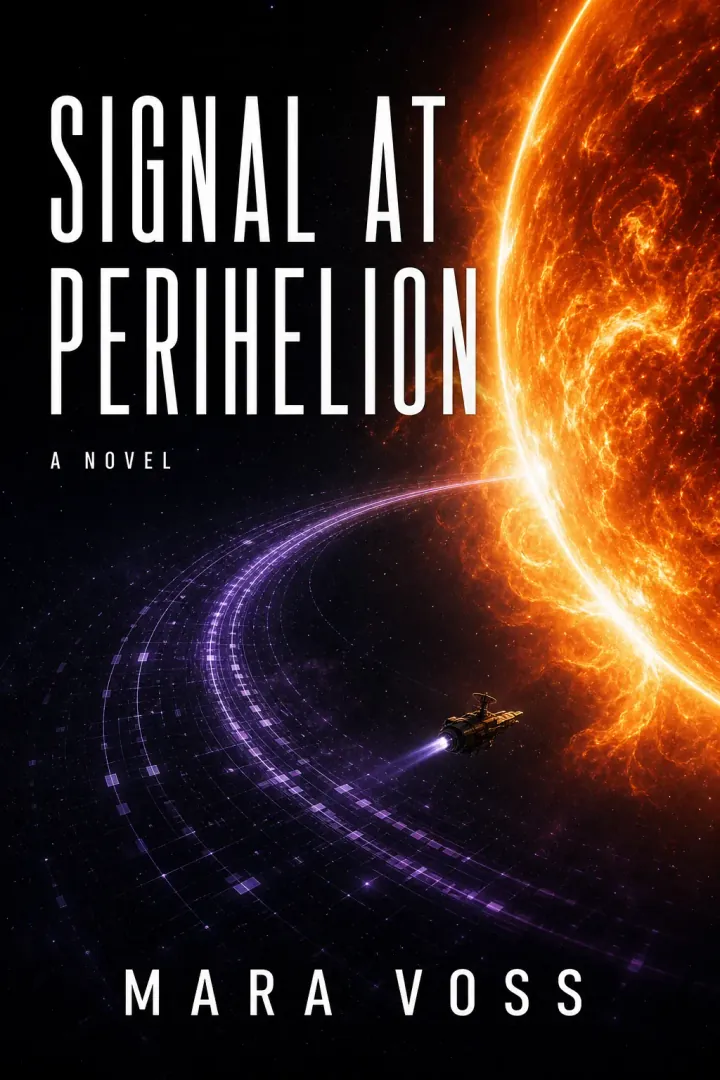
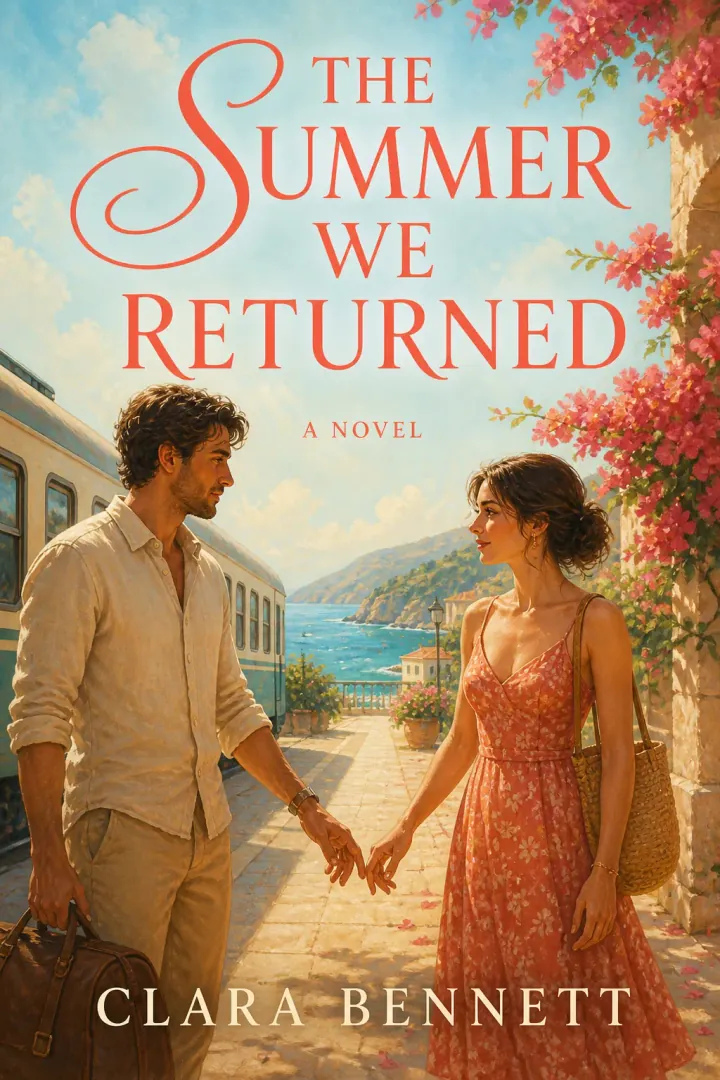

Free for writers





* UK reference prices include VAT. Local price and final total confirmed at checkout.
Before you start
FAQs
Where does my writing actually live?
On your own computer. ChapterMuse is a desktop application, not a browser tab, and your manuscripts, cast and world are files on your machine rather than rows in somebody's database. That is also why it opens instantly and never shows you a “connecting…” between you and the page. How local-first works.
Does it work without an internet connection?
Yes, the writing side works exactly the same at your desk or on a plane with no signal, because nothing is waiting on a server. Only the AI-powered tools need a connection, and they tell you before they run. Download ChapterMuse.
What happens to my book if I stop using ChapterMuse?
You keep it, in formats other software can open. Your whole library exports to a single portable backup file, and your manuscript exports as PDF, Word, ODT, RTF, Markdown, LaTeX and plain text at every licence tier, the files an agent expects. Reader-ready EPUB comes with the Studio licence. Nothing has to be rescued from a cloud account — and if you used the optional Cloud add-on, its backups stay restorable for 6 months after it ends. Export · Backup & Storage.
Is my work used to train AI models?
No. Your writing is yours, and it is not used to train anything. The features that call out to cloud AI send only the text they need to answer the thing you asked for; everything else never leaves your machine at all. Terms.
What do the AI tools cost, and what is free?
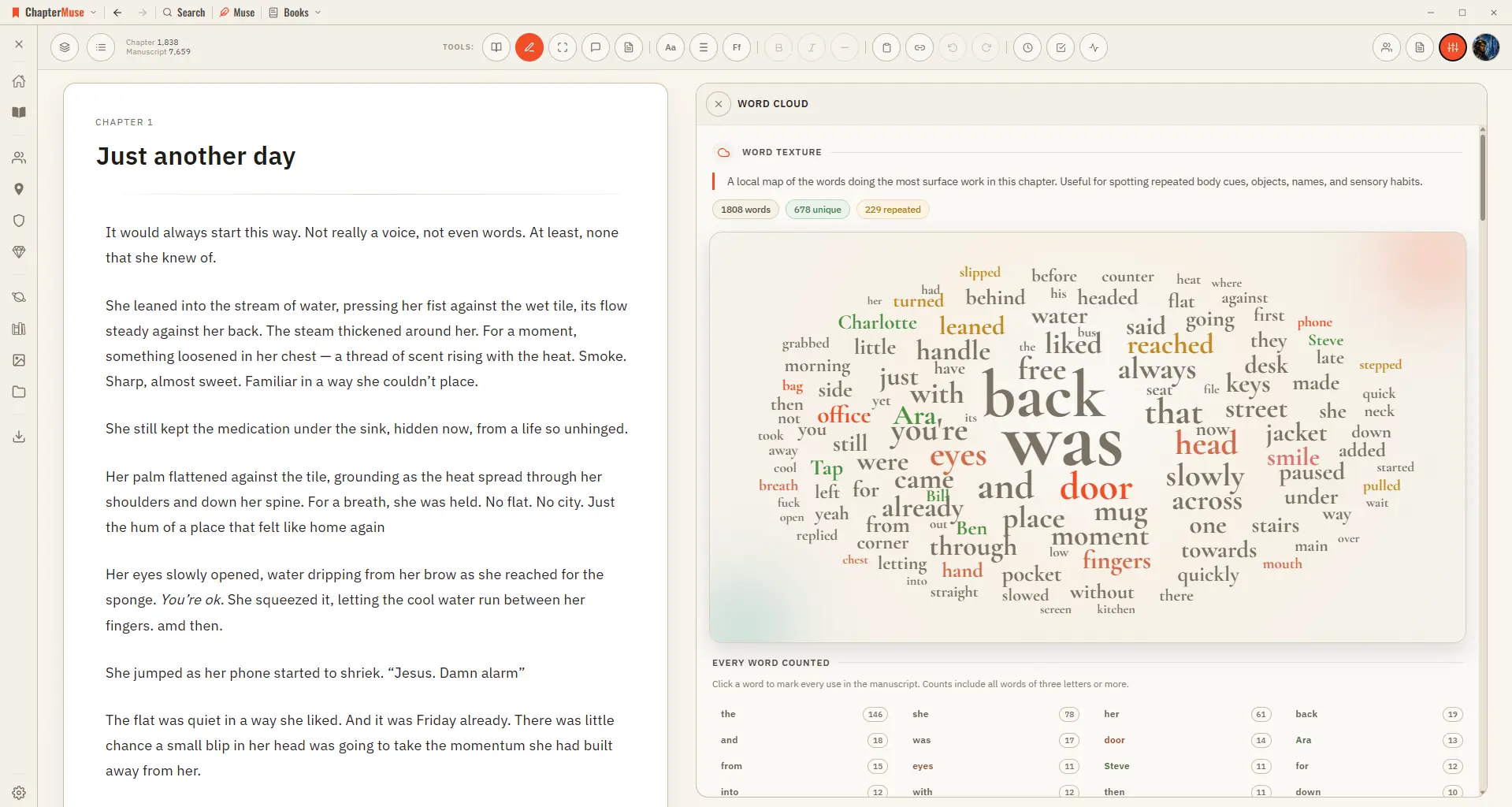
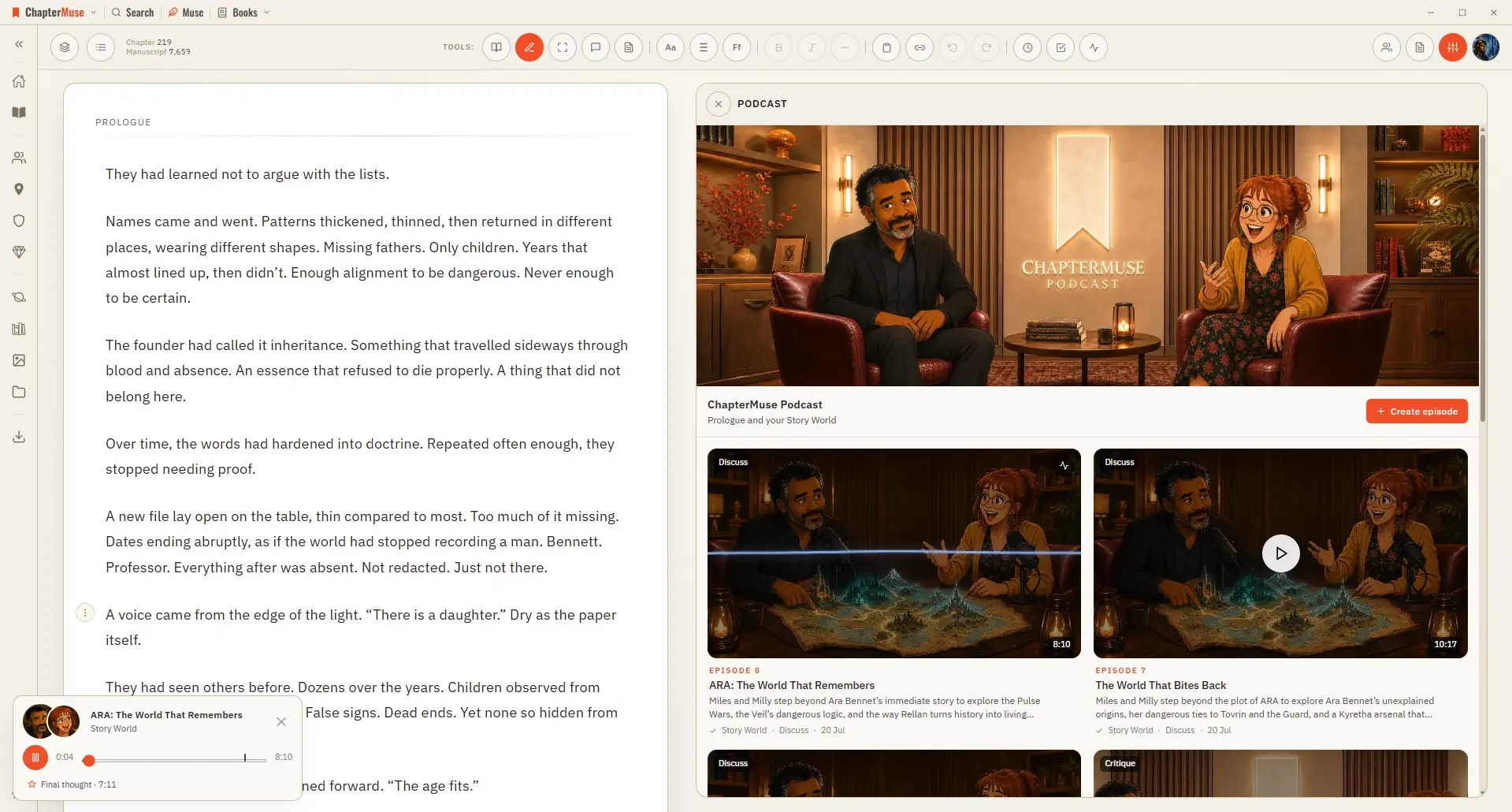
Only the features that call out to cloud AI cost anything, everything else runs on your own computer and is free, including the fiction-tuned proofreader and the read-aloud voice. The AI tools draw on a credit balance: fixed-price ones show the exact cost and ask you to confirm first, and Muse shows its running spend as it works. AI Tokens.
Does the AI write the book for me?
No, and that is the point. Muse knows your manuscript, your research and your story world, and it answers, suggests and argues, but it does not write for you, and nothing reaches the page unless you put it there. Meet Muse.
Can I bring a book I have already started?
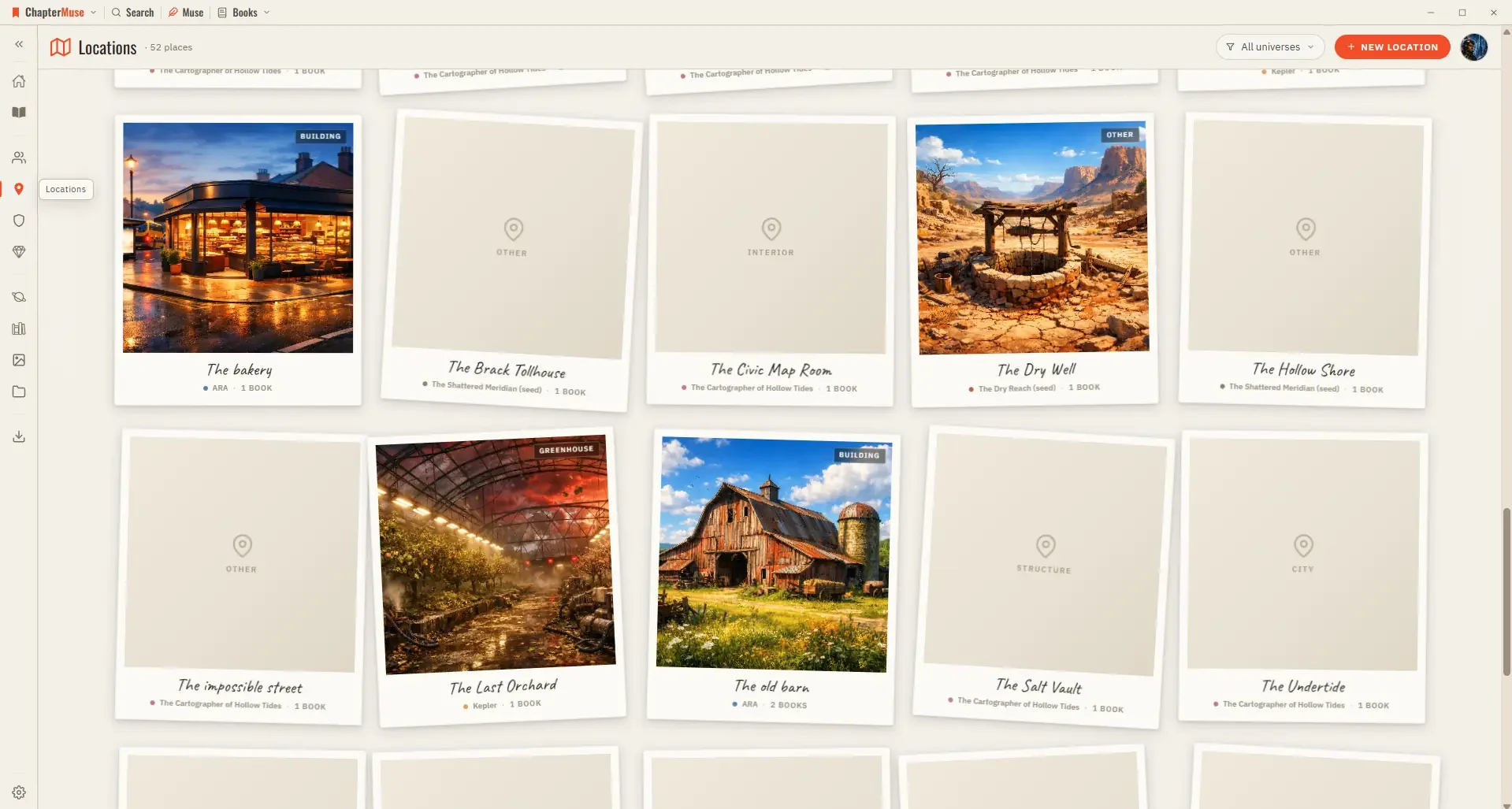
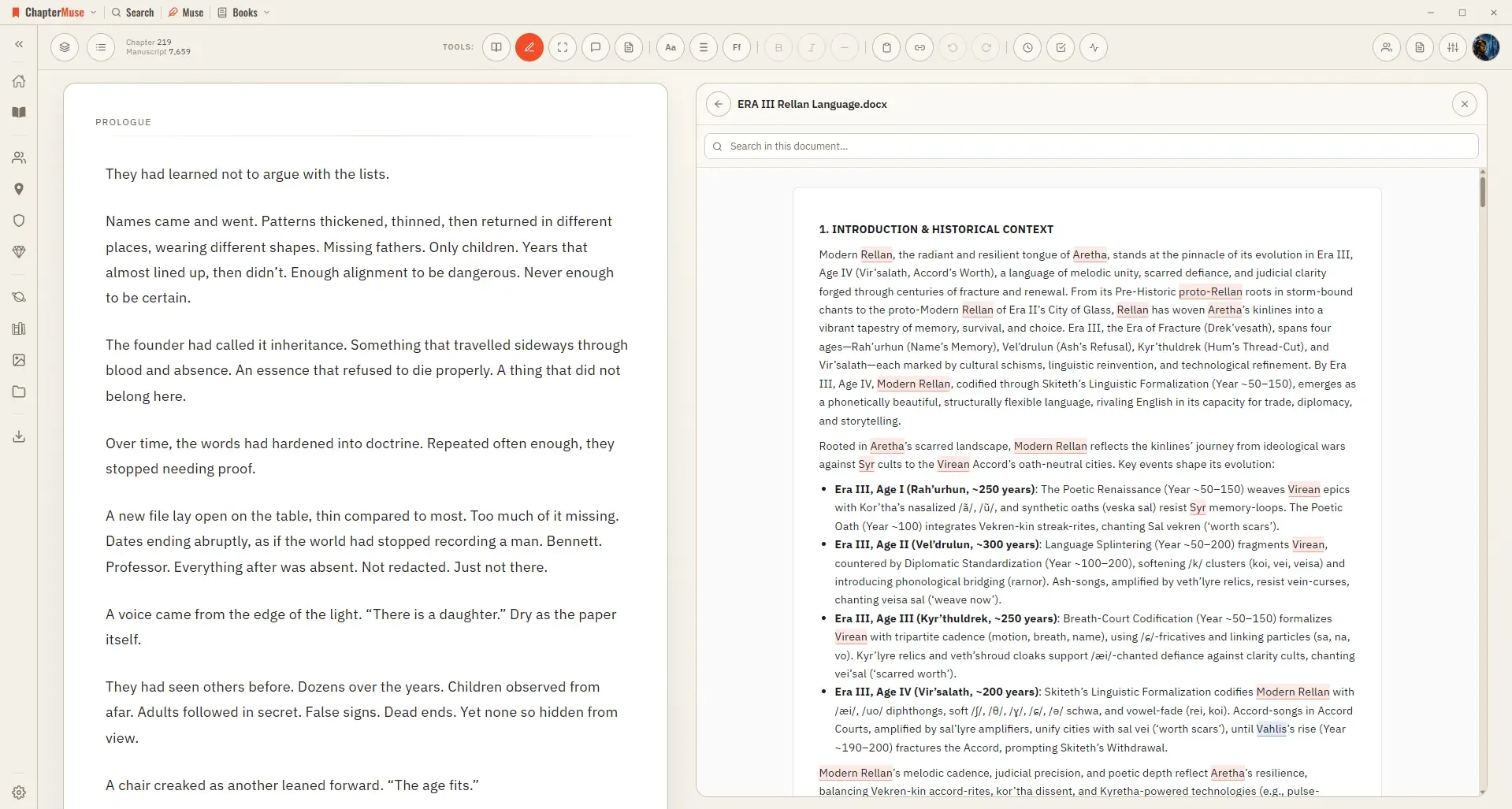
Yes: import from DOCX, EPUB, ODT, RTF, Markdown or plain text, and the chapters arrive as chapters rather than as one long wall. Muse can then fill in the glossary and build character and location cards from what is already written. Planning a novel here.
Which computers and languages does it run on?
Windows and Mac, as native apps for each, and no iPad or phone app — that is a decision rather than a gap. Everything runs on your own machine, which is the same choice that means no subscription for the writing app, no server outage and nobody able to reach your draft. If you draft on a tablet, buy a browser-based tool instead; if you write at a desk, this is what you get for it. The interface ships in five languages (English, German, Spanish, French and Portuguese) and the proofreader works in all five, with spelling dictionaries downloaded on the machine that needs them. Chapter Check.
What does ChapterMuse cost?
One payment, once. Light is £24*, Writer is £36* and Studio is £48*, each a lifetime licence covering both Windows and macOS rather than a subscription. Before any of that: 30 days, everything unlocked, no card. AI runs on credits bought separately, in packs of 500, 1,000 or 2,000, and only if you use it. The one optional subscription is the £6*-a-month Cloud add-on — off-site backup and beta readers — and the app never needs it. Pricing.
ChapterMuse