Local-first writing software
The room works when the network does not.
Write, plan, browse the story world, run Chapter Check and use downloaded read-aloud voices without an internet connection.
Writing canvas
Draft and edit the manuscript without needing a network connection.
Planning boards
Open outlines, grids, timelines, mind maps and scene plans offline.
Story-world records
Keep characters, places, items, factions and lore available on the device.
Chapter Check
Run deterministic spelling, grammar, glossary and consistency checks locally.
Read Aloud
Listen with downloaded voices even when the internet is unavailable.
Local search
Find manuscript, research and story-world material without sending a query away.
A file on your machine. Not a row in ours.
02 · Boundaries
Know what stays local and what makes a request.
AI features require a deliberate request, a connection and credits. The rest of the writing workspace does not become cloud software merely because optional AI exists.
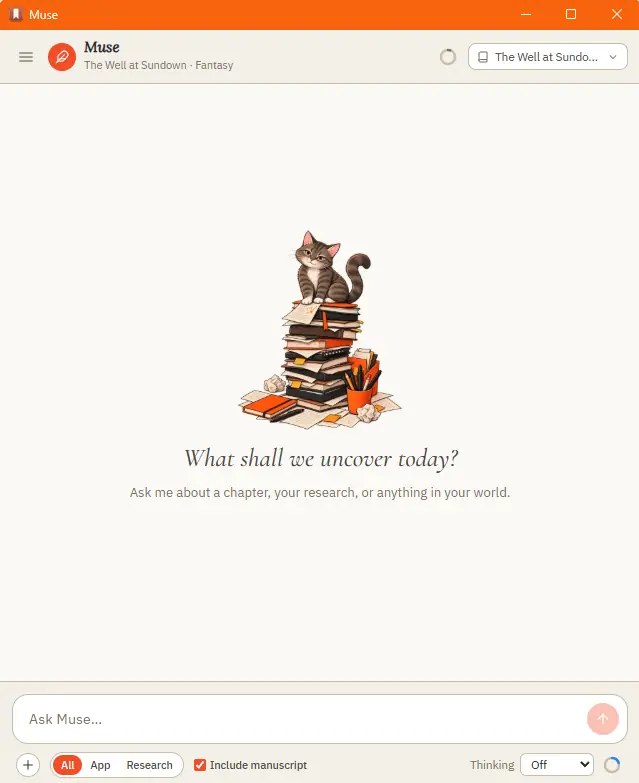
Muse waits until the writer asks
03 · Backup
Carry the whole library in one backup.
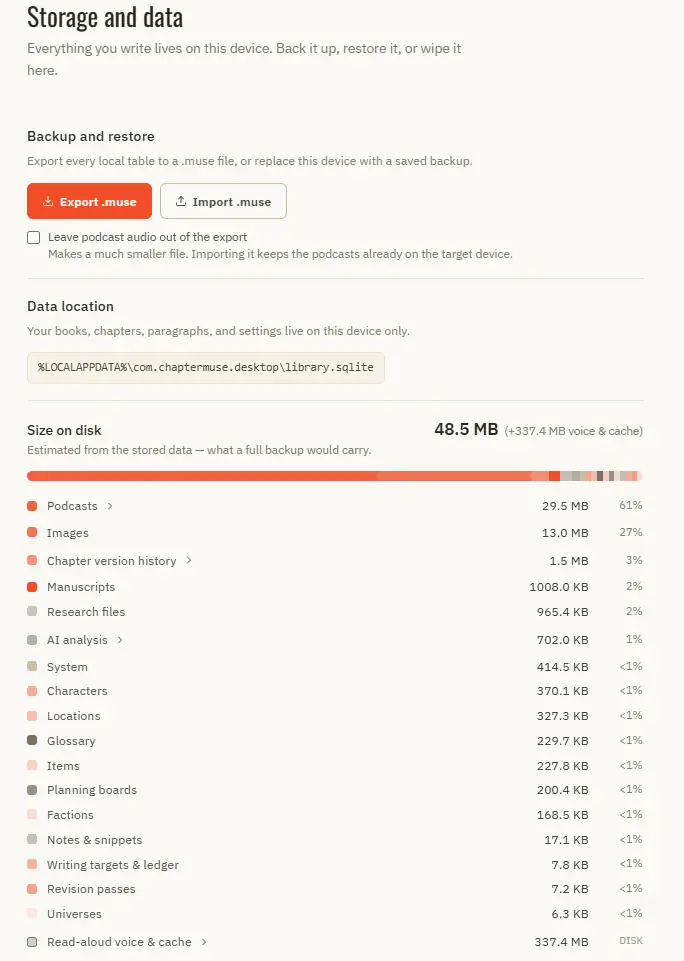
A .muse export can hold manuscripts, story-world data, research and images. Chapter Snapshots and Chapter History provide additional recovery inside each book.
Storage, backup and restore
04 · Ownership
Keep working even if the company disappears.
A purchased desktop licence does not require an active software subscription. Local exports remain available to back up and move the library.
Questions answered
01Can I try this before buying?
Yes. The 30-day trial unlocks the complete application without asking for a payment card.
02Does ChapterMuse work on Windows and macOS?
Yes. ChapterMuse is a desktop application for Windows and macOS, with the manuscript and story-world data stored on your computer.
03Can I write without internet access?
Yes. Core writing, planning, story-world and on-device checks work offline.
04Does every feature stay on my computer?
No. Optional AI requests require internet access. The page and app identify that boundary rather than describing all processing as local.
05Is there automatic cloud backup?
Optional, a subscription, and the app never needs it. The Cloud add-on (£6 a month) keeps an off-site backup on a schedule; the baseline stays local .muse exports and chapter history, which need no account. Restoring an existing cloud backup is never blocked by a lapsed subscription, and backups are kept for 6 months after one ends.