Book formatting software
Give the book its proper beginning and end.
Create dedication, epigraph, foreword, preface, prologue, epilogue, afterword, acknowledgments, author's note, about the author and appendices as real book sections rather than improvised chapter text.
Each kind decides how it meets the page: start its own leaf or run straight on from the one before. Each begins the way your chapters do until you say otherwise, and the choice reaches the print edition, the Word file, the ODT and the PDF alike.
Front and back matter
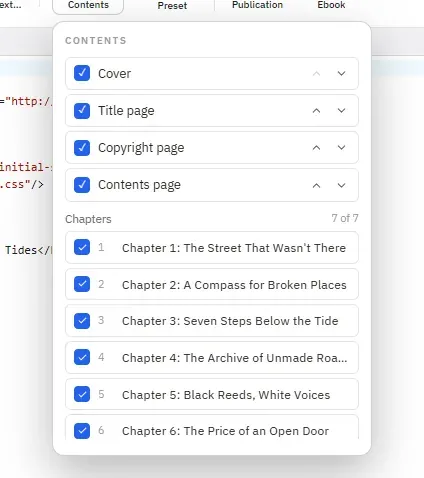
The manuscript ends. The book begins.
02 · Print
Lay out the edition you can hold.
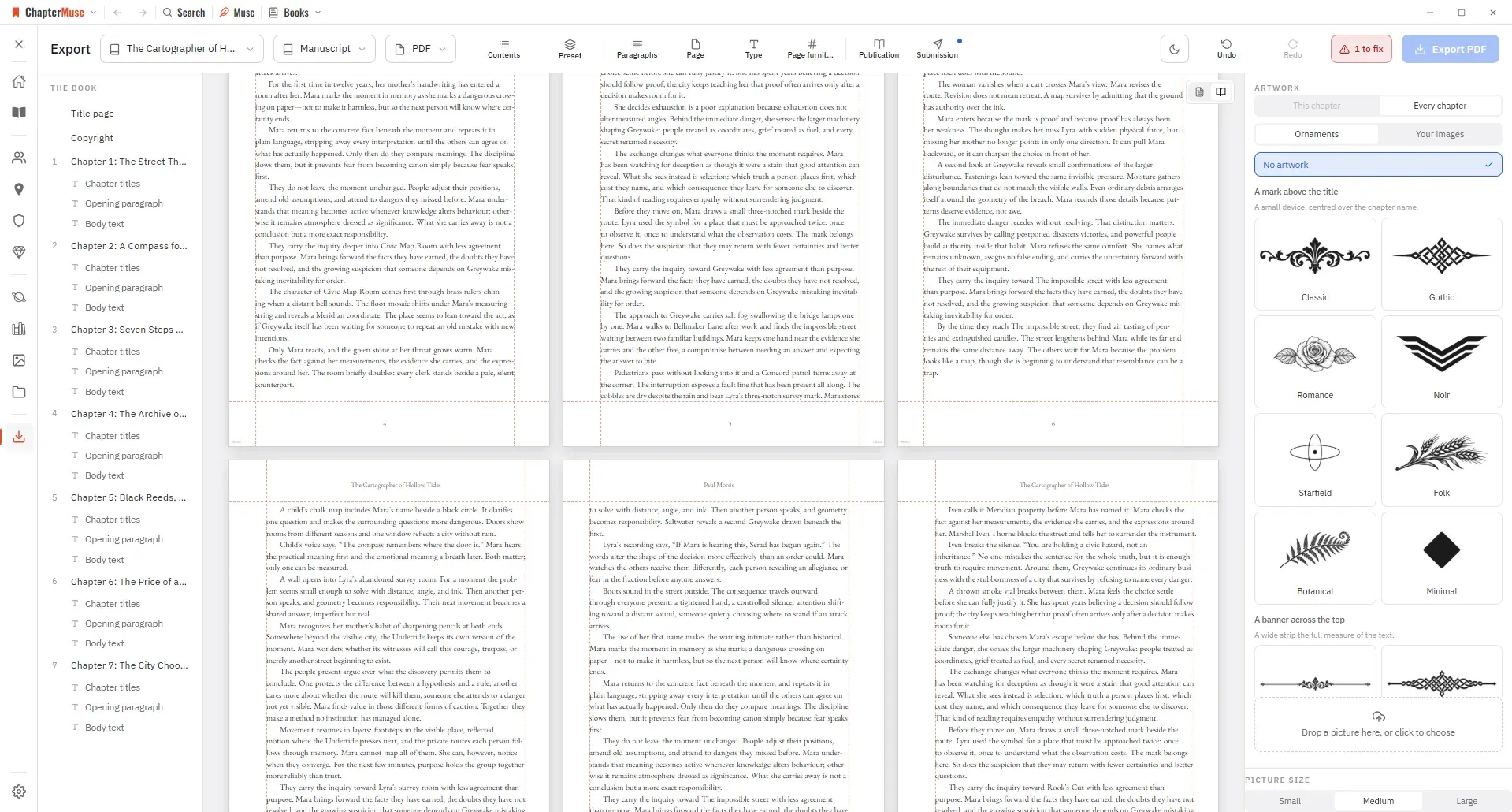
The Print Edition PDF sets trim, margins, gutter, type and leading, with fonts embedded, while the drafting appearance stays separate from final output. The inside margin can widen on its own as the book thickens, and bleed, crop marks and a PDF/X-1a file are there when a printer asks for them.
The print edition laid out
03 · Ebooks
Preview the EPUB the way a reader will meet it.
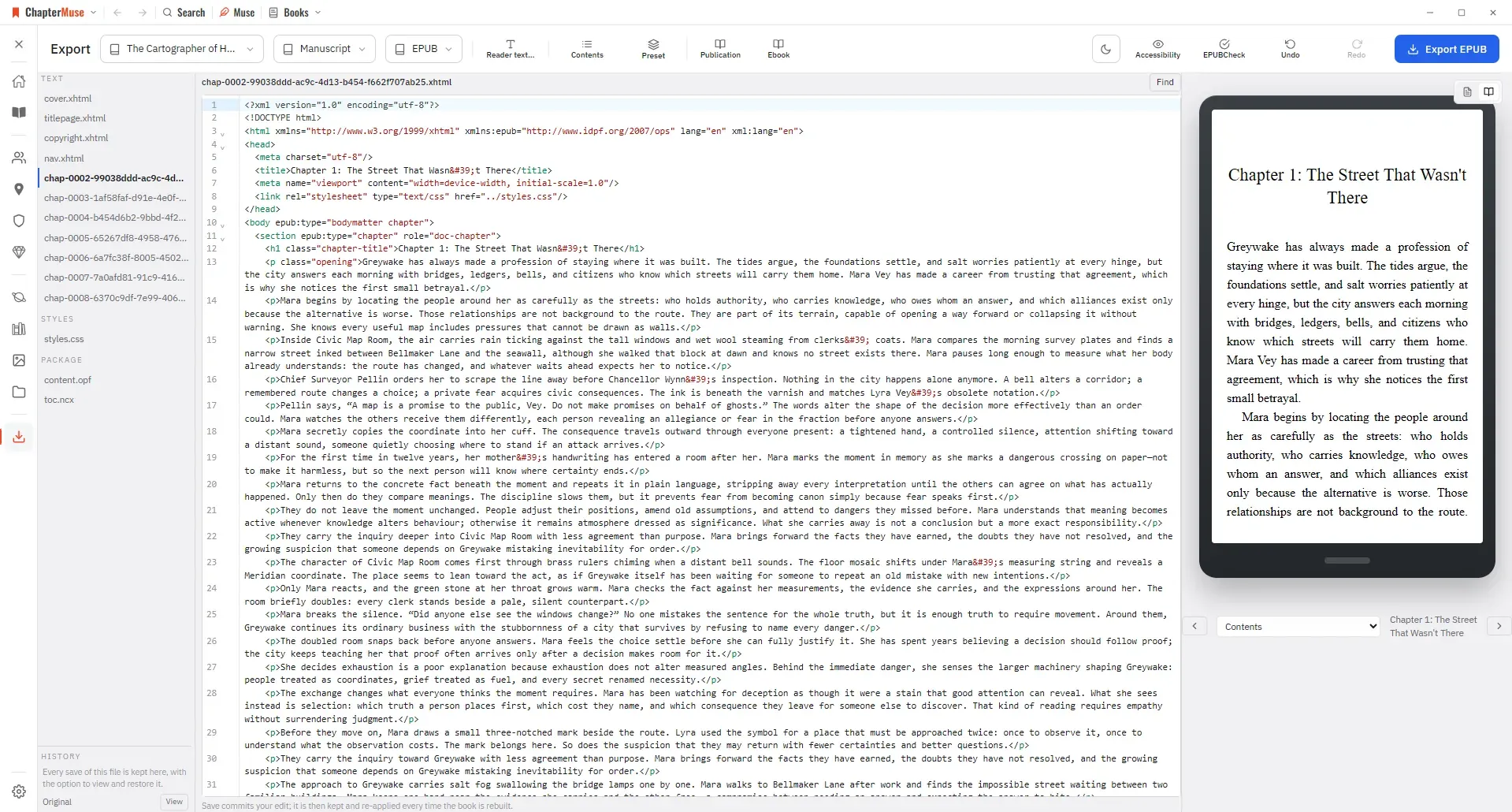
Build EPUB 3.3, run the official validator, inspect the package files and open the result in the reader preview before delivery.
The EPUB in a reader
04 · Design
Set the book the way a publisher would.
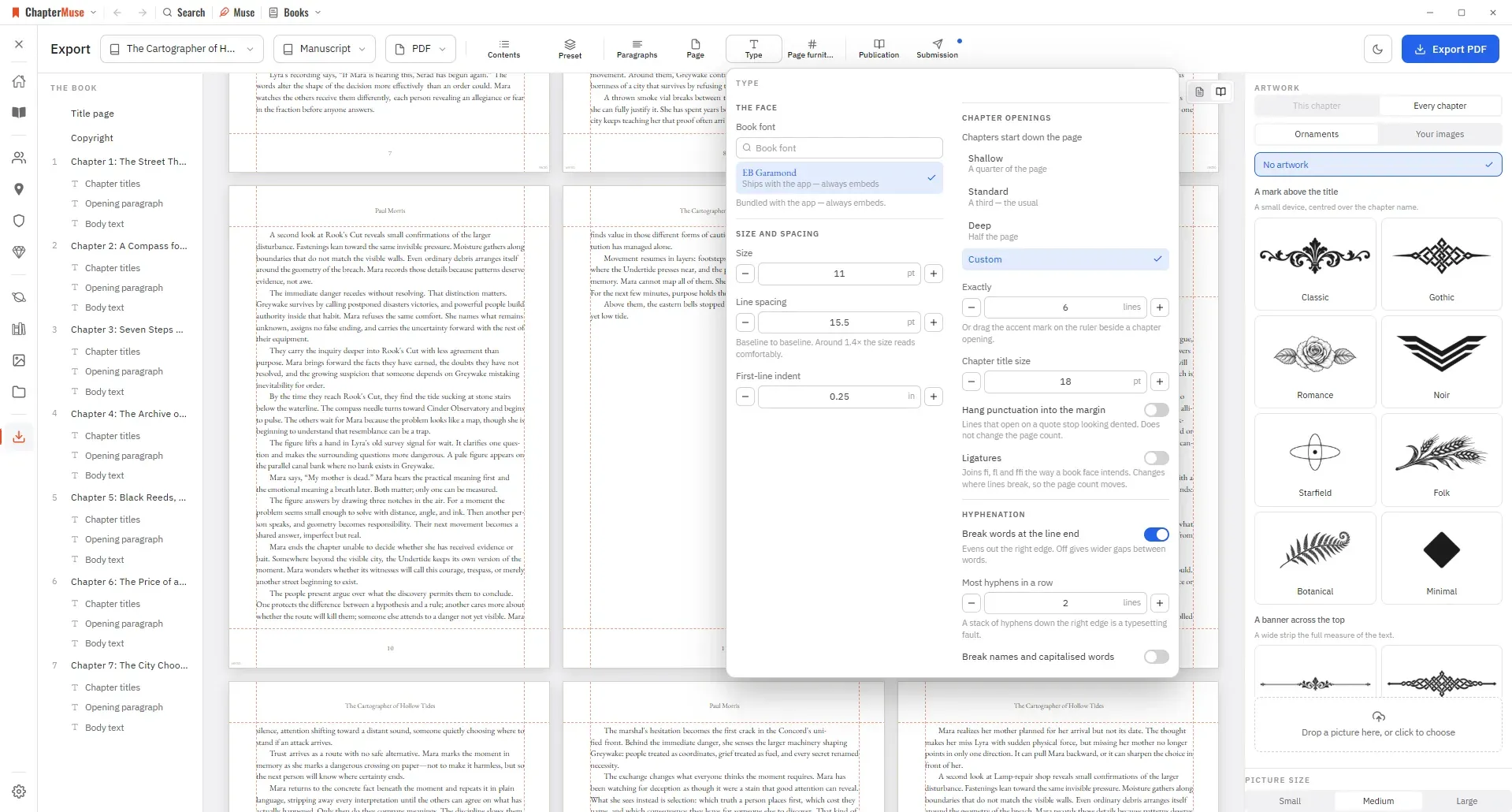
Thirteen presets set a finished interior in one click, and nothing is locked afterwards: drop caps, small caps, scene-break marks, chapter openings, running heads and folios all move. Ligatures, hyphenation with a limit on consecutive hyphens, widow and orphan control and punctuation that hangs into the margin are the details a typesetter is paid for.
Ornaments in eight families, or your own artwork, sit on the page itself — dropped straight onto it, wrapped by the text, or bled to the edge. Drag the rulers to set the margins; Ctrl+Z undoes the whole desk.
The type drawer, open over the pages
05 · Every format
One draft, and every file it has to become.
The manuscript leaves as a Word document, a reading PDF, a press-ready print edition or a validated EPUB — and as Markdown, LaTeX, RTF, ODT or plain text when something else has to read it. The LaTeX comes out as a book rather than a document: front matter, body and back matter already divided, unnumbered sections set the way a typesetter would set them, and every character LaTeX reads as a command escaped for you.
Words can change on the way out without touching the draft. A name you never settled, a placeholder from chapter three, a working title the agent should not see — say what the draft says and what the file should say instead. Beside each one sits a row of live values: the title, the author, the word count exact or rounded the way a submission is, the number of chapters, today's date, this year. Click one and it goes into your sentence.
The manuscript
- WordThe .docx an agent or editor expects
- PDFA reading copy, laid out to be read on screen
- Print EditionPress-ready pages with trim, margins and running heads
- EPUBEPUB 3.3, validated and previewed in a real reader
- MarkdownPlain structured text for anywhere else
- LaTeXA .tex book, divided into front matter, body and back matter
- RTFThe format every word processor still opens
- ODTOpenDocument, for LibreOffice and its kin
- Plain textJust the words, nothing around them
And the work around it
- ExcelYour outline or story world as a spreadsheet
- OPMLThe outline, for any outliner that reads it
- CSVRows for anything that takes a table
- TSVThe same, tab-separated
Character dossiers, the glossary, storyboards, AI reports and the whole story world as an encyclopedia all export too — each one into whichever of these formats suits it.
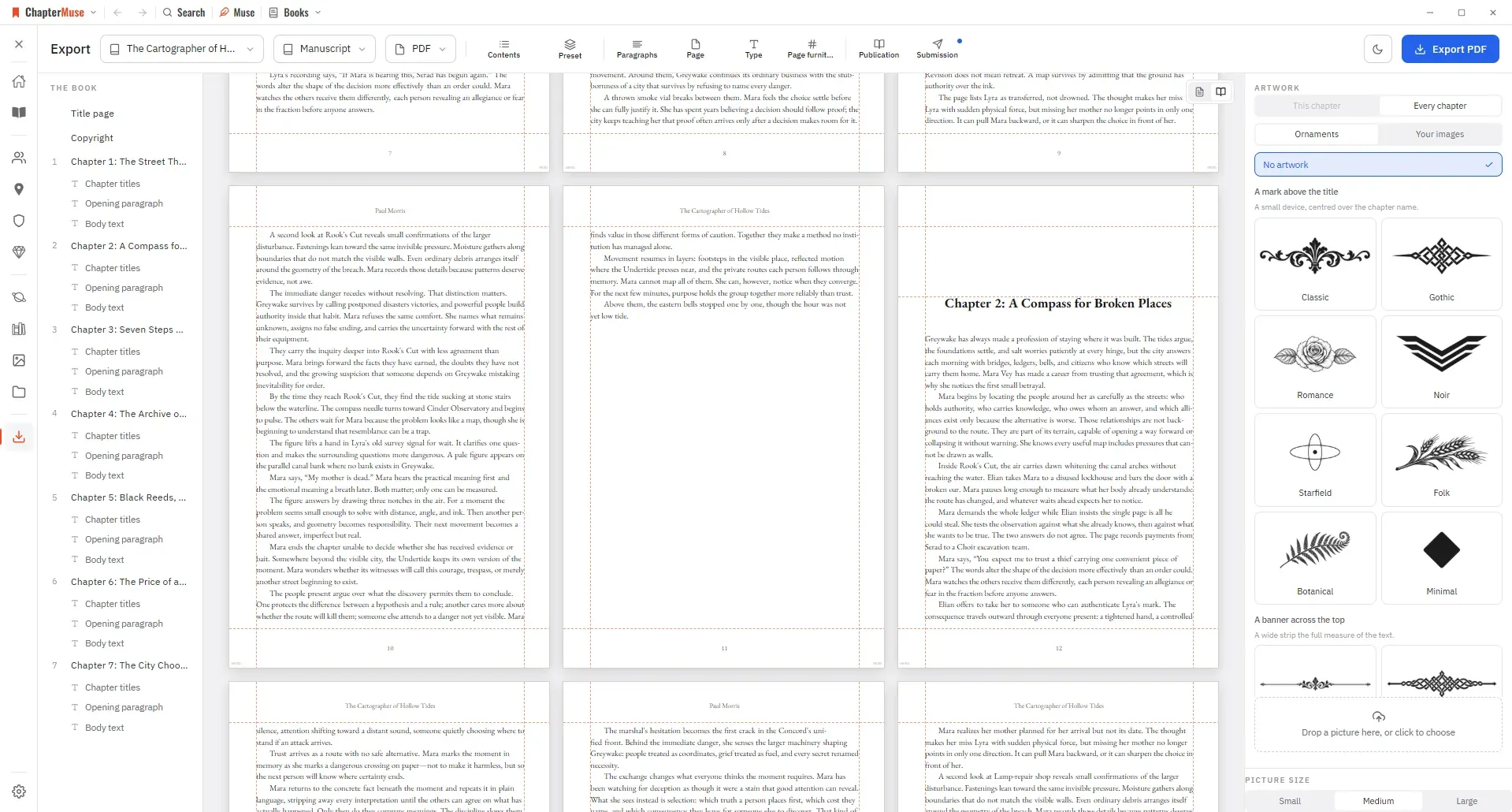
Publication and interchange exports
Questions answered
01Can I try this before buying?
Yes. The 30-day trial unlocks the complete application without asking for a payment card.
02Does ChapterMuse work on Windows and macOS?
Yes. ChapterMuse is a desktop application for Windows and macOS, with the manuscript and story-world data stored on your computer.
03Does ChapterMuse export EPUB files?
Yes. EPUB export is included with the Studio lifetime licence.
04Can the writing theme differ from the book design?
Yes. Workspace appearance is separate from publication formatting.