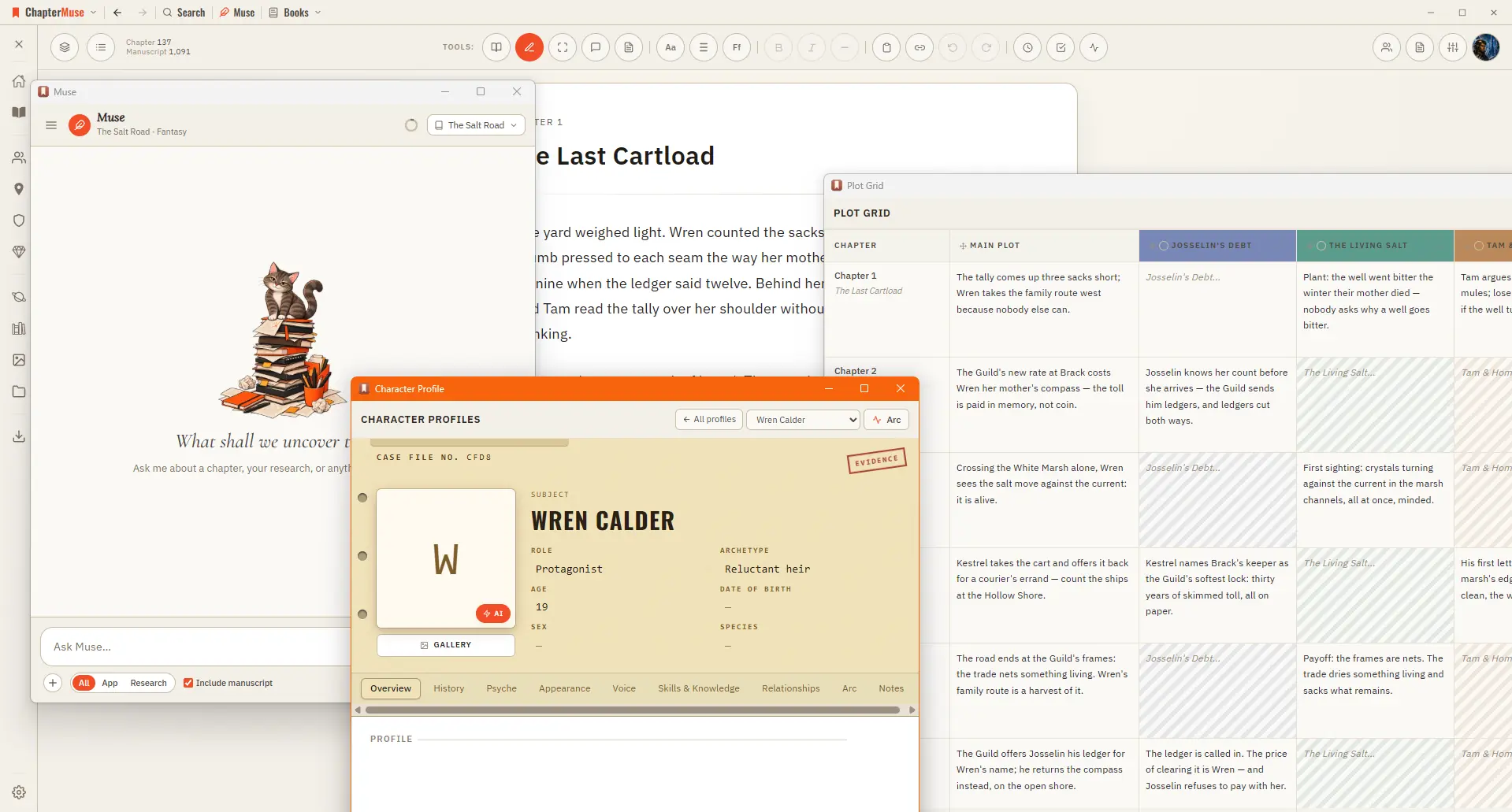
ChapterMuse

Search results for read my chapter aloud

About 59 results (0.066 seconds)

Read Aloud does it for you: a natural-sounding voice reads the current chapter in Single chapter view, or continues through the full book in manuscript order when you are in Continuous manuscript.

Listen to Your Manuscript with Read Aloud

CMwww.chaptermuse.com › Help › Read aloud

Listen to Your Manuscript with Read Aloud

Read Aloud does it for you: a natural-sounding voice reads the current chapter in Single chapter view, or continues through the full book in manuscript order when you are in Continuous manuscript.
CMwww.chaptermuse.com › Feature › Offline private

Offline and Private Novel Writing Software

Write, plan, browse the story world, run Chapter Check and use downloaded read-aloud voices without an internet connection.

CMwww.chaptermuse.com › Help › Chapters

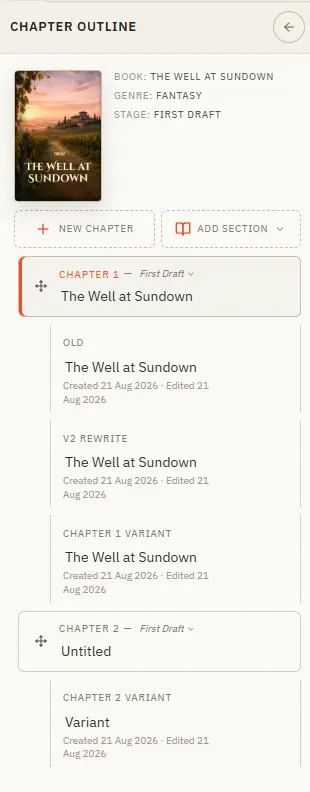
Organise Chapters and Alternate Variants

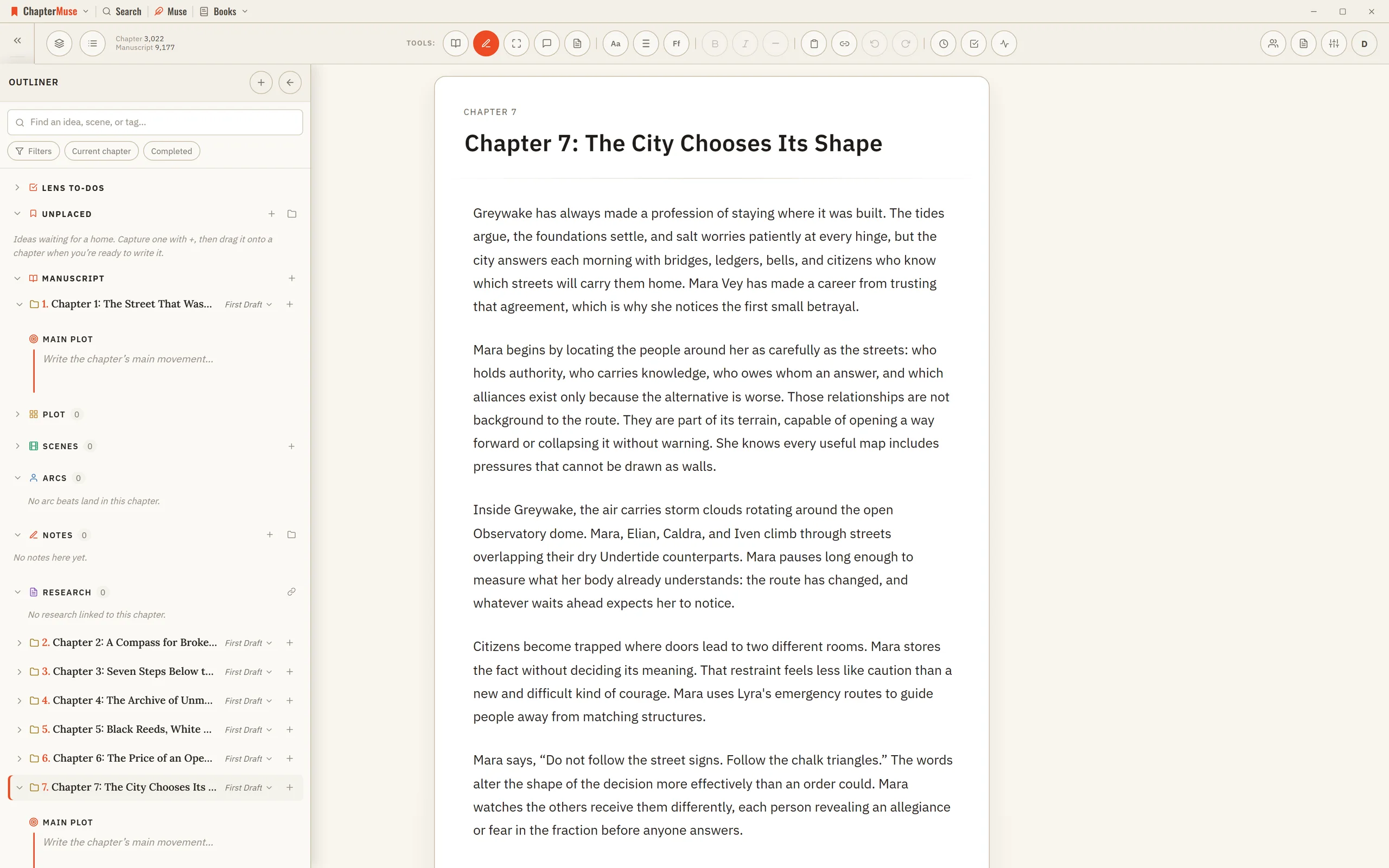
Your book's structure lives in the chapter drawer — add, reorder, restage, and branch alternate takes. Updated 4 September 2026 The chapter drawer slides in from the left and holds your whole manuscript — front matter at the top,…

Writing guides

CMwww.chaptermuse.com › Help › Writing tools

ChapterMuse Editing and Analysis Tools

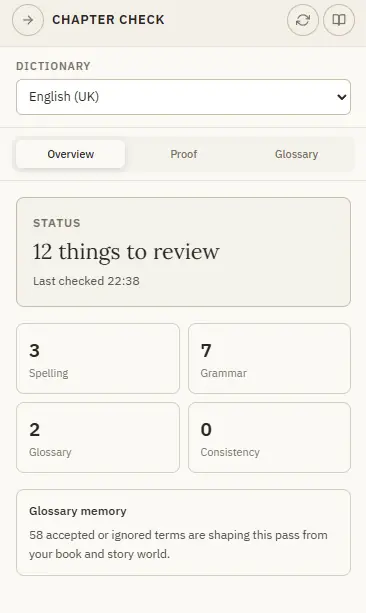
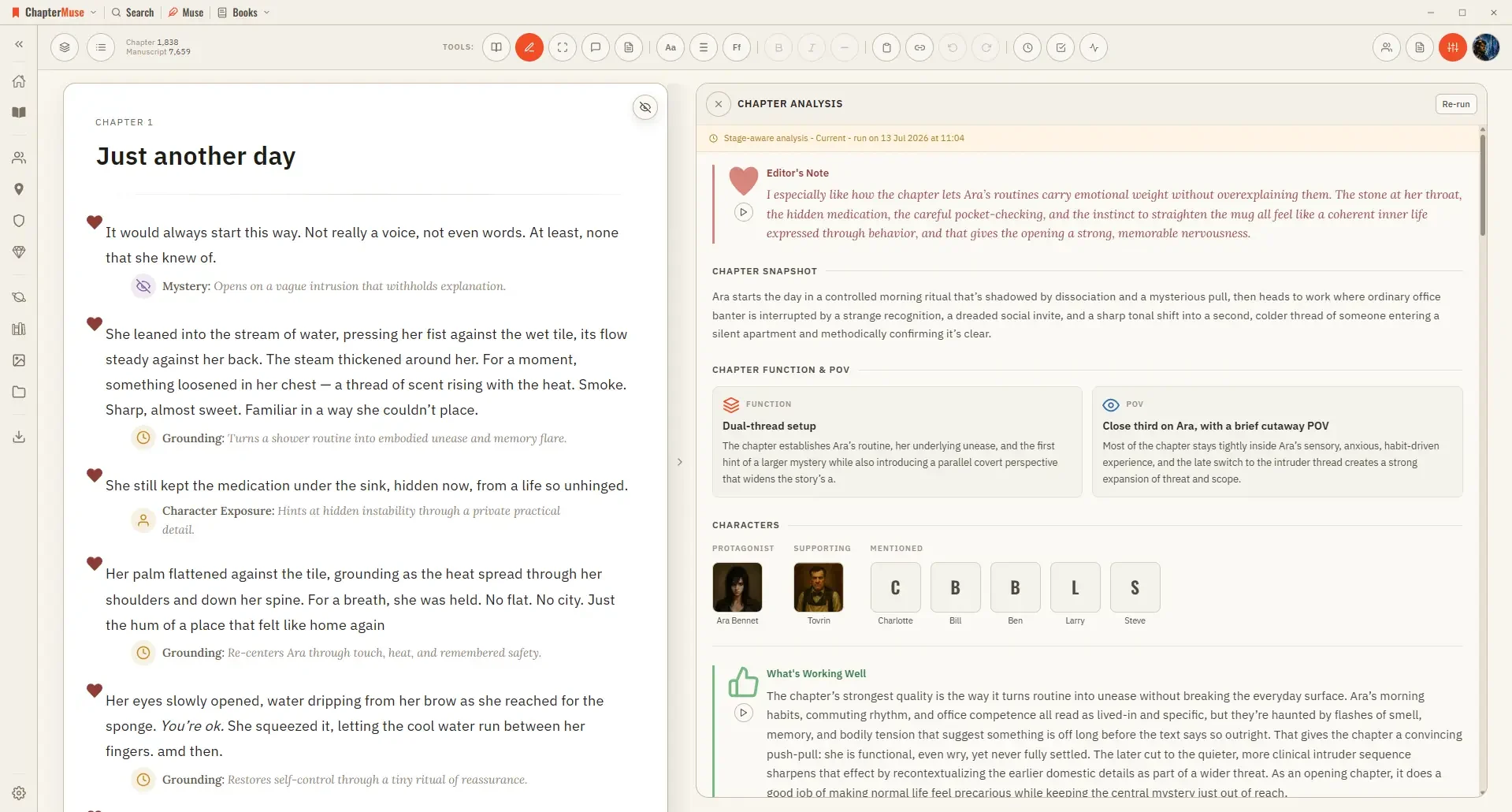
Muse — an AI companion that knows your whole world and proposes additions you approve (Ctrl/⌘-M) Chapter Check — fiction-tuned spelling, dialect, glossary, and consistency, entirely on-device Chapter Analysis — deep AI craft…

Images

CMwww.chaptermuse.com › Help › Navigation

Navigate the ChapterMuse Desktop App

Story — your world: Characters, Profiles, Connections, Locations, Factions, Items, plus Plot Grid, Chronos, Mind Map, and Scene Designer Manuscript — working with the text: Search, Find & Replace, Glossary & Name Links, Snippets,…

CMwww.chaptermuse.com › Help › Workspace views

Use Split View and Whole-Book Workspace Views

Put either pane in Read mode when you want a safe reference, while the other pane remains editable. In the whole writing studio No tool here works alone.