CMwww.chaptermuse.com › Guide › Local first writing software
Local-First and Offline Writing Software
It fails two and four, and those are the hard ones: syncing a document between devices with no central arbiter is a genuinely difficult problem.
About 122 results (0.053 seconds)
CMwww.chaptermuse.com › Guide › Local first writing software
It fails two and four, and those are the hard ones: syncing a document between devices with no central arbiter is a genuinely difficult problem.
CMwww.chaptermuse.com › Help › Accounts
See how planning reaches the page, how the page reaches revision, and how a draft becomes a finished book. Explore every ChapterMuse feature
CMwww.chaptermuse.com › Guide › Exposition without the infodump
Perfectly clear, twenty-two words, and it kills the book's first hook stone dead by answering a question nobody had yet thought to ask.
CMwww.chaptermuse.com › Feature › Offline private
muse export can hold manuscripts, story-world data, research and images. Chapter Snapshots and Chapter History provide additional recovery inside each book.
CMwww.chaptermuse.com › Guide › Create a story bible
And the template does not have a field for any of them, because those are your book's questions and it has never met your book.
CMwww.chaptermuse.com › Genre › Historical fiction writers
The Research Center takes documents, PDFs, spreadsheets, images, audio and links, and the workspace views open a source beside the chapter it belongs to rather than in another application behind the one you are writing in.
CMwww.chaptermuse.com › Help › Chapter notes
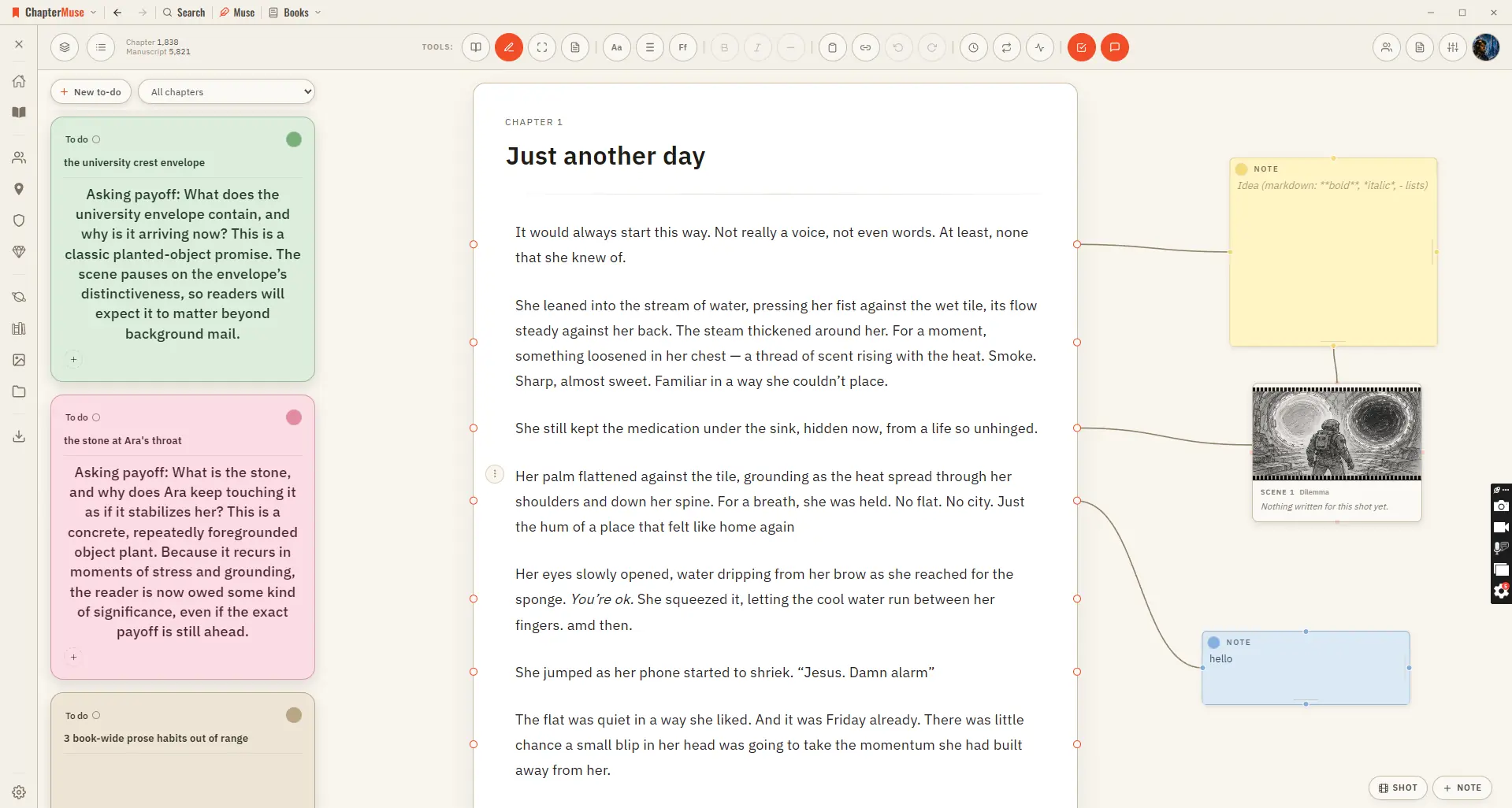
Drop a sticky note in the margin and connect it to a specific paragraph — a reminder to fix a name, a query for your future self, a note for a beta reader.
CMwww.chaptermuse.com › Guide › Novel november
The classic challenge is 50,000 new words between 1 and 30 November. You can also make a personal plan that fits your time and your book.
CMwww.chaptermuse.com › Help › Word cloud
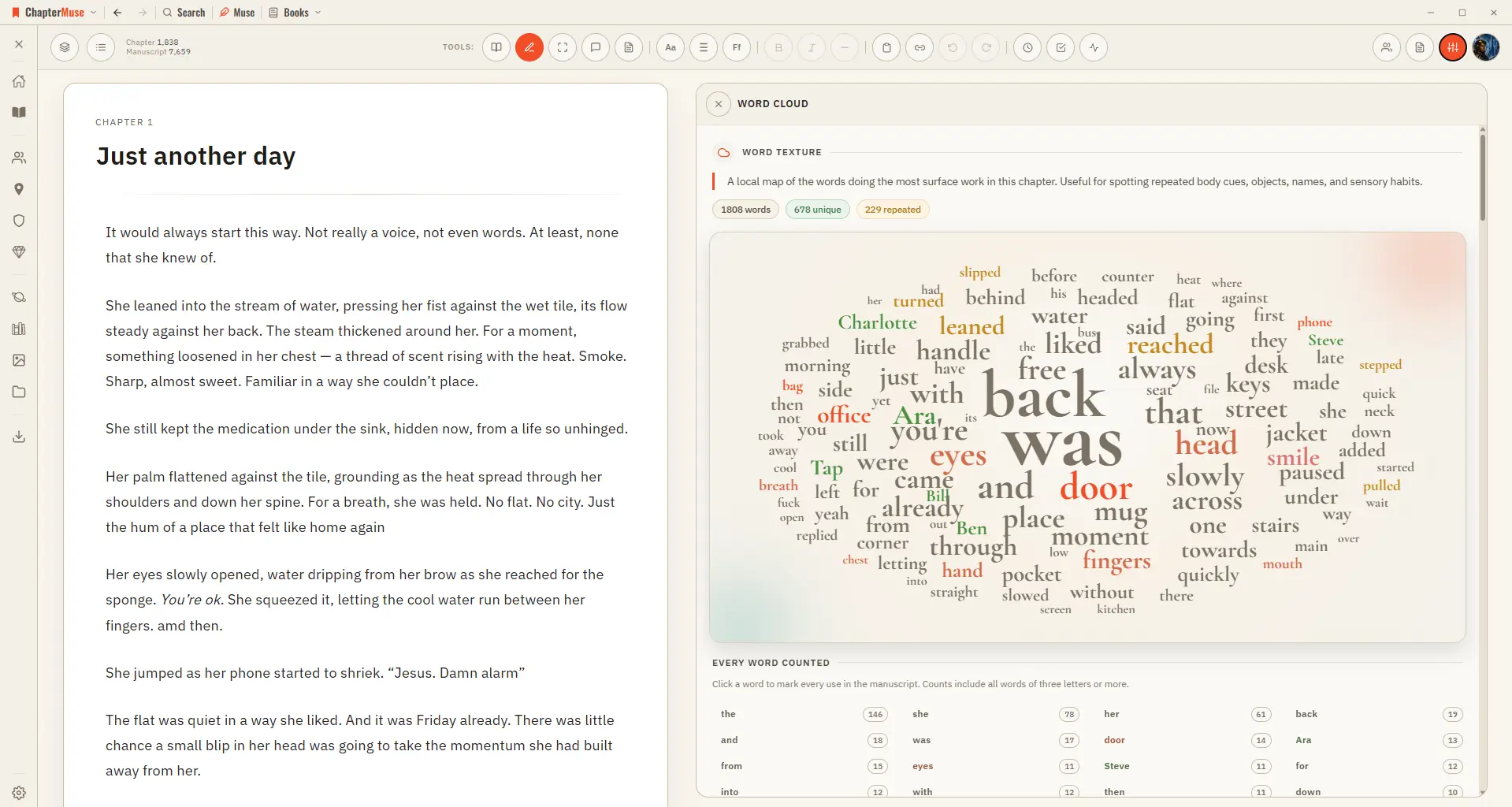
Common filler words are filtered out, and a full count beside the cloud lists every word with its exact tally. Click any word to light up every place it's used.
CMwww.chaptermuse.com › Help › Todos
4Use + on the card to tag the chapter, character, place, faction, item, or research document it is about. 5Pick a colour from the circle in the corner, and set the status from the top-left.