CMwww.chaptermuse.com › Help › Writing progress
Set Writing Targets and Track Writing History
Set a daily or weekly habit, a destination for the whole manuscript or one chapter, a dated sprint, or a target attached to a revision pass.
About 125 results (0.065 seconds)
Set a daily or weekly habit, a destination for the whole manuscript or one chapter, a dated sprint, or a target attached to a revision pass.
CMwww.chaptermuse.com › Help › Writing progress
Set a daily or weekly habit, a destination for the whole manuscript or one chapter, a dated sprint, or a target attached to a revision pass.
CMwww.chaptermuse.com › Guide › Novel november
If you join an organised challenge, check that organiser’s time zone, counting rules and closing time. What happened to NaNoWriMo?
Open this writing exercise
Daily Creative Writing Prompts & ExercisesUse the calculator above to account for your own progress and remaining writing days.
NaNoWriMo 2026 & Novel November GuideYou might choose 15,000 words, finish an existing draft or work for twenty minutes a day. An organised event may have separate rules for badges or prizes.
NaNoWriMo 2026 & Novel November GuideIt means you have reached a word-count milestone. Your story may need more or fewer words, and a first draft still needs structural revision and editing.
NaNoWriMo 2026 & Novel November GuideCMwww.chaptermuse.com › Help › Metrics
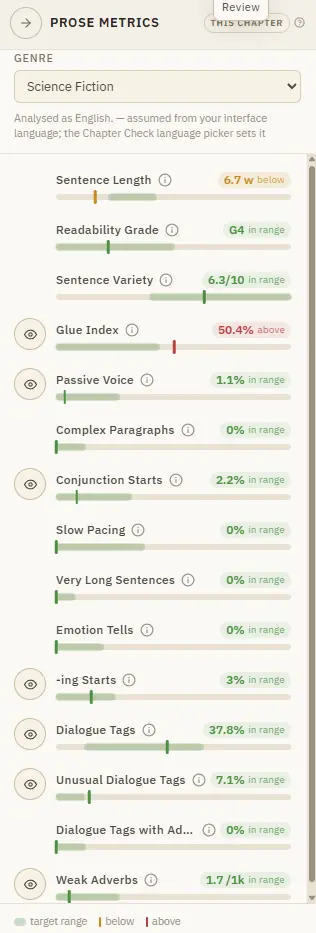
Targets are relative to your genre, because a thriller and a literary novel breathe differently. It runs on your machine and costs nothing.
CMwww.chaptermuse.com › Help › Research
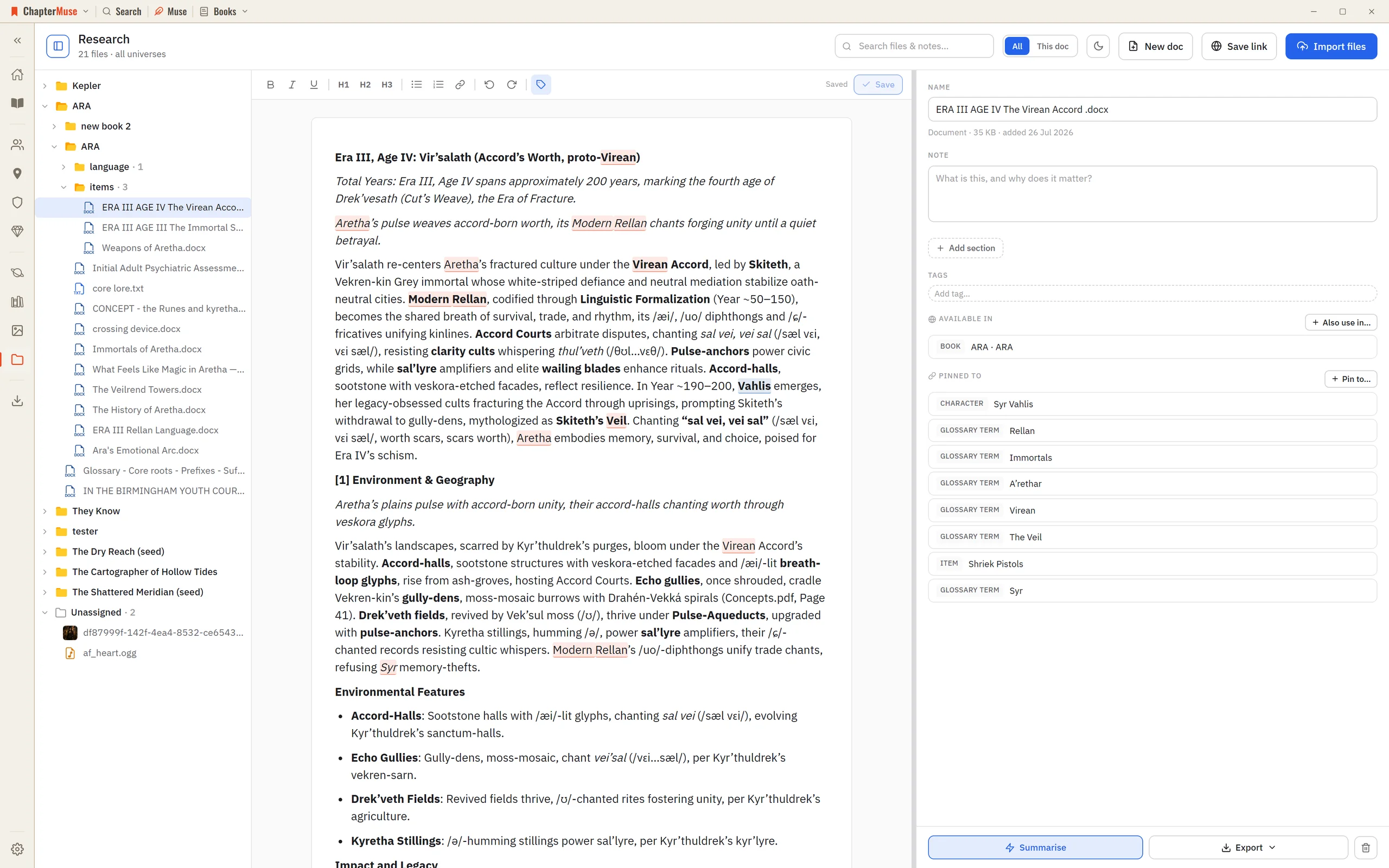
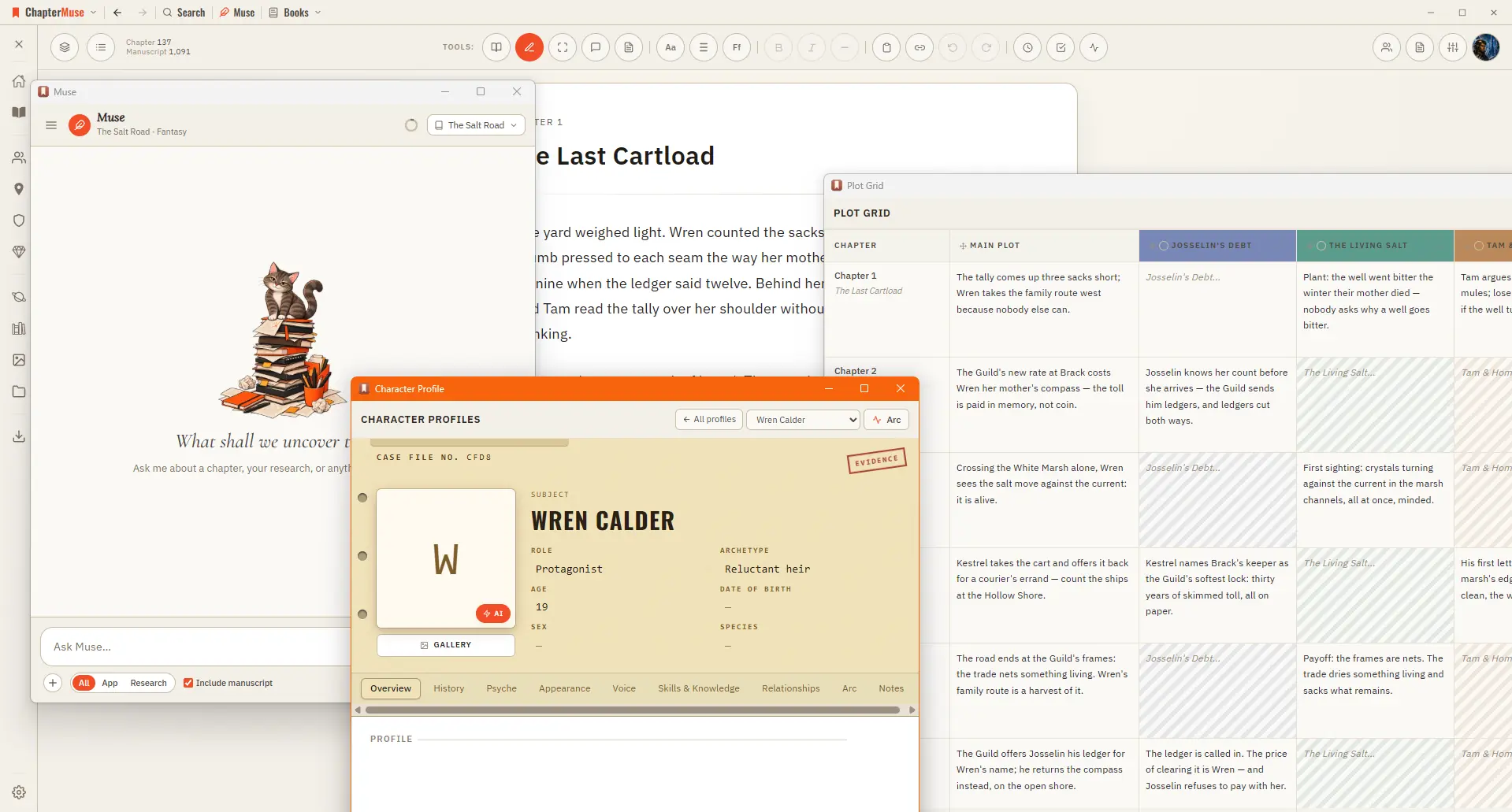
2Click Import files to add PDFs, Word documents, spreadsheets, images, or audio — or just drag them onto the window. 3Use Save link to keep a web address with a title and note — ChapterMuse fetches that page once to build a…
CMwww.chaptermuse.com › Help › Navigation
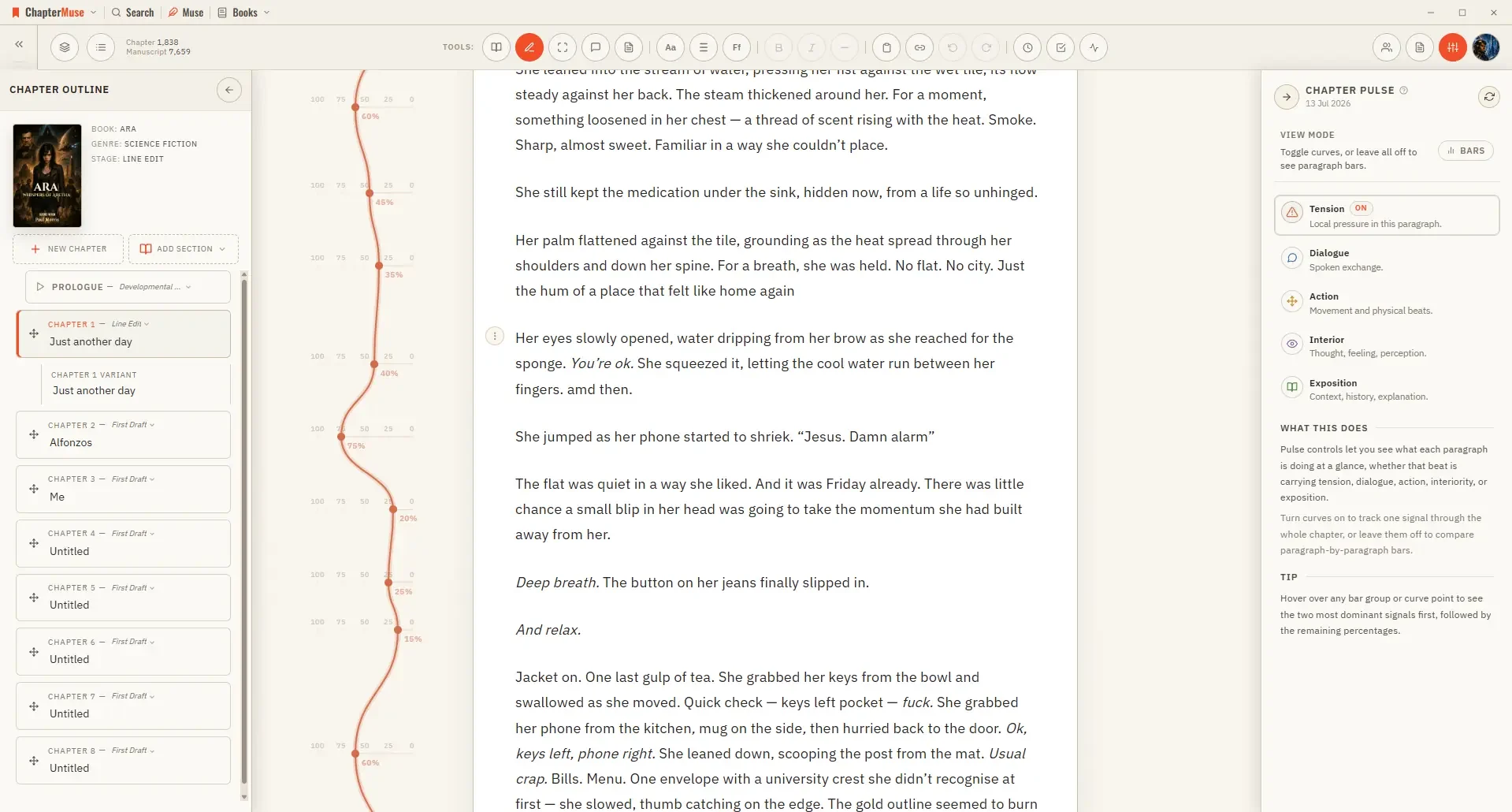
A central Tools strip holds Read / Edit / Focus mode, To-dos, Chapter Notes, the Outliner button, the workspace-view picker, your type controls (font, size, spacing), bold / italic / em dash, copy & paste, a "highlight…
CMwww.chaptermuse.com › Help › Analysis
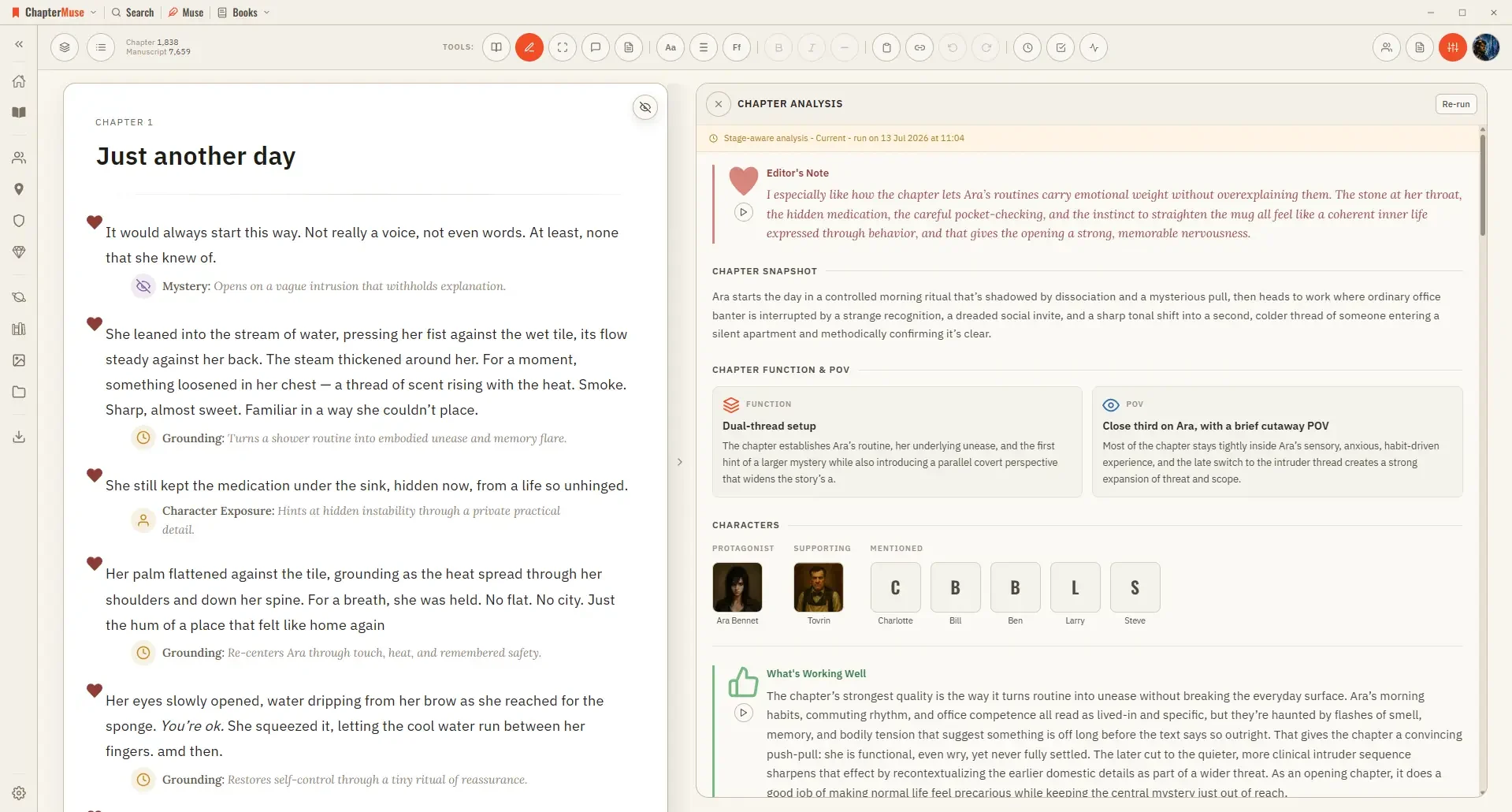
4Run the paragraph review for targeted, block-by-block notes. 5Click a paragraph to jump to it with its feedback highlighted.
CMwww.chaptermuse.com › Daily › Tasks › Beginnings 15
10-minute story openings and endings exercise. Start a story with someone trying to complete a small job before a visitor arrives.