CMwww.chaptermuse.com › Help › Characters
Create Character Profiles for Your Novel
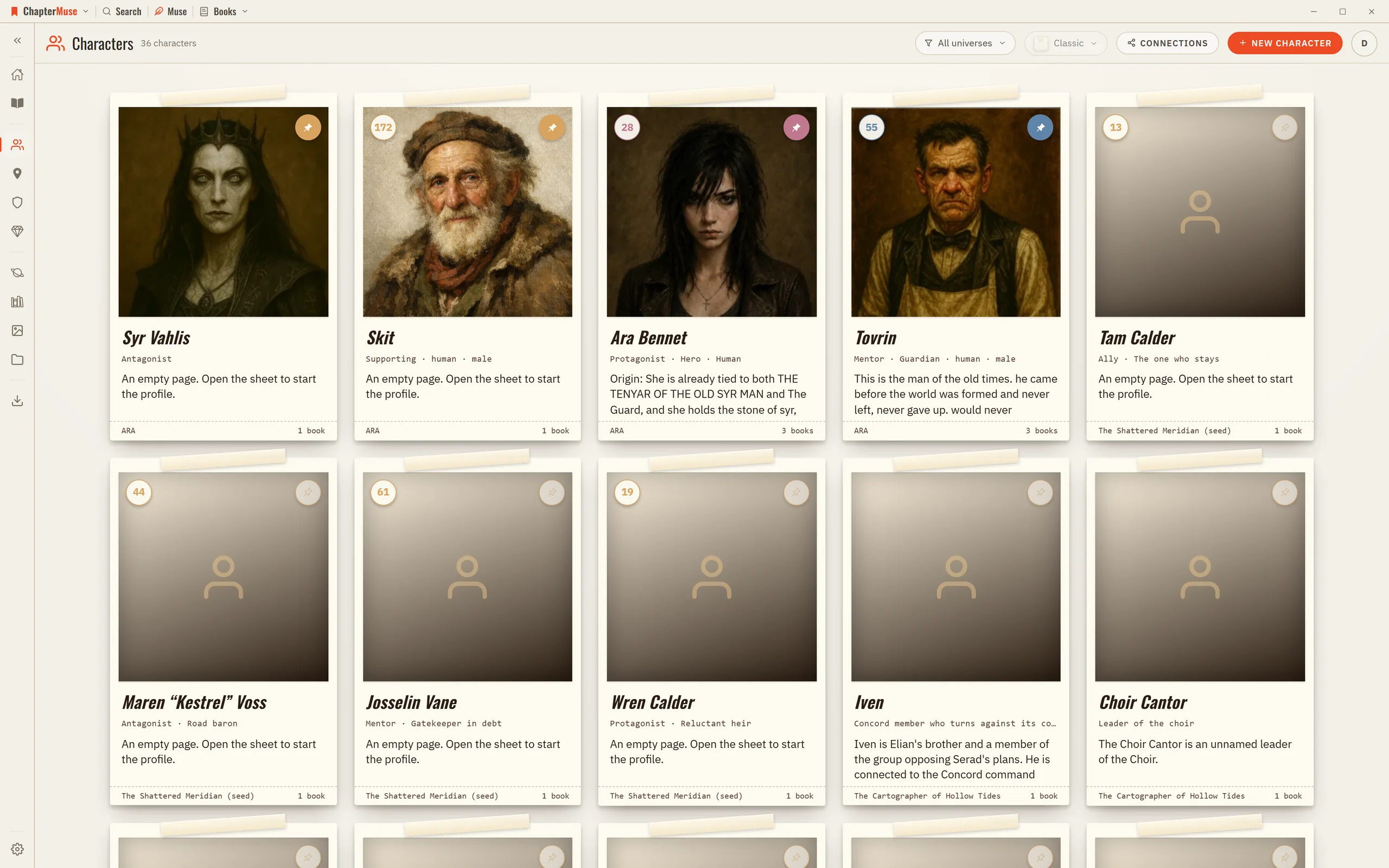
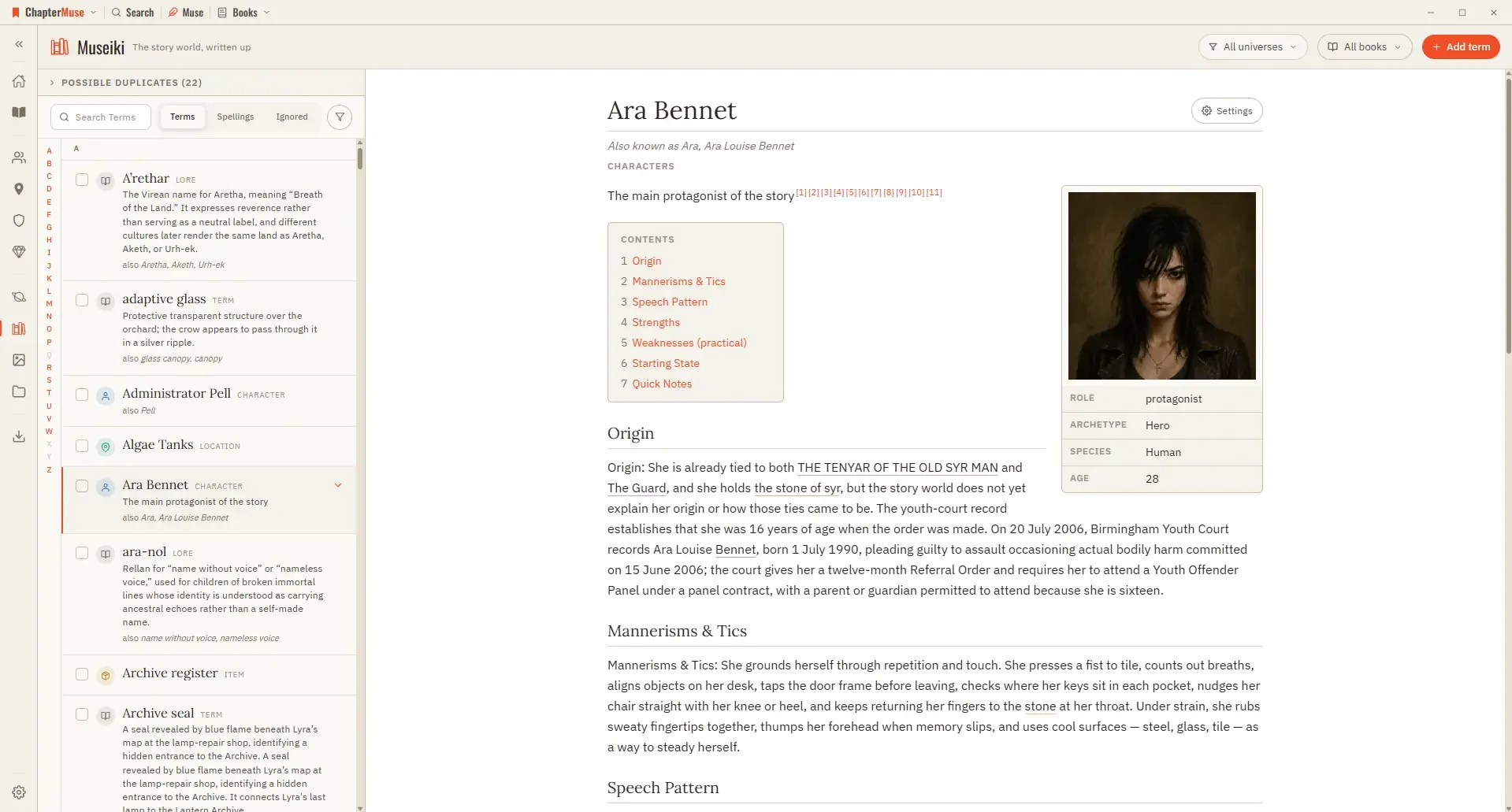
4Write into the profile tabs — Overview, History, Psyche, Appearance, Voice, Skills, Relationships, Arc, and Notes — or add your own sections.
About 23 results (0.100 seconds)
CMwww.chaptermuse.com › Help › Characters
4Write into the profile tabs — Overview, History, Psyche, Appearance, Voice, Skills, Relationships, Arc, and Notes — or add your own sections.
CMwww.chaptermuse.com › Help › Character arcs
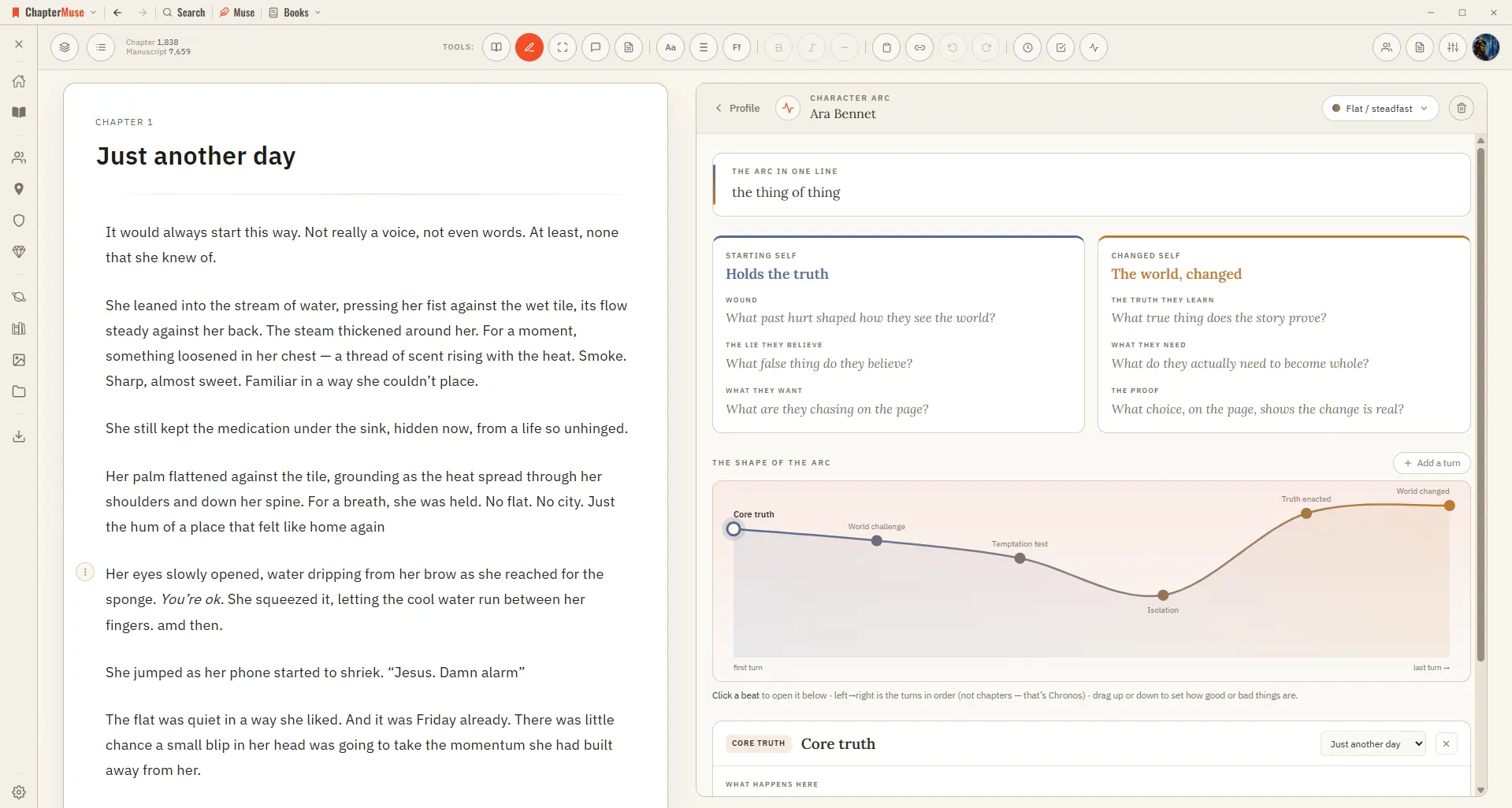
From a character's sheet, open the Arc Map and pick an arc type — Positive change, Corruption, Fall, and more. ChapterMuse lays down a suggested sequence of beats you can keep, rename, or replace, then you fill each beat with…
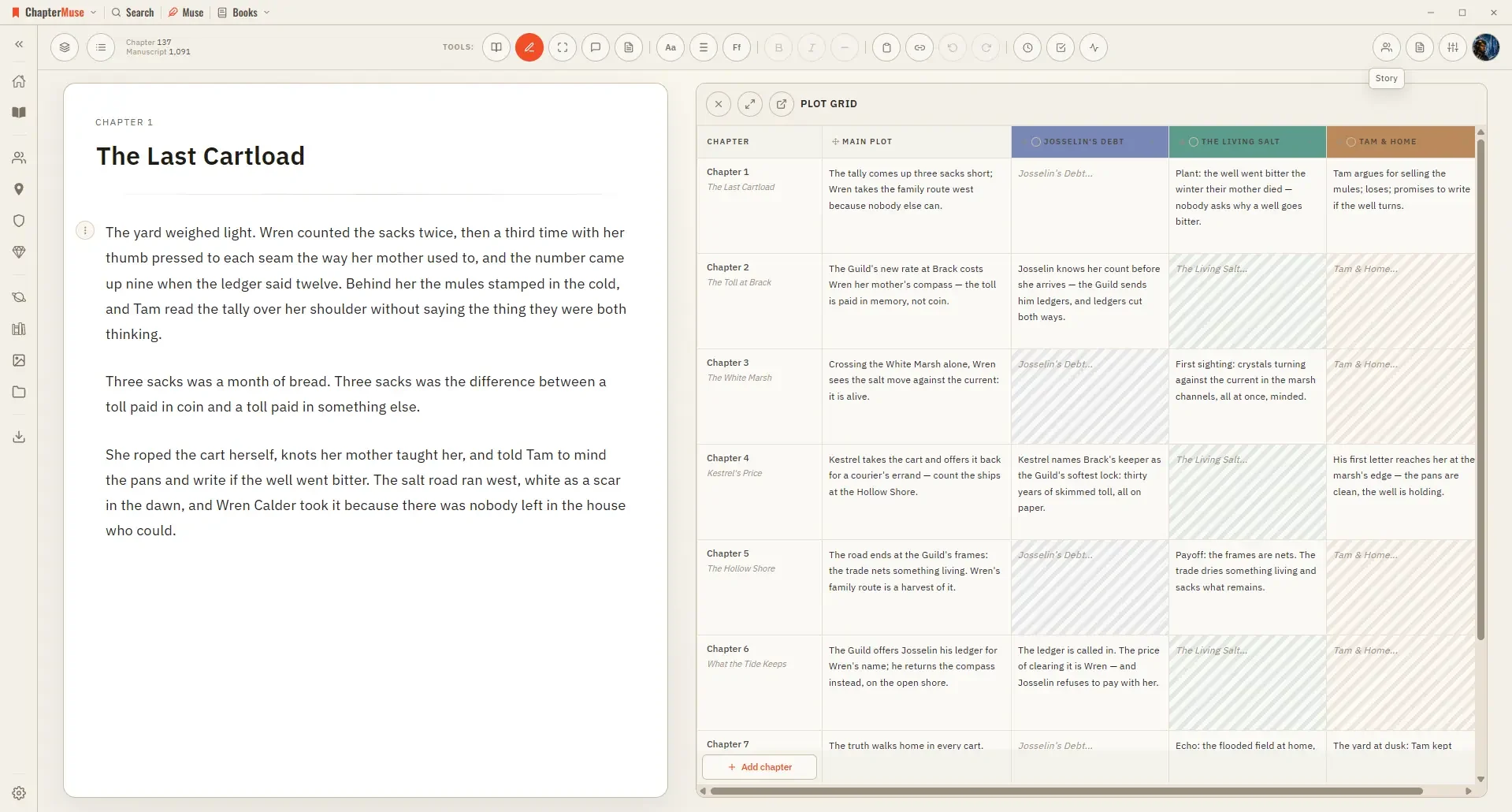
The planning tools can reflect a framework you choose, but none of them requires a structure and nothing prompts you toward one.
Romance Novel Writing SoftwareCMwww.chaptermuse.com › Help › Universes
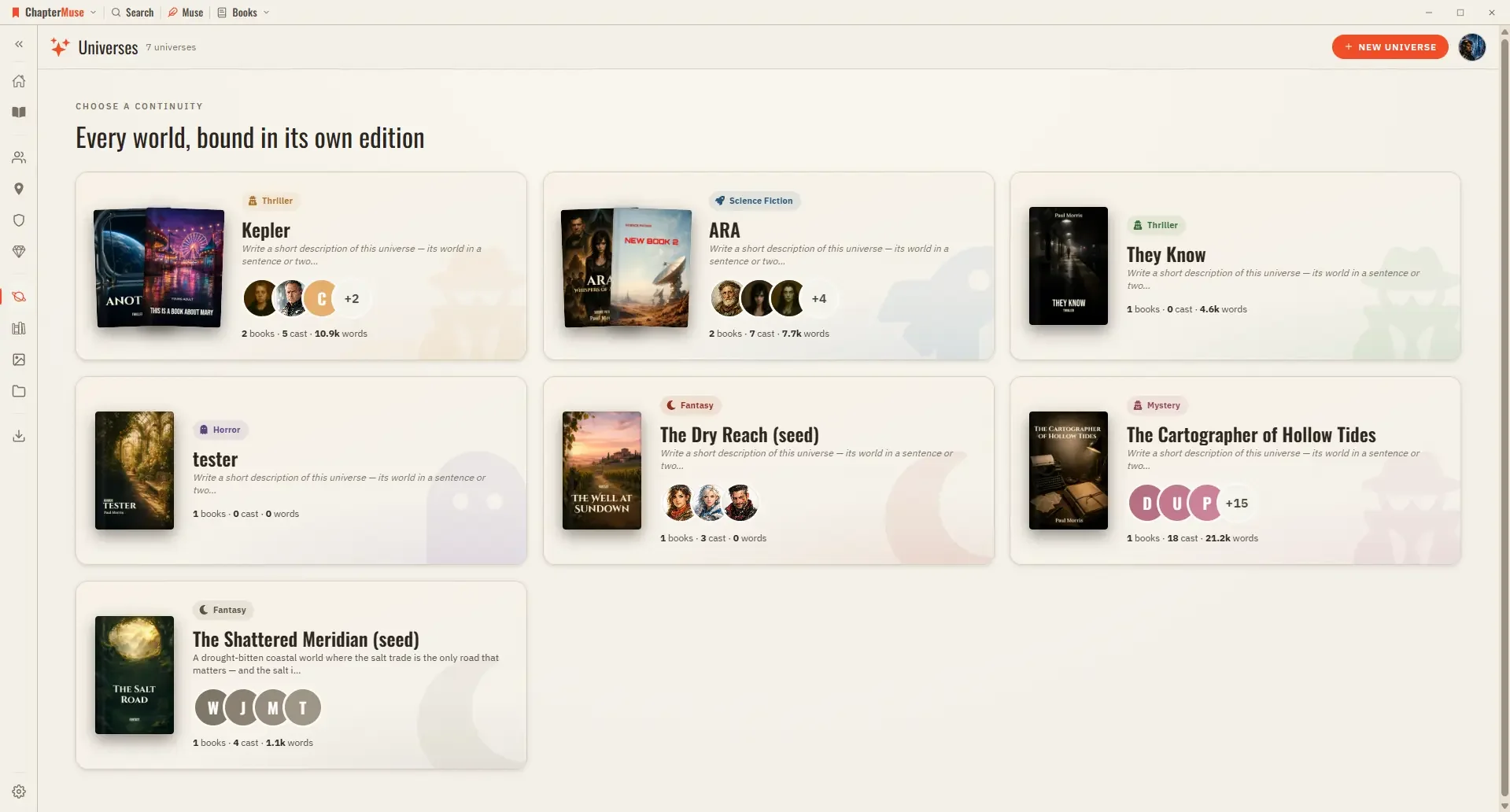
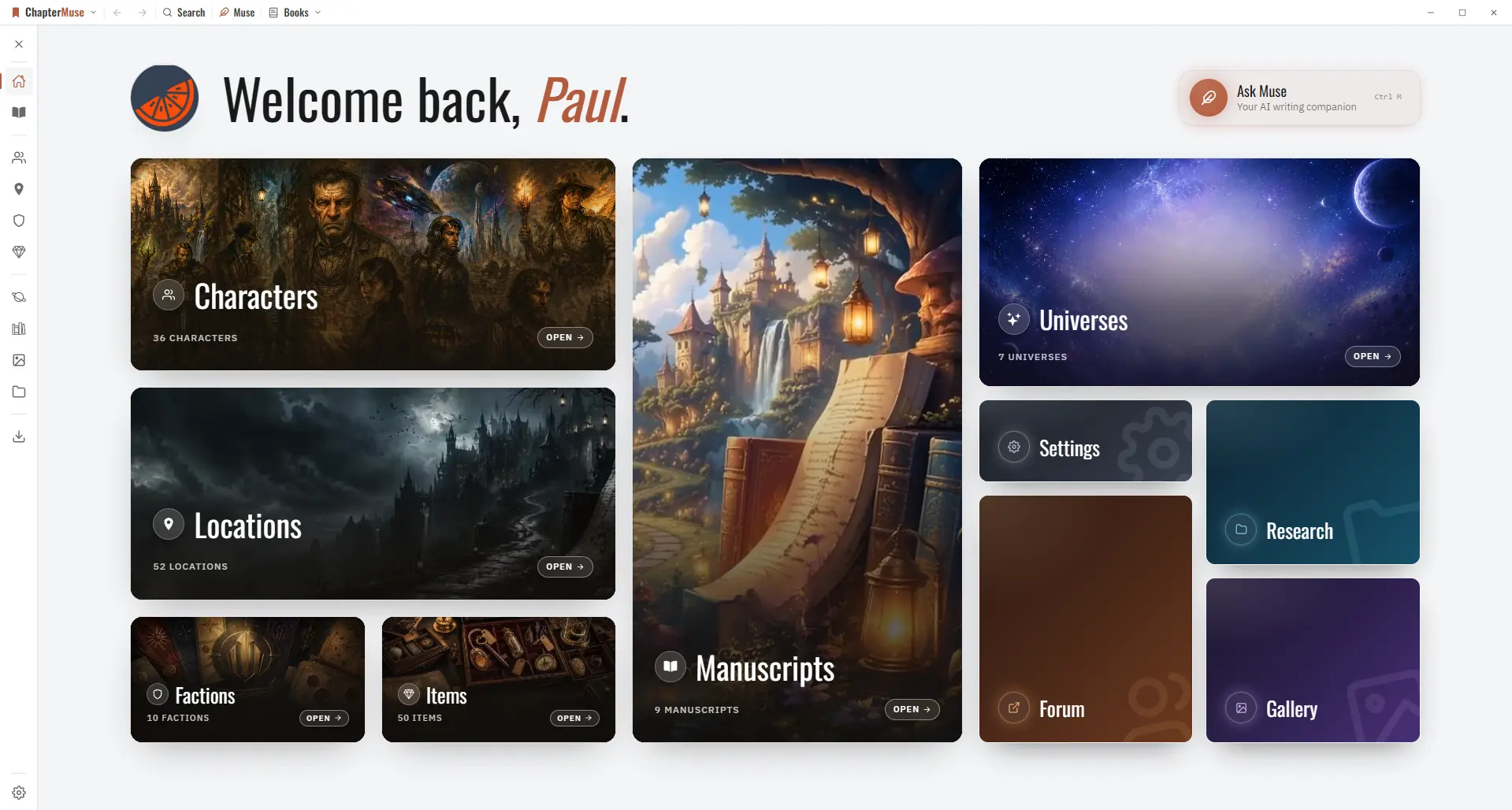
Open a universe and you get its Folio: a special-edition view with an art-directed hero, a stats slip, and shelves for cast, places, factions, items, scenes, and notes.
CMwww.chaptermuse.com › Help › Locations
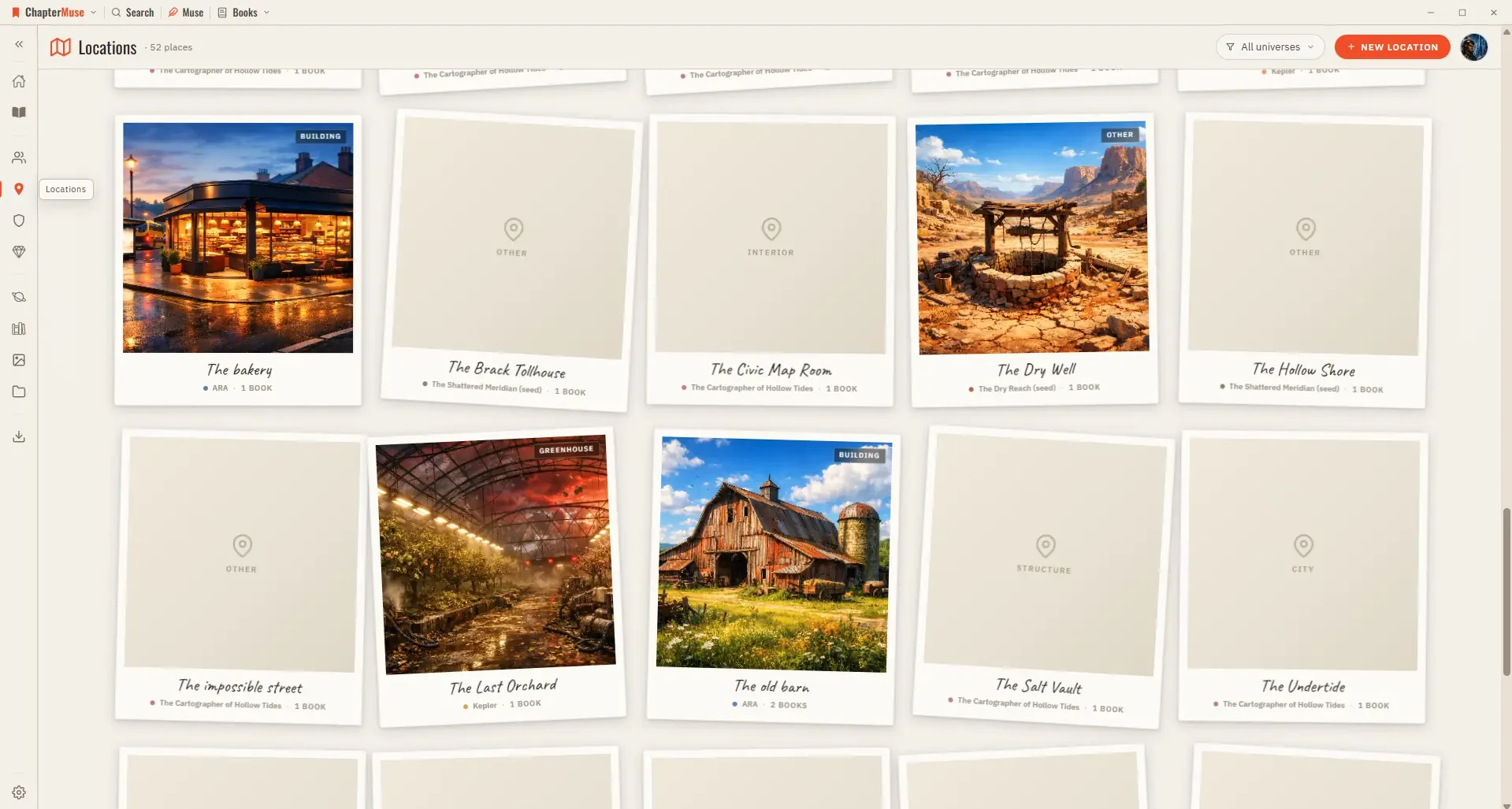
Each place gets a card with cover imagery and a sheet where you capture how it looks, sounds, and feels. Because locations are shared across your books, a single entry gathers every scene that happens there, wherever it appears…
CMwww.chaptermuse.com › Help › Ai images
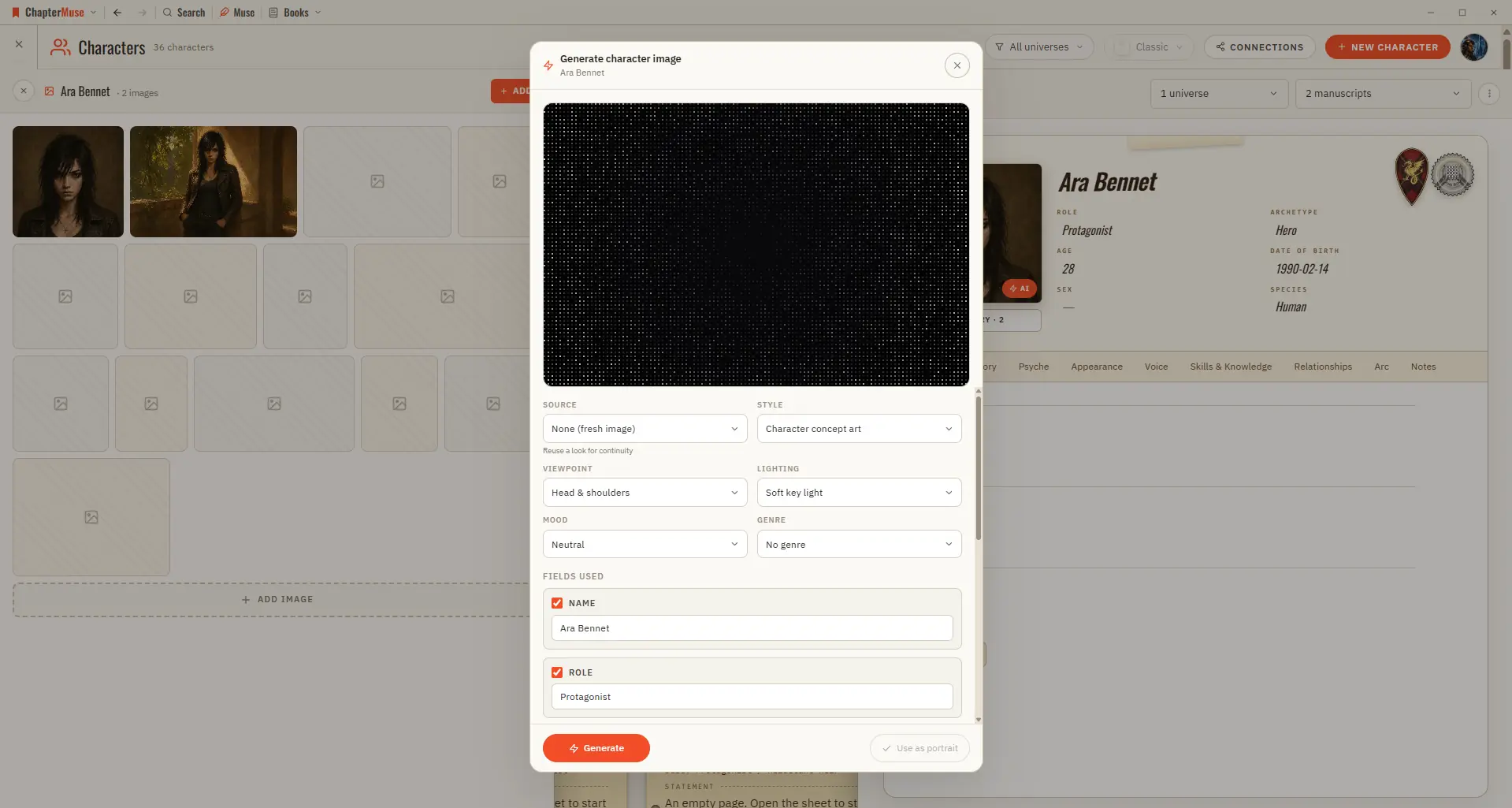
✦Quick start 1On a character, location, or item sheet, click the Generate (✨) button on the image area. 2Review the prompt — it's pre-filled from the profile; edit it if you like.
CMwww.chaptermuse.com › Help › Glossary
With name highlighting on, mentions of your characters, locations, factions, and items are marked in the prose, colour-coded by type.
CMwww.chaptermuse.com › Help › Shortcuts
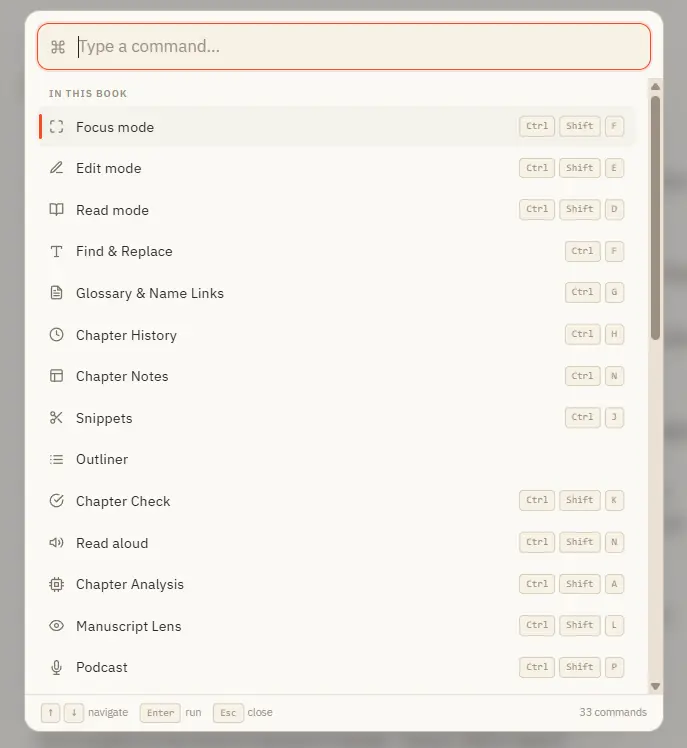
And a built-in shortcut sheet (Ctrl /) lists every key combination, so you never have to remember them. ✦Quick start 1Press Ctrl K anywhere to open the command palette.
CMwww.chaptermuse.com › Help › Items
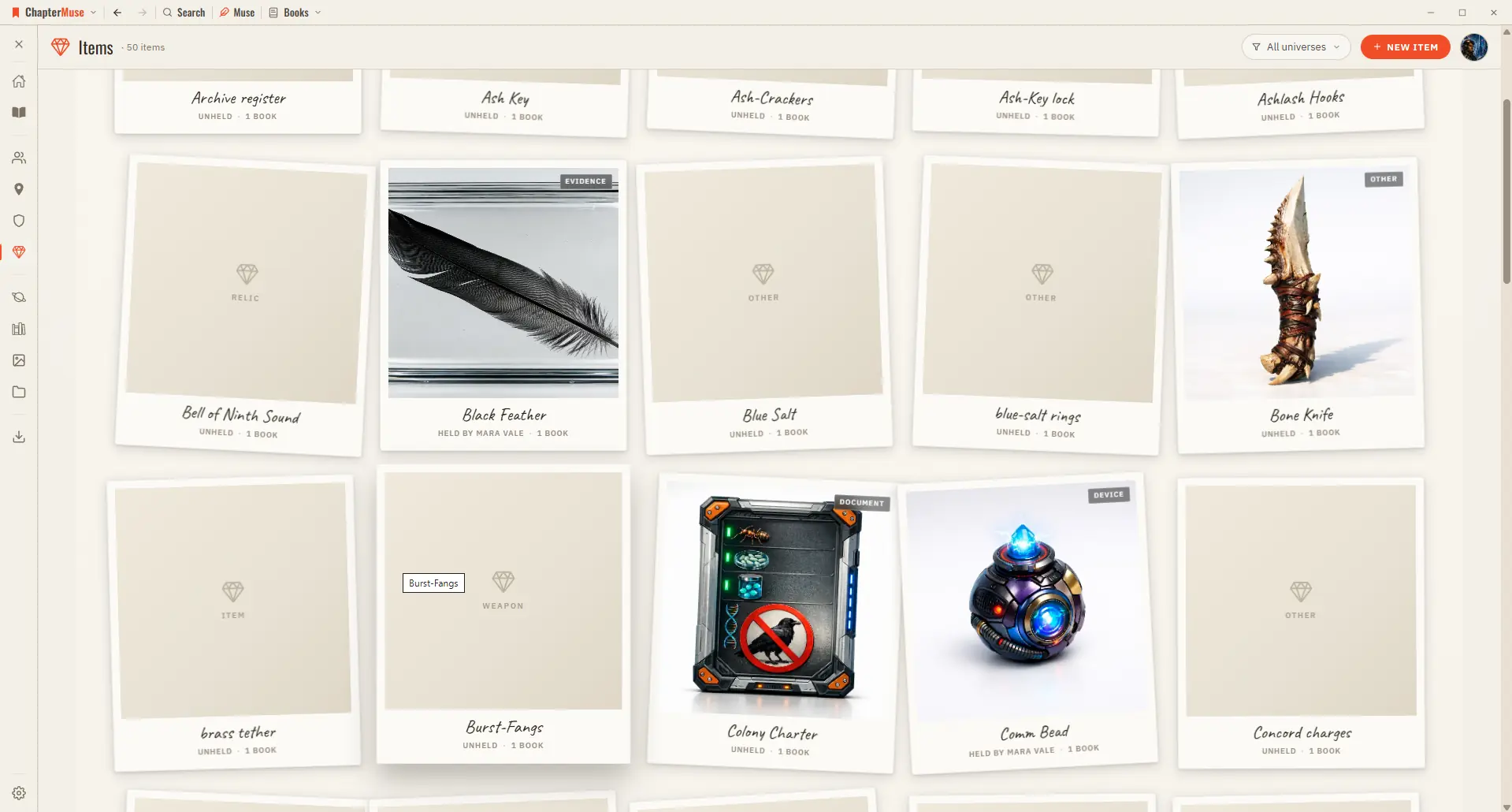
5Write its provenance and significance in the profile tabs.
CMwww.chaptermuse.com › Help › Connections
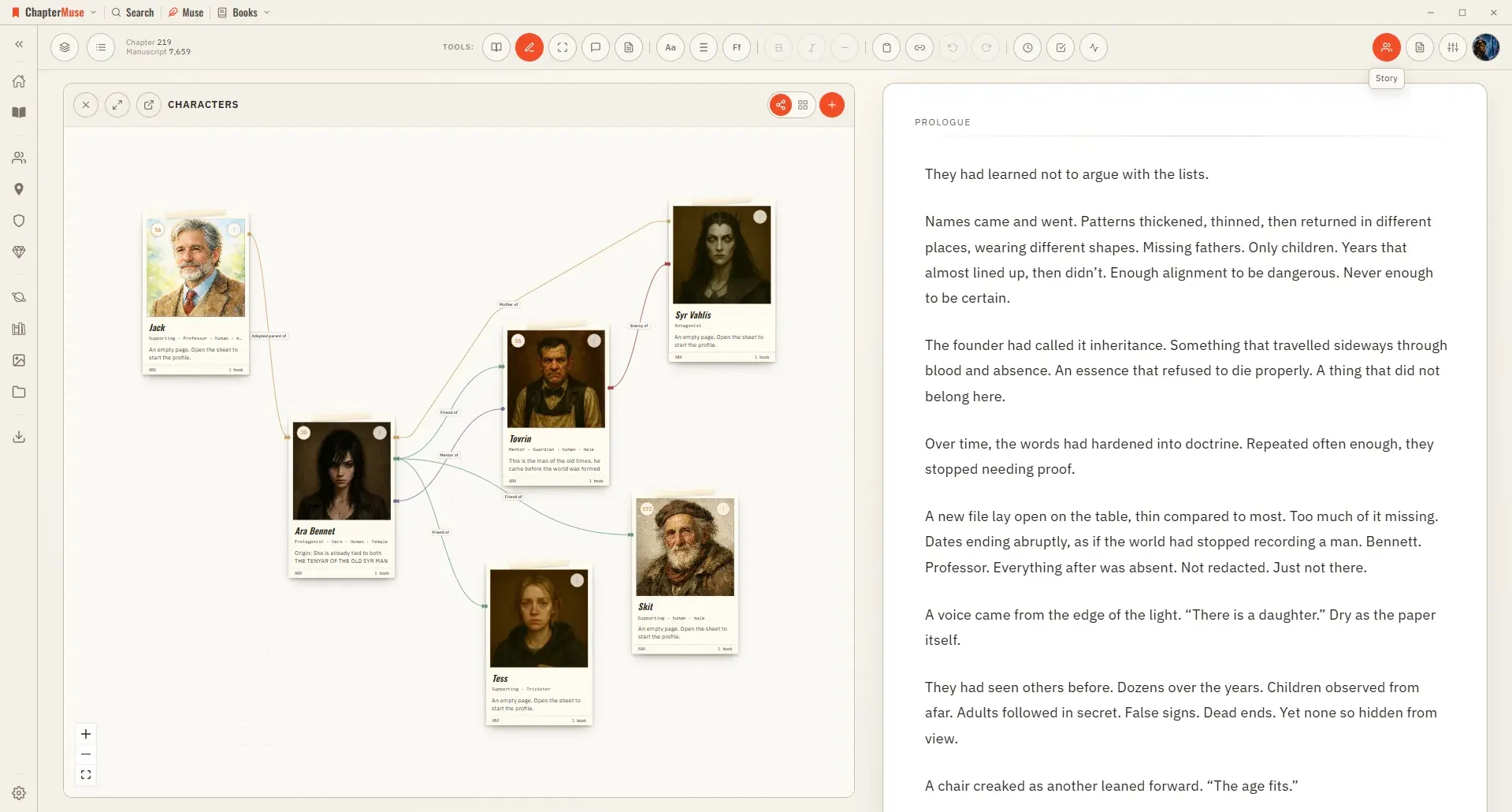
4Click a character node to open their sheet alongside the canvas.
CMwww.chaptermuse.com › Help › Search
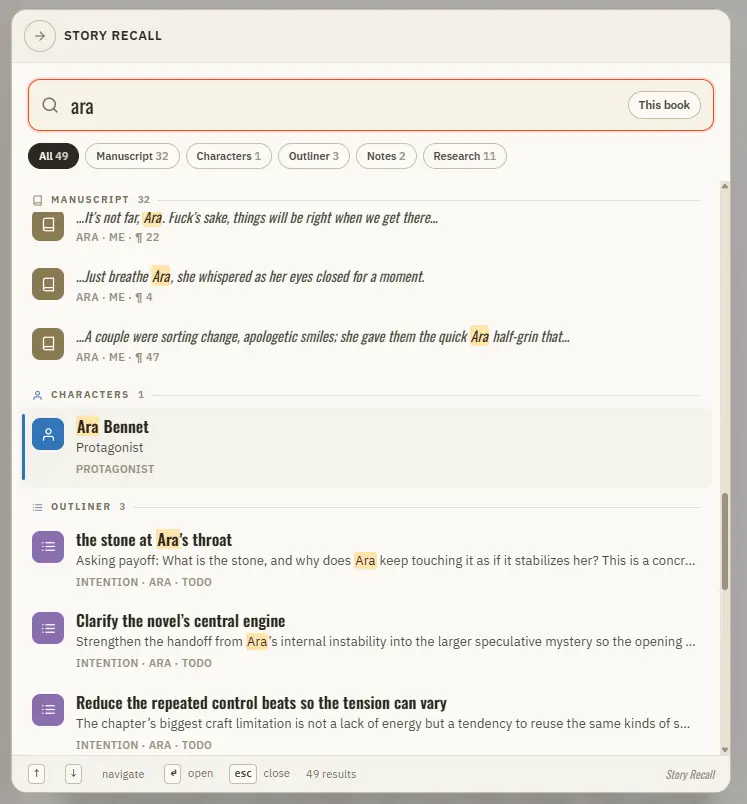
Inside a book, a scope button cycles This book → This universe → Everywhere Filter chips let you show only one kind of result at a time Matches are ranked by relevance, with the matched words highlighted in each result Clicking a…