ChapterMuse

Search results for purchase

About 123 results (0.089 seconds)

CMwww.chaptermuse.com › Guide › Revise a novel

How to revise a novel so the revision ends

It is not mine; it is roughly what a publisher does to a book after they buy it, and the reason it looks like that is not tradition but economics: nobody wants to pay a copy-editor to correct commas in a chapter the structural…


CMwww.chaptermuse.com › Genre › Fantasy writers

Fantasy Writing and Worldbuilding Software

Universes share story-world data across their books, so a character, a faction or a location recorded in book one is already present in book two.

CMwww.chaptermuse.com › Feature › Book formatting

Book Formatting and EPUB Export Software

Beside each one sits a row of live values: the title, the author, the word count exact or rounded the way a submission is, the number of chapters, today's date, this year.

CMwww.chaptermuse.com › Help › Storage and resets

Back Up, Restore and Manage ChapterMuse Data

Account — your profile, current tier, a live days-remaining badge during the free trial or a flat sage Light, slate-blue Writer, or orange Studio badge, adding or changing a .

CMwww.chaptermuse.com › Help › Ai images

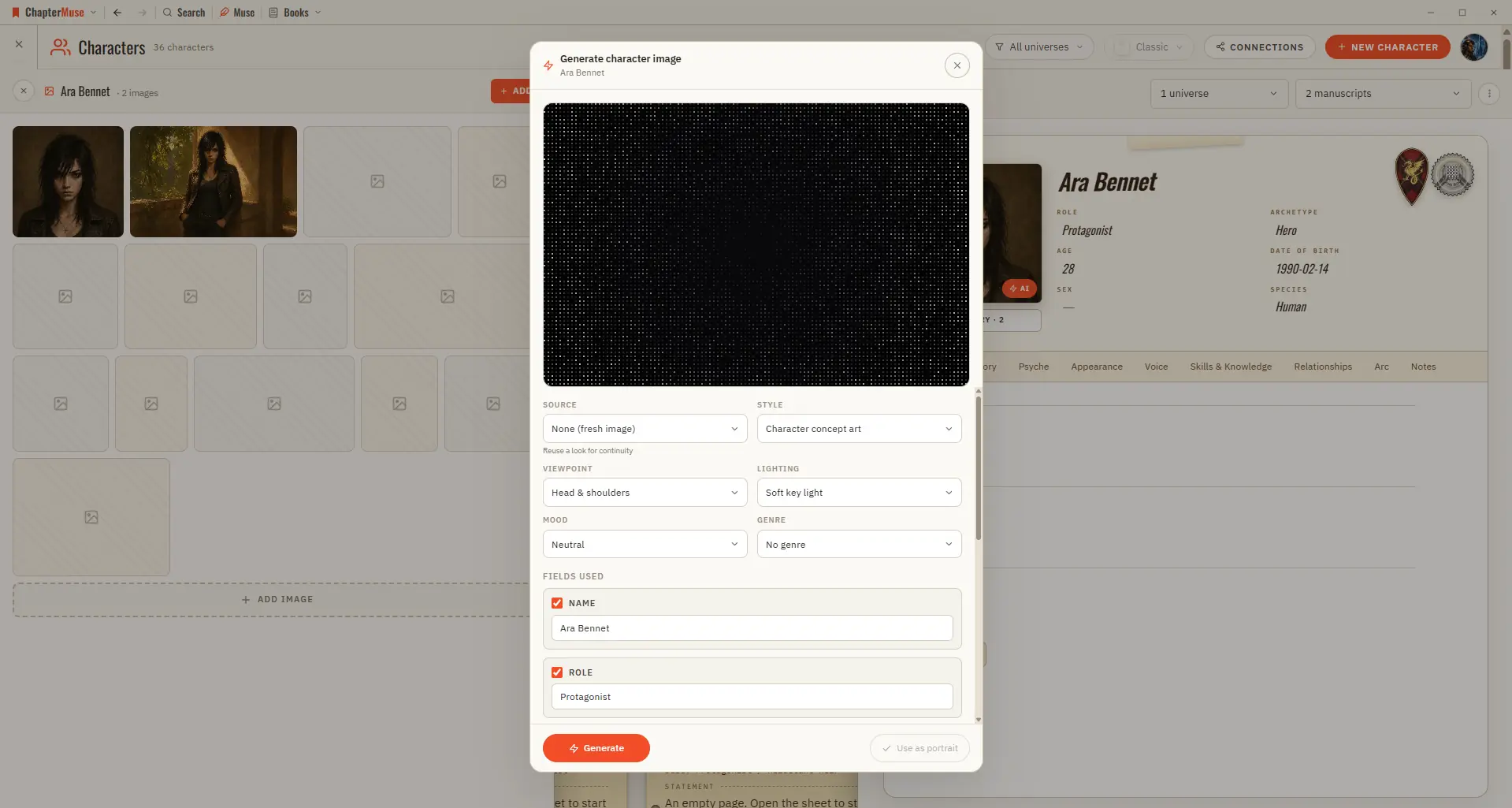
Generate Character and Story-World Images

Because it uses AI, each generation draws from your AI Tokens, and shows the cost before it runs. ✦Quick start 1On a character, location, or item sheet, click the Generate (✨) button on the image area.

CMwww.chaptermuse.com › Help › Analysis

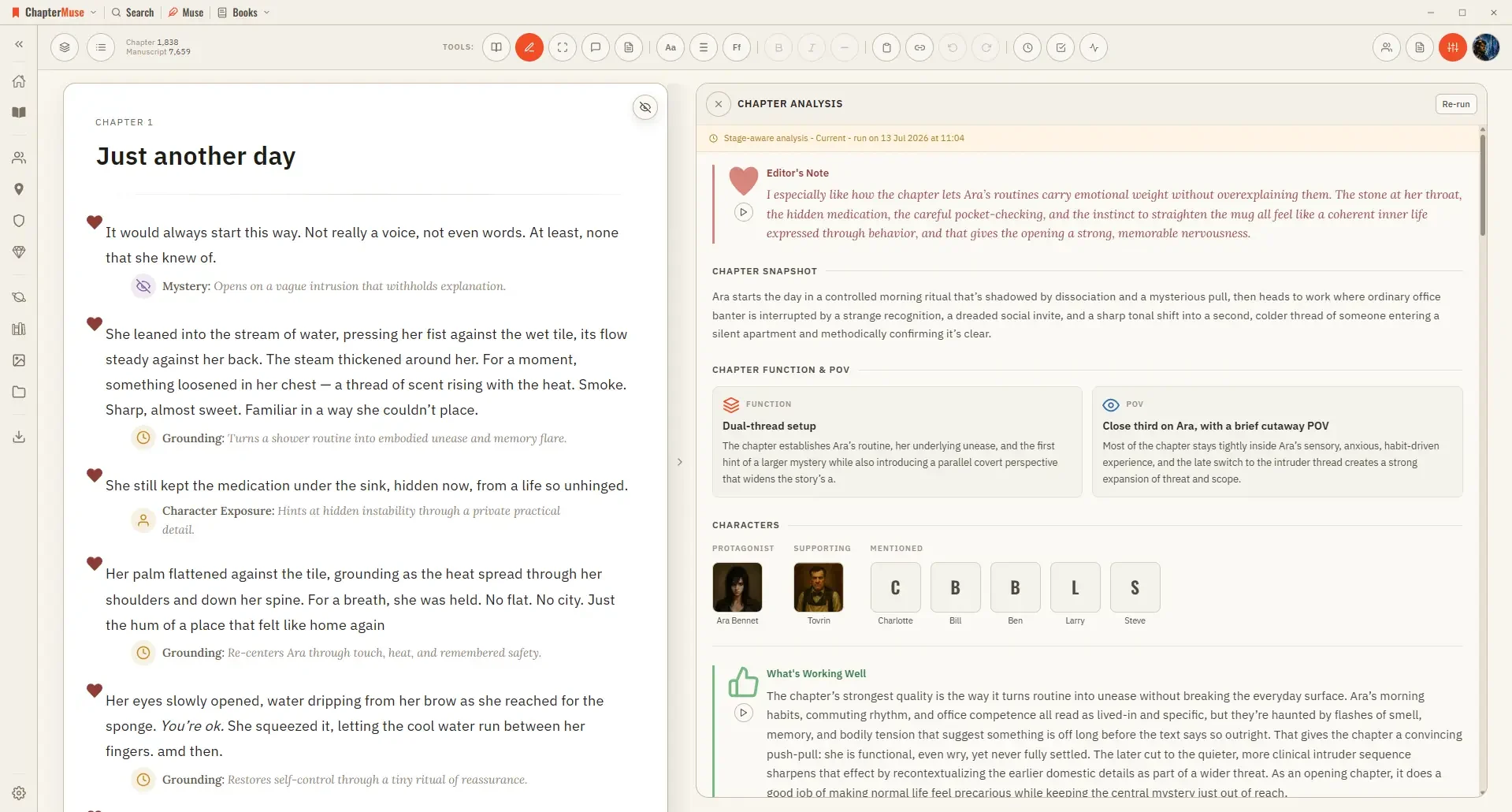
Get AI Craft Feedback on a Novel Chapter

Because it uses AI, it confirms a token cost before it runs. ✦Quick start 1Open a chapter in Single chapter view, then choose Chapter Analysis from the Review menu.

CMwww.chaptermuse.com › Help › Writing tools

ChapterMuse Editing and Analysis Tools

On-device tools (Chapter Check, Prose Metrics, Word Cloud, Read aloud) are free and private AI tools — Chapter Analysis, Chapter Pulse, Podcast, and the AI layer of Manuscript Lens — confirm a token cost before running Click any…

CMwww.chaptermuse.com › Help › Pulse

Analyse Chapter Pacing with Chapter Pulse

3Toggle layers on and off — add Dialogue, Action, Interior, or Exposition. 4Click a point on the curve to jump to that paragraph.