CMwww.chaptermuse.com › Guide › How to write a novel
How to Write a Novel: The Whole Job, in Order
First drafts are allowed to miss these numbers freely: the range is a target for the revised book, and middles usually shrink towards it.
About 122 results (0.064 seconds)
CMwww.chaptermuse.com › Guide › How to write a novel
First drafts are allowed to miss these numbers freely: the range is a target for the revised book, and middles usually shrink towards it.
CMwww.chaptermuse.com › Genre › Historical fiction writers
The Research Center takes documents, PDFs, spreadsheets, images, audio and links, and the workspace views open a source beside the chapter it belongs to rather than in another application behind the one you are writing in.
CMwww.chaptermuse.com › Help › Chapter notes
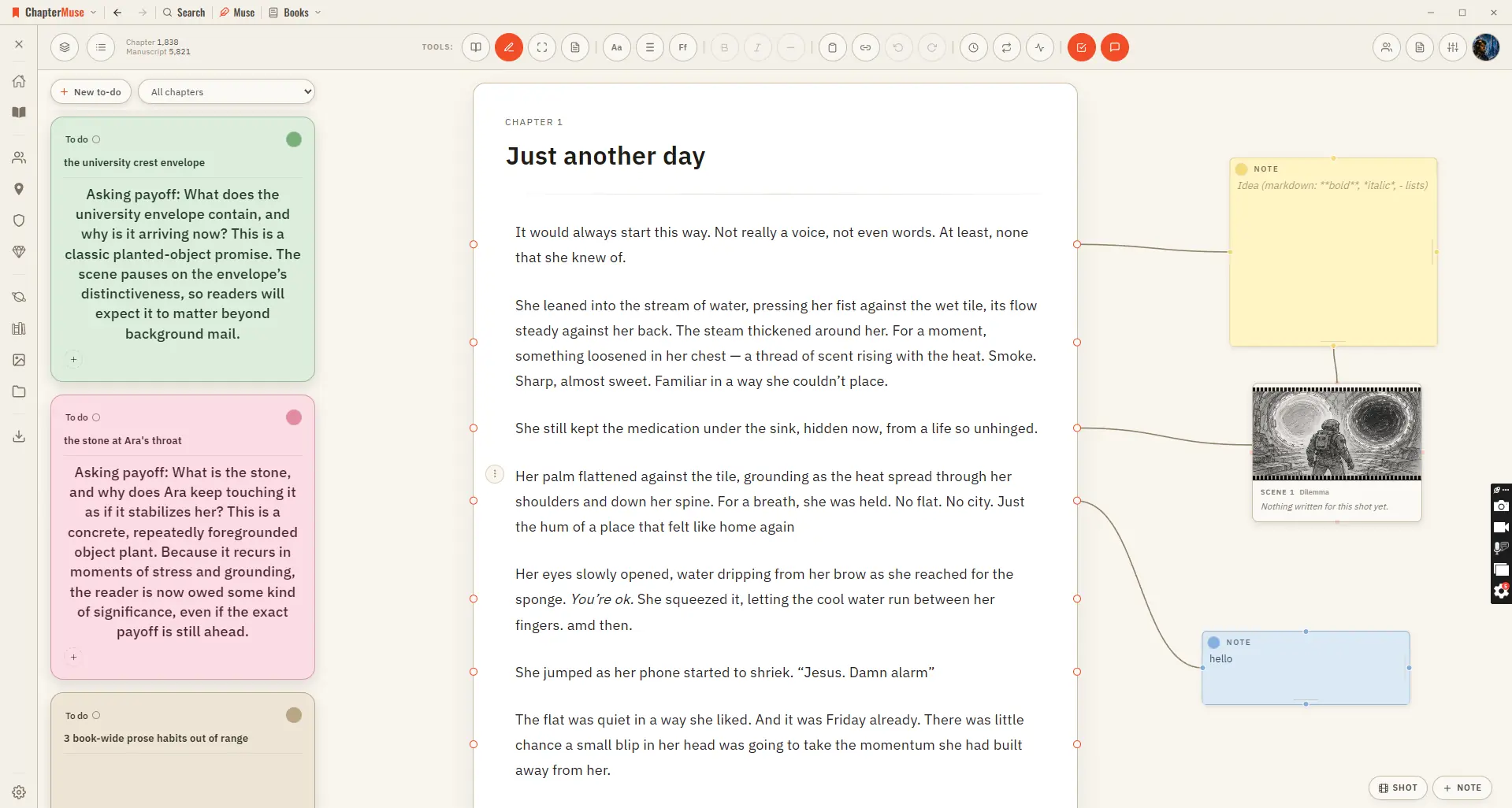
Drop a sticky note in the margin and connect it to a specific paragraph — a reminder to fix a name, a query for your future self, a note for a beta reader.
CMwww.chaptermuse.com › Guide › Novel november
The classic challenge is 50,000 new words between 1 and 30 November. You can also make a personal plan that fits your time and your book.
CMwww.chaptermuse.com › Help › Word cloud
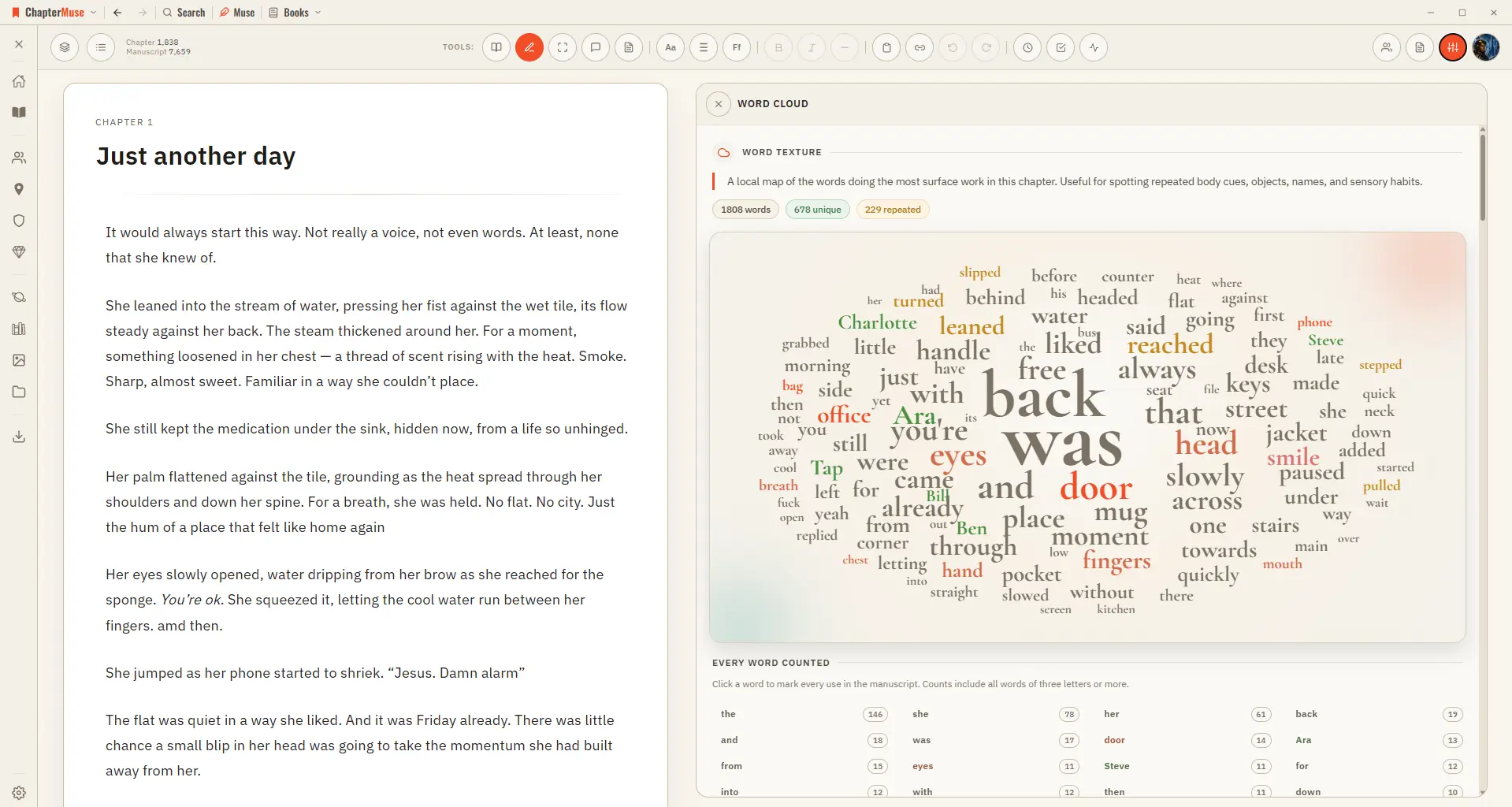
Common filler words are filtered out, and a full count beside the cloud lists every word with its exact tally. Click any word to light up every place it's used.
CMwww.chaptermuse.com › Compare › Sudowrite
The whole number Sudowrite's published price for Hobby & Student is $10 a month billed annually, or $19 billed monthly, with a monthly credit allowance for the AI (checked against sudowrite.
CMwww.chaptermuse.com › Help › Todos
4Use + on the card to tag the chapter, character, place, faction, item, or research document it is about. 5Pick a colour from the circle in the corner, and set the status from the top-left.
CMwww.chaptermuse.com › Help › Shortcuts
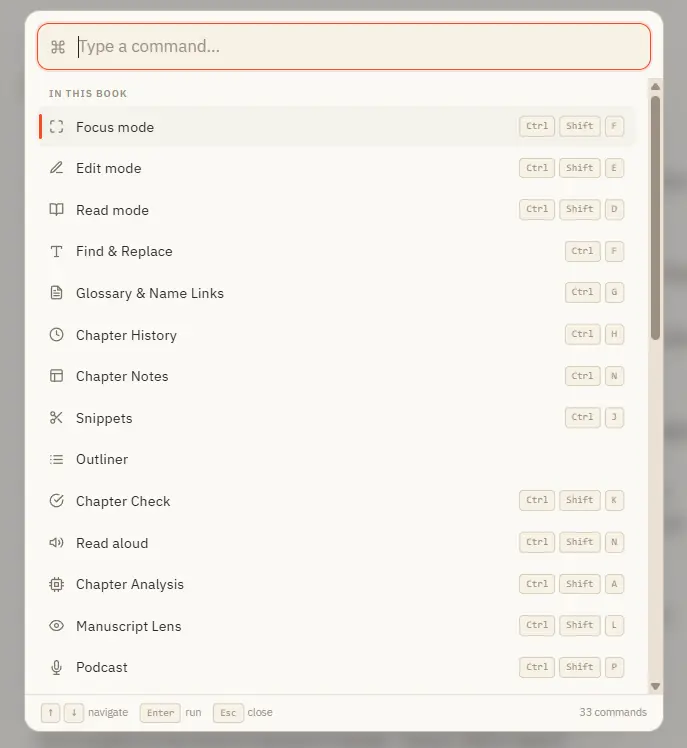
Opens with Ctrl K from anywhere in the app Search across everything you can do — grouped into "In this book", "Go to" (navigation), and "General" Inside a book it lists every panel and mode; elsewhere it jumps you to Story World,…
CMwww.chaptermuse.com › Help › Cloud backup
muse export is free, works with no account, and contains everything Backups are kept for six months after a subscription ends, and can be restored throughout Nothing about cancelling touches the copy on your own computer
CMwww.chaptermuse.com › Help › Canvas
Continuous auto-save — a small indicator shows when a save is in progress, and a live word count sits in the toolbar Closing the manuscript waits for every editor pane to save.