CMwww.chaptermuse.com › Help › Story world
ChapterMuse Story World: Workspace Overview
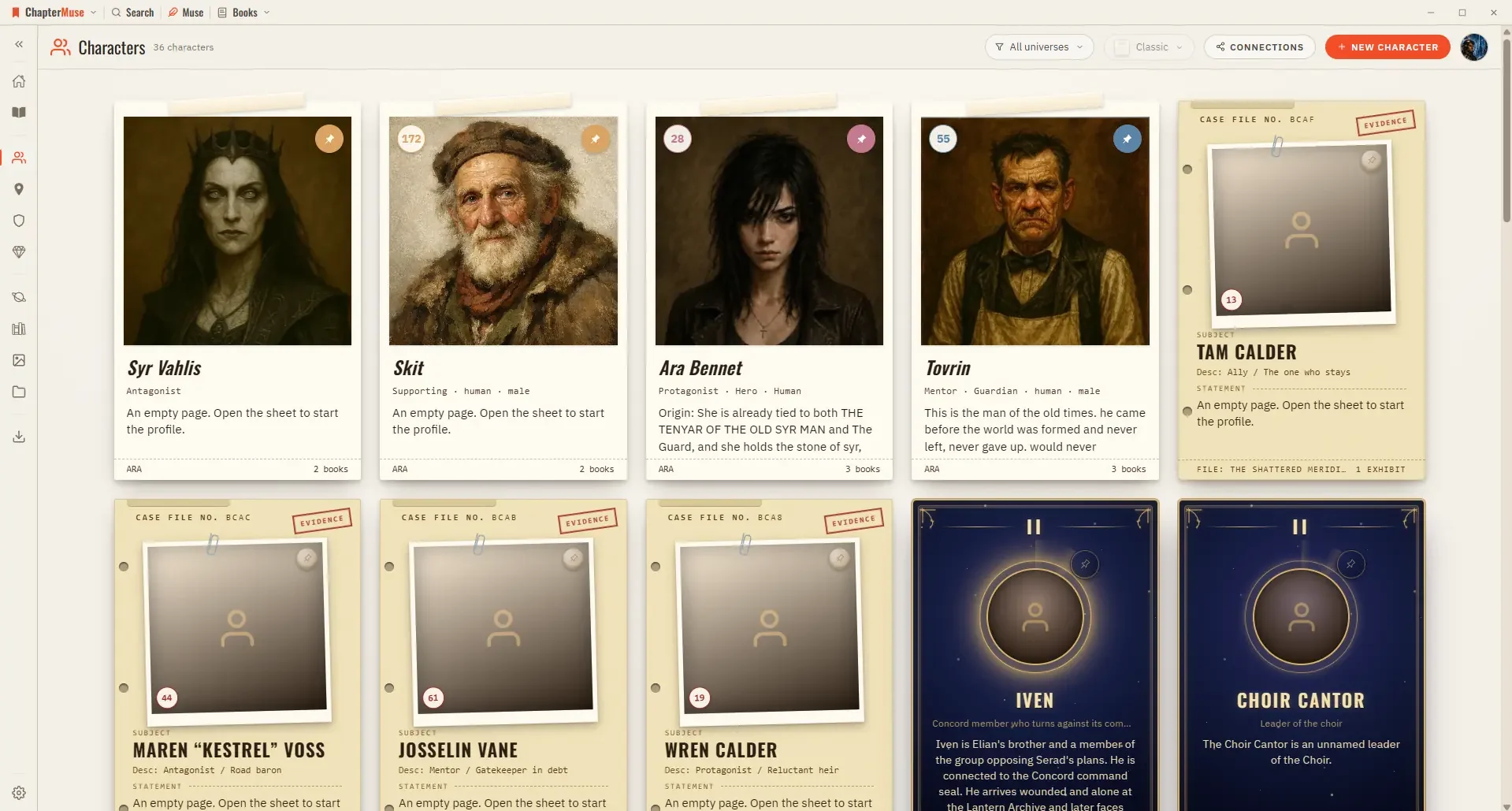
In the whole writing studio See how characters, places, factions, items and continuity work across the whole book. Explore connected worldbuilding
About 125 results (0.062 seconds)
CMwww.chaptermuse.com › Help › Story world
In the whole writing studio See how characters, places, factions, items and continuity work across the whole book. Explore connected worldbuilding
CMwww.chaptermuse.com › Daily › Archive
These short fiction writing exercises practise character development, dialogue, plot and more. Every exercise has a permanent page with Muse's hint and helpful craft reading.
CMwww.chaptermuse.com › Help › Todos
There is no panel around them — no background, no border, just the cards — and they sit behind the manuscript and behind every other panel, so nothing you are writing is ever covered.
CMwww.chaptermuse.com › Help › Navigation
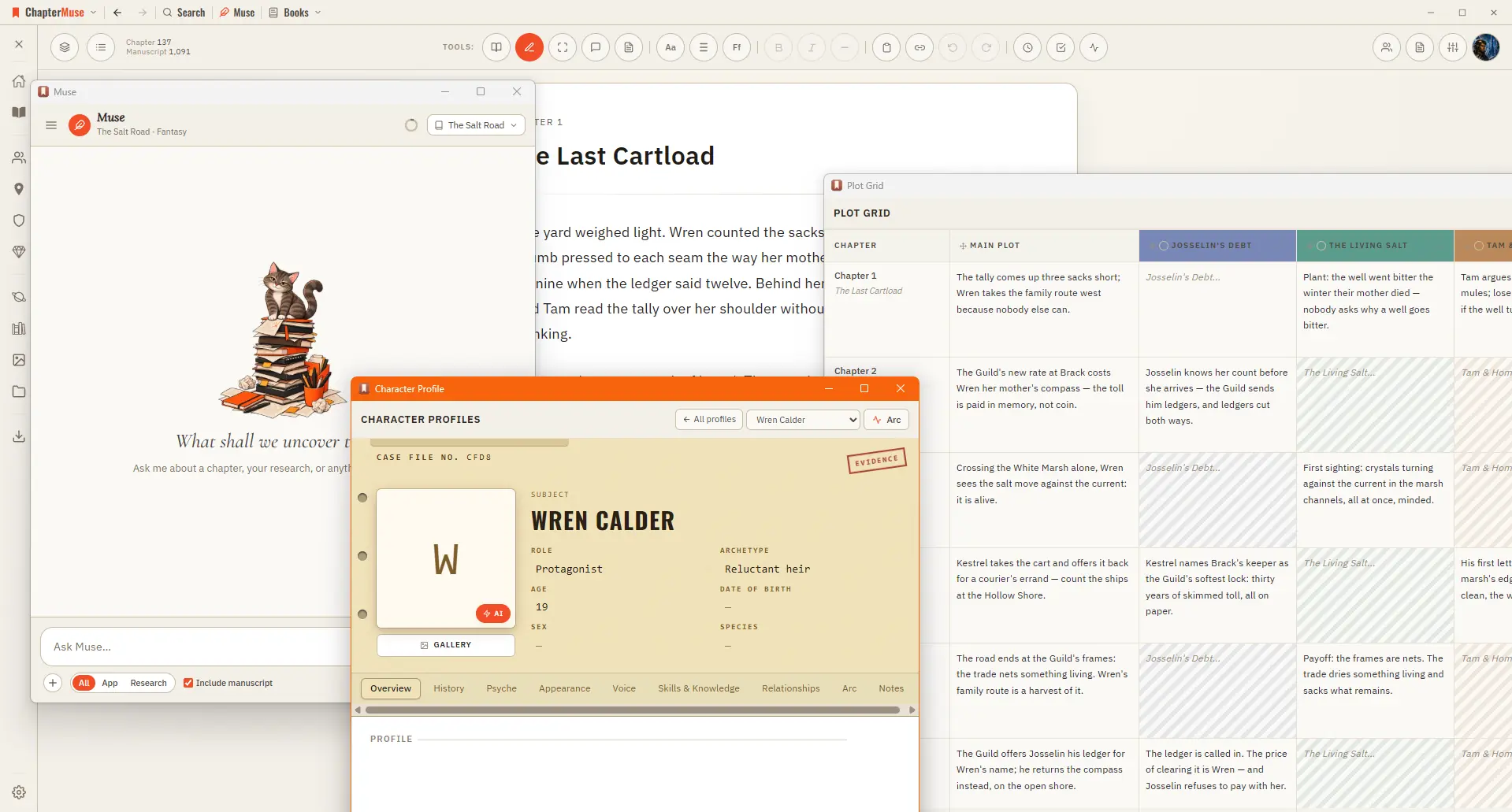
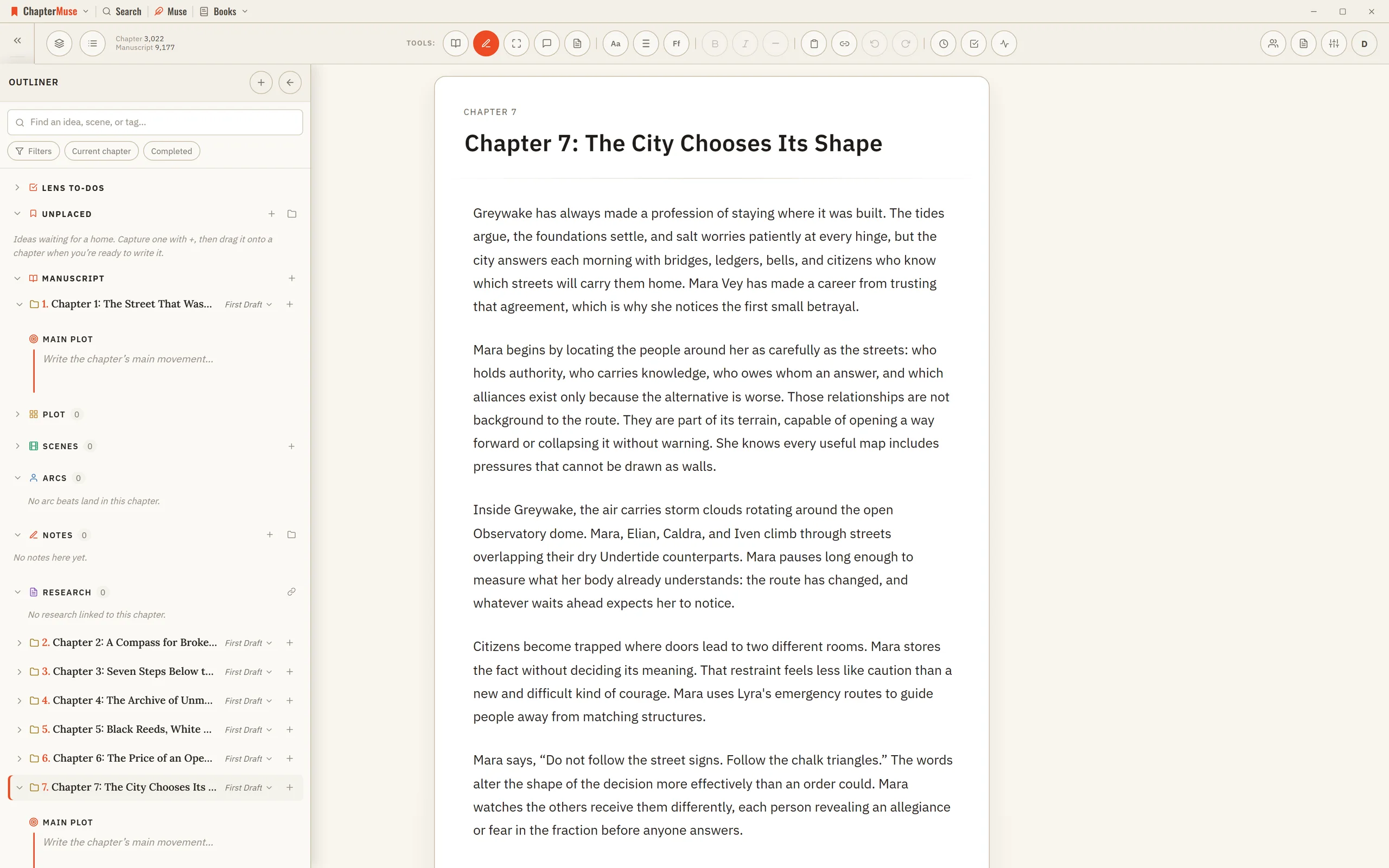
A central Tools strip holds Read / Edit / Focus mode, To-dos, Chapter Notes, the Outliner button, the workspace-view picker, your type controls (font, size, spacing), bold / italic / em dash, copy & paste, a "highlight…
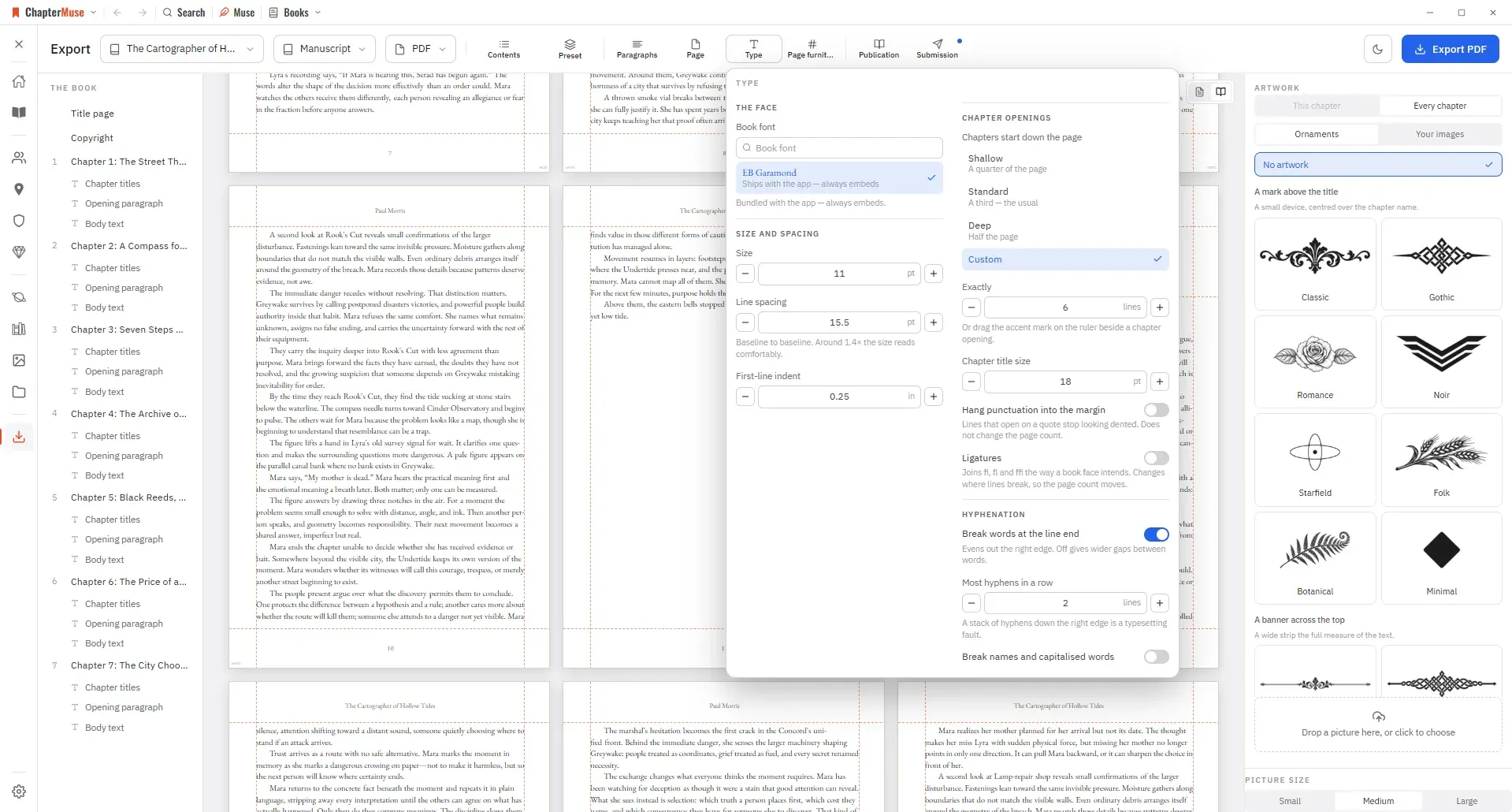
CMwww.chaptermuse.com › Help › Export
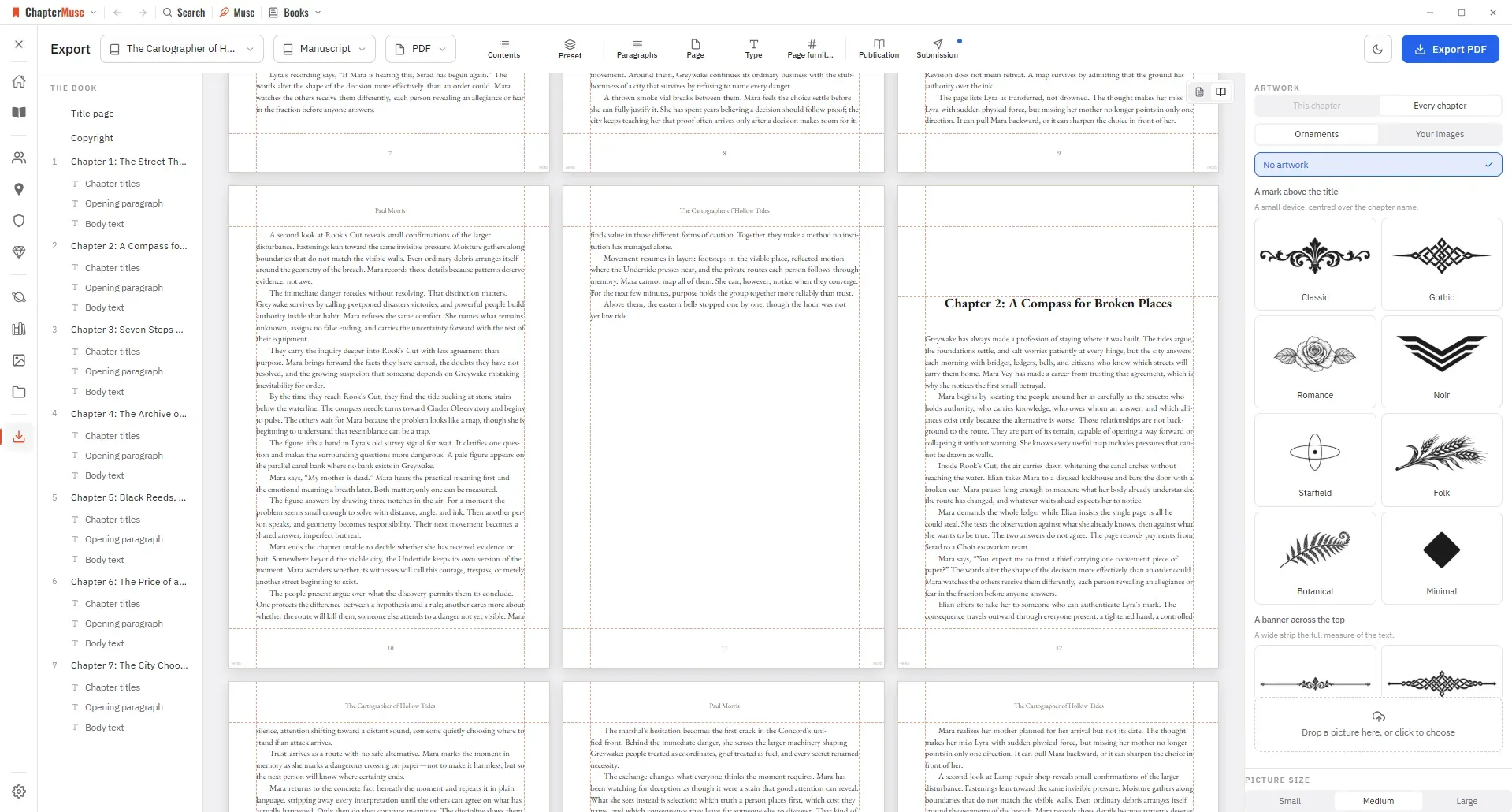
Manuscript — Word (DOCX), reading PDF, EPUB, press-ready Print Edition PDF, Markdown, RTF, ODT, LaTeX, or plain text Story World dossiers — Characters, Locations, Factions, and Items as Word, PDF, or Excel (Excel spreads across…
CMwww.chaptermuse.com › Help
Targets & Writing History Gentle goals backed by an honest writing ledger. Revision Passes Protected checkpoints, revision intentions, and an honest before-and-after.
CMwww.chaptermuse.com › Guide › Exposition without the infodump
, I must ask the Count about these superstitions)" is a joke and a piece of dread in the same eleven words, and it only works because the reader is holding information the narrator isn't.
CMwww.chaptermuse.com › Help › Bookshelf
In the whole writing studio See how characters, places, factions, items and continuity work across the whole book. Explore connected worldbuilding
CMwww.chaptermuse.com › Help › Outliner
It occupies the left side of the writing canvas while the active chapter remains in the centre. Unlike the temporary Chapter Outline drawer, it stays open while you work and adds scenes, logical sections, narrative intentions,…
CMwww.chaptermuse.com › Help › Book design
Editable formats are interpreted by the app that opens them: RTF and ODT previews read the generated document in a continuous view, while final pagination belongs to your word processor.