ChapterMuse

Search results for chapter

About 99 results (0.094 seconds)

CMwww.chaptermuse.com › Help › Navigation

Navigate the ChapterMuse Desktop App

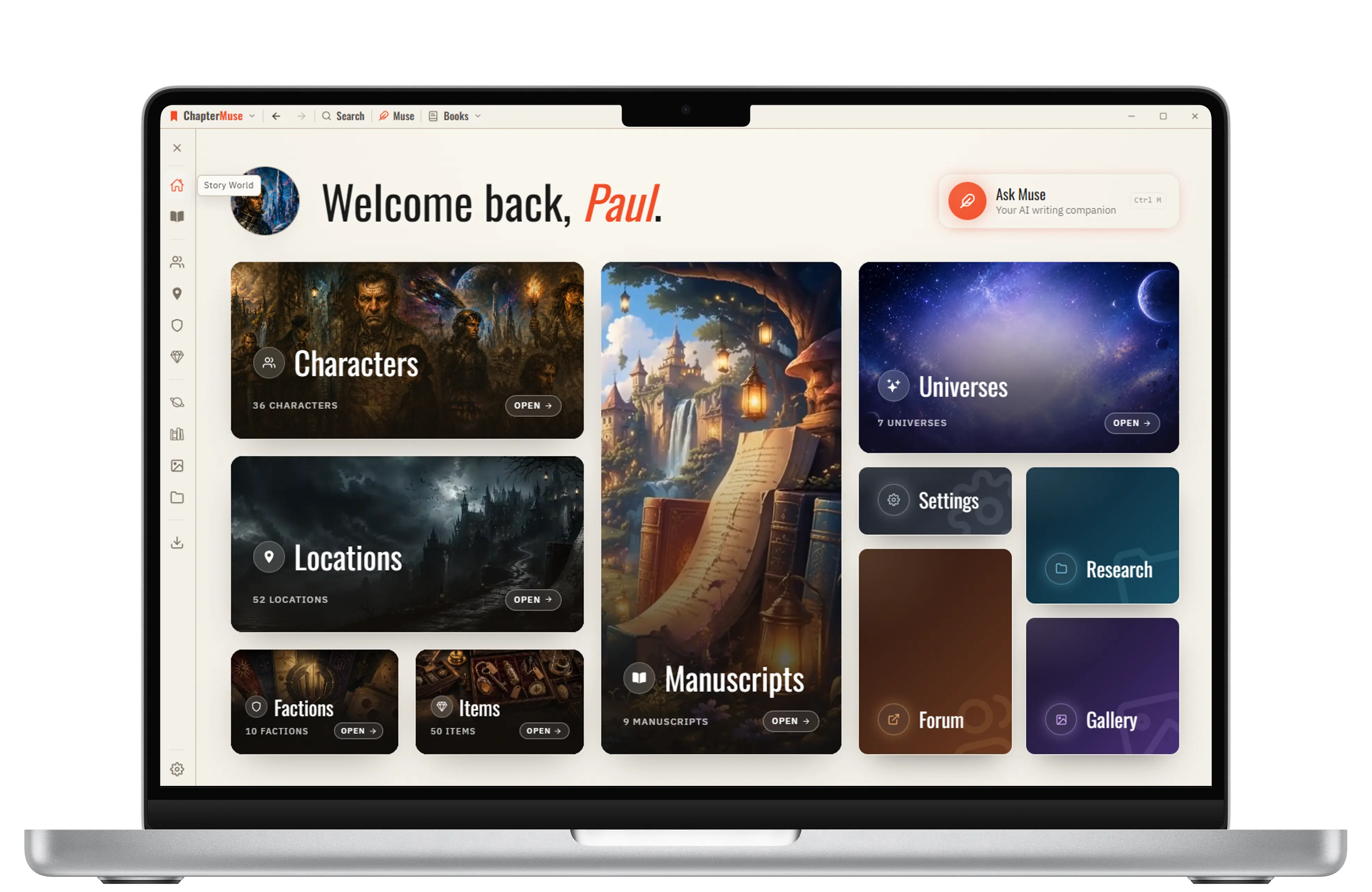
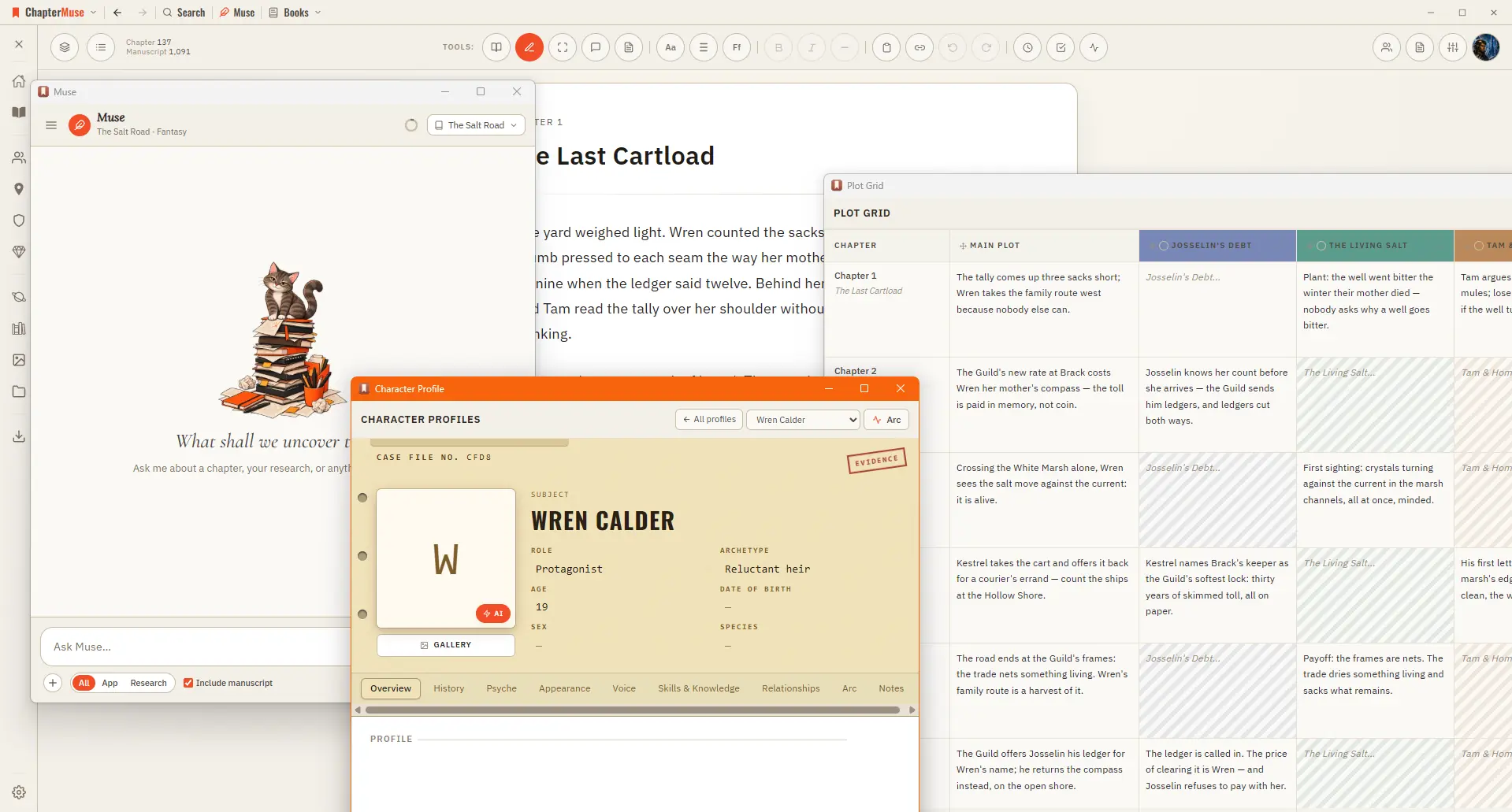
Story — your world: Characters, Profiles, Connections, Locations, Factions, Items, plus Plot Grid, Chronos, Mind Map, and Scene Designer Manuscript — working with the text: Search, Find & Replace, Glossary & Name Links, Snippets,…

CMwww.chaptermuse.com › Feature › Book formatting

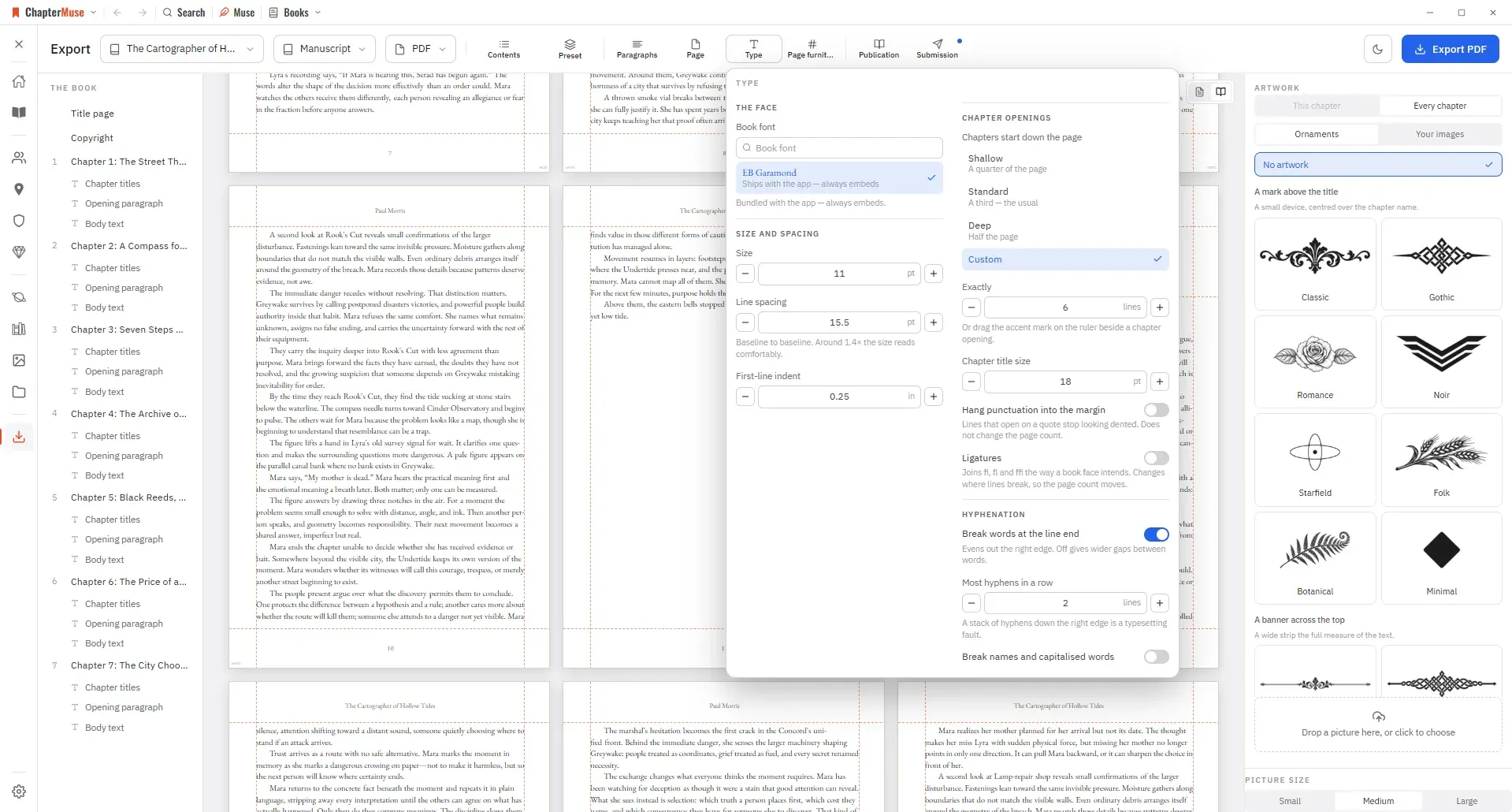
Book Formatting and EPUB Export Software

Each begins the way your chapters do until you say otherwise, and the choice reaches the print edition, the Word file, the ODT and the PDF alike.

CMwww.chaptermuse.com › Help › Workspace views

Use Split View and Whole-Book Workspace Views

Every view works on the same locally saved manuscript, so changing the desk never duplicates a chapter or creates a second version to reconcile.

CMwww.chaptermuse.com › Feature

Novel Writing Software Features

Characters, locations, factions, items, relationships and lore live in one continuity — and remain available beside every chapter that needs them.

CMwww.chaptermuse.com › Feature › Muse

AI Writing Assistant That Never Ghostwrites

Ask about a chapter, a person, a research file or the whole story world. Muse reads within the scope you choose and answers from material you have already assembled.

CMwww.chaptermuse.com › Guide › Sagging middle

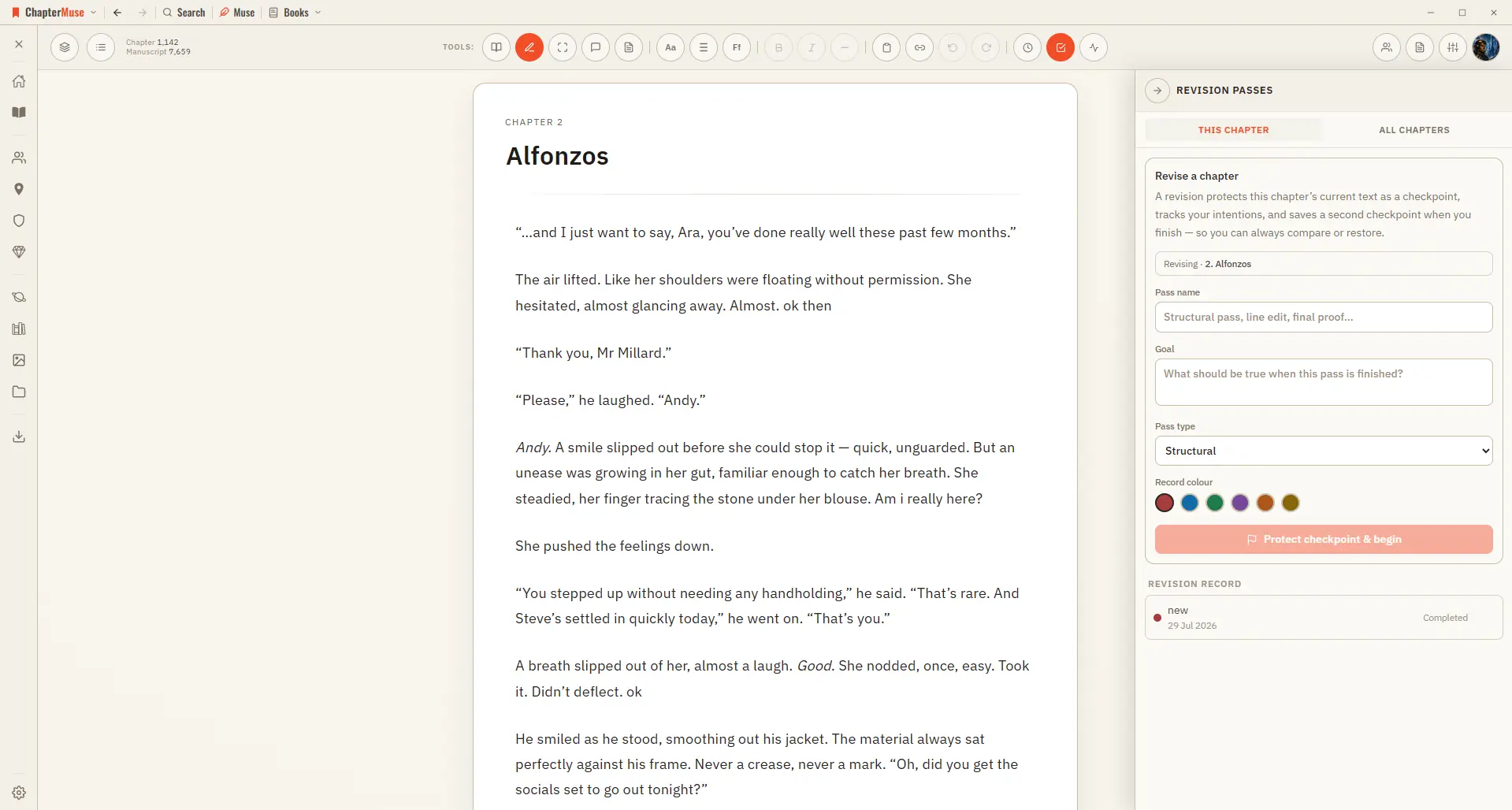
How to diagnose a sagging middle

The chapter ends on a line with a bit of a snap to it. By every test you know how to apply, it passes, and it passes because the test you are applying operates at the scale of a chapter, while the fault you are hunting does not…

CMwww.chaptermuse.com › Help › Book design

Book Design: ChapterMuse Guide

Preset — one look for the whole book, and a place to save your own Paragraphs — first-line indent, space between paragraphs, how a scene break is marked, and whether the first line after one is indented And these sections — when…

CMwww.chaptermuse.com › Help › Todos

To-dos: ChapterMuse Guide

4Use + on the card to tag the chapter, character, place, faction, item, or research document it is about. 5Pick a colour from the circle in the corner, and set the status from the top-left.