ChapterMuse

Search results for story bible

About 109 results (0.079 seconds)

CMwww.chaptermuse.com › Guide › Revise a novel

How to revise a novel so the revision ends

It is negative progress: it cost you an hour and it made the chapter feel more finished, which makes you less willing to cut it, which is how a book ends up organised around its best paragraphs rather than around its story.

CMwww.chaptermuse.com › Help › Background zen

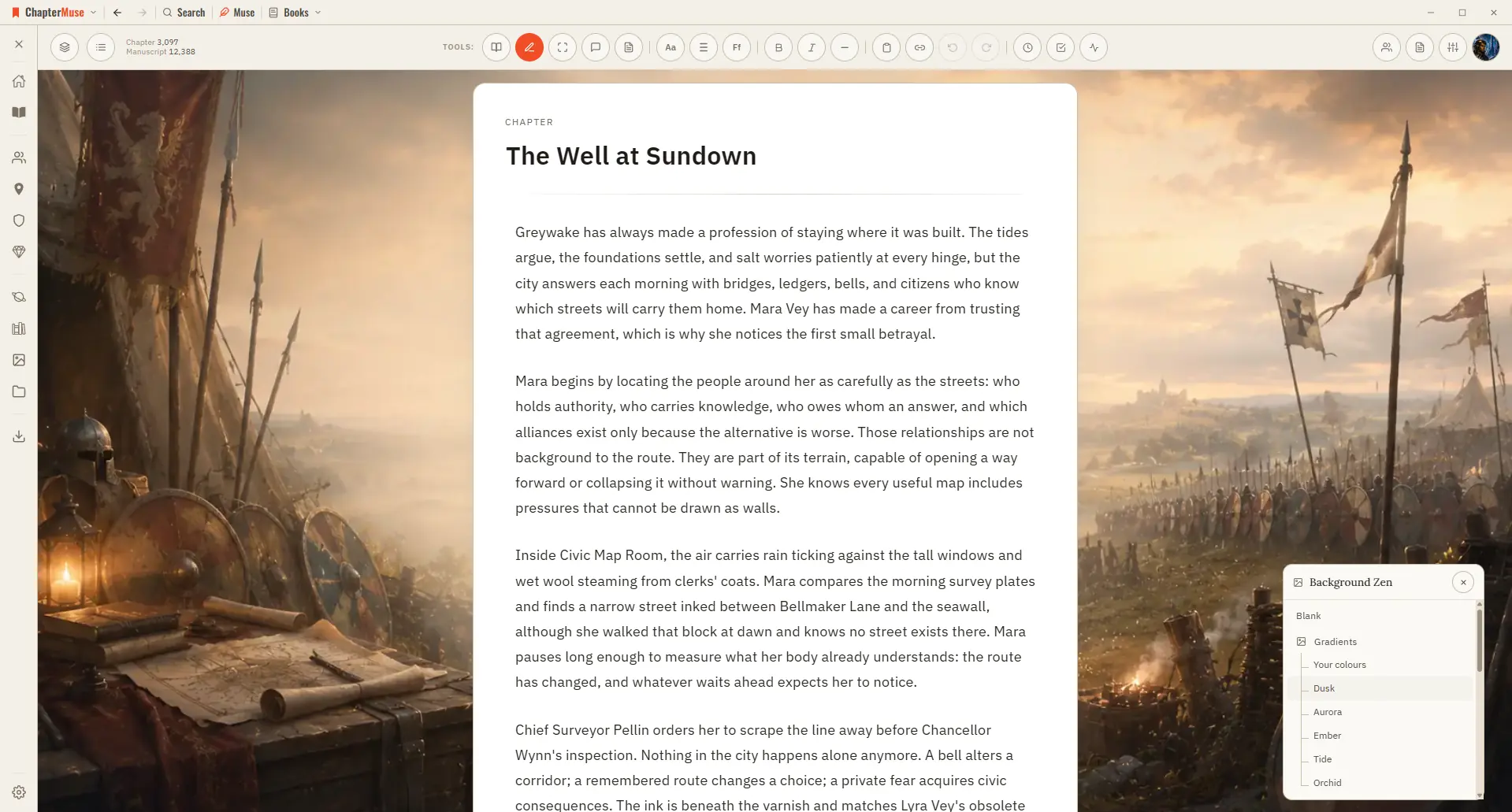
Add a Background to Your Writing Workspace

Each book remembers its own backdrop, so stepping into a manuscript can feel like stepping into its world. ✦Quick start 1Open your avatar menu and choose Background Zen (a book must be open).

CMwww.chaptermuse.com › Page

Contact ChapterMuse

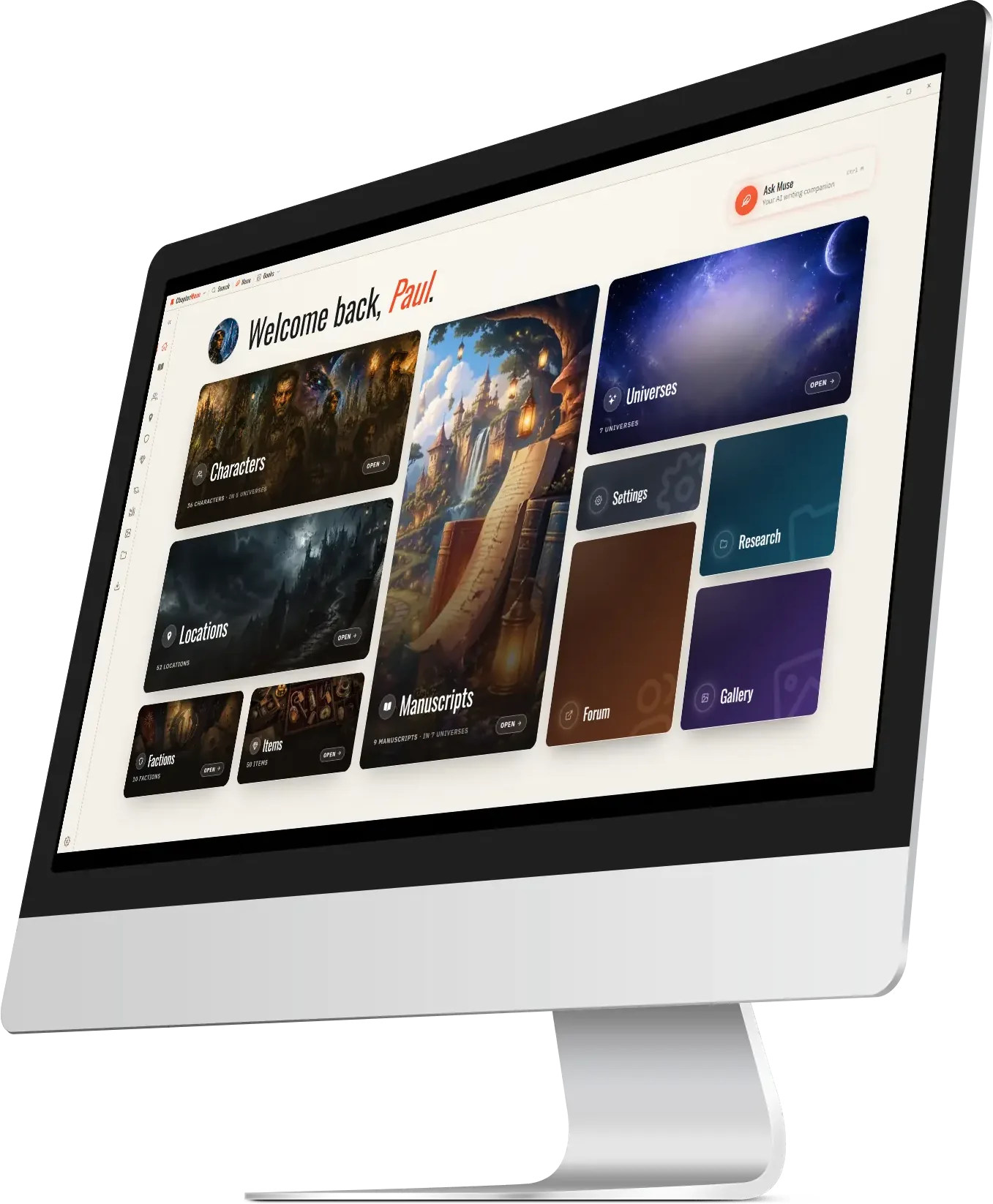
See what ChapterMuse does — the desktop writing studio, its story-world tools and its export formats Compare the three lifetime licences — Each licence paid once Read the field guide — sixteen long pieces on the hard parts of…

CMwww.chaptermuse.com › Guide › First pages

First pages: what makes an agent stop reading

On page one, the model the reader is building is the model of whose story this is, so a slide does not merely confuse them, it withdraws the offer while they are still deciding whether to accept it.

CMwww.chaptermuse.com › Help › Analysis

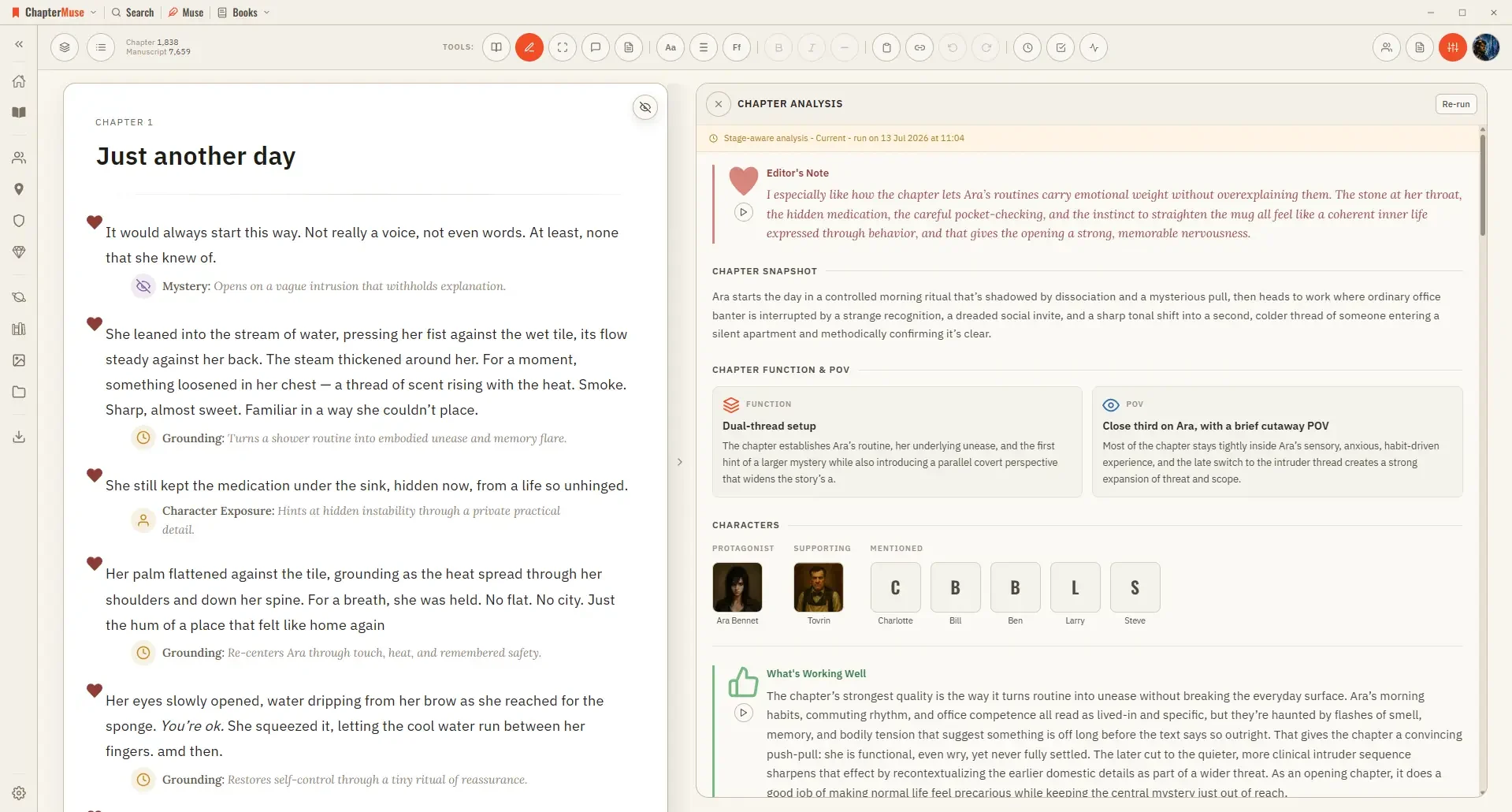
Get AI Craft Feedback on a Novel Chapter

✦The story-world names it reads are used only to ground who and what is being referenced — it judges the prose on the page, not against your glossary, so a nickname or a deliberate variation is never marked wrong.

CMwww.chaptermuse.com › Genre › Mystery thriller writers

Mystery and Thriller Writing Software

ChapterMuse is a desktop application for Windows and macOS, with the manuscript and story-world data stored on your computer.

CMwww.chaptermuse.com › Help › Local first

How ChapterMuse Stores Writing Privately

Updated 4 September 2026 Your manuscripts, your cast, and your whole world live on your own computer — not on a server somewhere.

CMwww.chaptermuse.com › Help › Workspace views

Use Split View and Whole-Book Workspace Views

See how planning reaches the page, how the page reaches revision, and how a draft becomes a finished book. Explore every ChapterMuse feature

CMwww.chaptermuse.com › Help › Ai tokens

ChapterMuse AI Credits: Costs and Usage

Chapter Check — the on-device proofreading engine Prose Metrics and Word Cloud Read Aloud — the local text-to-speech voice Search & Recall across your whole project Manuscript Lens's built-in analysis (World, Loops, Prose, and…

CMwww.chaptermuse.com › Help › Canvas

Write and Edit a Novel in the ChapterMuse…

Updated 4 September 2026 Open a book and you arrive at the canvas: your chapter on a clean, page-like surface, floating above the workspace so your eye always knows where the story is.