ChapterMuse

Search results for chapters

About 60 results (0.016 seconds)

CMwww.chaptermuse.com › Help › Chapters

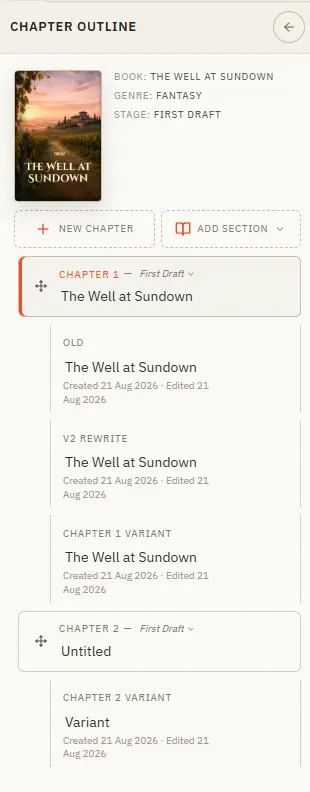
Organise Chapters and Alternate Variants

Your book's structure lives in the chapter drawer — add, reorder, restage, and branch alternate takes. Updated 4 September 2026 The chapter drawer slides in from the left and holds your whole manuscript — front matter at the top,…
CMwww.chaptermuse.com › Help › Outliner

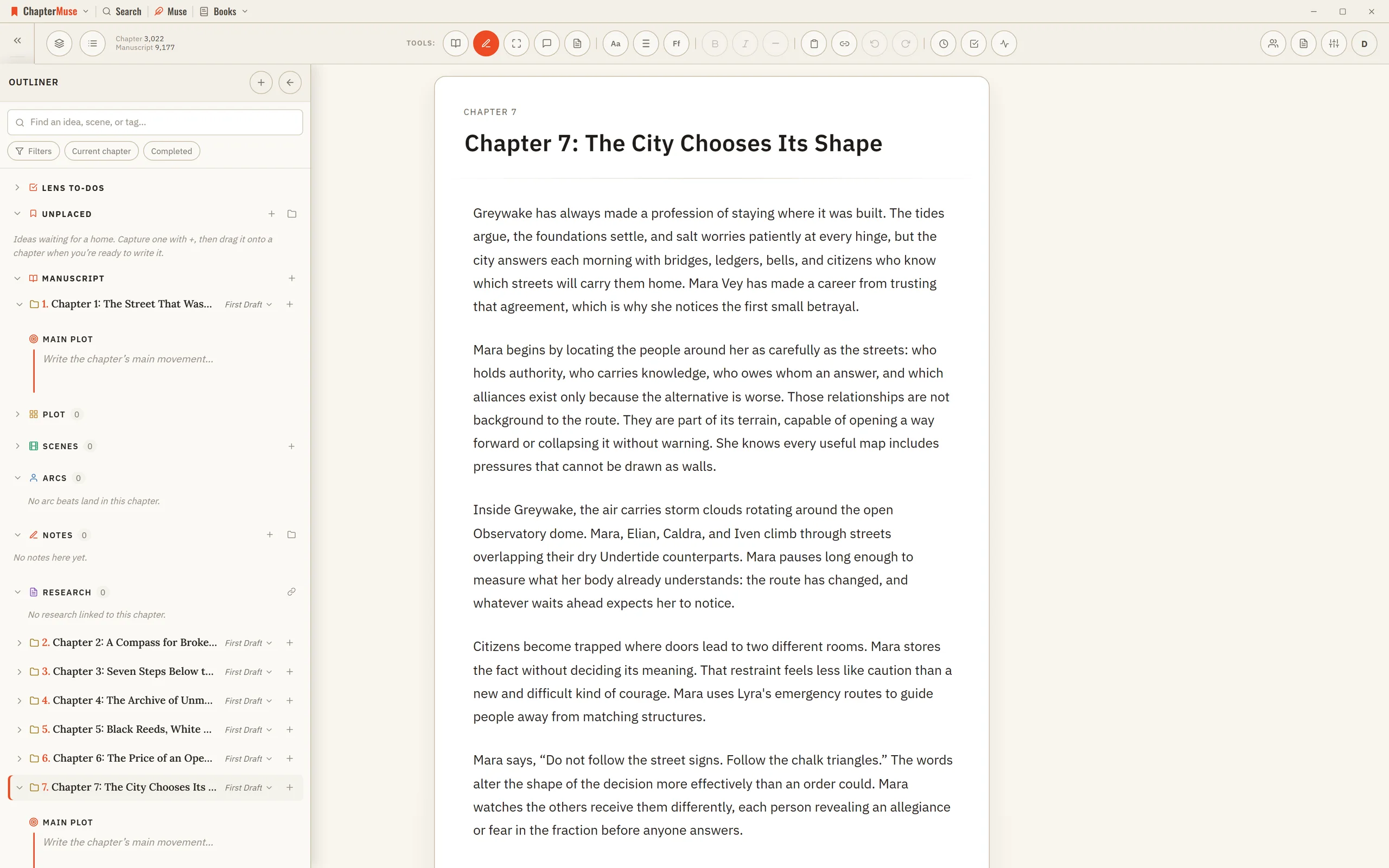
Outline a Novel Beside the Manuscript

2Expand a primary chapter to see its Main Plot synopsis, variants, scenes, and intentions. 3Add an intention to a chapter, scene, logical section, or the book-level Inbox.

CMwww.chaptermuse.com › Help › Read aloud

Listen to Your Manuscript with Read Aloud

Read Aloud does it for you: a natural-sounding voice reads the current chapter in Single chapter view, or continues through the full book in manuscript order when you are in Continuous manuscript.

CMwww.chaptermuse.com › Help › Beta readers

Beta Readers: ChapterMuse Guide

It’s the first thing they see Alternate drafts of a chapter are never sent — a reader shouldn’t be asked to review a decision you haven’t made What you send is a frozen copy, so you can keep writing the moment you press send…

CMwww.chaptermuse.com › Feature › Novel revision

Novel Revision and Manuscript Analysis…

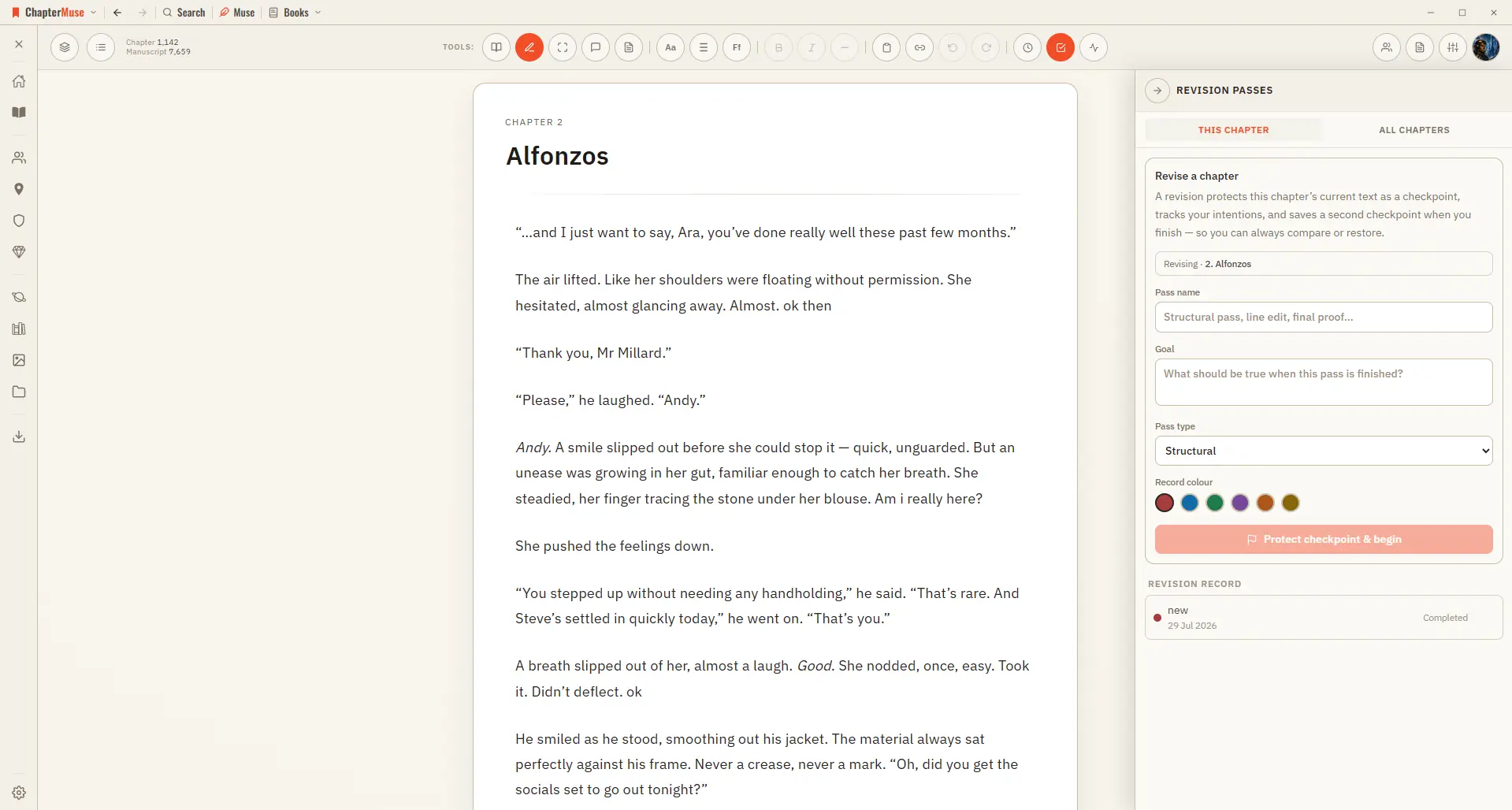
Chapter History lets you compare and restore earlier chapter states. A named revision pass A measurement is evidence.

CMwww.chaptermuse.com › Feature › Offline private

Offline and Private Novel Writing Software

Restoring an existing cloud backup is never blocked by a lapsed subscription, and backups are kept for 6 months after one ends.

CMwww.chaptermuse.com › Help › Chapter history

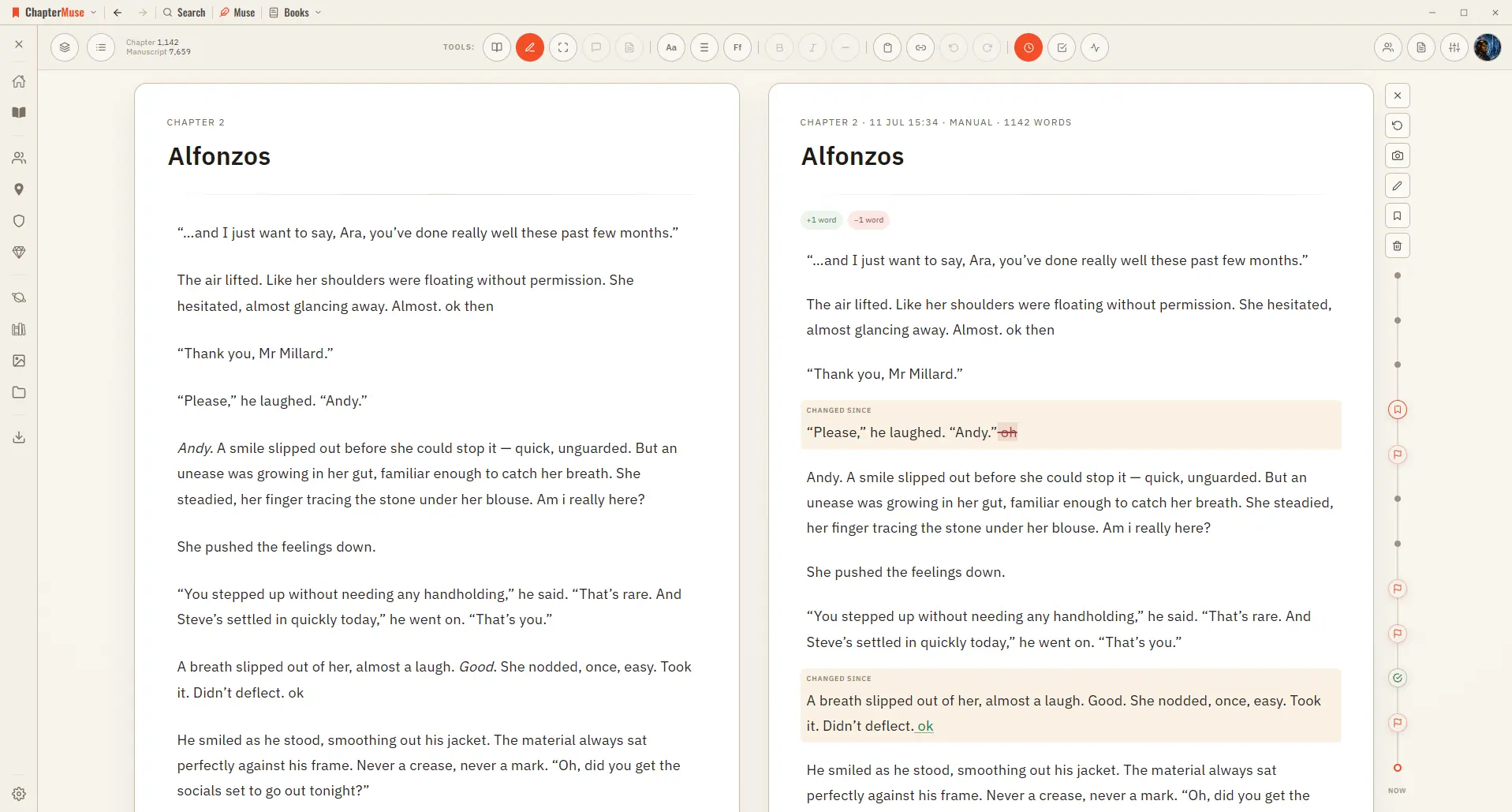
Restore Earlier Drafts with Chapter History

Open Chapter History and your past versions appear on a timeline right beside your living page, so you can scrub back, compare, and restore with confidence.

CMwww.chaptermuse.com › Help › Podcast

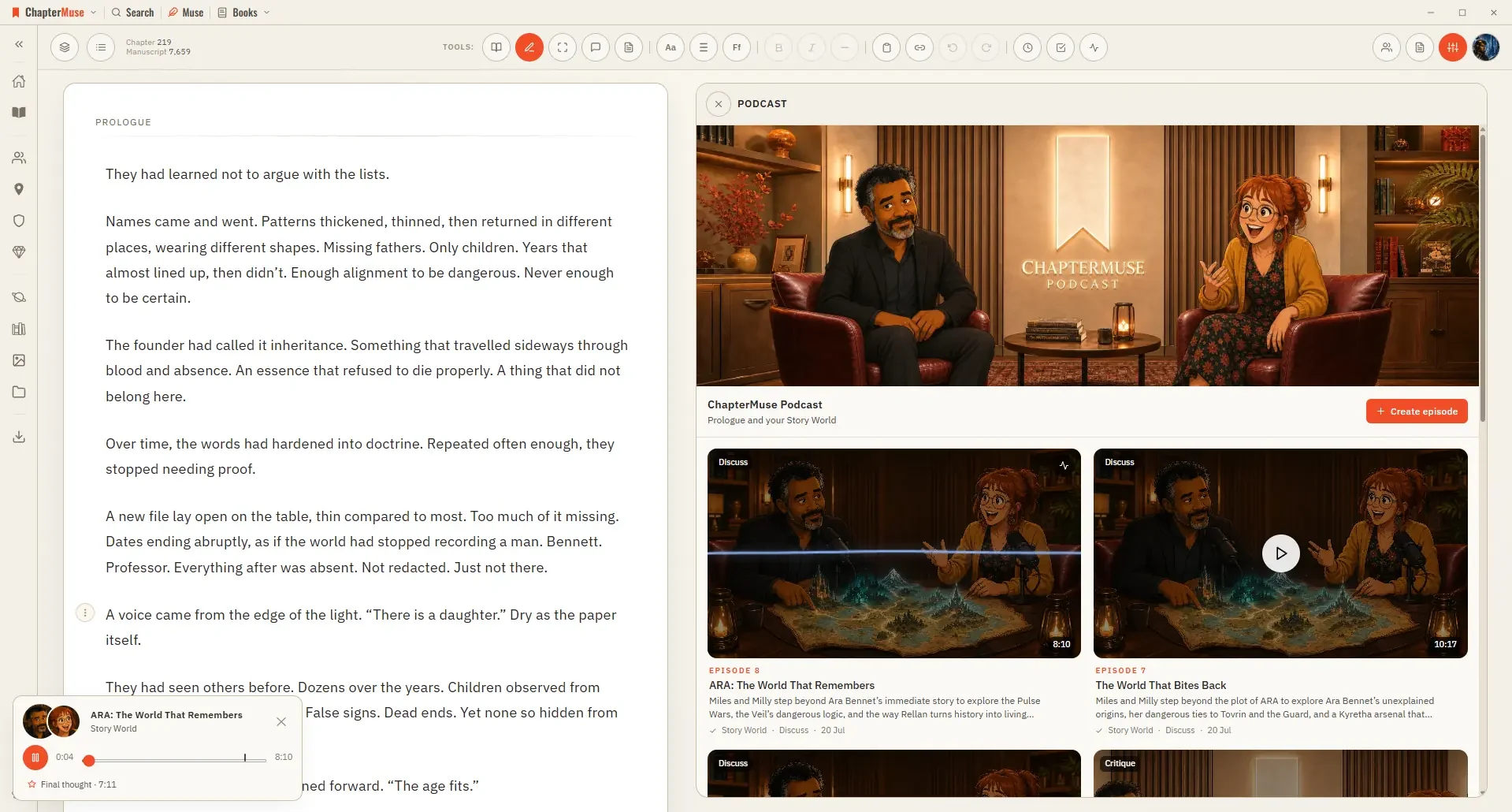
Turn a Chapter into an AI Discussion Podcast

The Podcast panel generates an episode in which its hosts, Miles and Milly, discuss either the chapter you are writing or your story world as a whole.

CMwww.chaptermuse.com › Help › Scene designer

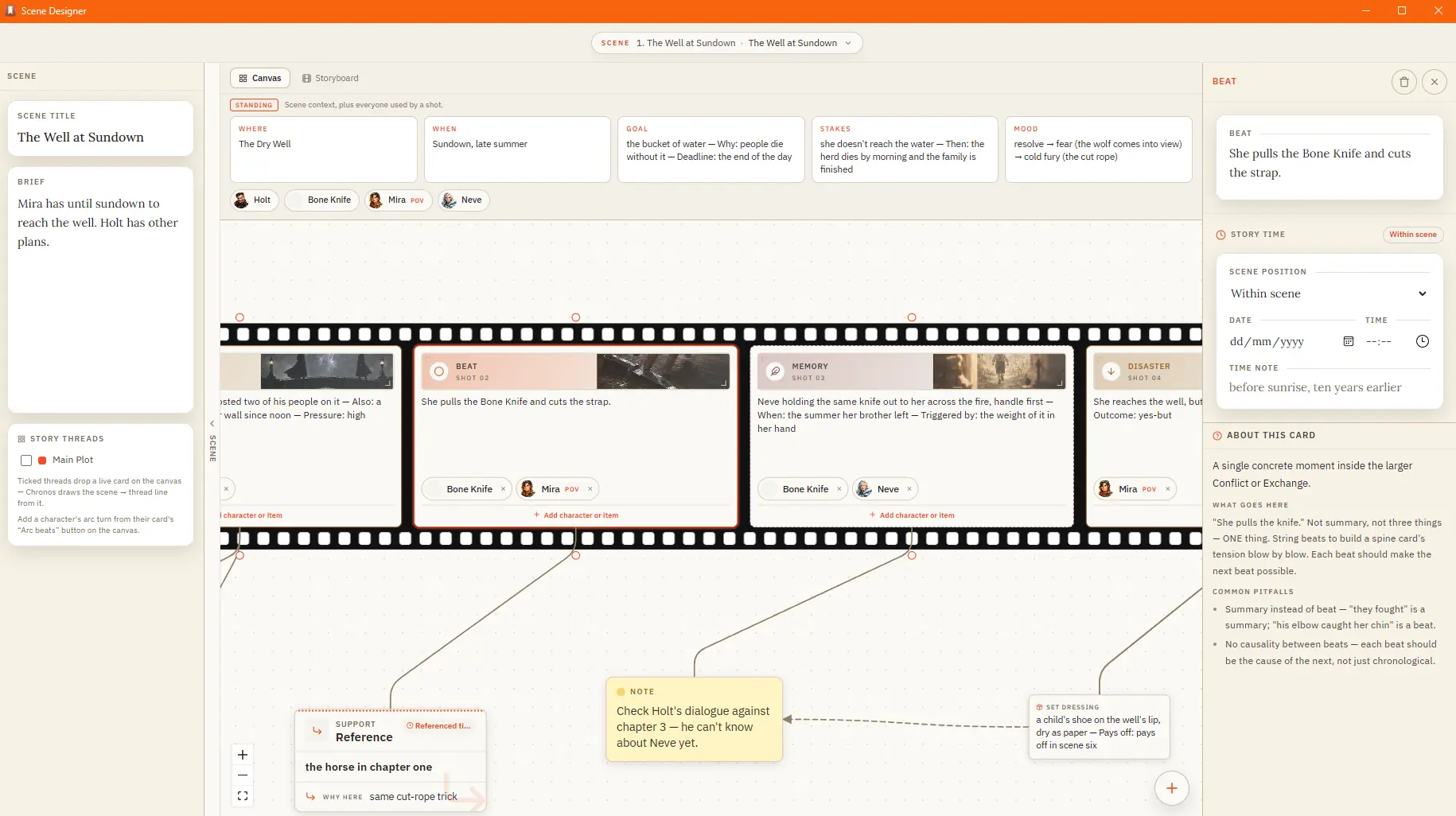
Plan a Scene Beat by Beat

✦Quick start 1Open Scene Designer from the Story menu, then pick a chapter and create a scene. 2Give the scene a name and, if you like, a short idea.