CMwww.chaptermuse.com › Guide › What editors mean by pacing
What editors actually mean by pacing
You rendered something at scene length that wanted three sentences of summary, or, less often, summarised something the reader needed to live through.
About 115 results (0.052 seconds)
CMwww.chaptermuse.com › Guide › What editors mean by pacing
You rendered something at scene length that wanted three sentences of summary, or, less often, summarised something the reader needed to live through.
CMwww.chaptermuse.com › Help › Factions
✦Quick start 1Open Factions from Story World and click New faction. 2Set a name, motto, and kind (house, guild, order, and so on).
CMwww.chaptermuse.com › Guide › Point of view and psychic distance
Thirty-three words, three distances, and the shape of the entire story is already in them. So when is a filter right?
CMwww.chaptermuse.com › Compare › Dabble
What you need doing ChapterMuse Dabble Plan the book Outliner, Plot Grid, Chronos, Mind Map and Scene Designer: five views of one manuscript A plot grid built into the writing view Story bible Full profiles for characters,…
CMwww.chaptermuse.com › Help › Formatting
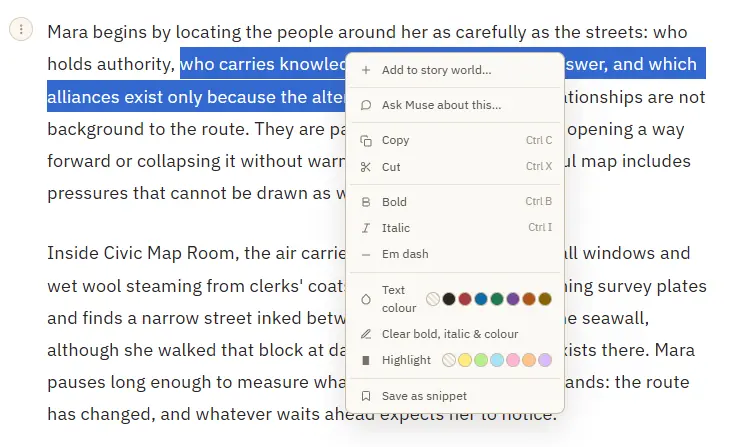
Add to story world — turn a selected name into a character, location, item, faction, or glossary term, and open its sheet Save as snippet — stash the selected passage, or the whole paragraph when nothing is selected Copy or cut a…
CMwww.chaptermuse.com › Daily › Tasks › Plot 10
First shared 27 Oct 2026 Plot About 10 minutes
CMwww.chaptermuse.com › Help › Read aloud
A slim floating bar with play and pause, and skip to the previous or next paragraph The paragraph being read highlights and gently scrolls into view Continuous manuscript becomes a whole-book listening pass: playback crosses…
CMwww.chaptermuse.com › Daily › Tasks › Plot 32
First shared 24 Oct 2026 Plot About 10 minutes
CMwww.chaptermuse.com › Home
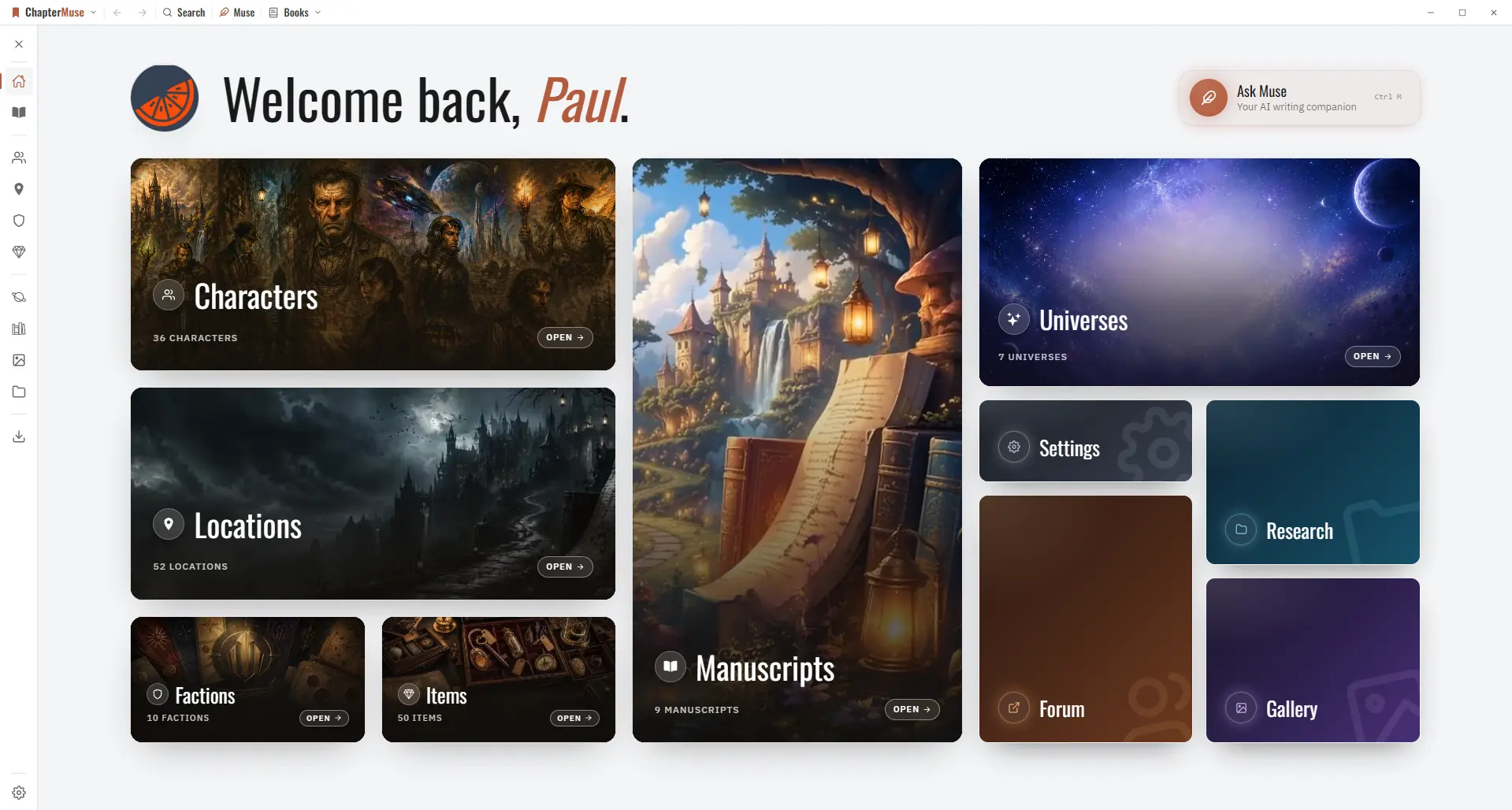
Every feature PlanningPlot Grid Outliner Chronos timeline Mind map WritingFocus mode Background Zen Chapter variants Writing progress WorldbuildingCharacters Locations Universes Museiki wiki ResearchResearch Center Story Recall…
CMwww.chaptermuse.com › Help › Bookshelf
Hover a cover and it opens like a real book to show the first few lines of your story. Click it to drop straight into the writing canvas.