CMwww.chaptermuse.com › Help › Storyboard
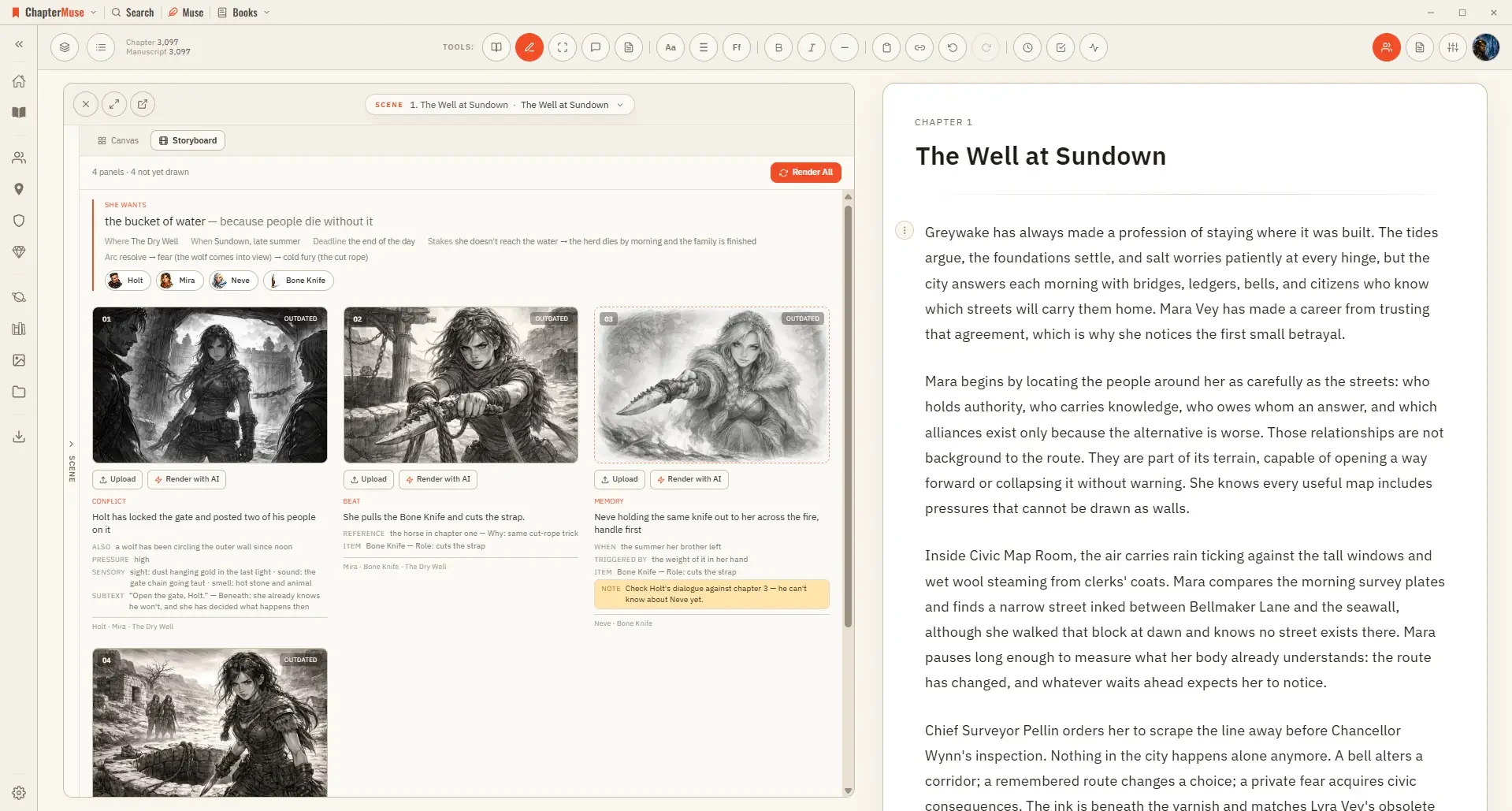
Turn a Planned Scene into a Storyboard
The storyboard draws it: one panel per shot, in the order the strip sets, using your own shot descriptions as the brief.
About 70 results (0.022 seconds)
CMwww.chaptermuse.com › Help › Storyboard
The storyboard draws it: one panel per shot, in the order the strip sets, using your own shot descriptions as the brief.
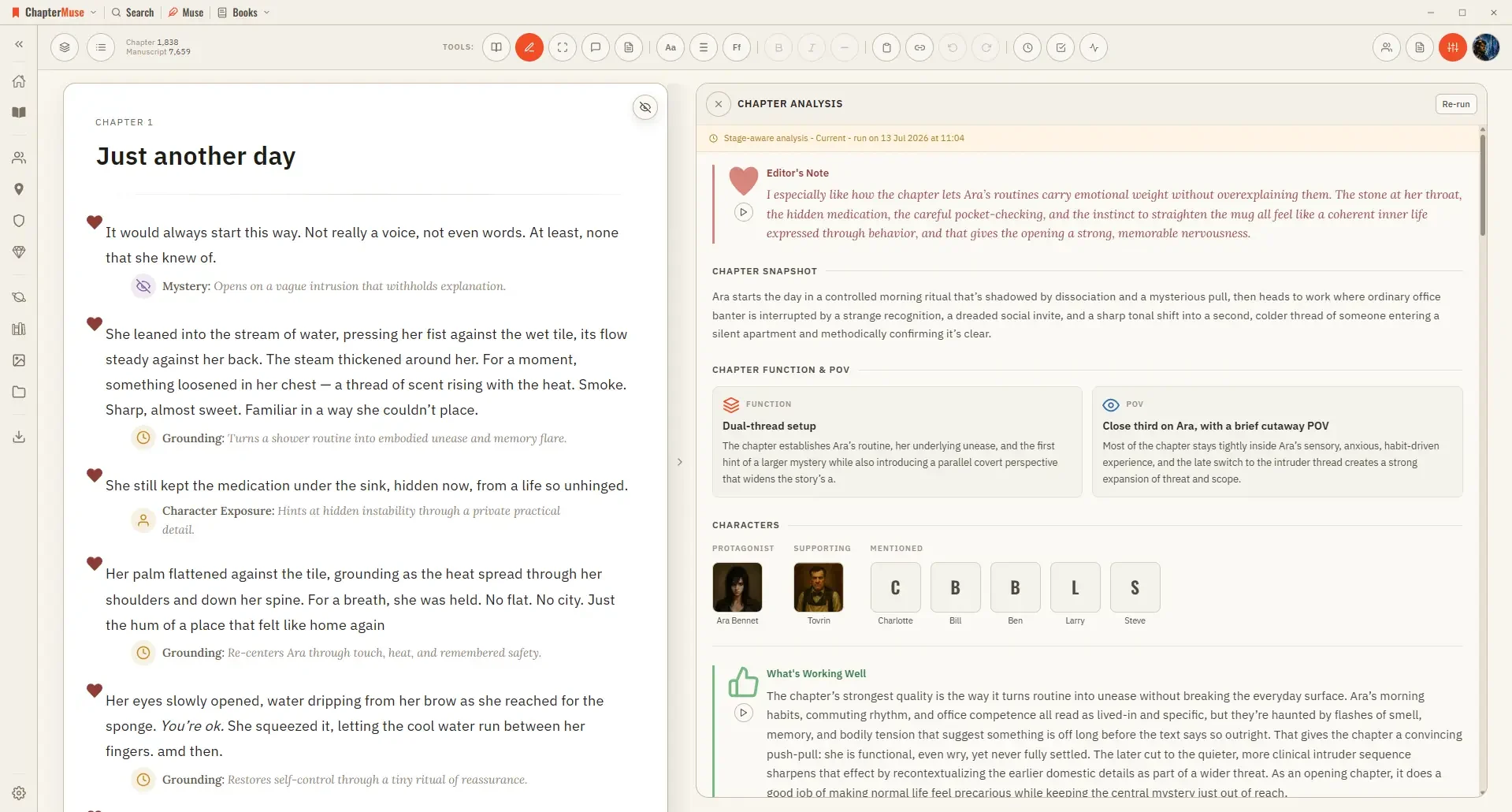
CMwww.chaptermuse.com › Help › Analysis
It runs in two passes: a quick chapter-level overview first, then, if you want it, a deeper paragraph-by-paragraph read.
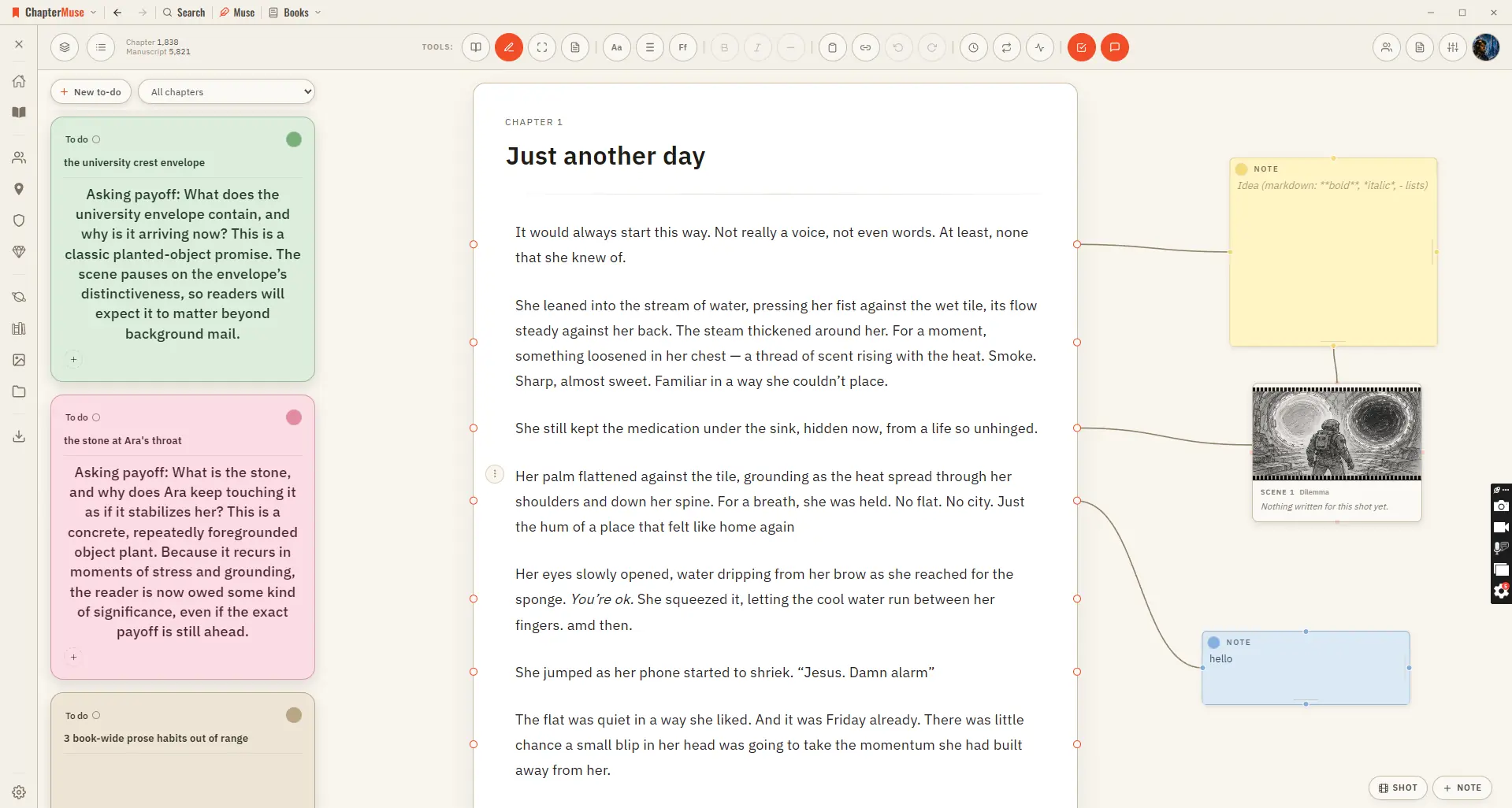
CMwww.chaptermuse.com › Help › Chapter notes
For work you want to track rather than annotate, use To-dos — it opens beside the notes canvas and keeps the actionable list for the whole book.
CMwww.chaptermuse.com › Help › Bookshelf
3Open the new book and choose a blank first chapter or review and import an existing manuscript. 4Use the universe filter chips to browse books by continuity.
CMwww.chaptermuse.com › Help › Modes
In the whole writing studio No tool here works alone. See how planning reaches the page, how the page reaches revision, and how a draft becomes a finished book.
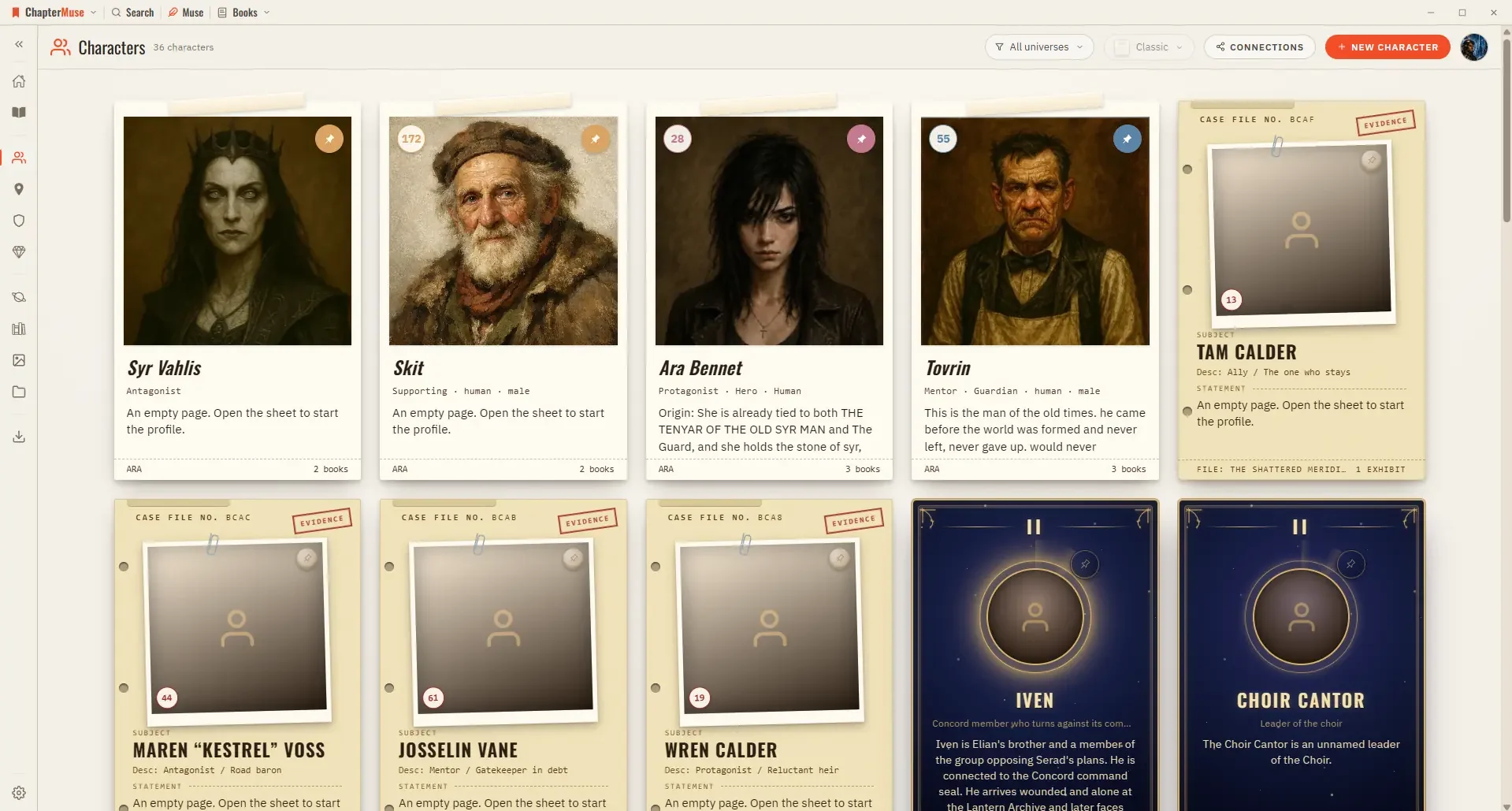
CMwww.chaptermuse.com › Help › Story world
Other browsers pick up the current photo when they next load your session. If an image cannot load, your initials appear instead.
CMwww.chaptermuse.com › Help › Background zen
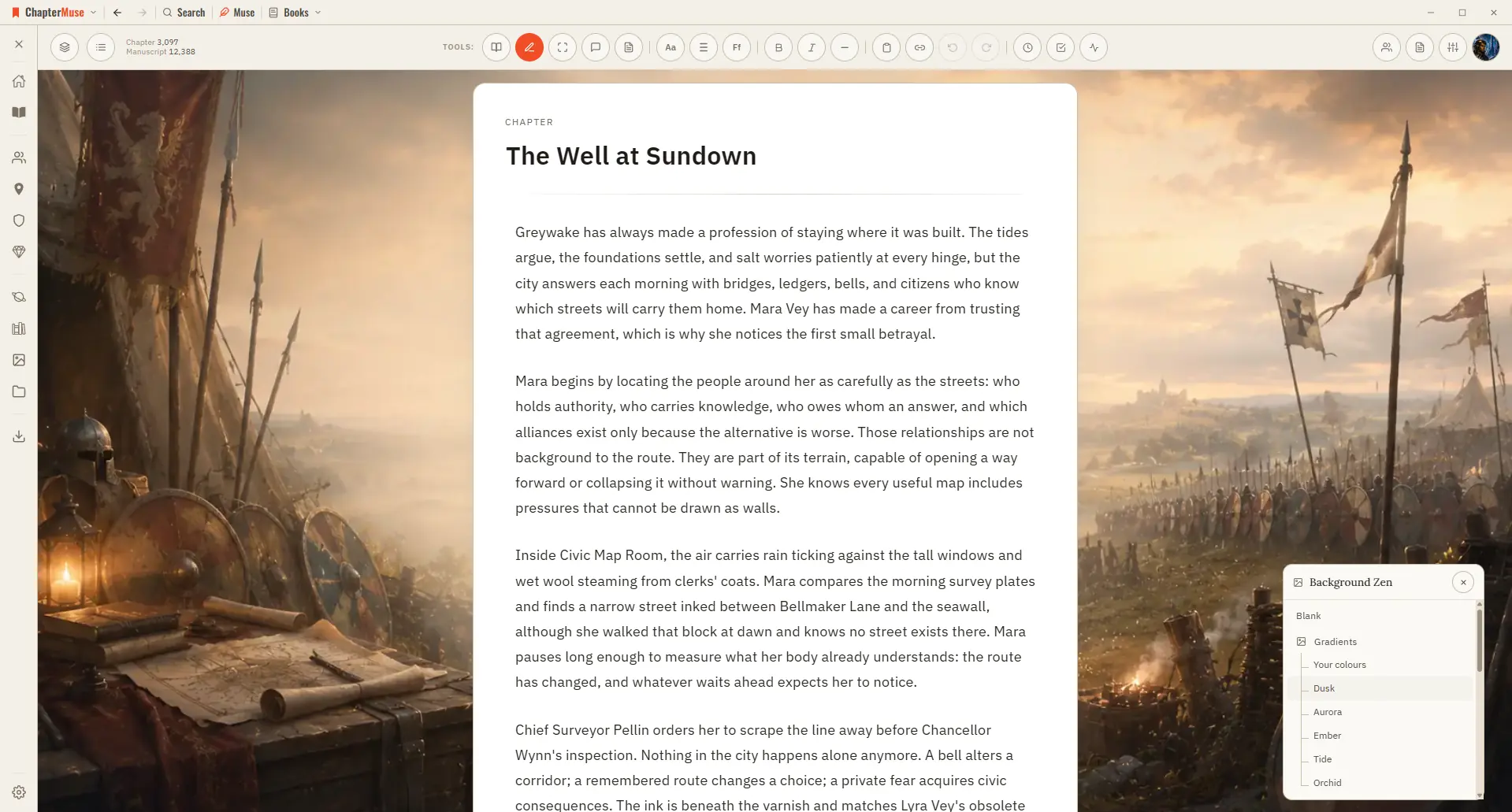
Genre backdrops — moods tuned to fantasy, sci-fi, mystery, romance, and more Environment backdrops — specific settings like forests, cities, and castles Selections crossfade smoothly, with no jarring flash Each book keeps its own…
CMwww.chaptermuse.com › Help › Chapter check
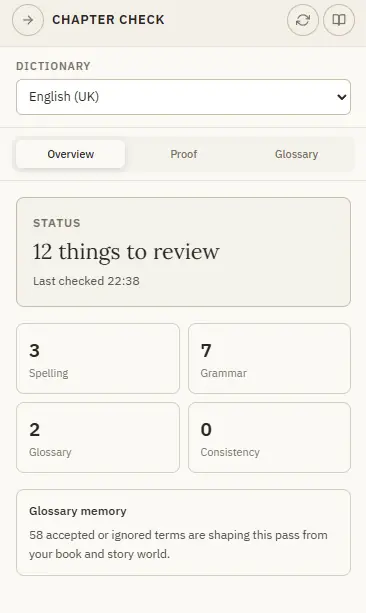
Spelling, glossary and repeated-word checks work the same in every language — grammar is strongest in English and Spanish, French and Portuguese, and lighter in German.
CMwww.chaptermuse.com › Help › Glossary
2As you write, known names pick up a subtle underline in their type's colour. 3Hover a highlighted name to preview the entity and open its sheet.
CMwww.chaptermuse.com › Help › Focus mode
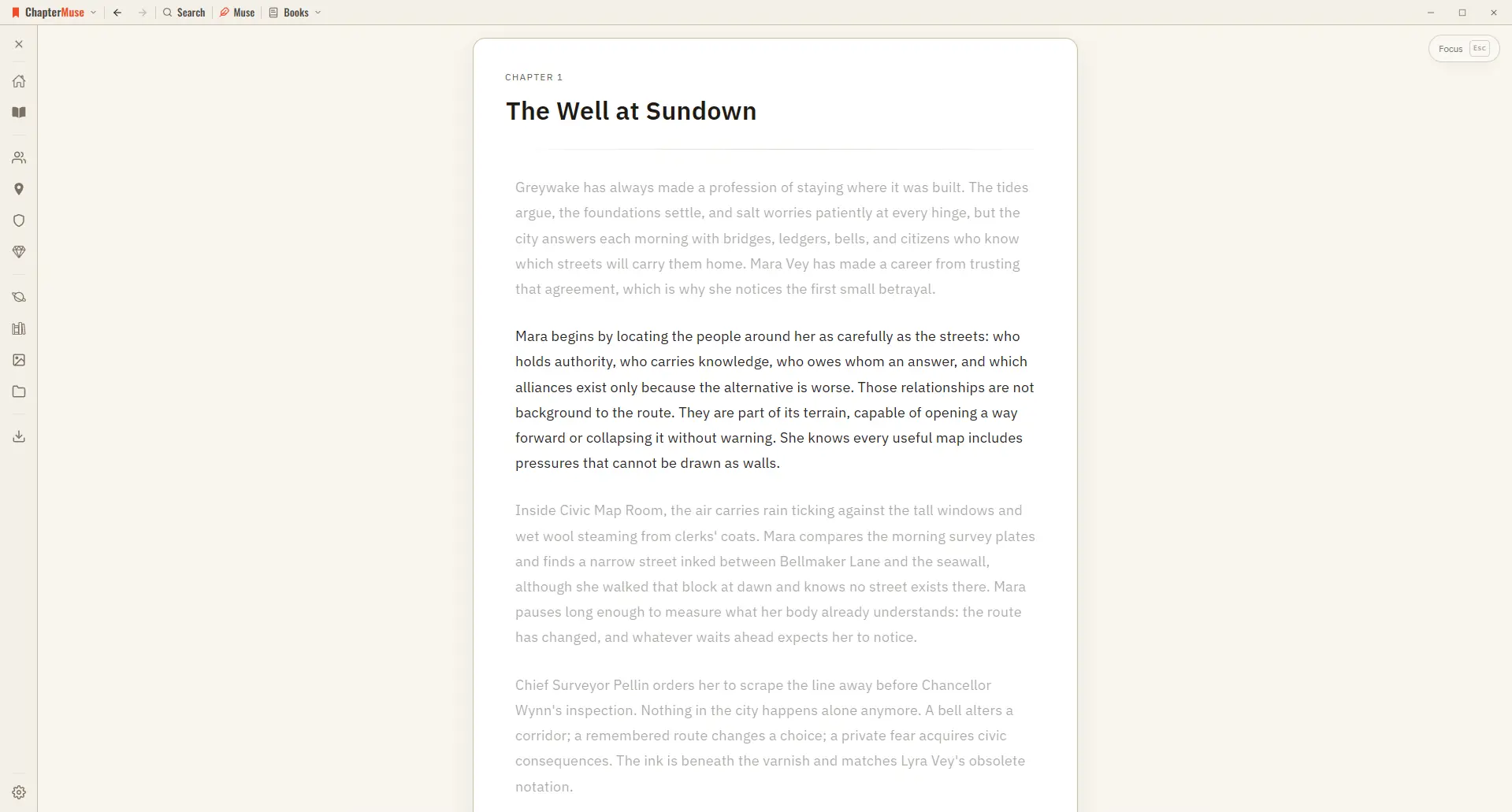
The toolbar, chapter drawer, saving indicator, and side panels all disappear A typewriter scroll keeps the paragraph you're editing centred on screen Every other paragraph gently dims, so the active line is where your eye lands A…