CMwww.chaptermuse.com › Feature › Muse
AI Writing Assistant That Never Ghostwrites
Ground an answer in the research files you have added to the book.
About 69 results (0.020 seconds)
CMwww.chaptermuse.com › Feature › Muse
Ground an answer in the research files you have added to the book.
CMwww.chaptermuse.com › Help › Manuscript lens
Manuscript Lens steps back and reads the entire book in reading order, then reports what only becomes visible from that height: who appears where, which threads are still waiting for a payoff, the habits your prose has settled…
CMwww.chaptermuse.com › Feature › Novel planning
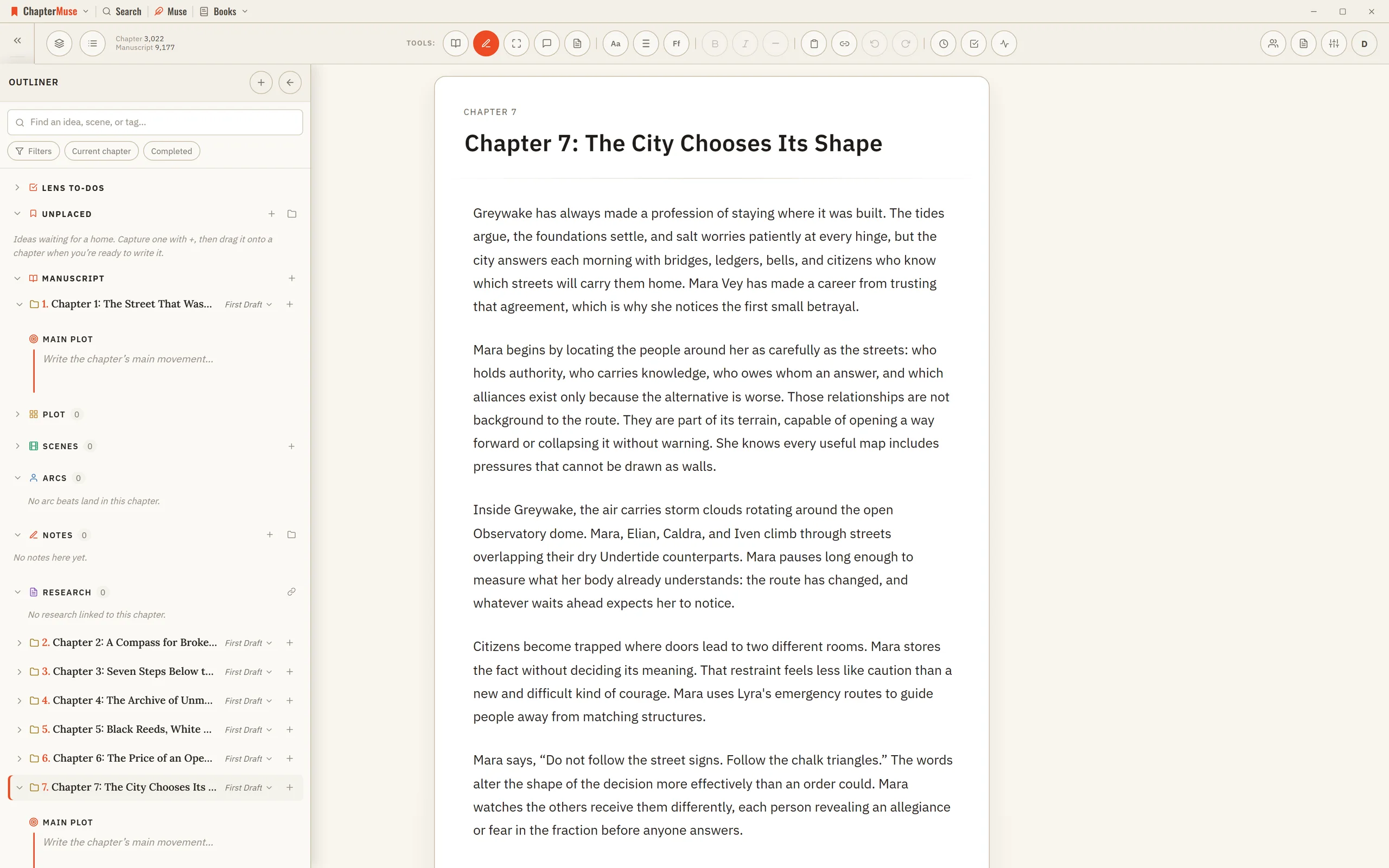
The chapter outliner The plan and the page are the same book. 02 · Time and ideas
CMwww.chaptermuse.com › Help › Muse
✦Quick start 1Press Ctrl/⌘-M (or the Muse button) to open it, scoped to your book or universe. 2Ask a question — about a character, a plot thread, or what your world is missing.
CMwww.chaptermuse.com › Help › Background zen
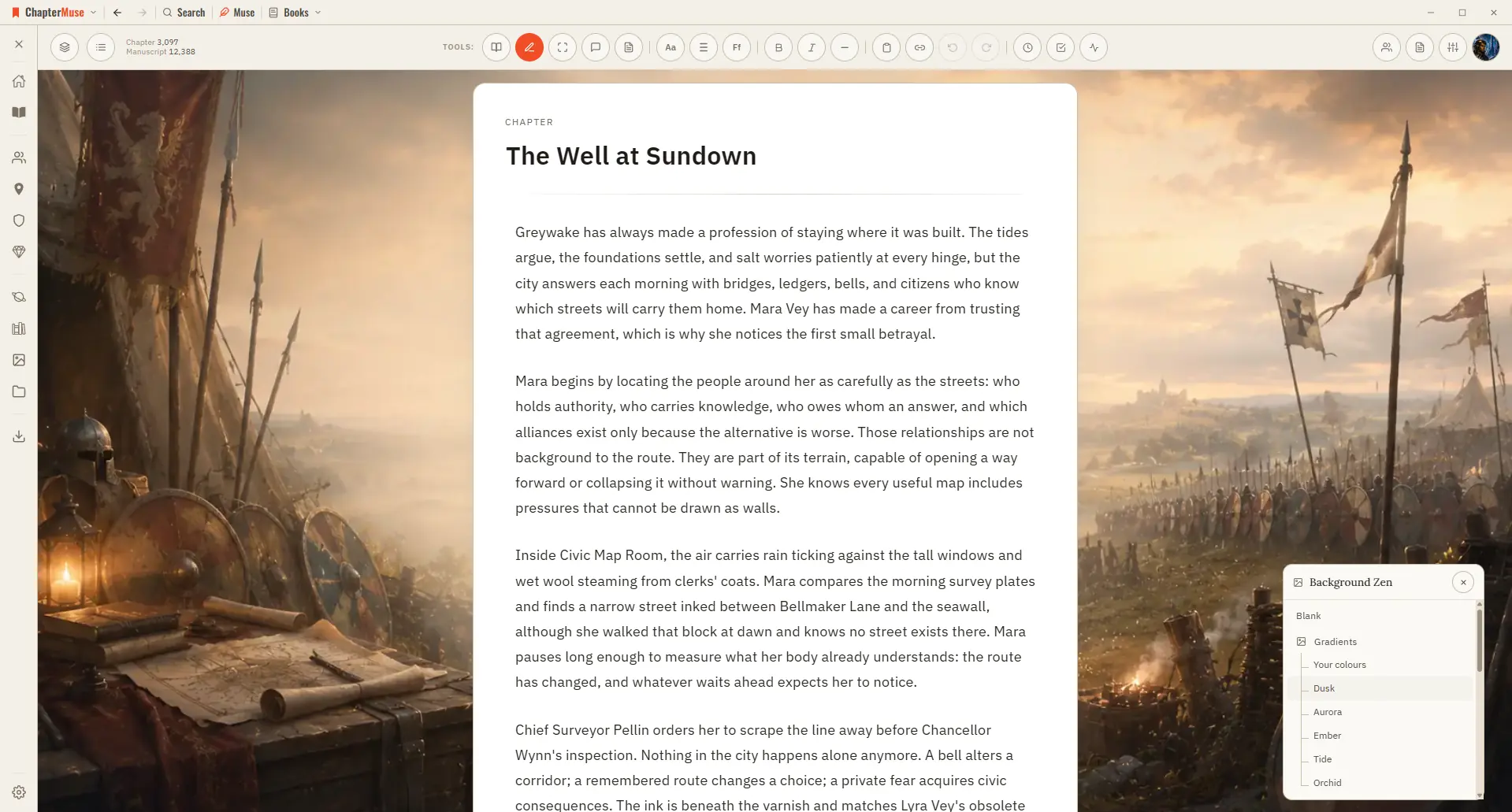
Set the scene behind your words with an atmospheric backdrop that fits your story. Updated 4 September 2026 Sometimes the right atmosphere helps the words flow.
CMwww.chaptermuse.com › Help › Writing tools
Muse — an AI companion that knows your whole world and proposes additions you approve (Ctrl/⌘-M) Chapter Check — fiction-tuned spelling, dialect, glossary, and consistency, entirely on-device Chapter Analysis — deep AI craft…
CMwww.chaptermuse.com › Help › Locations
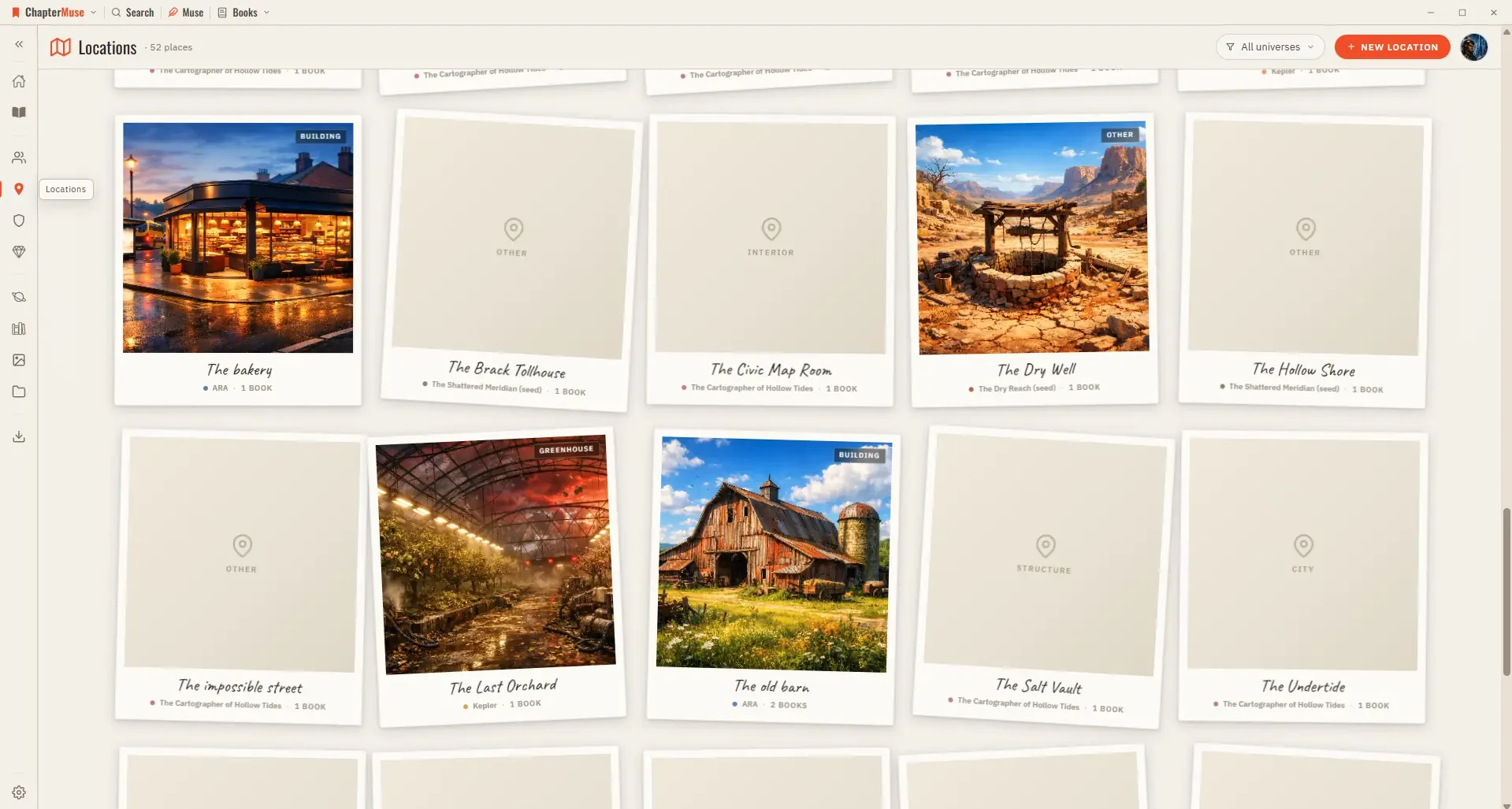
Because locations are shared across your books, a single entry gathers every scene that happens there, wherever it appears in the story.
CMwww.chaptermuse.com › Help › Characters
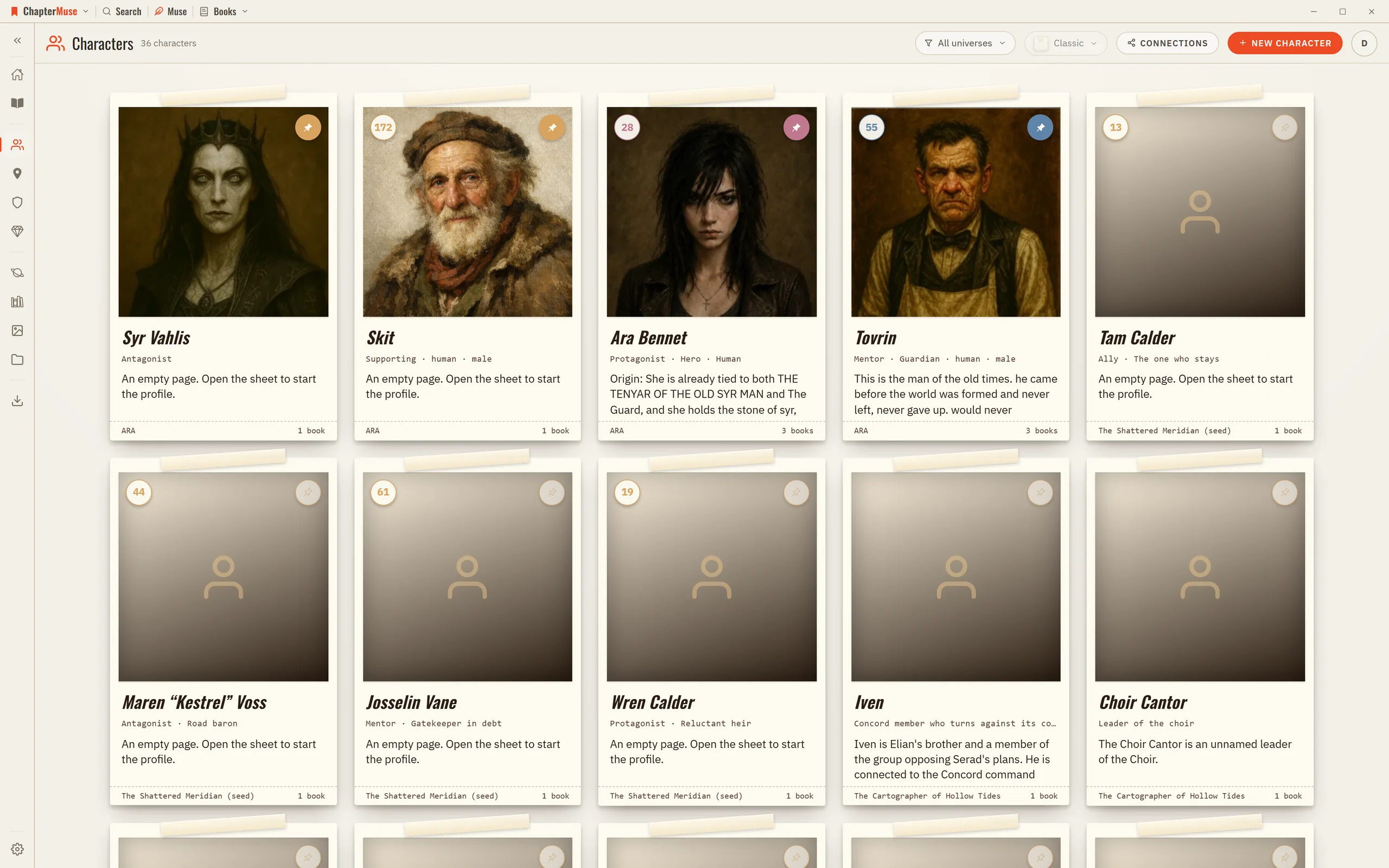
Updated 4 September 2026 Your Characters library is shared across every book in a universe, so a character you create for one novel is right there for the sequel.
CMwww.chaptermuse.com › Help › Gallery
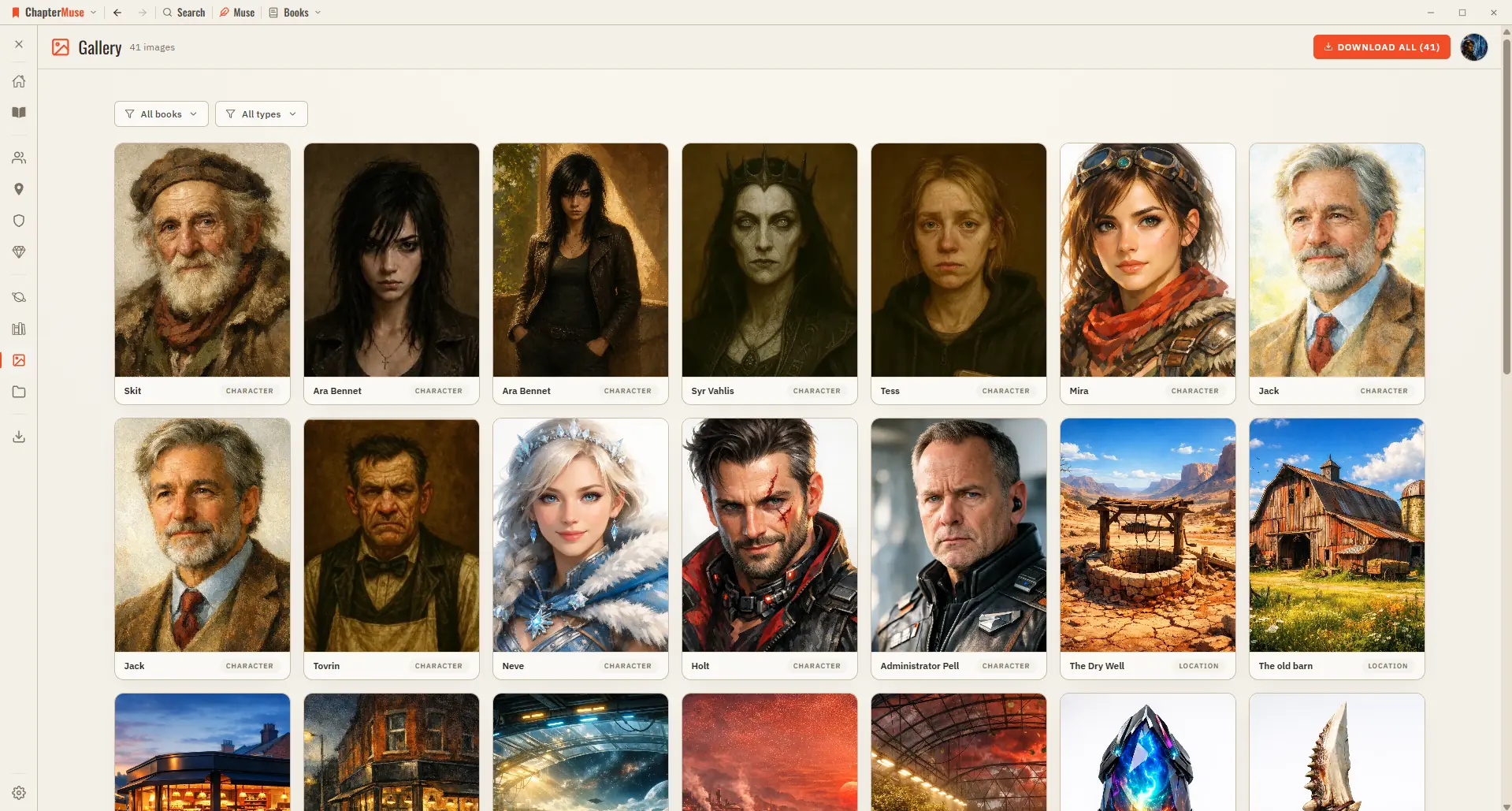
Updated 4 September 2026 As your world fills with pictures — character portraits, location scenes, item studies, faction crests, and finished book covers — the Gallery gathers them all into a single grid.
CMwww.chaptermuse.com › Help › Search
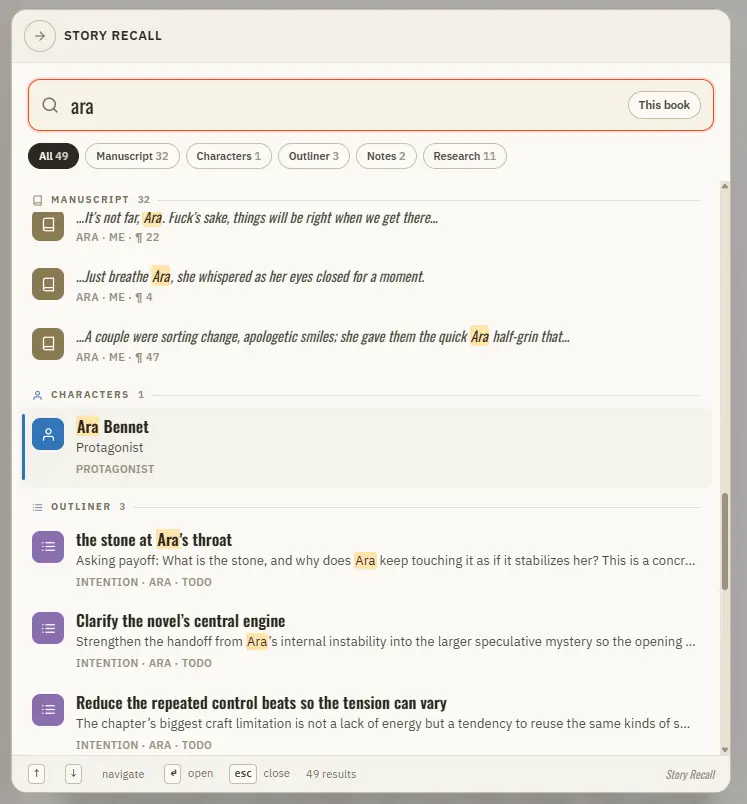
Press Ctrl S to open Story Recall and find any line or name across every book in seconds. Updated 4 September 2026 When you half-remember a line, a character, or a place and just need to get to it, Story Recall is the answer.