CMwww.chaptermuse.com › Guide › Plan a scene
How to write a scene that turns
Every craft book will now say the same three words at you. Goal, conflict, disaster.
About 125 results (0.062 seconds)
CMwww.chaptermuse.com › Guide › Plan a scene
Every craft book will now say the same three words at you. Goal, conflict, disaster.
CMwww.chaptermuse.com › Feature › Muse
Non-AI writing and on-device craft tools do not. 30 days · everything unlocked · no card
CMwww.chaptermuse.com › Guide › Best writing apps
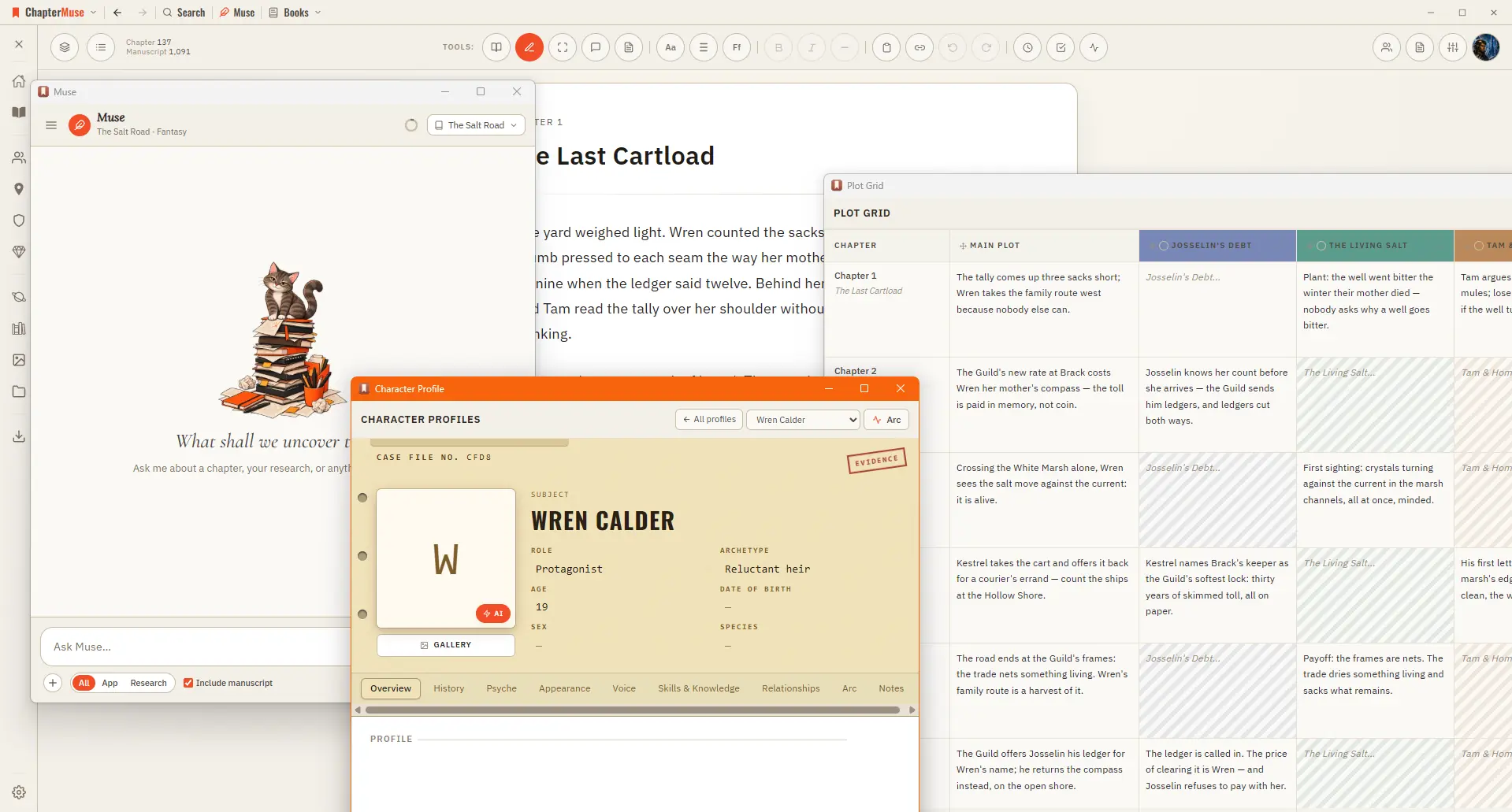
That might be finding the scene you need, keeping a complicated cast consistent, writing on more than one device or delivering the files your editor expects.
CMwww.chaptermuse.com › Daily › Archive
These short fiction writing exercises practise character development, dialogue, plot and more. Every exercise has a permanent page with Muse's hint and helpful craft reading.
CMwww.chaptermuse.com › Guide › How to write a fantasy novel
His real objection is narrower and harder to shake off: an inventory of a place is not a narrative about a place, and time spent perfecting the inventory feels like writing while replacing it.
CMwww.chaptermuse.com › Help › Story world
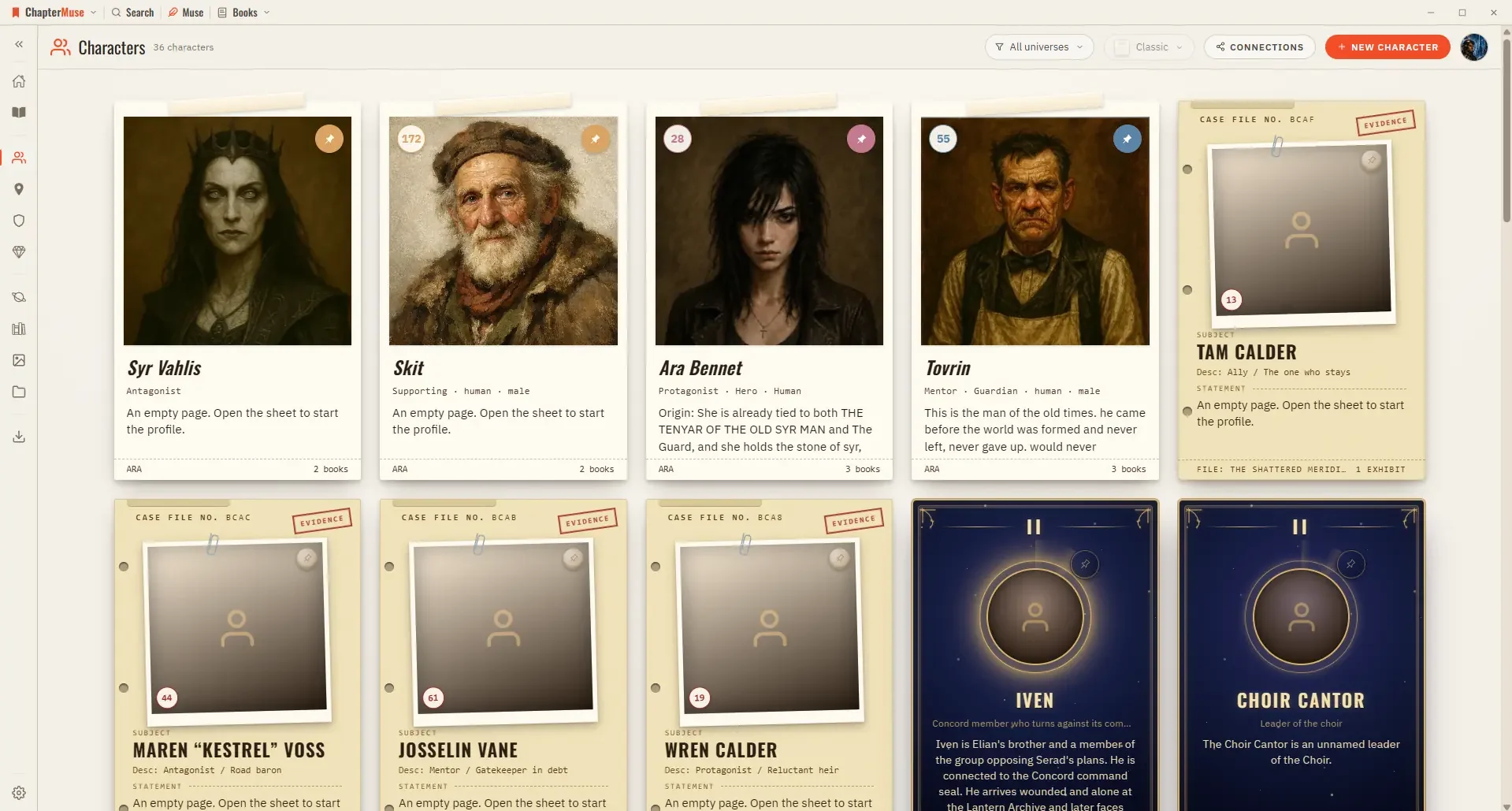
In the whole writing studio See how characters, places, factions, items and continuity work across the whole book. Explore connected worldbuilding
CMwww.chaptermuse.com › Help › Navigation
A central Tools strip holds Read / Edit / Focus mode, To-dos, Chapter Notes, the Outliner button, the workspace-view picker, your type controls (font, size, spacing), bold / italic / em dash, copy & paste, a "highlight…
CMwww.chaptermuse.com › Help › Bookshelf
In the whole writing studio See how characters, places, factions, items and continuity work across the whole book. Explore connected worldbuilding
CMwww.chaptermuse.com › Help › Revisions
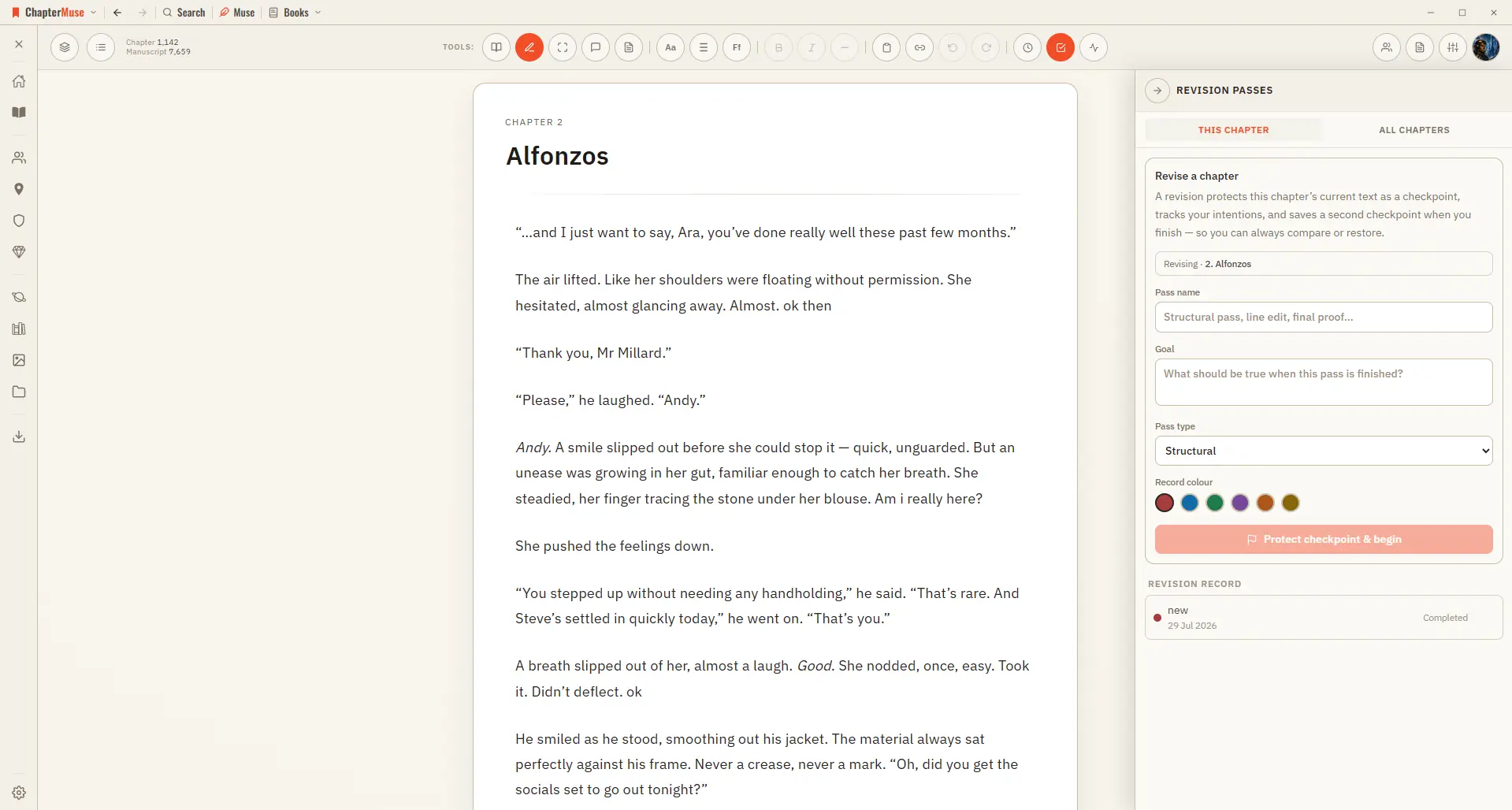
In the whole writing studio Move from protected checkpoints through proofing, craft analysis and whole-book signals. See the revision workflow
CMwww.chaptermuse.com › Guide › Scrivener migration
Open the unzipped copy in Scrivener and confirm it is your book: the right chapters, the right word count, your most recent day's writing present at the end of it.