ChapterMuse

Search results for variants

About 60 results (0.022 seconds)

CMwww.chaptermuse.com › Help › Podcast

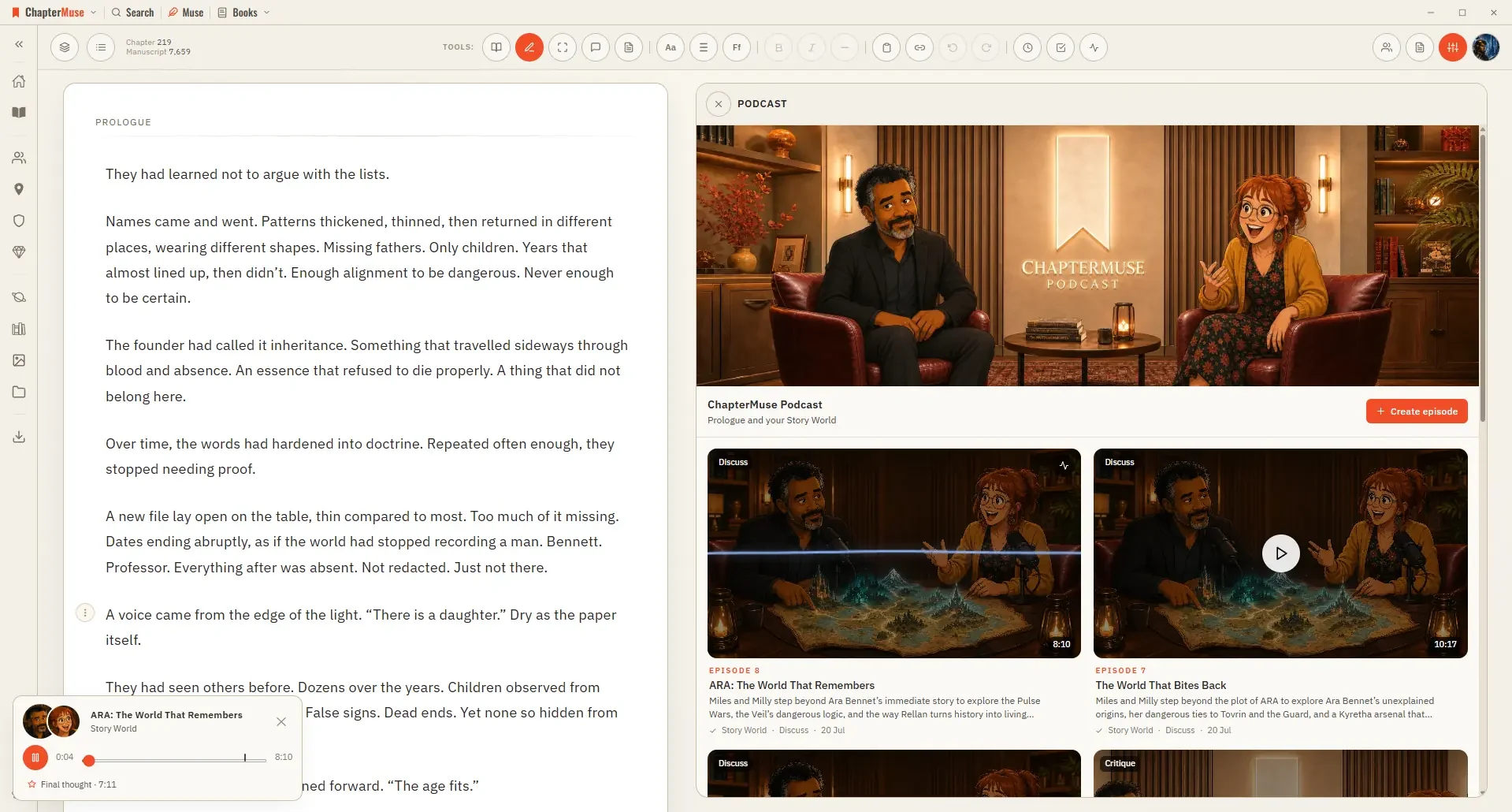
Turn a Chapter into an AI Discussion Podcast

Failed episodes are refunded and do not consume a daily retry allowance Chapter and Story World episodes have room for approximately ten minutes when there is enough relevant material, with most of the time devoted to substantive…
CMwww.chaptermuse.com › Help › Navigation

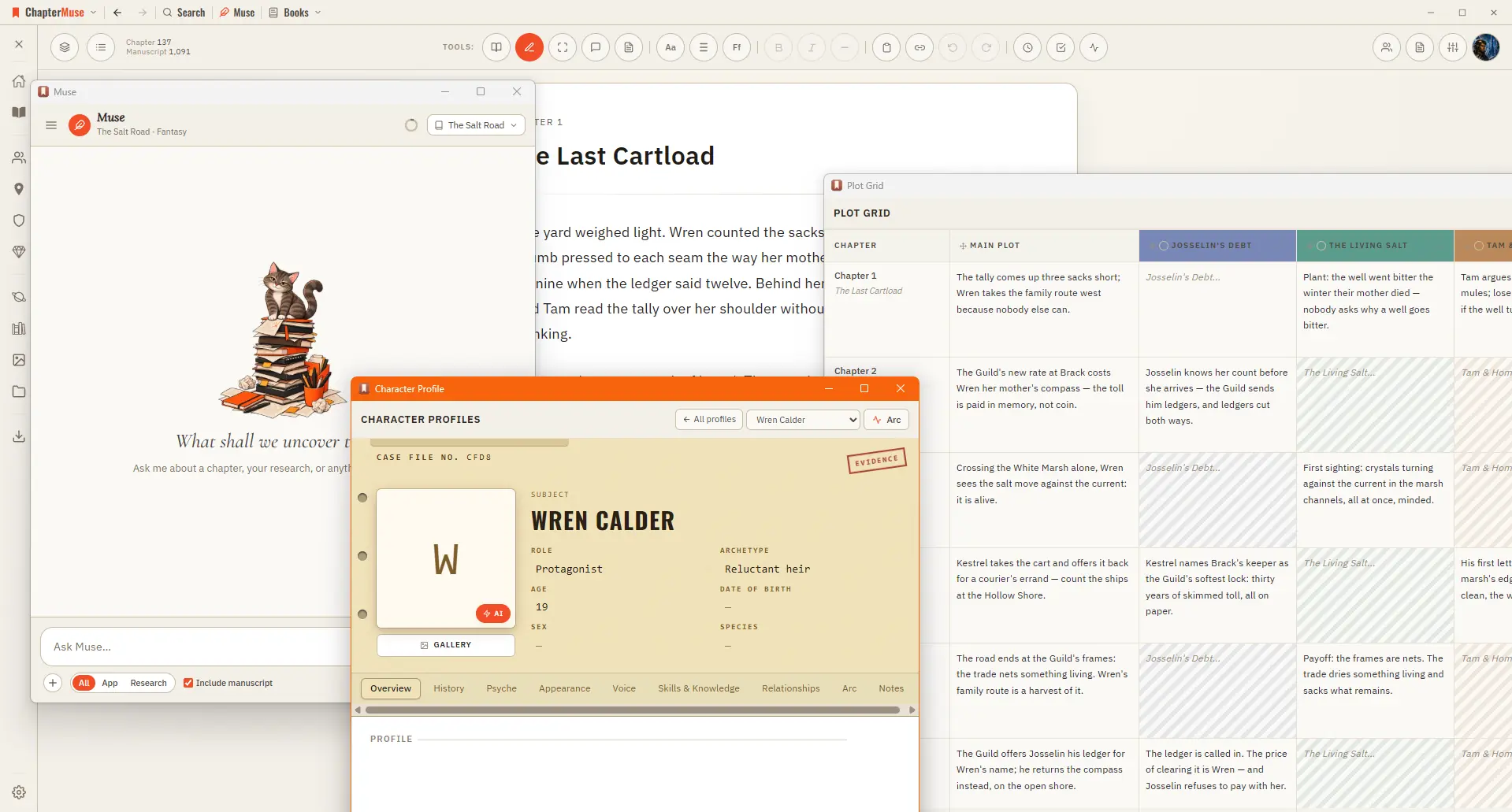
Navigate the ChapterMuse Desktop App

Story — your world: Characters, Profiles, Connections, Locations, Factions, Items, plus Plot Grid, Chronos, Mind Map, and Scene Designer Manuscript — working with the text: Search, Find & Replace, Glossary & Name Links, Snippets,…

CMwww.chaptermuse.com › Page

Contact ChapterMuse

Pick the inbox that fits your message and we'll take it from there — there's a real person at the other end of every one.

CMwww.chaptermuse.com › Feature

Novel Writing Software Features

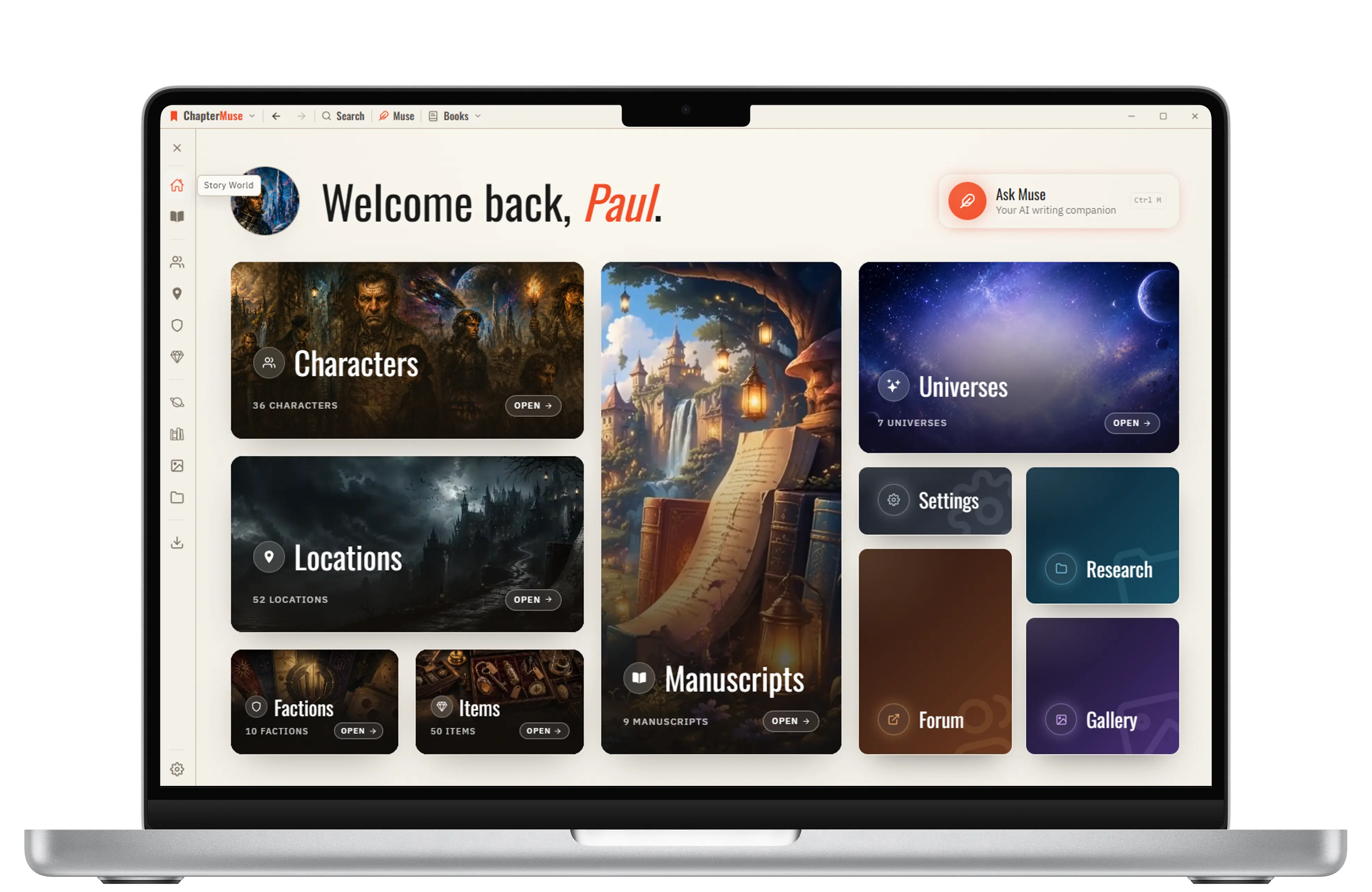
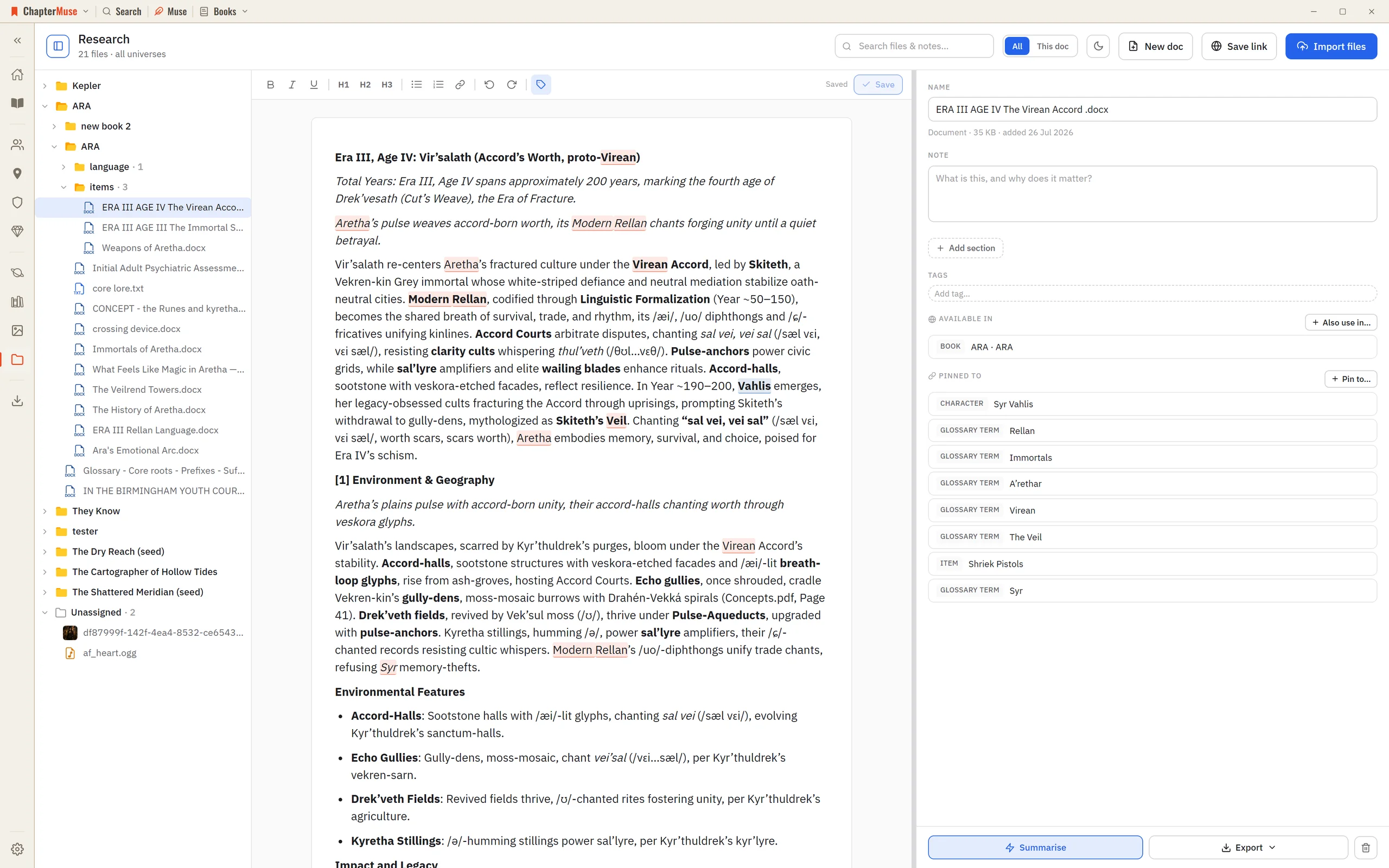
Characters, locations, factions, items, relationships and lore live in one continuity — and remain available beside every chapter that needs them.

CMwww.chaptermuse.com › Feature › Muse

AI Writing Assistant That Never Ghostwrites

Ask about a chapter, a person, a research file or the whole story world. Muse reads within the scope you choose and answers from material you have already assembled.

CMwww.chaptermuse.com › Help › Todos

To-dos: ChapterMuse Guide

4Use + on the card to tag the chapter, character, place, faction, item, or research document it is about. 5Pick a colour from the circle in the corner, and set the status from the top-left.

CMwww.chaptermuse.com › Help › Find replace

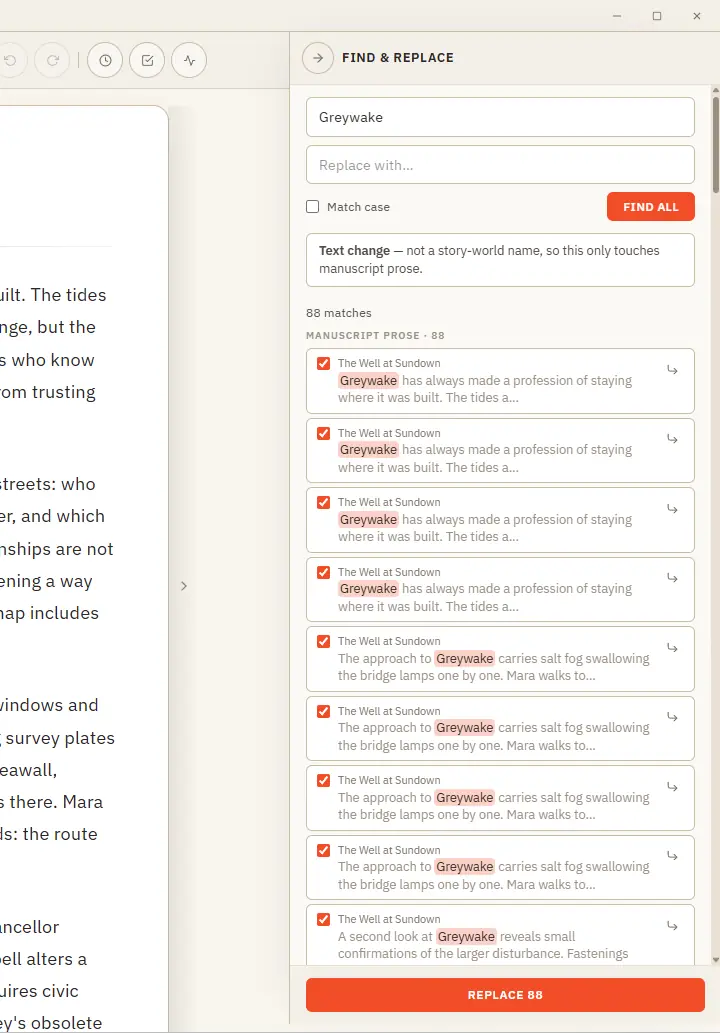
Find, Replace and Rename Story-World Entries

Plain text — searches your current book's prose and lets you cherry-pick occurrence by occurrence (all are ticked by default; untick any to skip it) Rename — recognises a story-world name and updates it everywhere across the…