ChapterMuse

Search results for dabble

About 112 results (0.052 seconds)

CMwww.chaptermuse.com › Guide › Novel november

NaNoWriMo 2026 & Novel November Guide

November 2026 1–30 The classic word goal 50,000 Words a day, rounded 1,667 Contents 01The challenge 02Your month 03Find your pace 04Daily spark 05Your writing studio 06Questions 07Sources The short version

CMwww.chaptermuse.com › Help › Accounts

ChapterMuse Sign-In, Trial and Licence Guide

Sign in to ChapterMuse, start your 30-day trial, compare licence tiers, manage activated computers and learn how your purchased licence works offline.

CMwww.chaptermuse.com › Help › Bookshelf

Create and Organise Manuscripts on the…

✦Quick start 1Open Manuscripts from Story World to reach your Bookshelf. 2Click the "Add new book" tile and give your book a title and genre.

CMwww.chaptermuse.com › Help › Museiki

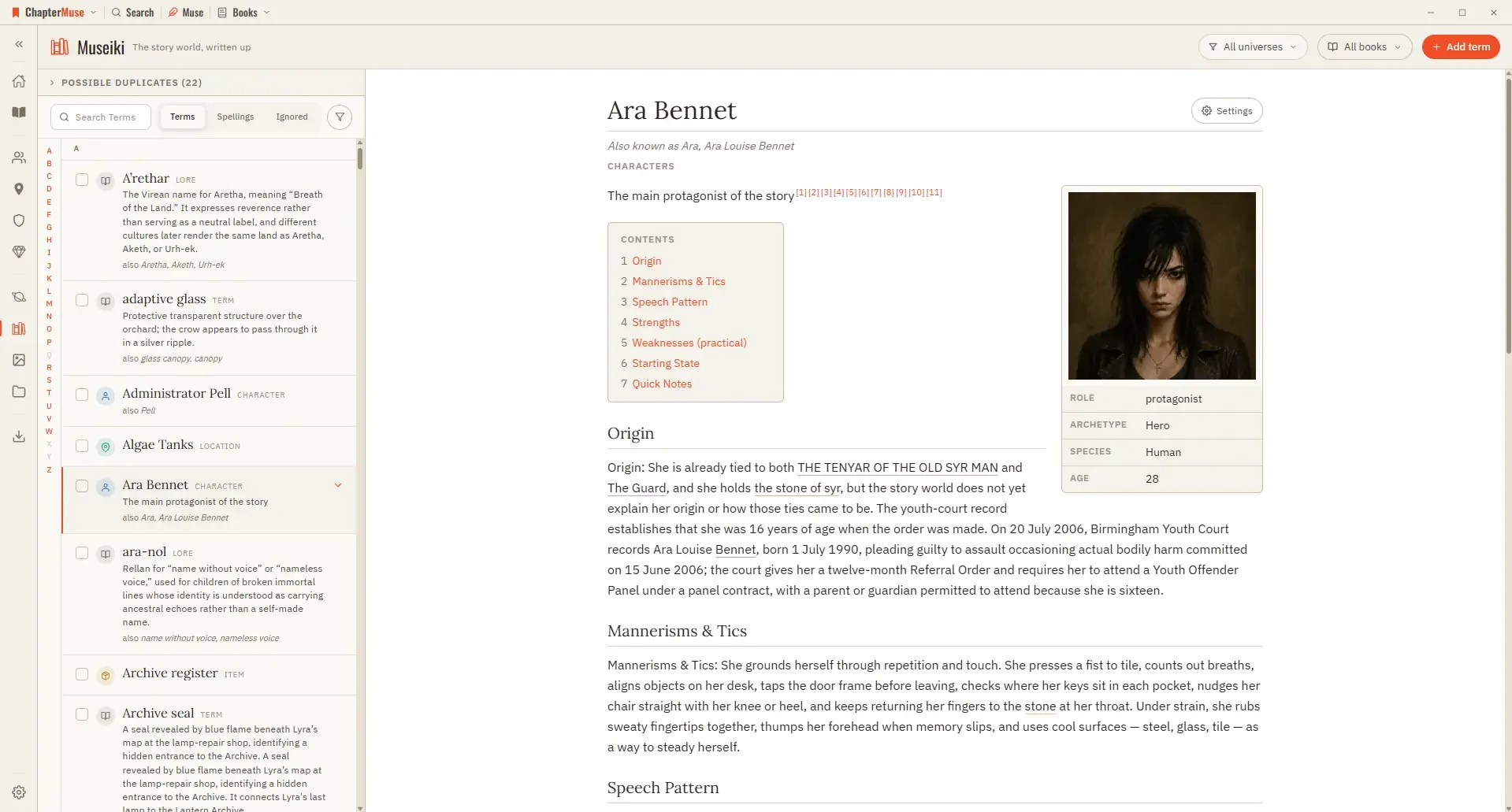
Turn Your Story World into an Encyclopedia

Updated 4 September 2026 Museiki reads your story world the way a reader would. It takes the cards and glossary entries you have already filled in and lays them out as encyclopedia articles — a title, a lead, the sections you…

CMwww.chaptermuse.com › Guide › Revise a novel

How to revise a novel so the revision ends

ChapterMuse holds the plan, the world, the draft and the finished book on your own machine. Free for 30 days, nothing to cancel.

CMwww.chaptermuse.com › Help › Canvas

Write and Edit a Novel in the ChapterMuse…

If saving fails or takes too long, the window stays open and explains why — check disk space and try again before closing Undo and redo work at the chapter level — Ctrl Z to undo, Ctrl Shift Z (or Ctrl Y) to redo — across typing…

CMwww.chaptermuse.com › Feature › Offline private

Offline and Private Novel Writing Software

Write, plan, browse the story world, run Chapter Check and use downloaded read-aloud voices without an internet connection.

CMwww.chaptermuse.com › Help › Gallery

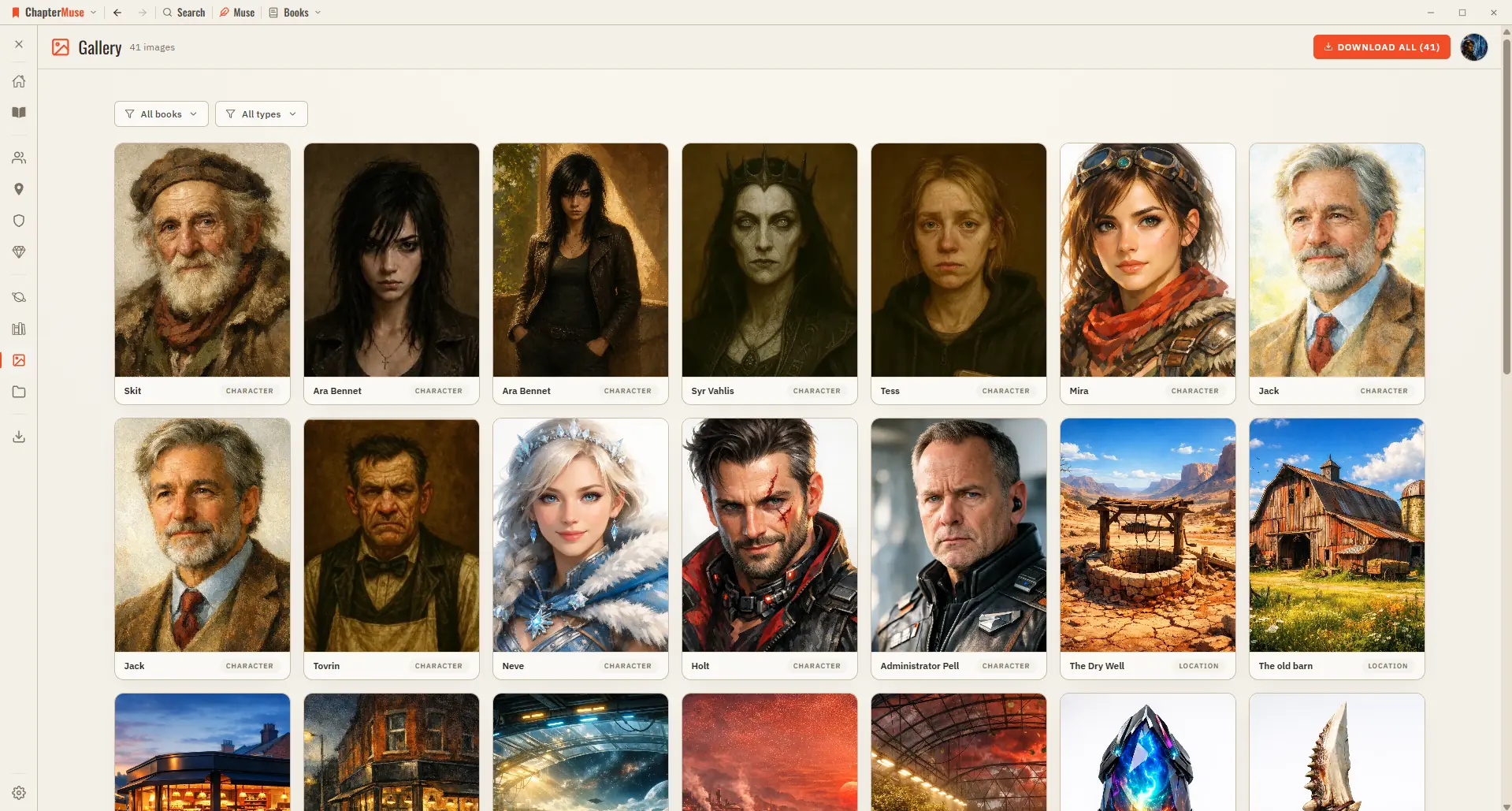
Manage Your Story-World Image Gallery

It's a lovely way to see your world at a glance, and the fastest way to pull an image out of ChapterMuse when you need it elsewhere.

CMwww.chaptermuse.com › Help › Find replace

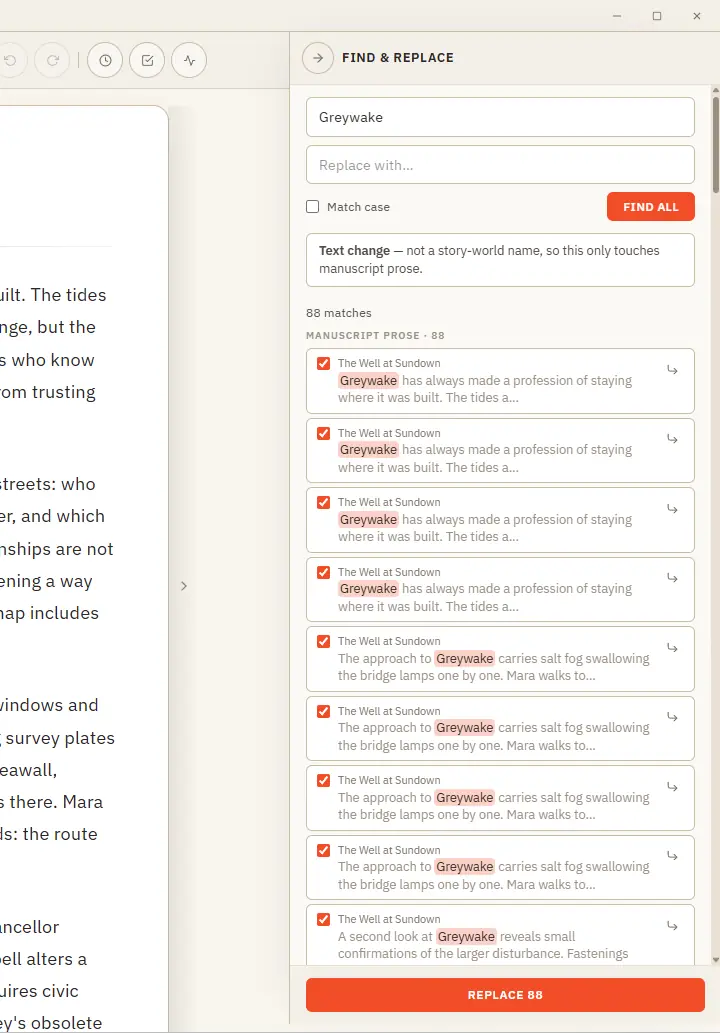
Find, Replace and Rename Story-World Entries

One clever panel that knows the difference between fixing a word and renaming someone in your story world. Updated 4 September 2026 Find & Replace does two jobs from one place, and it works out which you mean.