ChapterMuse

Search results for characters

About 50 results (0.017 seconds)

CMwww.chaptermuse.com › Help › Shortcuts

ChapterMuse Keyboard Shortcuts and Command…

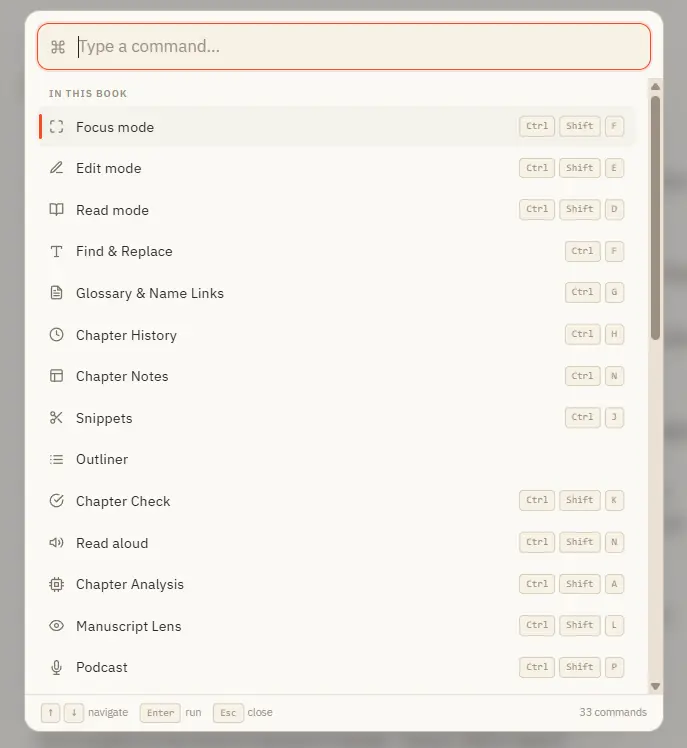
And a built-in shortcut sheet (Ctrl /) lists every key combination, so you never have to remember them. ✦Quick start 1Press Ctrl K anywhere to open the command palette.
CMwww.chaptermuse.com › Help › Analysis

Get AI Craft Feedback on a Novel Chapter

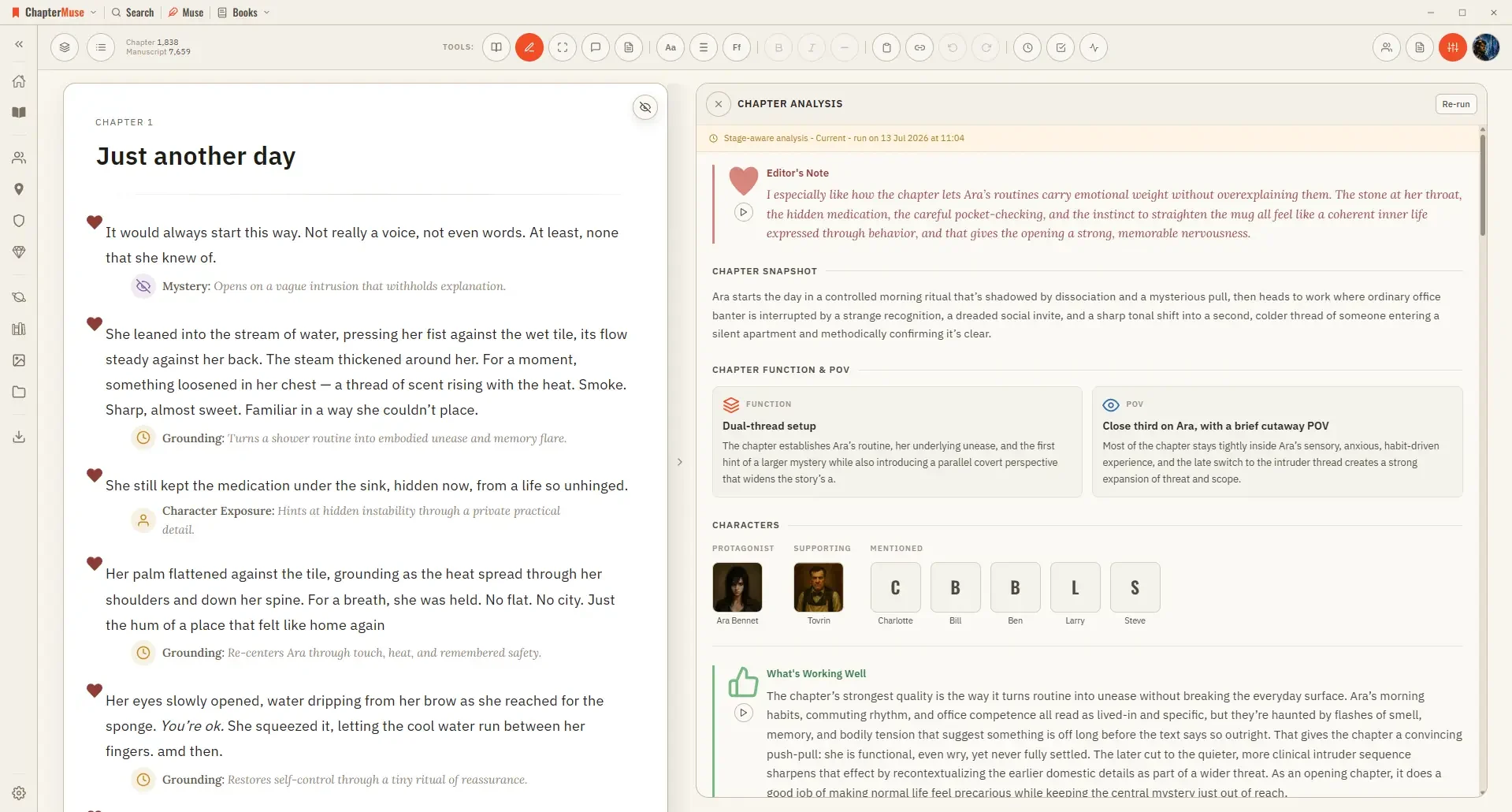
Updated 4 September 2026 When you want a considered opinion, Chapter Analysis reads your chapter and reflects it back — what's working, where the pacing sags, how the dialogue and character work land.

CMwww.chaptermuse.com › Help › Podcast

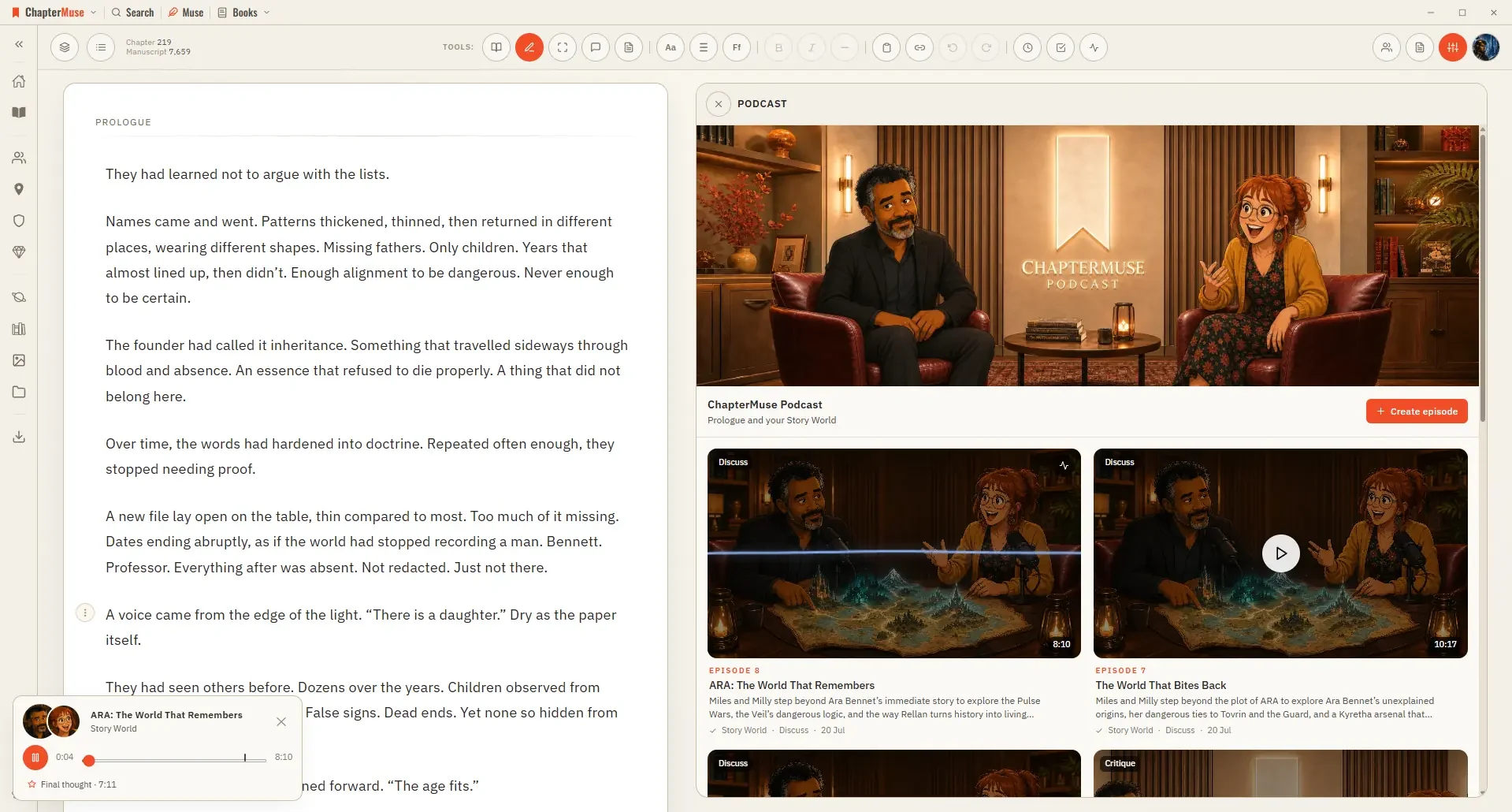
Turn a Chapter into an AI Discussion Podcast

Choose a whole-world overview, characters and arcs, relationships and conflicts, locations, factions and power, lore and world rules, items and artefacts, history and timeline, or your own question An overview balances the…

CMwww.chaptermuse.com › Help › Navigation

Navigate the ChapterMuse Desktop App

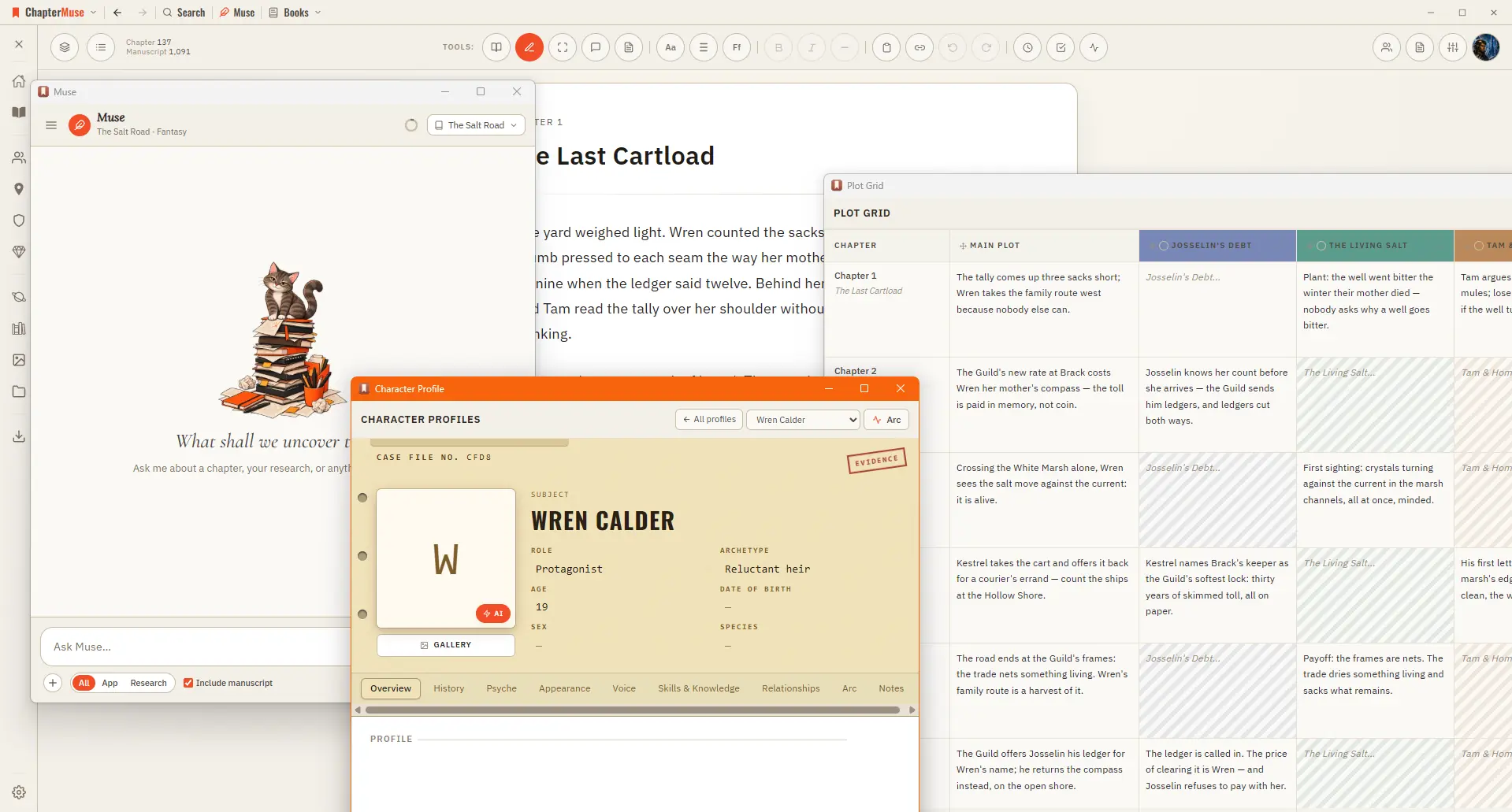
Story — your world: Characters, Profiles, Connections, Locations, Factions, Items, plus Plot Grid, Chronos, Mind Map, and Scene Designer Manuscript — working with the text: Search, Find & Replace, Glossary & Name Links, Snippets,…

CMwww.chaptermuse.com › Help › Gallery

Manage Your Story-World Image Gallery

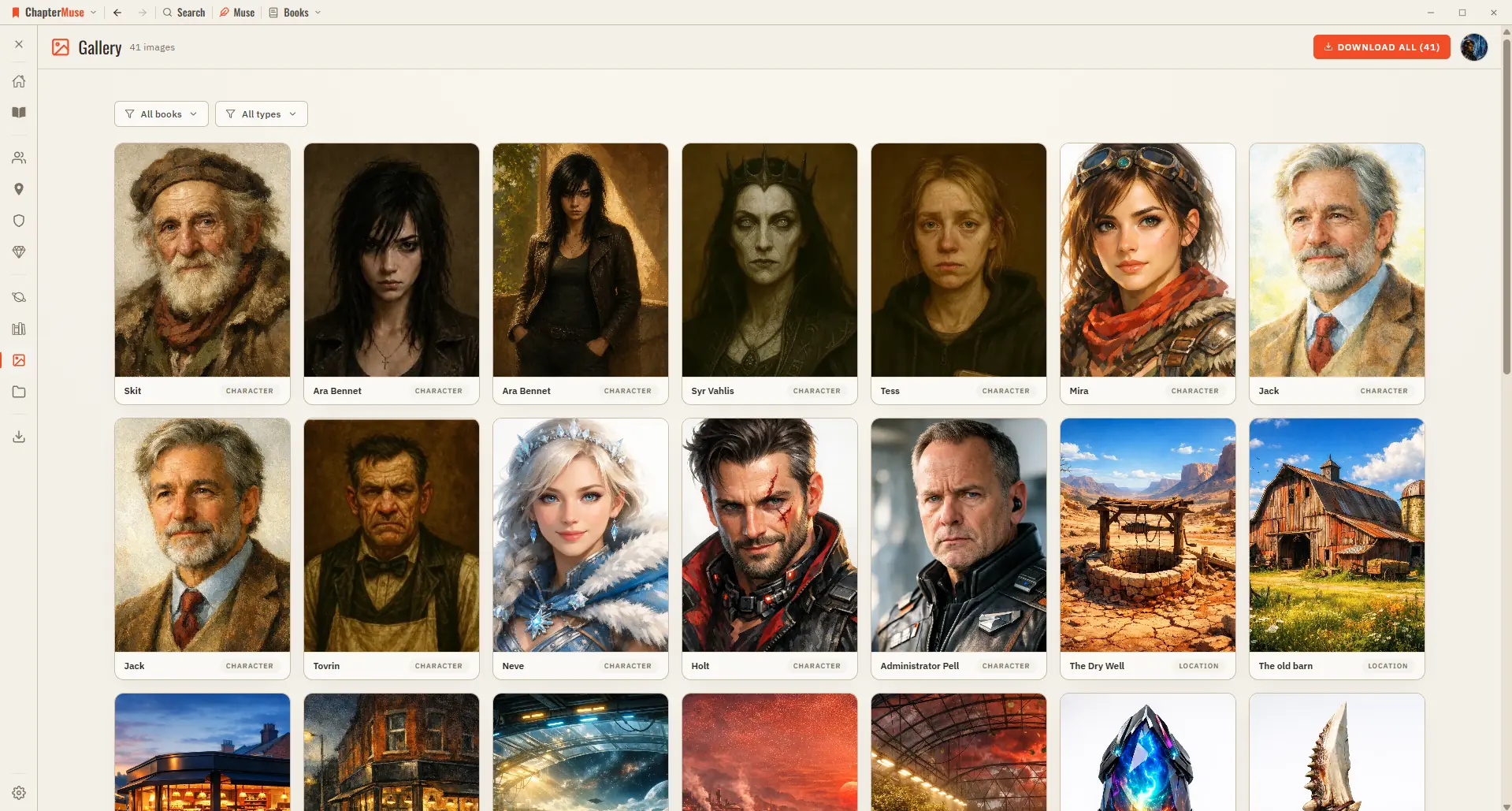
2Browse the grid — each card is labelled Character, Location, Item, Crest, or Cover. 3Click any image to open it full-screen; use the arrows or ← / → to move through them.

CMwww.chaptermuse.com › Feature › Novel planning

Novel Planning and Outlining Software

Chronos lays the book along one axis: chapters across the top, as wide as their scenes, with plot threads and character arcs running underneath.

CMwww.chaptermuse.com › Feature › Muse

AI Writing Assistant That Never Ghostwrites

Deep Scan reads an existing manuscript and its research, then proposes characters, locations, items, factions, glossary entries and connections.

CMwww.chaptermuse.com › Help › Outliner

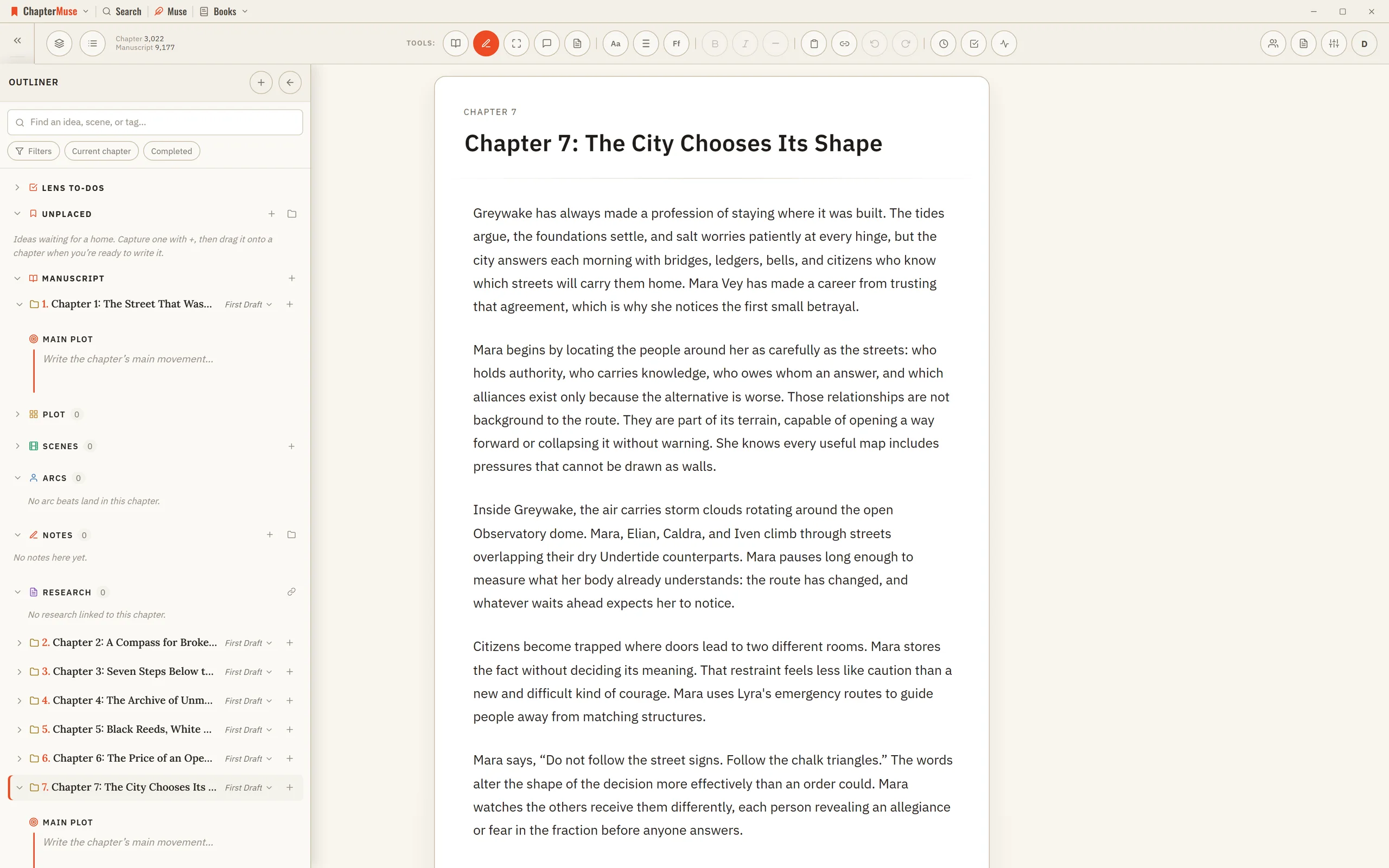
Outline a Novel Beside the Manuscript

Character beats, notes, snippets, research, and Mind Map cards remain live in their own tools. Intentions are the same records To-dos draws as cards, so a to-do written on either side appears on the other with nothing to sync.

CMwww.chaptermuse.com › Help › Read aloud

Listen to Your Manuscript with Read Aloud

Multi-word names and variants work too, so one entry can cover a whole place, title, or character name rather than only a single word.

CMwww.chaptermuse.com › Help › Formatting

Format Novel Text in ChapterMuse

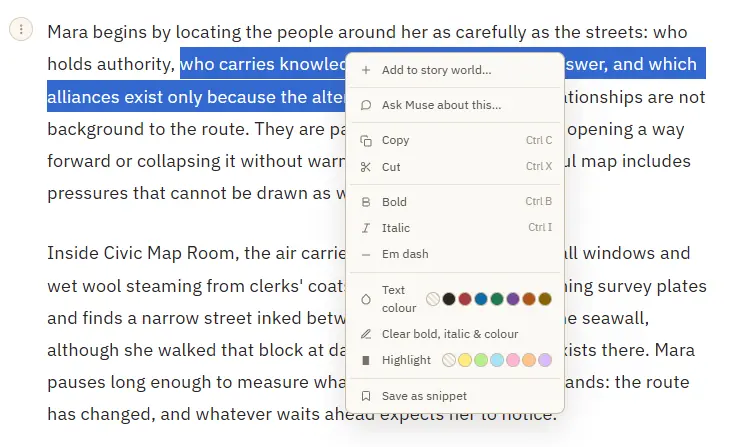
3Select a name and choose Add to story world to create a character, place, faction, or item from it. 4Select text, then right-click and Save as snippet to keep the passage for reuse; with no selection, save the whole paragraph.