CMwww.chaptermuse.com › Help › Bookshelf
Create and Organise Manuscripts on the…
4Use the universe filter chips to browse books by continuity.
About 58 results (0.017 seconds)
CMwww.chaptermuse.com › Help › Bookshelf
4Use the universe filter chips to browse books by continuity.
CMwww.chaptermuse.com › Help › Podcast
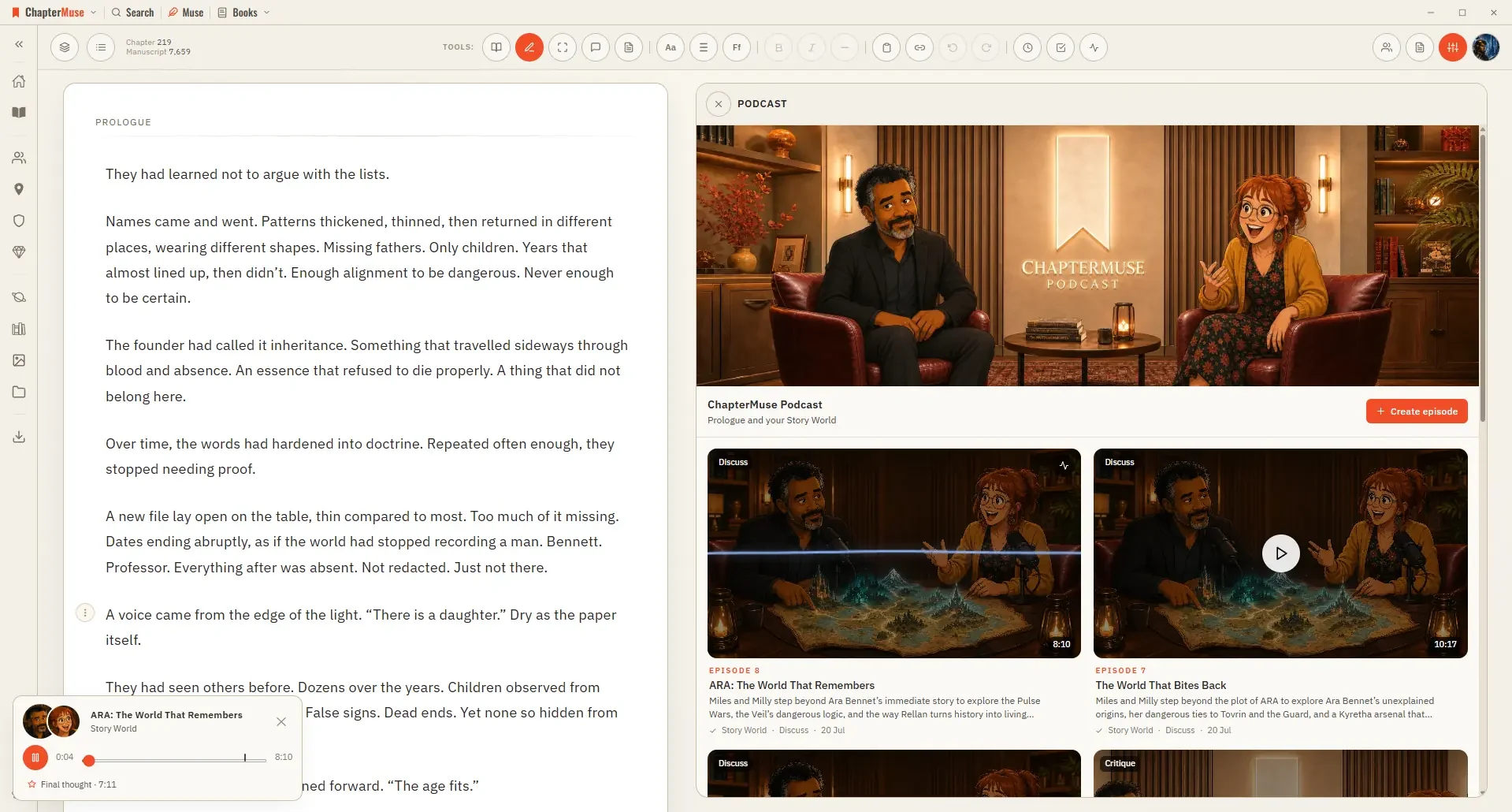
Earlier episode coverage helps an overview find fresh ground; an explicit topic or question takes priority The source material comes from this book’s in-scope world cards, lore, timeline and Plot Grid plans.
CMwww.chaptermuse.com › Help › Navigation
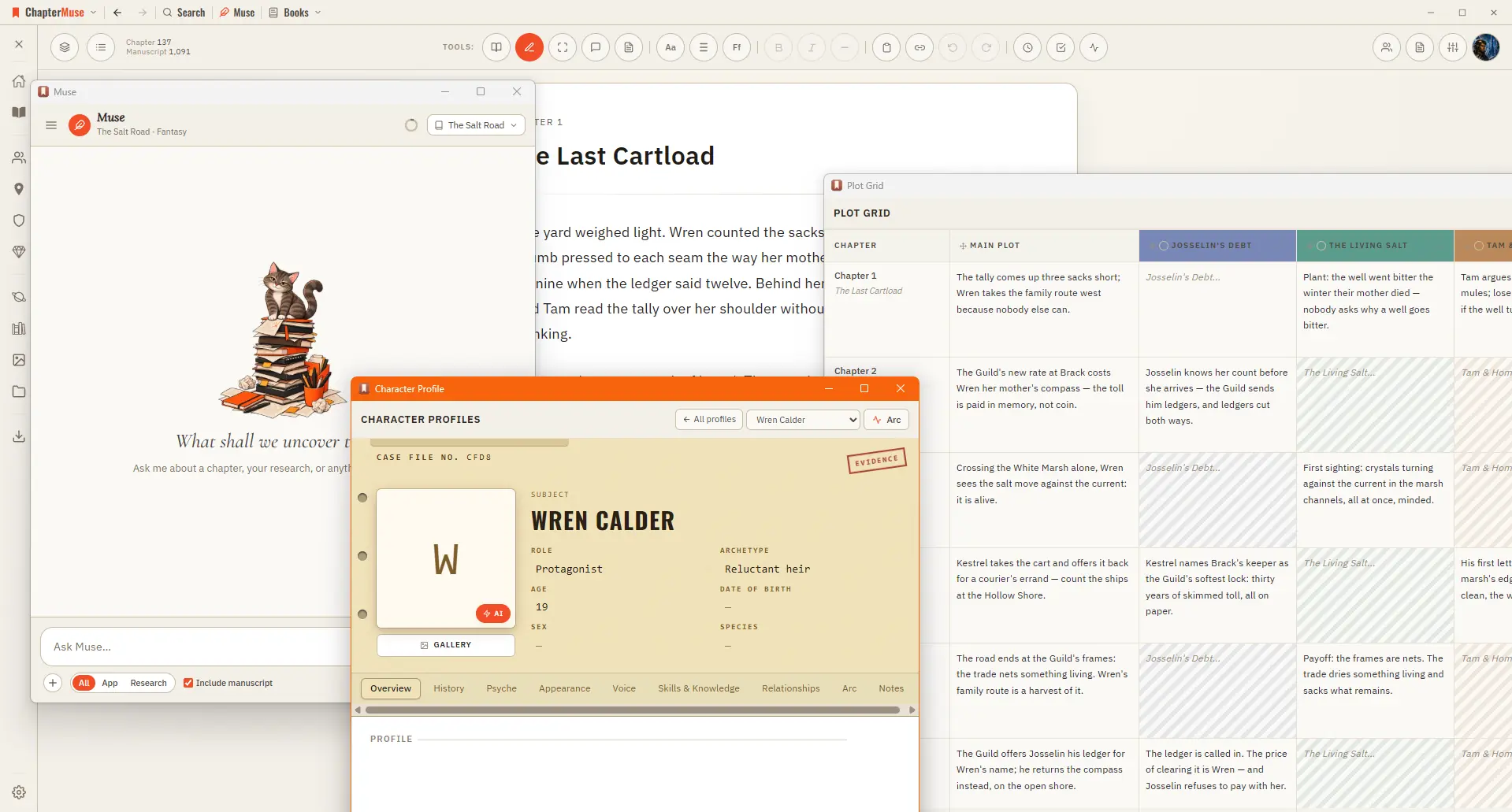
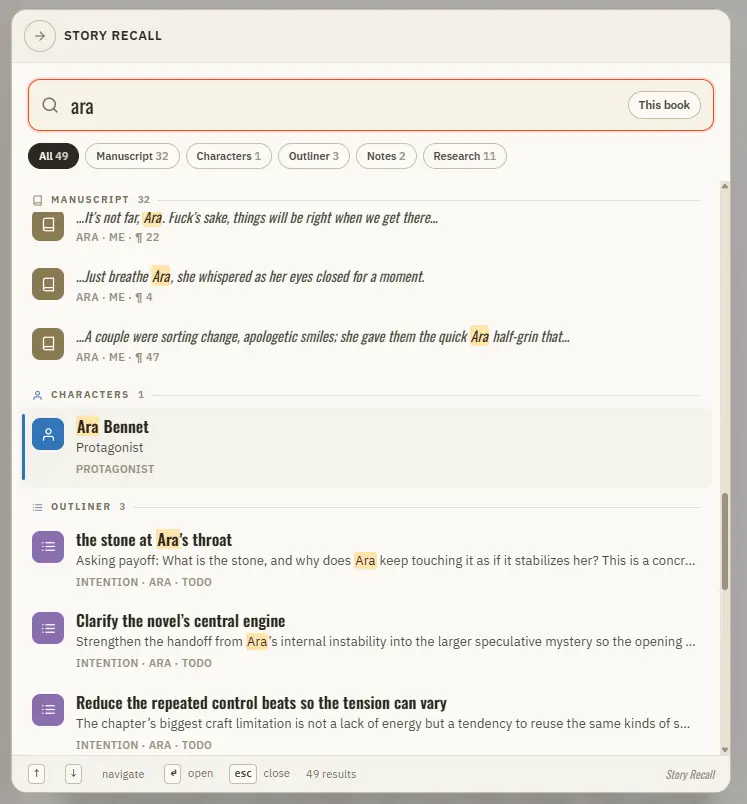
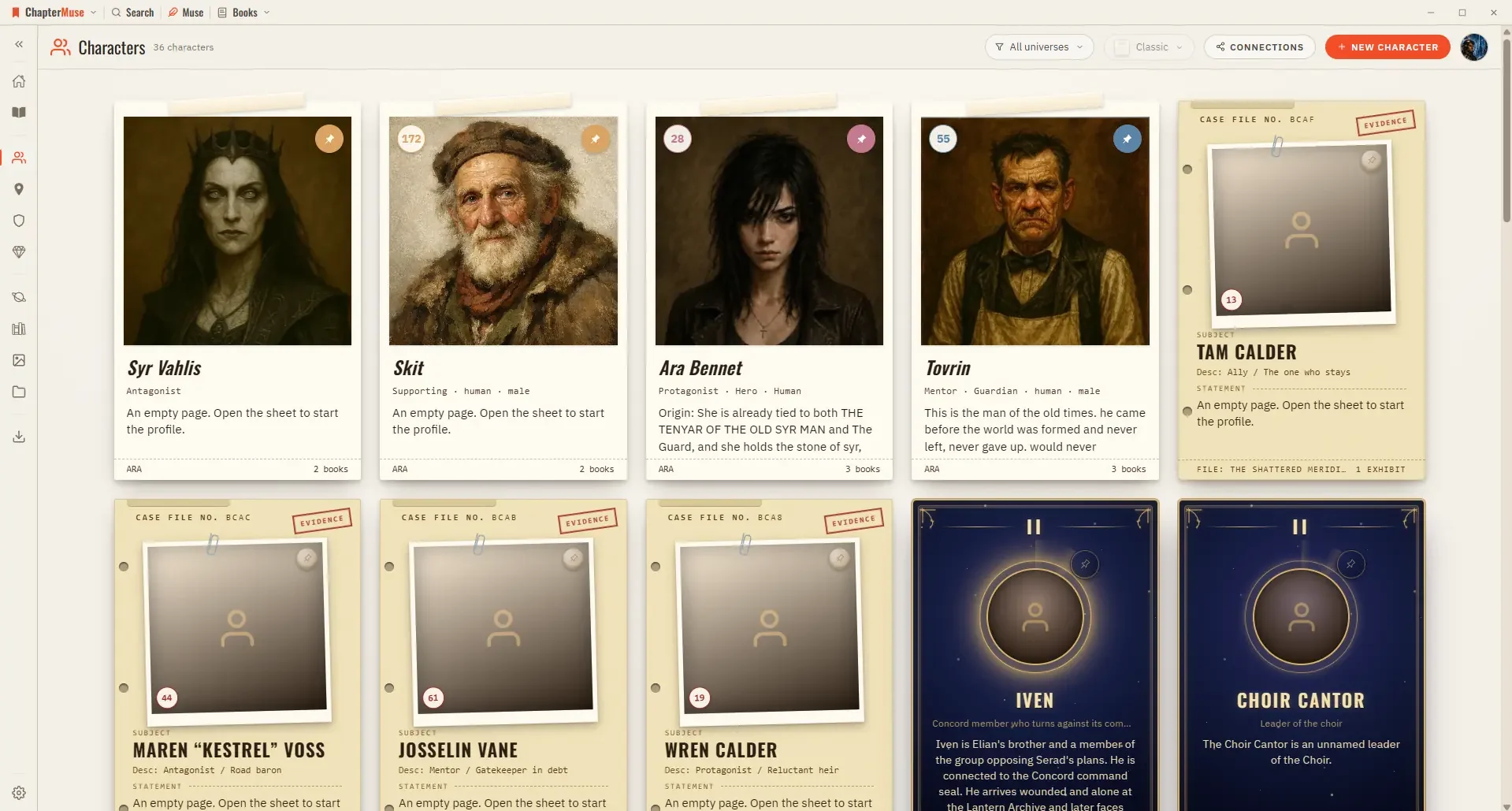
The ChapterMuse wordmark opens the app menu — jump to Story World, Manuscripts, Characters, Locations, Factions, Items, Universes, Museiki, Gallery, Research, and Export A Search button opens Story Recall to find anything across…
CMwww.chaptermuse.com › Help › Research
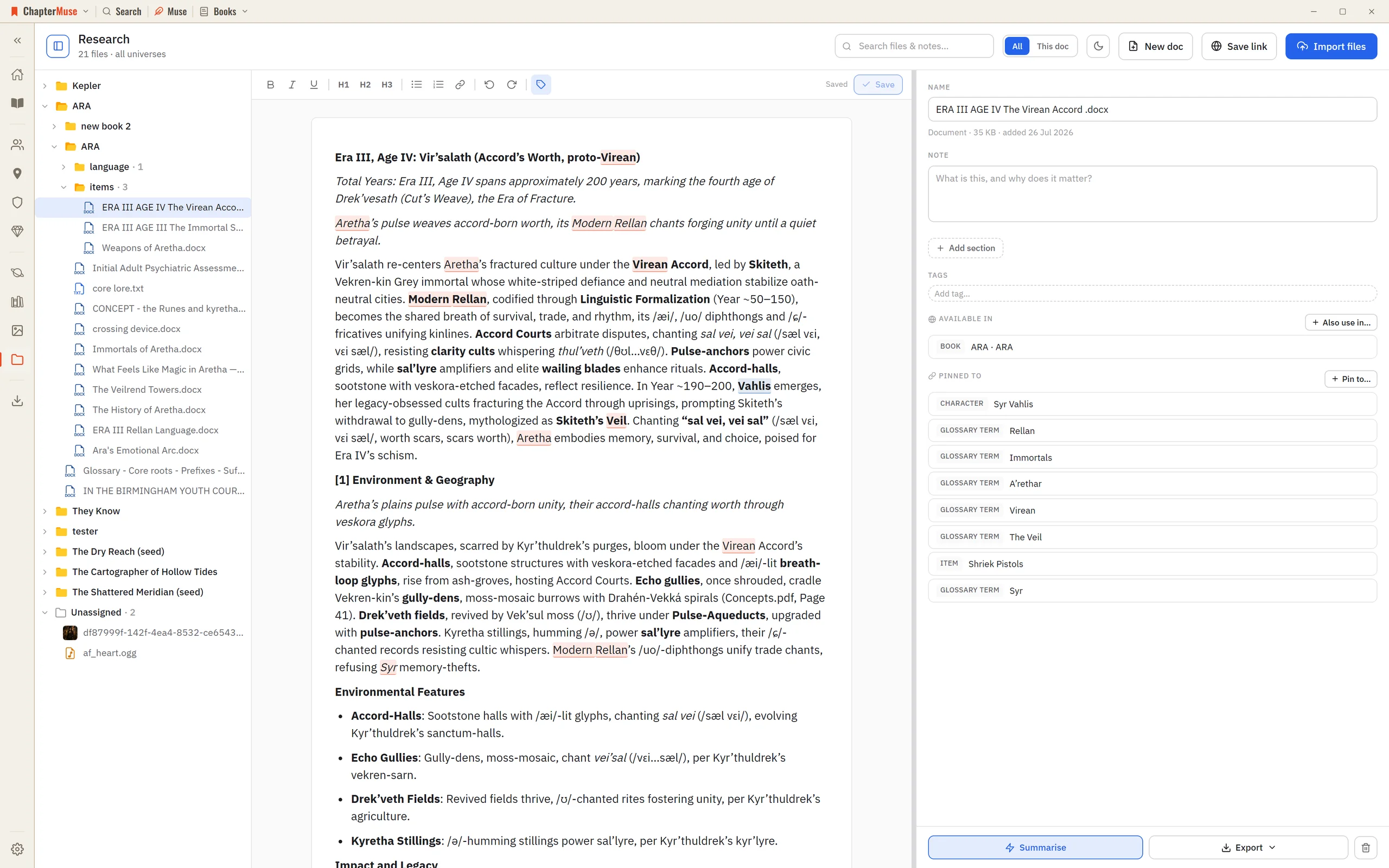
The Research Center is a calm home for all of it: import files, preview them in place, and pin each one to the parts of your story world it relates to.
CMwww.chaptermuse.com › Help › Chapter check
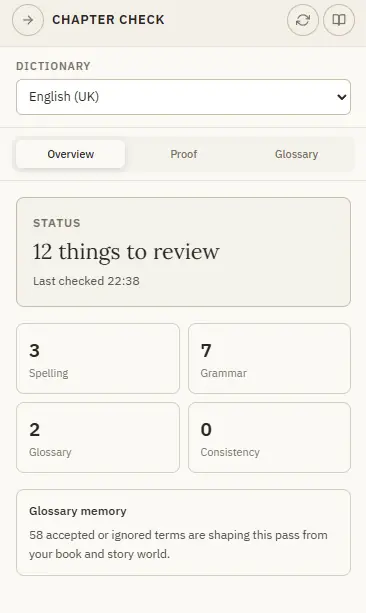
A careful, quiet proofread that understands fiction — dialogue, invented names, dialect, and your own story world. Updated 4 September 2026 Chapter Check reads the current chapter for spelling, grammar, glossary consistency, and…
CMwww.chaptermuse.com › Help › Formatting
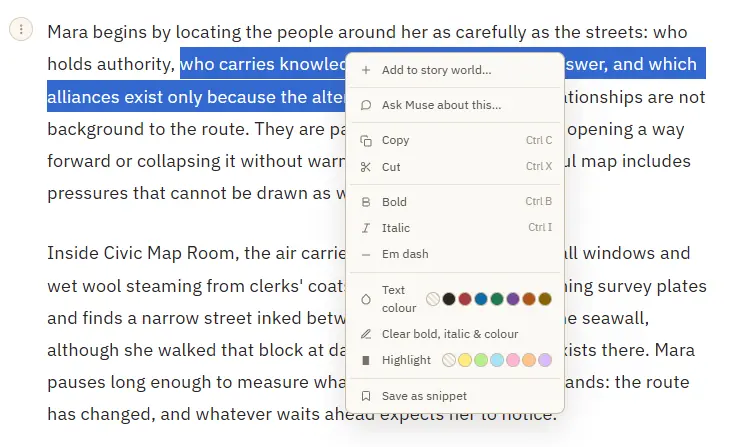
Add to story world — turn a selected name into a character, location, item, faction, or glossary term, and open its sheet Save as snippet — stash the selected passage, or the whole paragraph when nothing is selected Copy or cut a…
CMwww.chaptermuse.com › Page
x update free Everything in Light 10 books · 5 universes on your shelf Research Center: a private binder for the files beside your manuscript Glossary name links in your prose, and Museiki to read your terms back Revision Passes…
CMwww.chaptermuse.com › Help › Search
Manuscript prose — every paragraph, tagged with its book, chapter, and position Your Story World — characters, locations, factions, and items Scenes from Scene Designer, universe notes and idea cards, and your saved snippets The…
CMwww.chaptermuse.com › Help › Glossary
✦Quick start 1Turn on story-world name highlighting from the Tools strip — the "Highlight story-world names" toggle. 2As you write, known names pick up a subtle underline in their type's colour.
CMwww.chaptermuse.com › Help › Story world
✦Quick start 1Open ChapterMuse — you arrive at Story World automatically. 2Click Manuscripts to open your Bookshelf and start writing.