ChapterMuse

Search results for microsoft word

About 60 results (0.022 seconds)

CMwww.chaptermuse.com › Help › Canvas

Write and Edit a Novel in the ChapterMuse…

If saving fails or takes too long, the window stays open and explains why — check disk space and try again before closing Undo and redo work at the chapter level — Ctrl Z to undo, Ctrl Shift Z (or Ctrl Y) to redo — across typing…
CMwww.chaptermuse.com › Help › Bookshelf

Create and Organise Manuscripts on the…

✦Quick start 1Open Manuscripts from Story World to reach your Bookshelf. 2Click the "Add new book" tile and give your book a title and genre.

CMwww.chaptermuse.com › Help › Museiki

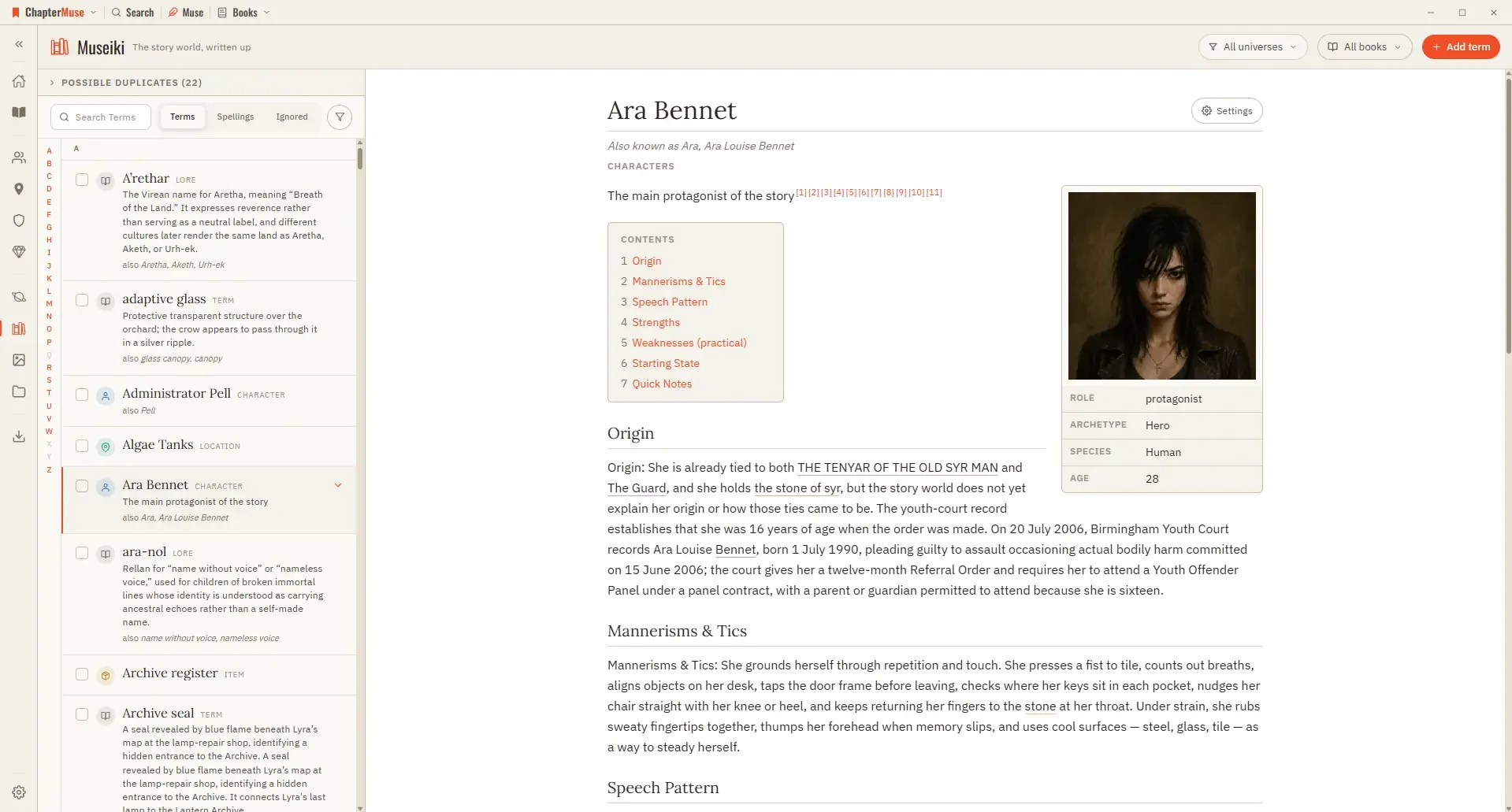
Turn Your Story World into an Encyclopedia

Updated 4 September 2026 Museiki reads your story world the way a reader would. It takes the cards and glossary entries you have already filled in and lays them out as encyclopedia articles — a title, a lead, the sections you…

CMwww.chaptermuse.com › Help › Story world

ChapterMuse Story World: Workspace Overview

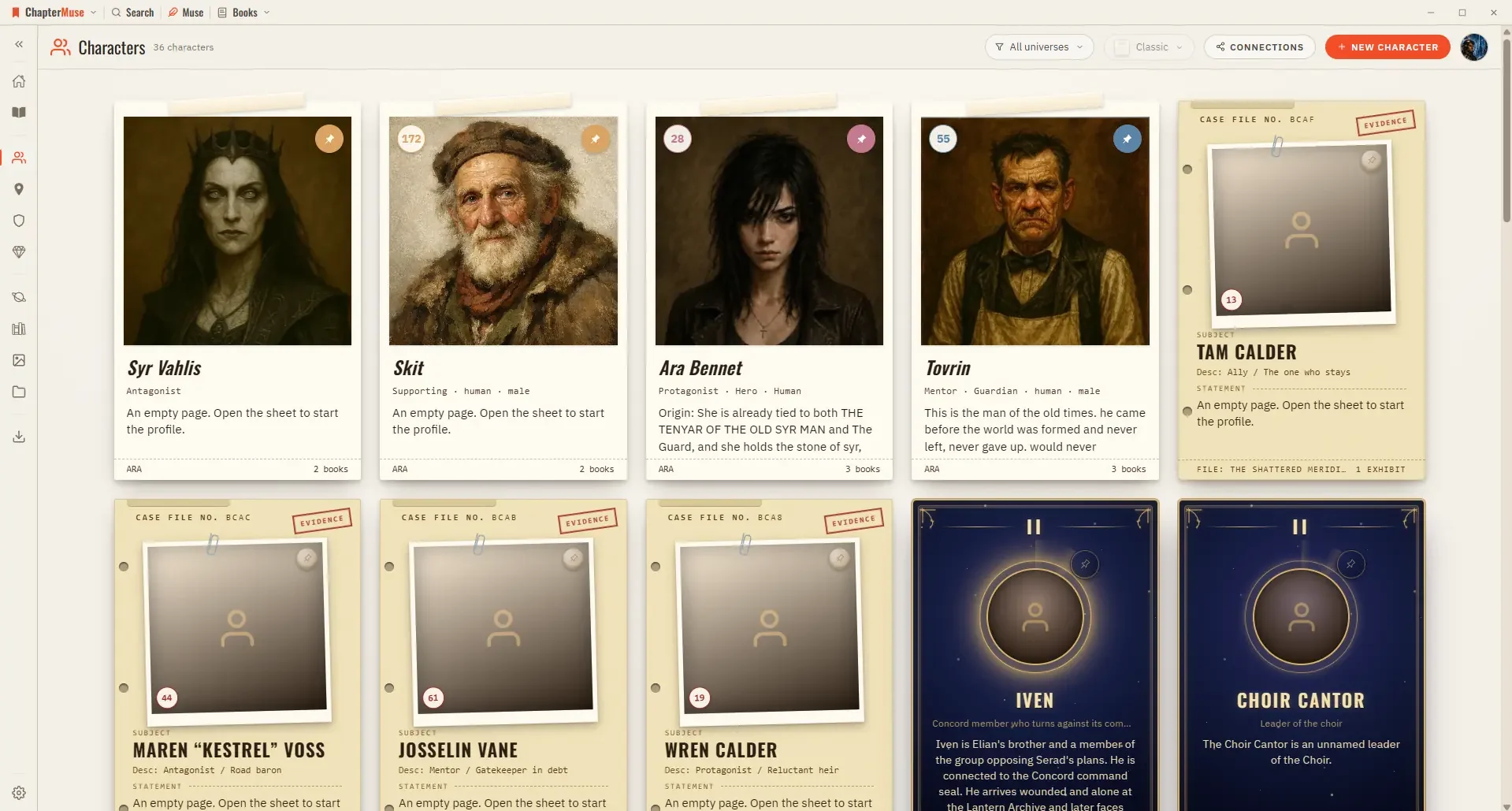
Manuscripts — your Bookshelf of every book Characters, Locations, Factions, Items — your Story World libraries, each with a live count Universes — the Folio view of your continuities Research — your binder of reference files, and…

CMwww.chaptermuse.com › Help › Gallery

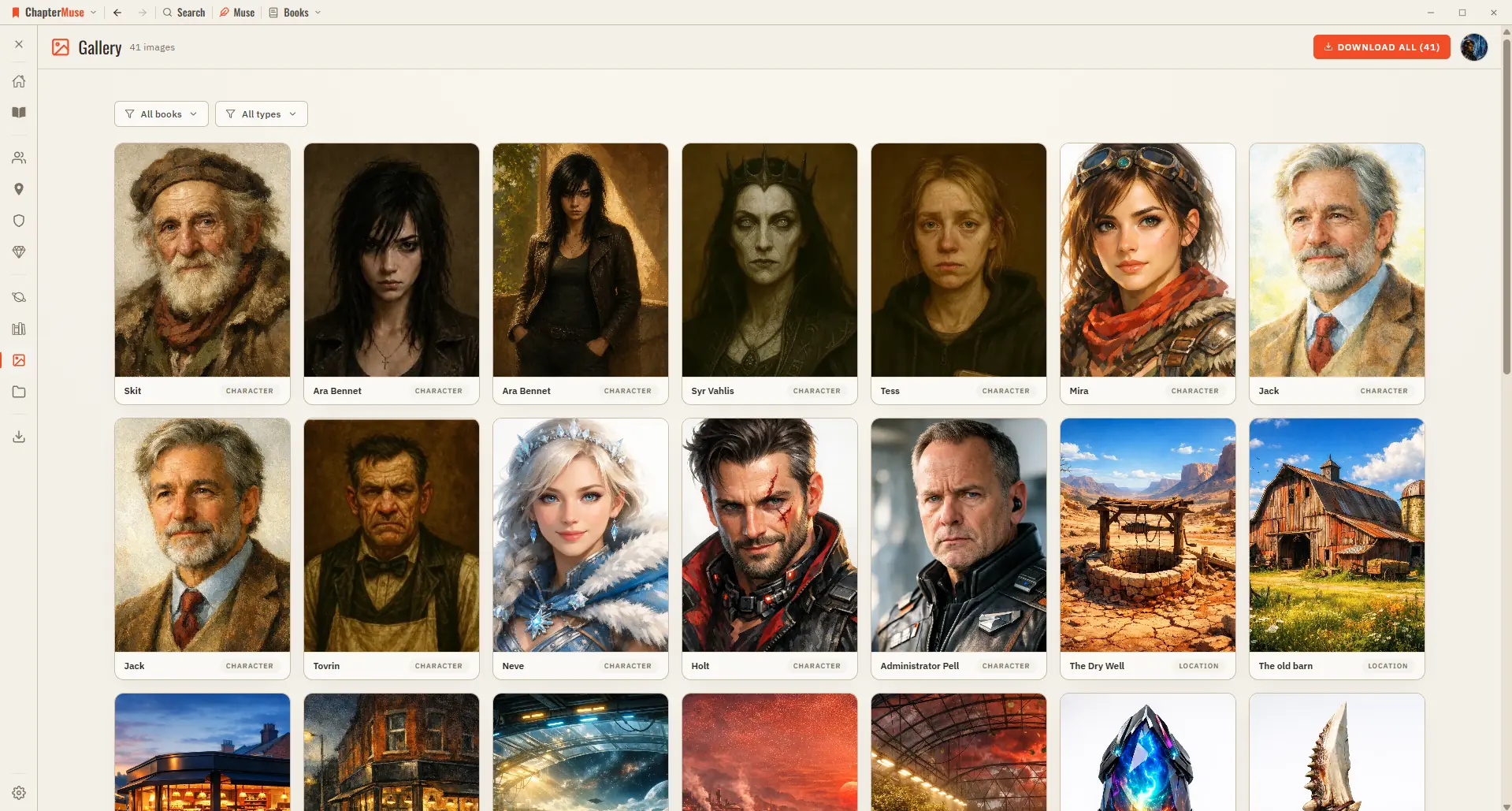
Manage Your Story-World Image Gallery

It's a lovely way to see your world at a glance, and the fastest way to pull an image out of ChapterMuse when you need it elsewhere.

CMwww.chaptermuse.com › Help › Search

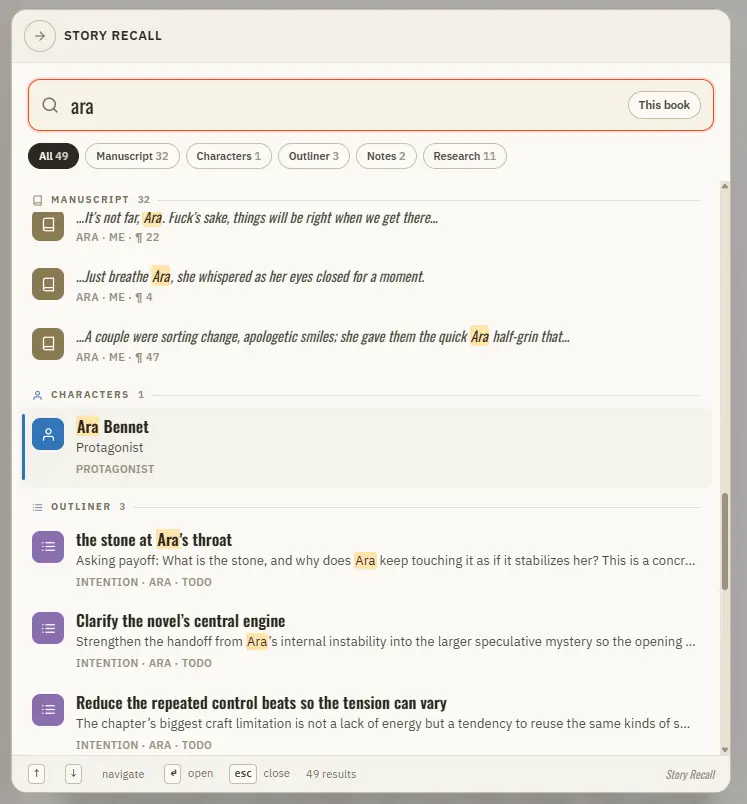
Search Your Manuscript and Story World

It reads your manuscript prose and your entire Story World at once, ranks the best matches, and takes you straight there.

CMwww.chaptermuse.com › Help › Podcast

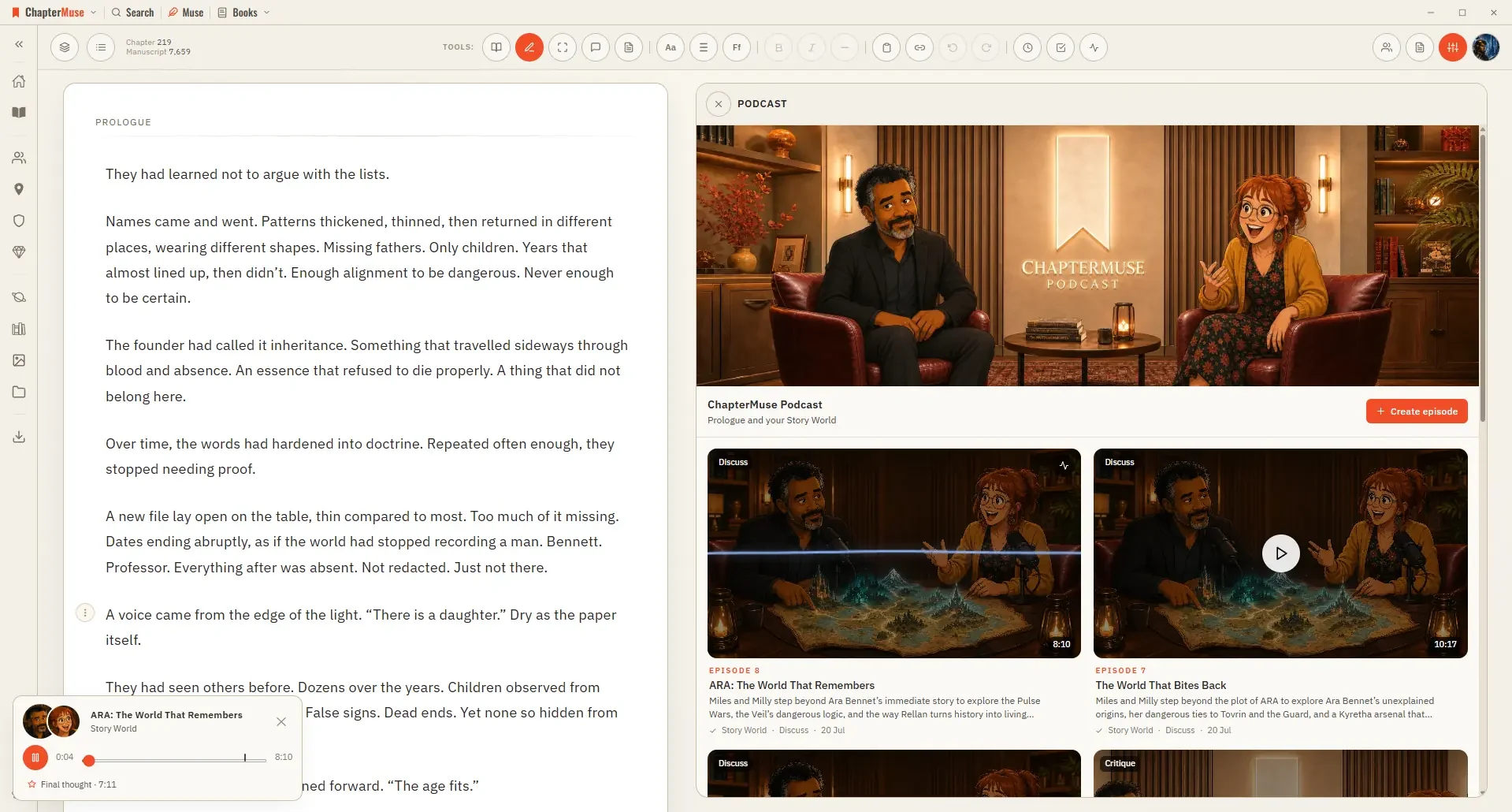
Turn a Chapter into an AI Discussion Podcast

4For Story World, choose an overview or a topic, add any names or question, and optionally include matching manuscript and research passages.

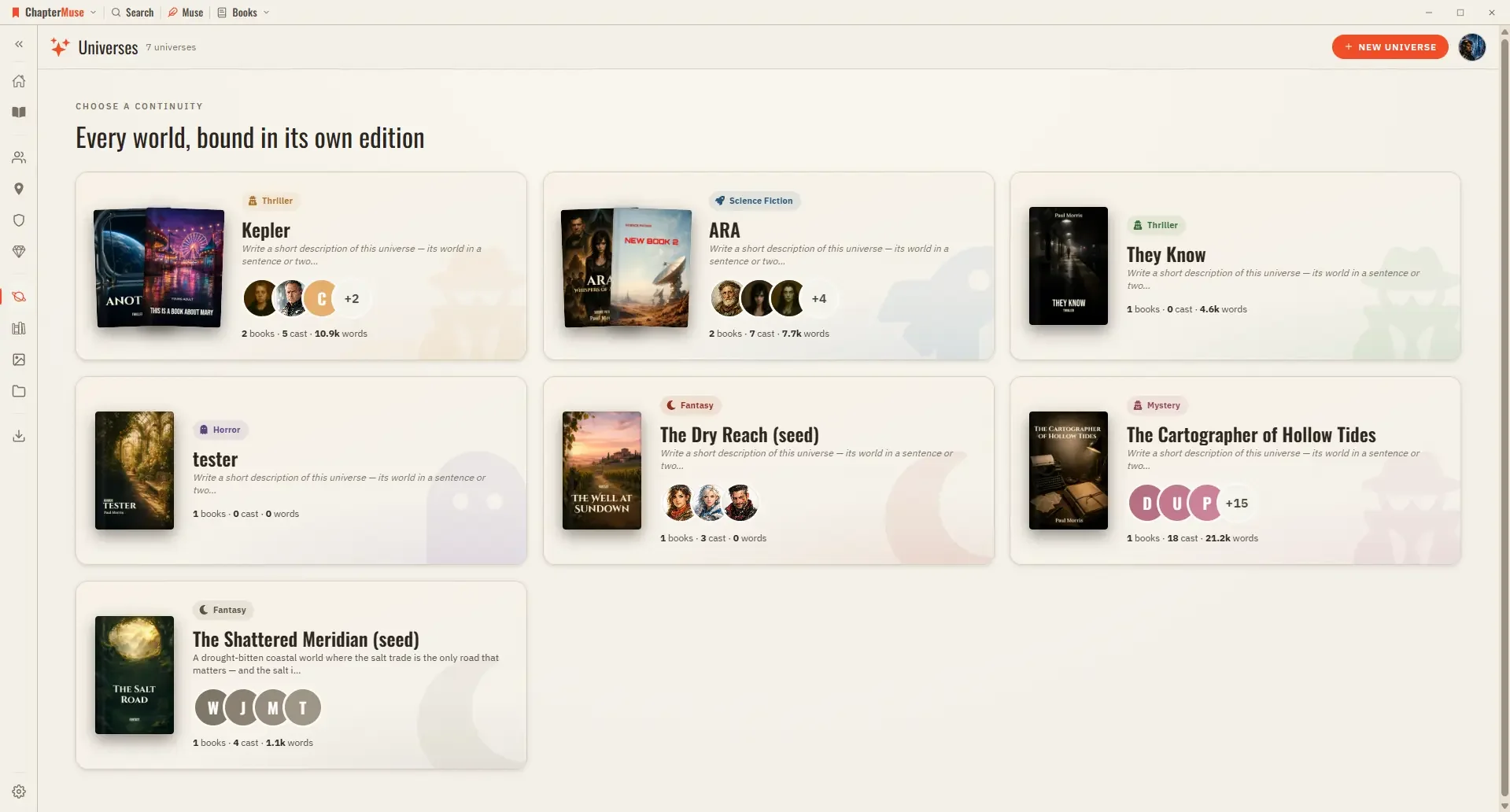
CMwww.chaptermuse.com › Help › Universes

Organise Book Series with Universes and Folios

Cast — your characters in reading order; pin the ones you reach for most, or open the relationship tapestry from the shelf header Places, Factions, Items — the rest of your world, each card opening its sheet Scenes — every scene…