ChapterMuse

Search results for word document

About 69 results (0.026 seconds)

CMwww.chaptermuse.com › Help › Export

Export a Novel to DOCX, PDF and EPUB

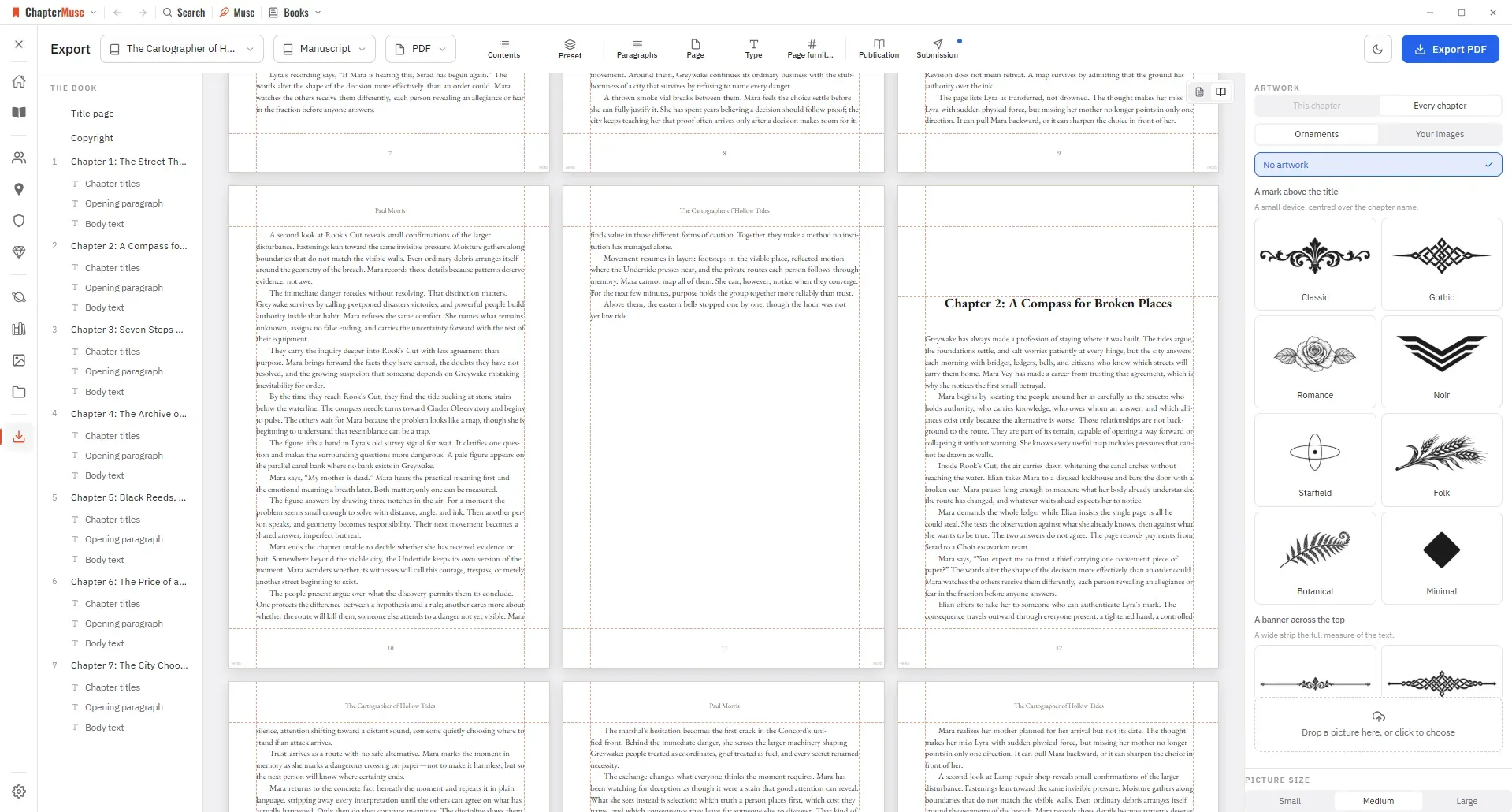
Manuscript — Word (DOCX), reading PDF, EPUB, press-ready Print Edition PDF, Markdown, RTF, ODT, LaTeX, or plain text Story World dossiers — Characters, Locations, Factions, and Items as Word, PDF, or Excel (Excel spreads across…

CMwww.chaptermuse.com › Help › Writing progress

Set Writing Targets and Track Writing History

Set a daily or weekly habit, a destination for the whole manuscript or one chapter, a dated sprint, or a target attached to a revision pass.

CMwww.chaptermuse.com › Help › Research

Organise Novel Research Beside Your Manuscript

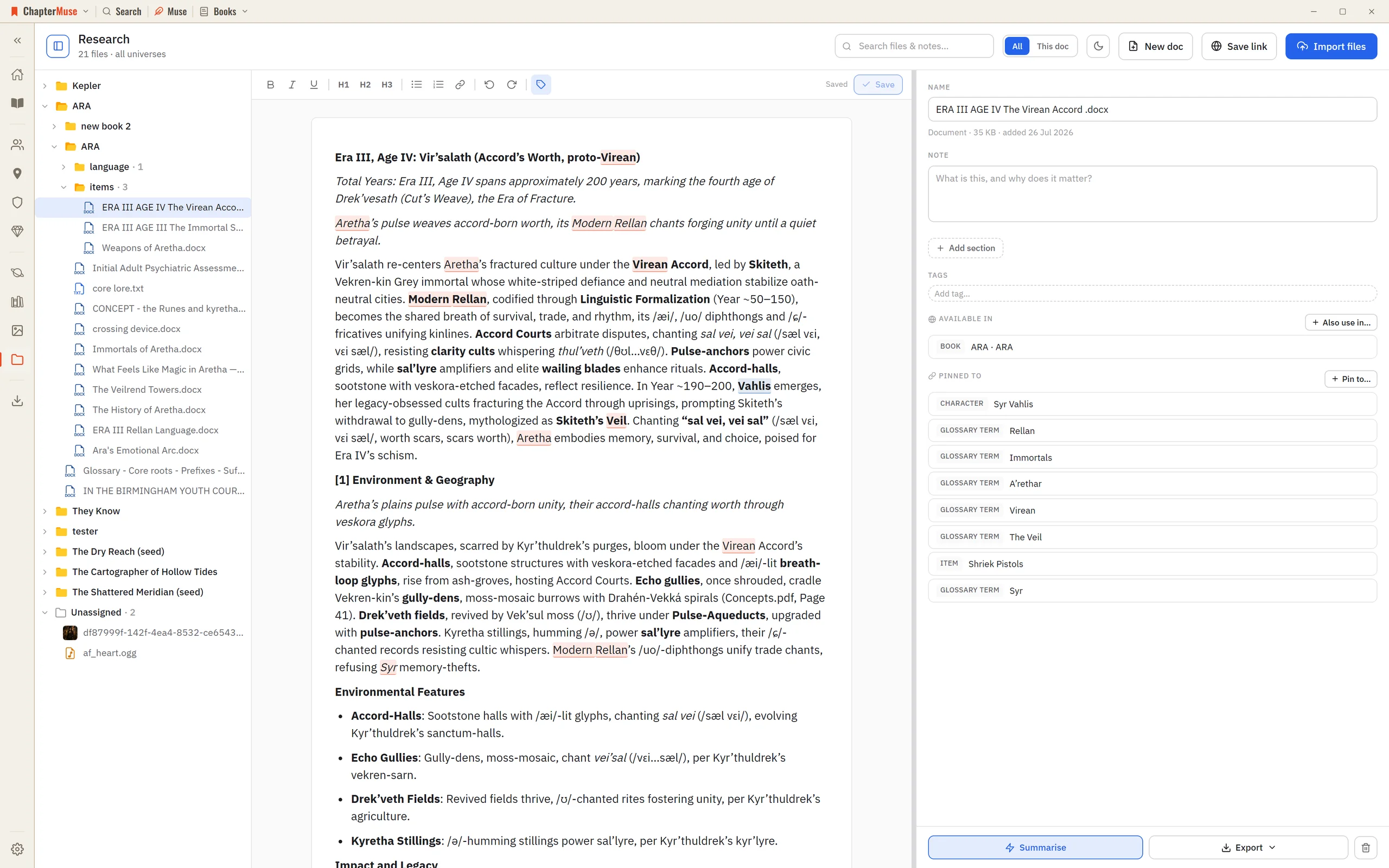
2Click Import files to add PDFs, Word documents, spreadsheets, images, or audio — or just drag them onto the window. 3Use Save link to keep a web address with a title and note — ChapterMuse fetches that page once to build a…

CMwww.chaptermuse.com › Help › Items

Track Story Items, Relics and Documents

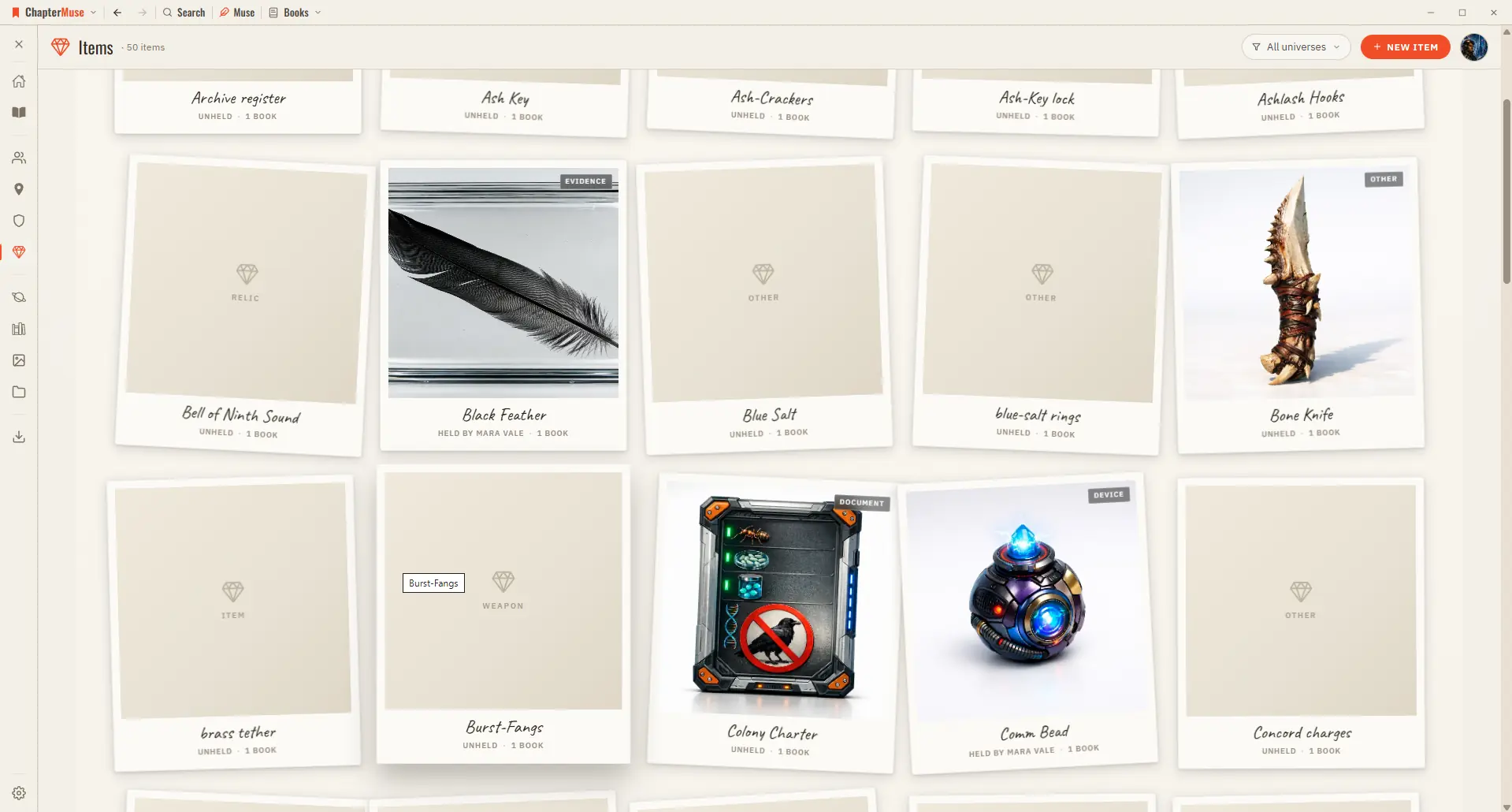
2Choose a kind (weapon, heirloom, document, relic…) and give it a name and one-liner. 3Add imagery in the gallery — upload, or generate with AI.

CMwww.chaptermuse.com › Page

About

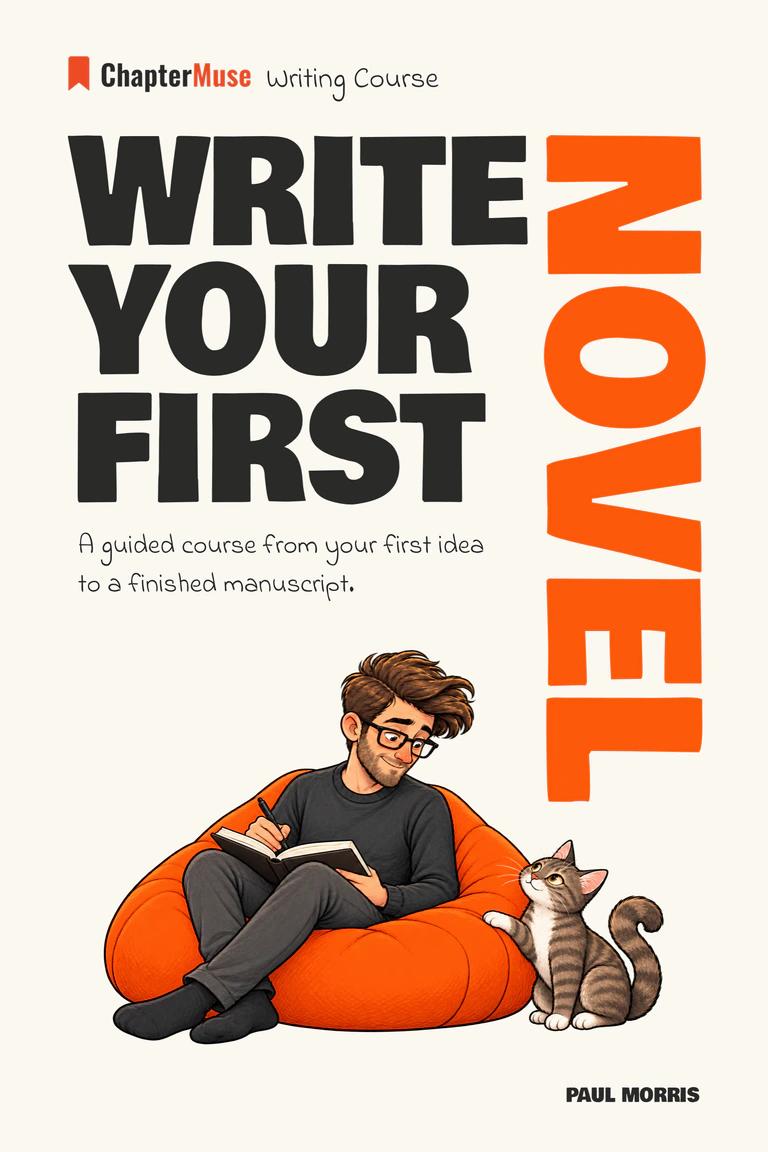
View the book on Amazon UK You belong from the beginning

CMwww.chaptermuse.com › Help › Revisions

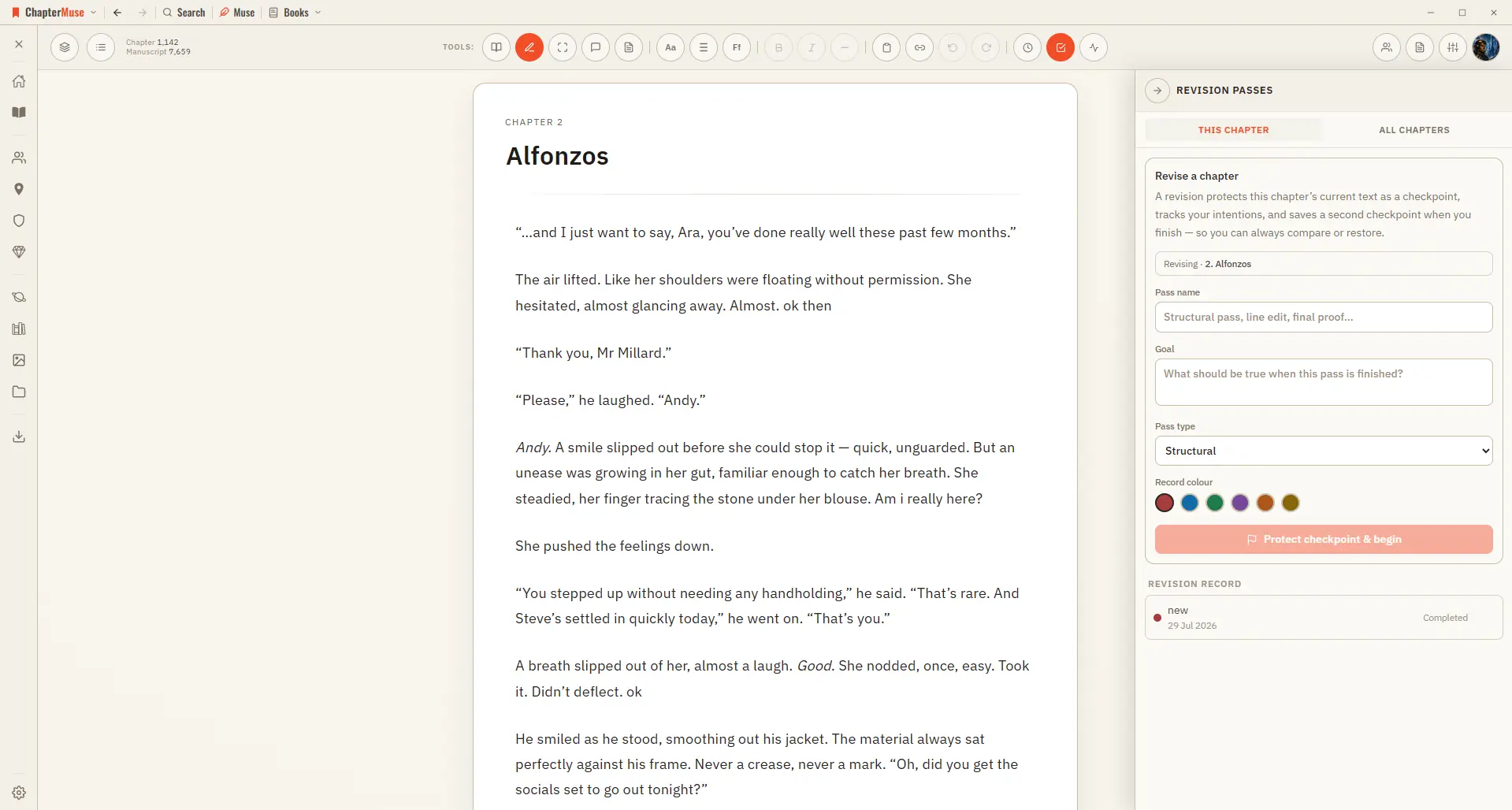
Plan and Track a Novel Revision Pass

In the whole writing studio Move from protected checkpoints through proofing, craft analysis and whole-book signals. See the revision workflow

CMwww.chaptermuse.com › Help › Bookshelf

Create and Organise Manuscripts on the…

In the whole writing studio See how characters, places, factions, items and continuity work across the whole book. Explore connected worldbuilding

CMwww.chaptermuse.com › Help › Museiki

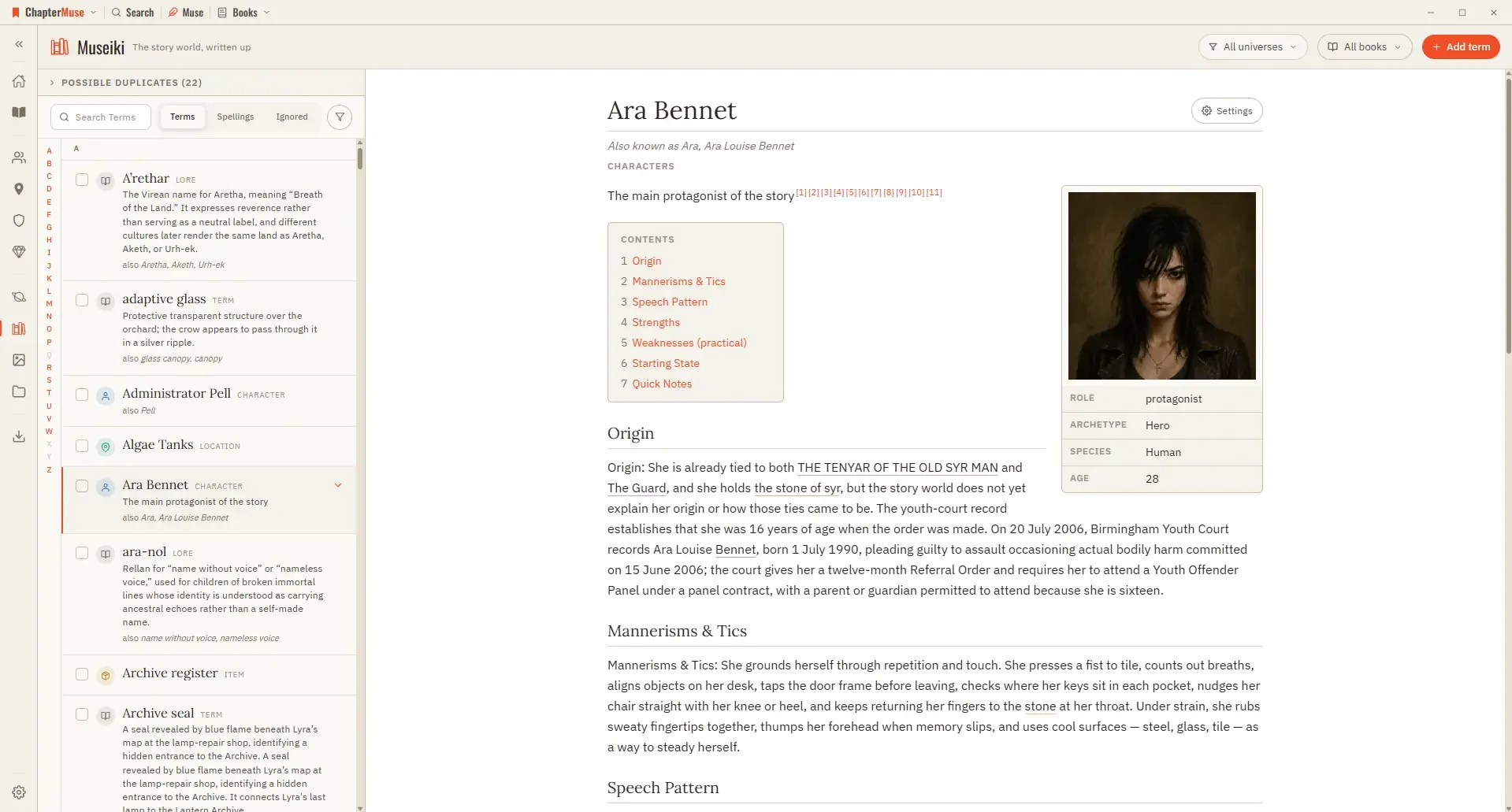
Turn Your Story World into an Encyclopedia

A title with its rule, any “also known as” names, and a line giving the kind — plus pronunciation, status, and how often it is used when the subject is a glossary term A quick-facts box floated to the right carrying the portrait…

CMwww.chaptermuse.com › Help › Book design

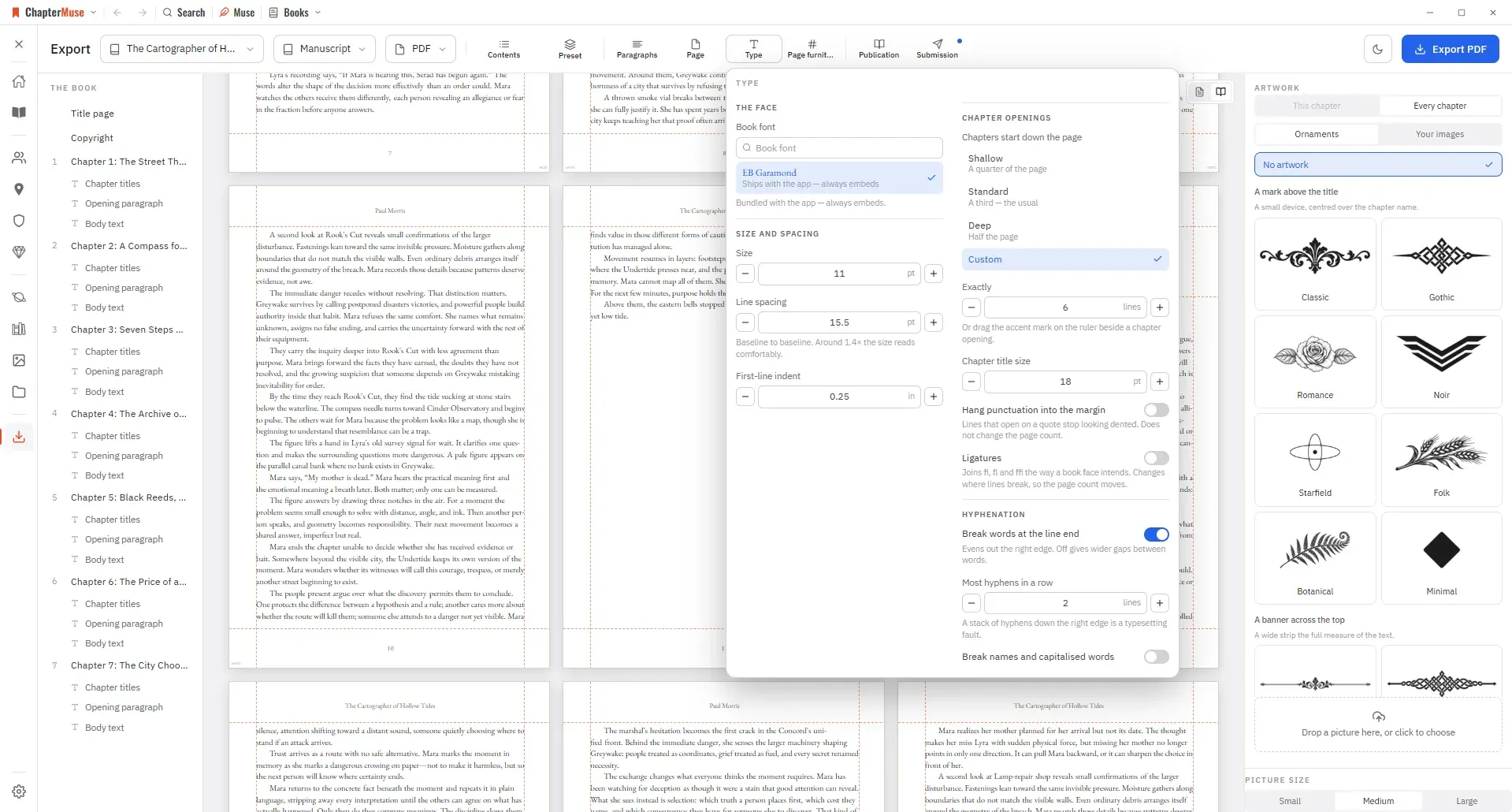
Book Design: ChapterMuse Guide

Editable formats are interpreted by the app that opens them: RTF and ODT previews read the generated document in a continuous view, while final pagination belongs to your word processor.