ChapterMuse

Search results for structure

About 63 results (0.020 seconds)

CMwww.chaptermuse.com › Help › Outliner

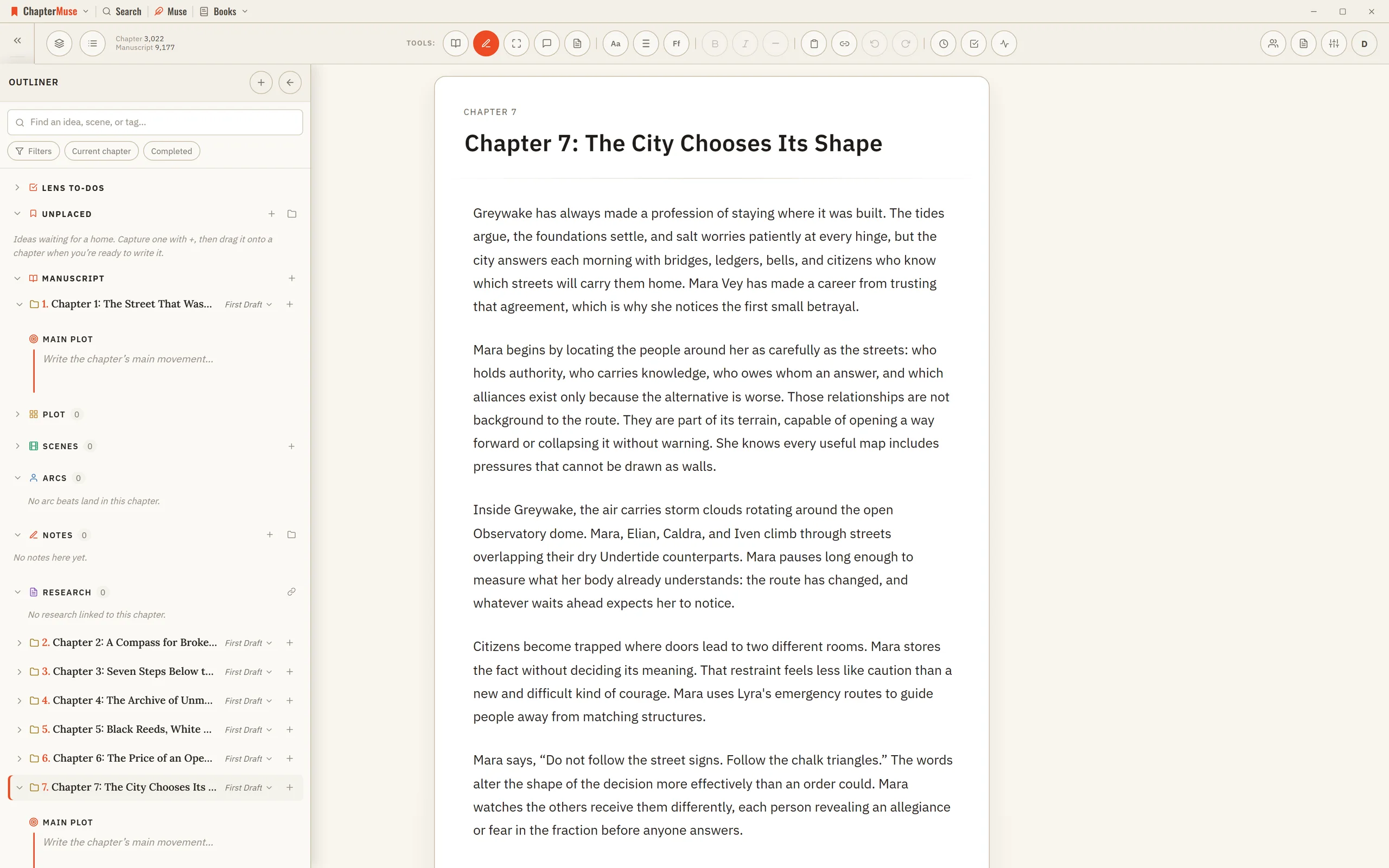
Outline a Novel Beside the Manuscript

A chapter title or order changed here changes in the Chapter Outline drawer. The chapter's Main Plot synopsis is the same cell shown in Plot Grid.

CMwww.chaptermuse.com › Help › Plot grid

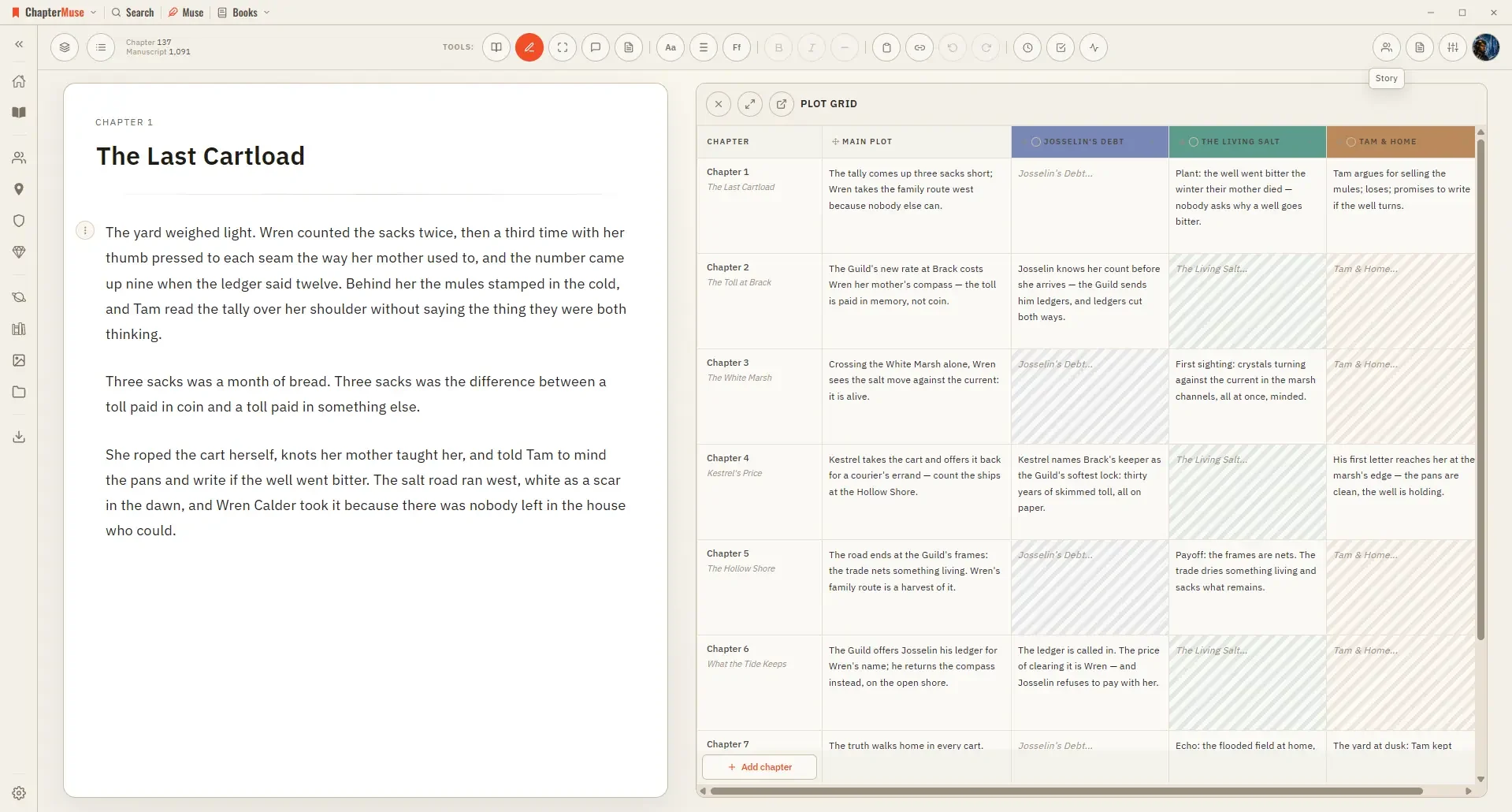
Track Plots and Character Arcs in a Plot Grid

Fill the cells with a line or two, and the whole structure of your book becomes something you can read across and down. Columns are suggested by your genre, so you start with prompts that fit.

CMwww.chaptermuse.com › Feature

Novel Writing Software Features

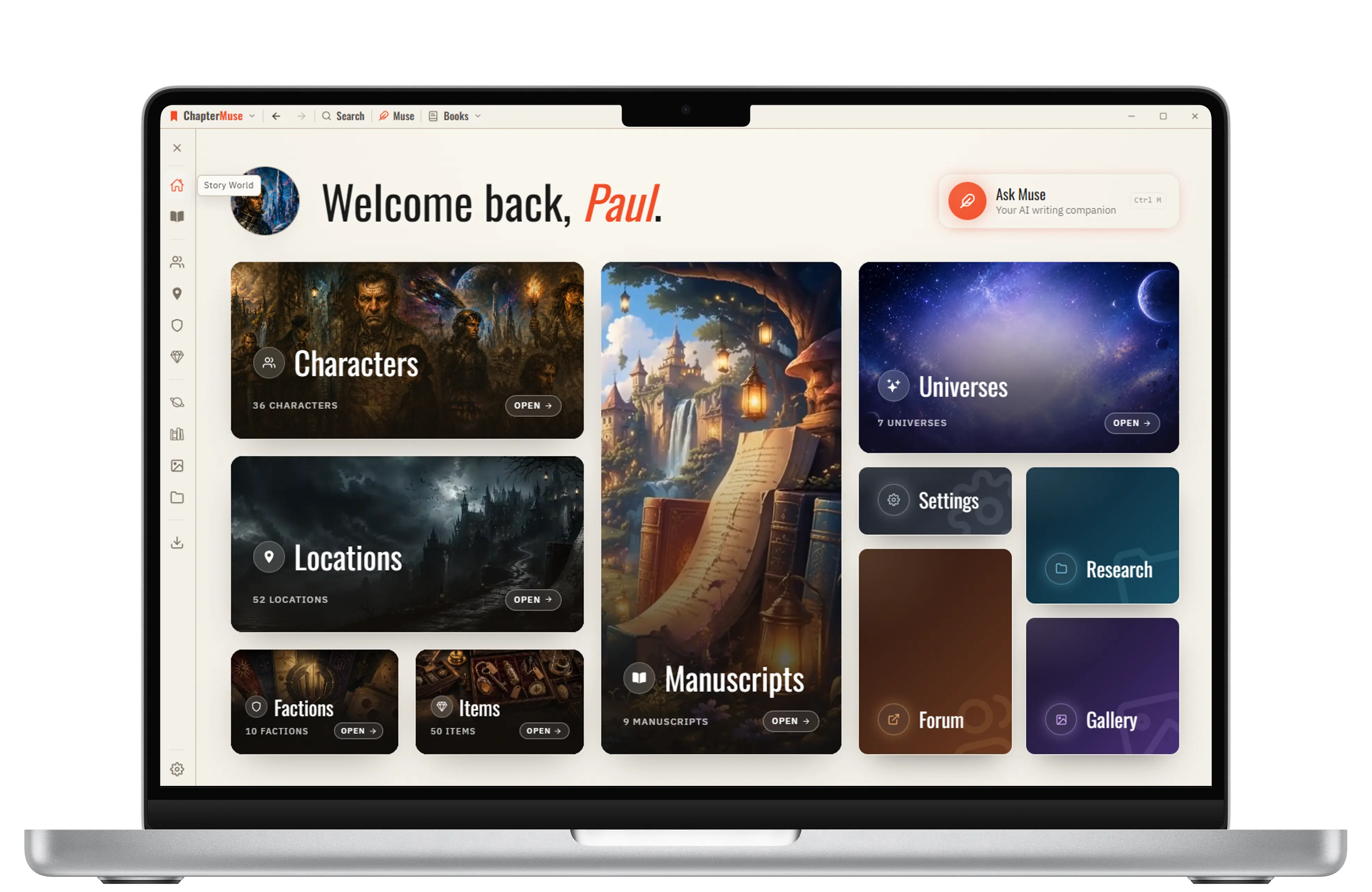
ChapterMuse keeps structure beside the manuscript so planning remains useful when the story changes. Explore feature Worldbuilding software

CMwww.chaptermuse.com › Feature › Worldbuilding

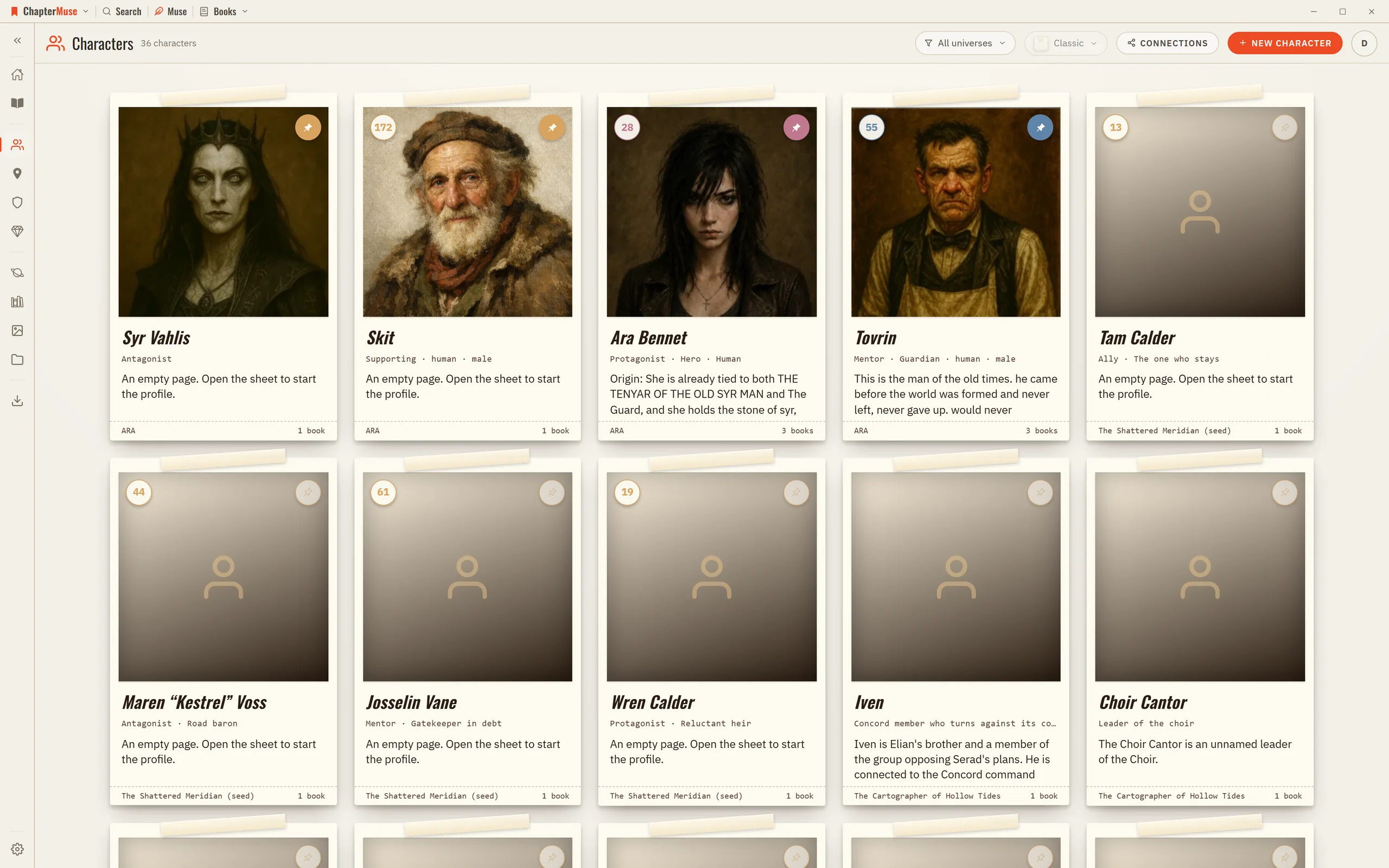
Worldbuilding and Story Bible Software

Connections make the social structure visible: who loves, mentors, rivals, owes or betrays whom. The ties you draw hold across every book in the universe.

CMwww.chaptermuse.com › Help › Scene designer

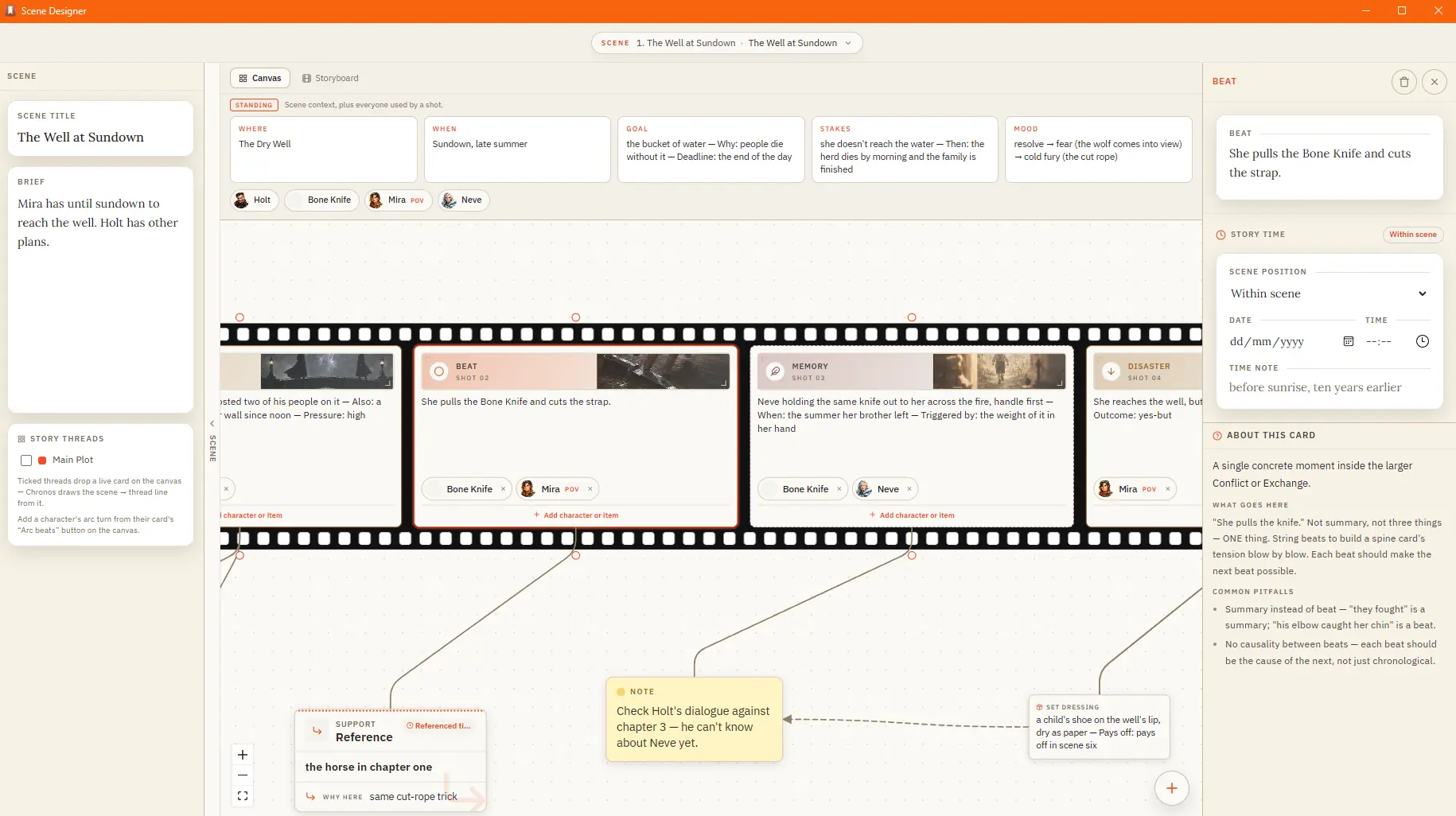
Plan a Scene Beat by Beat

A standing band above the strip holds the scene's conditions and its cast — the characters and items in play Attach sensory, subtext, or set-dressing cards to a shot; they ride in the gutter beside it The shelf keeps your craft…

CMwww.chaptermuse.com › Help › Canvas

Write and Edit a Novel in the ChapterMuse…

Updated 4 September 2026 Open a book and you arrive at the canvas: your chapter on a clean, page-like surface, floating above the workspace so your eye always knows where the story is.

CMwww.chaptermuse.com › Help › Character arcs

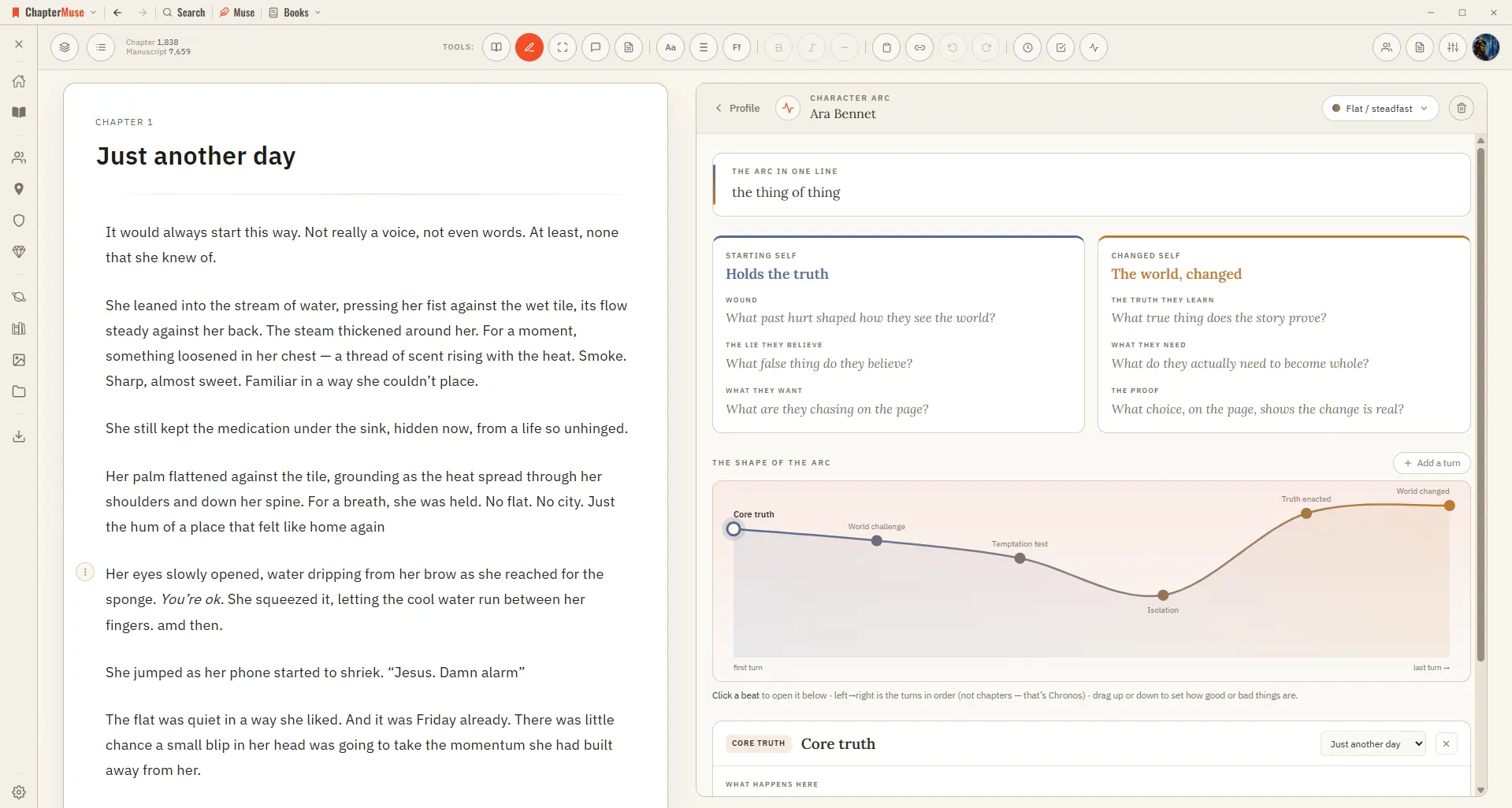
Map Character Arcs Across a Novel

ChapterMuse lays down a suggested sequence of beats you can keep, rename, or replace, then you fill each beat with what happens, what the character believes, what they choose, and what it costs.

CMwww.chaptermuse.com › Help › Todos

To-dos: ChapterMuse Guide

A column of sticky notes beside the manuscript — the same list the Outliner keeps, drawn as cards. Updated 4 September 2026 Open To-dos from the main toolbar and a column of coloured square cards appears down the left of the page.

CMwww.chaptermuse.com › Help › Chronos

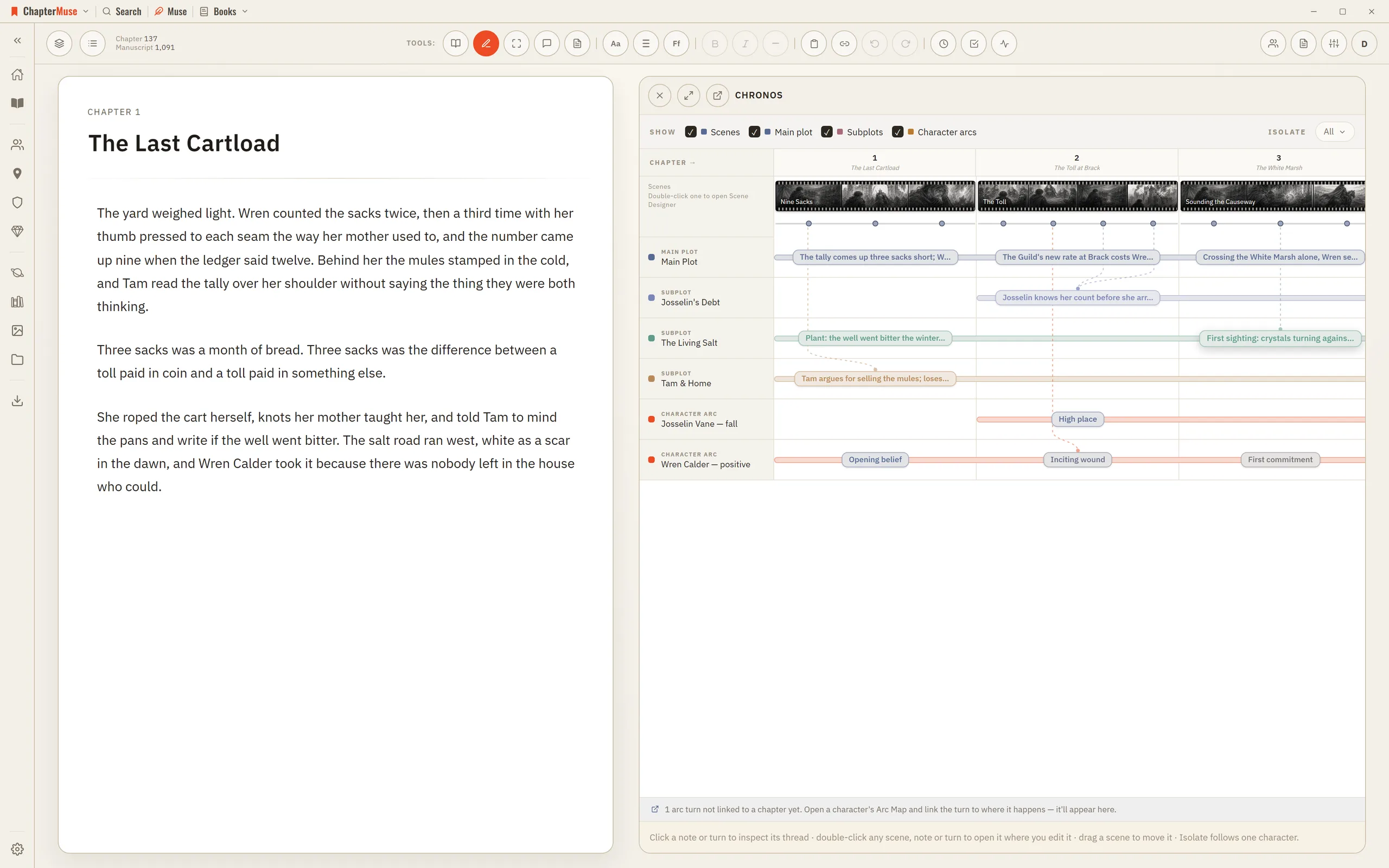
Build a Novel Timeline with Chronos

4Drag an arc beat onto a chapter — or onto a specific scene — to anchor where that turn happens. 5Use Isolate to show only what a single character touches.