CMwww.chaptermuse.com › Help › Writing progress
Set Writing Targets and Track Writing History
Set a daily or weekly habit, a destination for the whole manuscript or one chapter, a dated sprint, or a target attached to a revision pass.
About 72 results (0.019 seconds)
CMwww.chaptermuse.com › Help › Writing progress
Set a daily or weekly habit, a destination for the whole manuscript or one chapter, a dated sprint, or a target attached to a revision pass.
CMwww.chaptermuse.com › Help › Metrics
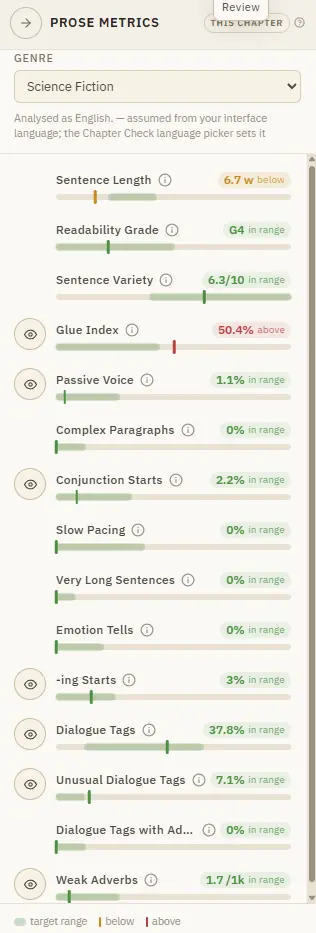
Targets are relative to your genre, because a thriller and a literary novel breathe differently. It runs on your machine and costs nothing.
CMwww.chaptermuse.com › Help › Research
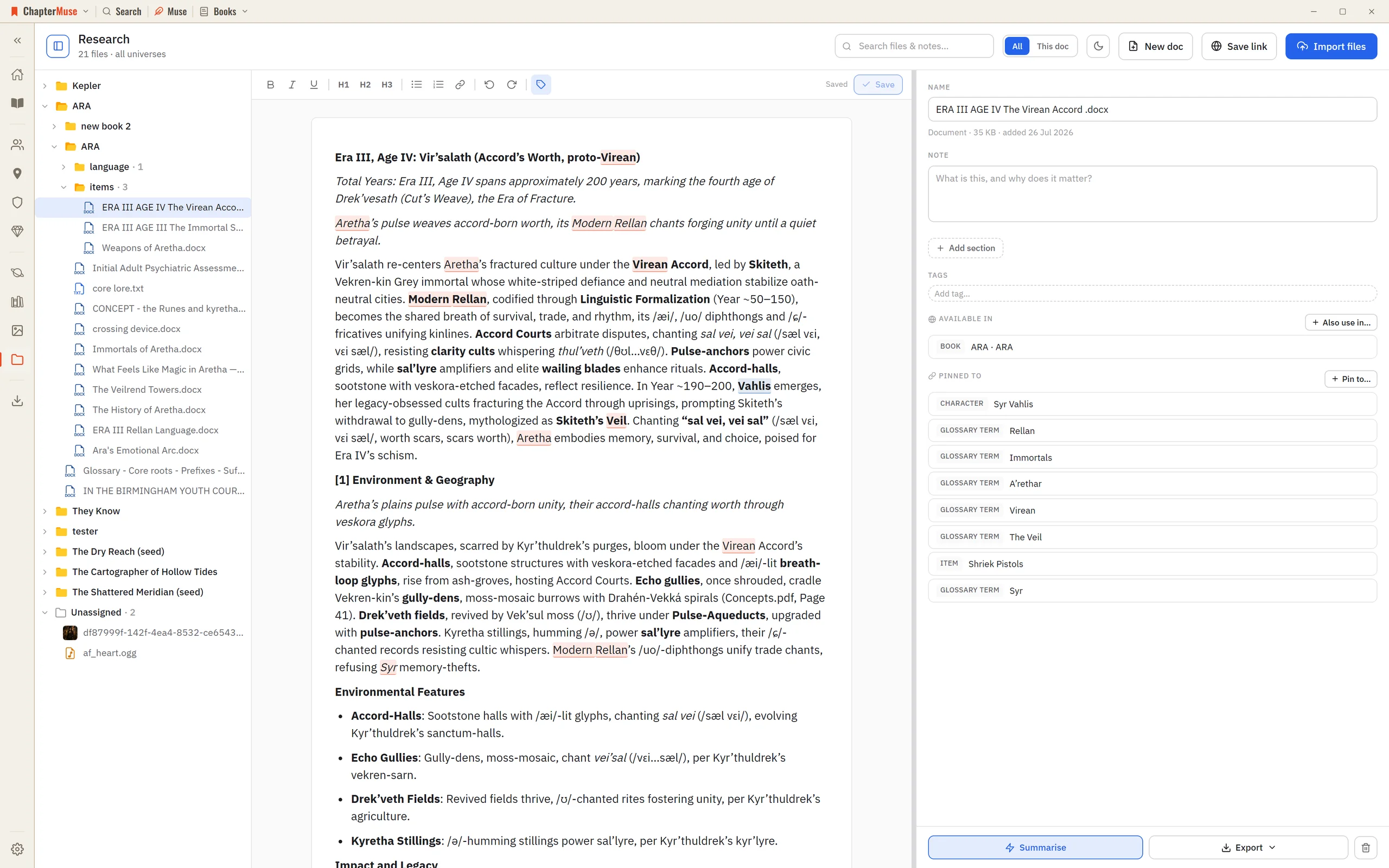
2Click Import files to add PDFs, Word documents, spreadsheets, images, or audio — or just drag them onto the window. 3Use Save link to keep a web address with a title and note — ChapterMuse fetches that page once to build a…
CMwww.chaptermuse.com › Help › Revisions
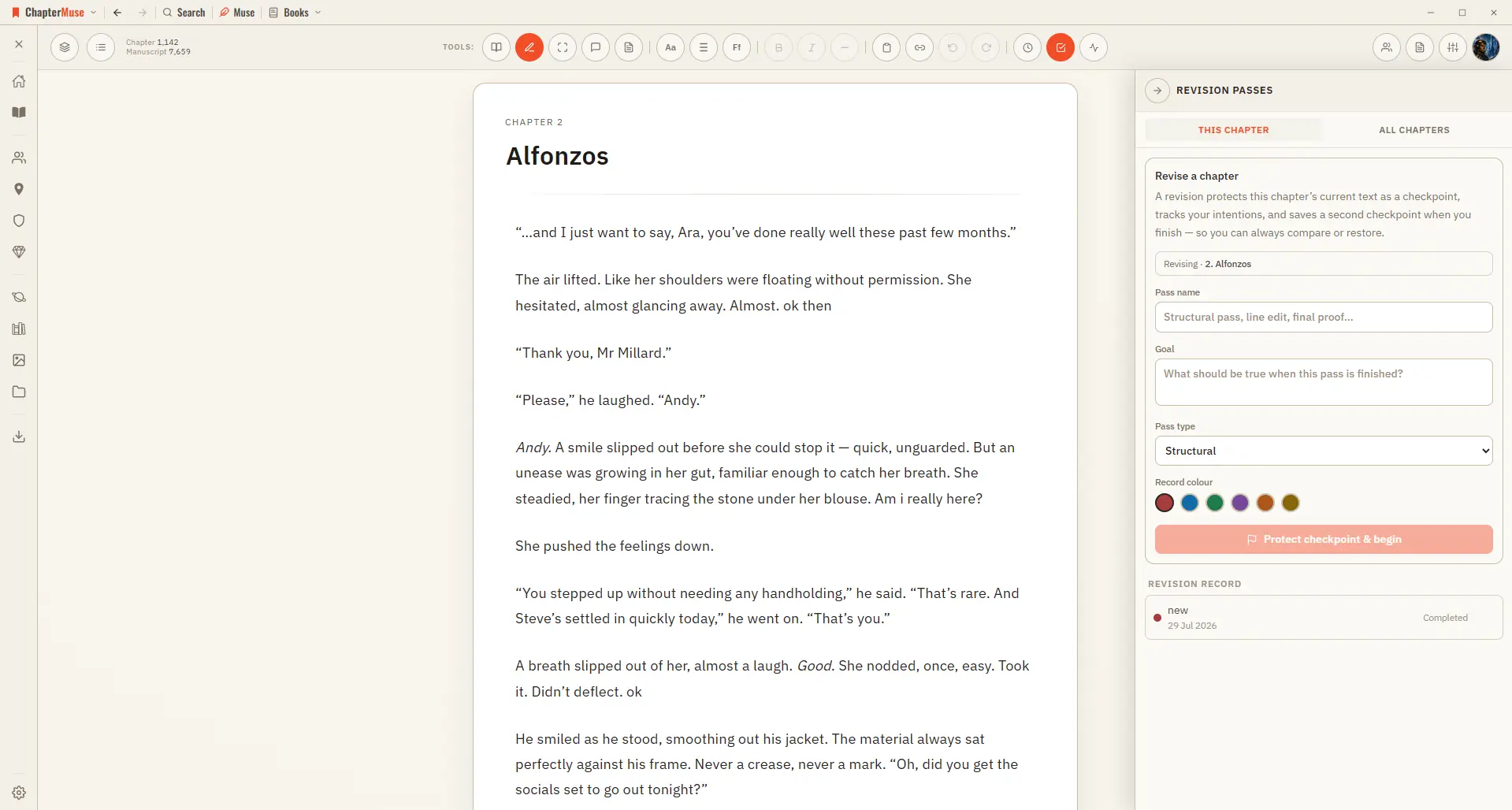
Checkpoint comparison shows words inserted and removed plus changed, added, deleted, and moved paragraphs Normal self-revision changes the manuscript immediately; the comparison remains a view, never formatting stored in the prose
CMwww.chaptermuse.com › Help › Chapter check
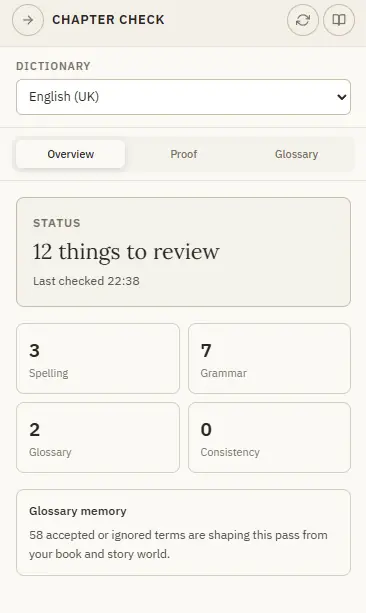
Spelling, glossary and repeated-word checks work the same in every language — grammar is strongest in English and Spanish, French and Portuguese, and lighter in German.
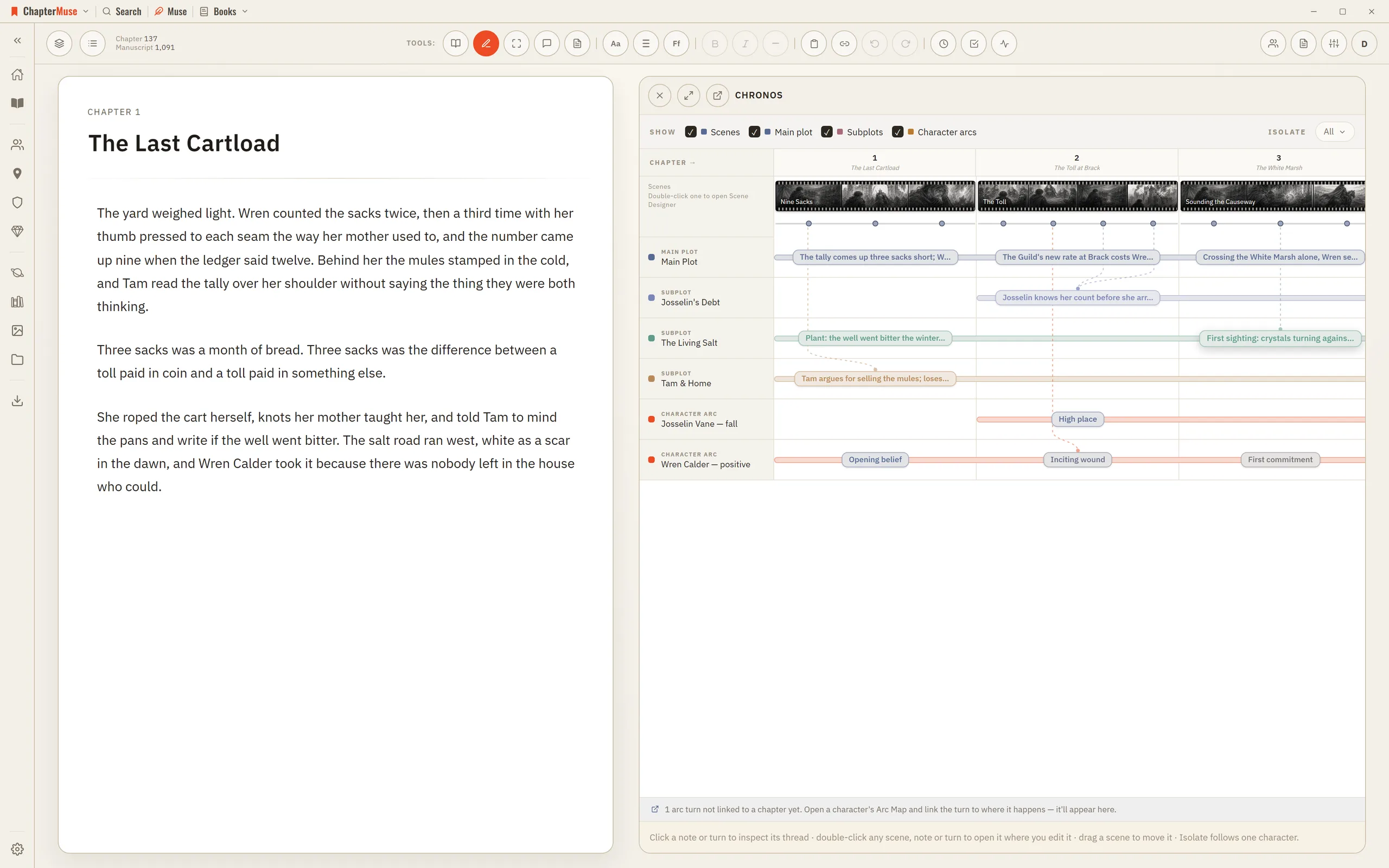
CMwww.chaptermuse.com › Help › Chronos
2Read across the top: each chapter column is as wide as its scene count, and each scene is a filmstrip as wide as its shots.
CMwww.chaptermuse.com › Help › Story world
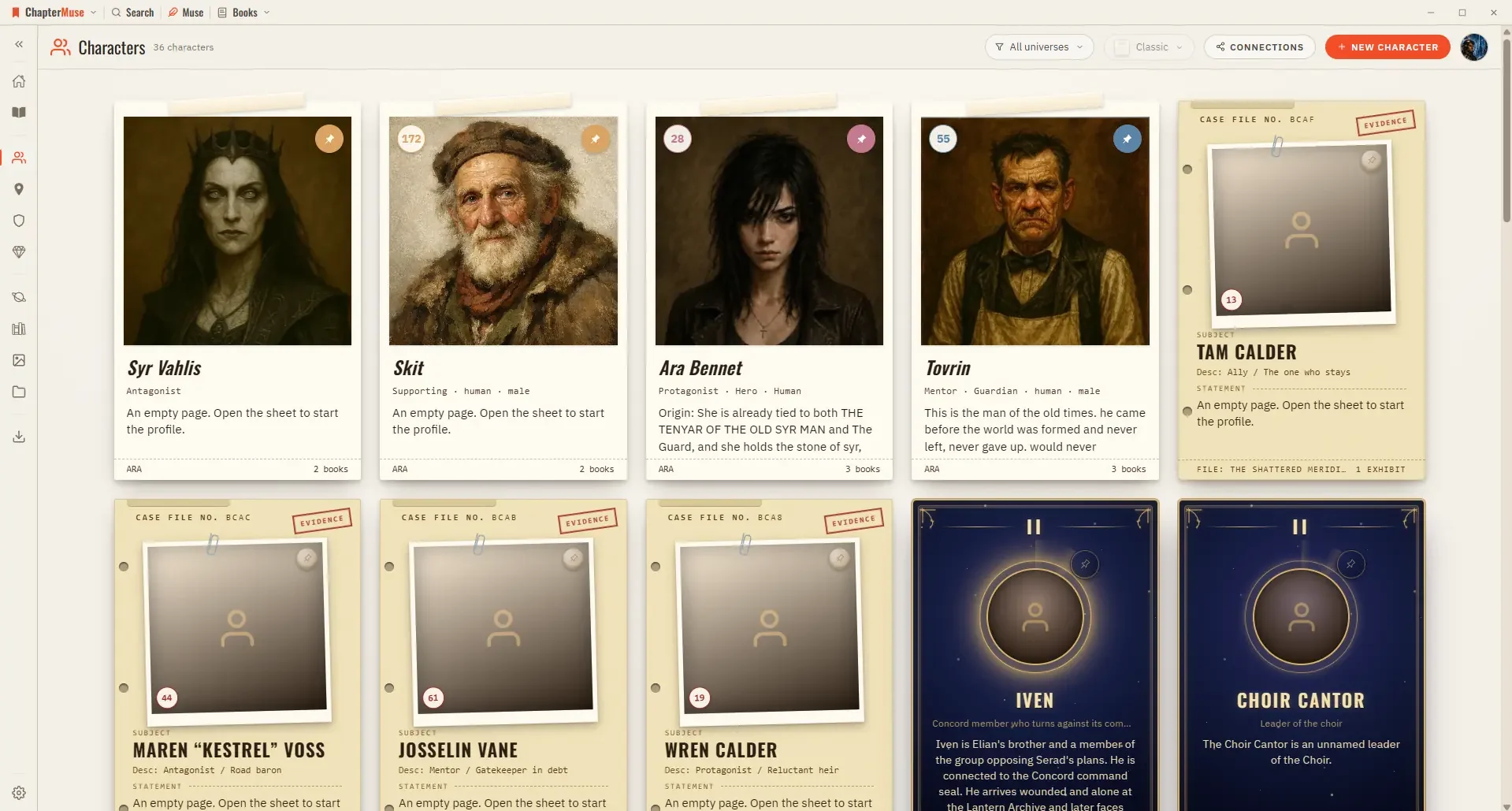
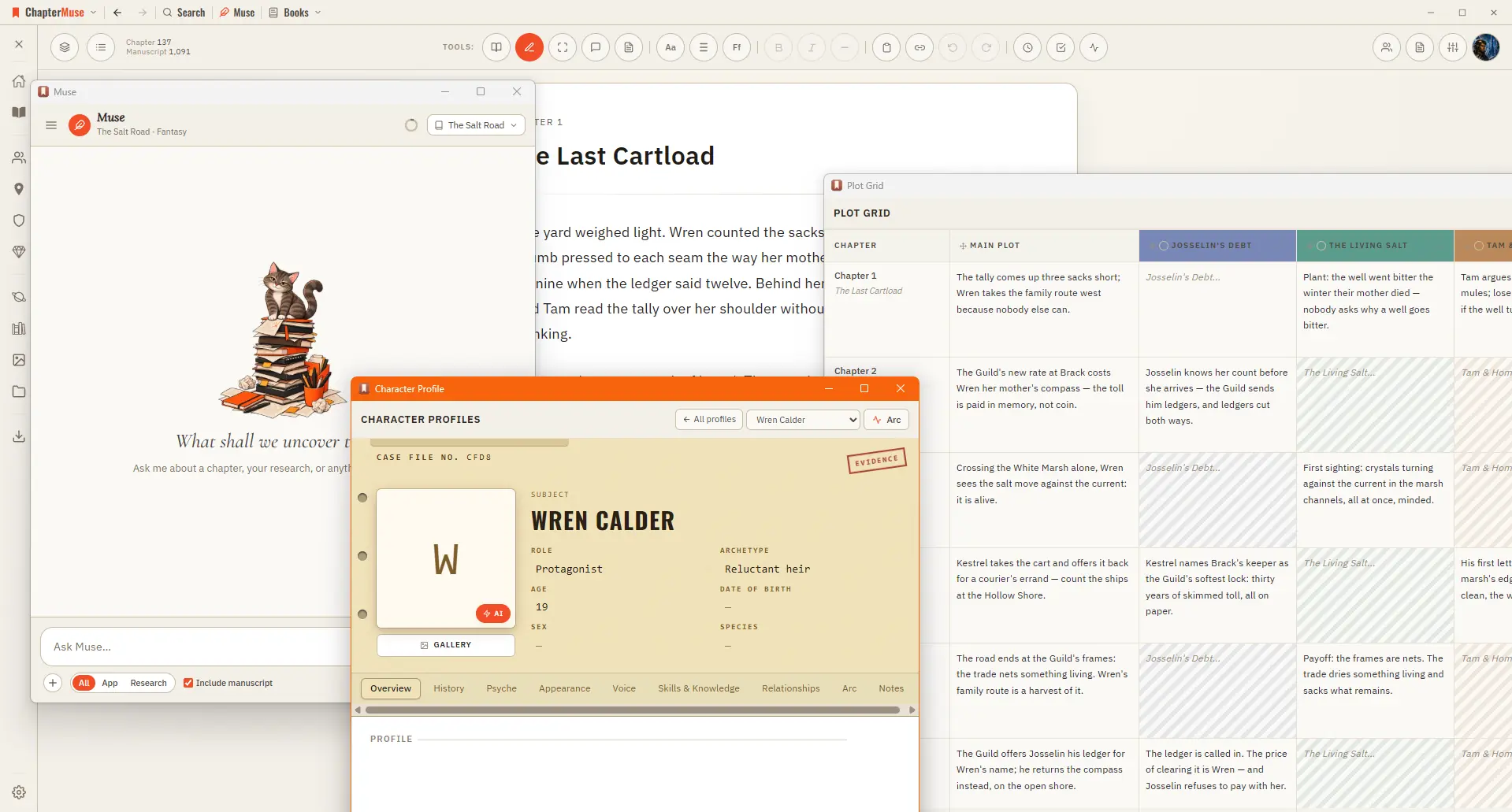
In the whole writing studio See how characters, places, factions, items and continuity work across the whole book. Explore connected worldbuilding
CMwww.chaptermuse.com › Help › Todos
There is no panel around them — no background, no border, just the cards — and they sit behind the manuscript and behind every other panel, so nothing you are writing is ever covered.
CMwww.chaptermuse.com › Help › Navigation
A central Tools strip holds Read / Edit / Focus mode, To-dos, Chapter Notes, the Outliner button, the workspace-view picker, your type controls (font, size, spacing), bold / italic / em dash, copy & paste, a "highlight…
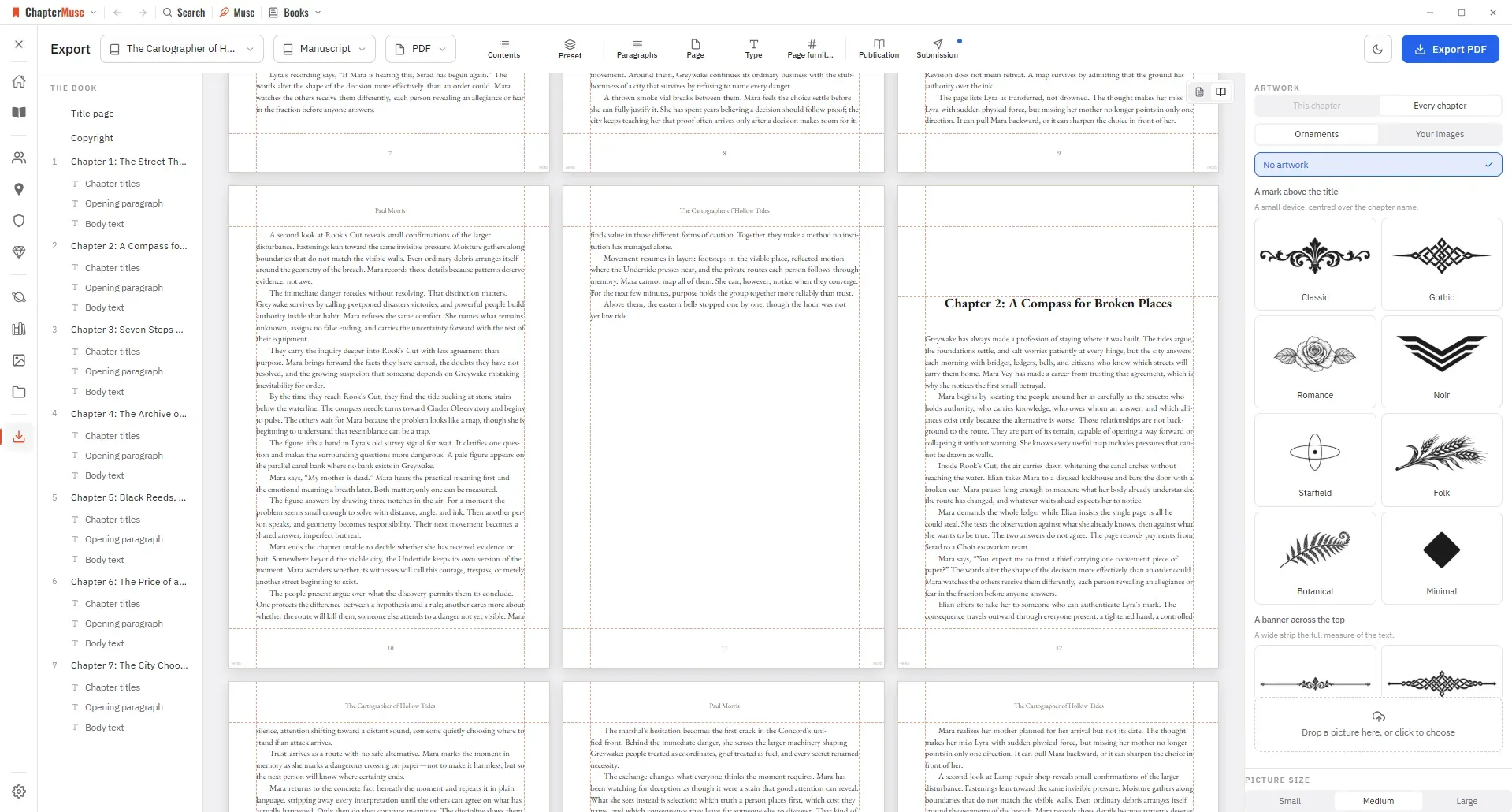
CMwww.chaptermuse.com › Help › Export
Manuscript — Word (DOCX), reading PDF, EPUB, press-ready Print Edition PDF, Markdown, RTF, ODT, LaTeX, or plain text Story World dossiers — Characters, Locations, Factions, and Items as Word, PDF, or Excel (Excel spreads across…