ChapterMuse

Search results for export to Kindle

About 47 results (0.172 seconds)

CMwww.chaptermuse.com › Guide › Format a book

Format a novel for submission, print and EPUB

Run EPUBCheck on the EPUB, then Ace, then open it in two readers with different engines (Thorium, EDRLab's reference application, plus Kindle Previewer or Apple Books) at the largest text size on offer.

CMwww.chaptermuse.com › Help › Export

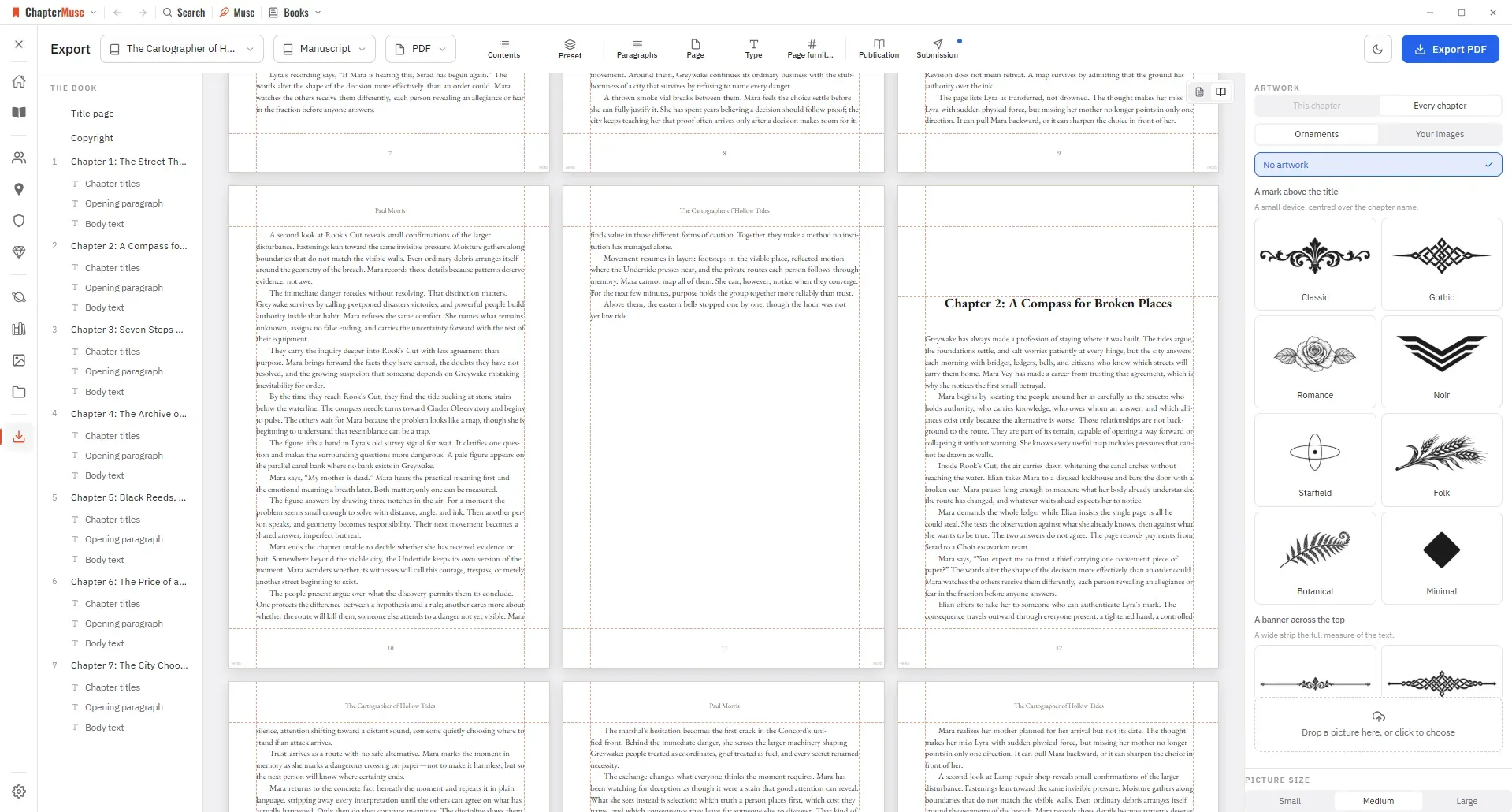
Export a Novel to DOCX, PDF and EPUB

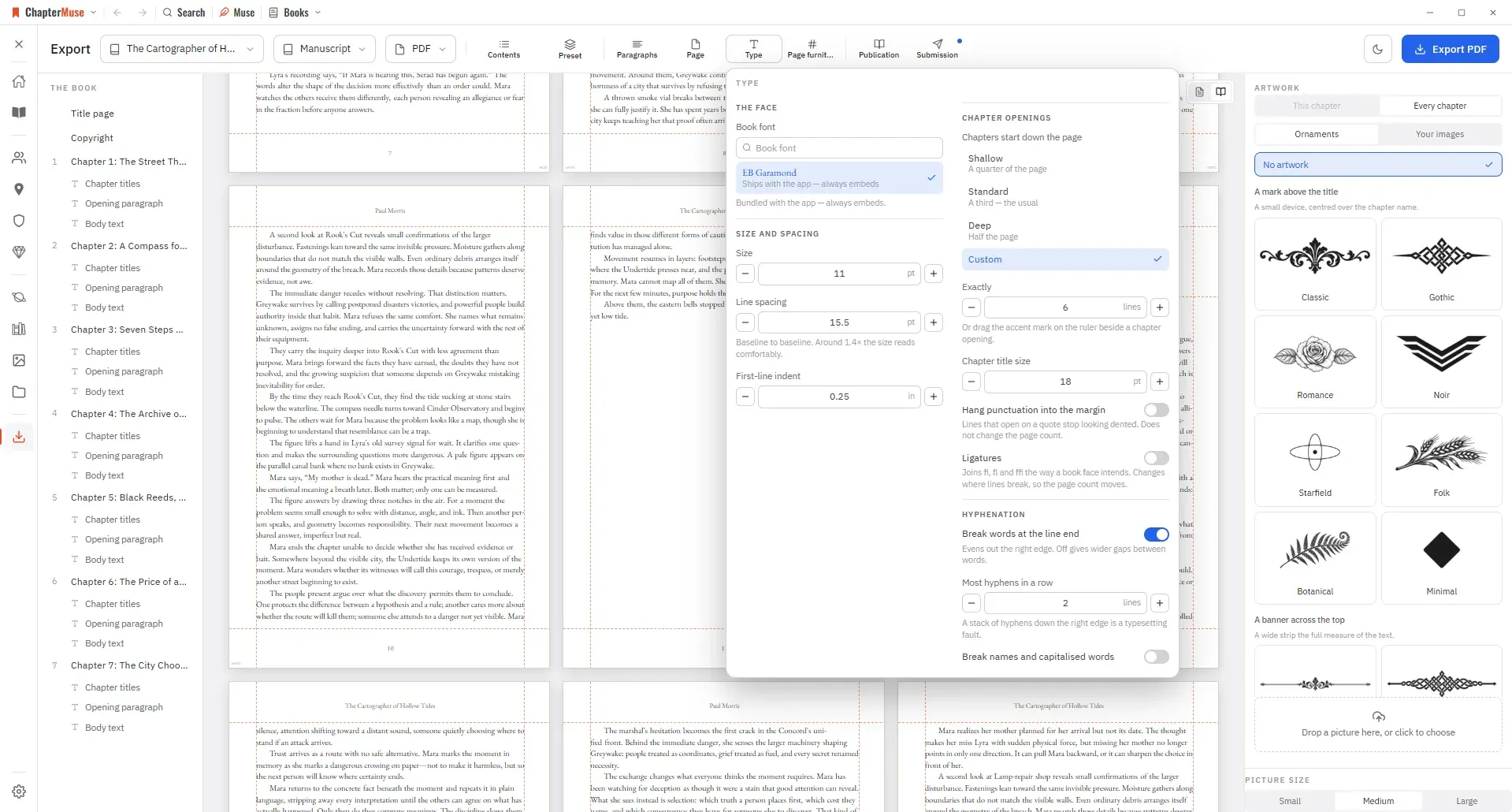
Updated 4 September 2026 When it's time to send your work out, the Export view gives you a focused workspace. Two choices sit in the bar above the pages, in the order you make them: which book, then what to export.

People also ask

What happens to my book if I stop using ChapterMuse?

Your whole library exports to a single portable backup file, and your manuscript exports as PDF, Word, ODT, RTF, Markdown, LaTeX and plain text at every licence tier, the files an agent expects.

Novel Writing Software for Windows and Mac
Can I bring a book I have already started?

Yes: import from DOCX, EPUB, ODT, RTF, Markdown or plain text, and the chapters arrive as chapters rather than as one long wall.

Novel Writing Software for Windows and Mac
Is EPUB included?

Word, reading PDF, print PDF, Markdown, RTF, ODT and plain text are available at every tier.

Atticus Alternative That Writes and Formats
Does ChapterMuse export EPUB files?

EPUB export is included with the Studio lifetime licence.

Book Formatting and EPUB Export Software

Writing guides

CMwww.chaptermuse.com › Help › Research

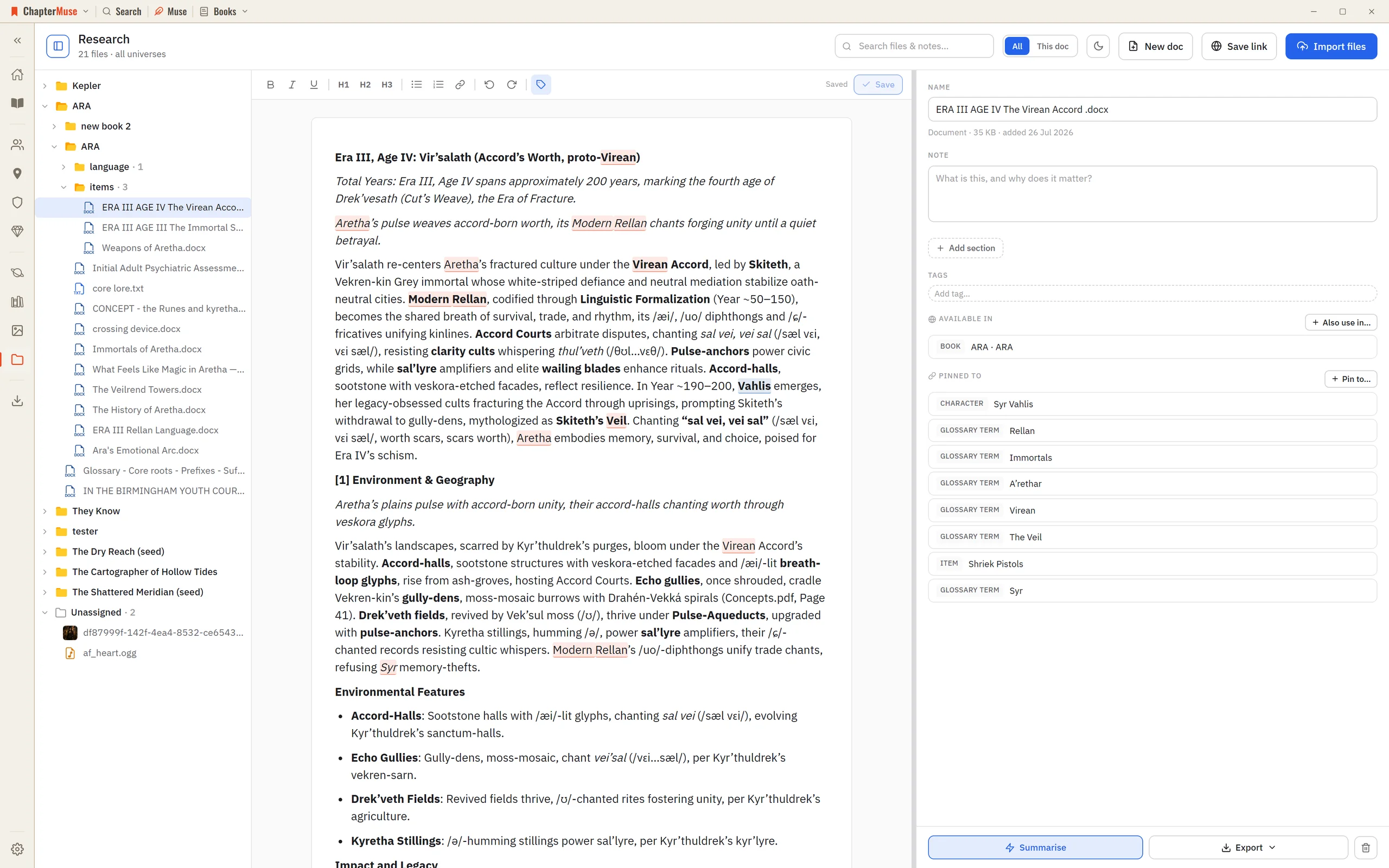
Organise Novel Research Beside Your Manuscript

2Click Import files to add PDFs, Word documents, spreadsheets, images, or audio — or just drag them onto the window. 3Use Save link to keep a web address with a title and note — ChapterMuse fetches that page once to build a…

Images

CMwww.chaptermuse.com › Help › Storage and resets

Back Up, Restore and Manage ChapterMuse Data

Everything about the data on your device — exporting a backup, restoring one, and starting fresh. Updated 4 September 2026 Because your work lives on your machine, you're in control of it — which also means it's worth backing up.

CMwww.chaptermuse.com › Compare › Novelcrafter

The Novelcrafter Alternative You Buy Once

3 on Studio Export your manuscript Where it lives Desktop on Windows and macOS; writing, proofreading and export all work offline, and one .

CMwww.chaptermuse.com › Help › Book design

Book Design: ChapterMuse Guide

✦Quick start 1Open Export and choose your book. 2Open Preset and pick a look — Sabon classic, Modern trade, Large print, Submission, and more.