CMwww.chaptermuse.com › Feature › Book formatting
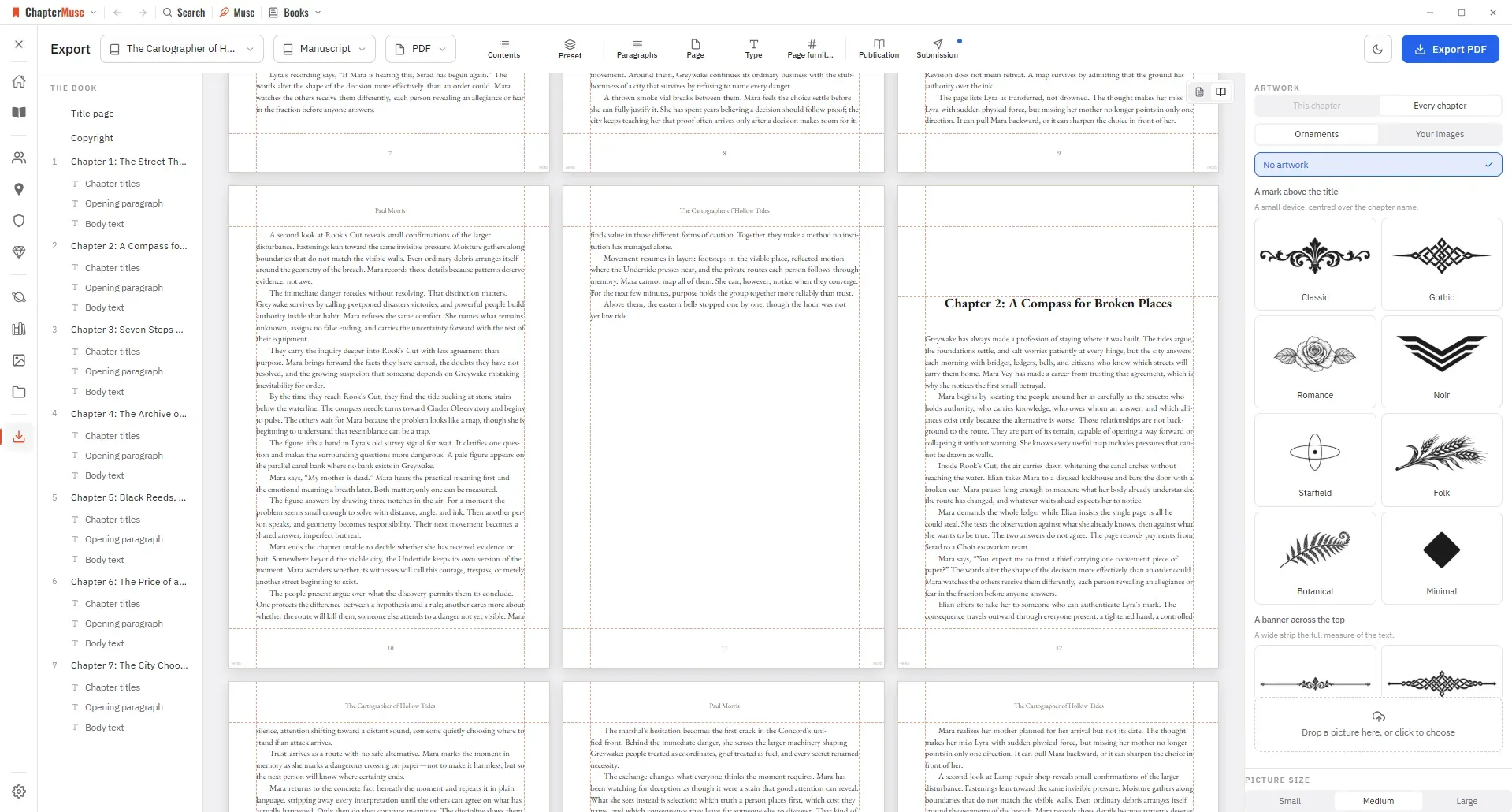
Book Formatting and EPUB Export Software
The EPUB in a reader 04 · Design
About 69 results (0.021 seconds)
CMwww.chaptermuse.com › Feature › Book formatting
The EPUB in a reader 04 · Design
CMwww.chaptermuse.com › Help › Export
Manuscript — Word (DOCX), reading PDF, EPUB, press-ready Print Edition PDF, Markdown, RTF, ODT, LaTeX, or plain text Story World dossiers — Characters, Locations, Factions, and Items as Word, PDF, or Excel (Excel spreads across…
CMwww.chaptermuse.com › Feature
Follow the book from its first uncertain plan through a connected story world, the working manuscript, deliberate revision and publication-ready files.
CMwww.chaptermuse.com › Help › Research
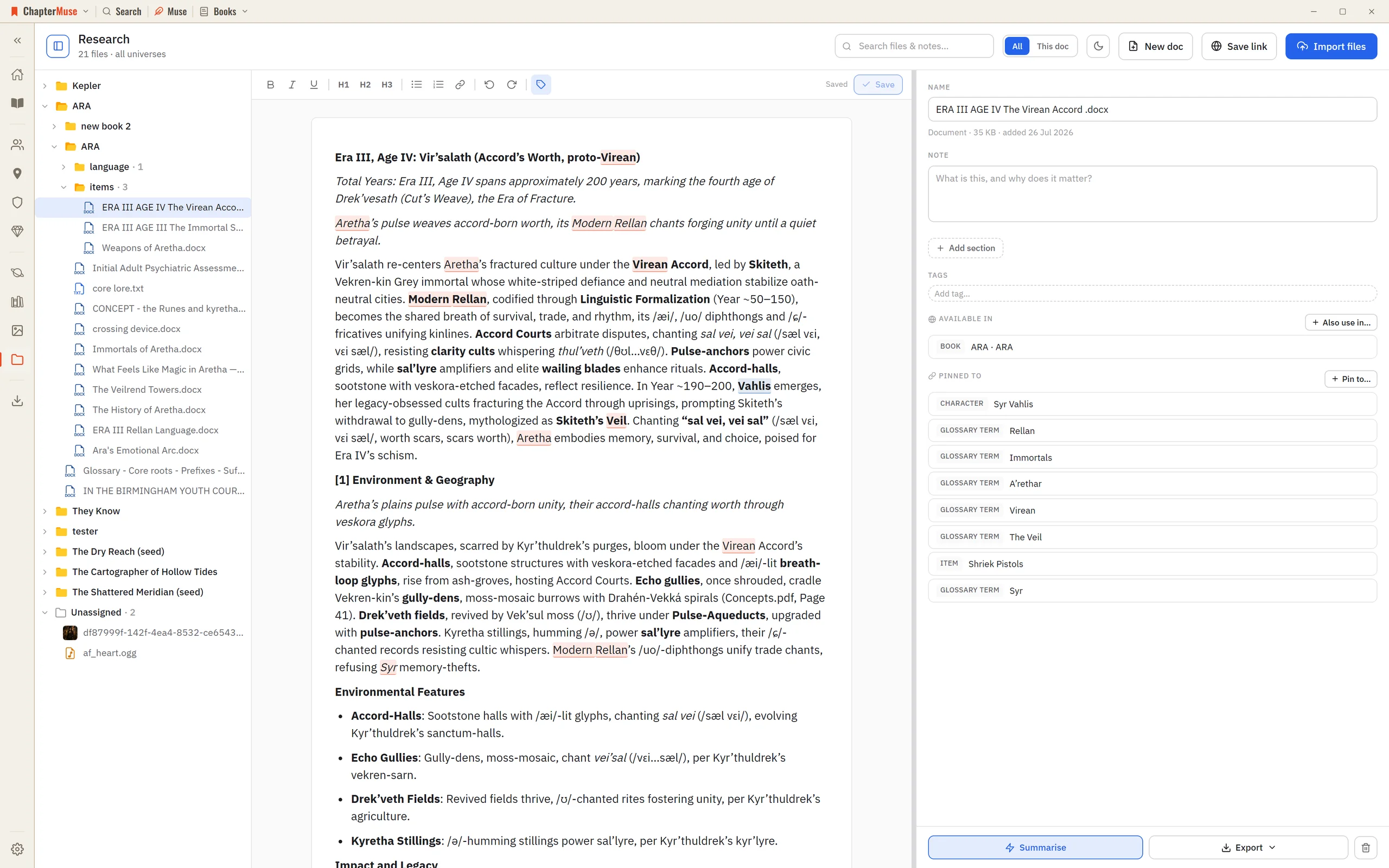
2Click Import files to add PDFs, Word documents, spreadsheets, images, or audio — or just drag them onto the window. 3Use Save link to keep a web address with a title and note — ChapterMuse fetches that page once to build a…
CMwww.chaptermuse.com › Help › Bookshelf
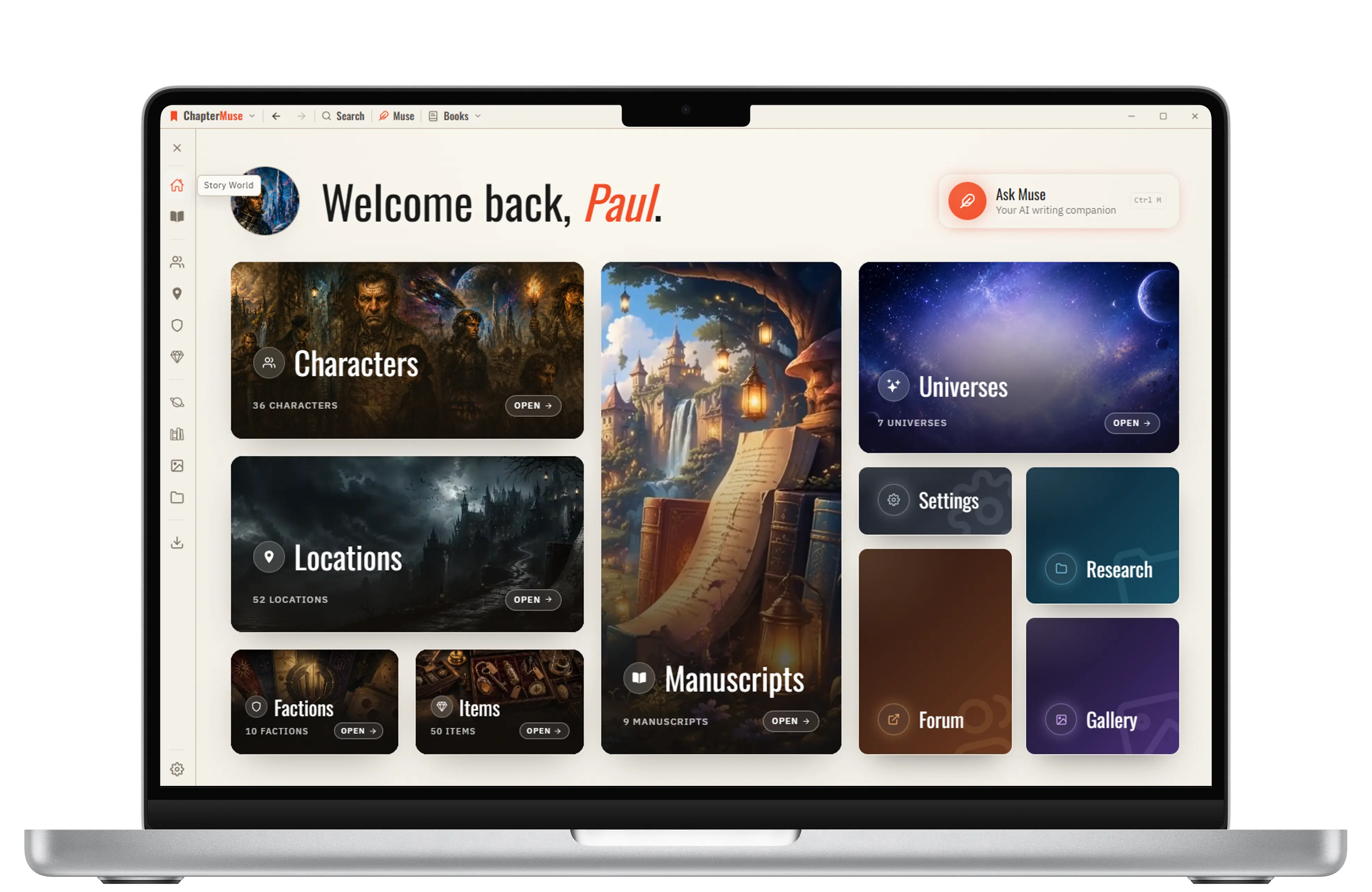
In the whole writing studio See how characters, places, factions, items and continuity work across the whole book. Explore connected worldbuilding
CMwww.chaptermuse.com › Help › Sections
In the whole writing studio Follow one draft into Word, print-ready PDF, EPUB and the files around the novel. See how the manuscript becomes a book
CMwww.chaptermuse.com › Page
During the trial all of it is unlocked. Afterwards, this is what separates the three licences.
CMwww.chaptermuse.com › Home
Yes: import from DOCX, EPUB, ODT, RTF, Markdown or plain text, and the chapters arrive as chapters rather than as one long wall.
CMwww.chaptermuse.com › Help › Items
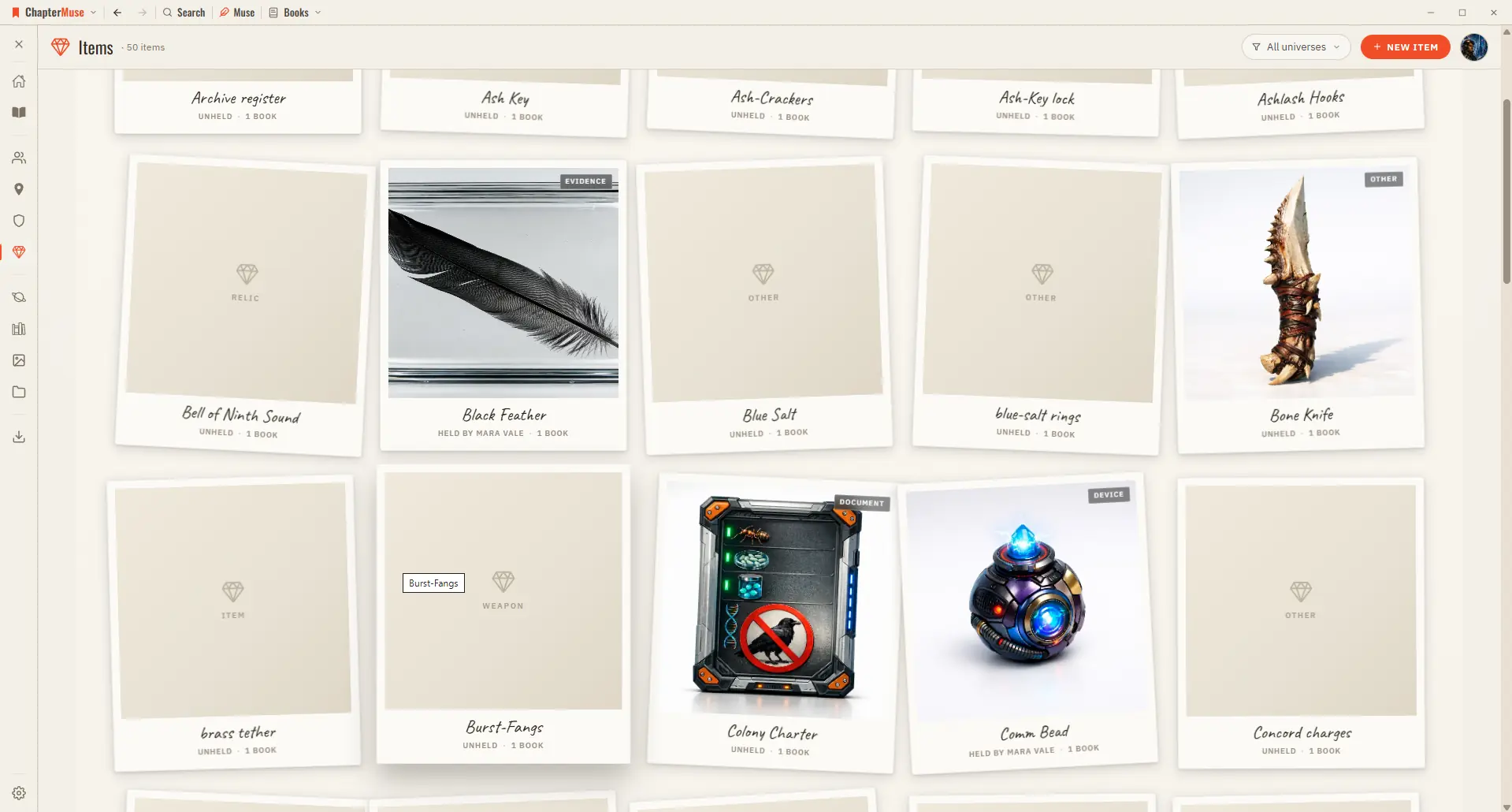
2Choose a kind (weapon, heirloom, document, relic…) and give it a name and one-liner. 3Add imagery in the gallery — upload, or generate with AI.