ChapterMuse

Search results for docx

About 69 results (0.020 seconds)

CMwww.chaptermuse.com › Help › Export

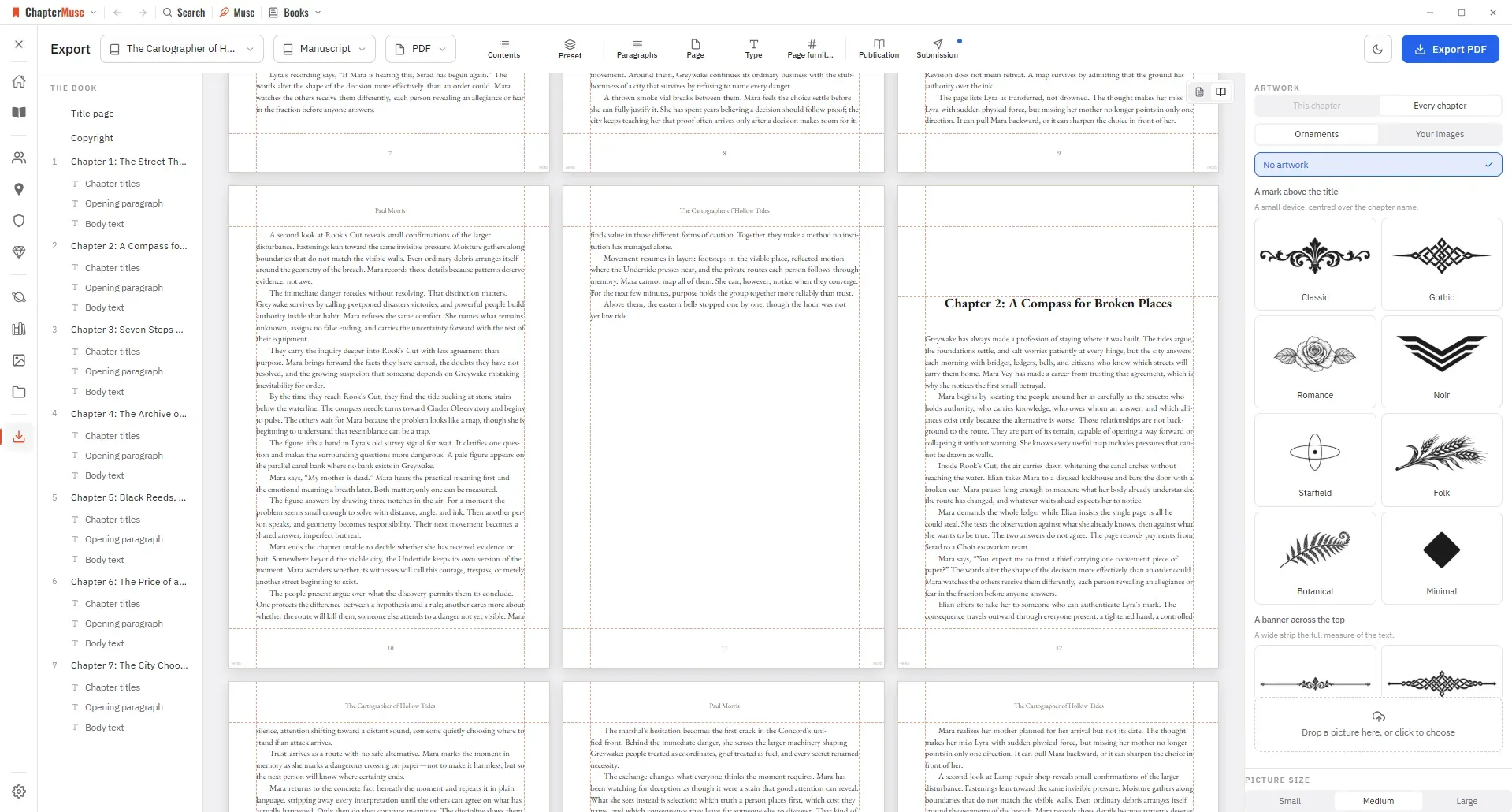
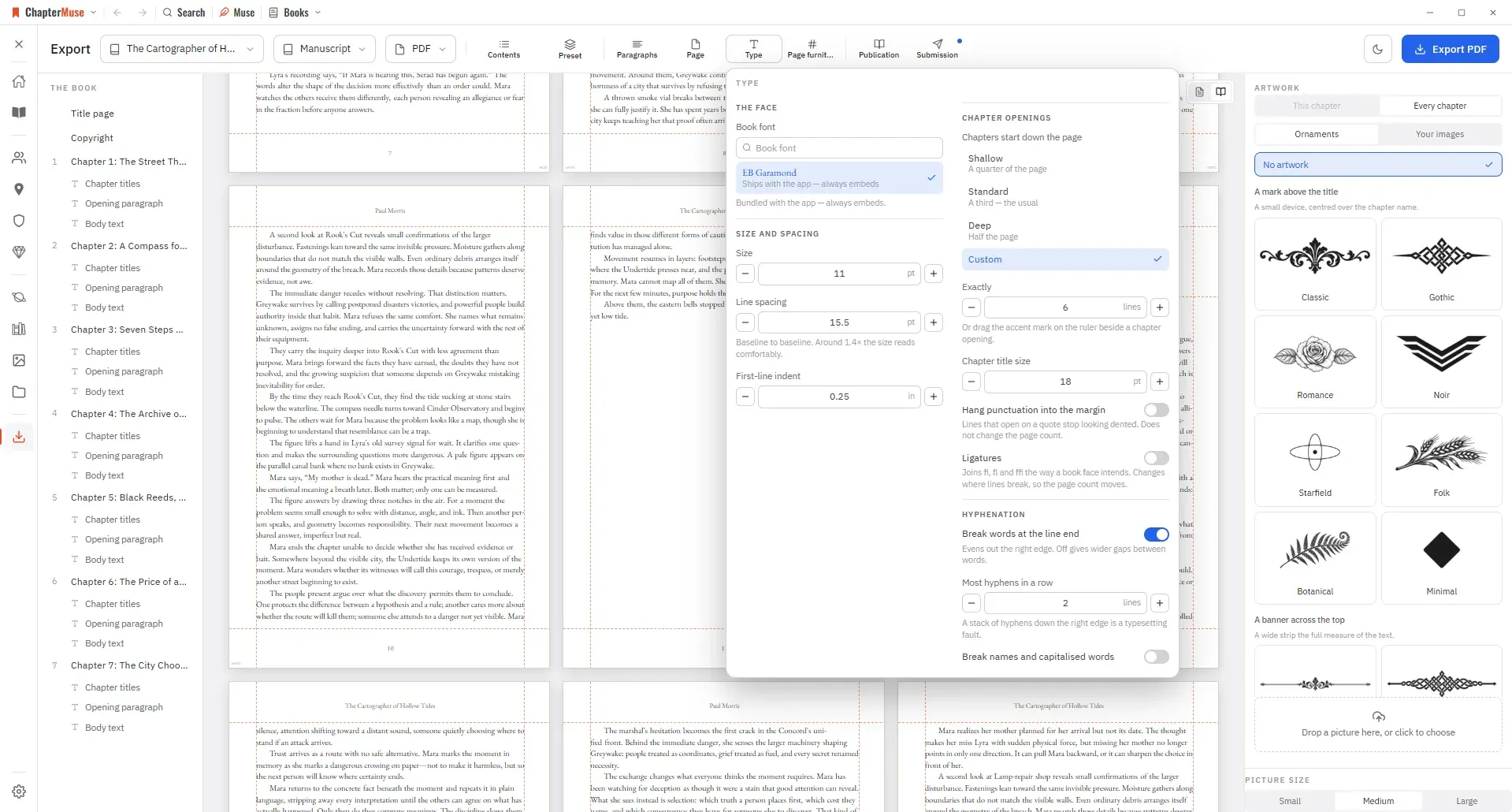
Export a Novel to DOCX, PDF and EPUB

Manuscript — Word (DOCX), reading PDF, EPUB, press-ready Print Edition PDF, Markdown, RTF, ODT, LaTeX, or plain text Story World dossiers — Characters, Locations, Factions, and Items as Word, PDF, or Excel (Excel spreads across…

CMwww.chaptermuse.com › Help › Bookshelf

Create and Organise Manuscripts on the…

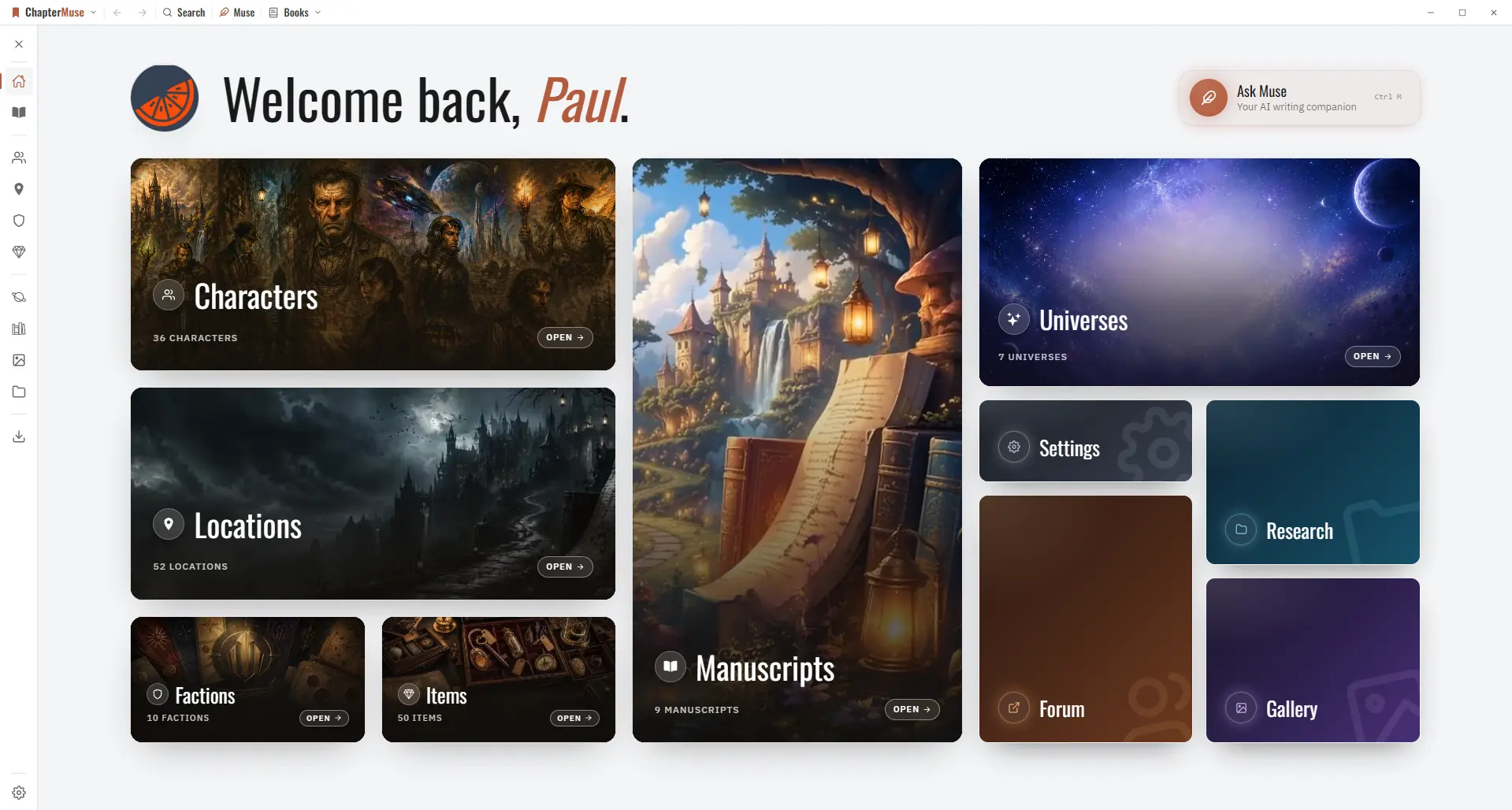
In the whole writing studio See how characters, places, factions, items and continuity work across the whole book. Explore connected worldbuilding

CMwww.chaptermuse.com › Help › Research

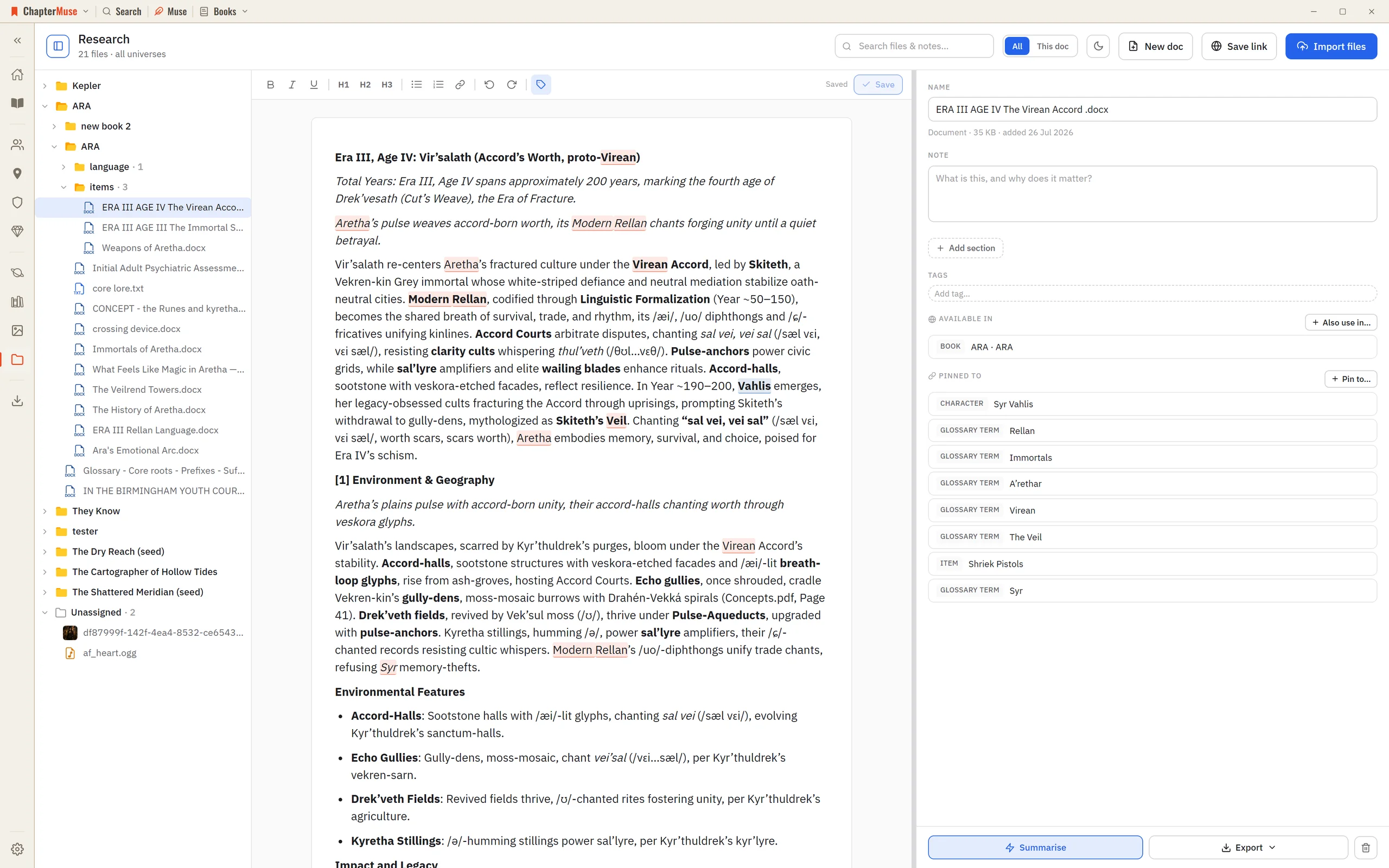
Organise Novel Research Beside Your Manuscript

PDFs, Word documents, spreadsheets (Excel/CSV), plain text, images, and audio — previewed right in the app Web links, saved with a title, note, and tags Filters by universe, book, file type, and tag, plus a search box A…

CMwww.chaptermuse.com › Page

About

View the book on Amazon UK You belong from the beginning

CMwww.chaptermuse.com › Help › Canvas

Write and Edit a Novel in the ChapterMuse…

Continuous auto-save — a small indicator shows when a save is in progress, and a live word count sits in the toolbar Closing the manuscript waits for every editor pane to save.

CMwww.chaptermuse.com › Help › Items

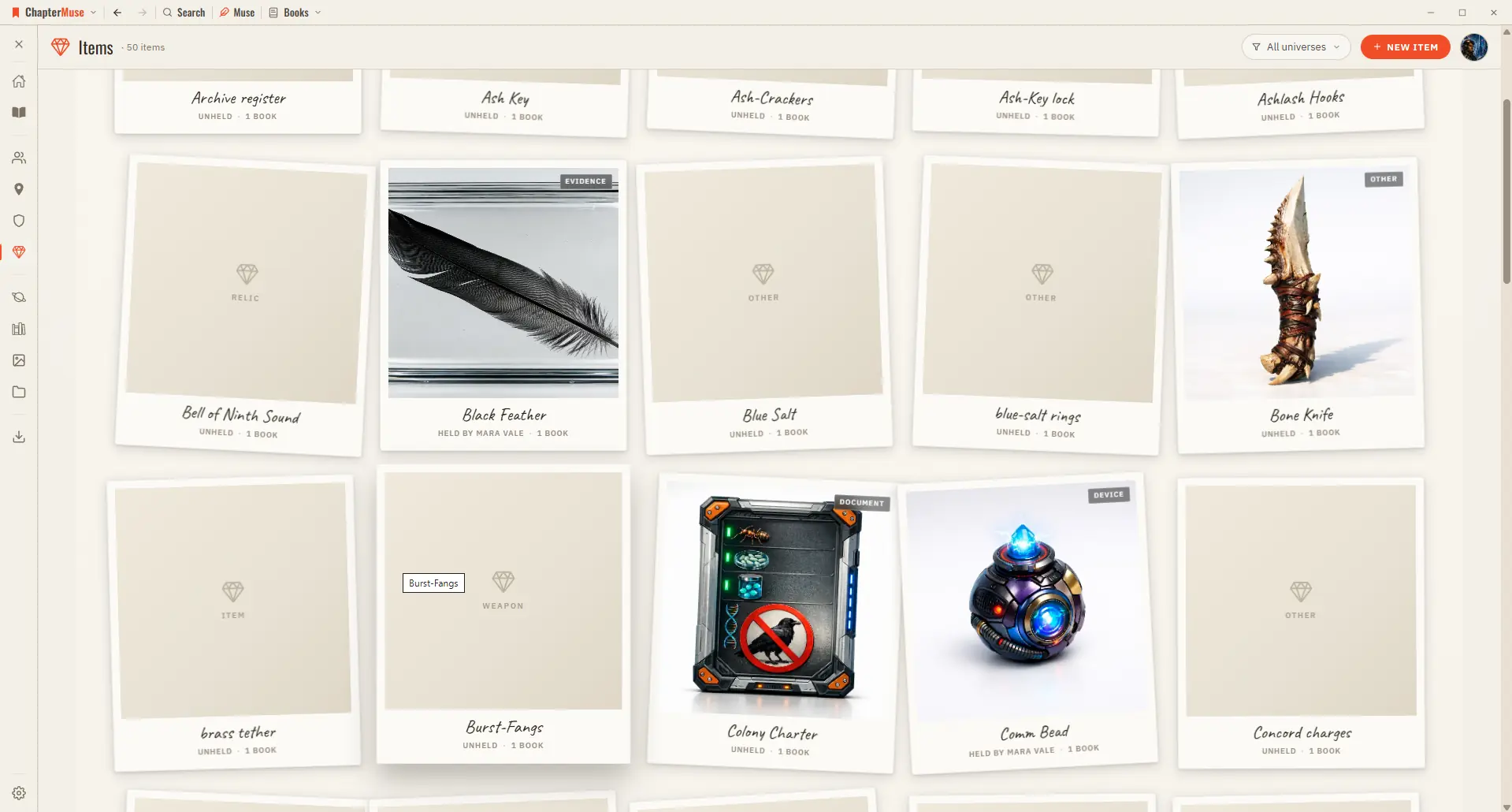
Track Story Items, Relics and Documents

2Choose a kind (weapon, heirloom, document, relic…) and give it a name and one-liner. 3Add imagery in the gallery — upload, or generate with AI.

CMwww.chaptermuse.com › Help › Revisions

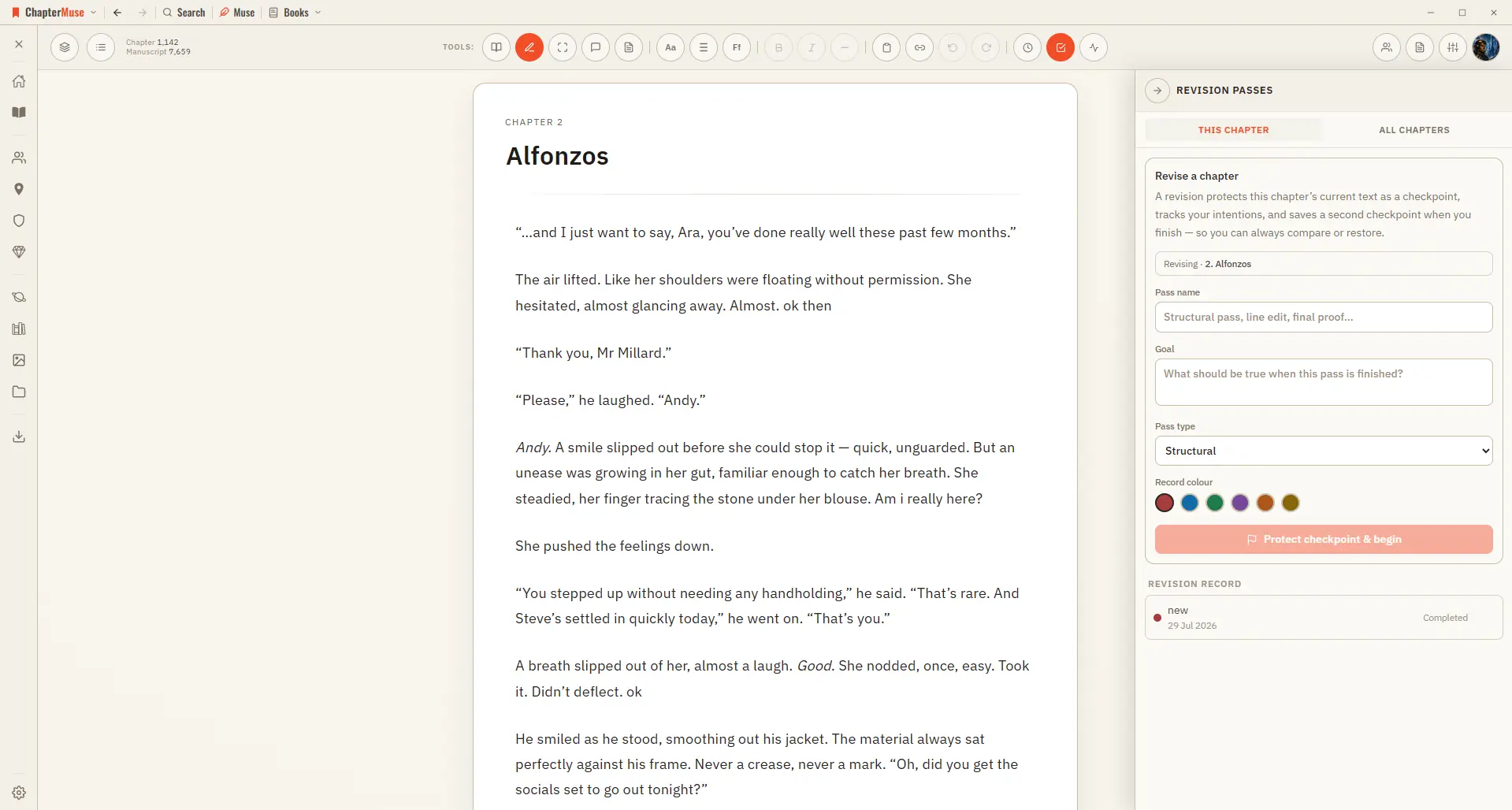
Plan and Track a Novel Revision Pass

Choose a structural, plot, character, scene, dialogue, line, copyedit, proof, or custom pass Each pass belongs to the chapter open when it begins; different chapters can have their own open passes at the same time Use All…

CMwww.chaptermuse.com › Help › Book design

Book Design: ChapterMuse Guide

Updated 4 September 2026 A preset is a finished book, not a starting point: pick one and you have a designed manuscript straight away.