ChapterMuse

Search results for cloud

About 125 results (0.061 seconds)

CMwww.chaptermuse.com › Guide › Exposition without the infodump

Exposition without the infodump

He has not written the sentence "the peasants were terrified of the Count", which is what the infodump version would say and which would be worth about a tenth as much, because you would have been told it rather than having…
CMwww.chaptermuse.com › Genre › Science fiction writers

Science Fiction Writing Software

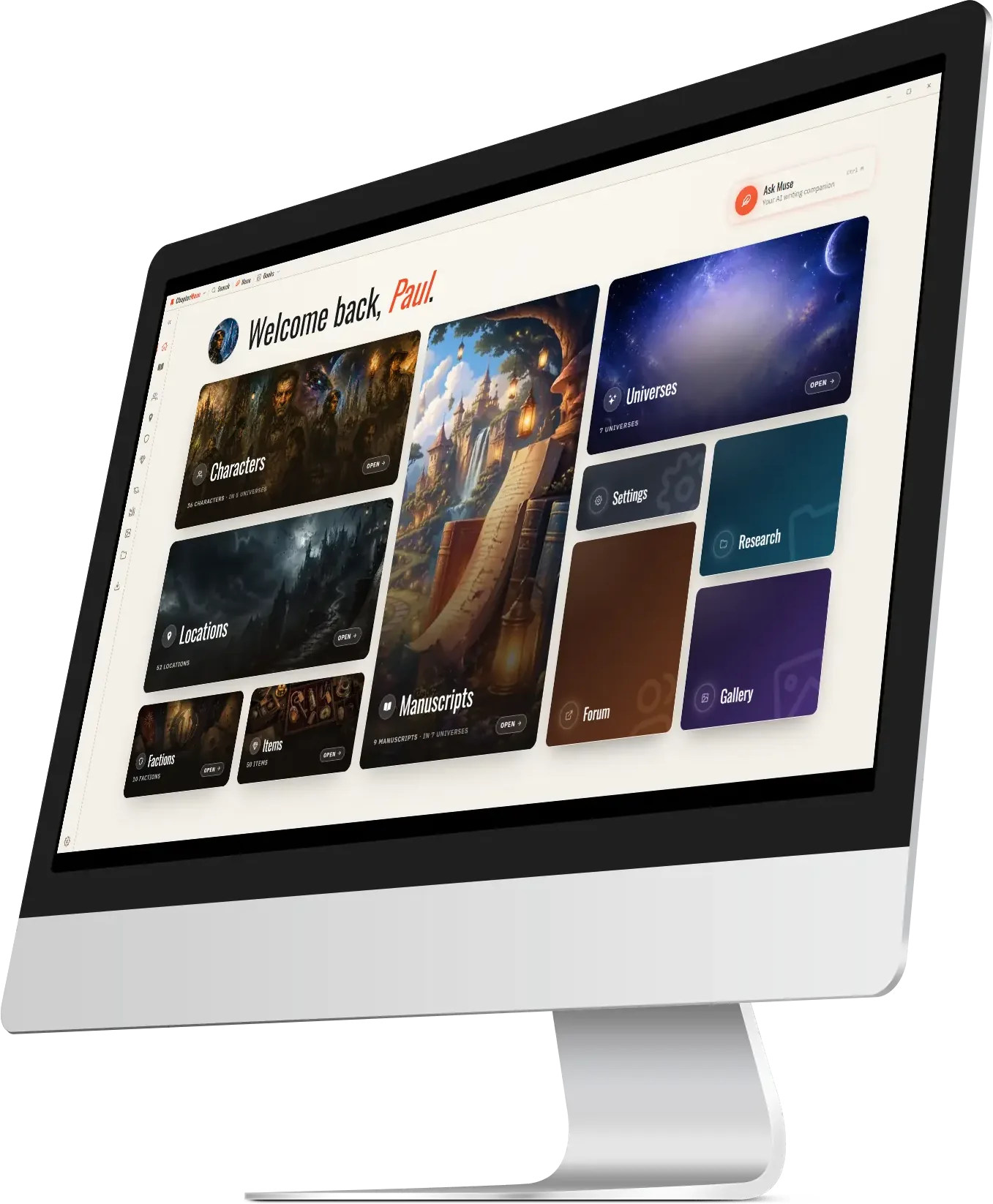
ChapterMuse is a desktop application for Windows and macOS, with the manuscript and story-world data stored on your computer.

CMwww.chaptermuse.com › Help › Find replace

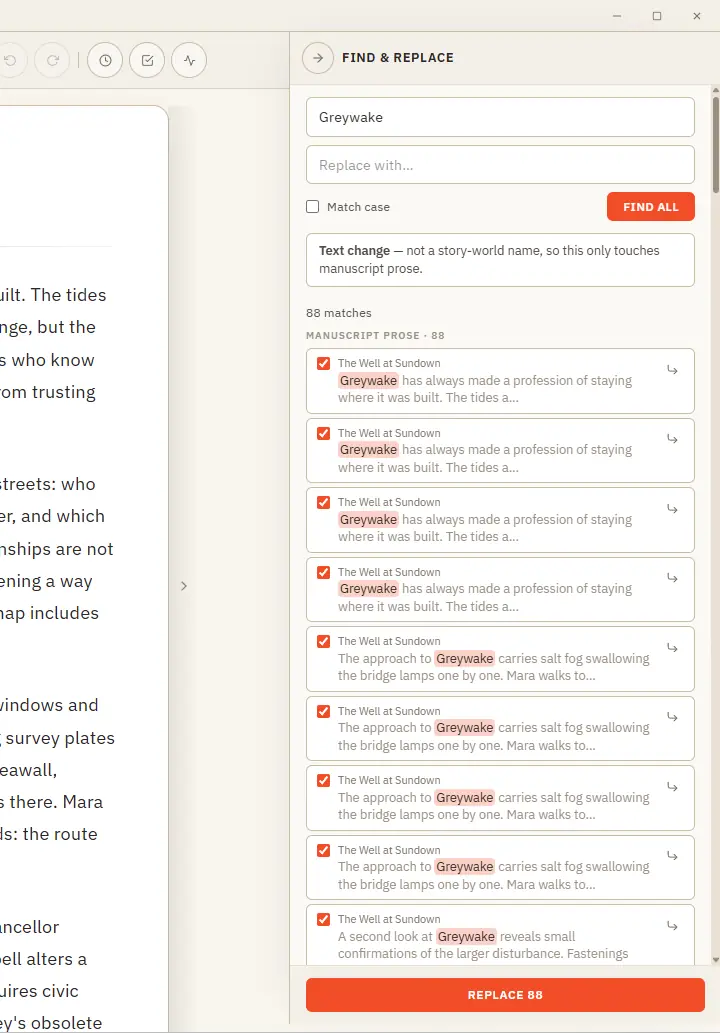
Find, Replace and Rename Story-World Entries

Results are grouped by where they live — prose, characters, locations, and more — with the match highlighted in context Jump straight to any prose occurrence to see it on the page before you commit A single Undo stays available…

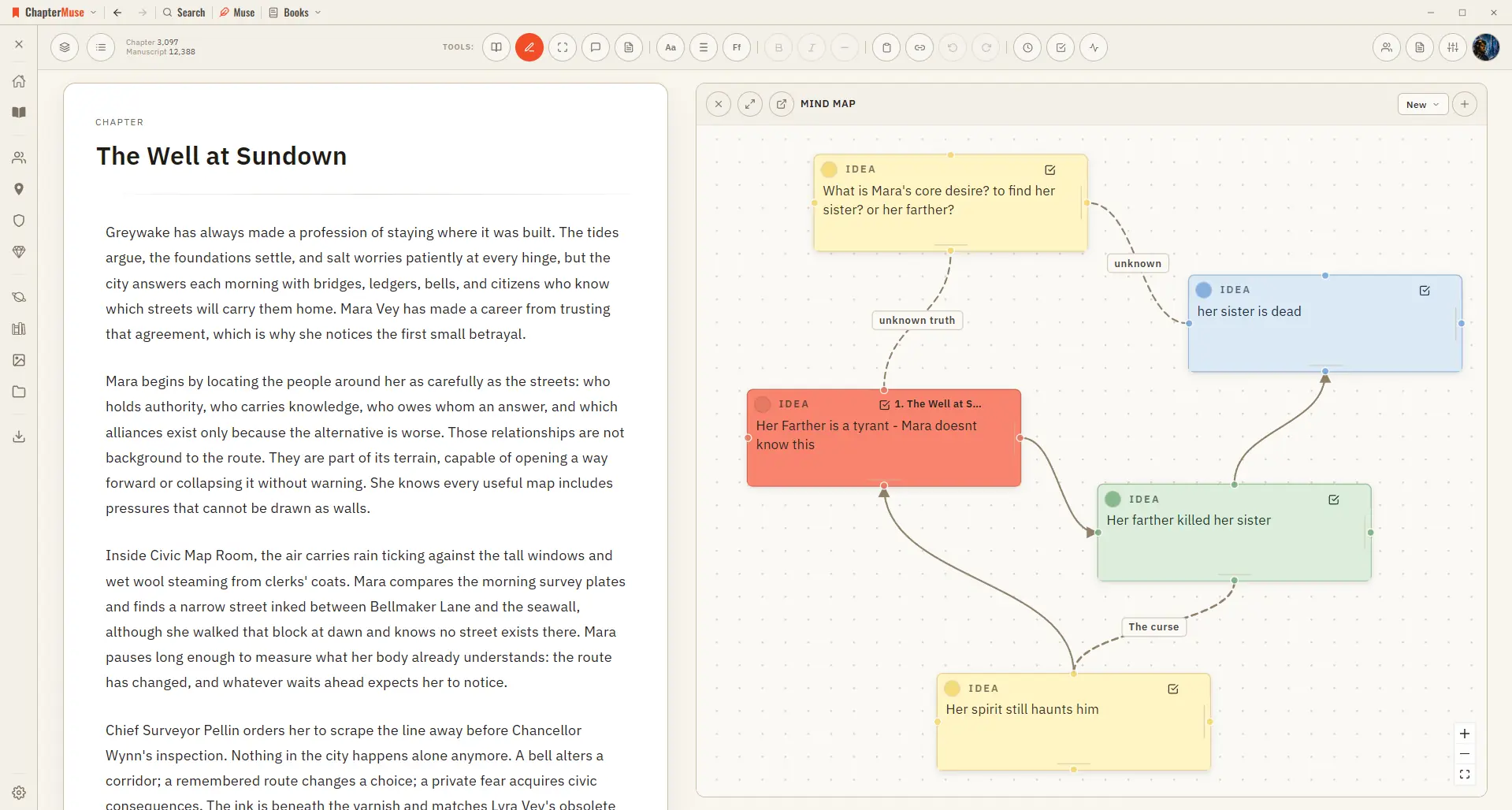
CMwww.chaptermuse.com › Help › Mind map

Brainstorm a Novel with the Mind Map

✦Quick start 1Open Mind Map from the Story menu (create a map on first use). 2Add a card, give it a title and notes, and drag it where you like.

CMwww.chaptermuse.com › Help › Canvas

Write and Edit a Novel in the ChapterMuse…

A focused page where your words take centre stage — everything else steps back until you call for it. Updated 4 September 2026 Open a book and you arrive at the canvas: your chapter on a clean, page-like surface, floating above…

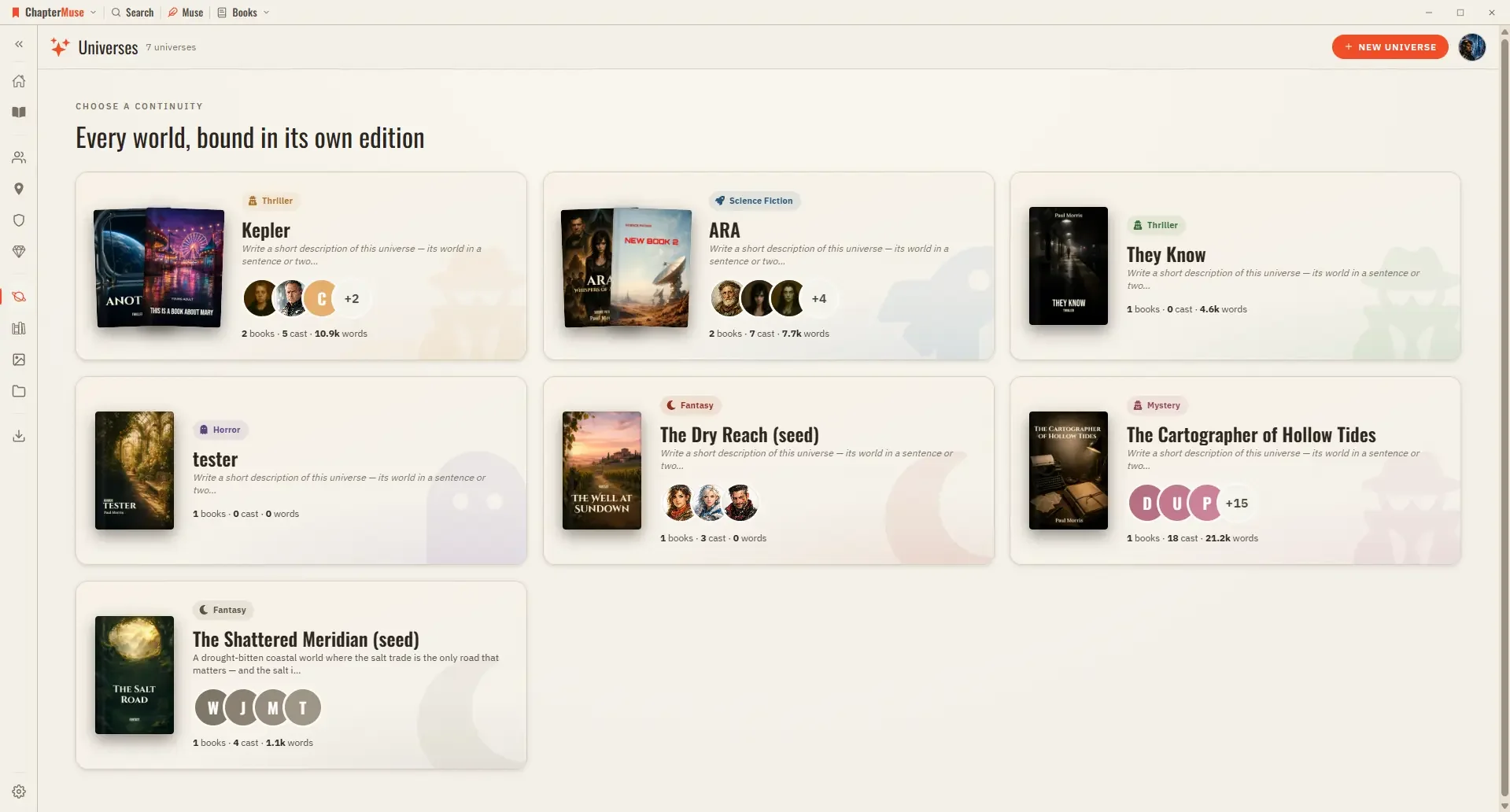
CMwww.chaptermuse.com › Help › Universes

Organise Book Series with Universes and Folios

In the whole writing studio See how characters, places, factions, items and continuity work across the whole book. Explore connected worldbuilding

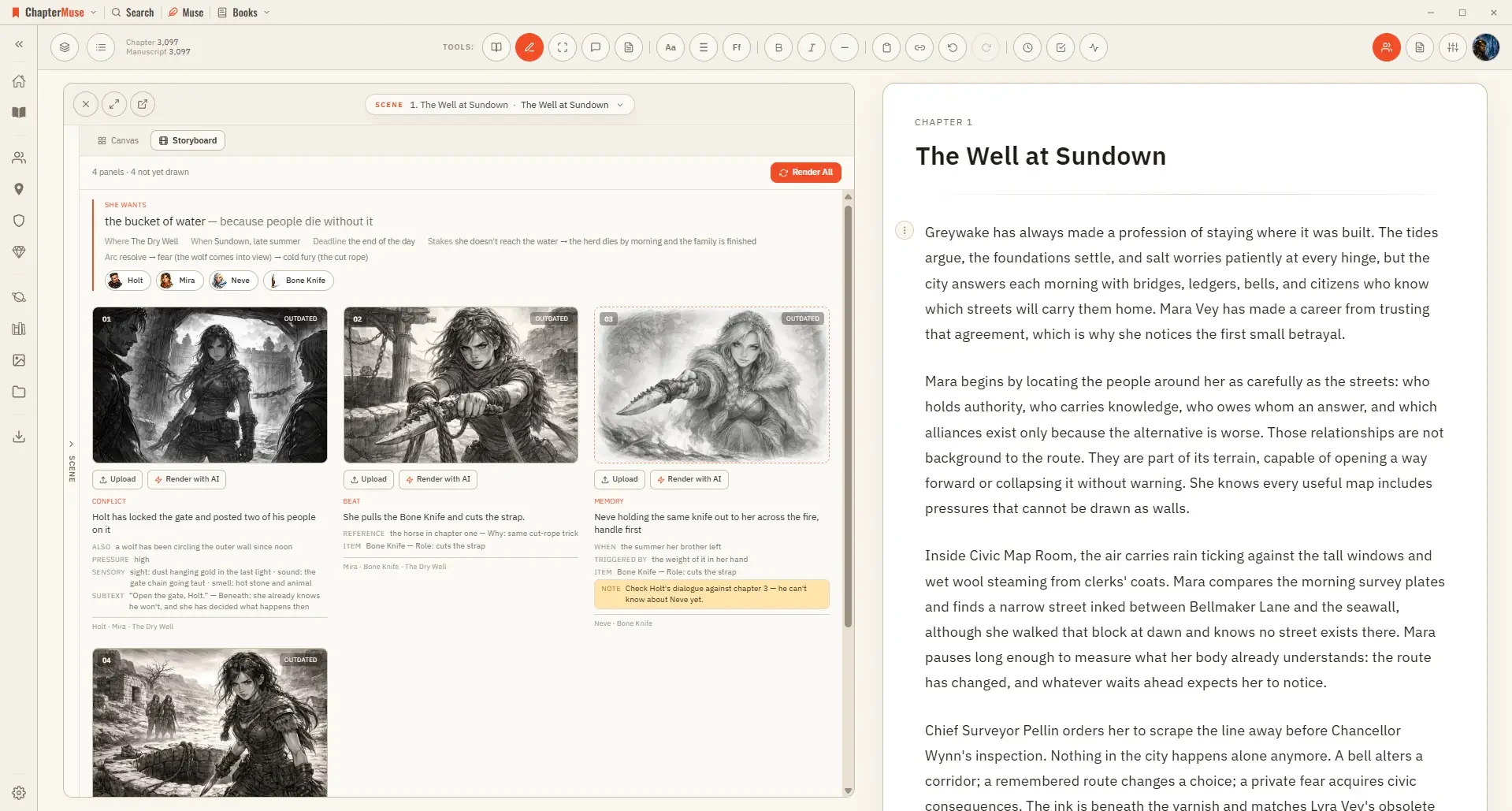
CMwww.chaptermuse.com › Help › Storyboard

Turn a Planned Scene into a Storyboard

The storyboard draws it: one panel per shot, in the order the strip sets, using your own shot descriptions as the brief.

CMwww.chaptermuse.com › Help › Analysis

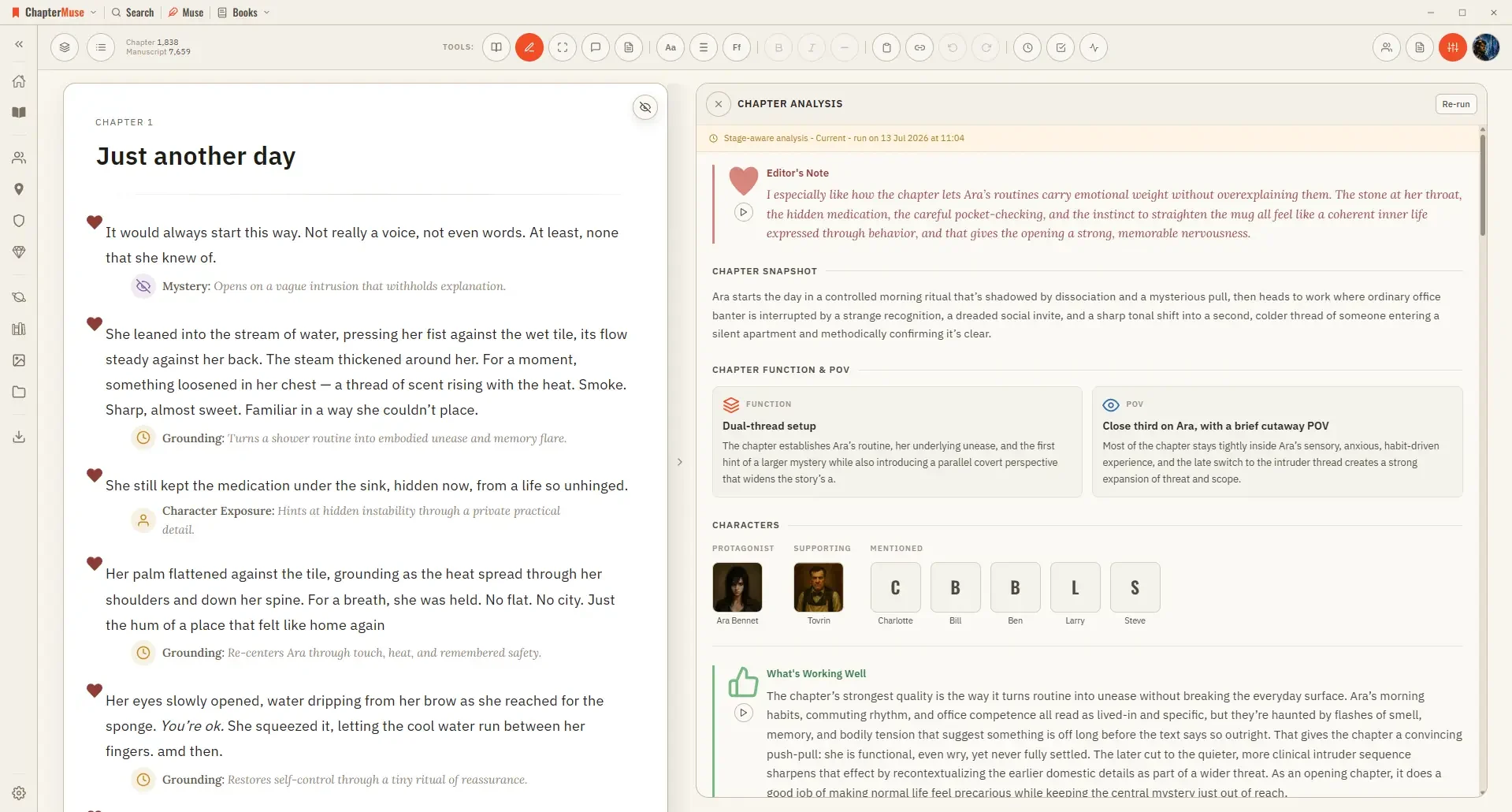
Get AI Craft Feedback on a Novel Chapter

It runs in two passes: a quick chapter-level overview first, then, if you want it, a deeper paragraph-by-paragraph read.

CMwww.chaptermuse.com › Help › Chapter notes

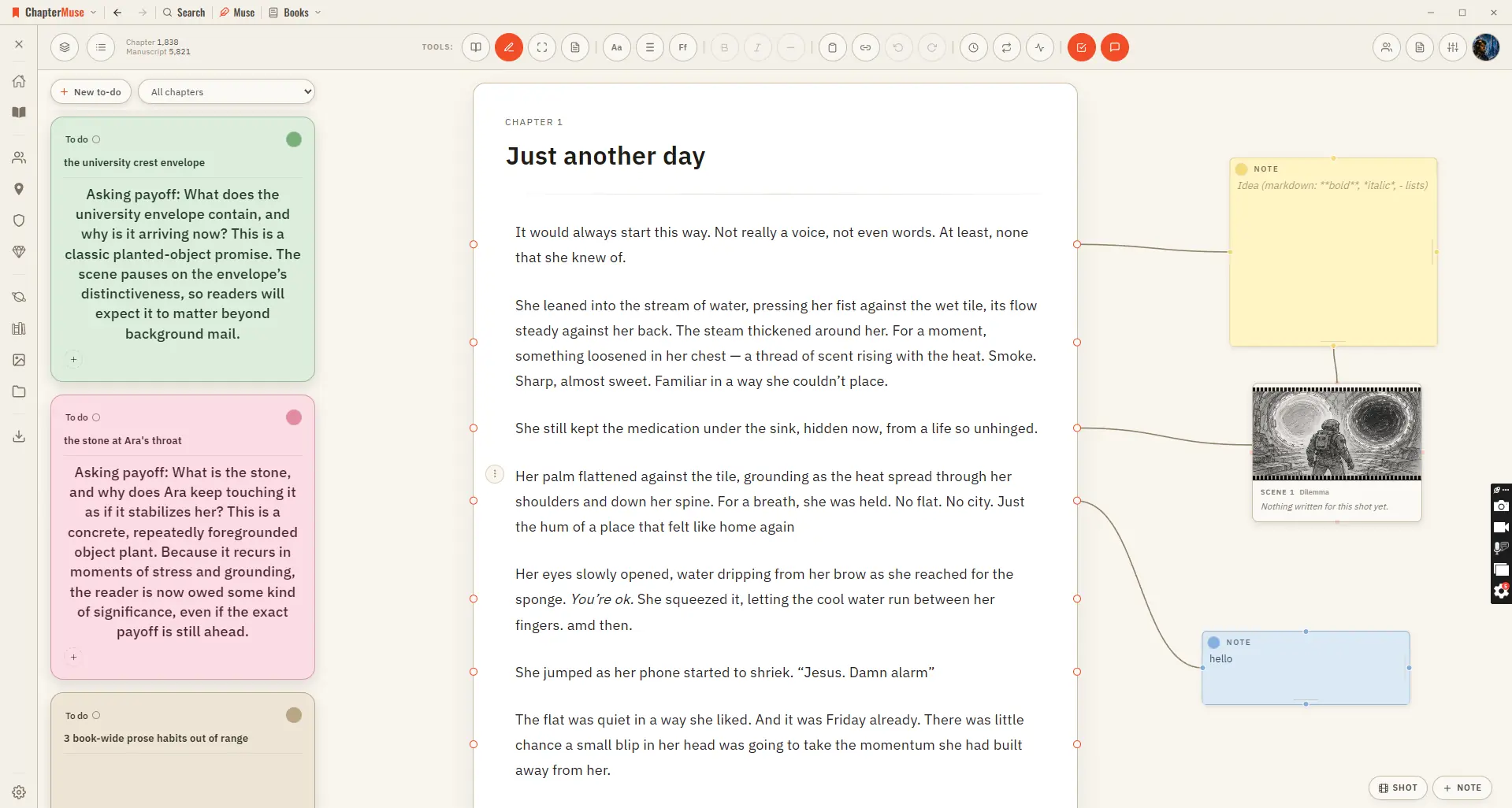
Attach Notes to Chapters and Paragraphs

For work you want to track rather than annotate, use To-dos — it opens beside the notes canvas and keeps the actionable list for the whole book.