ChapterMuse

Search results for chapter

About 99 results (0.055 seconds)

CMwww.chaptermuse.com › Help › Museiki

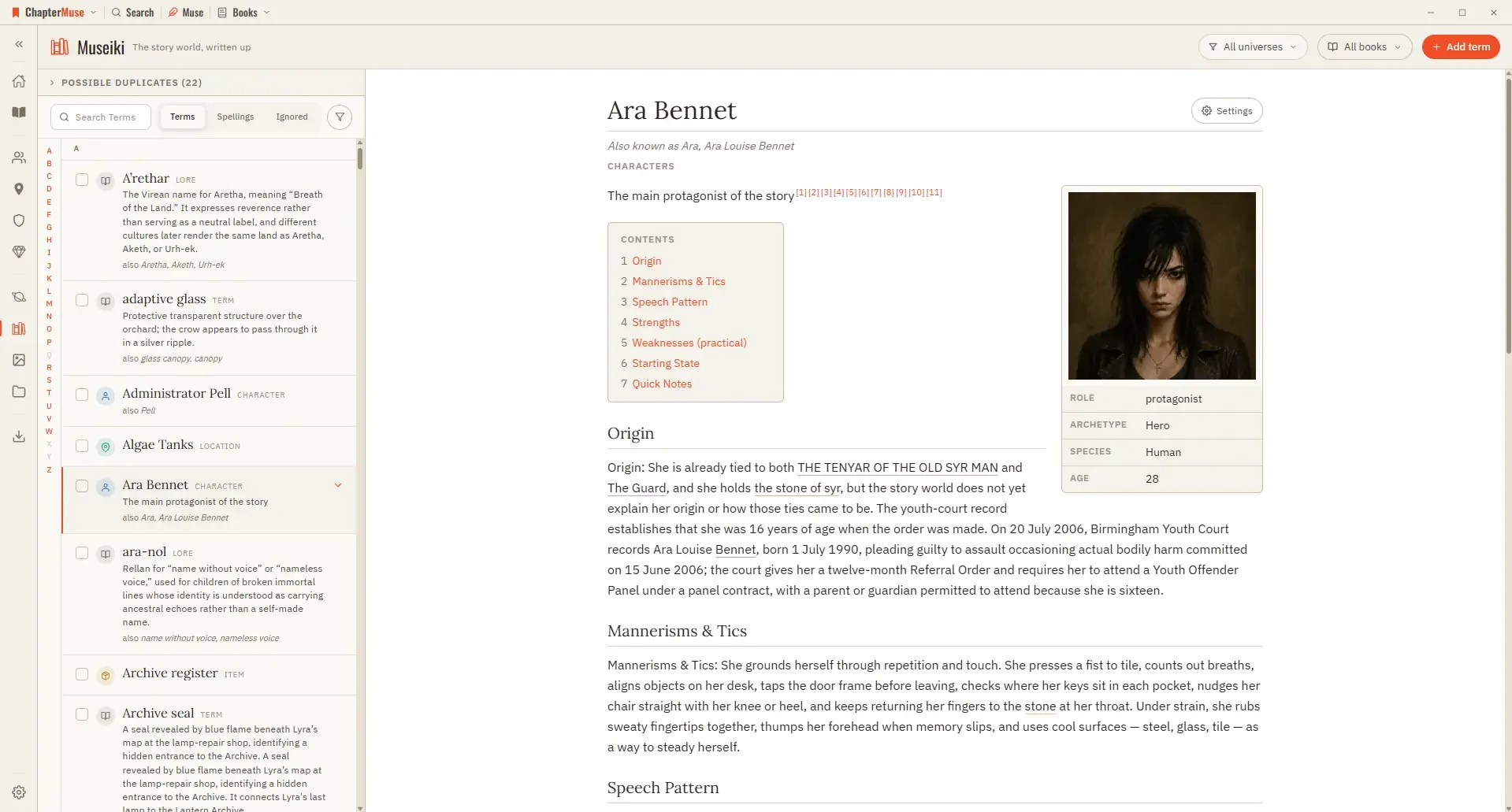
Turn Your Story World into an Encyclopedia

A term that names an entity folds into that entity’s article as an alternative name A descriptor shared by many characters — a species, for instance — keeps its own article rather than folding into whichever character it was read…
CMwww.chaptermuse.com › Help › Storage and resets

Back Up, Restore and Manage ChapterMuse Data

muse — save your whole library, including chapter snapshots, revision passes, writing targets, sessions, and the progress ledger, to one portable backup file If a referenced image, file, or audio asset cannot be read, the backup…

CMwww.chaptermuse.com › Help › Formatting

Format Novel Text in ChapterMuse

See how planning reaches the page, how the page reaches revision, and how a draft becomes a finished book. Explore every ChapterMuse feature

CMwww.chaptermuse.com › Help › Accounts

ChapterMuse Sign-In, Trial and Licence Guide

Signing in delivers the licence automatically — it is verified on your device and cached there Feature permissions are verified with the licence signature and remain available offline; editing a local settings cache cannot…

CMwww.chaptermuse.com › Help › Find replace

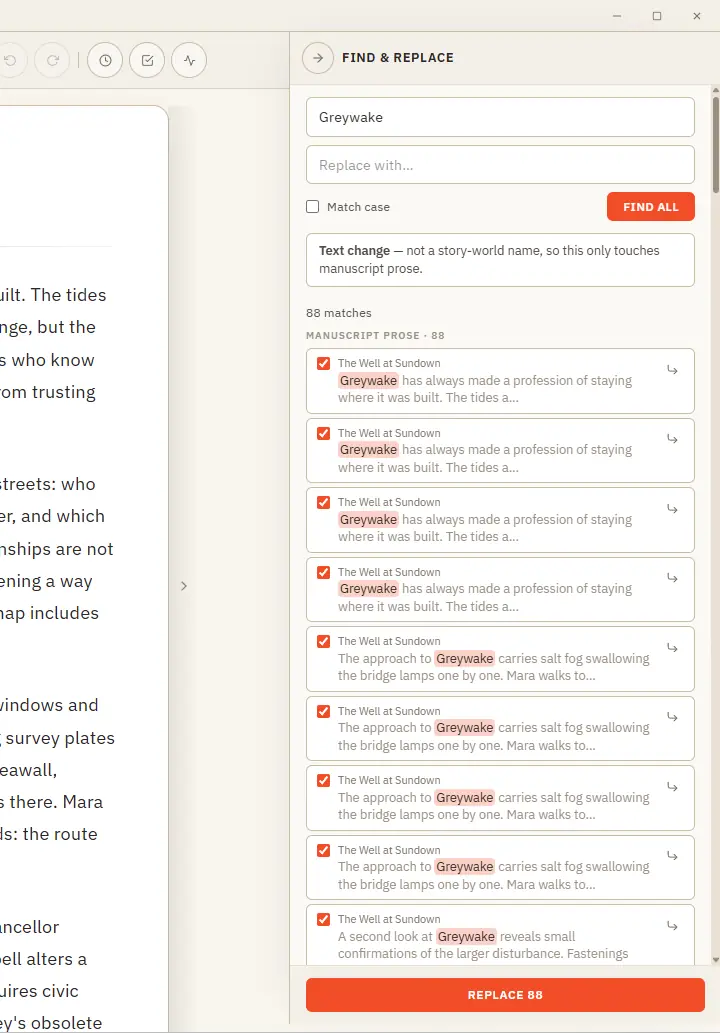
Find, Replace and Rename Story-World Entries

Plain text — searches your current book's prose and lets you cherry-pick occurrence by occurrence (all are ticked by default; untick any to skip it) Rename — recognises a story-world name and updates it everywhere across the…

CMwww.chaptermuse.com › Page

Contact ChapterMuse

Pick the inbox that fits your message and we'll take it from there — there's a real person at the other end of every one.

CMwww.chaptermuse.com › Help › Focus mode

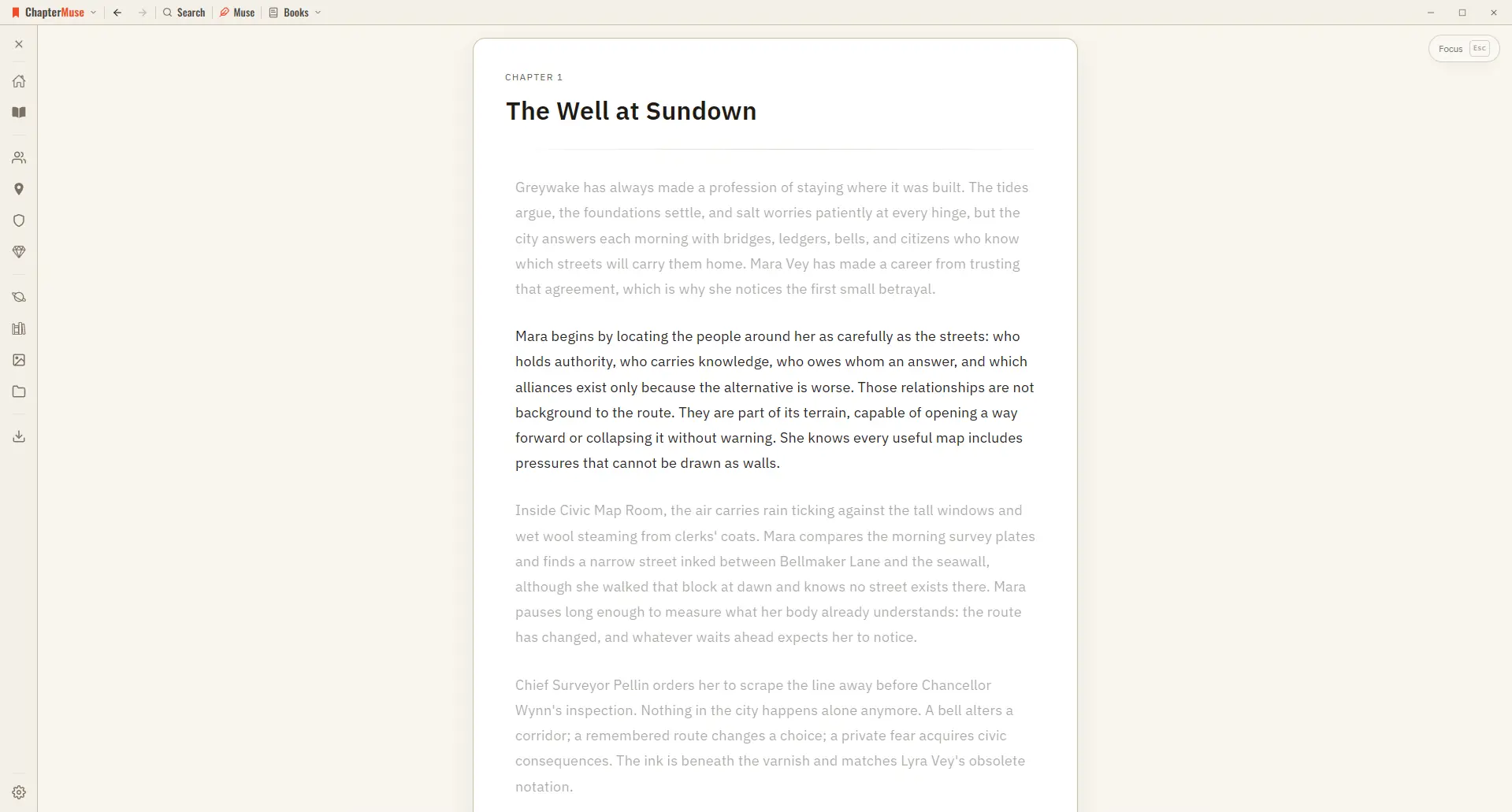
Use Distraction-Free Focus Mode

The toolbar, the chapter drawer, and every panel step out of view, leaving your page alone in a quiet window. The line you're writing stays centred as a typewriter scroll keeps it in place, and the rest of the page softly dims —…

CMwww.chaptermuse.com › Help › Mind map

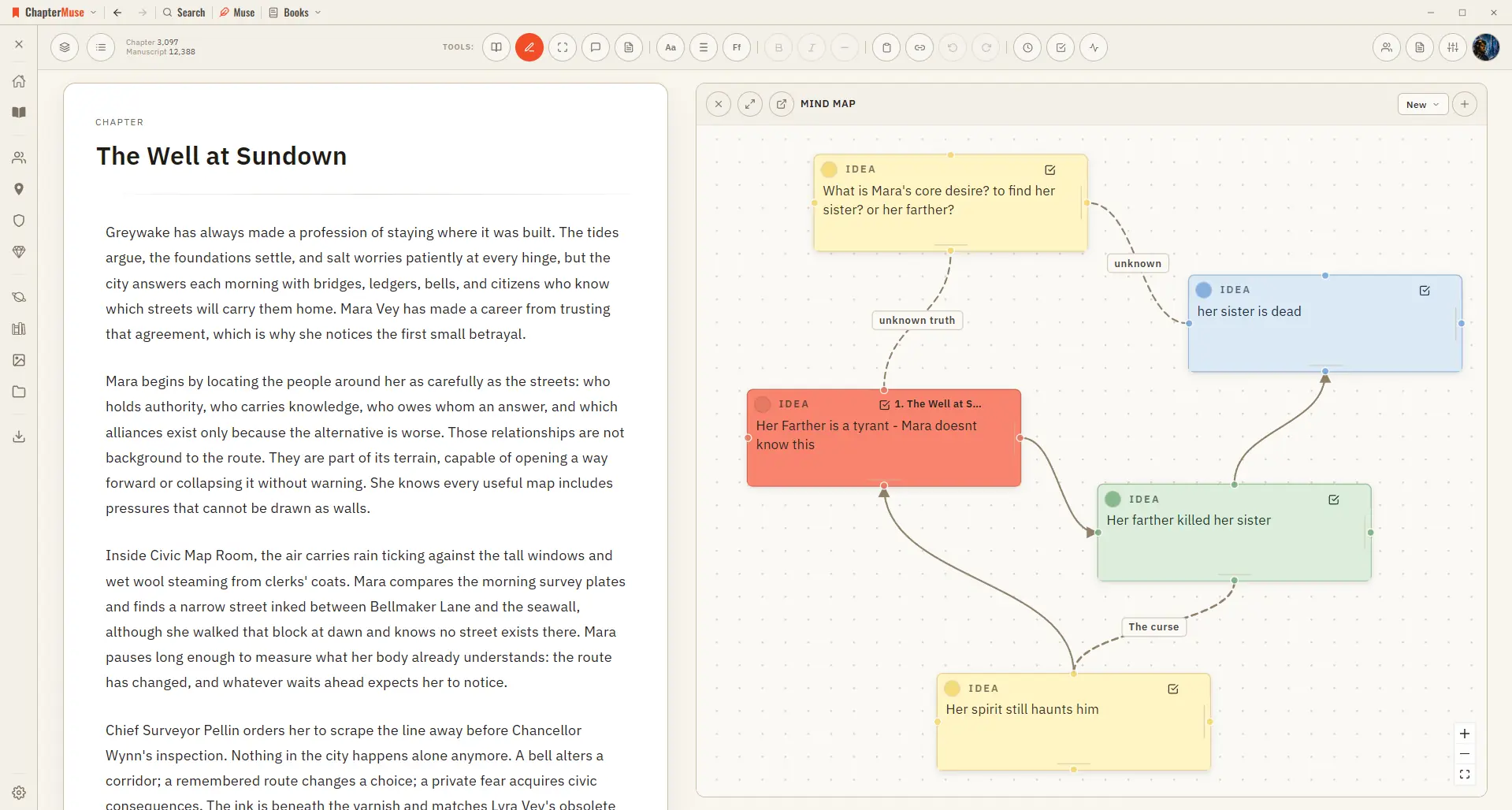
Brainstorm a Novel with the Mind Map

Zoom and pan across the whole canvas Go fullscreen for a big thinking session Dock the map to the left or right of your writing Pop it out into its own window to work beside your manuscript ✦The same card-and-connection system…

CMwww.chaptermuse.com › Help › Daily

Daily Writing Exercises: ChapterMuse Guide

You can also open the plain-text version below the daily task to read the prompt without the reveal animation. Write in a notebook, ChapterMuse or any editor you enjoy.

CMwww.chaptermuse.com › Help › Locations

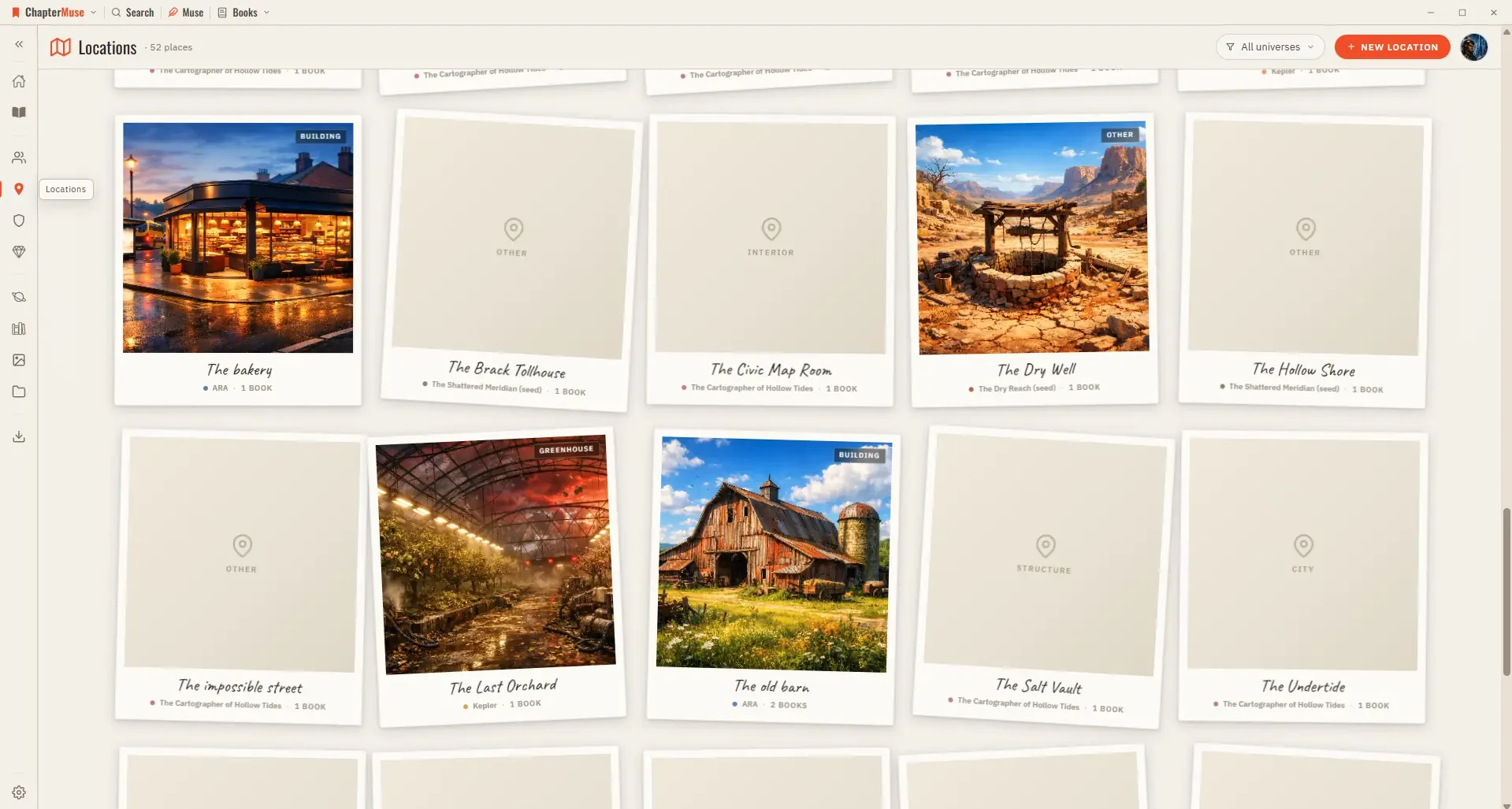
Build and Track Story Locations

The Scenes tab pulls together every scene that takes place at this location, grouped by book and chapter — a read-only cross-reference that grows as you write.