CMwww.chaptermuse.com › Legal › Cookies
Cookie Policy — ChapterMuse
Common ways in: Chrome / Edge: Settings → Privacy and security → Cookies and other site data. Firefox: Settings → Privacy & Security → Cookies and Site Data.
About 125 results (0.054 seconds)
CMwww.chaptermuse.com › Legal › Cookies
Common ways in: Chrome / Edge: Settings → Privacy and security → Cookies and other site data. Firefox: Settings → Privacy & Security → Cookies and Site Data.
CMwww.chaptermuse.com › Help › Chapters
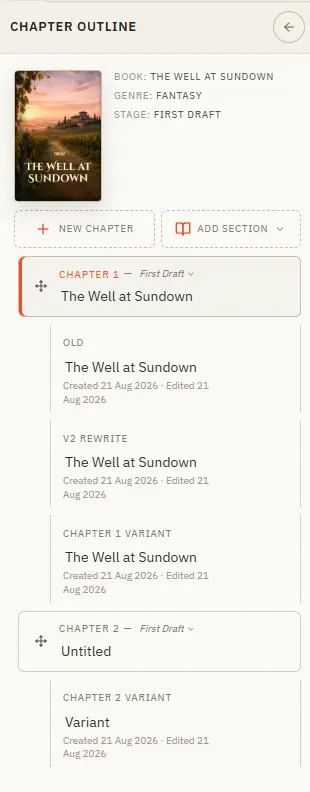
Updated 4 September 2026 The chapter drawer slides in from the left and holds your whole manuscript — front matter at the top, your body chapters in the middle, back matter at the end.
CMwww.chaptermuse.com › Help › Workspace views
In the whole writing studio No tool here works alone. See how planning reaches the page, how the page reaches revision, and how a draft becomes a finished book.
CMwww.chaptermuse.com › Genre › Mystery thriller writers
Not because it is hard to answer, but because answering it badly costs you an afternoon of scrolling and you often give up and guess.
CMwww.chaptermuse.com › Help › Snippets
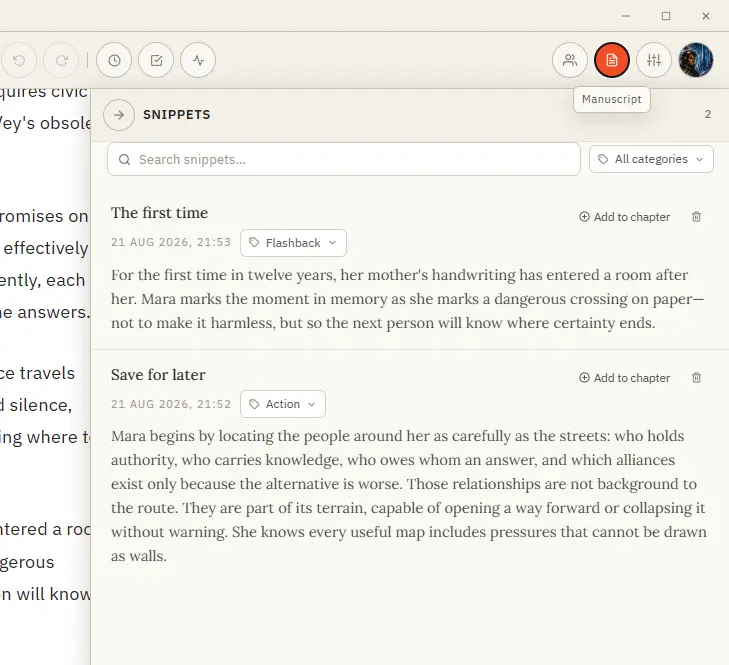
Save it, organise it by category, and drop it back into any chapter when the moment comes. Formatting is preserved.
CMwww.chaptermuse.com › Daily › Archive
Find a creative writing prompt to try again, or catch up on a task you missed. These short fiction writing exercises practise character development, dialogue, plot and more.
CMwww.chaptermuse.com › Help › Book design
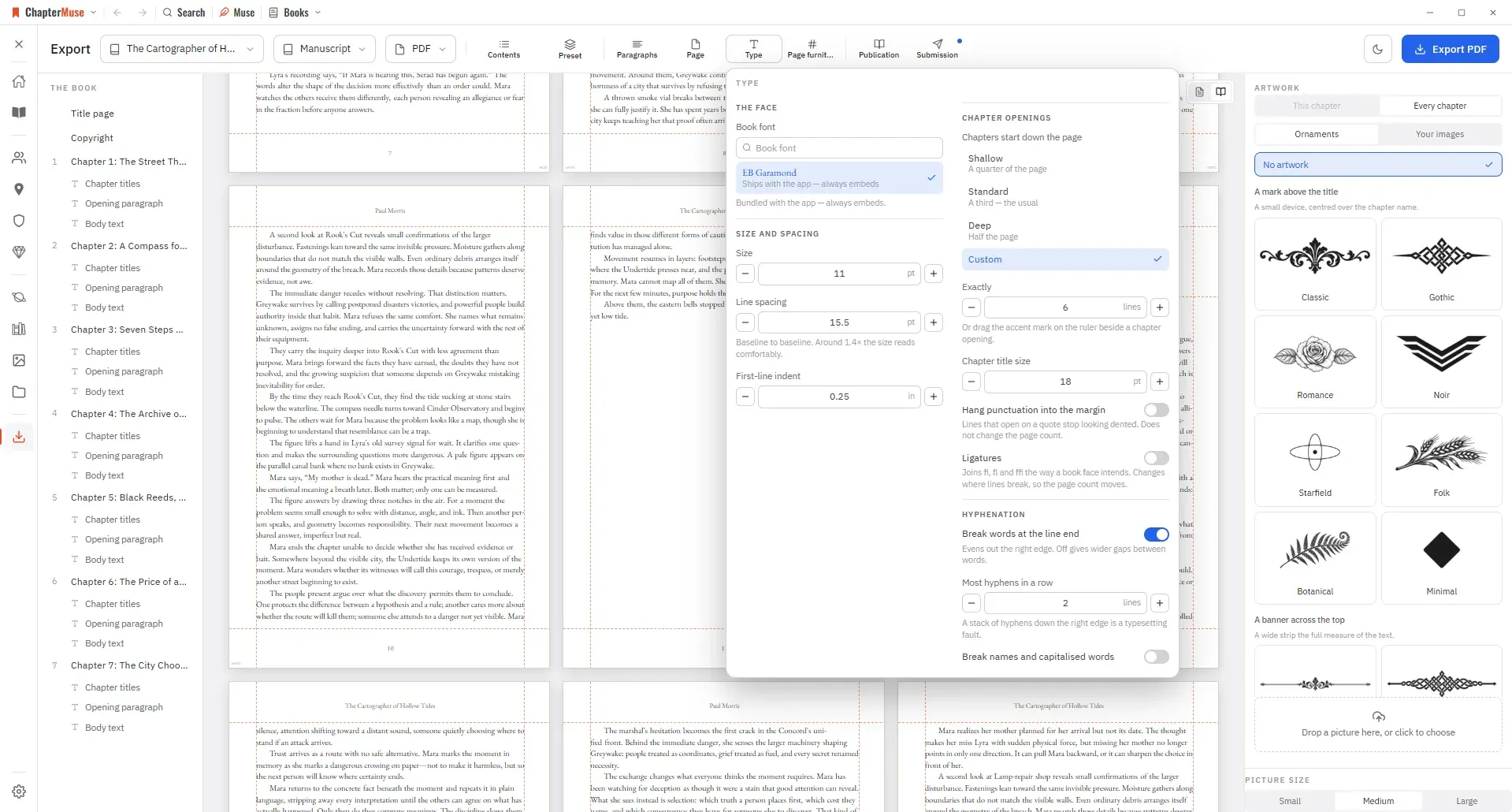
Preset — one look for the whole book, and a place to save your own Paragraphs — first-line indent, space between paragraphs, how a scene break is marked, and whether the first line after one is indented And these sections — when…
CMwww.chaptermuse.com › Help › Appearance
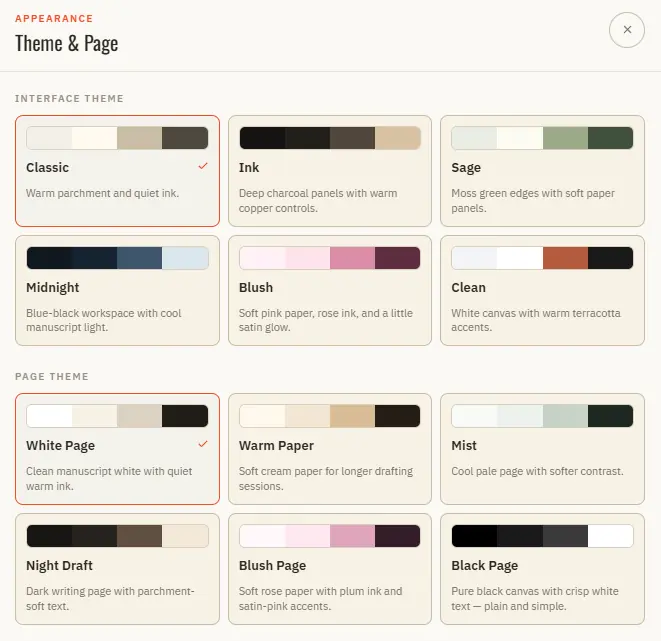
Pick from several classic literary body fonts Set font size and line spacing from the toolbar pills Edit and Read modes each keep their own type settings All type settings are saved per book ✦Try a warm paper with a serif font…
CMwww.chaptermuse.com › Guide › What editors mean by pacing
Contents 01Pacing is the rate at which the reader's understanding changes 02Crowding and leaping is the whole engine 03Scene and summary is the lever you are not pulling 04The reader feels rhythm in their body before they notice…
CMwww.chaptermuse.com › Help › Shortcuts
In the whole writing studio No tool here works alone. See how planning reaches the page, how the page reaches revision, and how a draft becomes a finished book.