ChapterMuse

Search results for chapter

About 60 results (0.020 seconds)

CMwww.chaptermuse.com › Help › Find replace

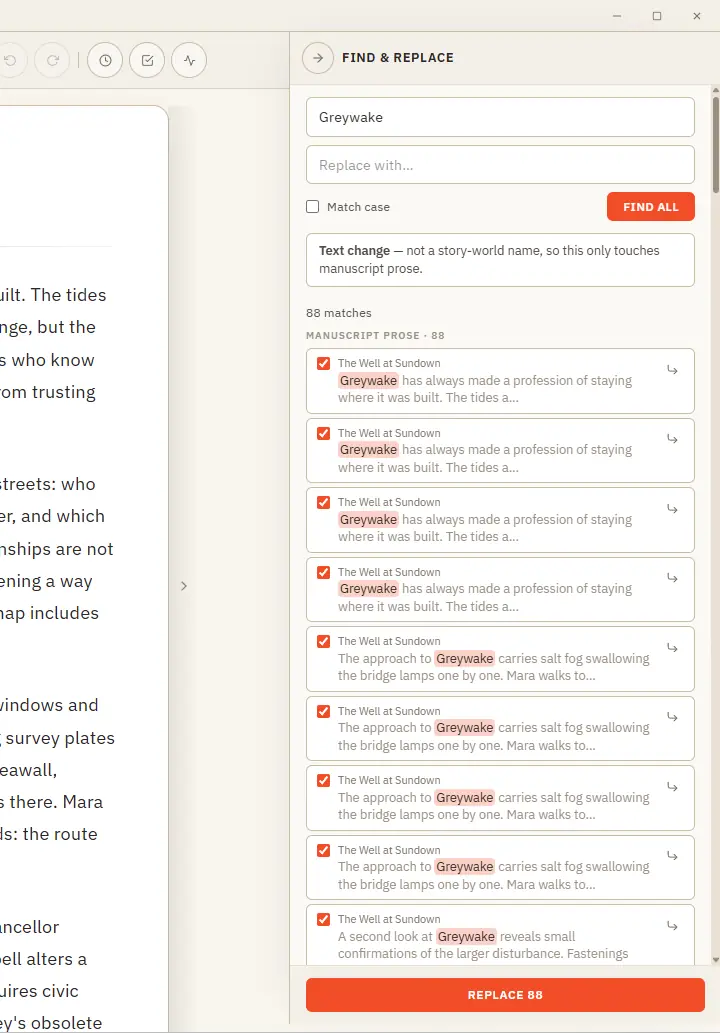
Find, Replace and Rename Story-World Entries

Plain text — searches your current book's prose and lets you cherry-pick occurrence by occurrence (all are ticked by default; untick any to skip it) Rename — recognises a story-world name and updates it everywhere across the…
CMwww.chaptermuse.com › Page

Contact ChapterMuse

Pick the inbox that fits your message and we'll take it from there — there's a real person at the other end of every one.

CMwww.chaptermuse.com › Help › Focus mode

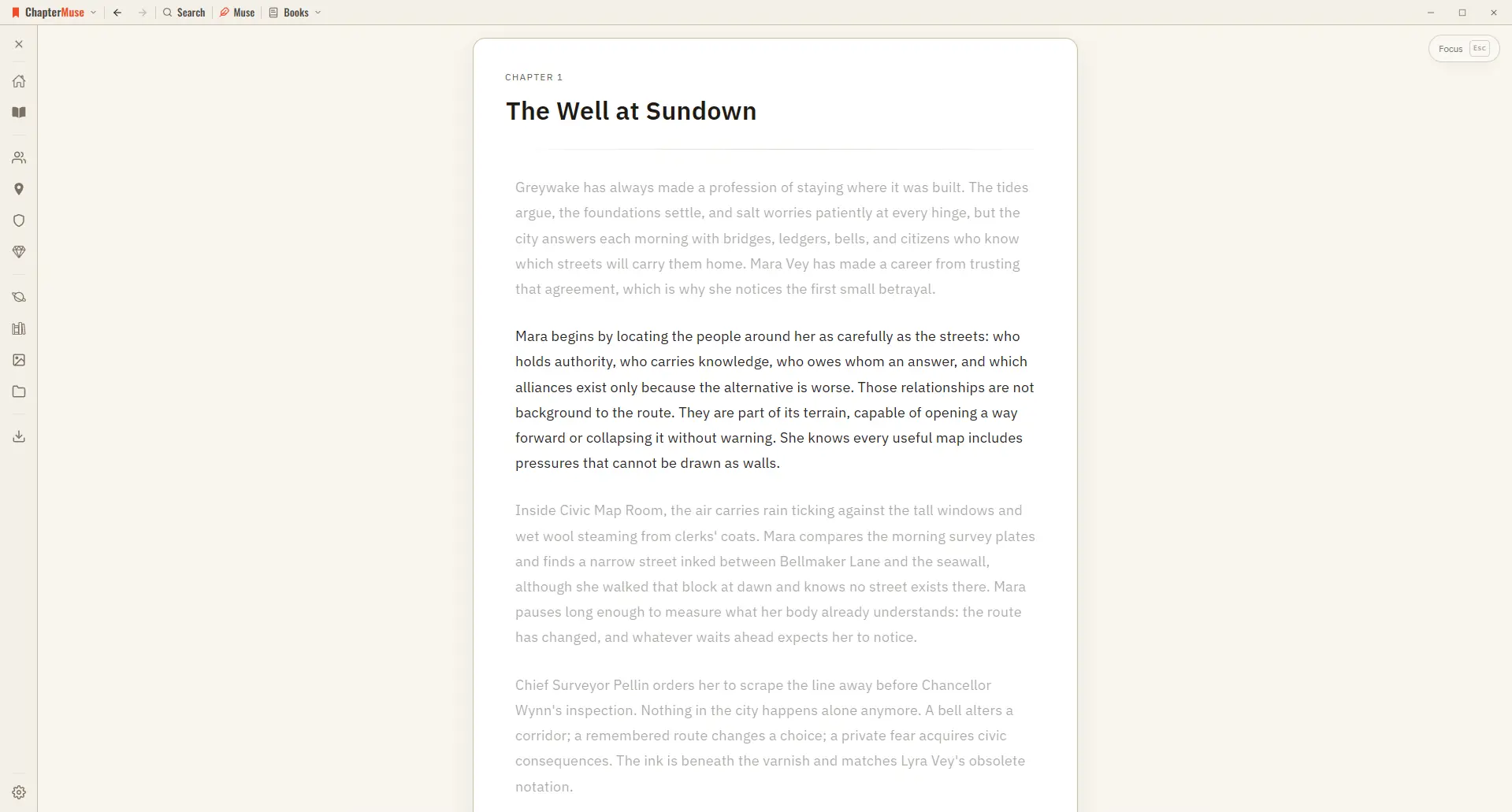
Use Distraction-Free Focus Mode

The toolbar, the chapter drawer, and every panel step out of view, leaving your page alone in a quiet window. The line you're writing stays centred as a typewriter scroll keeps it in place, and the rest of the page softly dims —…

CMwww.chaptermuse.com › Help › Mind map

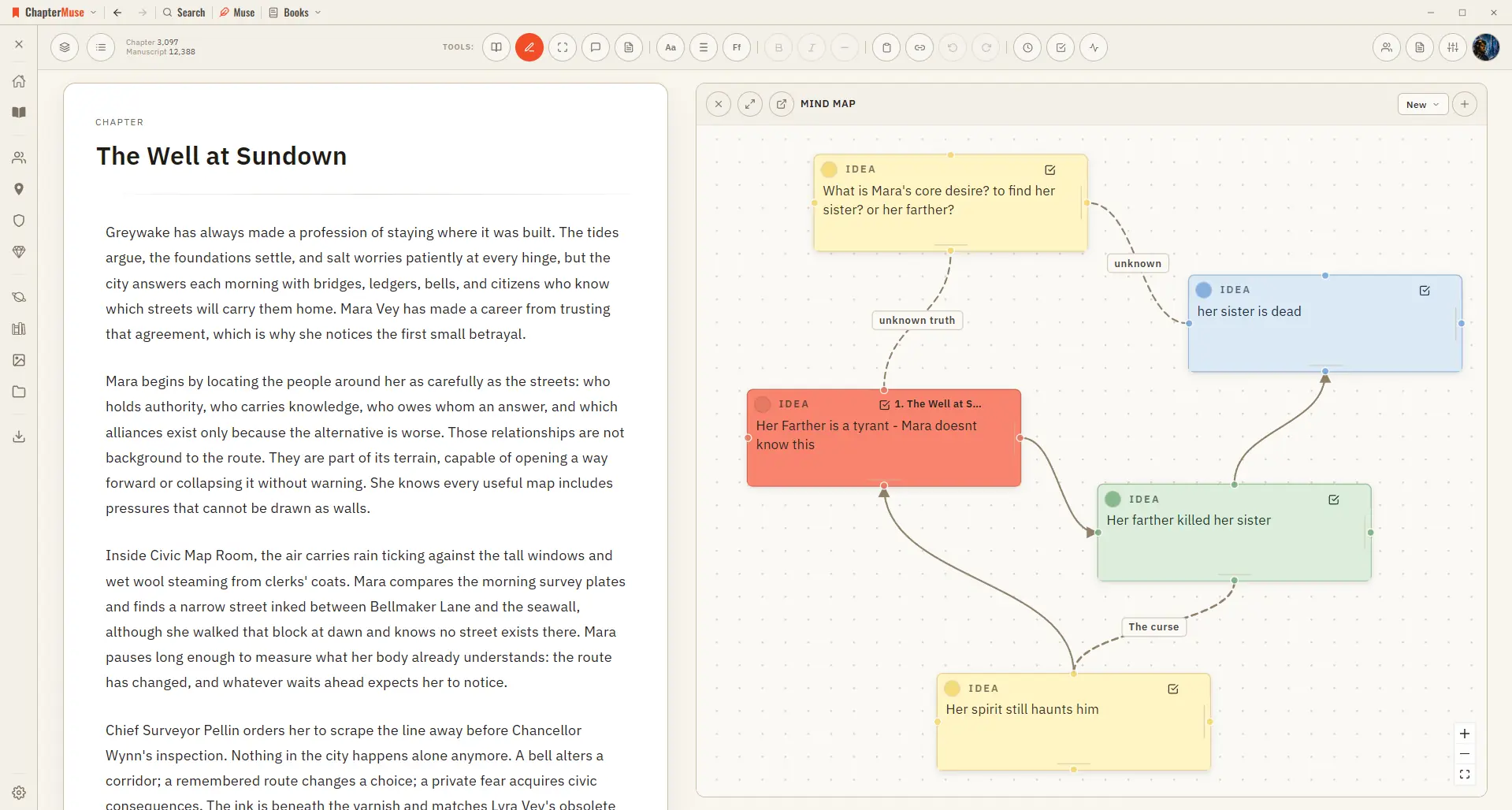
Brainstorm a Novel with the Mind Map

Zoom and pan across the whole canvas Go fullscreen for a big thinking session Dock the map to the left or right of your writing Pop it out into its own window to work beside your manuscript ✦The same card-and-connection system…

CMwww.chaptermuse.com › Help › Daily

Daily Writing Exercises: ChapterMuse Guide

You can also open the plain-text version below the daily task to read the prompt without the reveal animation. Write in a notebook, ChapterMuse or any editor you enjoy.

CMwww.chaptermuse.com › Help › Locations

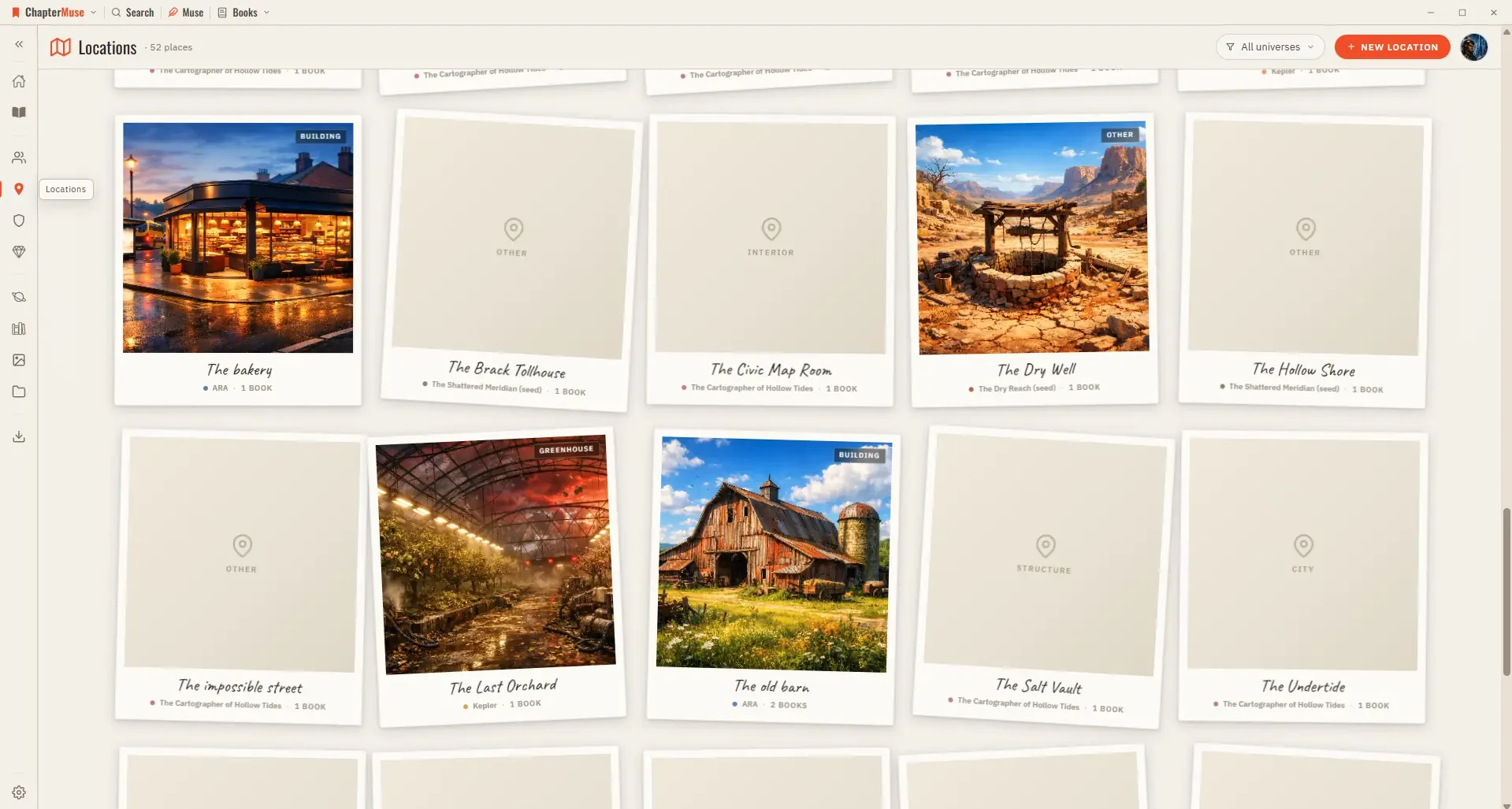
Build and Track Story Locations

The Scenes tab pulls together every scene that takes place at this location, grouped by book and chapter — a read-only cross-reference that grows as you write.

CMwww.chaptermuse.com › Help › Search

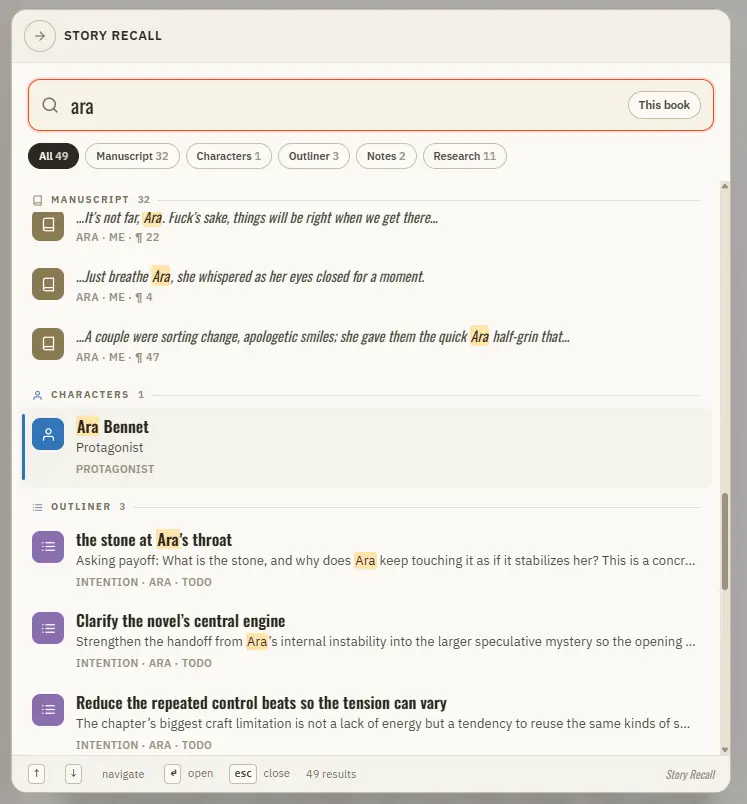
Search Your Manuscript and Story World

Manuscript prose — every paragraph, tagged with its book, chapter, and position Your Story World — characters, locations, factions, and items Scenes from Scene Designer, universe notes and idea cards, and your saved snippets The…

CMwww.chaptermuse.com › Help › Glossary

Link Character Names and Glossary Terms

Recognises the names of your characters, locations, factions, and items in the prose Colour-codes each highlight by type so you can read your world at a glance A hover card previews the entity — portrait, crest, or cover — with a…

CMwww.chaptermuse.com › Help › Install

Download and Install ChapterMuse for Desktop

That one-time setup requires internet access; normal offline use does not The Mac build supports macOS 13 Ventura and newer, with native window controls and Apple Silicon, Intel, and universal packaging Your manuscripts live on…

CMwww.chaptermuse.com › Help › Universes

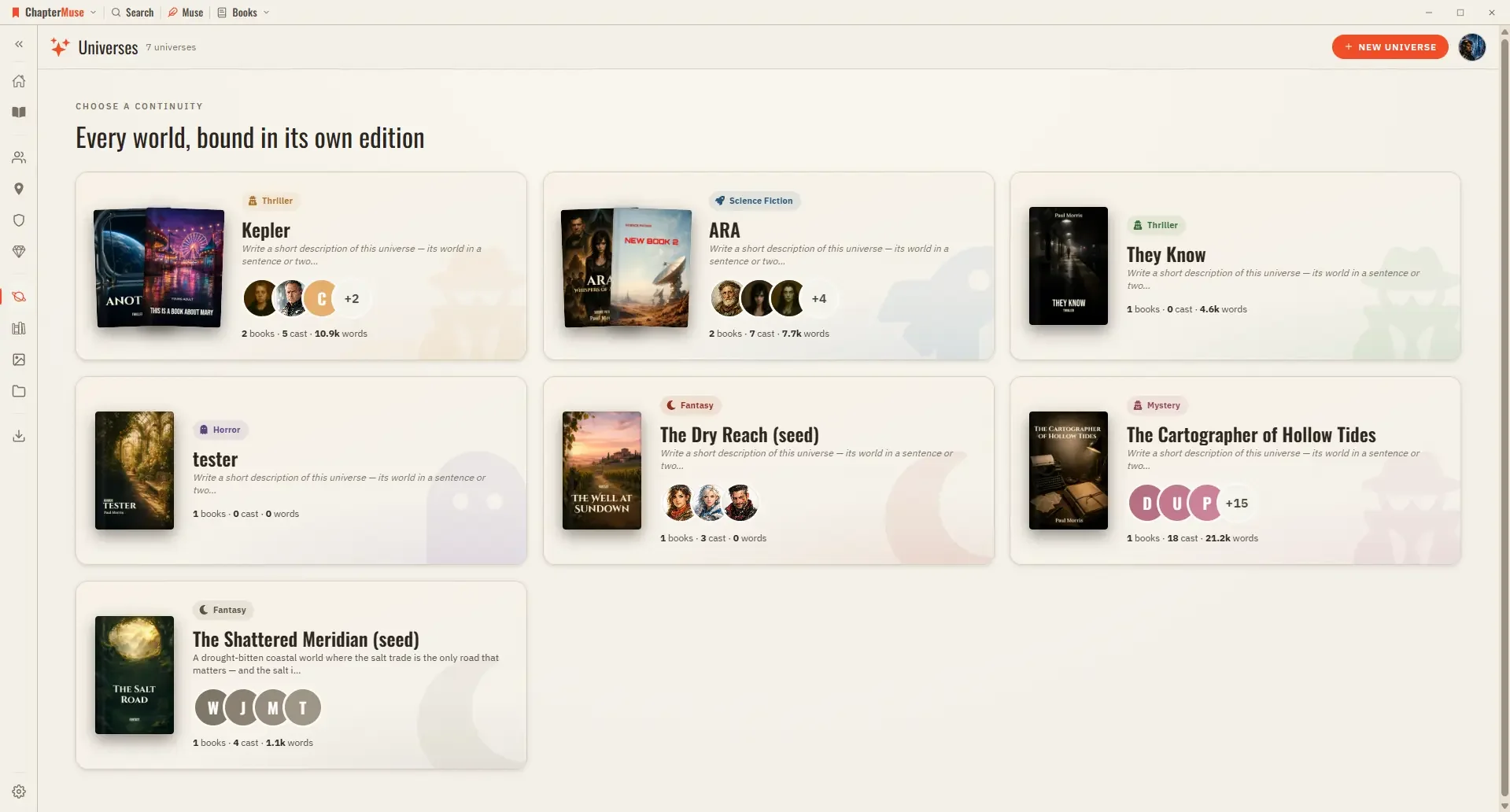
Organise Book Series with Universes and Folios

Cast — your characters in reading order; pin the ones you reach for most, or open the relationship tapestry from the shelf header Places, Factions, Items — the rest of your world, each card opening its sheet Scenes — every scene…