CMwww.chaptermuse.com › Help › Beta readers
Beta Readers: ChapterMuse Guide
Those notes come back to you attached to the words they were about. ✦Quick start 1In your book, open the Review menu and choose Beta readers.
About 60 results (0.021 seconds)
CMwww.chaptermuse.com › Help › Beta readers
Those notes come back to you attached to the words they were about. ✦Quick start 1In your book, open the Review menu and choose Beta readers.
CMwww.chaptermuse.com › Help › Background zen
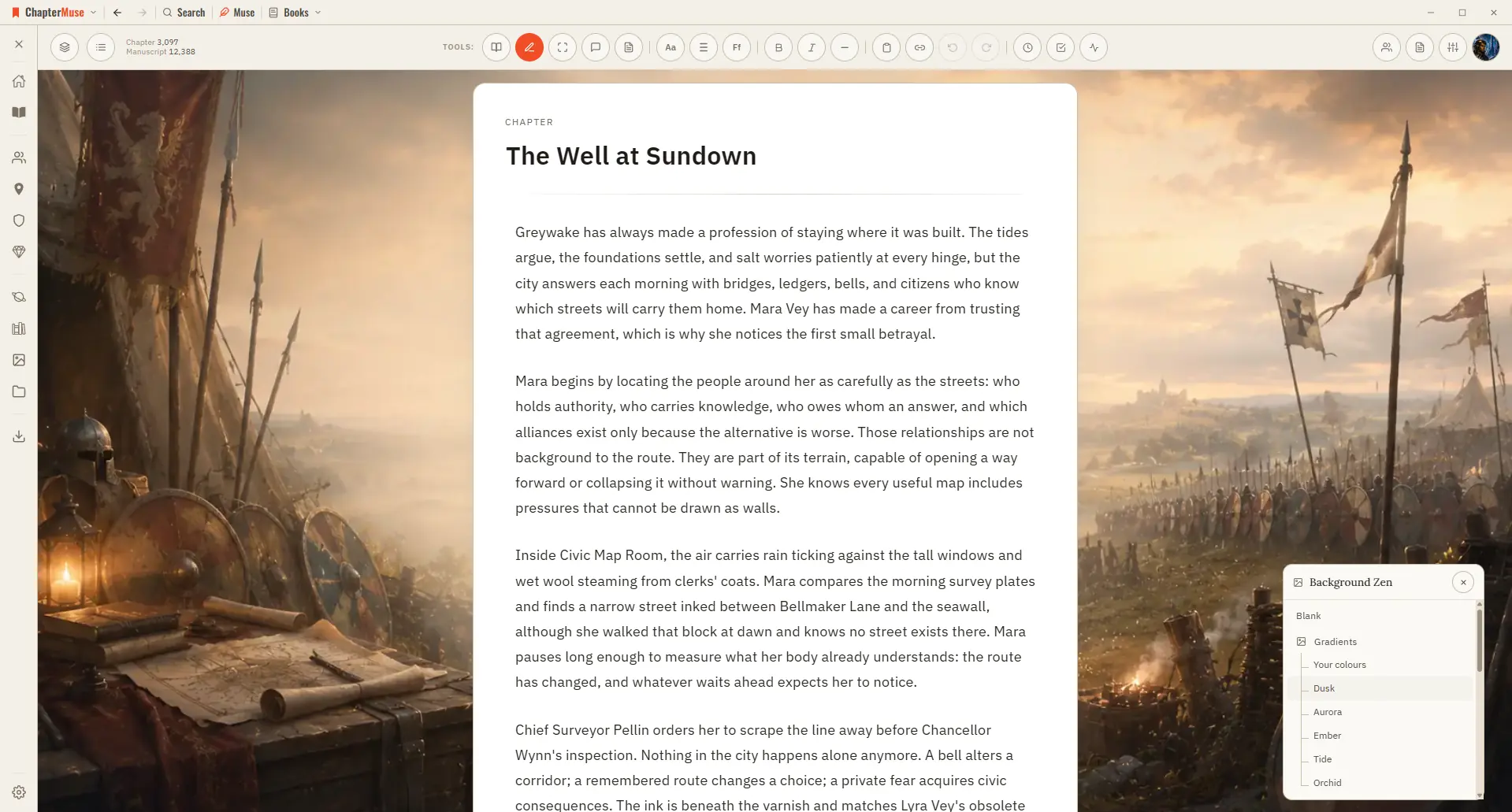
Each book remembers its own backdrop, so stepping into a manuscript can feel like stepping into its world. ✦Quick start 1Open your avatar menu and choose Background Zen (a book must be open).
CMwww.chaptermuse.com › Help › Analysis
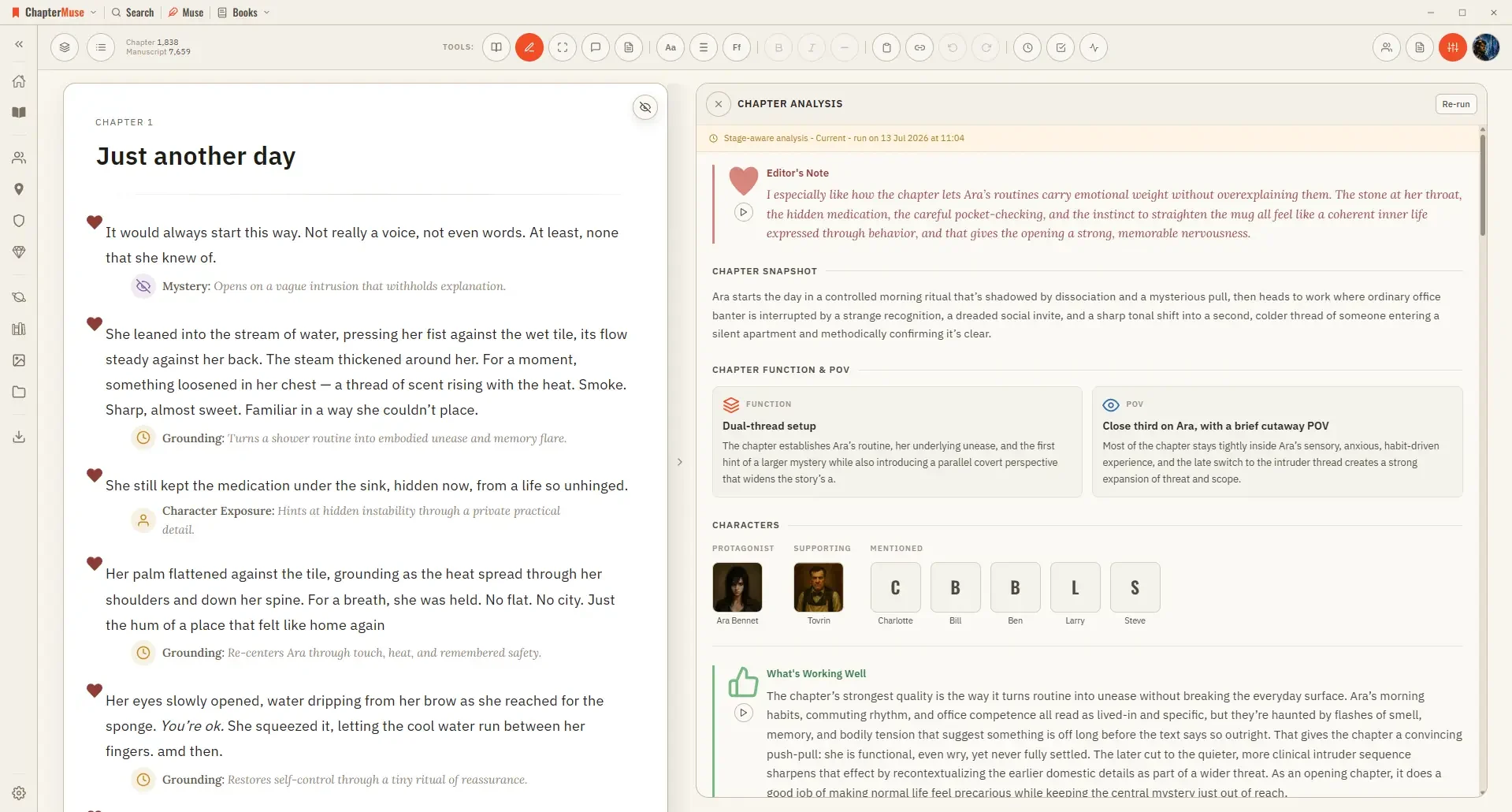
✦The story-world names it reads are used only to ground who and what is being referenced — it judges the prose on the page, not against your glossary, so a nickname or a deliberate variation is never marked wrong.
CMwww.chaptermuse.com › Help › Chapters
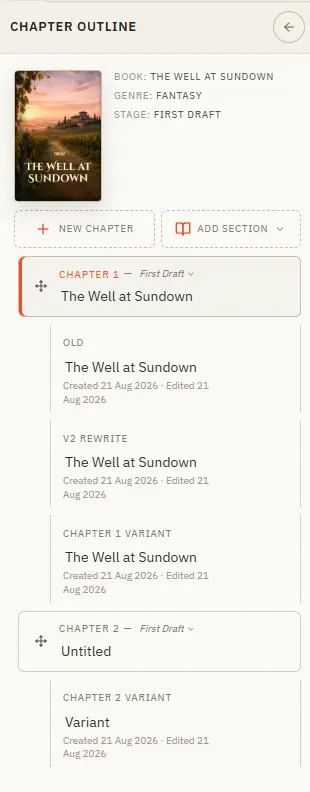
Organise your story into chapters — and try alternate versions without losing a word.
CMwww.chaptermuse.com › Help › Read aloud
Once the voice is installed there is no internet, no account, and no per-word cost — your manuscript never leaves your computer.
CMwww.chaptermuse.com › Help › Local first
Updated 4 September 2026 Your manuscripts, your cast, and your whole world live on your own computer — not on a server somewhere.
CMwww.chaptermuse.com › Page
It keeps your manuscript and research on your computer, brings planning and story-world tools into your workspace, and offers AI-assisted conversations, reports and guidance to help you develop your story.
CMwww.chaptermuse.com › Feature › Novel planning
ChapterMuse is a desktop application for Windows and macOS, with the manuscript and story-world data stored on your computer.
CMwww.chaptermuse.com › Help › Workspace views
See how planning reaches the page, how the page reaches revision, and how a draft becomes a finished book. Explore every ChapterMuse feature
CMwww.chaptermuse.com › Help › Items
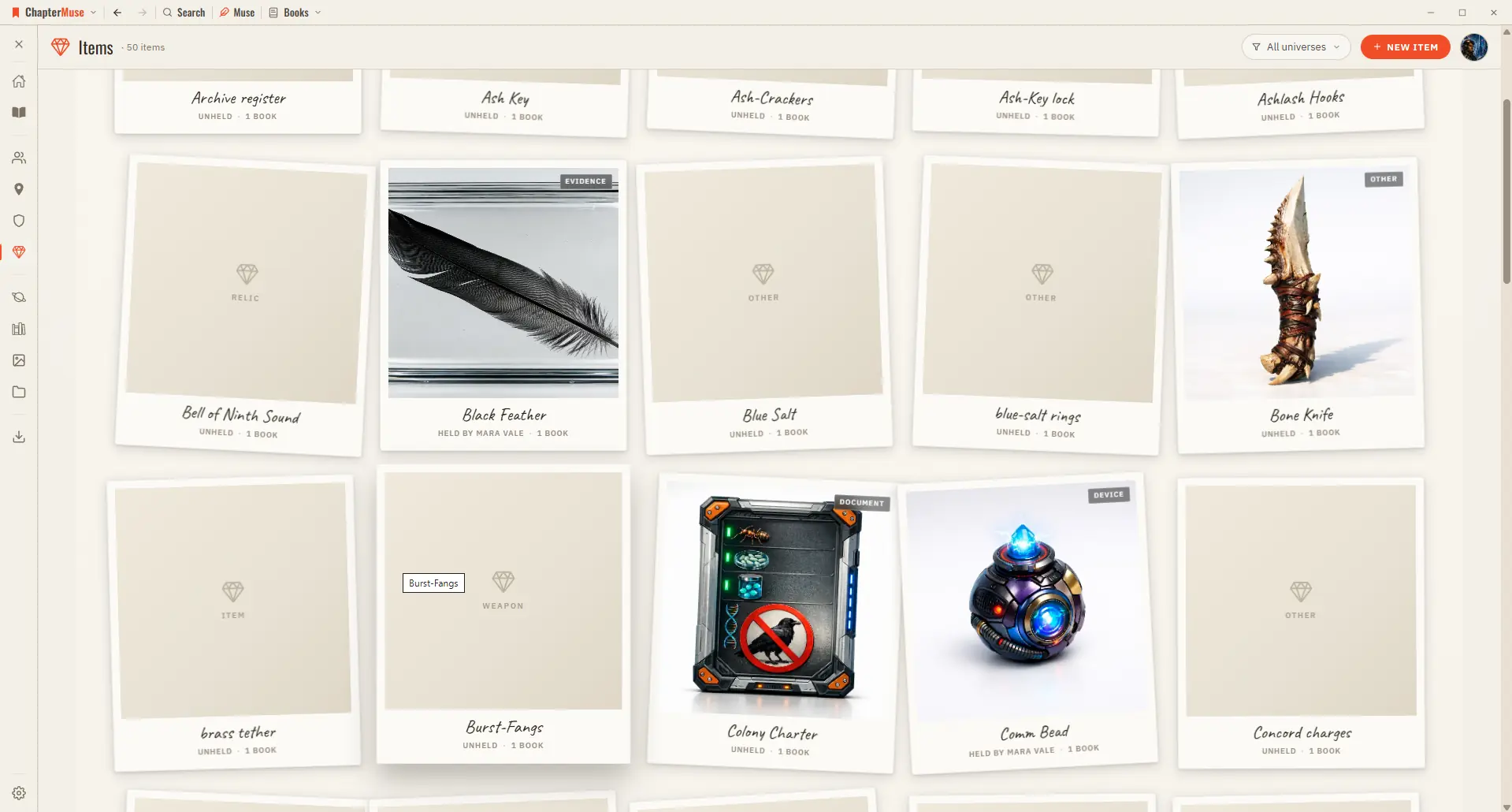
✦Quick start 1Open Items from Story World and click New item. 2Choose a kind (weapon, heirloom, document, relic…) and give it a name and one-liner.