ChapterMuse

Search results for e-book

About 69 results (0.028 seconds)

CMwww.chaptermuse.com › Help › Muse

Use Muse, ChapterMuse's AI Fiction Companion

✦Quick start 1Press Ctrl/⌘-M (or the Muse button) to open it, scoped to your book or universe. 2Ask a question — about a character, a plot thread, or what your world is missing.

CMwww.chaptermuse.com › Help › Find replace

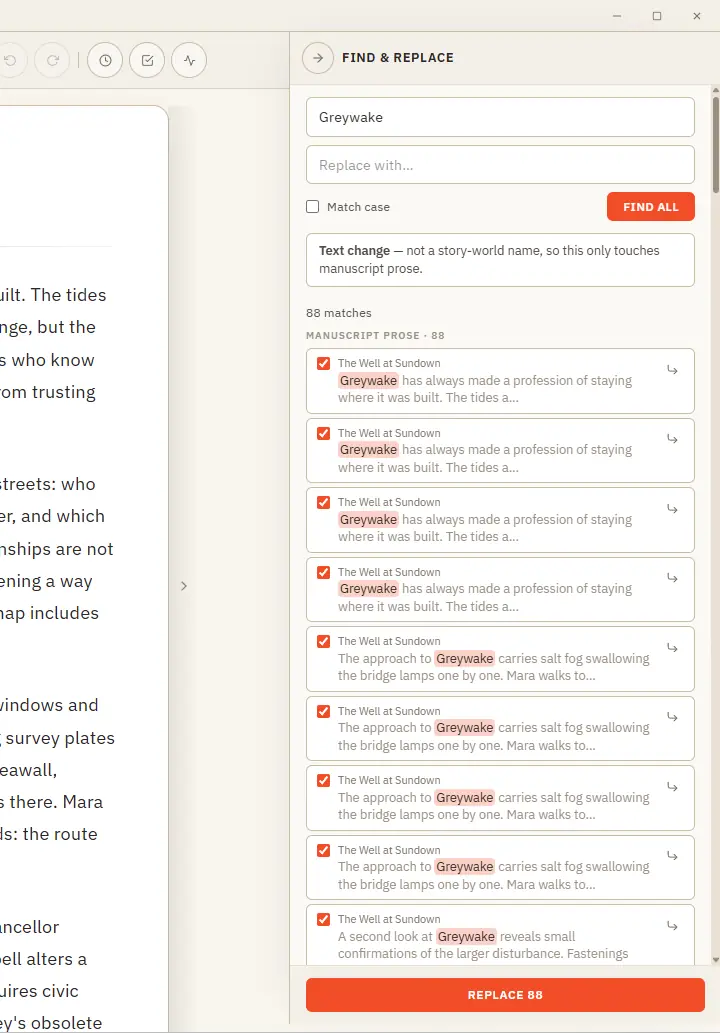
Find, Replace and Rename Story-World Entries

One clever panel that knows the difference between fixing a word and renaming someone in your story world. Updated 4 September 2026 Find & Replace does two jobs from one place, and it works out which you mean.

CMwww.chaptermuse.com › Help › Writing tools

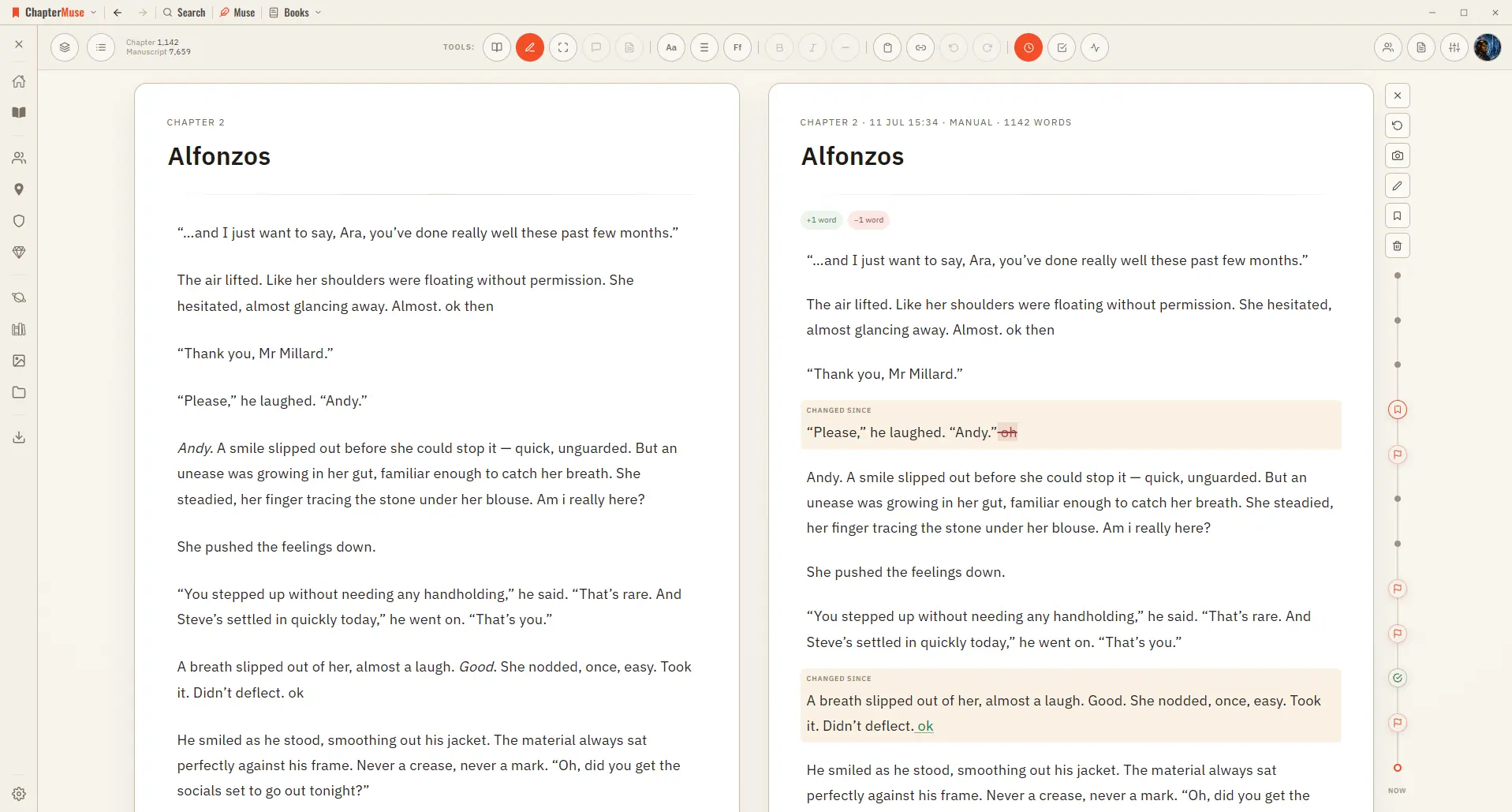
ChapterMuse Editing and Analysis Tools

Muse — an AI companion that knows your whole world and proposes additions you approve (Ctrl/⌘-M) Chapter Check — fiction-tuned spelling, dialect, glossary, and consistency, entirely on-device Chapter Analysis — deep AI craft…

CMwww.chaptermuse.com › Help › Chapters

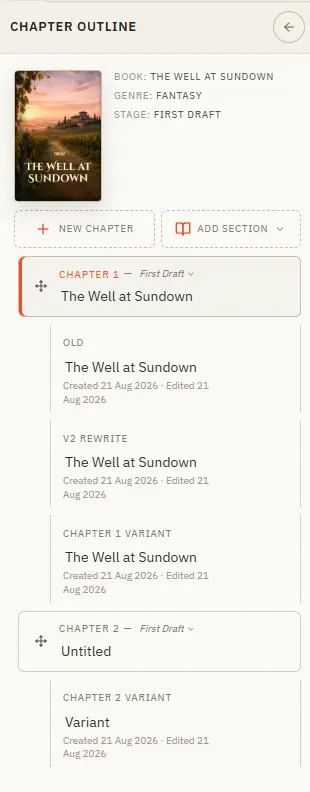
Organise Chapters and Alternate Variants

Your book's structure lives in the chapter drawer — add, reorder, restage, and branch alternate takes. Updated 4 September 2026 The chapter drawer slides in from the left and holds your whole manuscript — front matter at the top,…

CMwww.chaptermuse.com › Help › Formatting

Format Novel Text in ChapterMuse

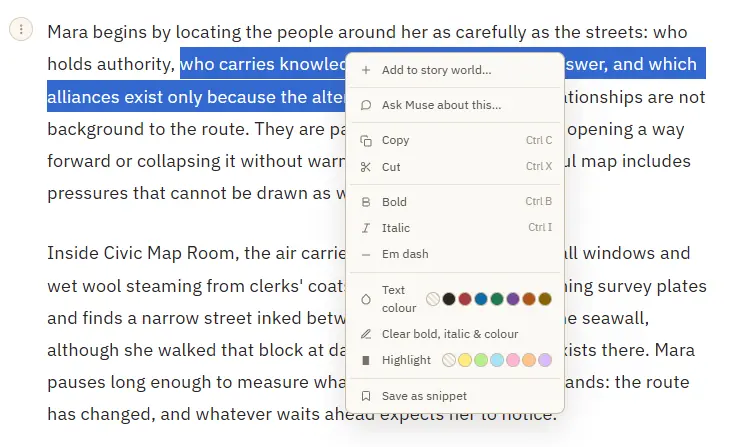
Bold and italic — from the toolbar or Ctrl/⌘ B and Ctrl/⌘ I A proper em dash (—) inserted at the cursor Theme-aware text colour and highlight swatches that stay readable in every writing palette Clear bold, italic, colour, and…

CMwww.chaptermuse.com › Help › Beta readers

Beta Readers: ChapterMuse Guide

✦Quick start 1In your book, open the Review menu and choose Beta readers. 2Press Send, then tick the chapters you want read — nothing is ticked for you.

CMwww.chaptermuse.com › Page

Contact ChapterMuse

See what ChapterMuse does — the desktop writing studio, its story-world tools and its export formats Compare the three lifetime licences — Each licence paid once Read the field guide — sixteen long pieces on the hard parts of…

CMwww.chaptermuse.com › Help › Connections

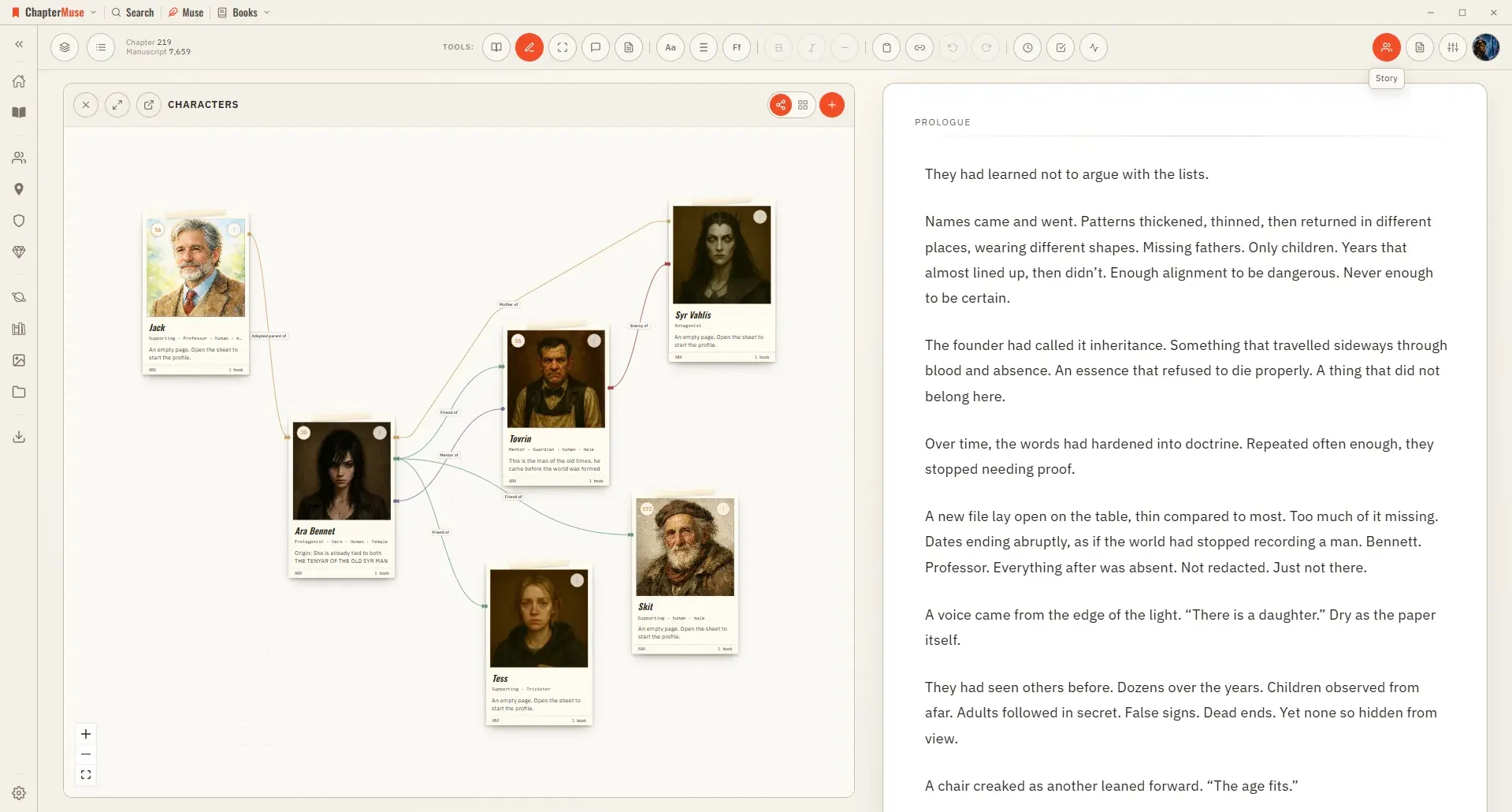
Map Character Relationships and Connections

It's canonical to the universe — the ties you draw are true across every book in the continuity, not just the one you're in.

CMwww.chaptermuse.com › Help › Background zen

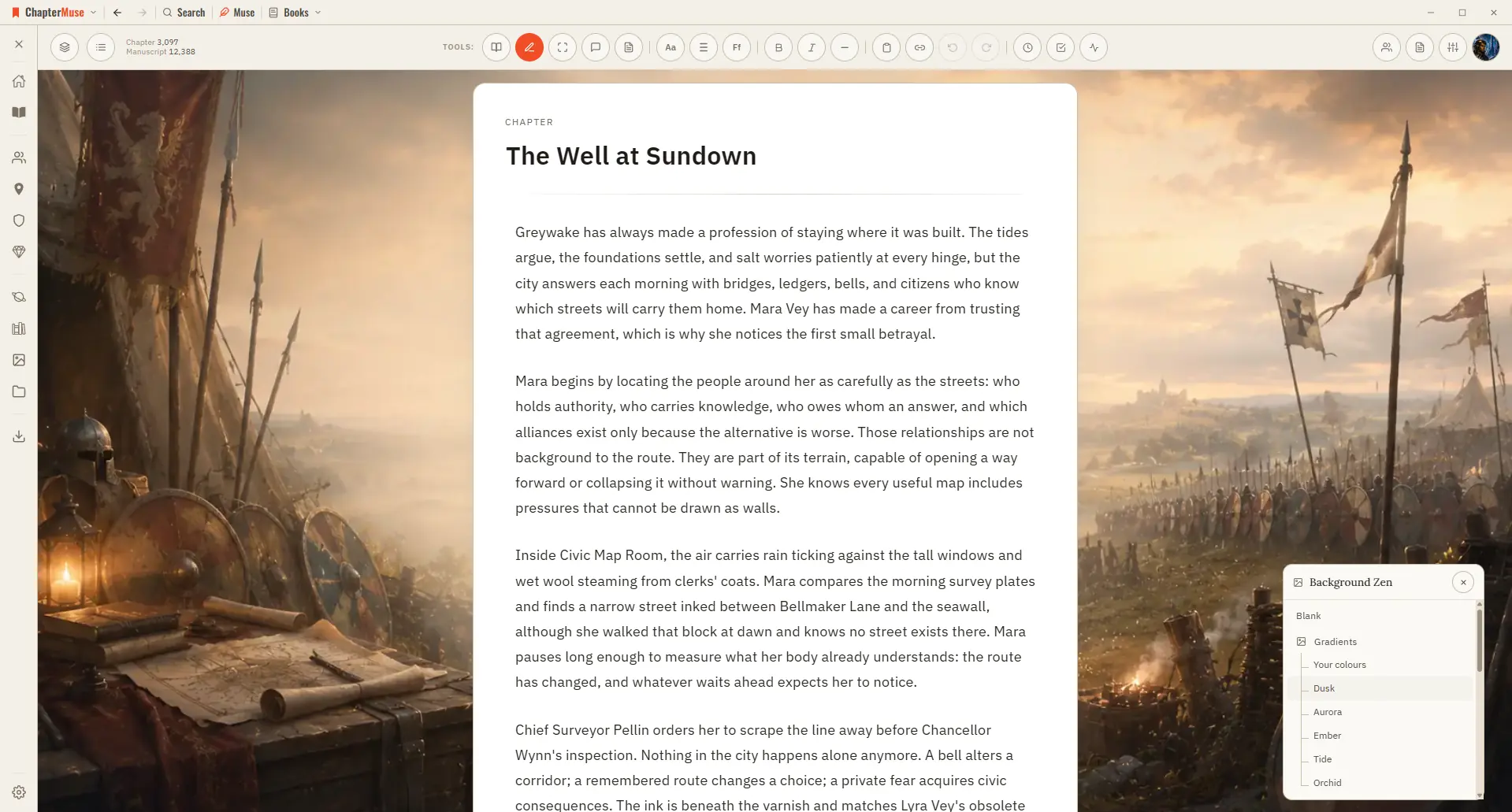
Add a Background to Your Writing Workspace

Each book remembers its own backdrop, so stepping into a manuscript can feel like stepping into its world. ✦Quick start 1Open your avatar menu and choose Background Zen (a book must be open).