ChapterMuse

Search results for world anvil

About 60 results (0.021 seconds)

CMwww.chaptermuse.com › Help › Writing tools

ChapterMuse Editing and Analysis Tools

Muse — an AI companion that knows your whole world and proposes additions you approve (Ctrl/⌘-M) Chapter Check — fiction-tuned spelling, dialect, glossary, and consistency, entirely on-device Chapter Analysis — deep AI craft…
CMwww.chaptermuse.com › Help › Word cloud

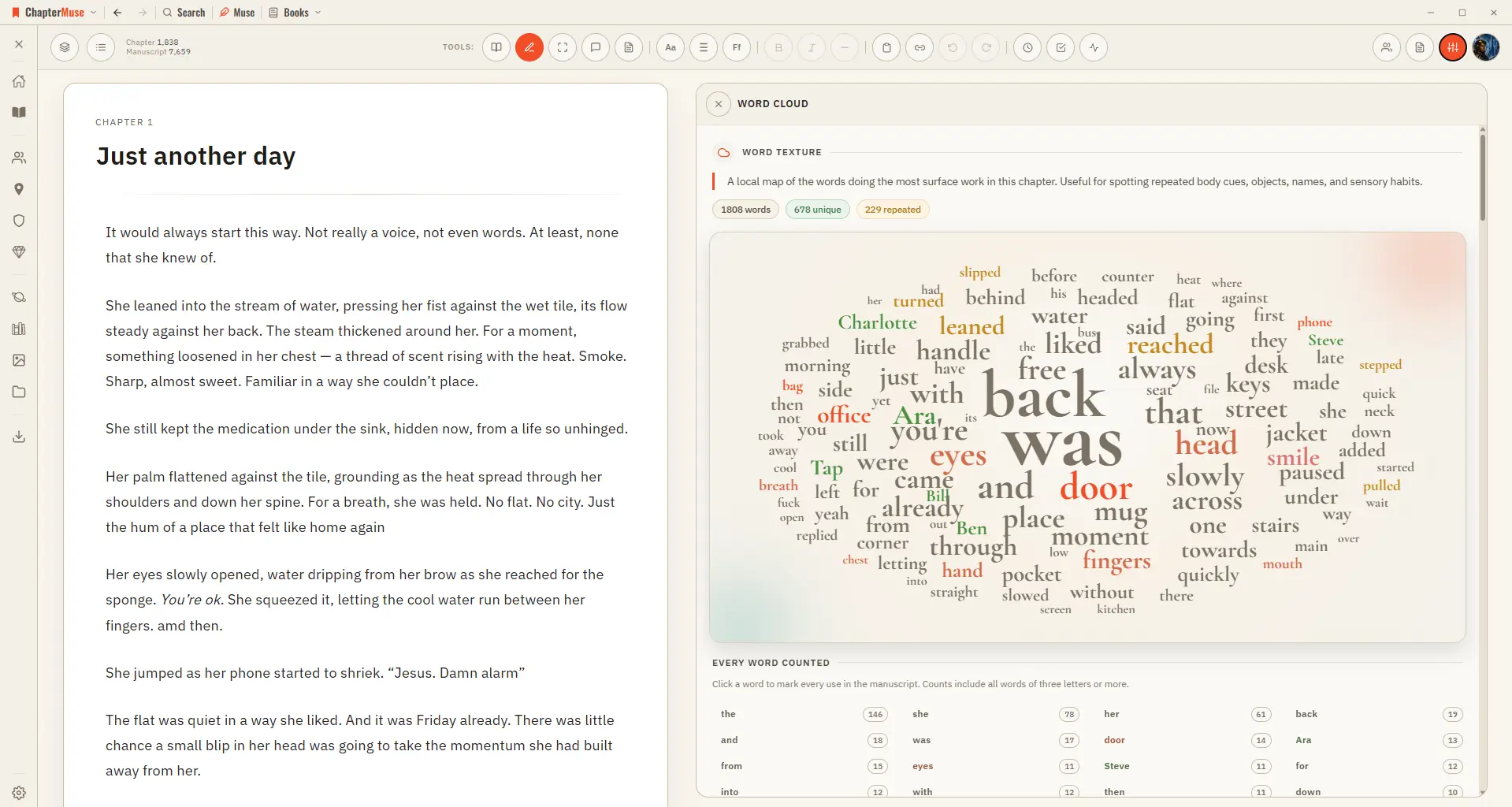
Find Repeated Words with the Word Cloud

Common filler words are filtered out, and a full count beside the cloud lists every word with its exact tally. Click any word to light up every place it's used.

CMwww.chaptermuse.com › Help › Shortcuts

ChapterMuse Keyboard Shortcuts and Command…

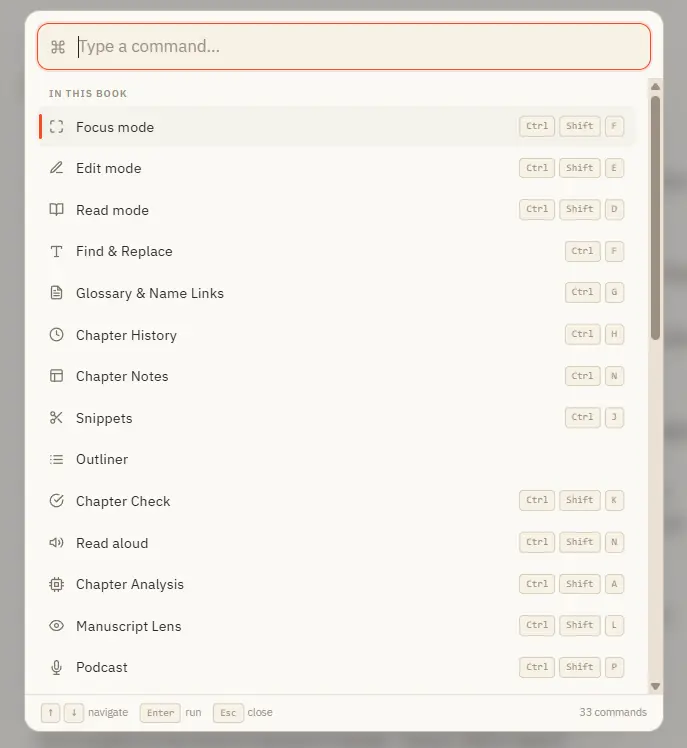
Opens with Ctrl K from anywhere in the app Search across everything you can do — grouped into "In this book", "Go to" (navigation), and "General" Inside a book it lists every panel and mode; elsewhere it jumps you to Story World,…

CMwww.chaptermuse.com › Help › Factions

Create Factions, Houses and Heraldic Crests

The groups and powers that shape your world — their members, their rivalries, and their crests. Updated 4 September 2026 Factions are the houses, guilds, orders, corporations, and cults your characters belong to.

CMwww.chaptermuse.com › Help

ChapterMuse Guide: Novel Writing Software

Your Workspace Story World Your home screen — every part of your writing life in one place. Universes & the Folio Group your books and world-building into living continuities.

CMwww.chaptermuse.com › Feature › Book formatting

Book Formatting and EPUB Export Software

tex book, divided into front matter, body and back matter RTFThe format every word processor still opens ODTOpenDocument, for LibreOffice and its kin Plain textJust the words, nothing around them And the work around it ExcelYour…

CMwww.chaptermuse.com › Help › Writing progress

Set Writing Targets and Track Writing History

A goal can count new words, words touched, characters, or minutes at the desk. The tool opens as a right-side drawer; opening another right-side drawer closes it, so manuscript tools never stack over one another.

CMwww.chaptermuse.com › Help › Chapter history

Restore Earlier Drafts with Chapter History

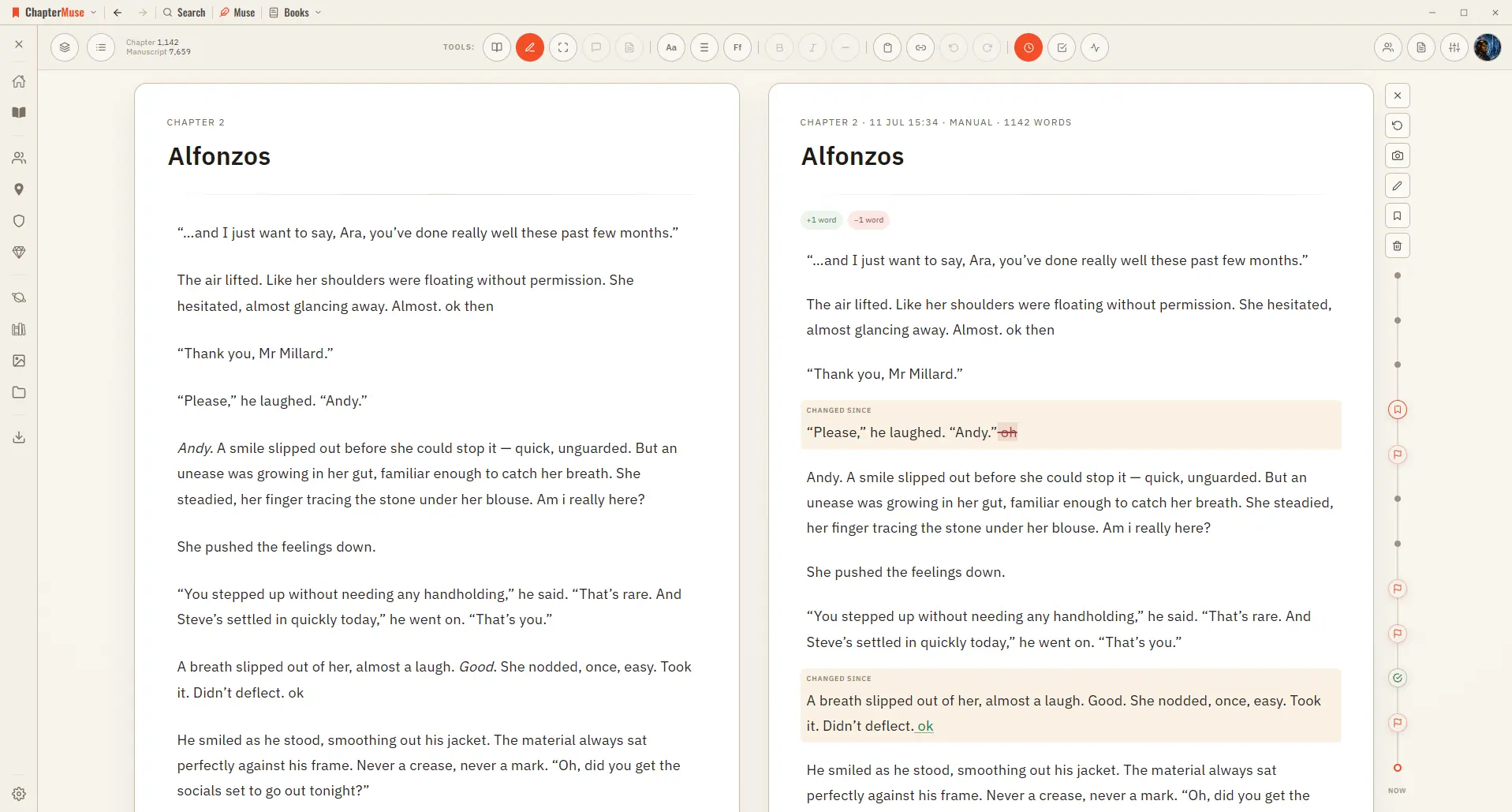
Open Chapter History and your past versions appear on a timeline right beside your living page, so you can scrub back, compare, and restore with confidence.

CMwww.chaptermuse.com › Help › Locations

Build and Track Story Locations

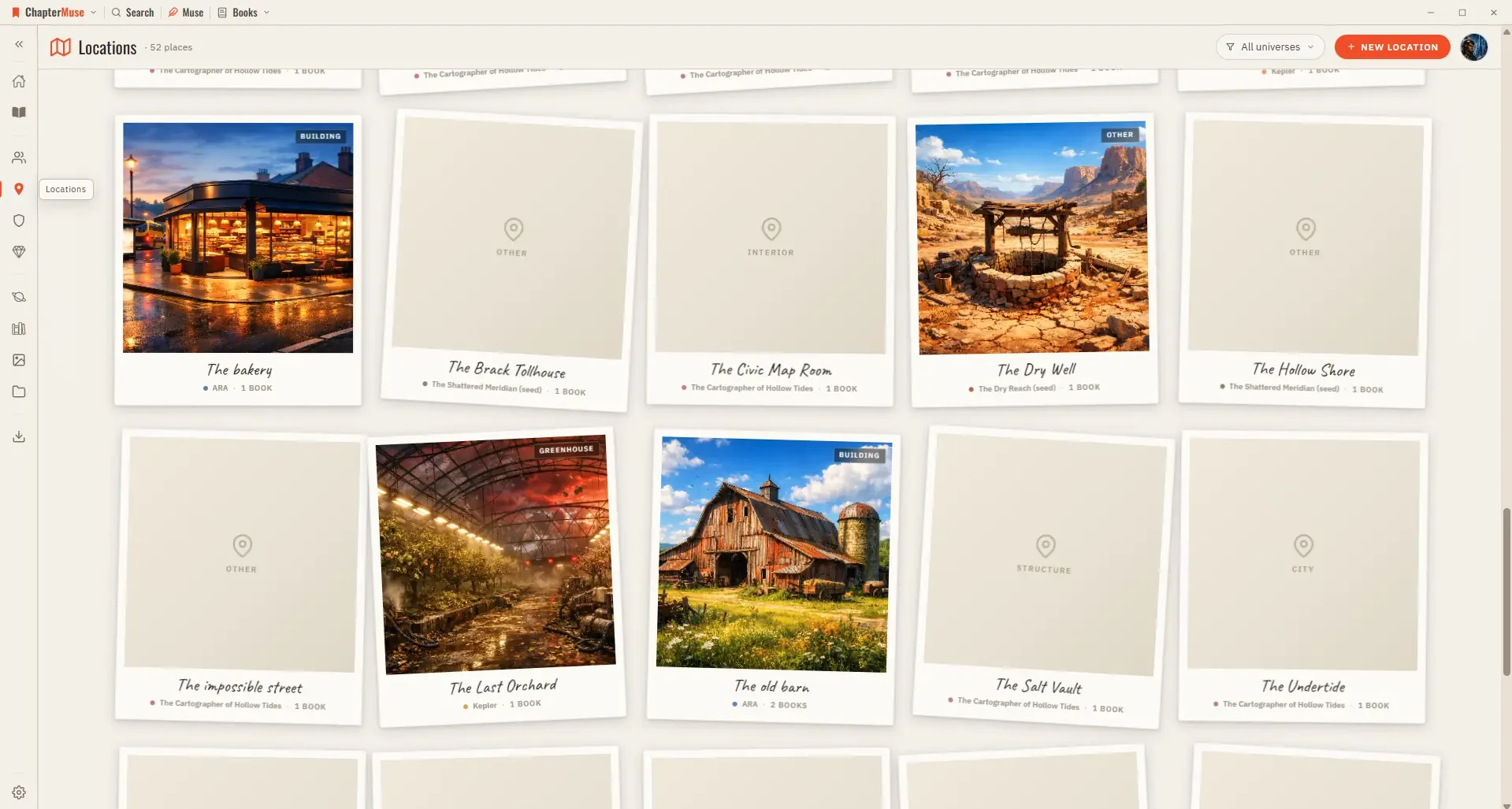
Updated 4 September 2026 Your Locations library is the atlas of your world. Each place gets a card with cover imagery and a sheet where you capture how it looks, sounds, and feels.