CMwww.chaptermuse.com › Help › Chapters
Organise Chapters and Alternate Variants
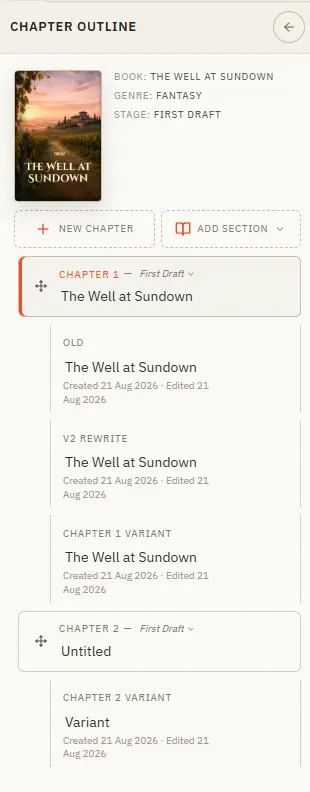
From here you add chapters, drag them into order, set each one's writing stage, and create variants when you want to try a scene a different way.
About 60 results (0.025 seconds)
CMwww.chaptermuse.com › Help › Chapters
From here you add chapters, drag them into order, set each one's writing stage, and create variants when you want to try a scene a different way.
CMwww.chaptermuse.com › Help › Read aloud
Once the voice is installed there is no internet, no account, and no per-word cost — your manuscript never leaves your computer.
CMwww.chaptermuse.com › Help › Glossary
✦Quick start 1Turn on story-world name highlighting from the Tools strip — the "Highlight story-world names" toggle. 2As you write, known names pick up a subtle underline in their type's colour.
CMwww.chaptermuse.com › Help › Ai images
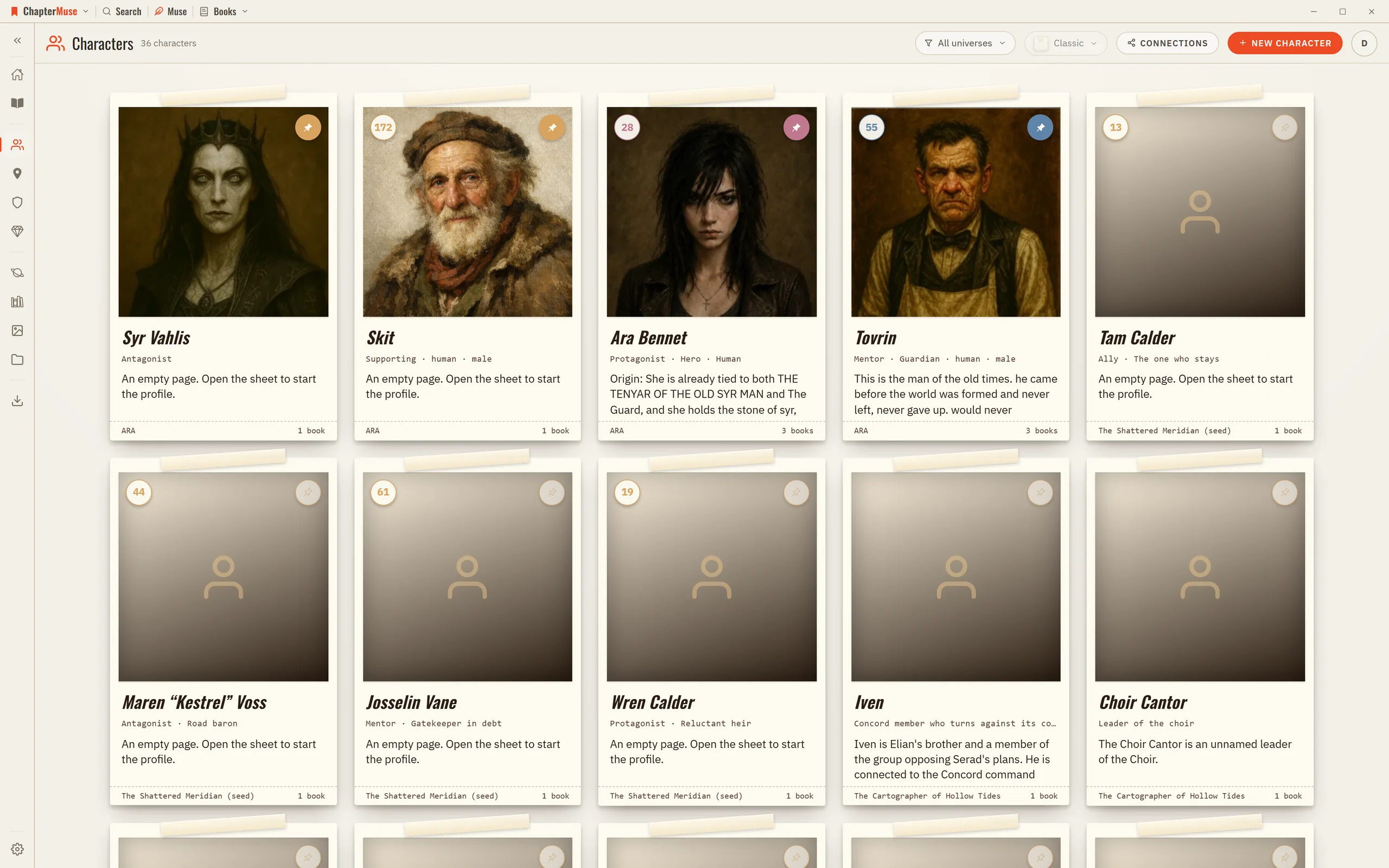
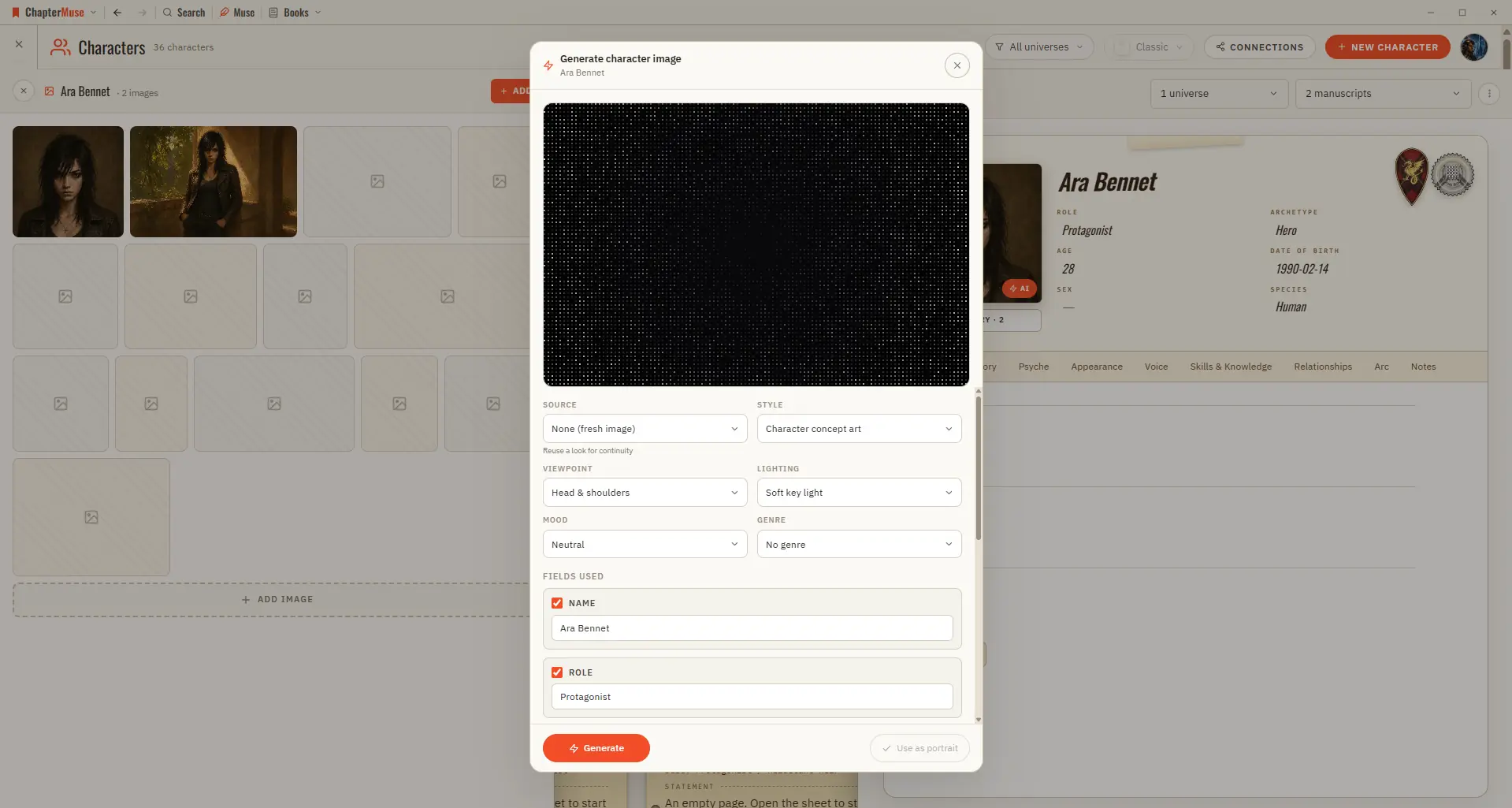
Bring your world to life visually — a portrait for a character, a vista for a place, a study of an object. Updated 4 September 2026 When words aren't quite enough, you can generate a picture right where you need it — from a…
CMwww.chaptermuse.com › Help › Formatting
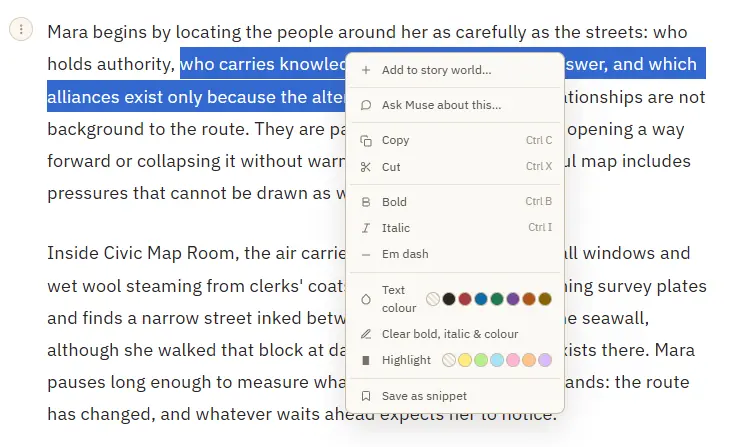
3Select a name and choose Add to story world to create a character, place, faction, or item from it. 4Select text, then right-click and Save as snippet to keep the passage for reuse; with no selection, save the whole paragraph.
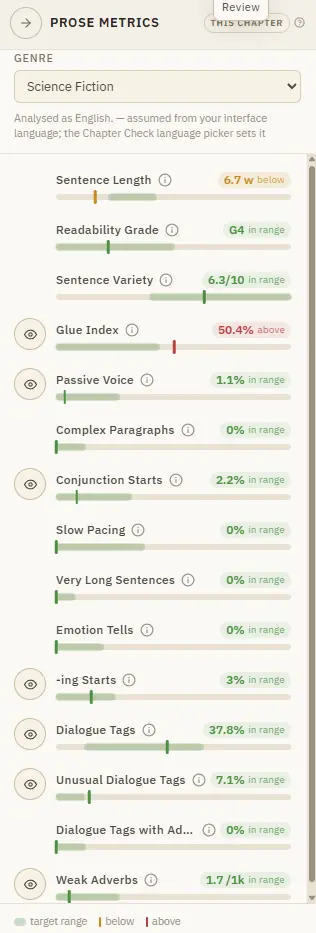
CMwww.chaptermuse.com › Help › Metrics
Readability and rhythm — sentence length, variety, glue words, and pacing signals Craft flags — passive voice, dialogue tags (and adverb-laden ones), -ing openers, emotion tells, and weak adverbs Genre-relative targets across…
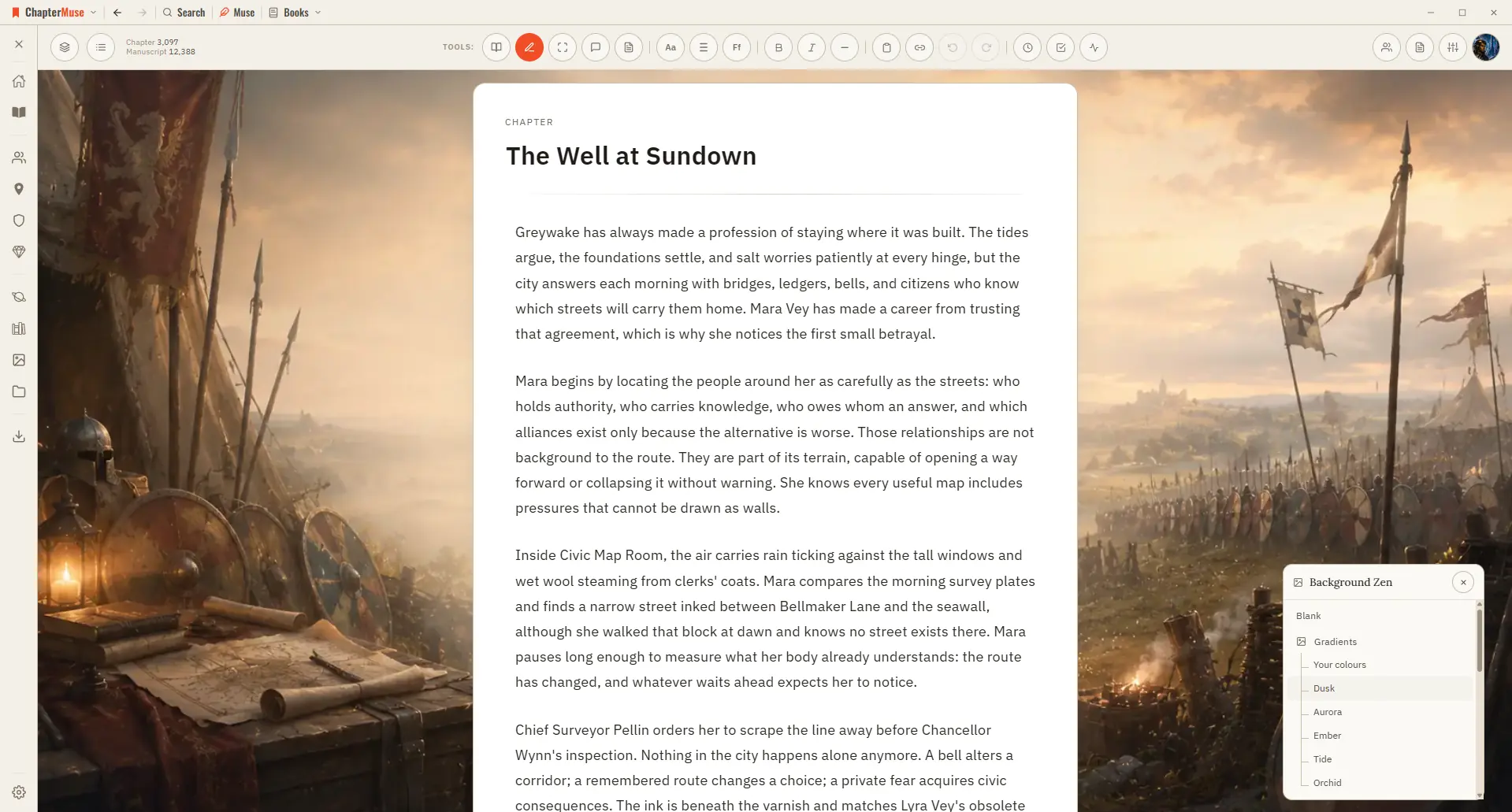
CMwww.chaptermuse.com › Help › Background zen
Set the scene behind your words with an atmospheric backdrop that fits your story. Updated 4 September 2026 Sometimes the right atmosphere helps the words flow.
CMwww.chaptermuse.com › Help › Writing tools
Muse — an AI companion that knows your whole world and proposes additions you approve (Ctrl/⌘-M) Chapter Check — fiction-tuned spelling, dialect, glossary, and consistency, entirely on-device Chapter Analysis — deep AI craft…
CMwww.chaptermuse.com › Page
During the trial all of it is unlocked. Afterwards, this is what separates the three licences.