CMwww.chaptermuse.com › Help › Mind map
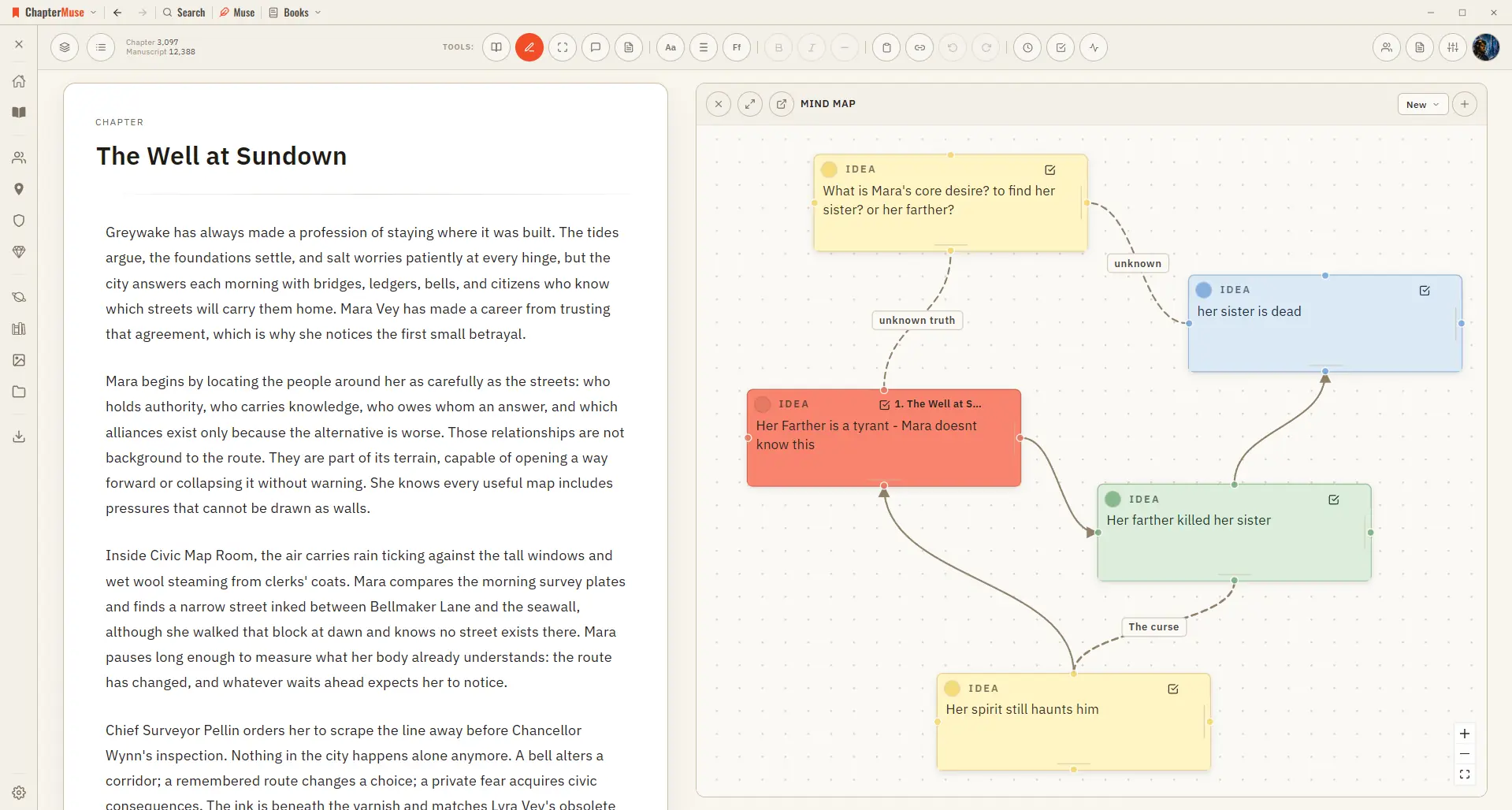
Brainstorm a Novel with the Mind Map
In the whole writing studio See how outlines, grids, timelines, maps and scenes stay connected to the manuscript. See the complete planning workflow
About 63 results (0.024 seconds)
CMwww.chaptermuse.com › Help › Mind map
In the whole writing studio See how outlines, grids, timelines, maps and scenes stay connected to the manuscript. See the complete planning workflow
CMwww.chaptermuse.com › Help › Canvas
Updated 4 September 2026 Open a book and you arrive at the canvas: your chapter on a clean, page-like surface, floating above the workspace so your eye always knows where the story is.
CMwww.chaptermuse.com › Home
Every feature PlanningPlot Grid Outliner Chronos timeline Mind map WritingFocus mode Background Zen Chapter variants Writing progress WorldbuildingCharacters Locations Universes Museiki wiki ResearchResearch Center Story Recall…
CMwww.chaptermuse.com › Help
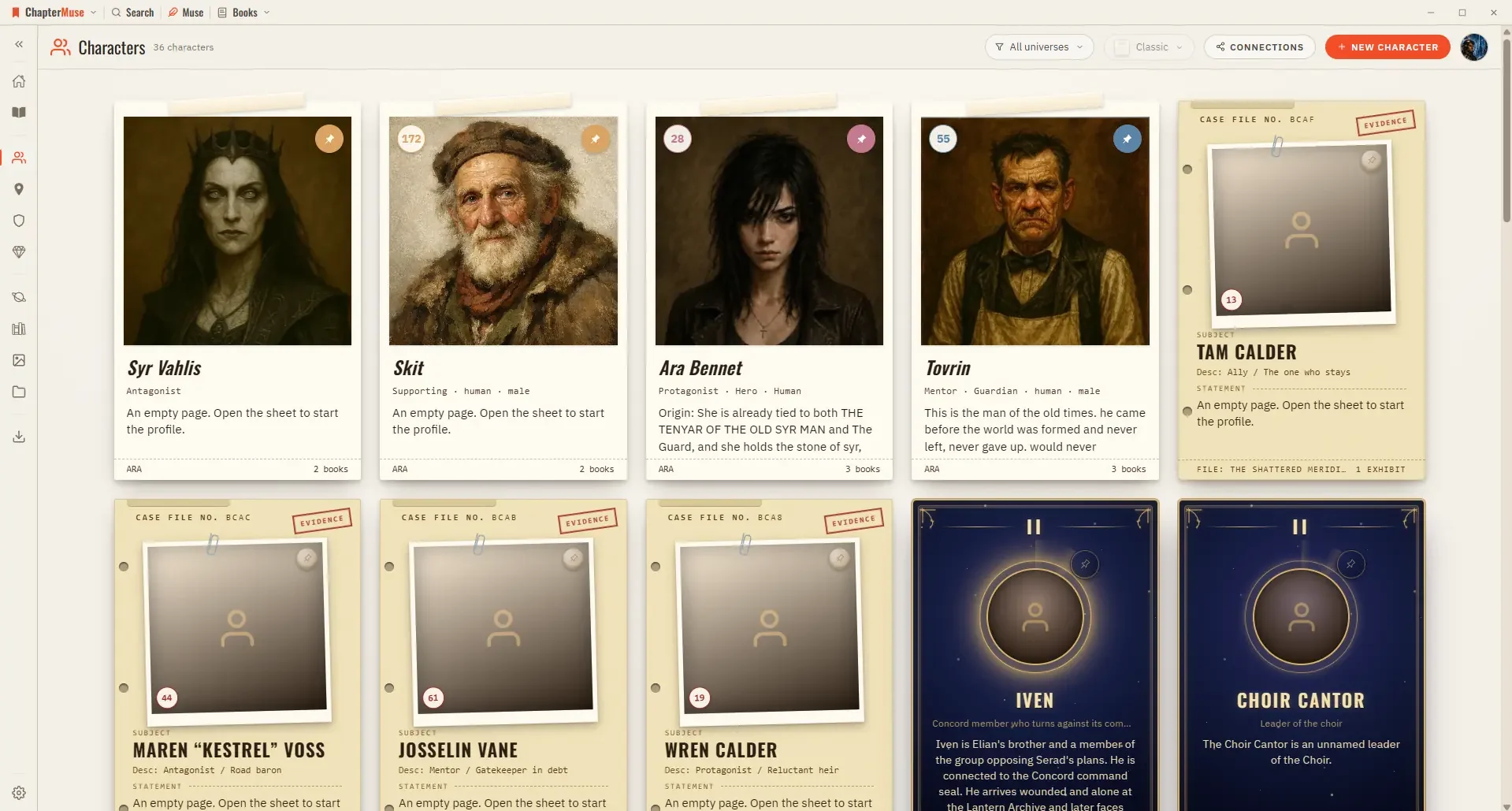
Character Arcs Map a character's transformation beat by beat. Connections A relationship canvas that spans your whole universe.
CMwww.chaptermuse.com › Help › Bookshelf
Hover a cover and it opens like a real book to show the first few lines of your story. Click it to drop straight into the writing canvas.
CMwww.chaptermuse.com › Feature › Book formatting
tex book, divided into front matter, body and back matter RTFThe format every word processor still opens ODTOpenDocument, for LibreOffice and its kin Plain textJust the words, nothing around them And the work around it ExcelYour…
CMwww.chaptermuse.com › Help › Chapters
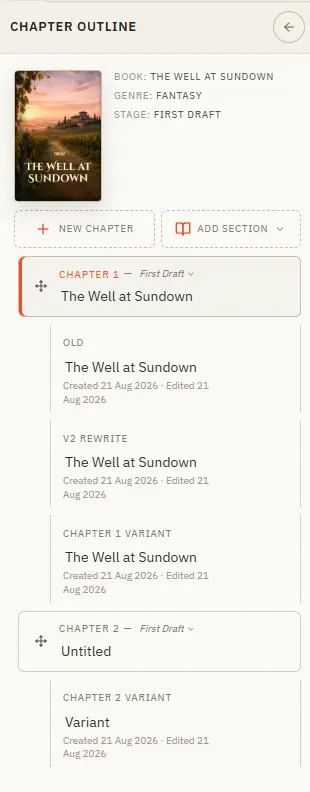
Your book's structure lives in the chapter drawer — add, reorder, restage, and branch alternate takes. Updated 4 September 2026 The chapter drawer slides in from the left and holds your whole manuscript — front matter at the top,…
CMwww.chaptermuse.com › Help › Workspace views
See how planning reaches the page, how the page reaches revision, and how a draft becomes a finished book. Explore every ChapterMuse feature
CMwww.chaptermuse.com › Help › Story world
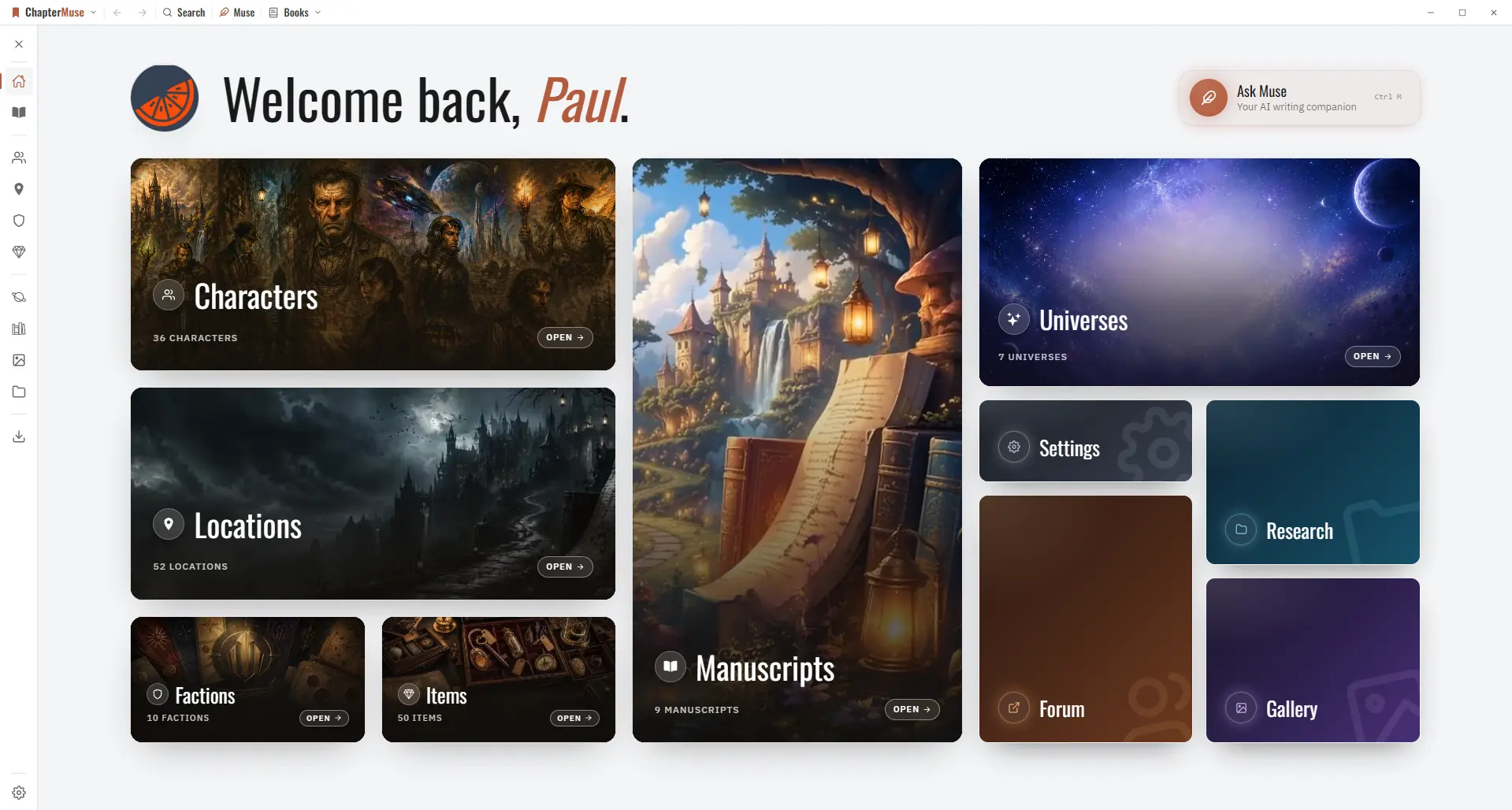
✦Quick start 1Open ChapterMuse — you arrive at Story World automatically. 2Click Manuscripts to open your Bookshelf and start writing.
CMwww.chaptermuse.com › Feature › Muse
Ask about a chapter, a person, a research file or the whole story world. Muse reads within the scope you choose and answers from material you have already assembled.