ChapterMuse

Search results for own my work

About 70 results (0.029 seconds)

CMwww.chaptermuse.com › Help › Writing progress

Set Writing Targets and Track Writing History

A calendar of the last year, one square per day, shaded against your own writing days rather than a fixed word count Revision passes are drawn as bands beneath it in their own colours, so you can see what you were working on and…
CMwww.chaptermuse.com › Help › Ai tokens

ChapterMuse AI Credits: Costs and Usage

Chapter Check — the on-device proofreading engine Prose Metrics and Word Cloud Read Aloud — the local text-to-speech voice Search & Recall across your whole project Manuscript Lens's built-in analysis (World, Loops, Prose, and…

CMwww.chaptermuse.com › Help › Writing tools

ChapterMuse Editing and Analysis Tools

Muse — an AI companion that knows your whole world and proposes additions you approve (Ctrl/⌘-M) Chapter Check — fiction-tuned spelling, dialect, glossary, and consistency, entirely on-device Chapter Analysis — deep AI craft…

CMwww.chaptermuse.com › Help › Navigation

Navigate the ChapterMuse Desktop App

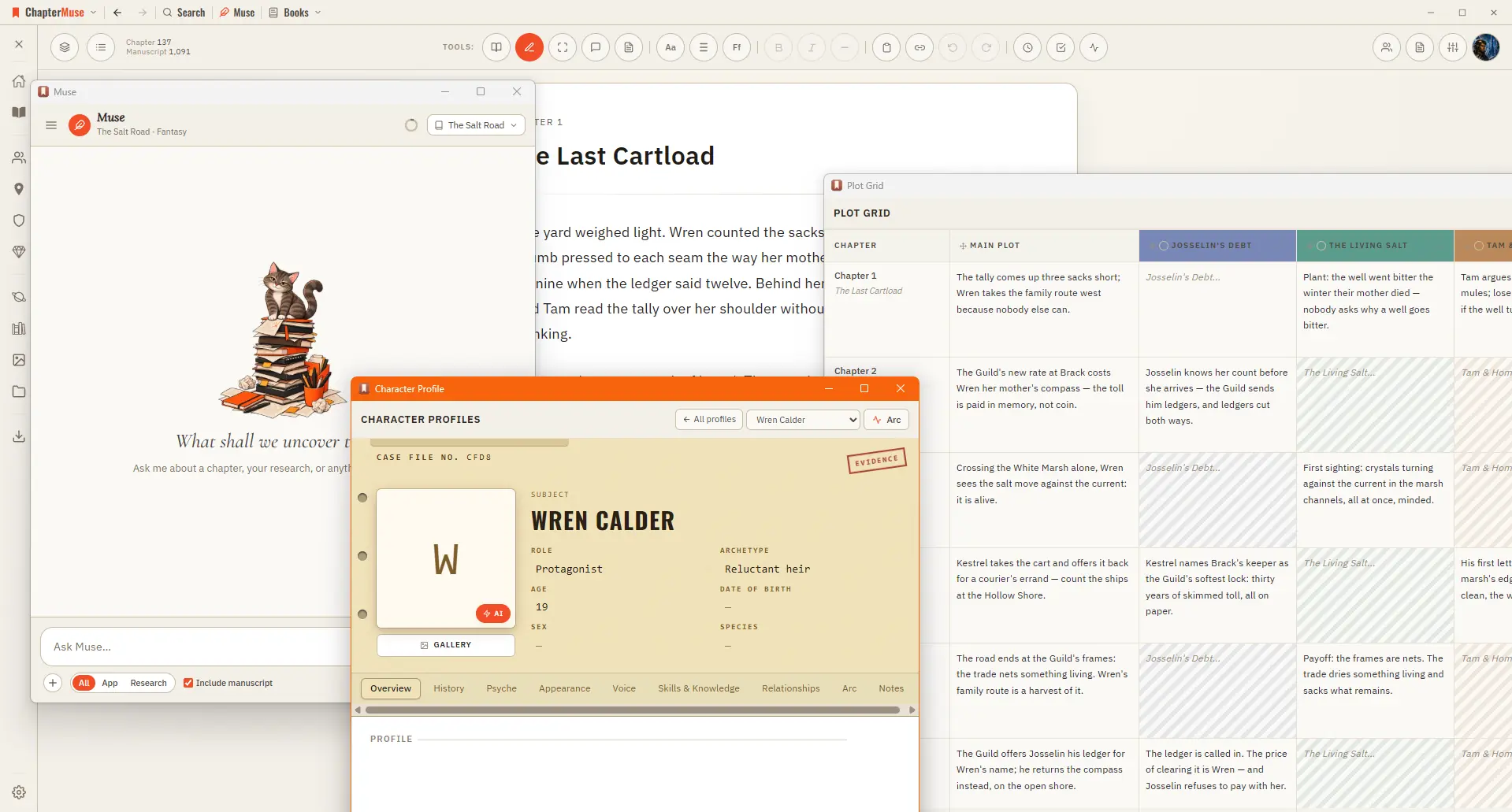
Story — your world: Characters, Profiles, Connections, Locations, Factions, Items, plus Plot Grid, Chronos, Mind Map, and Scene Designer Manuscript — working with the text: Search, Find & Replace, Glossary & Name Links, Snippets,…

CMwww.chaptermuse.com › Help › Workspace views

Use Split View and Whole-Book Workspace Views

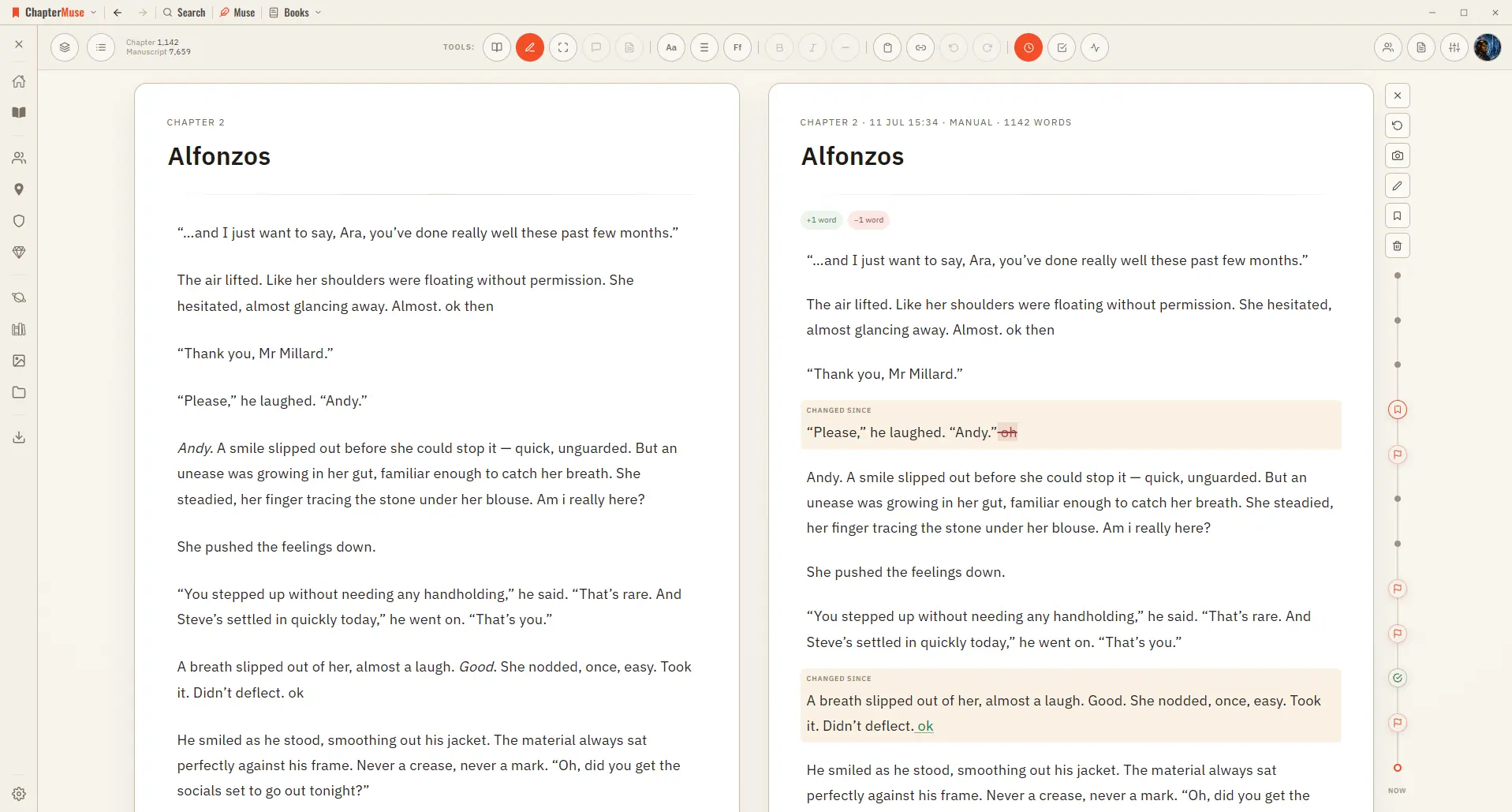
In the whole writing studio No tool here works alone. See how planning reaches the page, how the page reaches revision, and how a draft becomes a finished book.

CMwww.chaptermuse.com › Help › Book design

Book Design: ChapterMuse Guide

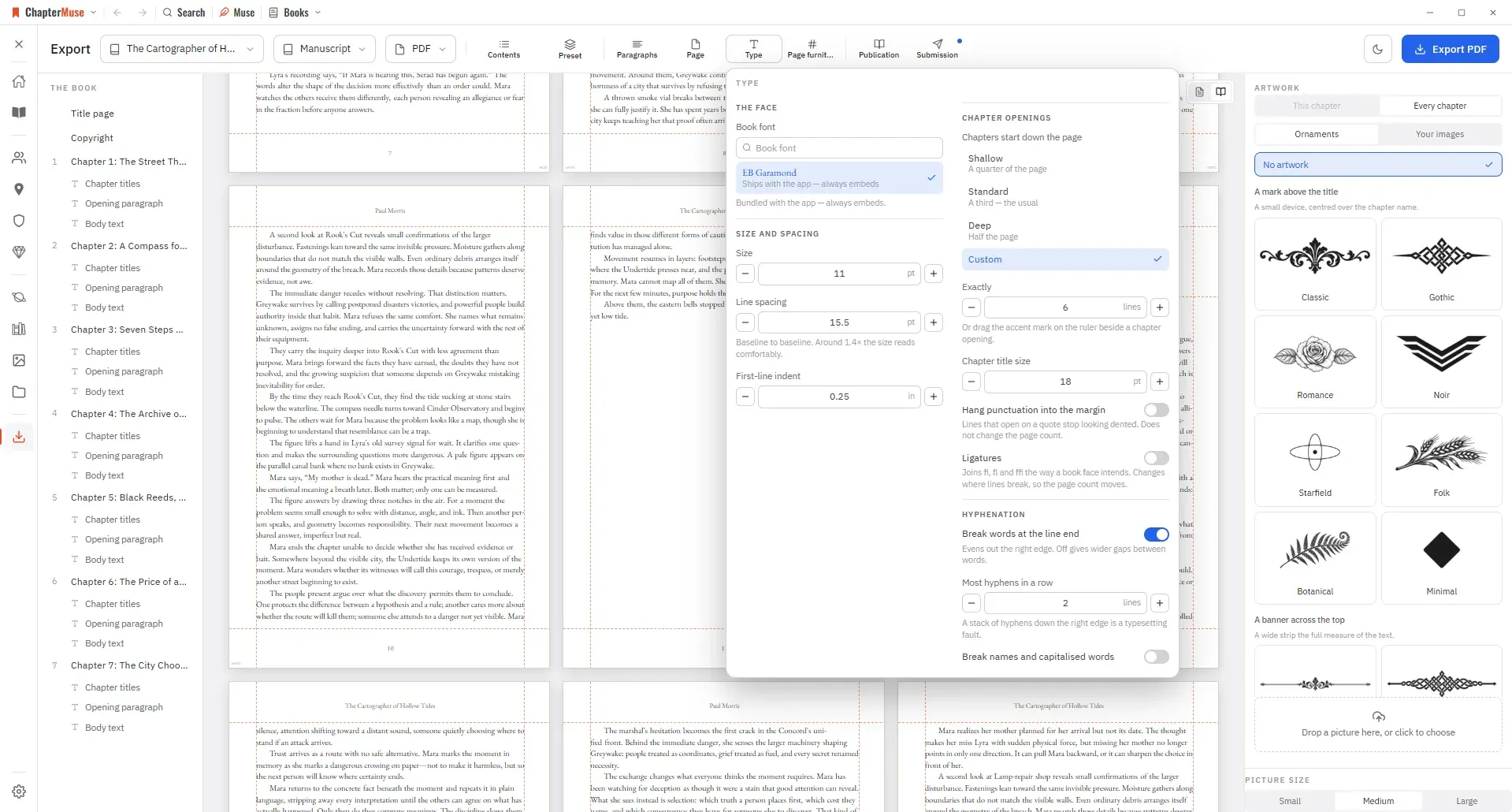
Preset — one look for the whole book, and a place to save your own Paragraphs — first-line indent, space between paragraphs, how a scene break is marked, and whether the first line after one is indented And these sections — when…

CMwww.chaptermuse.com › Help › Appearance

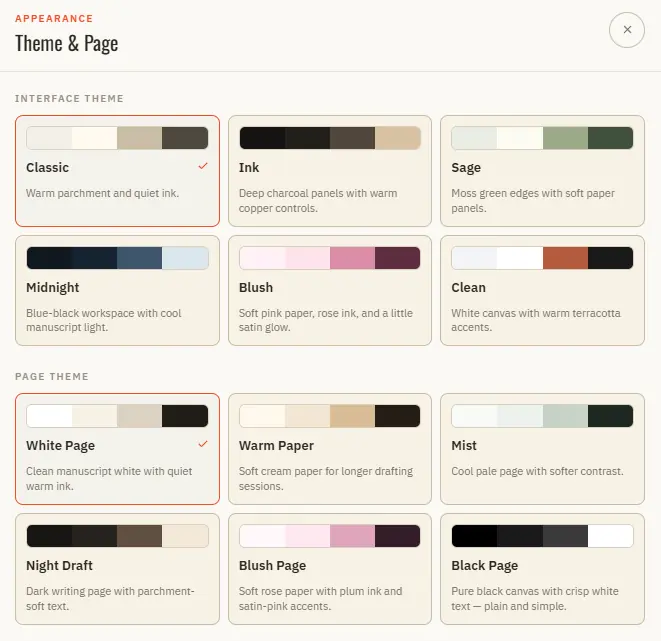
Customise Writing Themes, Fonts and Paper

In the whole writing studio No tool here works alone. See how planning reaches the page, how the page reaches revision, and how a draft becomes a finished book.

CMwww.chaptermuse.com › Help › Sections

Add Front Matter and Back Matter to a Book

ChapterMuse gives you proper front and back matter — a dedication, an epigraph, a prologue up front; an epilogue, author's note, and acknowledgments at the back.

CMwww.chaptermuse.com › Help › Muse

Use Muse, ChapterMuse's AI Fiction Companion

Source quotes and story-world names stay as written The reasoning control defaults to Auto: light for simple chat and deeper after substantive reading; only the current action and thought are shown while Muse works, then they…