CMwww.chaptermuse.com › Feature › Worldbuilding
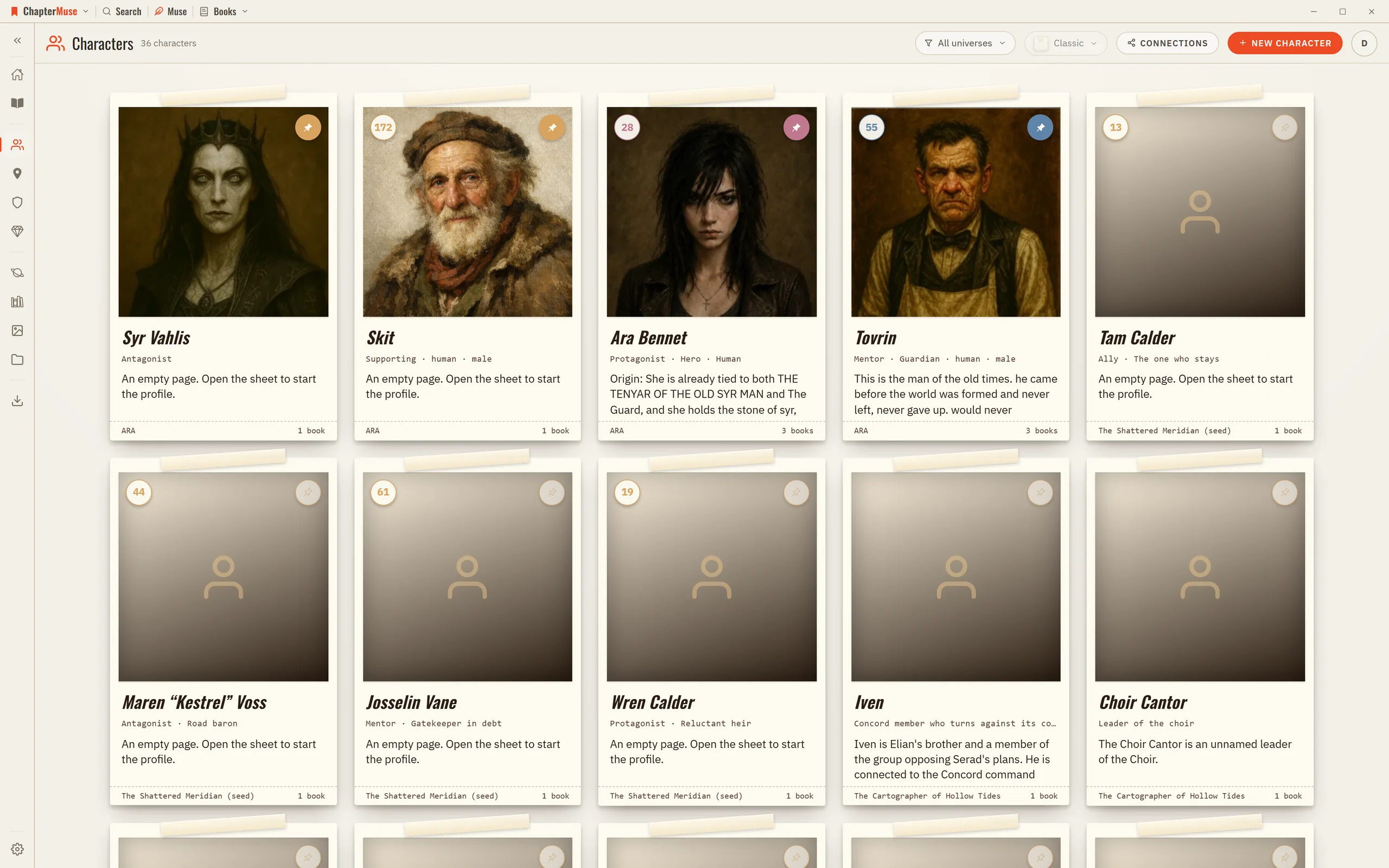
Worldbuilding and Story Bible Software
ChapterMuse is a desktop application for Windows and macOS, with the manuscript and story-world data stored on your computer.
About 63 results (0.025 seconds)
CMwww.chaptermuse.com › Feature › Worldbuilding
ChapterMuse is a desktop application for Windows and macOS, with the manuscript and story-world data stored on your computer.
CMwww.chaptermuse.com › Help › Research
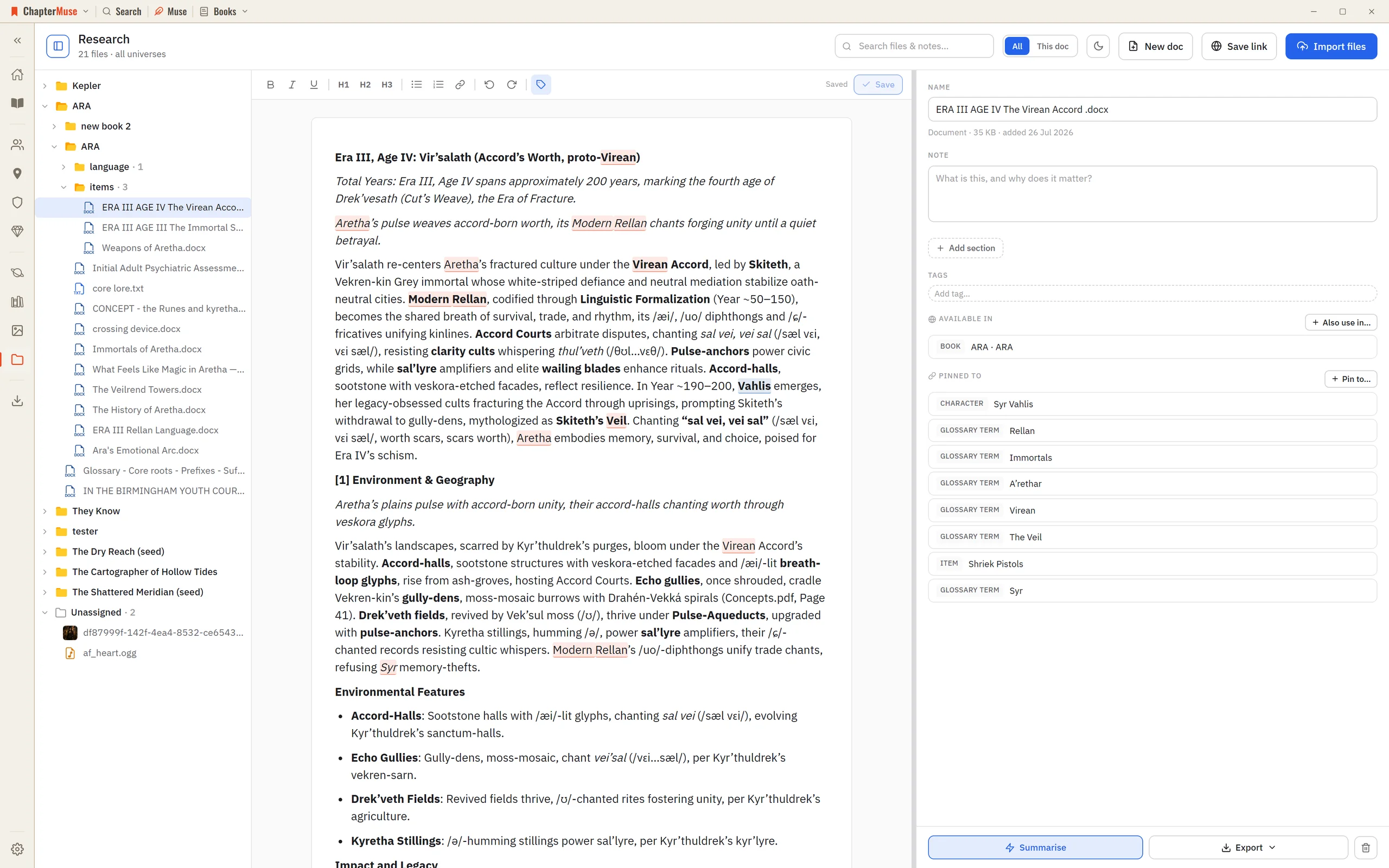
Audio uploads to private temporary storage and is removed after processing; abandoned uploads are cleaned up automatically.
CMwww.chaptermuse.com › Help › Navigation
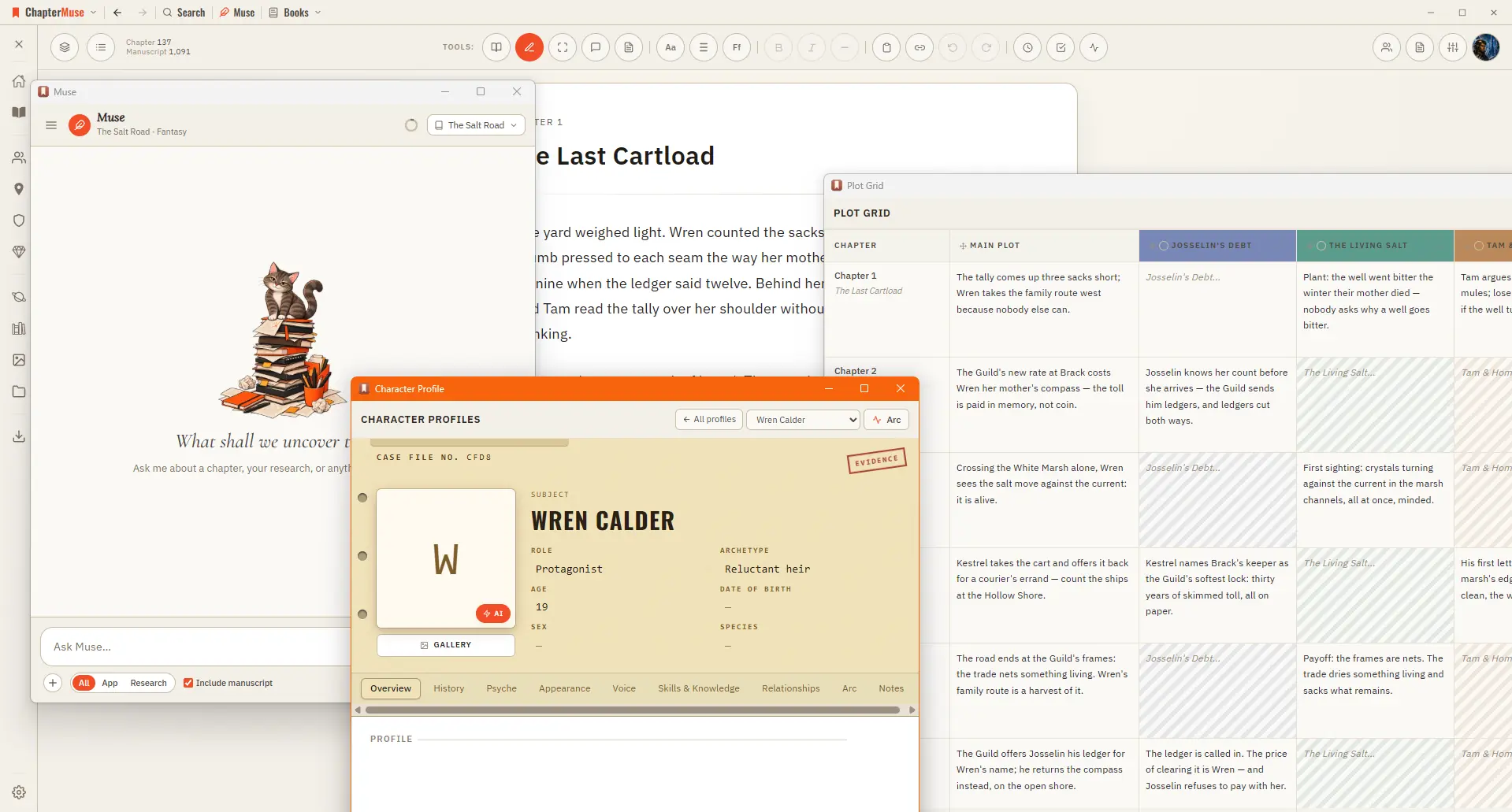
The panels in the Story menu — Characters, Profiles, Connections, Locations, Factions, Items, Plot Grid, Chronos, Scene Designer, and Mind Map — can each detach into their own window, so you can work on your world side-by-side…
CMwww.chaptermuse.com › Help › Beta readers
Beta Readers sends the parts you choose to the people you choose, as a private link they open in a browser — no account, no app, nothing to install.
CMwww.chaptermuse.com › Help › Book design
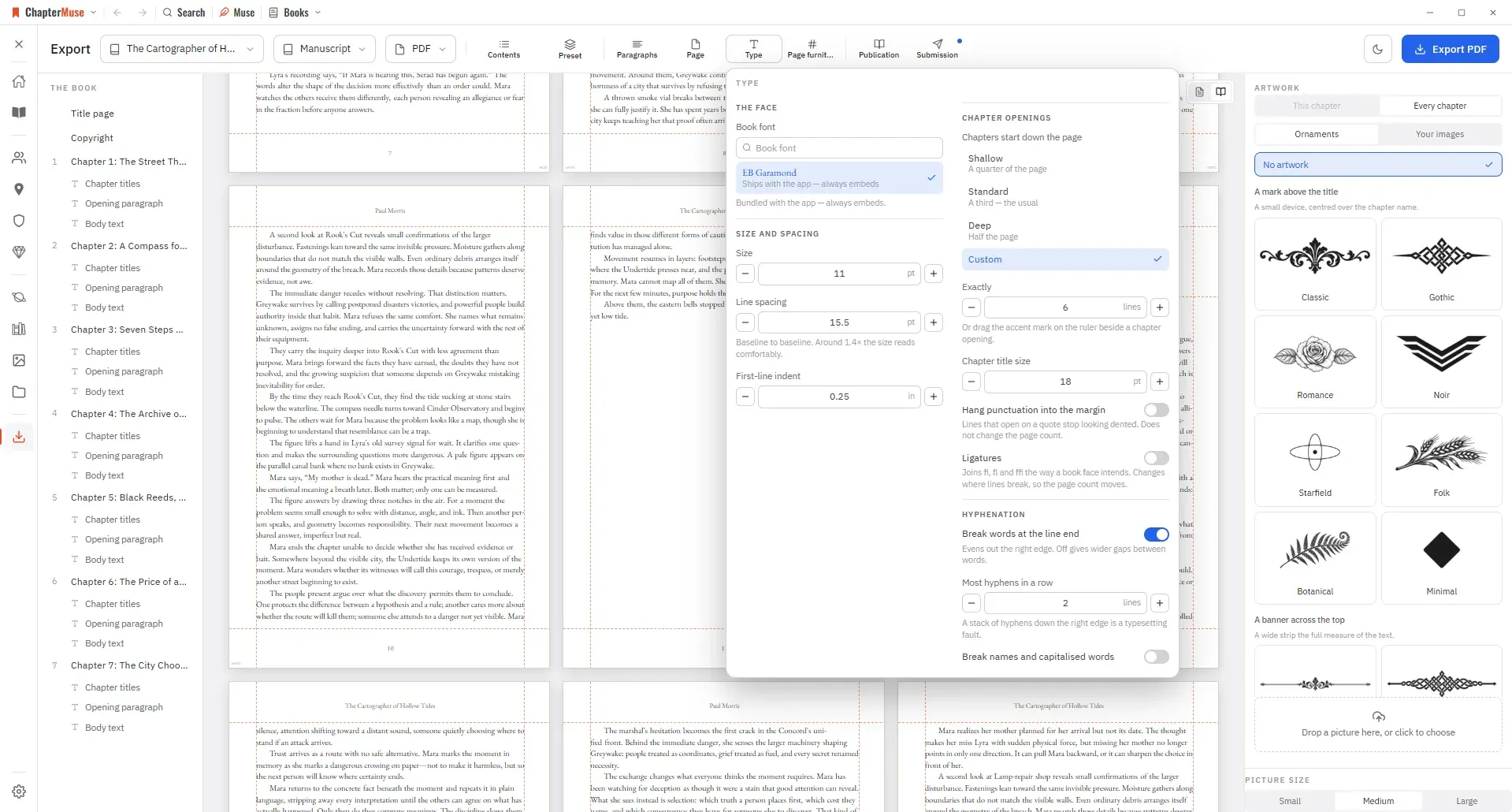
Preset — one look for the whole book, and a place to save your own Paragraphs — first-line indent, space between paragraphs, how a scene break is marked, and whether the first line after one is indented And these sections — when…
CMwww.chaptermuse.com › Help › Chapter notes
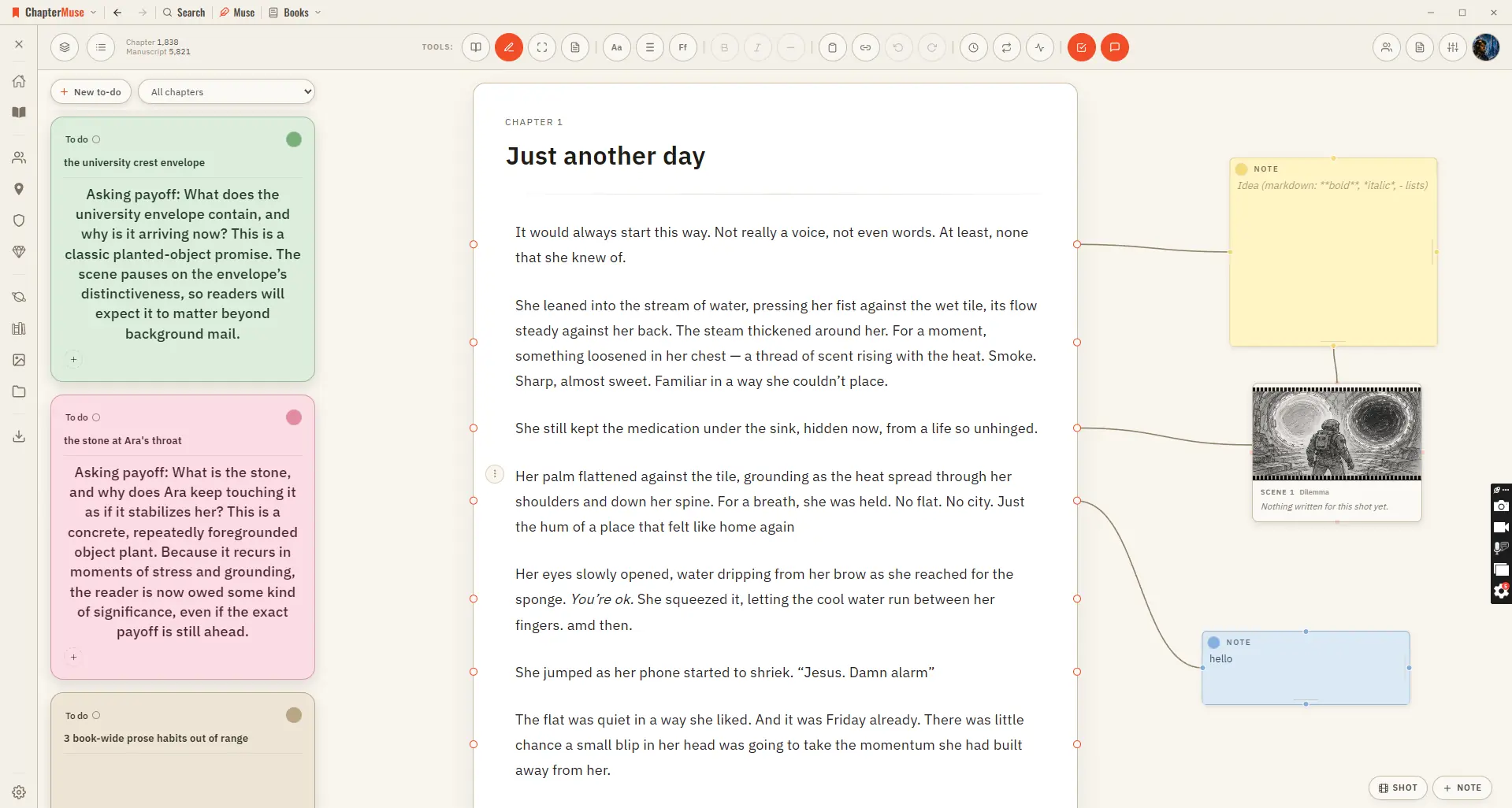
For work you want to track rather than annotate, use To-dos — it opens beside the notes canvas and keeps the actionable list for the whole book.
CMwww.chaptermuse.com › Feature › Muse
ChapterMuse is a desktop application for Windows and macOS, with the manuscript and story-world data stored on your computer.
CMwww.chaptermuse.com › Feature › Novel planning
ChapterMuse is a desktop application for Windows and macOS, with the manuscript and story-world data stored on your computer.
CMwww.chaptermuse.com › Home
Only the features that call out to cloud AI cost anything, everything else runs on your own computer and is free, including the fiction-tuned proofreader and the read-aloud voice.
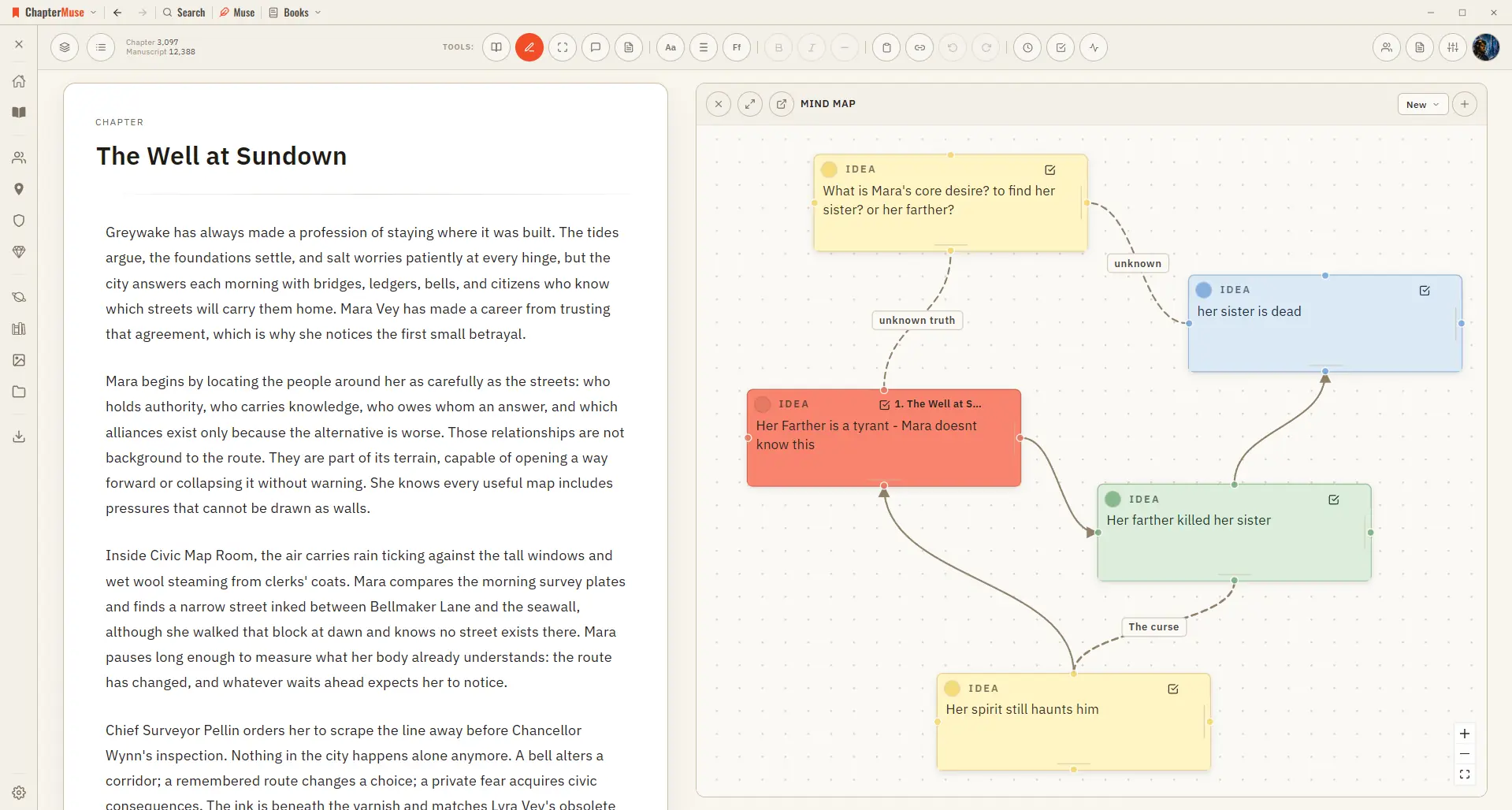
CMwww.chaptermuse.com › Help › Mind map
✦Quick start 1Open Mind Map from the Story menu (create a map on first use). 2Add a card, give it a title and notes, and drag it where you like.