ChapterMuse

Search results for words

About 72 results (0.021 seconds)

CMwww.chaptermuse.com › Help › Revisions

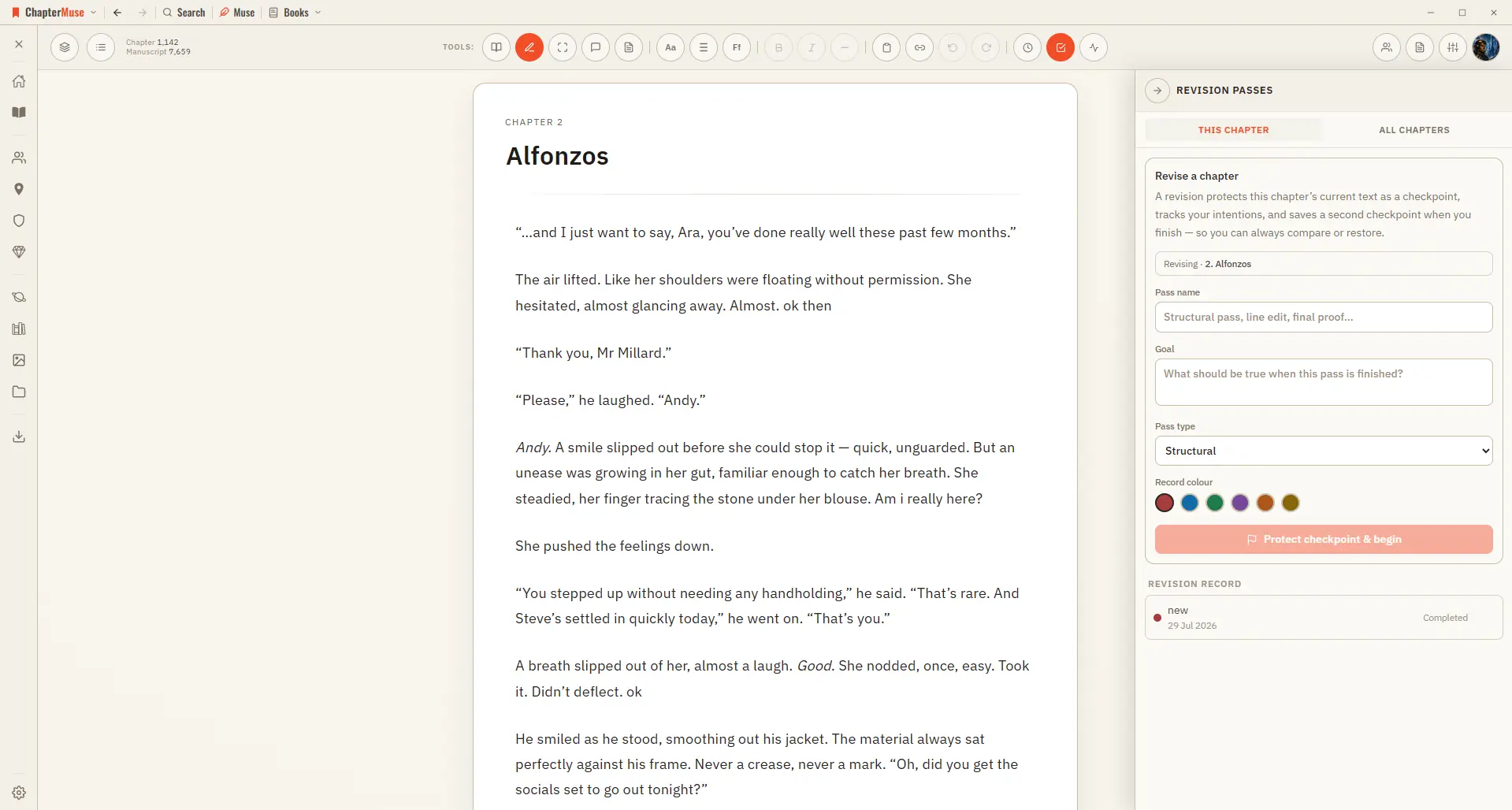
Plan and Track a Novel Revision Pass

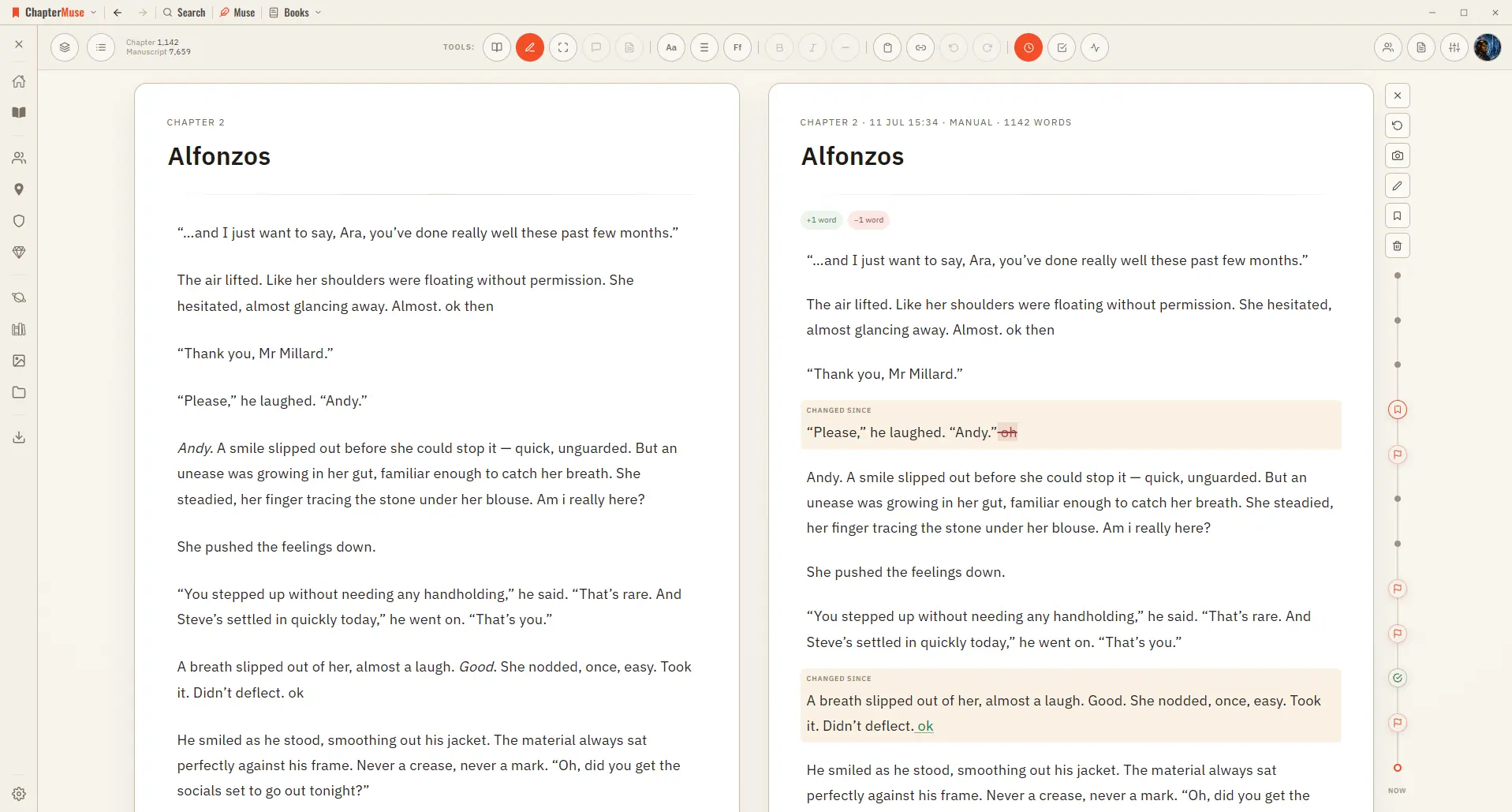
Checkpoint comparison shows words inserted and removed plus changed, added, deleted, and moved paragraphs Normal self-revision changes the manuscript immediately; the comparison remains a view, never formatting stored in the prose
CMwww.chaptermuse.com › Help › Read aloud

Listen to Your Manuscript with Read Aloud

Once the voice is installed there is no internet, no account, and no per-word cost — your manuscript never leaves your computer.

CMwww.chaptermuse.com › Help › Manuscript lens

Analyse Themes and Patterns Across a…

Manuscript Lens steps back and reads the entire book in reading order, then reports what only becomes visible from that height: who appears where, which threads are still waiting for a payoff, the habits your prose has settled…

CMwww.chaptermuse.com › Feature

Novel Writing Software Features

Muse answers from your manuscript, research and story world, links every grounded claim back to its source, and leaves every word of the novel to you.

CMwww.chaptermuse.com › Feature › Novel revision

Novel Revision and Manuscript Analysis…

Prose Metrics and Word Cloud run on-device: genre-aware ranges, and repetition sized by frequency. Narrative energy across a chapter 04 · Whole book

CMwww.chaptermuse.com › Help › Background zen

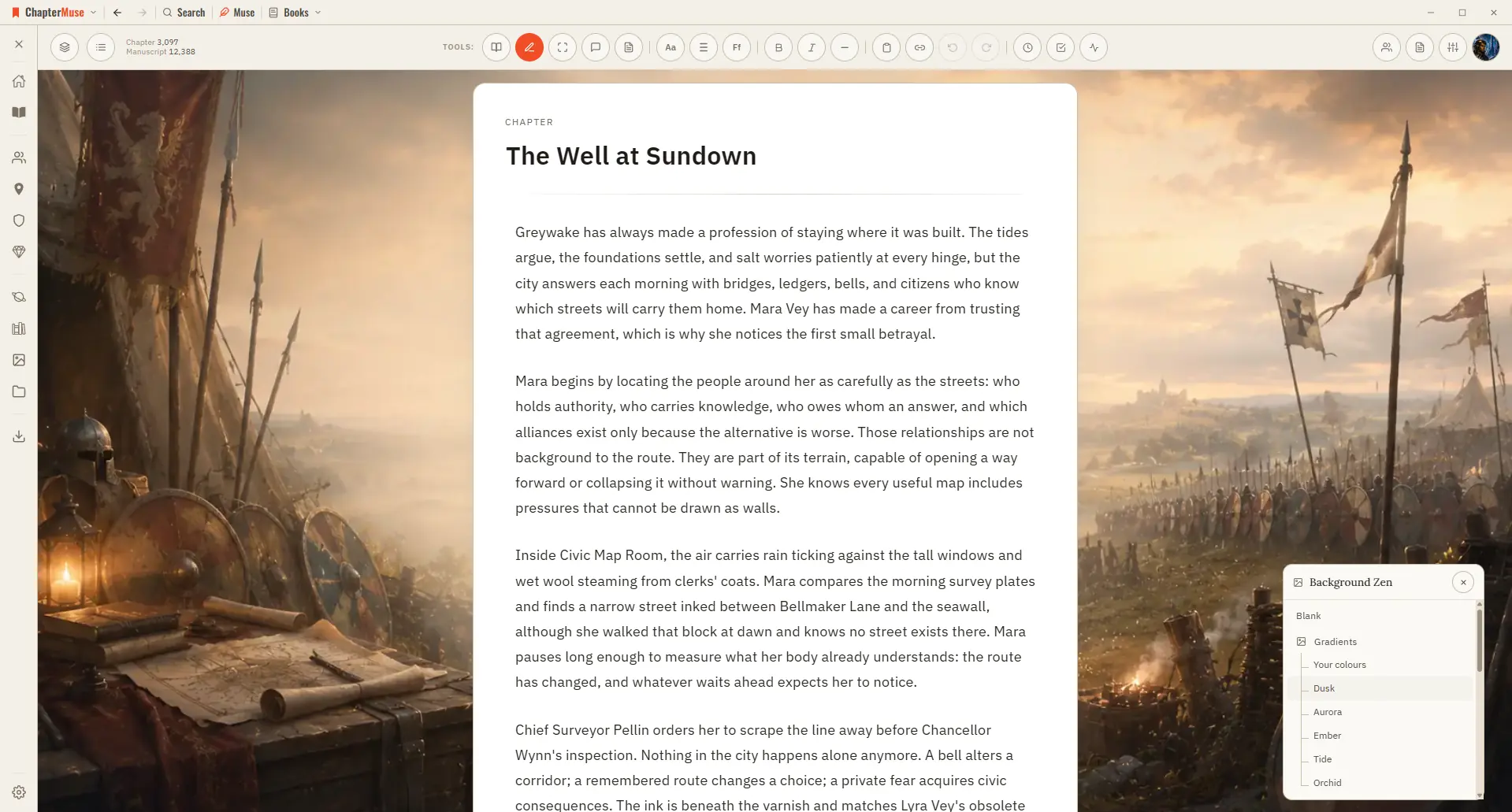
Add a Background to Your Writing Workspace

Set the scene behind your words with an atmospheric backdrop that fits your story. Updated 4 September 2026 Sometimes the right atmosphere helps the words flow.

CMwww.chaptermuse.com › Help › Muse

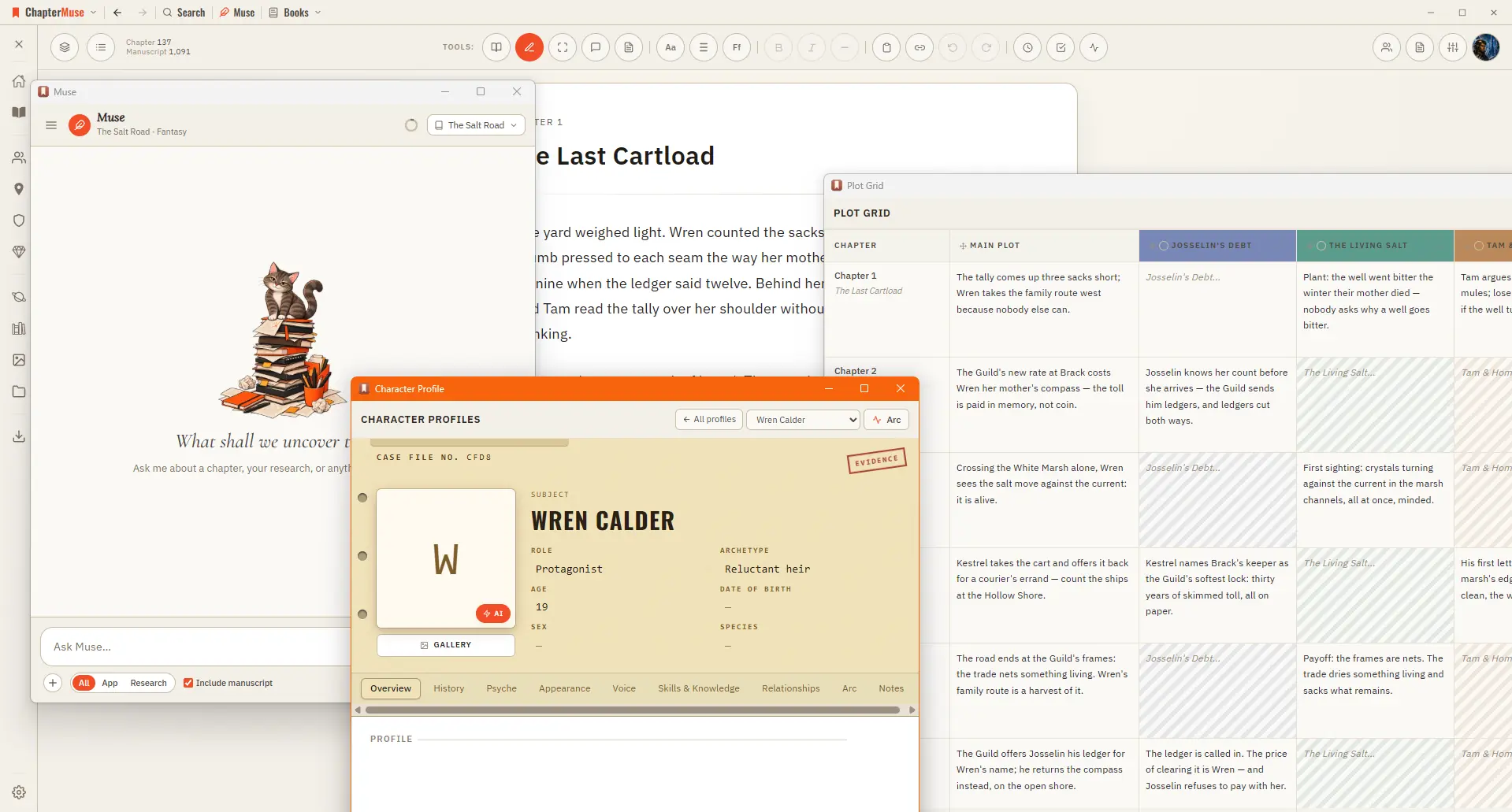
Use Muse, ChapterMuse's AI Fiction Companion

It reads versioned, passage-sized evidence in resumable batches and proposes what it finds, so a book you've been writing for months can have its cast, places, and links caught up in one pass.

CMwww.chaptermuse.com › Help › Canvas

Write and Edit a Novel in the ChapterMuse…

A focused page where your words take centre stage — everything else steps back until you call for it. Updated 4 September 2026 Open a book and you arrive at the canvas: your chapter on a clean, page-like surface, floating above…

CMwww.chaptermuse.com › Help › Navigation

Navigate the ChapterMuse Desktop App

A central Tools strip holds Read / Edit / Focus mode, To-dos, Chapter Notes, the Outliner button, the workspace-view picker, your type controls (font, size, spacing), bold / italic / em dash, copy & paste, a "highlight…

CMwww.chaptermuse.com › Help › Chapter history

Restore Earlier Drafts with Chapter History

Automatically as you write — when you switch chapters, and after a natural pause in typing Automatically before risky moments — before you split a chapter, and before you restore an older version Manually — press the camera…