ChapterMuse

Search results for word count

About 72 results (0.022 seconds)

CMwww.chaptermuse.com › Help › Research

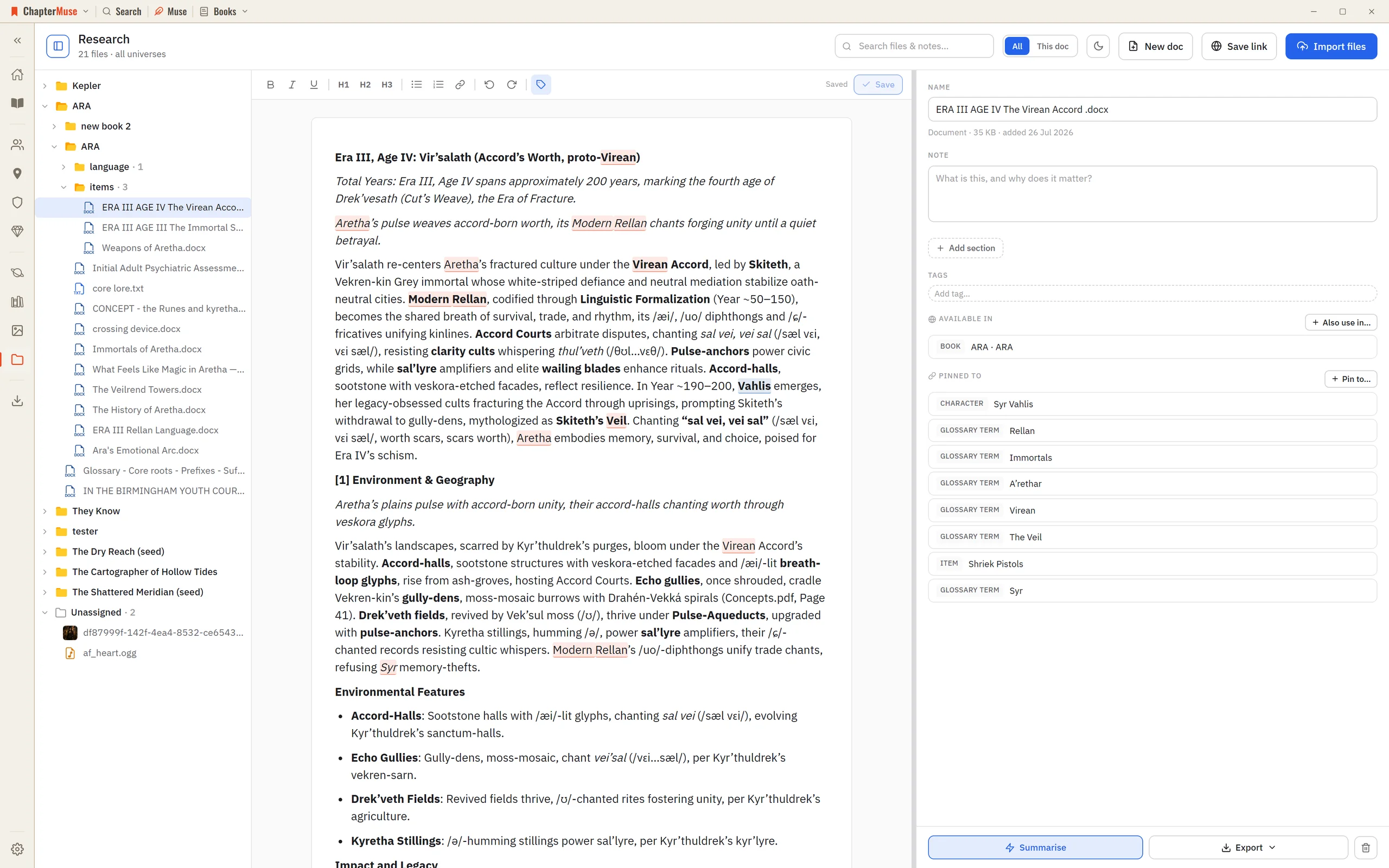
Organise Novel Research Beside Your Manuscript

2Click Import files to add PDFs, Word documents, spreadsheets, images, or audio — or just drag them onto the window. 3Use Save link to keep a web address with a title and note — ChapterMuse fetches that page once to build a…
CMwww.chaptermuse.com › Help › Book design

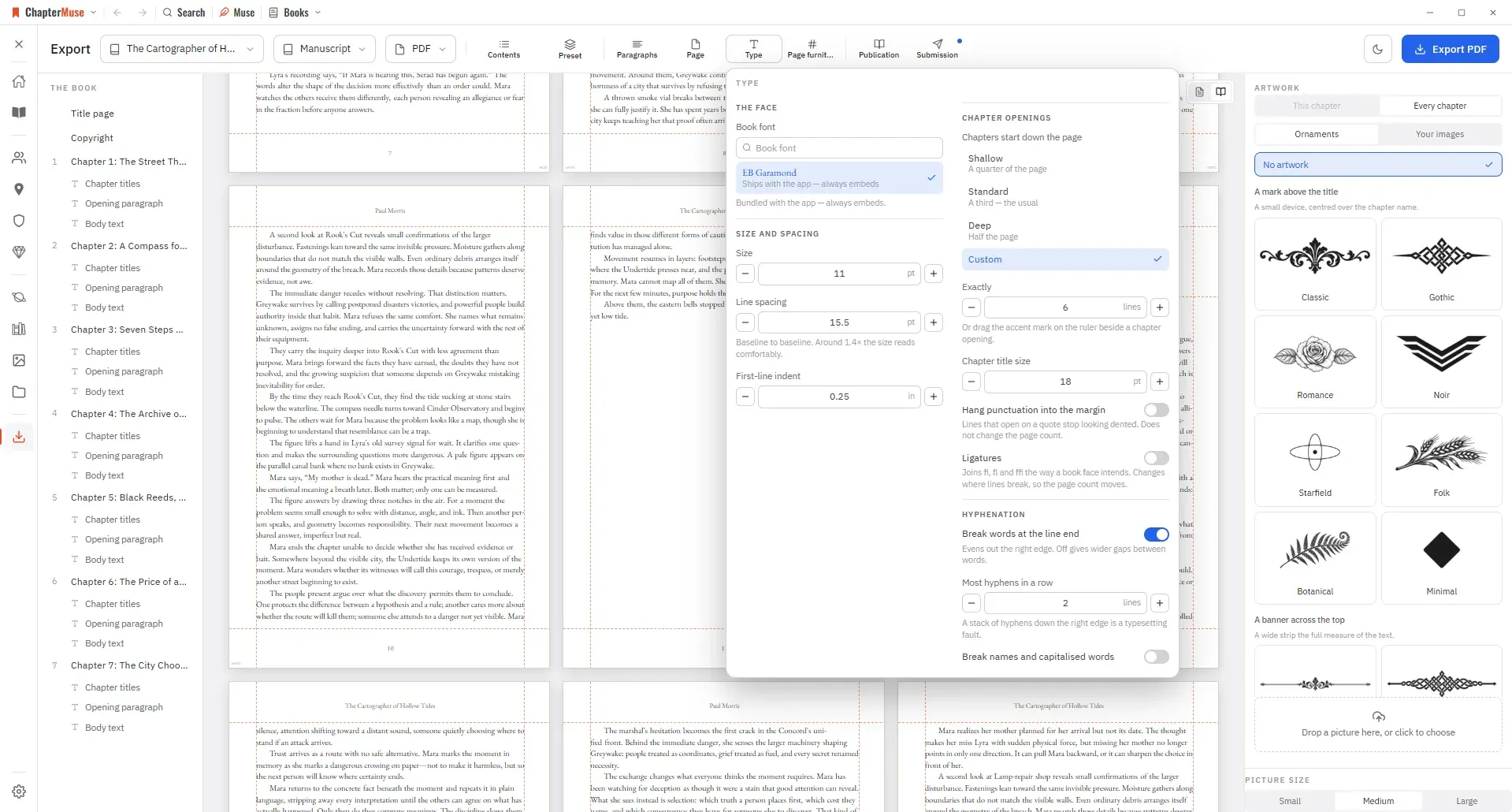
Book Design: ChapterMuse Guide

Editable formats are interpreted by the app that opens them: RTF and ODT previews read the generated document in a continuous view, while final pagination belongs to your word processor.

CMwww.chaptermuse.com › Feature › Book formatting

Book Formatting and EPUB Export Software

Beside each one sits a row of live values: the title, the author, the word count exact or rounded the way a submission is, the number of chapters, today's date, this year.

CMwww.chaptermuse.com › Help › Revisions

Plan and Track a Novel Revision Pass

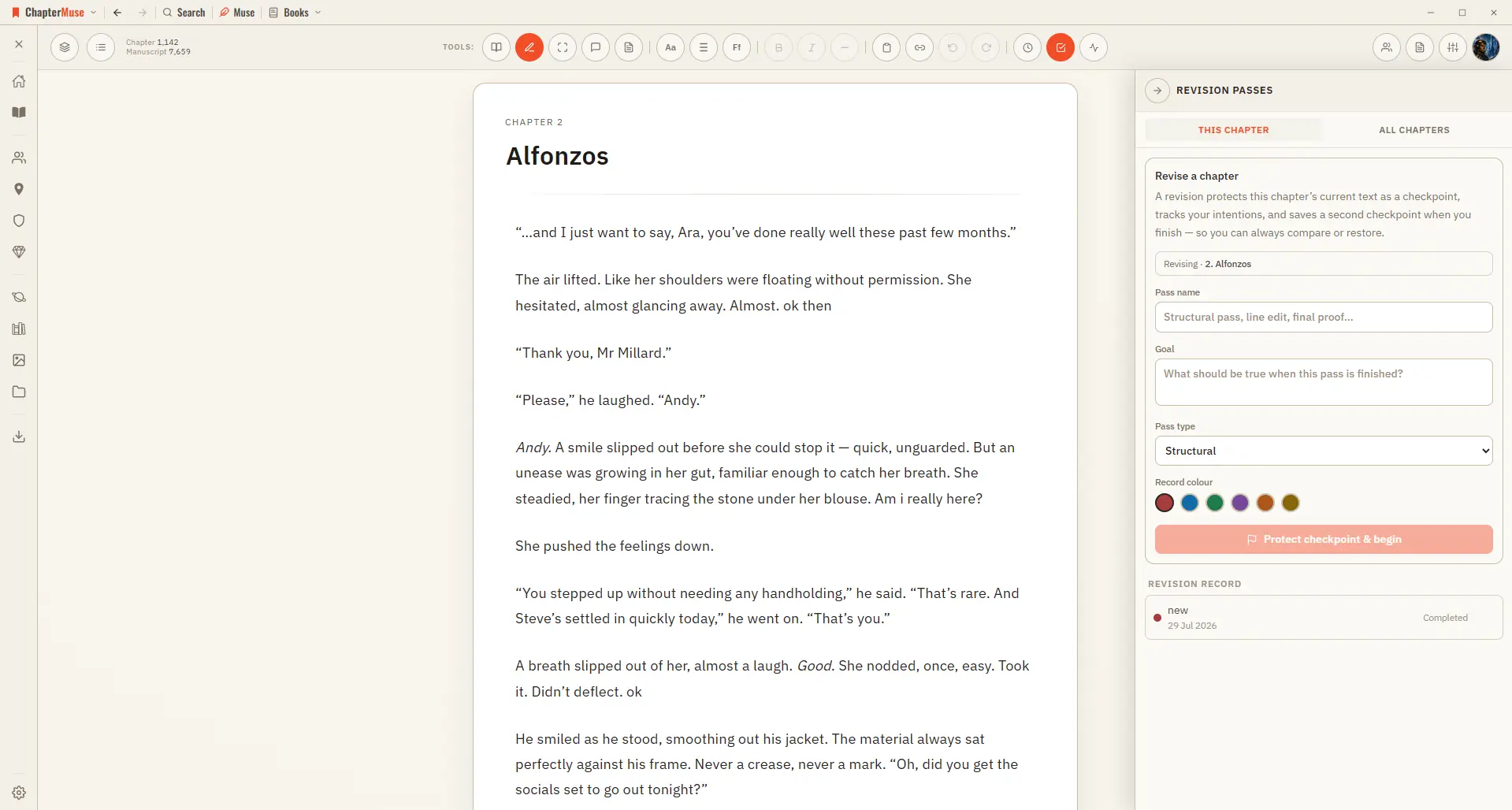
Checkpoint comparison shows words inserted and removed plus changed, added, deleted, and moved paragraphs Normal self-revision changes the manuscript immediately; the comparison remains a view, never formatting stored in the prose

CMwww.chaptermuse.com › Help › Canvas

Write and Edit a Novel in the ChapterMuse…

Continuous auto-save — a small indicator shows when a save is in progress, and a live word count sits in the toolbar Closing the manuscript waits for every editor pane to save.

CMwww.chaptermuse.com › Help › Search

Search Your Manuscript and Story World

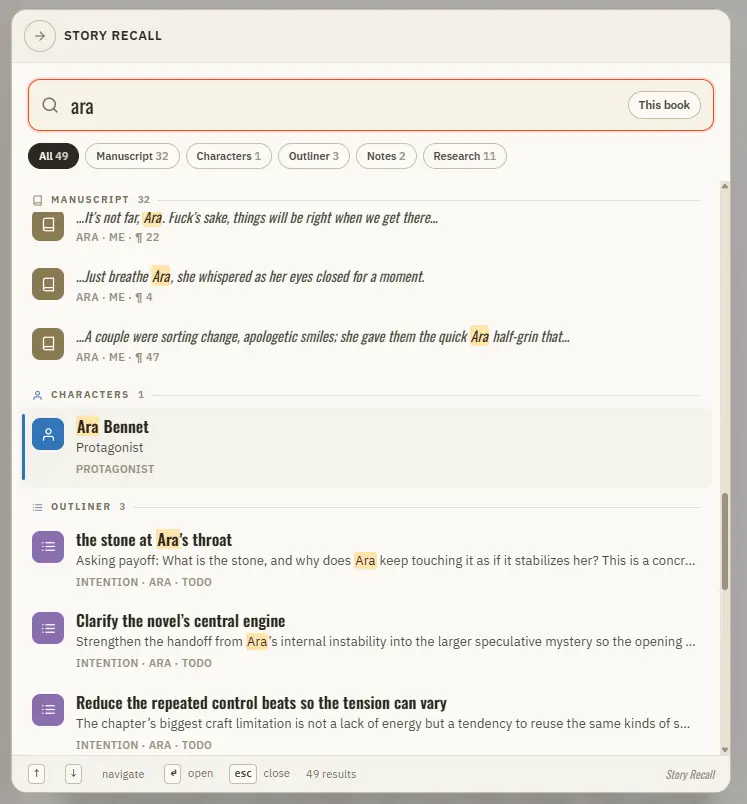
Manuscript prose — every paragraph, tagged with its book, chapter, and position Your Story World — characters, locations, factions, and items Scenes from Scene Designer, universe notes and idea cards, and your saved snippets The…

CMwww.chaptermuse.com › Help › Beta readers

Beta Readers: ChapterMuse Guide

In the whole writing studio Move from protected checkpoints through proofing, craft analysis and whole-book signals. See the revision workflow

CMwww.chaptermuse.com › Help › Todos

To-dos: ChapterMuse Guide

There is no panel around them — no background, no border, just the cards — and they sit behind the manuscript and behind every other panel, so nothing you are writing is ever covered.

CMwww.chaptermuse.com › Help › Gallery

Manage Your Story-World Image Gallery

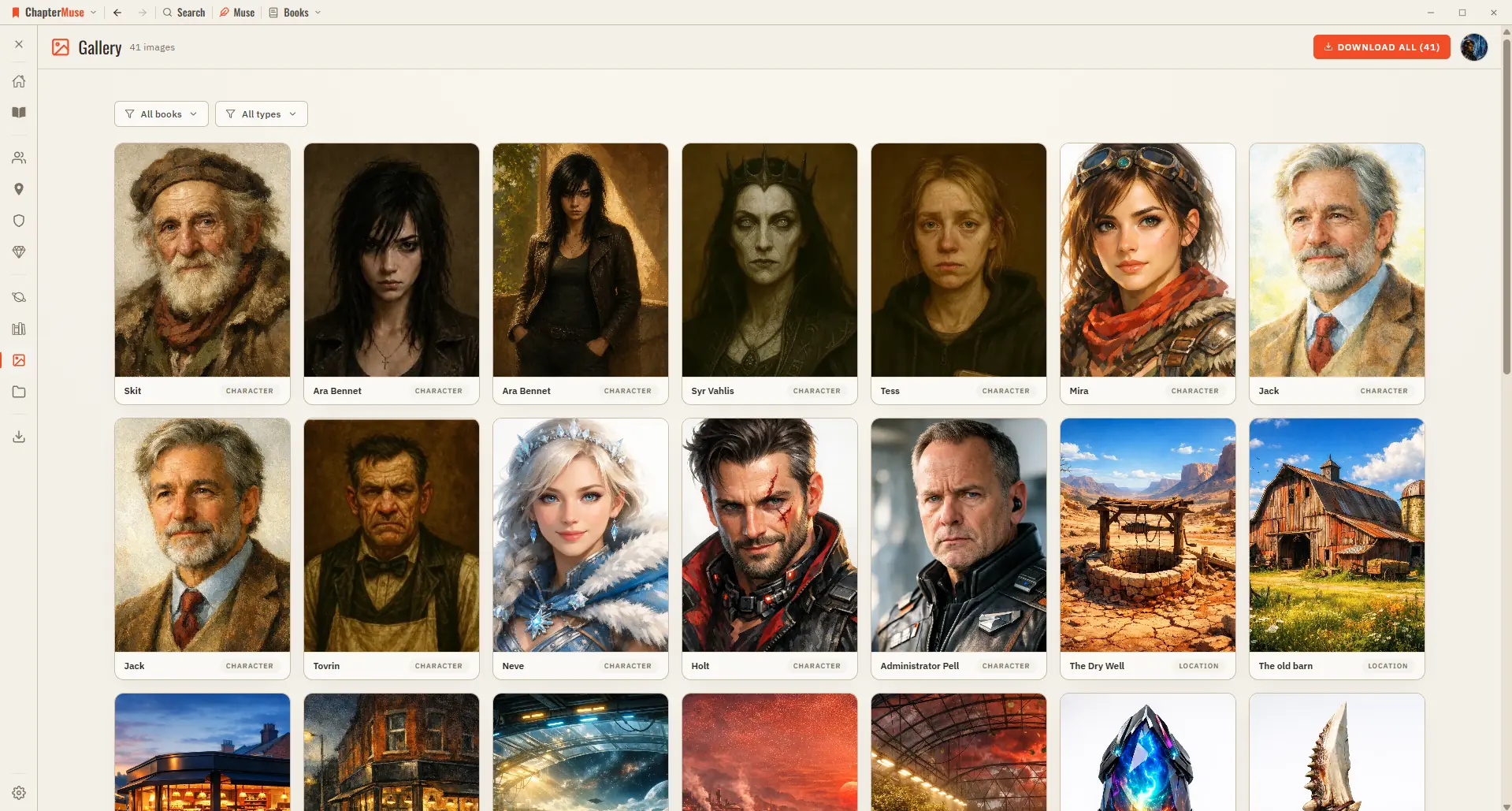
Character, location, and item images — both AI-generated and your own uploads Faction crests and your finished, text-baked book covers A shared image appears just once, so the grid stays tidy A live count in the header tells you…

CMwww.chaptermuse.com › Help › Scene designer

Plan a Scene Beat by Beat

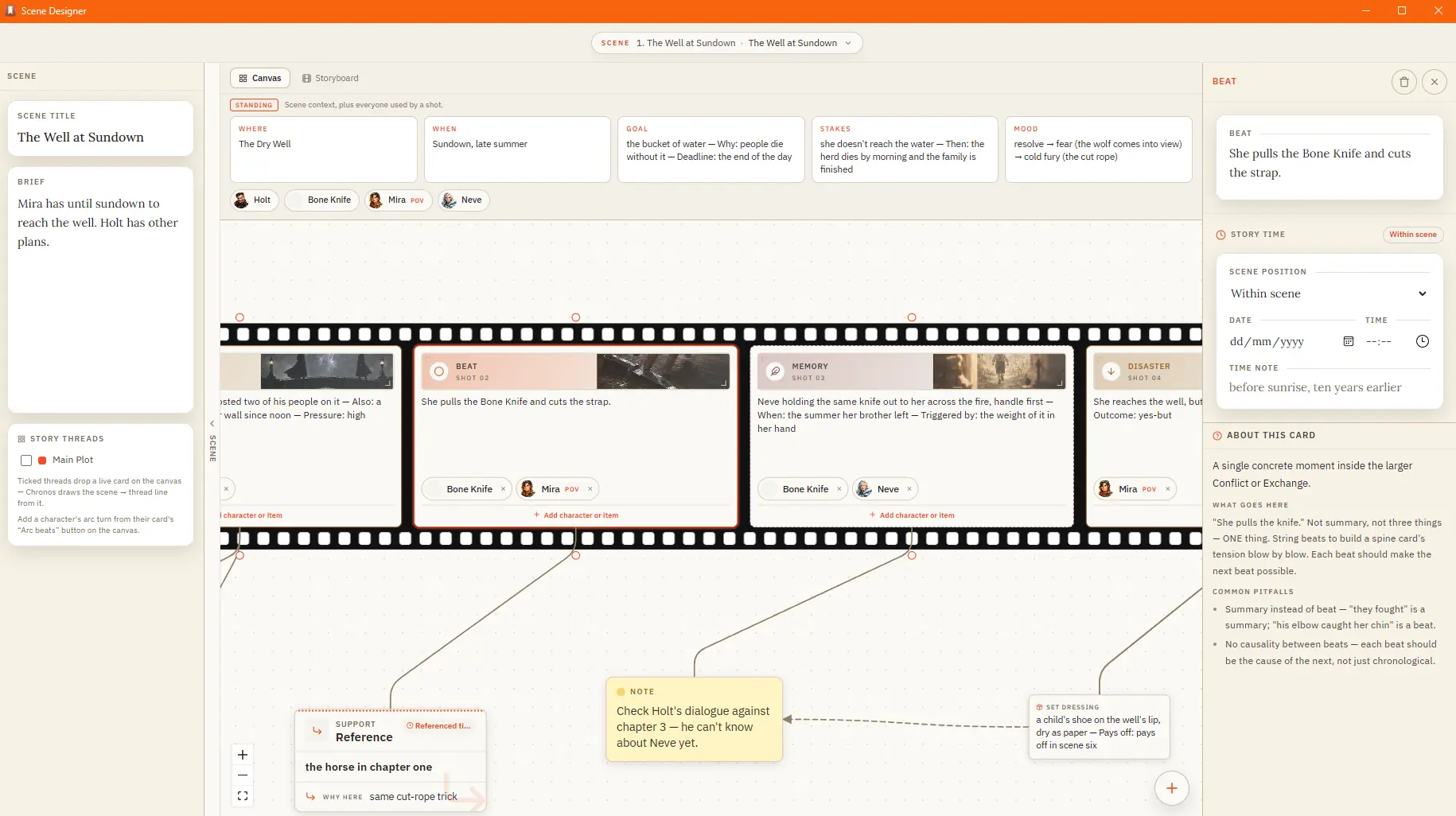
Action — Goal → Conflict → Disaster, for scenes that drive forward Sequel — Reaction → Dilemma → Decision, for the fallout after a blow Dialogue — Setup → Exchange → Turning Point, for scenes carried by talk Reveal — Setup →…