CMwww.chaptermuse.com › Compare › Dabble
The Dabble Alternative Without a Subscription
If you are weighing a Dabble alternative without a rolling bill, that is the whole sum you are weighing. The catch in Dabble's pitch
About 99 results (0.058 seconds)
CMwww.chaptermuse.com › Compare › Dabble
If you are weighing a Dabble alternative without a rolling bill, that is the whole sum you are weighing. The catch in Dabble's pitch
CMwww.chaptermuse.com › Compare › Atticus
As an Atticus alternative, ChapterMuse plans, drafts, proofreads and revises the novel, then typesets it with a real e-reader preview, EPUBCheck validation and an accessibility audit on the file you are about to publish.
CMwww.chaptermuse.com › Compare › Scrivener
As a Scrivener alternative, ChapterMuse keeps the cast, places, chronology, research and revision history in the same app as the prose and linked to it, adds a Muse that answers from your own pages with citations, and builds the…
CMwww.chaptermuse.com › Compare › Novelcrafter
That is the honest arithmetic of a Novelcrafter alternative you buy once. The catch in Novelcrafter's pitch
CMwww.chaptermuse.com › Compare › Plottr
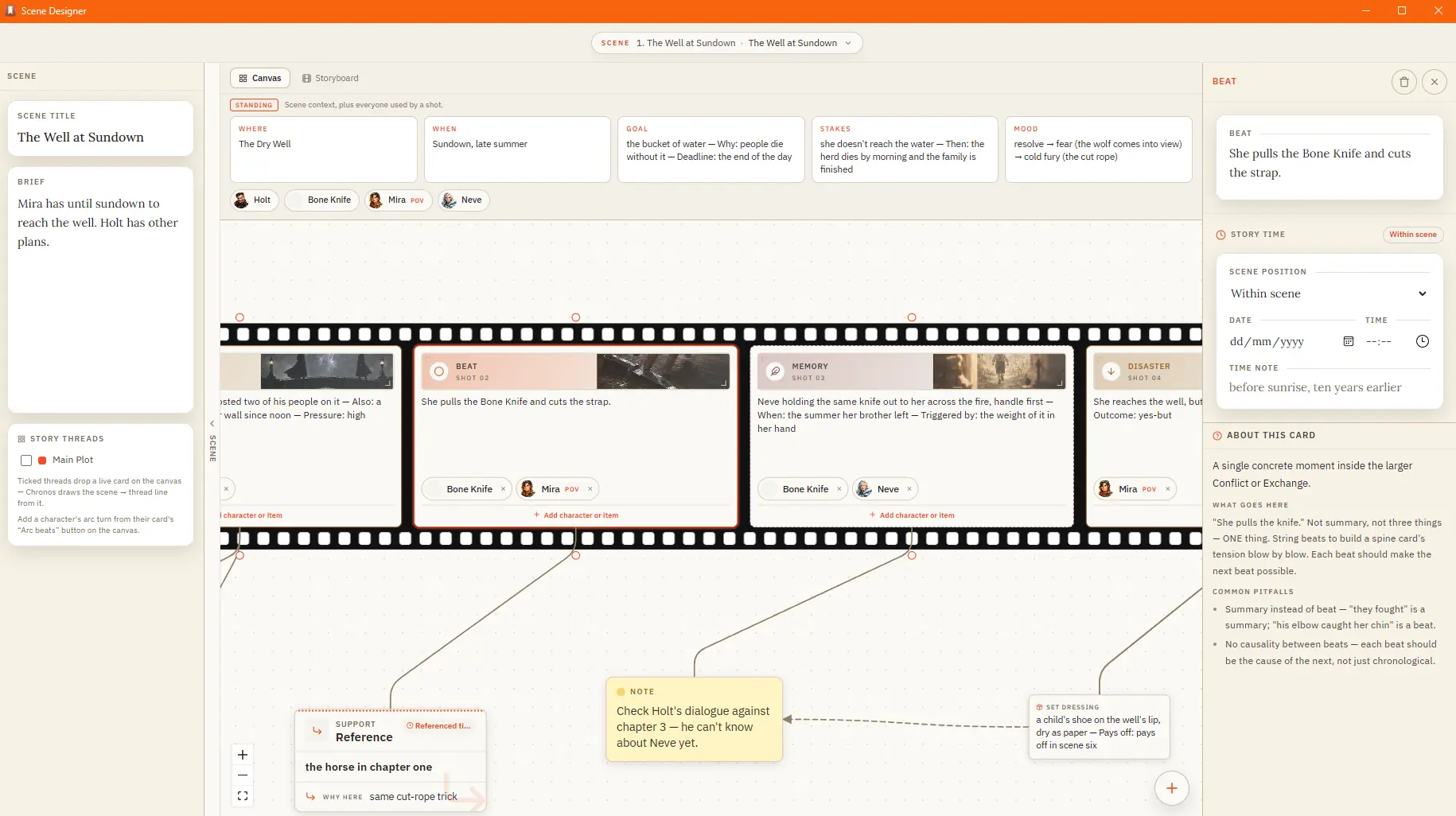
It is a Plottr alternative that also drafts, revises and typesets. The Outliner, Plot Grid, Chronos, Mind Map and Scene Designer open beside the chapter, read the same cast and chapters as the prose, and carry that structure…
CMwww.chaptermuse.com › Help › Muse
It reads versioned, passage-sized evidence in resumable batches and proposes what it finds, so a book you've been writing for months can have its cast, places, and links caught up in one pass.
CMwww.chaptermuse.com › Guide › Revise a novel
It is an argument about what has to be true of those passes for the process to have an end.
CMwww.chaptermuse.com › Help › Beta readers
It’s the first thing they see Alternate drafts of a chapter are never sent — a reader shouldn’t be asked to review a decision you haven’t made What you send is a frozen copy, so you can keep writing the moment you press send…
CMwww.chaptermuse.com › Help › Scene designer
✦Quick start 1Open Scene Designer from the Story menu, then pick a chapter and create a scene. 2Give the scene a name and, if you like, a short idea.
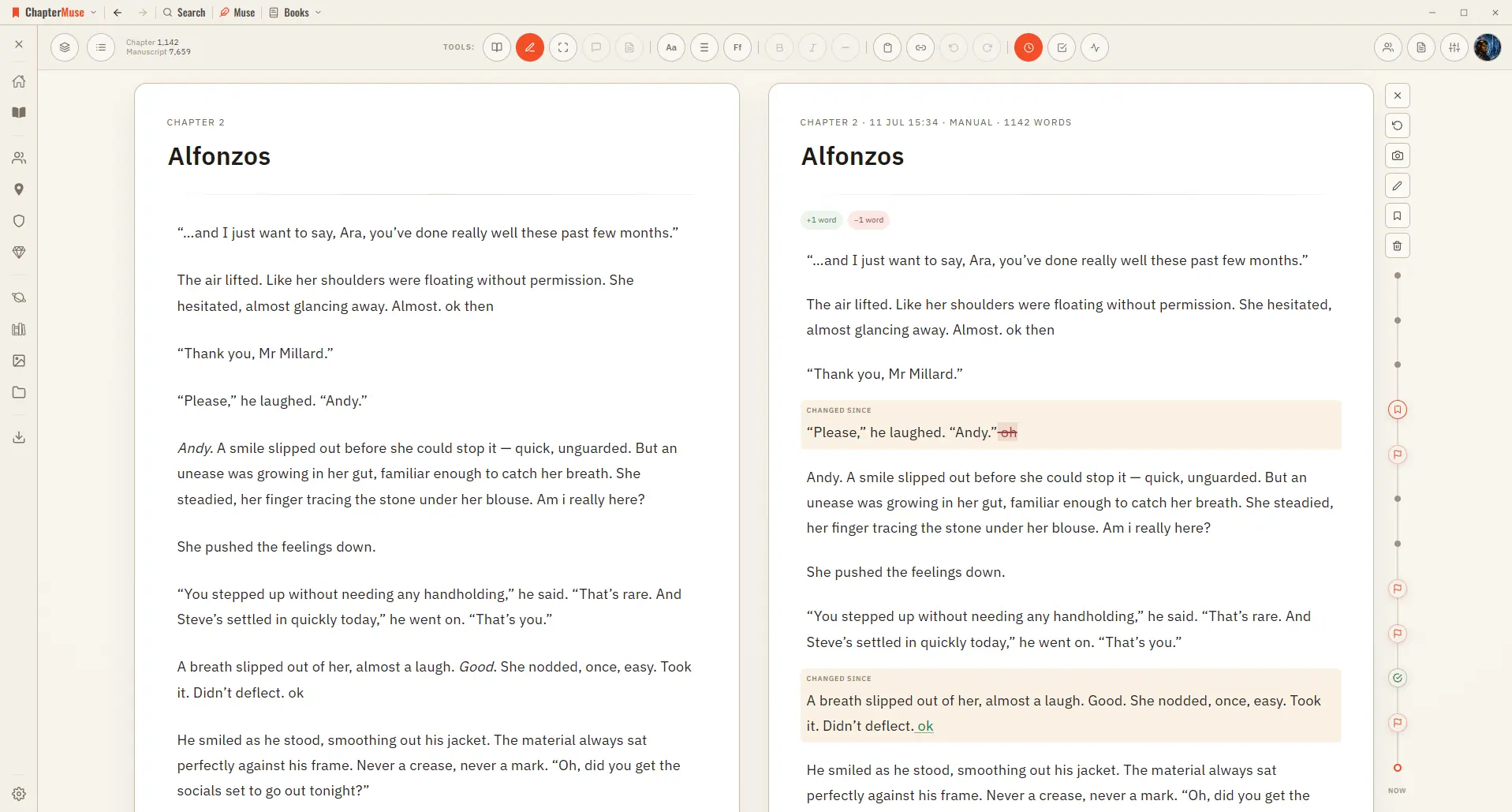
CMwww.chaptermuse.com › Help › Chapter history
3When the timeline fills, scroll it without disturbing the pages; click a marker or drag along the line to view that version beside your current text.