CMwww.chaptermuse.com › Help › Todos
To-dos: ChapterMuse Guide
There is no panel around them — no background, no border, just the cards — and they sit behind the manuscript and behind every other panel, so nothing you are writing is ever covered.
About 72 results (0.028 seconds)
CMwww.chaptermuse.com › Help › Todos
There is no panel around them — no background, no border, just the cards — and they sit behind the manuscript and behind every other panel, so nothing you are writing is ever covered.
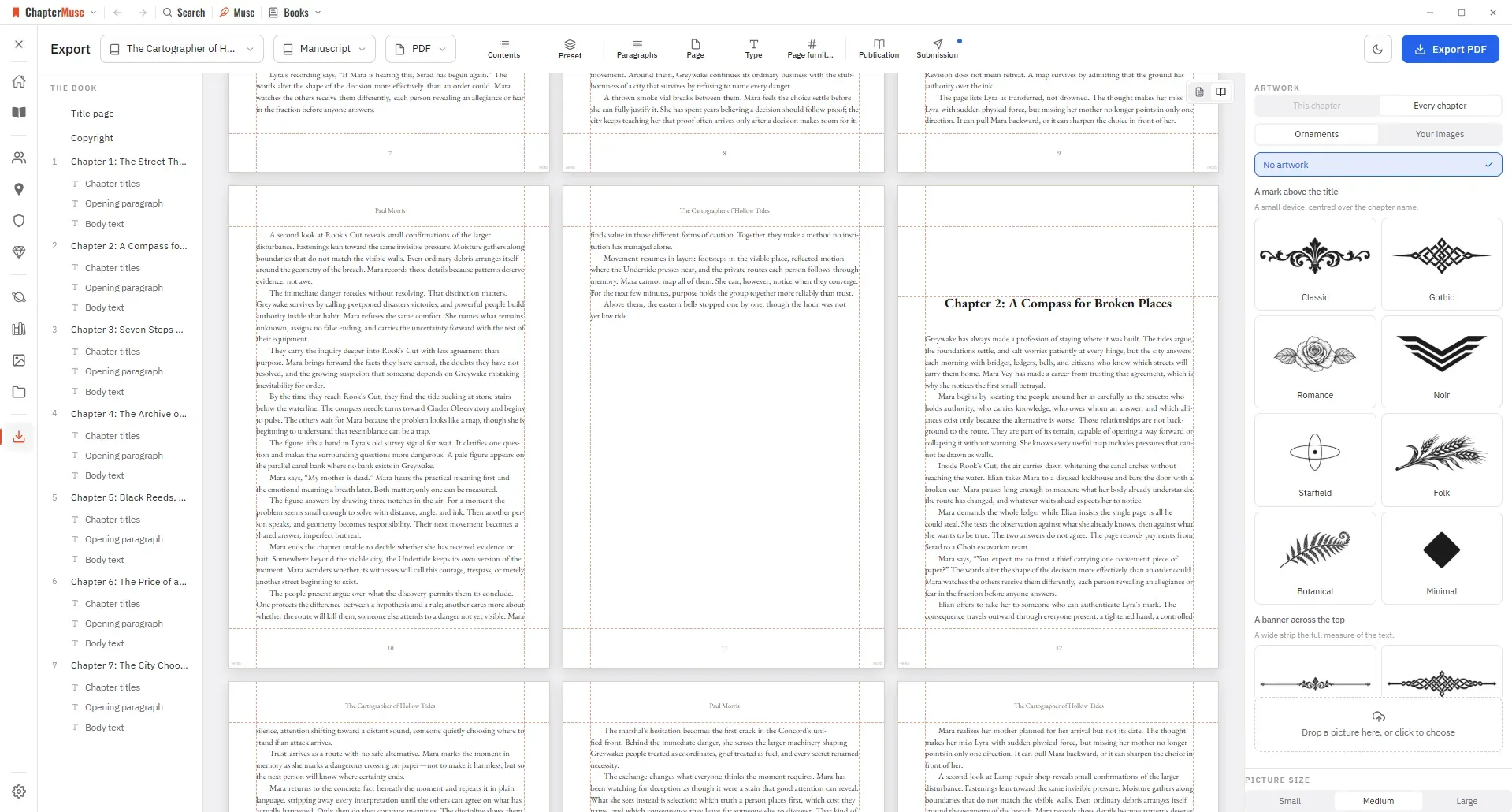
CMwww.chaptermuse.com › Help › Export
Manuscript — Word (DOCX), reading PDF, EPUB, press-ready Print Edition PDF, Markdown, RTF, ODT, LaTeX, or plain text Story World dossiers — Characters, Locations, Factions, and Items as Word, PDF, or Excel (Excel spreads across…
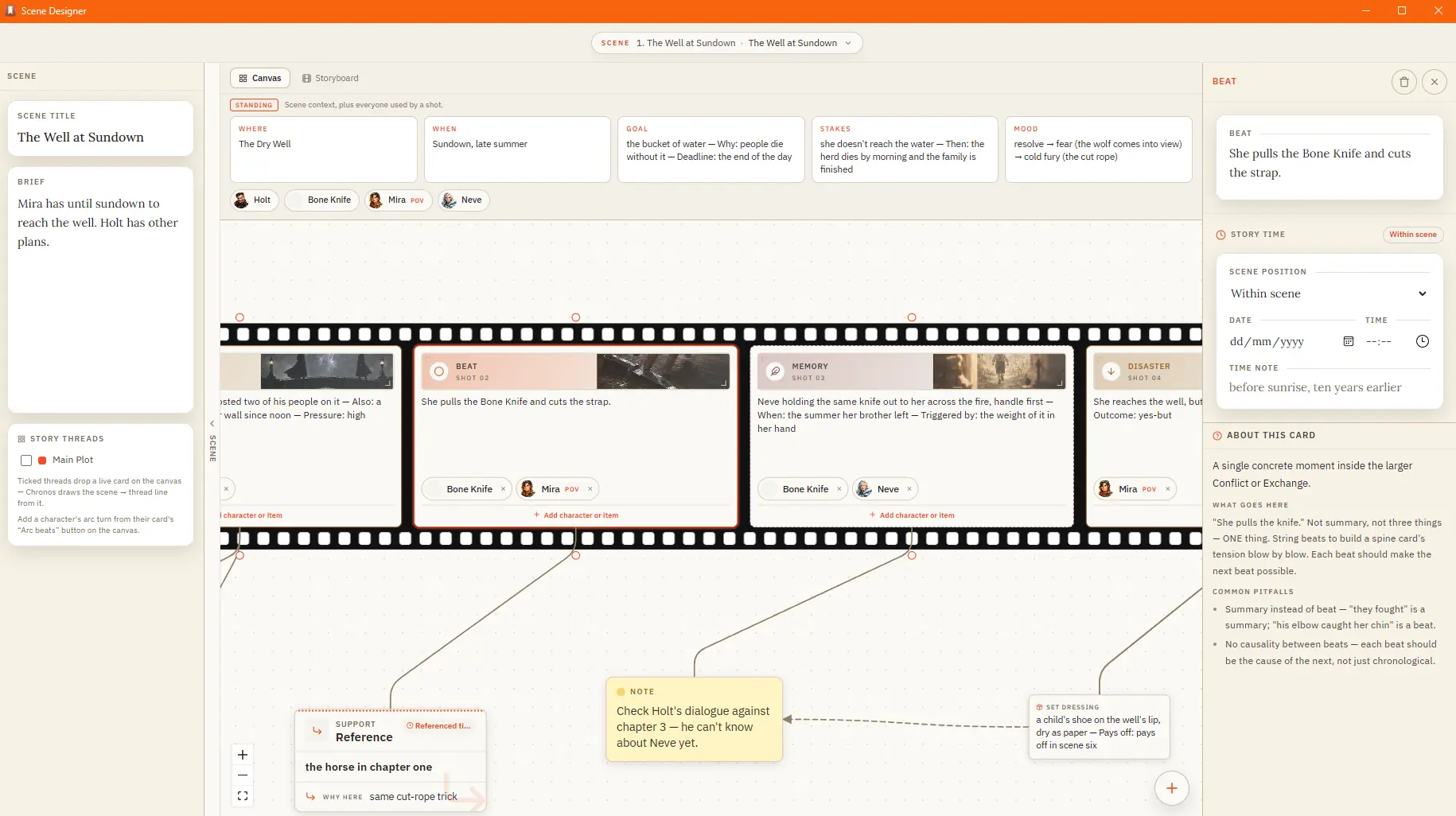
CMwww.chaptermuse.com › Help › Scene designer
Action — Goal → Conflict → Disaster, for scenes that drive forward Sequel — Reaction → Dilemma → Decision, for the fallout after a blow Dialogue — Setup → Exchange → Turning Point, for scenes carried by talk Reveal — Setup →…
CMwww.chaptermuse.com › Help › Bookshelf
In the whole writing studio See how characters, places, factions, items and continuity work across the whole book. Explore connected worldbuilding
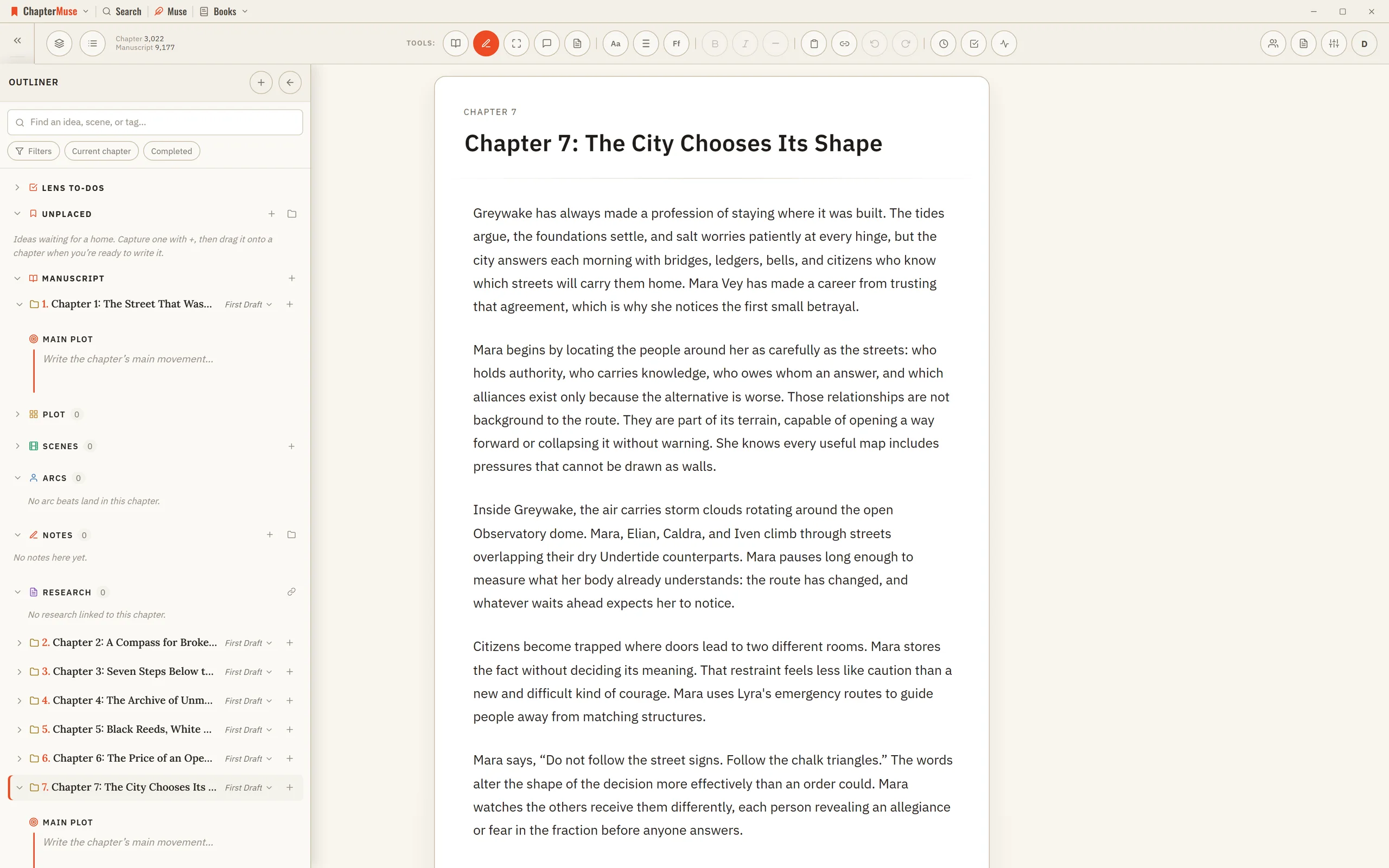
CMwww.chaptermuse.com › Help › Outliner
It occupies the left side of the writing canvas while the active chapter remains in the centre. Unlike the temporary Chapter Outline drawer, it stays open while you work and adds scenes, logical sections, narrative intentions,…
CMwww.chaptermuse.com › Help
Targets & Writing History Gentle goals backed by an honest writing ledger. Revision Passes Protected checkpoints, revision intentions, and an honest before-and-after.
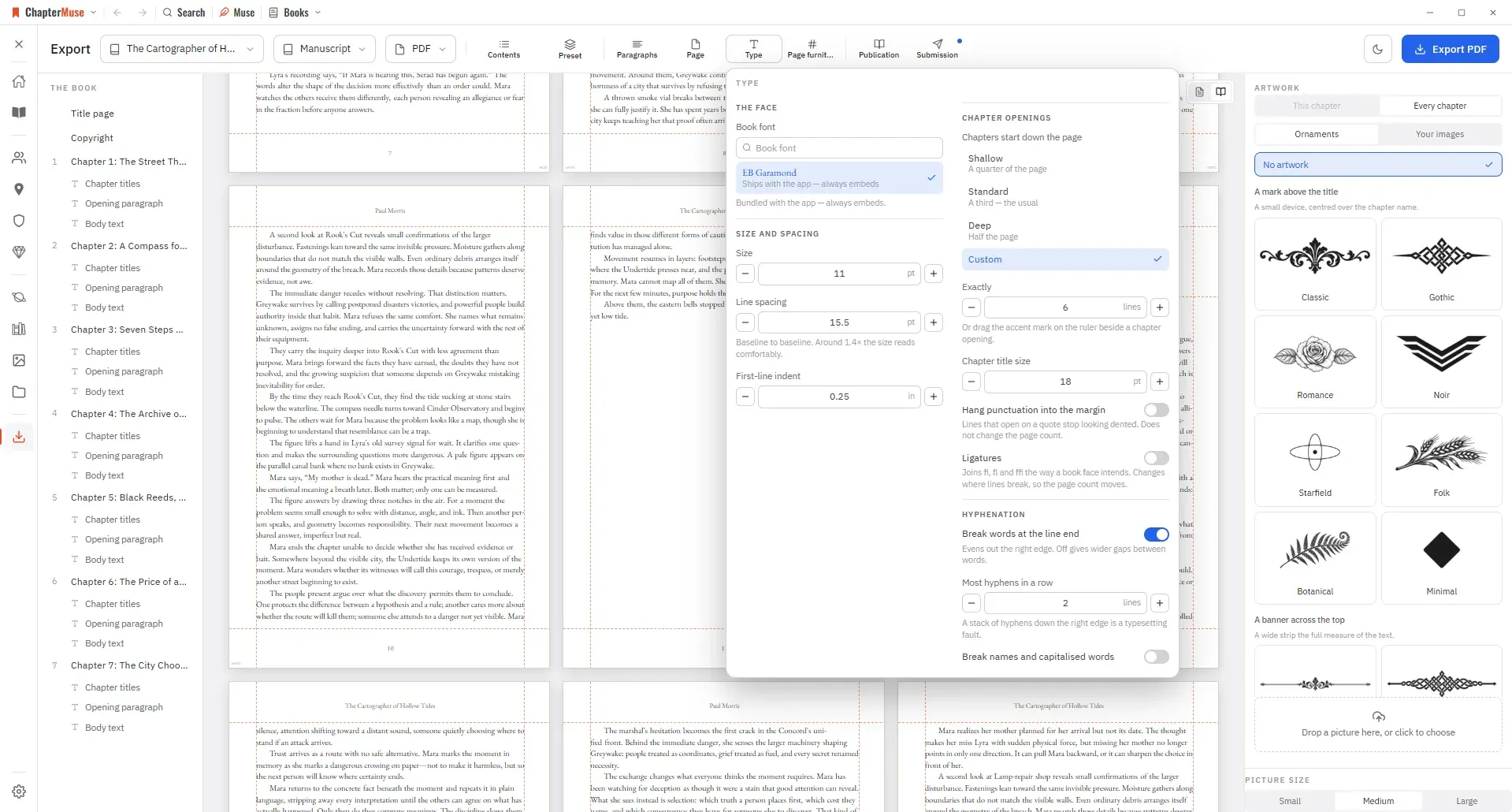
CMwww.chaptermuse.com › Help › Book design
Editable formats are interpreted by the app that opens them: RTF and ODT previews read the generated document in a continuous view, while final pagination belongs to your word processor.
CMwww.chaptermuse.com › Help › Canvas
Continuous auto-save — a small indicator shows when a save is in progress, and a live word count sits in the toolbar Closing the manuscript waits for every editor pane to save.
CMwww.chaptermuse.com › Help › Universes
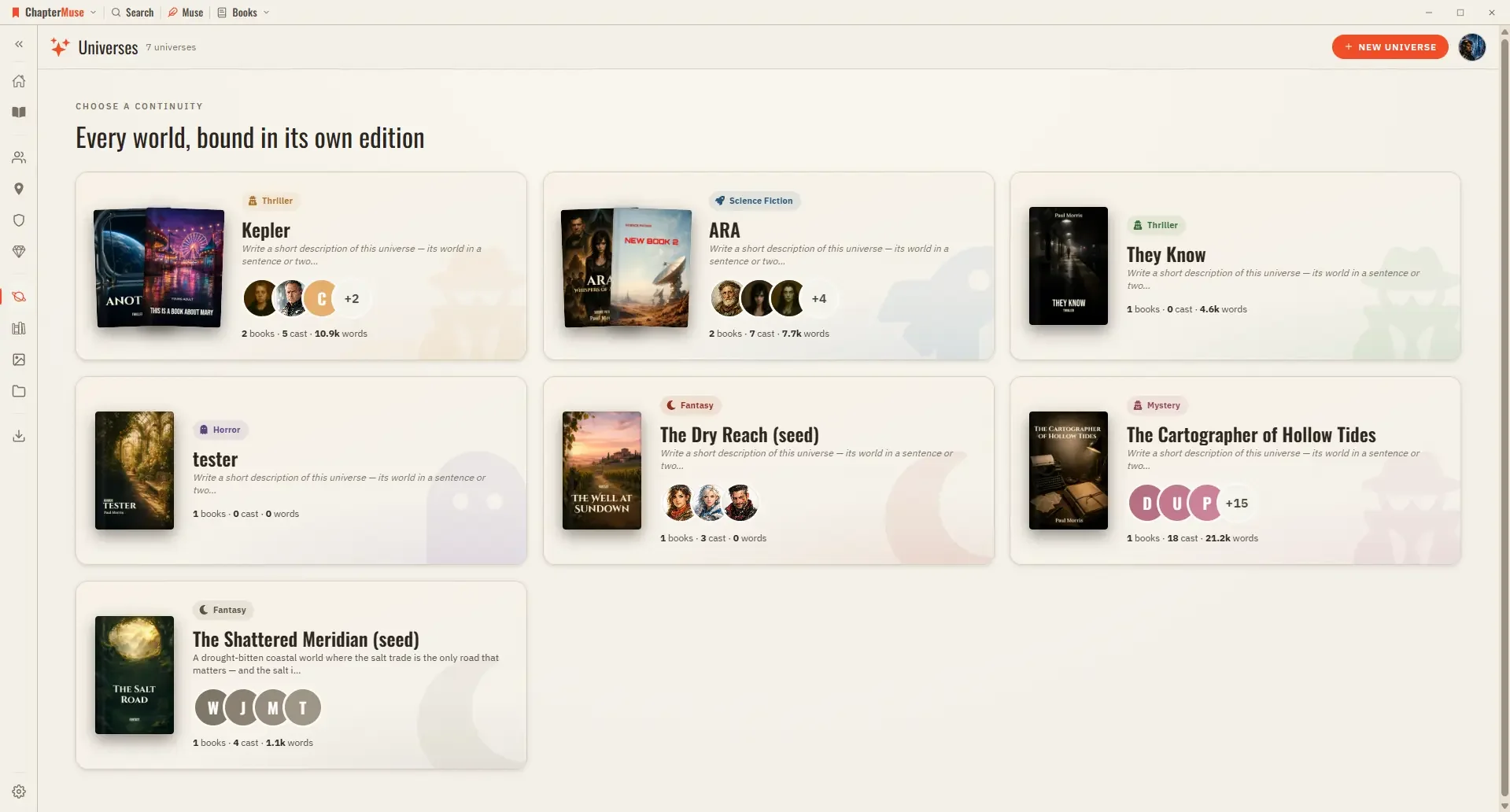
Cast — your characters in reading order; pin the ones you reach for most, or open the relationship tapestry from the shelf header Places, Factions, Items — the rest of your world, each card opening its sheet Scenes — every scene…
CMwww.chaptermuse.com › Help › Word cloud
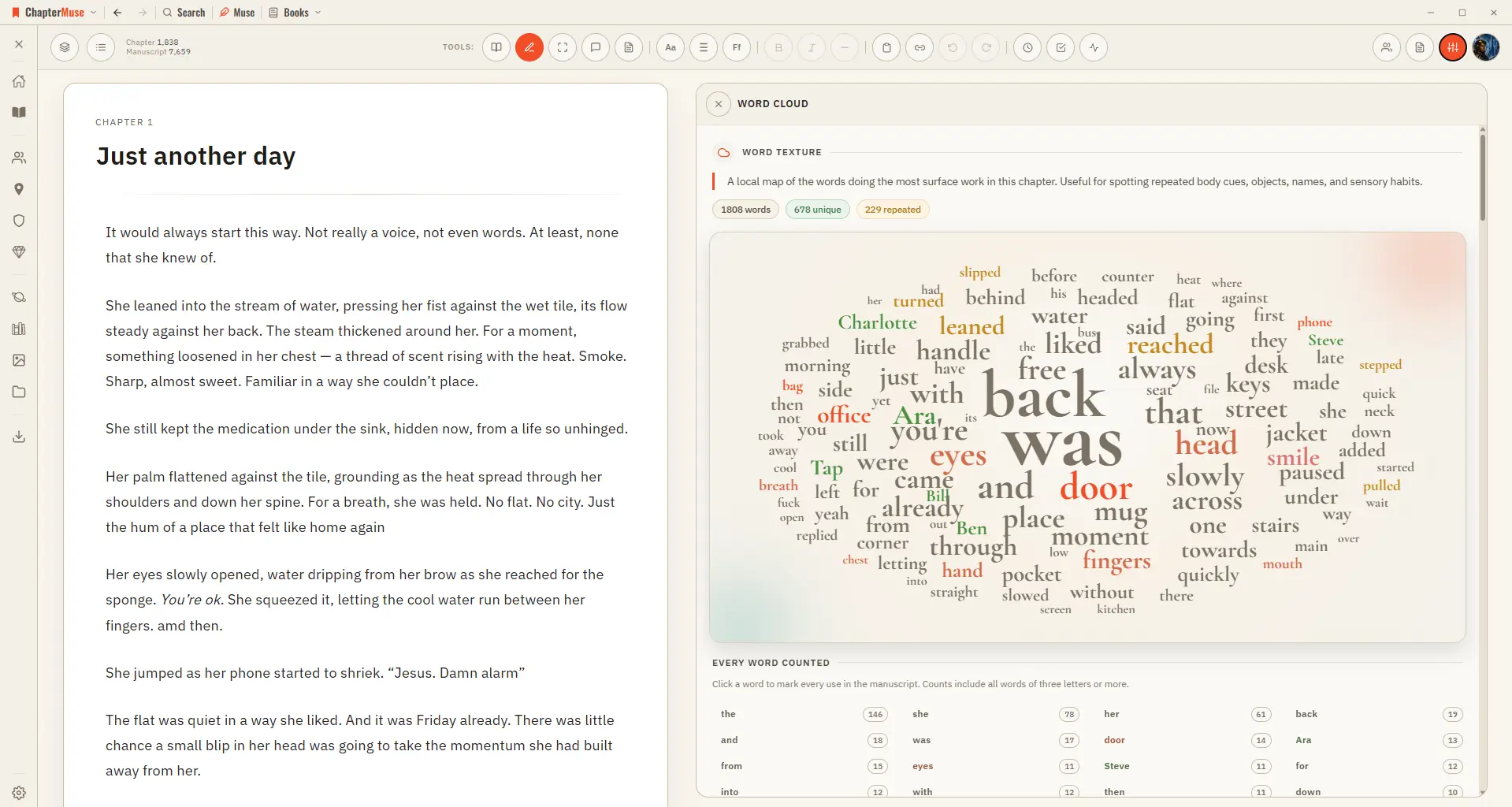
Common filler words are filtered out, and a full count beside the cloud lists every word with its exact tally. Click any word to light up every place it's used.