ChapterMuse

Search results for stuck

About 24 results (0.014 seconds)

CMwww.chaptermuse.com › Help › Modes

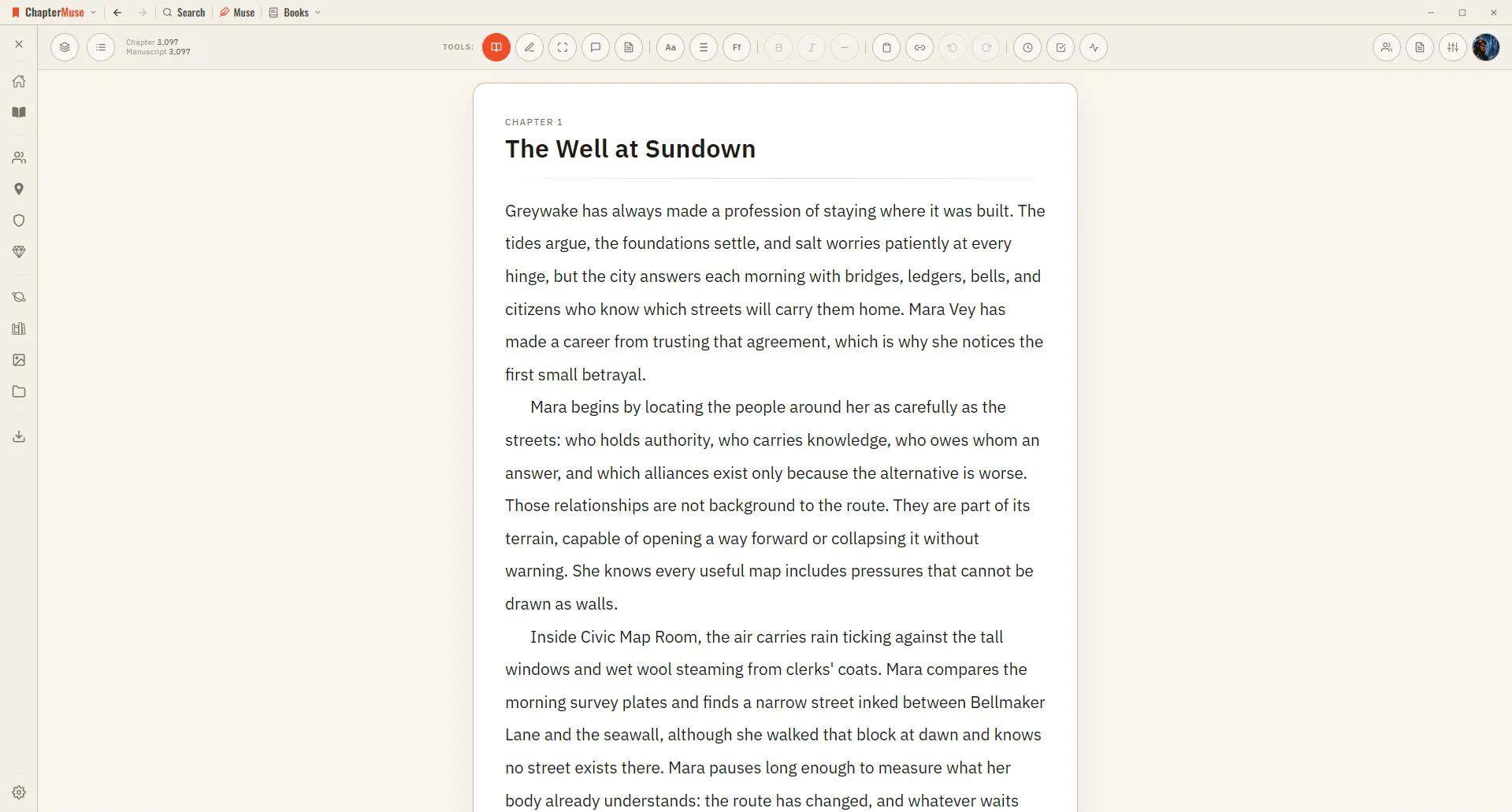
Switch Between Read and Edit Modes

Edit mode is where you write, with block menus and formatting at hand. Read mode strips all of that away and typesets your prose like a finished book — serif type, proper indents, no controls — so you can judge the rhythm of what…
CMwww.chaptermuse.com › Help › Snippets

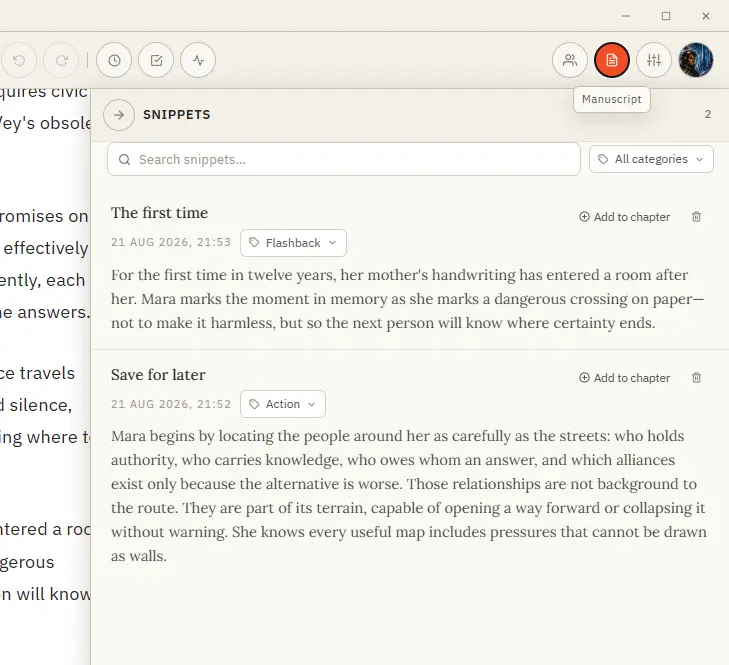
Save and Reuse Writing Snippets

See how planning reaches the page, how the page reaches revision, and how a draft becomes a finished book. Explore every ChapterMuse feature

CMwww.chaptermuse.com › Home

Novel Writing Software for Windows and Mac

All guides How to Write a Novel: The Whole Job, in OrderHow to diagnose a sagging middleHow to fix on-the-nose dialogue Daily tasksToday’s writing exerciseTry it Writers CornerThe writers’ forumJoin in * UK reference prices…

CMwww.chaptermuse.com › Help › Chapters

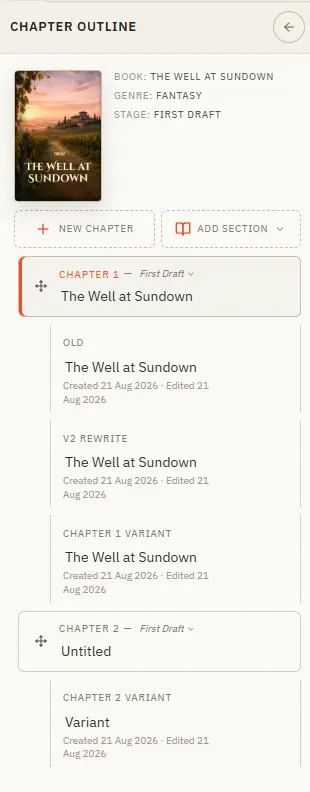
Organise Chapters and Alternate Variants

Updated 4 September 2026 The chapter drawer slides in from the left and holds your whole manuscript — front matter at the top, your body chapters in the middle, back matter at the end.

CMwww.chaptermuse.com › Help › Todos

To-dos: ChapterMuse Guide

3Write a short title, then the task itself in the middle of the card. 4Use + on the card to tag the chapter, character, place, faction, item, or research document it is about.

CMwww.chaptermuse.com › Help › Story world

ChapterMuse Story World: Workspace Overview

Results update as you type, with separate Posts and Writers tabs and more posts loading as you scroll. Writer search includes your own profile and accepts names, usernames and @usernames.

CMwww.chaptermuse.com › Feature › Novel revision

Novel Revision and Manuscript Analysis…

Revision tools show checks, measurements and feedback; the writer chooses and performs manuscript changes. 04Can I restore the draft from before a revision?