ChapterMuse

Search results for outline

About 63 results (0.019 seconds)

CMwww.chaptermuse.com › Help › Character arcs

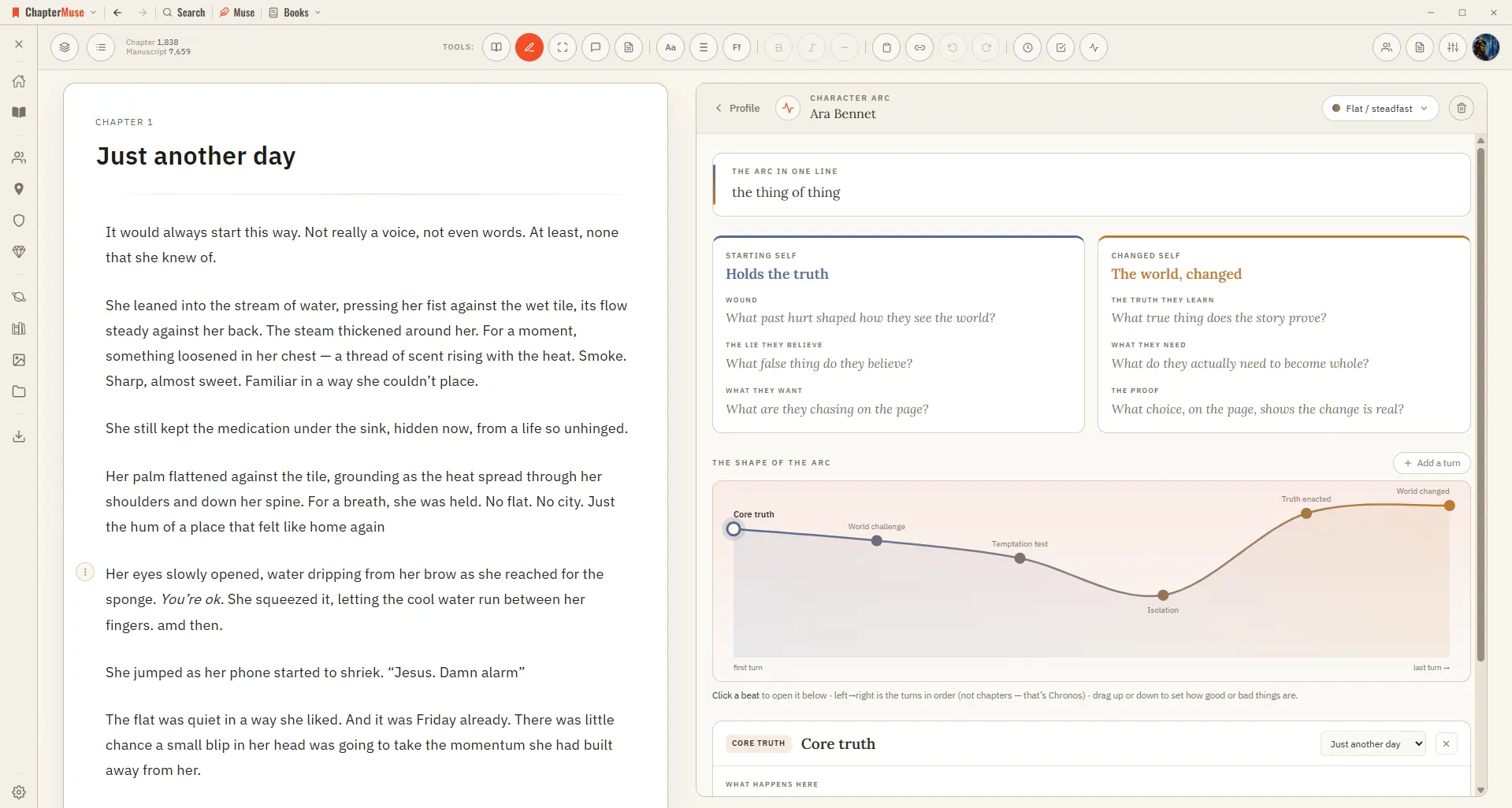
Map Character Arcs Across a Novel

ChapterMuse lays down a suggested sequence of beats you can keep, rename, or replace, then you fill each beat with what happens, what the character believes, what they choose, and what it costs.

CMwww.chaptermuse.com › Feature › Book formatting

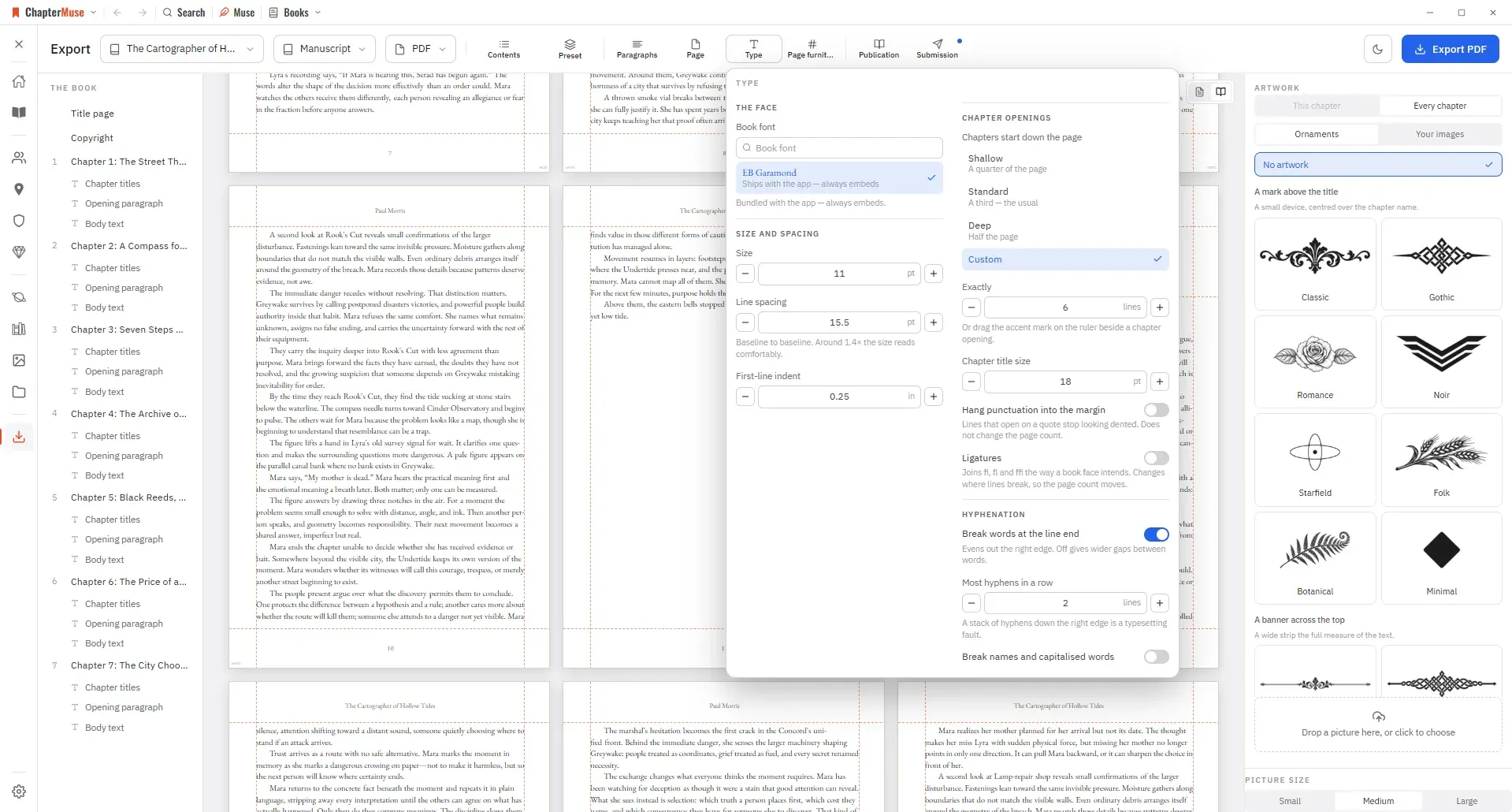
Book Formatting and EPUB Export Software

tex book, divided into front matter, body and back matter RTFThe format every word processor still opens ODTOpenDocument, for LibreOffice and its kin Plain textJust the words, nothing around them And the work around it ExcelYour…

CMwww.chaptermuse.com › Help › Storyboard

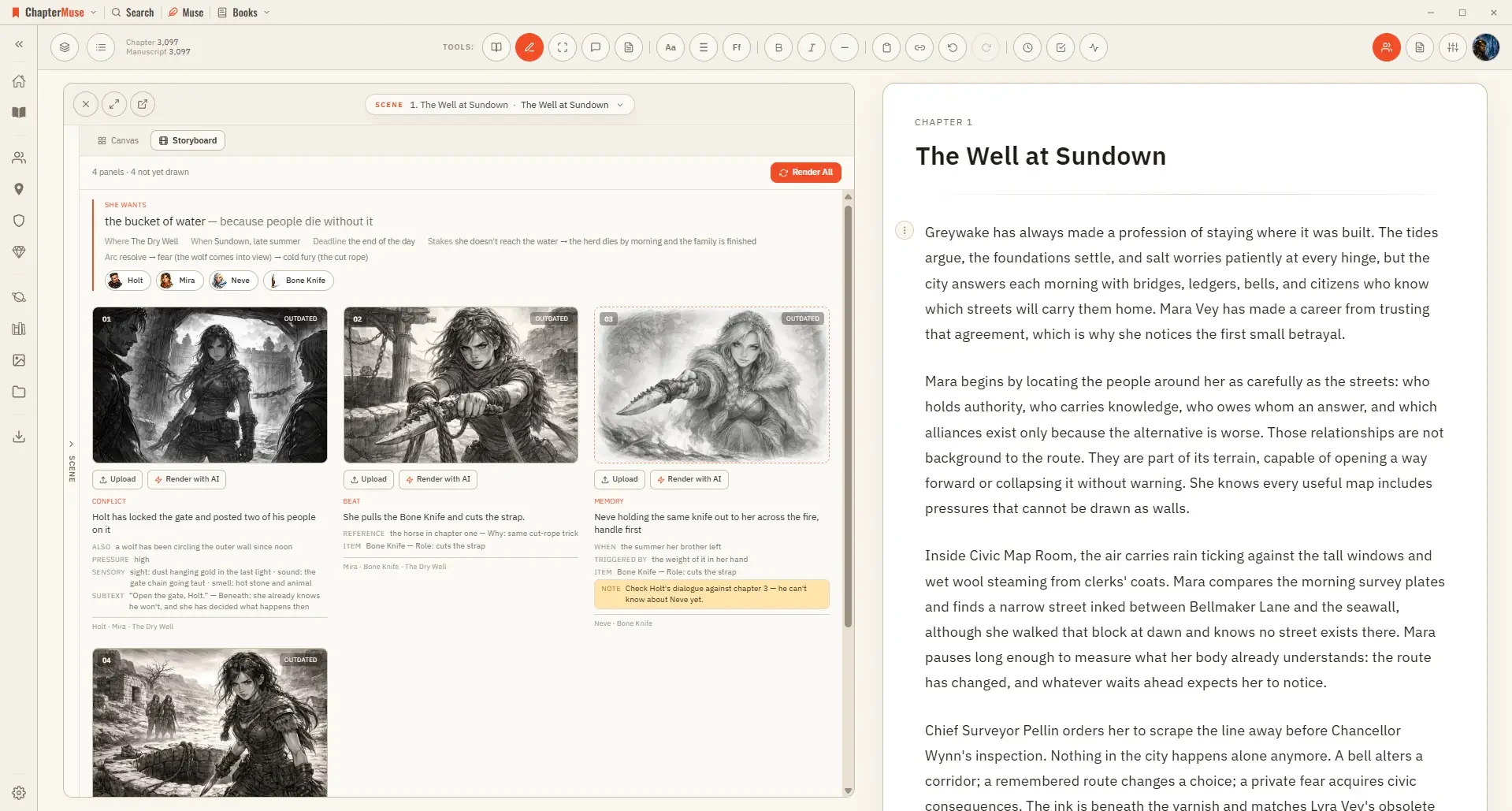
Turn a Planned Scene into a Storyboard

It is a planning aid rather than a finished artwork — a way to see whether a sequence actually stages, and where a beat is still missing its picture.

CMwww.chaptermuse.com › Help › Characters

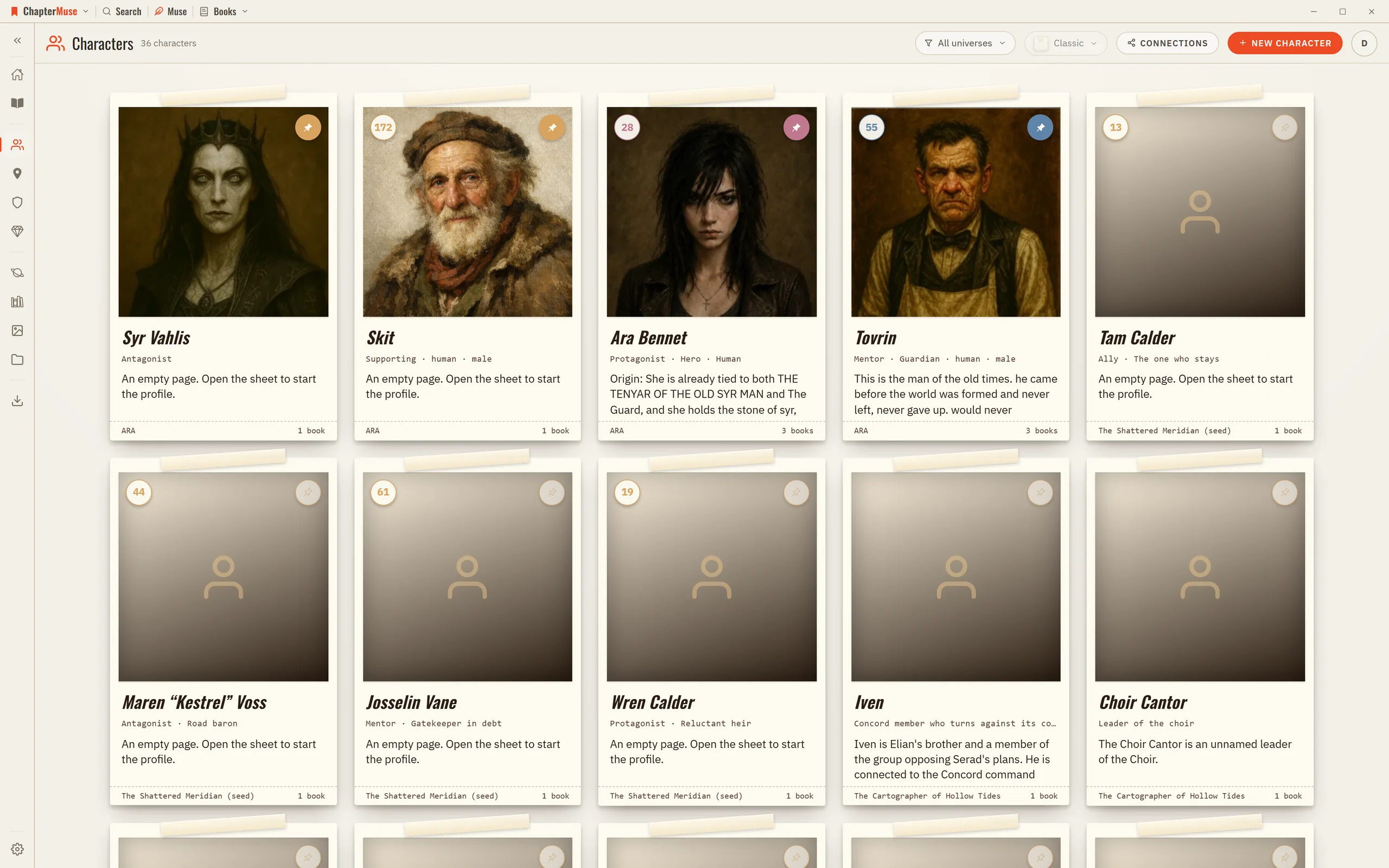
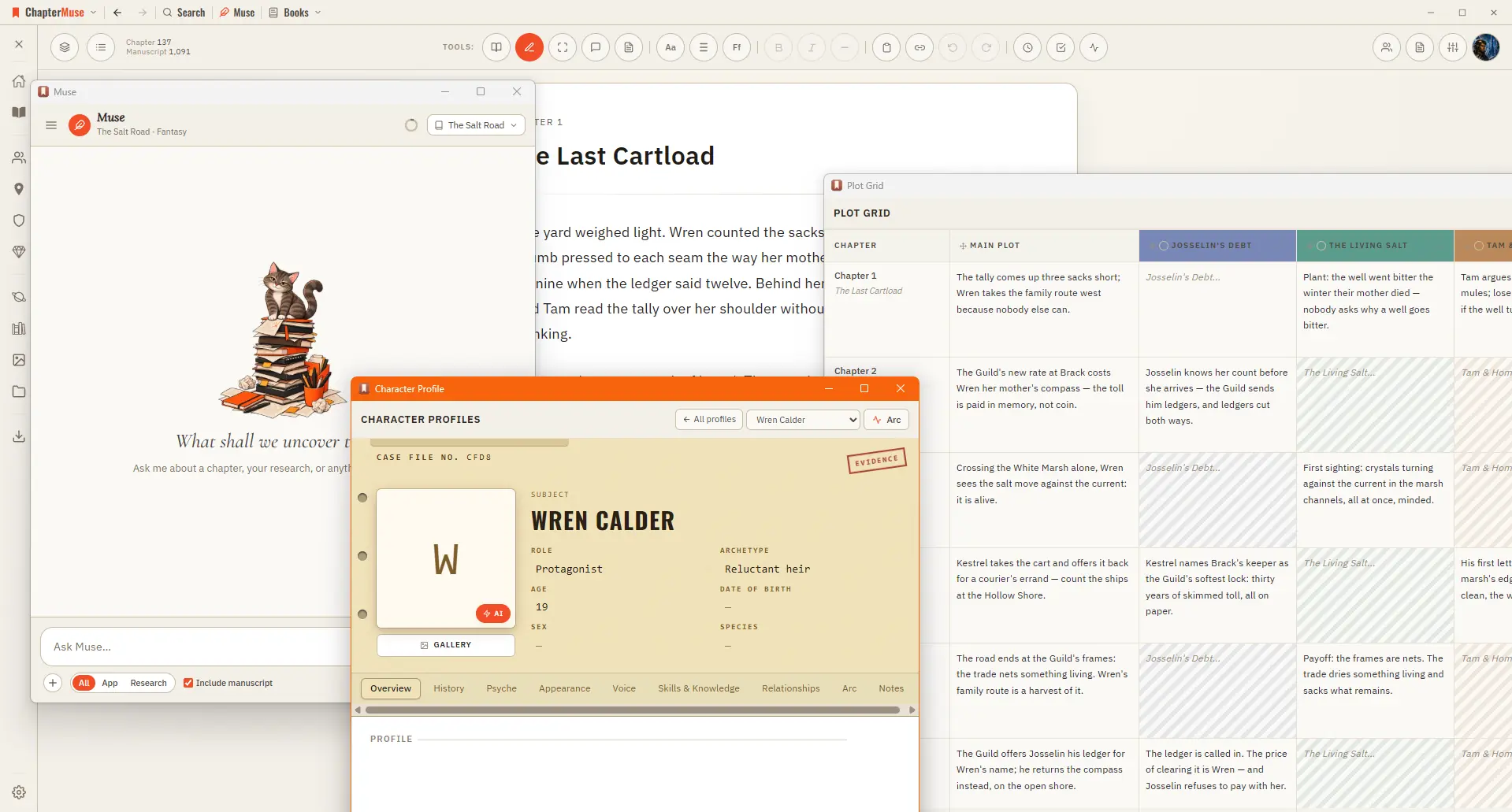
Create Character Profiles for Your Novel

The library is a grid of character cards; click one to open its sheet on the right and fill it in. Everything saves as you go, and an untouched character quietly removes itself if you close it without adding anything.

CMwww.chaptermuse.com › Help › Locations

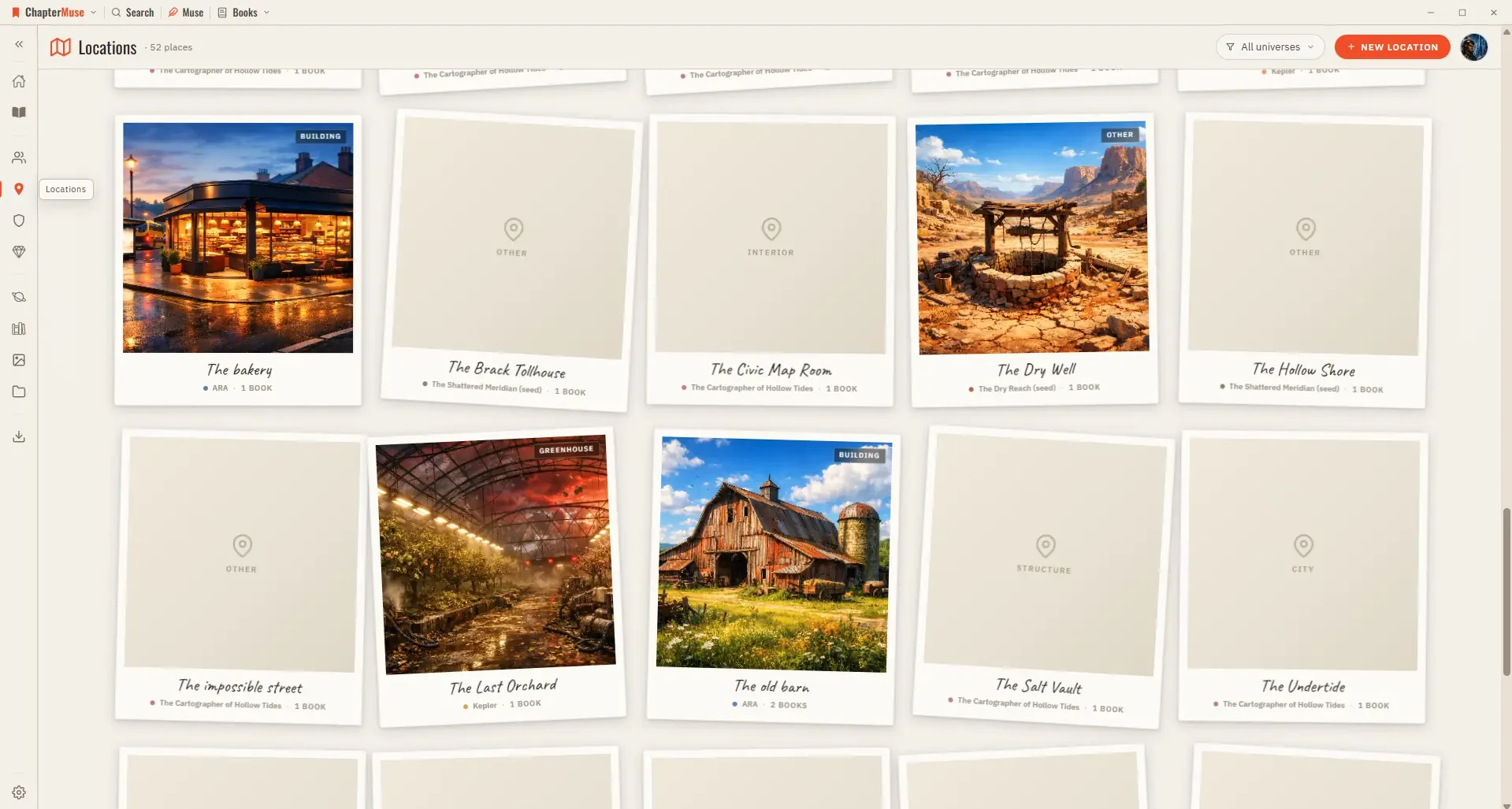
Build and Track Story Locations

Because locations are shared across your books, a single entry gathers every scene that happens there, wherever it appears in the story.

CMwww.chaptermuse.com › Help › Chapter check

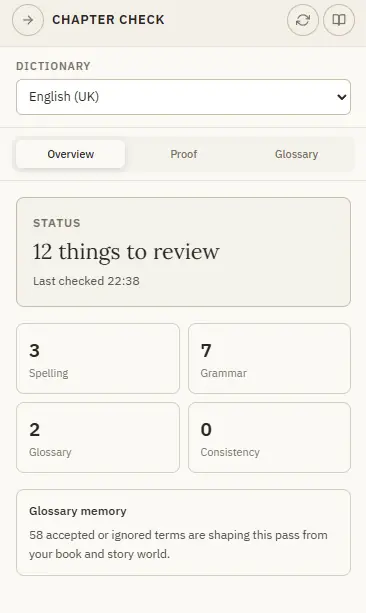
Check Fiction Spelling, Grammar and…

Overview — an at-a-glance summary with a count for each kind of issue and your glossary memory Proof — the full list of findings, grouped and ready to act on Glossary — the story-world names it has learned, managed in one place…

CMwww.chaptermuse.com › Help › Book design

Book Design: ChapterMuse Guide

An unreadable image or failed placement shows an error so you can try again Drop a gallery picture onto a chapter in the outline to use it as that chapter’s opening artwork Text can wrap around a picture, sit above and below it,…

CMwww.chaptermuse.com › Help › Ai images

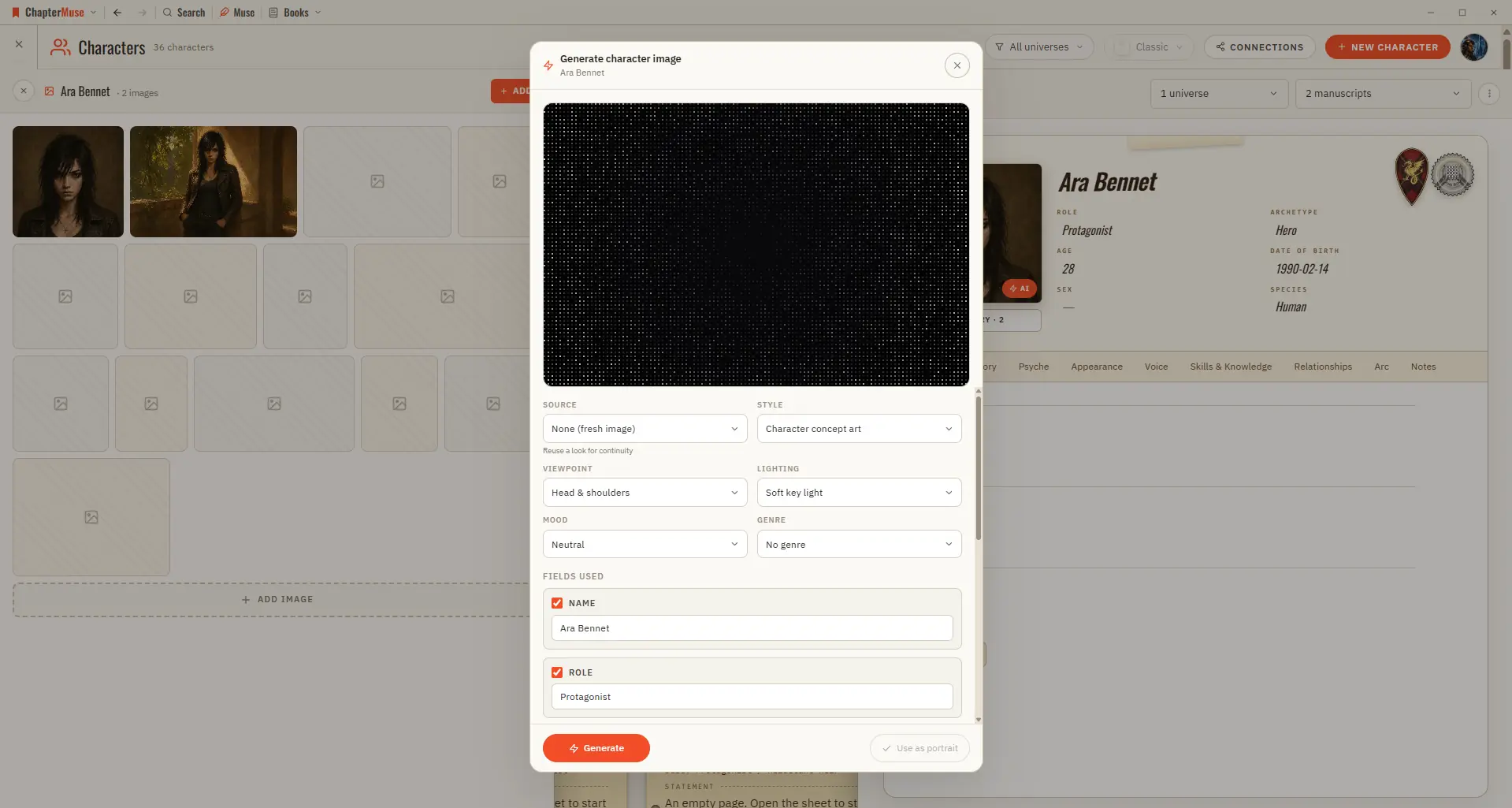
Generate Character and Story-World Images

✦Quick start 1On a character, location, or item sheet, click the Generate (✨) button on the image area. 2Review the prompt — it's pre-filled from the profile; edit it if you like.

CMwww.chaptermuse.com › Help › Chapter notes

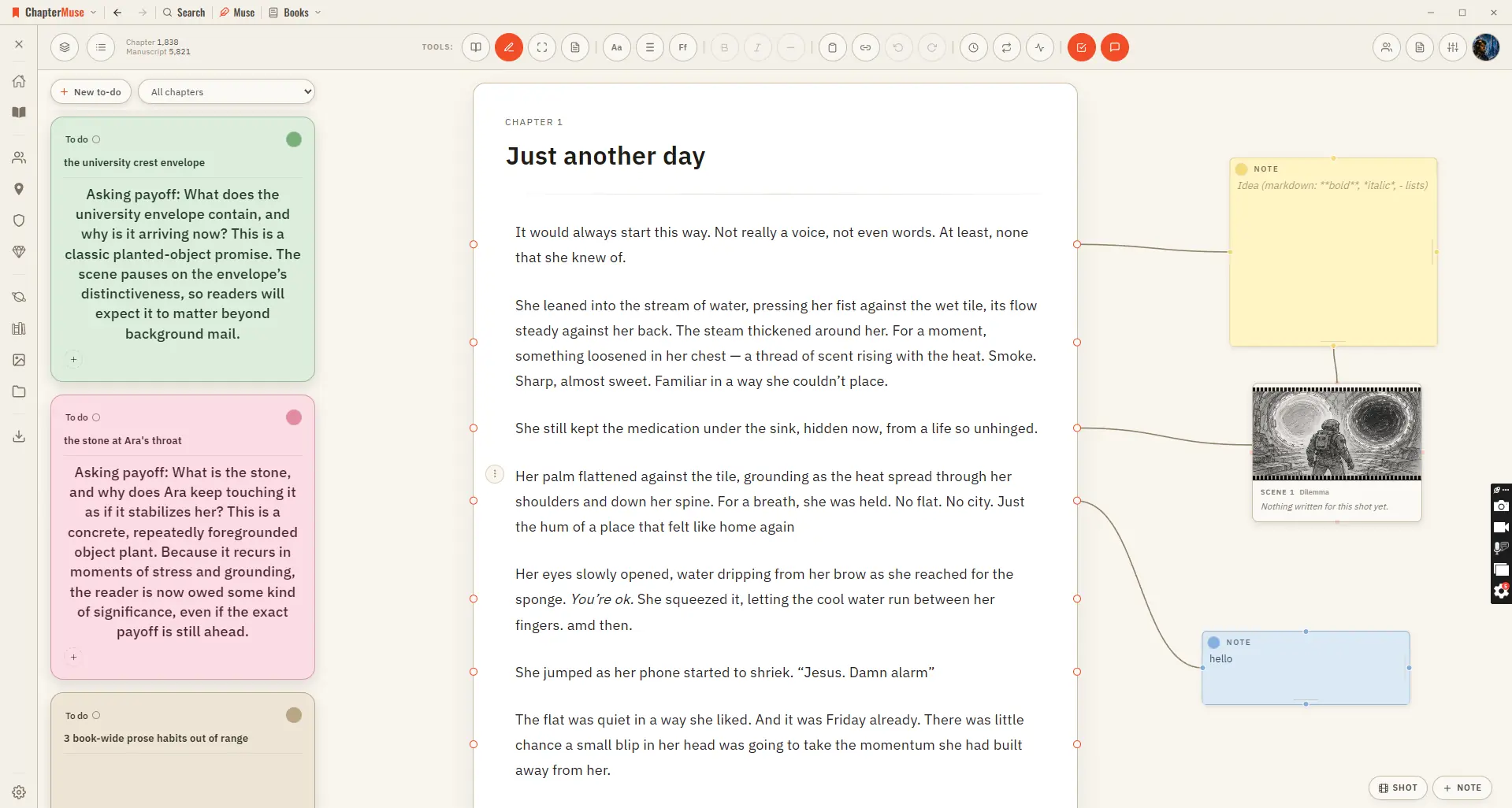
Attach Notes to Chapters and Paragraphs

In the whole writing studio See how outlines, grids, timelines, maps and scenes stay connected to the manuscript. See the complete planning workflow

CMwww.chaptermuse.com › Help › Navigation

Navigate the ChapterMuse Desktop App

Story — your world: Characters, Profiles, Connections, Locations, Factions, Items, plus Plot Grid, Chronos, Mind Map, and Scene Designer Manuscript — working with the text: Search, Find & Replace, Glossary & Name Links, Snippets,…