ChapterMuse

Search results for export

About 69 results (0.024 seconds)

CMwww.chaptermuse.com › Help › Storyboard

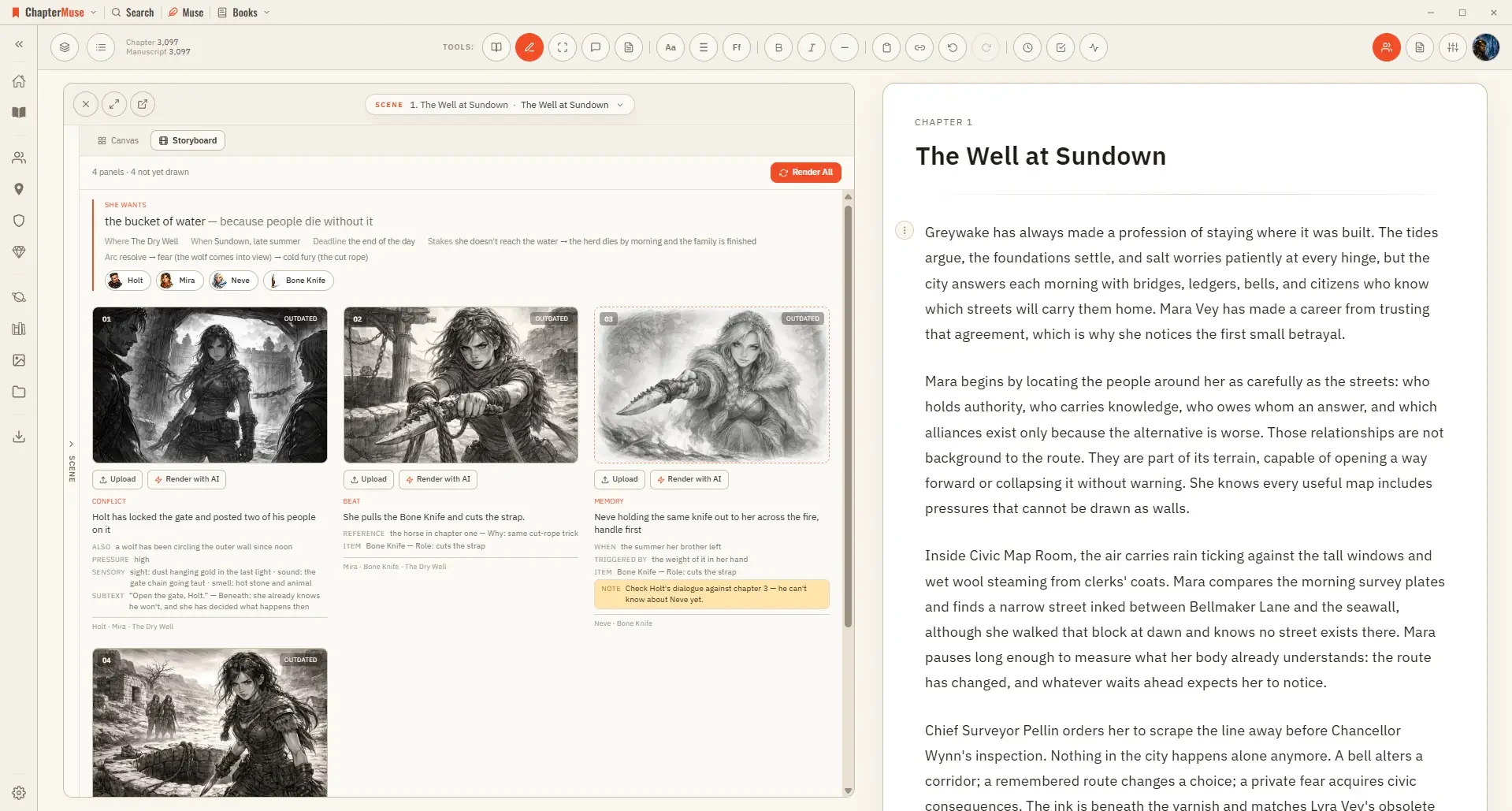
Turn a Planned Scene into a Storyboard

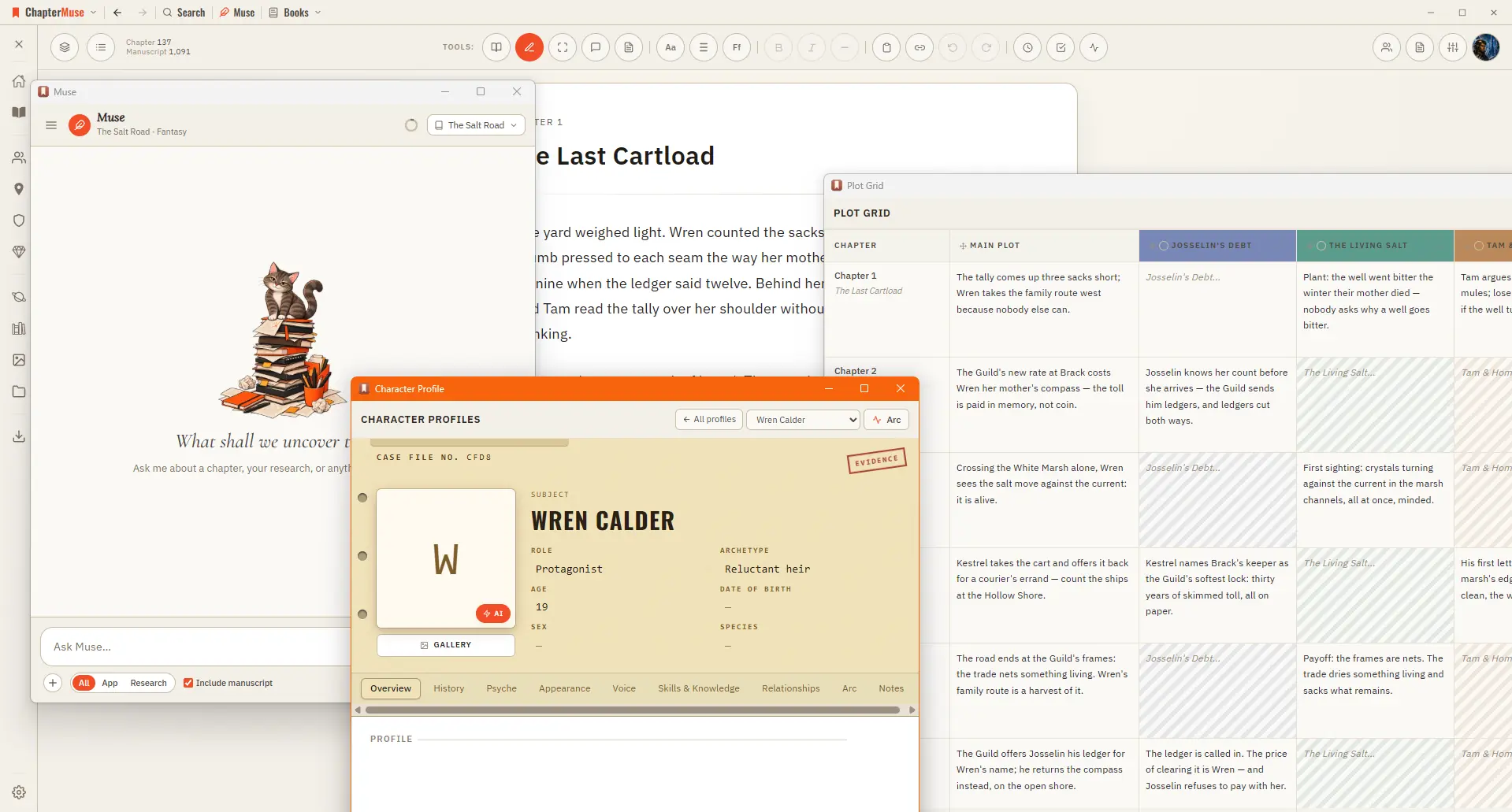
Three qualities — Rough for blocking a sequence out, Standard, and Fine for a panel you want to keep A pre-check shows the whole plan and its price before you commit; closing it costs nothing Rendering uses AI Tokens, since it…
CMwww.chaptermuse.com › Help › Shortcuts

ChapterMuse Keyboard Shortcuts and Command…

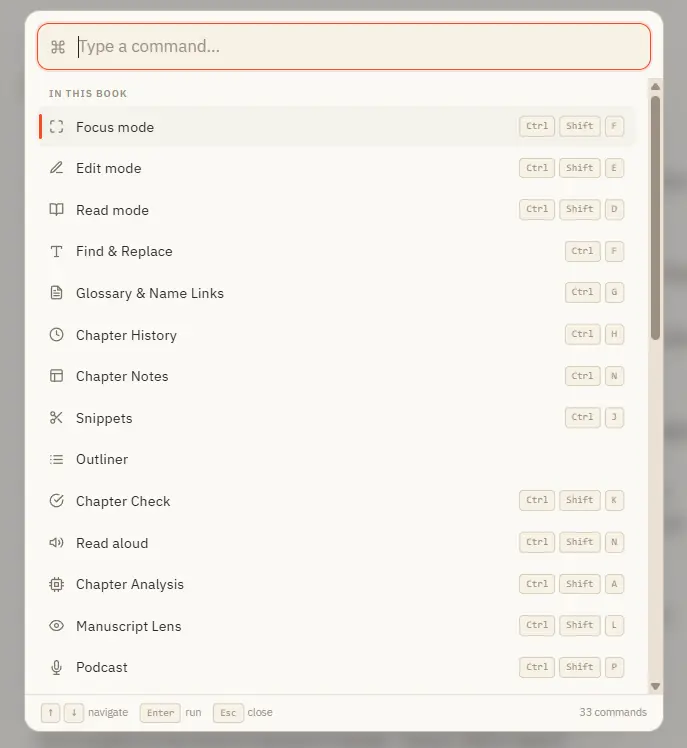
Opens with Ctrl K from anywhere in the app Search across everything you can do — grouped into "In this book", "Go to" (navigation), and "General" Inside a book it lists every panel and mode; elsewhere it jumps you to Story World,…

CMwww.chaptermuse.com › Help › Navigation

Navigate the ChapterMuse Desktop App

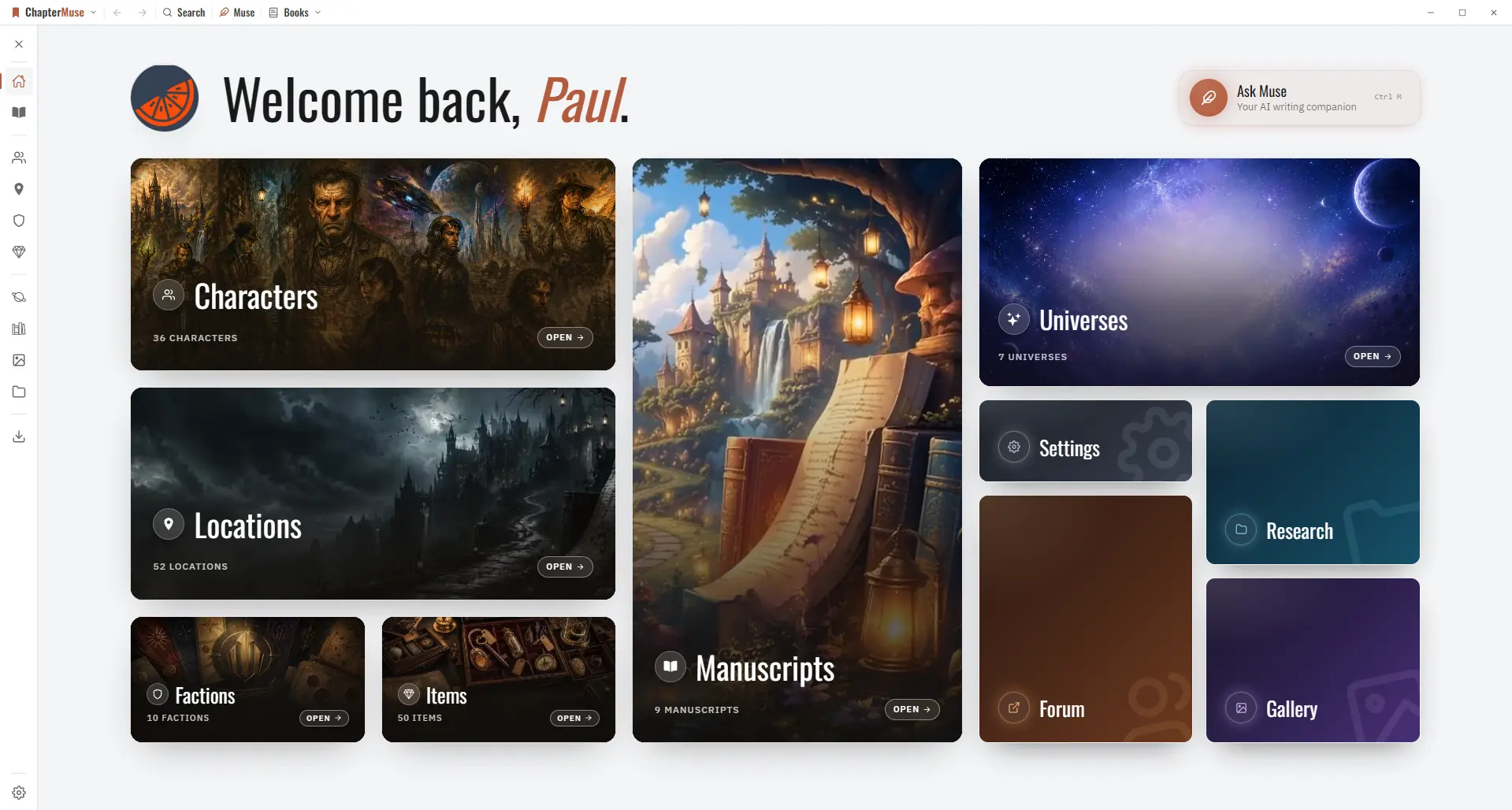
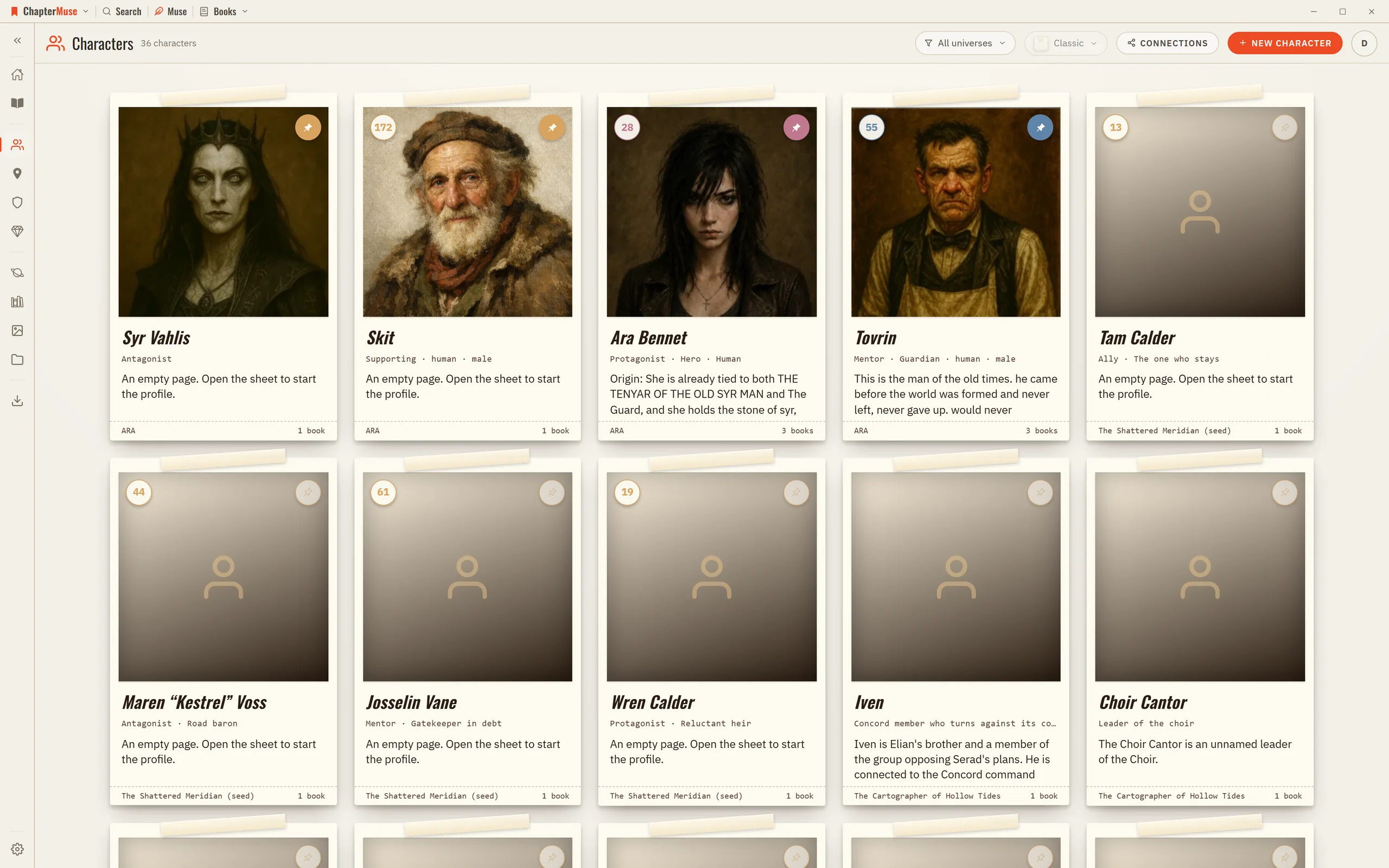
The ChapterMuse wordmark opens the app menu — jump to Story World, Manuscripts, Characters, Locations, Factions, Items, Universes, Museiki, Gallery, Research, and Export A Search button opens Story Recall to find anything across…

CMwww.chaptermuse.com › Home

Novel Writing Software for Windows and Mac

Your whole library exports to a single portable backup file, and your manuscript exports as PDF, Word, ODT, RTF, Markdown, LaTeX and plain text at every licence tier, the files an agent expects.

CMwww.chaptermuse.com › Page

Contact ChapterMuse

See what ChapterMuse does — the desktop writing studio, its story-world tools and its export formats Compare the three lifetime licences — Each licence paid once Read the field guide — sixteen long pieces on the hard parts of…

CMwww.chaptermuse.com › Help › Formatting

Format Novel Text in ChapterMuse

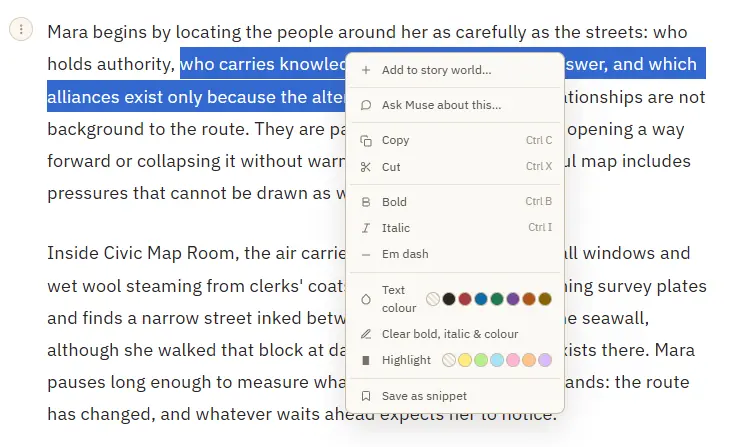
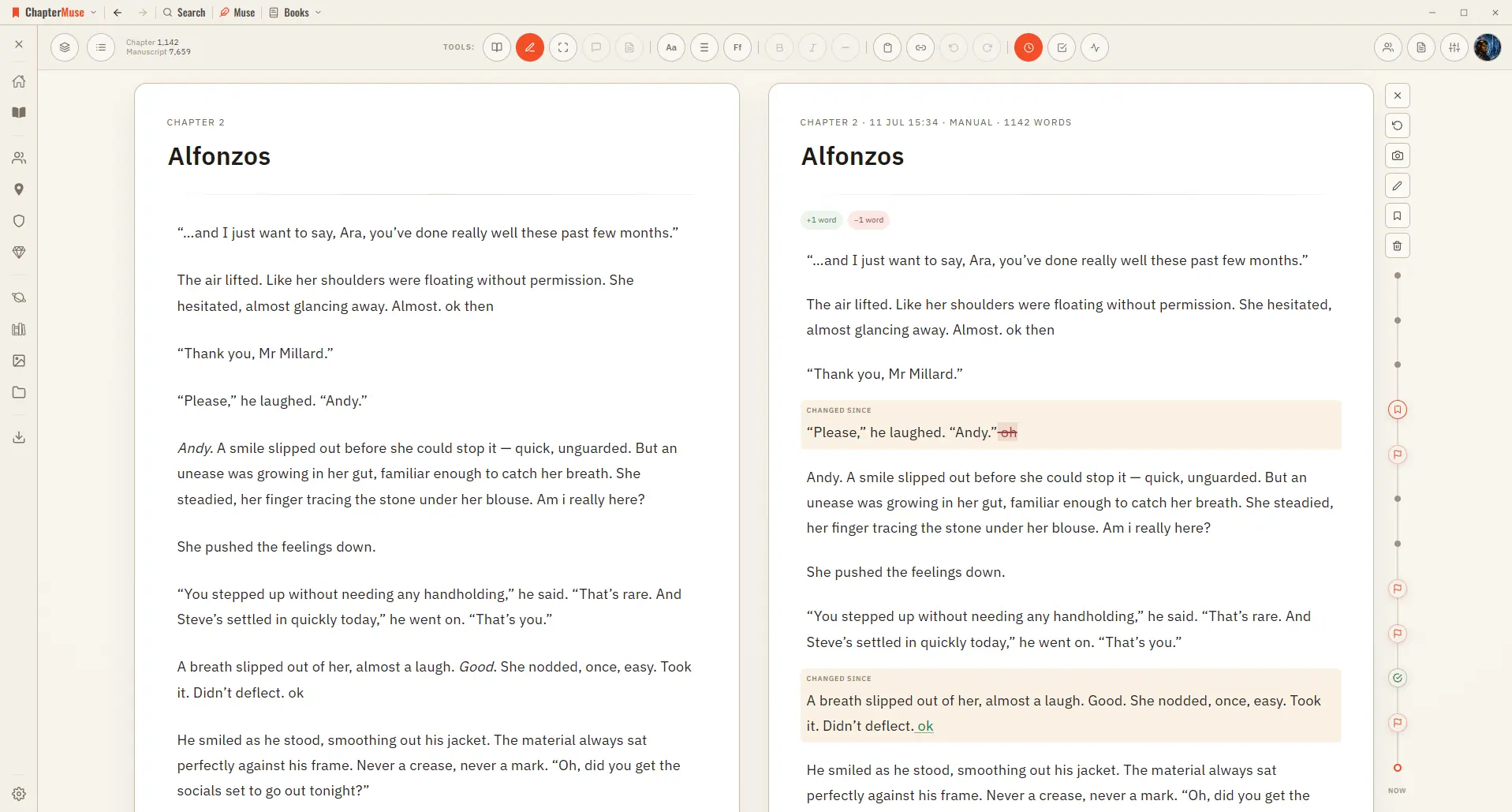
Bold and italic — from the toolbar or Ctrl/⌘ B and Ctrl/⌘ I A proper em dash (—) inserted at the cursor Theme-aware text colour and highlight swatches that stay readable in every writing palette Clear bold, italic, colour, and…

CMwww.chaptermuse.com › Help › Bookshelf

Create and Organise Manuscripts on the…

In the whole writing studio See how characters, places, factions, items and continuity work across the whole book. Explore connected worldbuilding

CMwww.chaptermuse.com › Feature › Worldbuilding

Worldbuilding and Story Bible Software

Universes group books and worldbuilding into a shared continuity — a series bible for everything the sequels must not contradict.

CMwww.chaptermuse.com › Help › Items

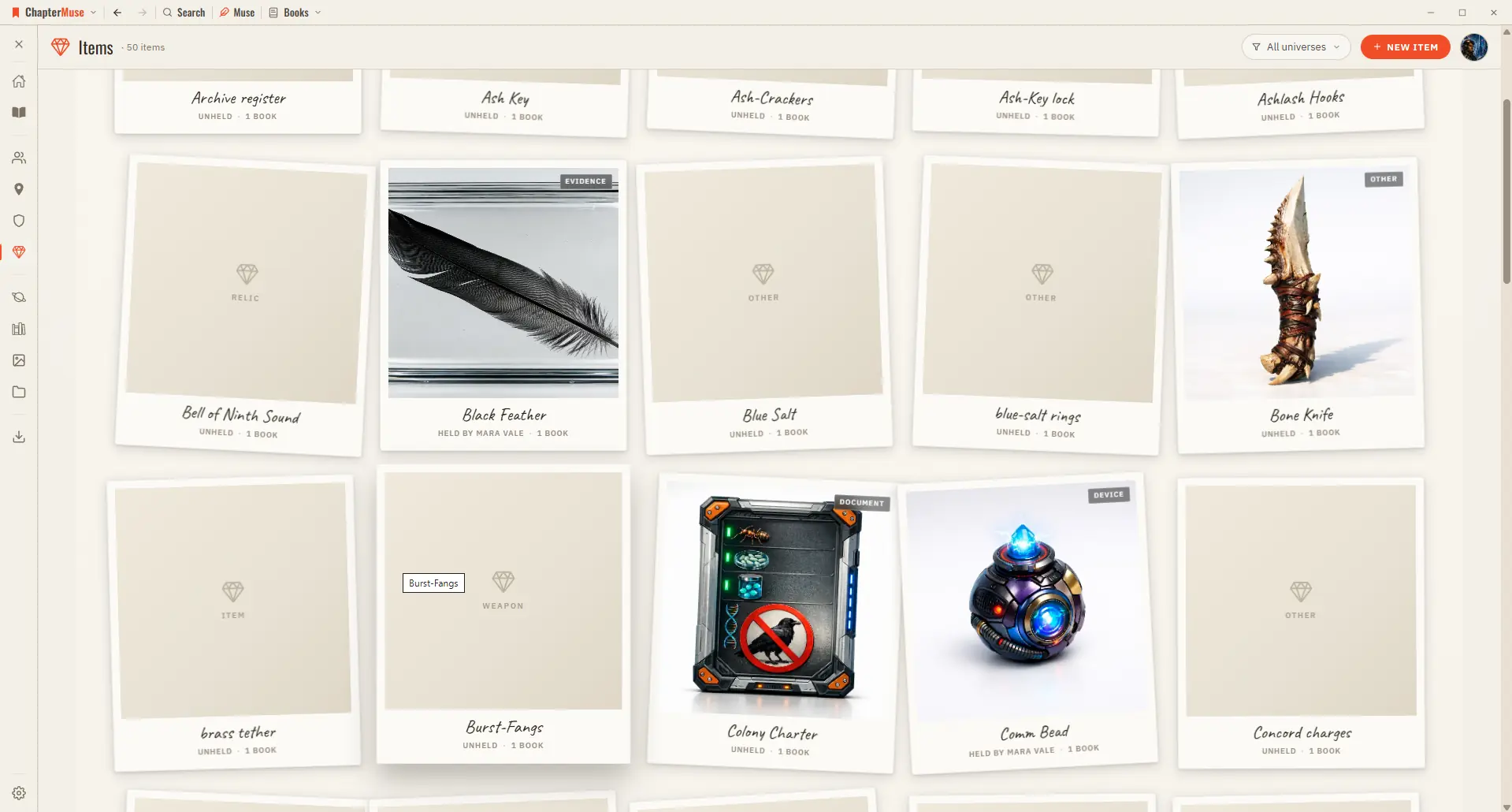
Track Story Items, Relics and Documents

2Choose a kind (weapon, heirloom, document, relic…) and give it a name and one-liner. 3Add imagery in the gallery — upload, or generate with AI.