CMwww.chaptermuse.com › Feature › Muse
AI Writing Assistant That Never Ghostwrites
Ground an answer in the research files you have added to the book.
About 69 results (0.022 seconds)
CMwww.chaptermuse.com › Feature › Muse
Ground an answer in the research files you have added to the book.
CMwww.chaptermuse.com › Home
Your whole library exports to a single portable backup file, and your manuscript exports as PDF, Word, ODT, RTF, Markdown, LaTeX and plain text at every licence tier, the files an agent expects.
CMwww.chaptermuse.com › Feature › Novel planning
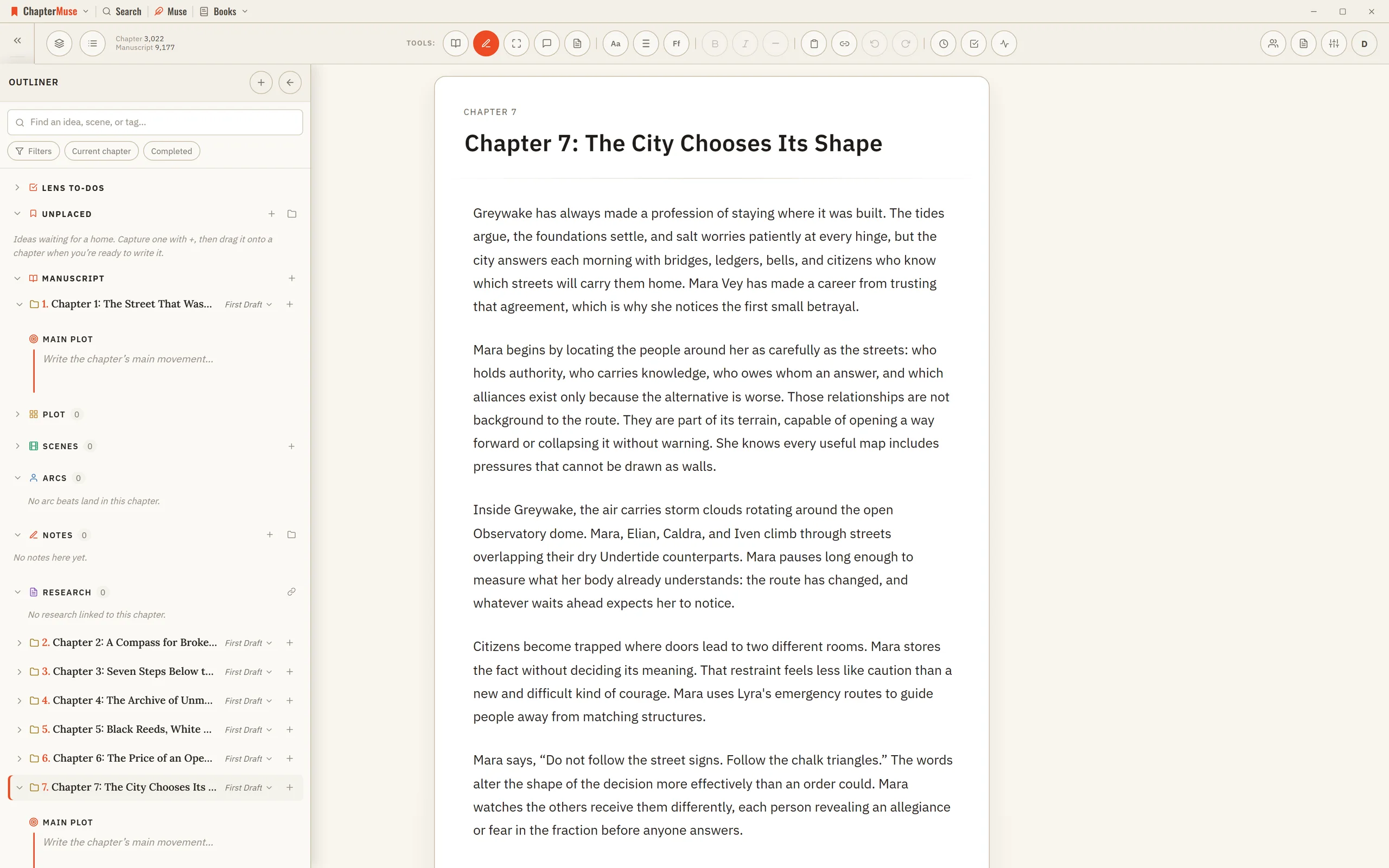
The chapter outliner The plan and the page are the same book. 02 · Time and ideas
CMwww.chaptermuse.com › Help › Museiki
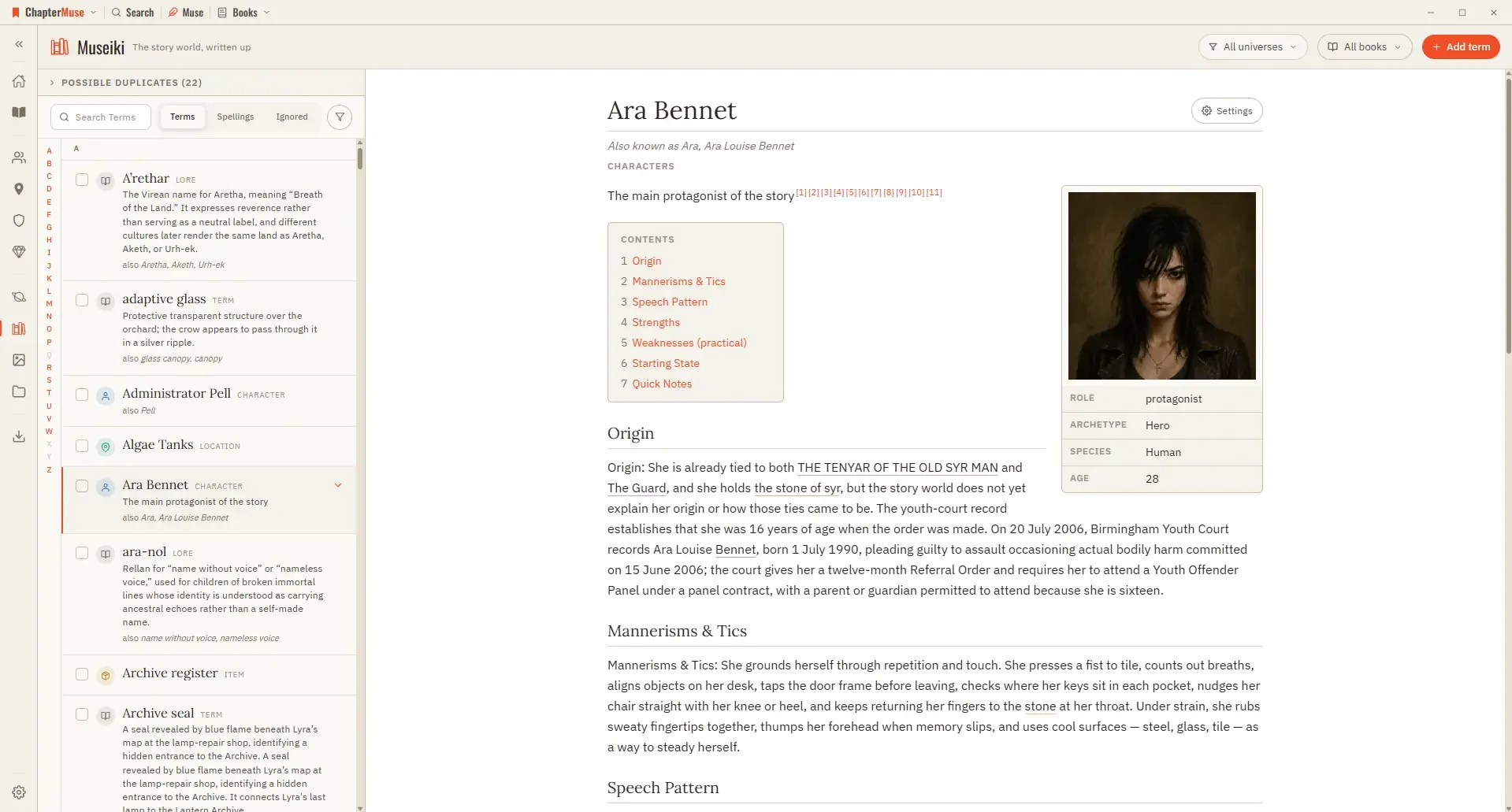
A title with its rule, any “also known as” names, and a line giving the kind — plus pronunciation, status, and how often it is used when the subject is a glossary term A quick-facts box floated to the right carrying the portrait…
CMwww.chaptermuse.com › Page
And because Word, PDF and the other exports are built in, the manuscript can always leave in a form any other tool can read.
CMwww.chaptermuse.com › Feature › Worldbuilding
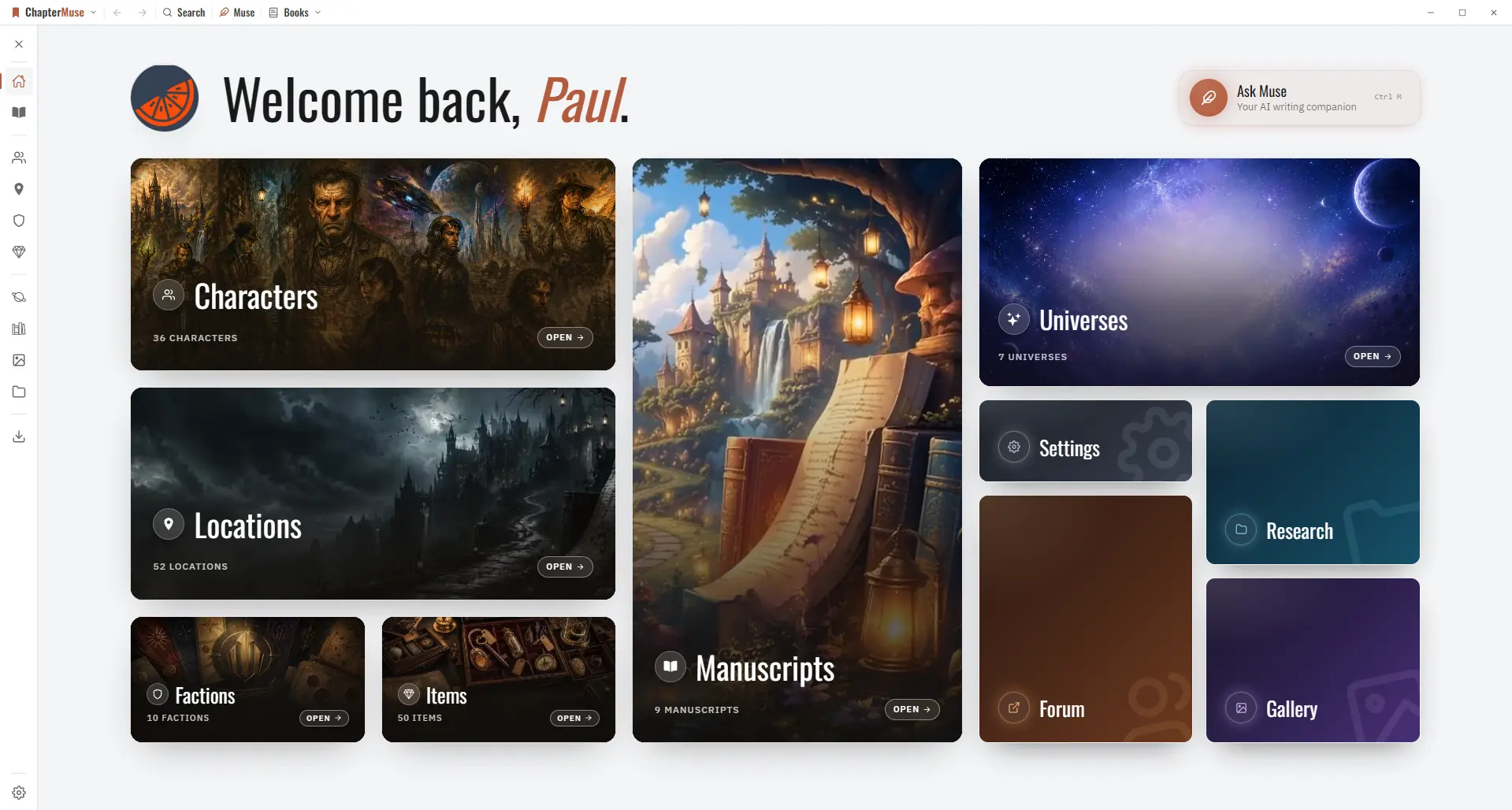
Universes group books and worldbuilding into a shared continuity — a series bible for everything the sequels must not contradict.
CMwww.chaptermuse.com › Help › Shortcuts
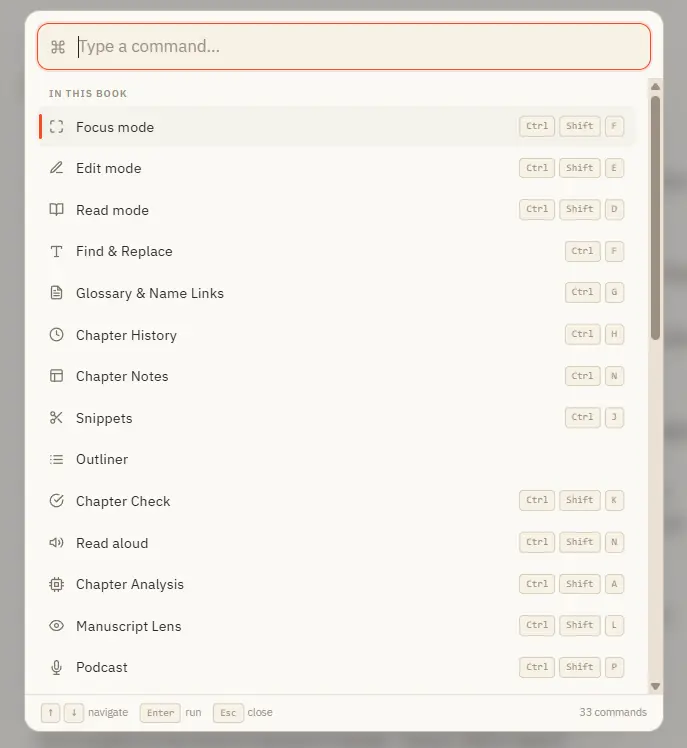
Opens with Ctrl K from anywhere in the app Search across everything you can do — grouped into "In this book", "Go to" (navigation), and "General" Inside a book it lists every panel and mode; elsewhere it jumps you to Story World,…
CMwww.chaptermuse.com › Help › Storage and resets
Everything about the data on your device — exporting a backup, restoring one, and starting fresh. Updated 4 September 2026 Because your work lives on your machine, you're in control of it — which also means it's worth backing up.
CMwww.chaptermuse.com › Help › Todos
4Use + on the card to tag the chapter, character, place, faction, item, or research document it is about. 5Pick a colour from the circle in the corner, and set the status from the top-left.
CMwww.chaptermuse.com › Help › Workspace views
The choice is remembered for this book. Every view works on the same locally saved manuscript, so changing the desk never duplicates a chapter or creates a second version to reconcile.