CMwww.chaptermuse.com › Help › Canvas
Write and Edit a Novel in the ChapterMuse…
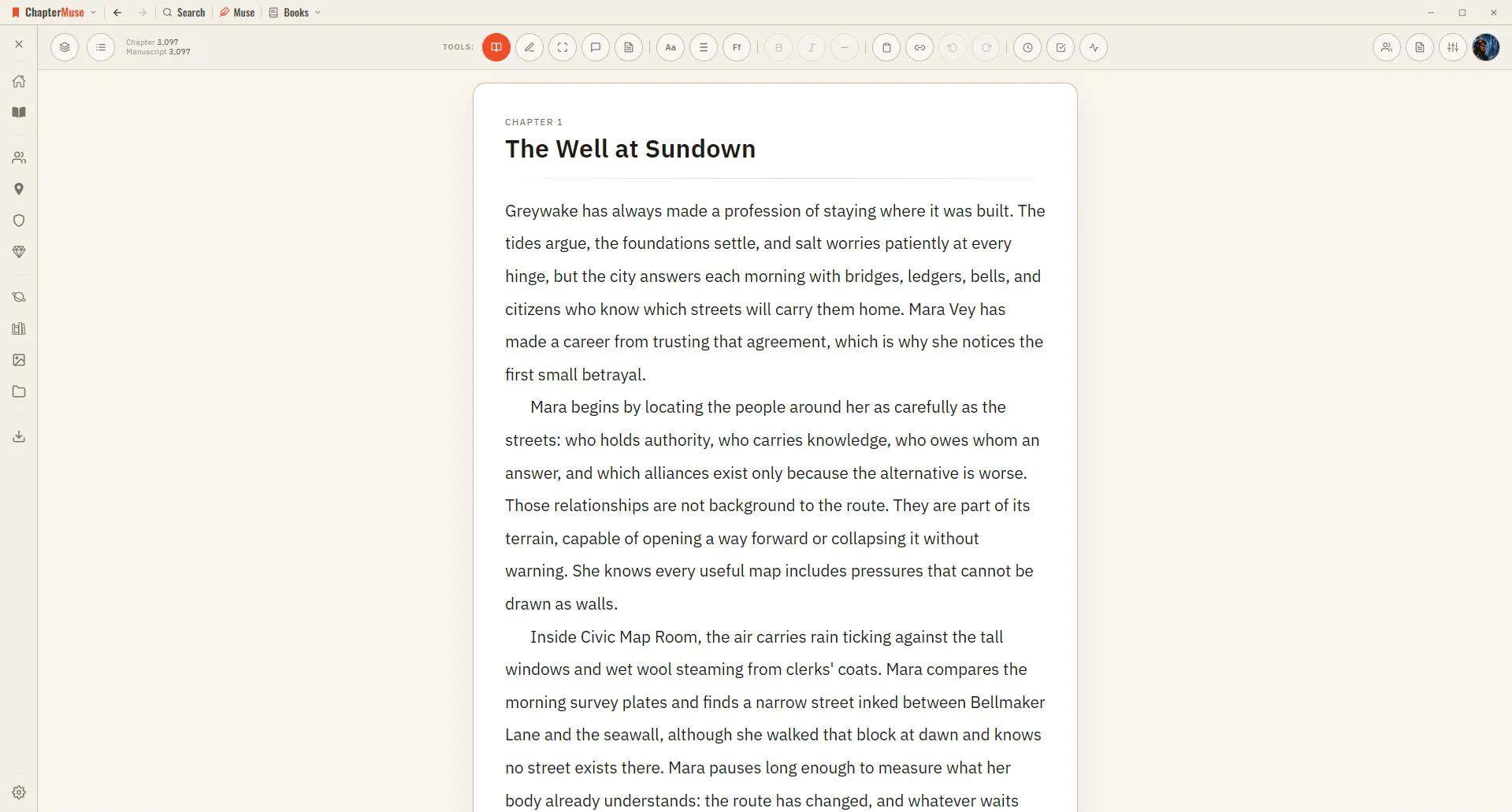
Each paragraph is its own block. Click anywhere and start typing — your work saves itself continuously.
About 24 results (0.009 seconds)
CMwww.chaptermuse.com › Help › Canvas
Each paragraph is its own block. Click anywhere and start typing — your work saves itself continuously.
CMwww.chaptermuse.com › Help › Analysis
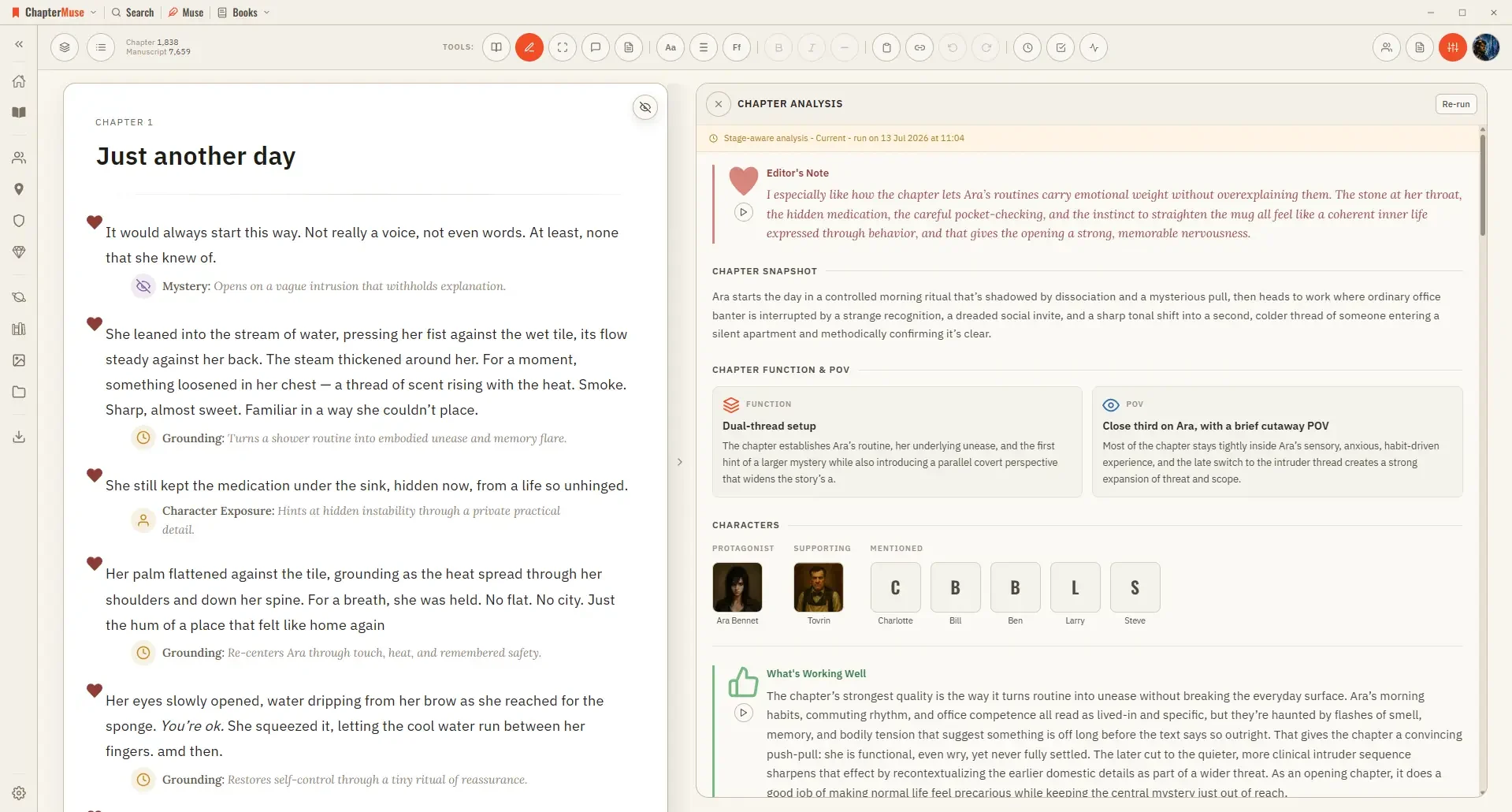
4Run the paragraph review for targeted, block-by-block notes. 5Click a paragraph to jump to it with its feedback highlighted.
CMwww.chaptermuse.com › Feature › Offline private
Muse waits until the writer asks 03 · Backup
CMwww.chaptermuse.com › Help › Cloud backup
You can try again with a fresh recovery copy Restoring is never blocked by a subscription. If yours lapses, new backups stop — getting your existing ones back does not
CMwww.chaptermuse.com › Help › Storyboard
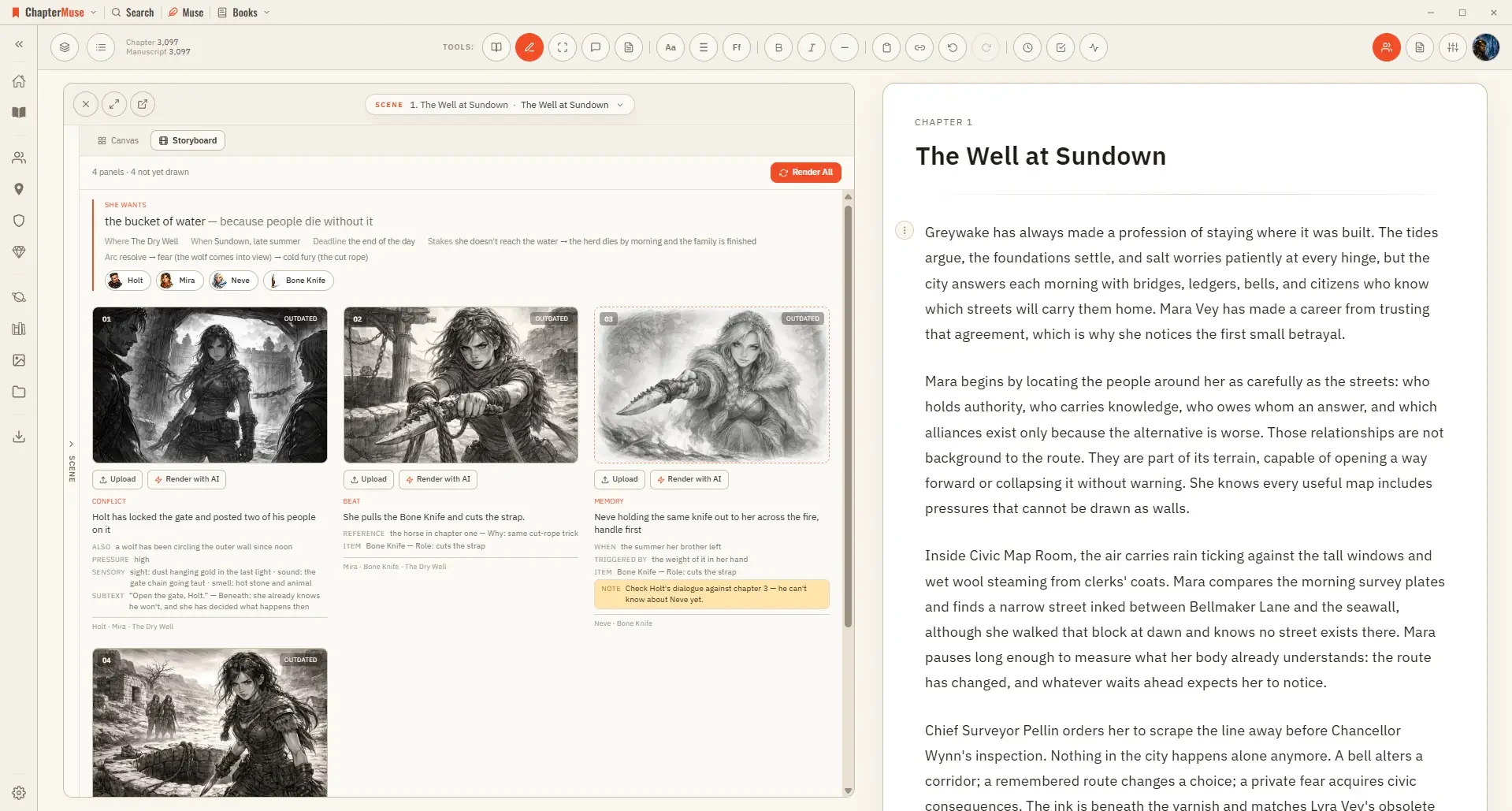
Three qualities — Rough for blocking a sequence out, Standard, and Fine for a panel you want to keep A pre-check shows the whole plan and its price before you commit; closing it costs nothing Rendering uses AI Tokens, since it…
CMwww.chaptermuse.com › Feature › Muse
An AI writing assistant for fiction that never ghostwrites: ask about your manuscript and research, get cited answers, approve every proposal.
CMwww.chaptermuse.com › Help › Chapter history
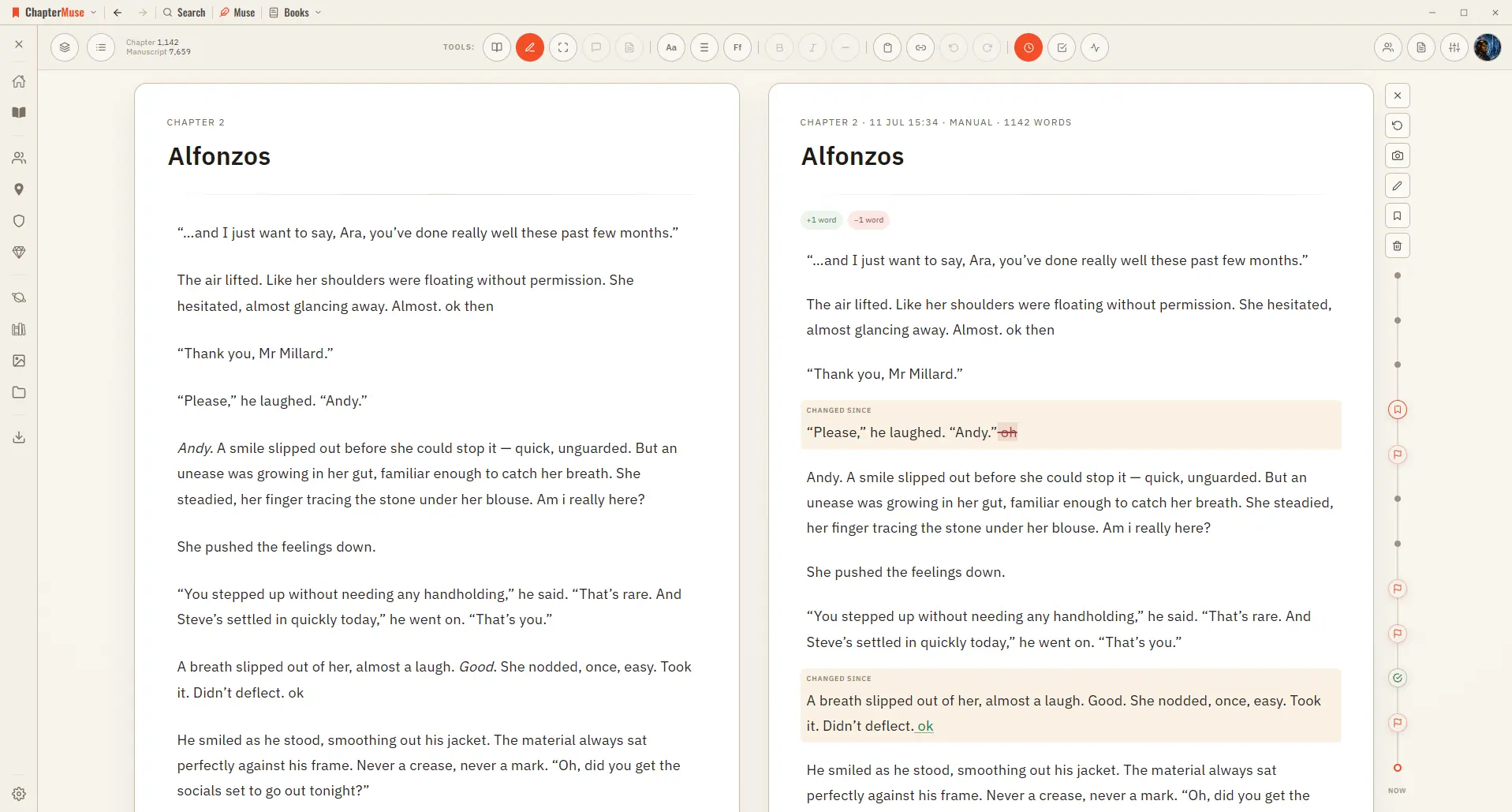
Automatically as you write — when you switch chapters, and after a natural pause in typing Automatically before risky moments — before you split a chapter, and before you restore an older version Manually — press the camera…
CMwww.chaptermuse.com › Page
x update free Everything in Light 10 books · 5 universes on your shelf Research Center: a private binder for the files beside your manuscript Glossary name links in your prose, and Museiki to read your terms back Revision Passes…
CMwww.chaptermuse.com › Help › Book design
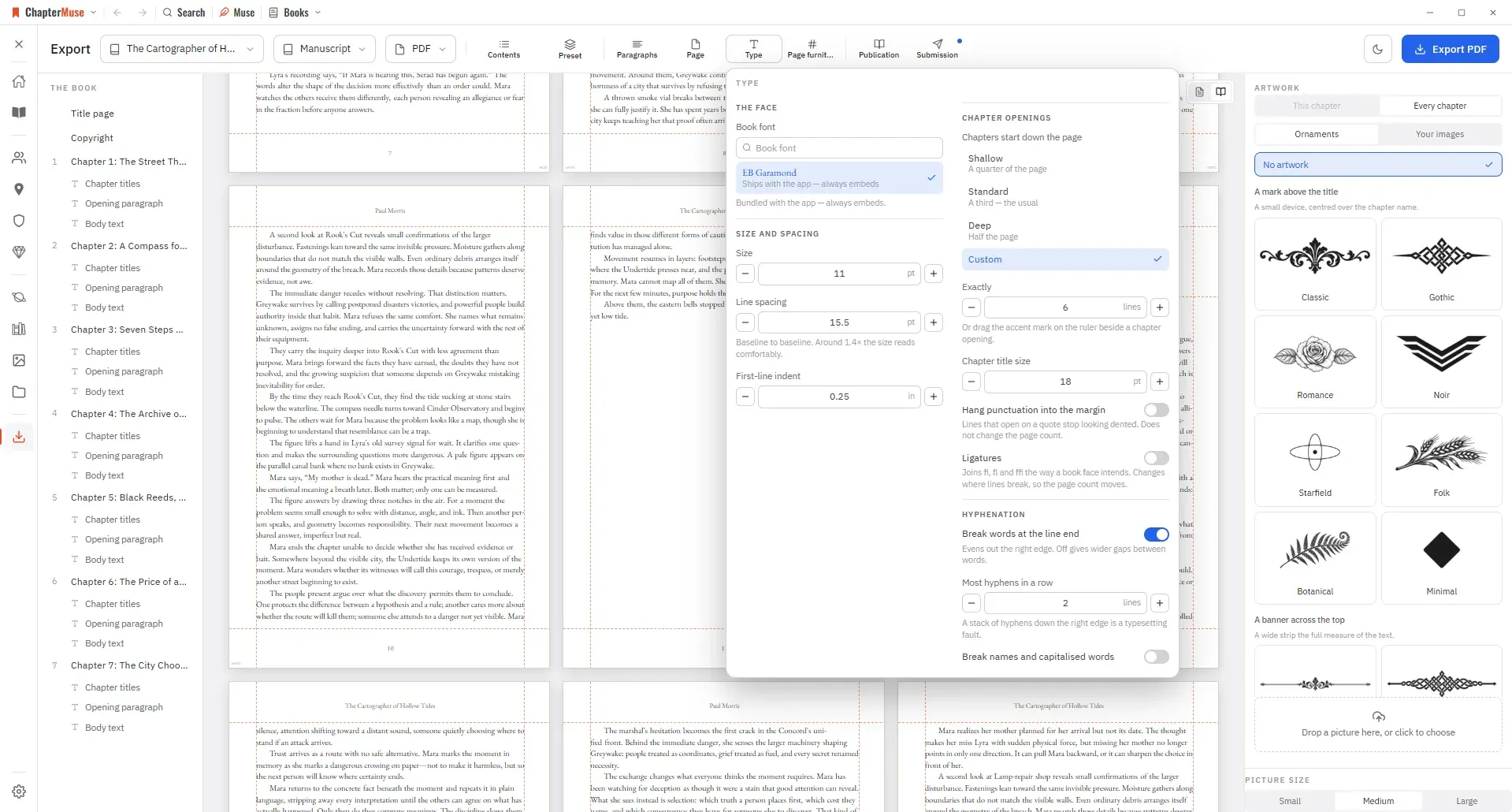
Preset — one look for the whole book, and a place to save your own Paragraphs — first-line indent, space between paragraphs, how a scene break is marked, and whether the first line after one is indented And these sections — when…
CMwww.chaptermuse.com › Help › Modes
Edit mode is where you write, with block menus and formatting at hand. Read mode strips all of that away and typesets your prose like a finished book — serif type, proper indents, no controls — so you can judge the rhythm of what…