ChapterMuse

Search results for versions

About 60 results (0.029 seconds)

CMwww.chaptermuse.com › Help › Chapters

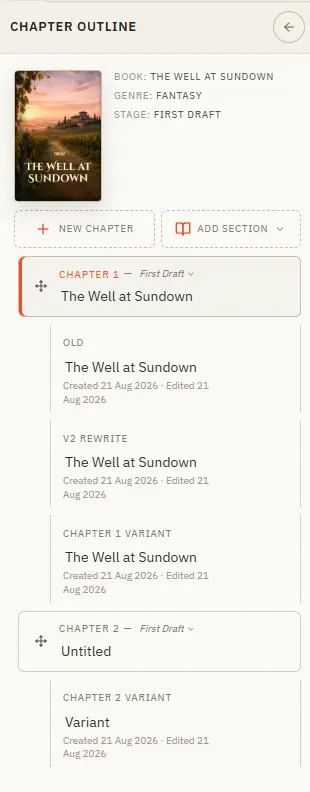
Organise Chapters and Alternate Variants

Your book's structure lives in the chapter drawer — add, reorder, restage, and branch alternate takes. Updated 4 September 2026 The chapter drawer slides in from the left and holds your whole manuscript — front matter at the top,…
CMwww.chaptermuse.com › Help › Chapter history

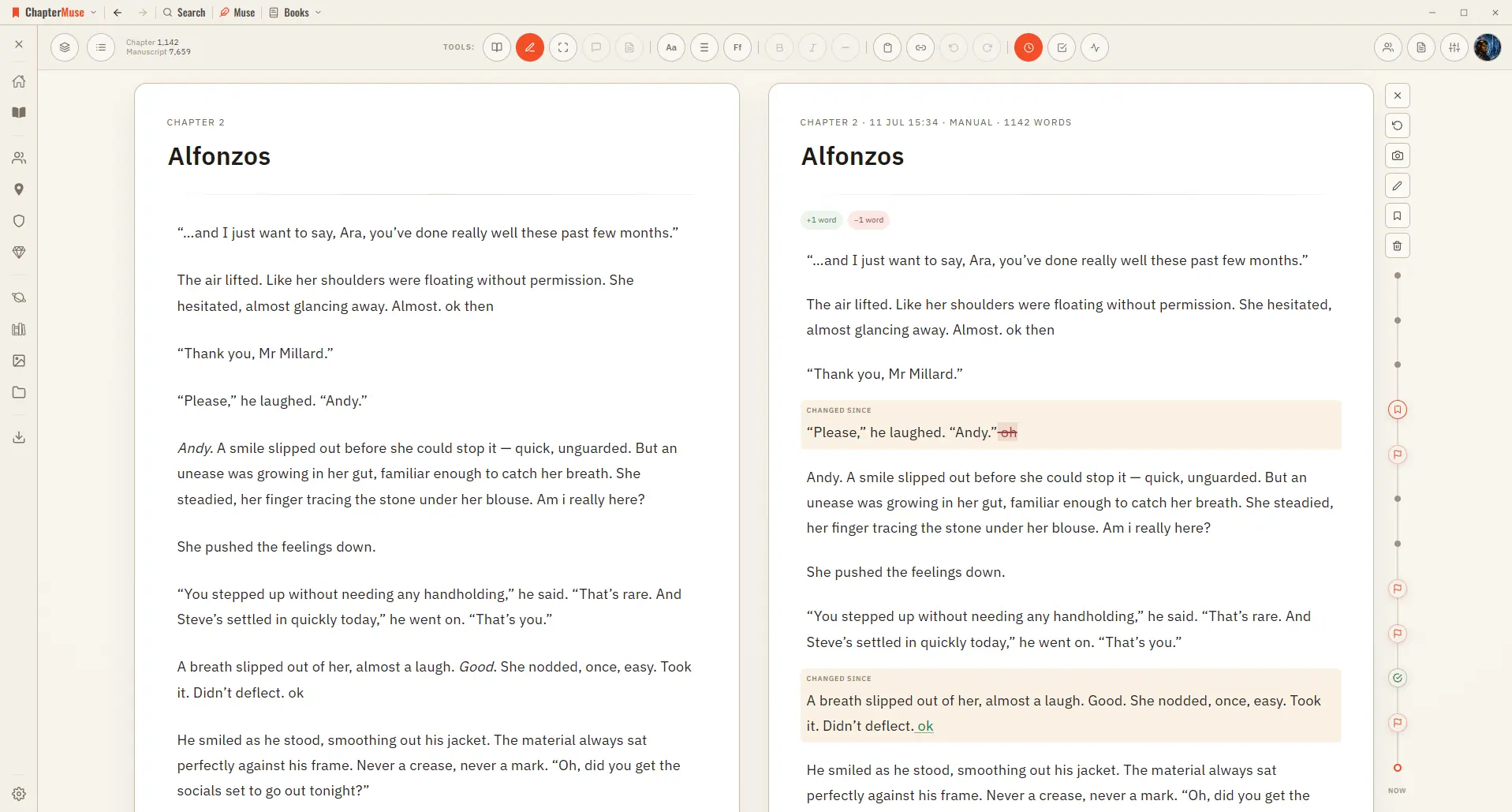
Restore Earlier Drafts with Chapter History

3When the timeline fills, scroll it without disturbing the pages; click a marker or drag along the line to view that version beside your current text.

CMwww.chaptermuse.com › Help › Cloud backup

Cloud Backup: ChapterMuse Guide

Lose a week-old idea and you lose an afternoon of remembering; you probably had the better version of it in your head anyway.

CMwww.chaptermuse.com › Help › Outliner

Outline a Novel Beside the Manuscript

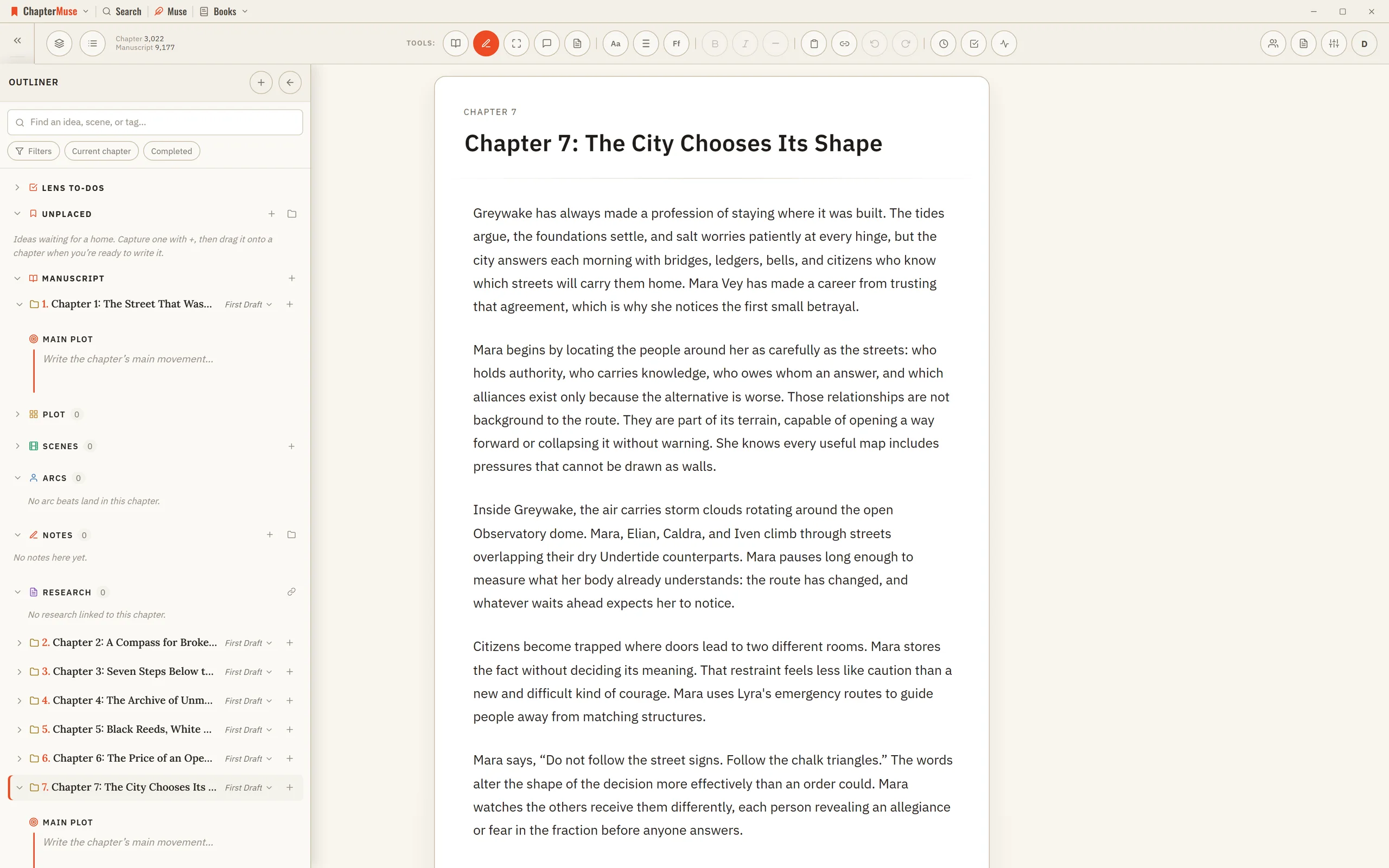
2Expand a primary chapter to see its Main Plot synopsis, variants, scenes, and intentions. 3Add an intention to a chapter, scene, logical section, or the book-level Inbox.

CMwww.chaptermuse.com › Help › Workspace views

Use Split View and Whole-Book Workspace Views

Every view works on the same locally saved manuscript, so changing the desk never duplicates a chapter or creates a second version to reconcile.

CMwww.chaptermuse.com › Help › Beta readers

Beta Readers: ChapterMuse Guide

It’s the first thing they see Alternate drafts of a chapter are never sent — a reader shouldn’t be asked to review a decision you haven’t made What you send is a frozen copy, so you can keep writing the moment you press send…

CMwww.chaptermuse.com › Help › Scene designer

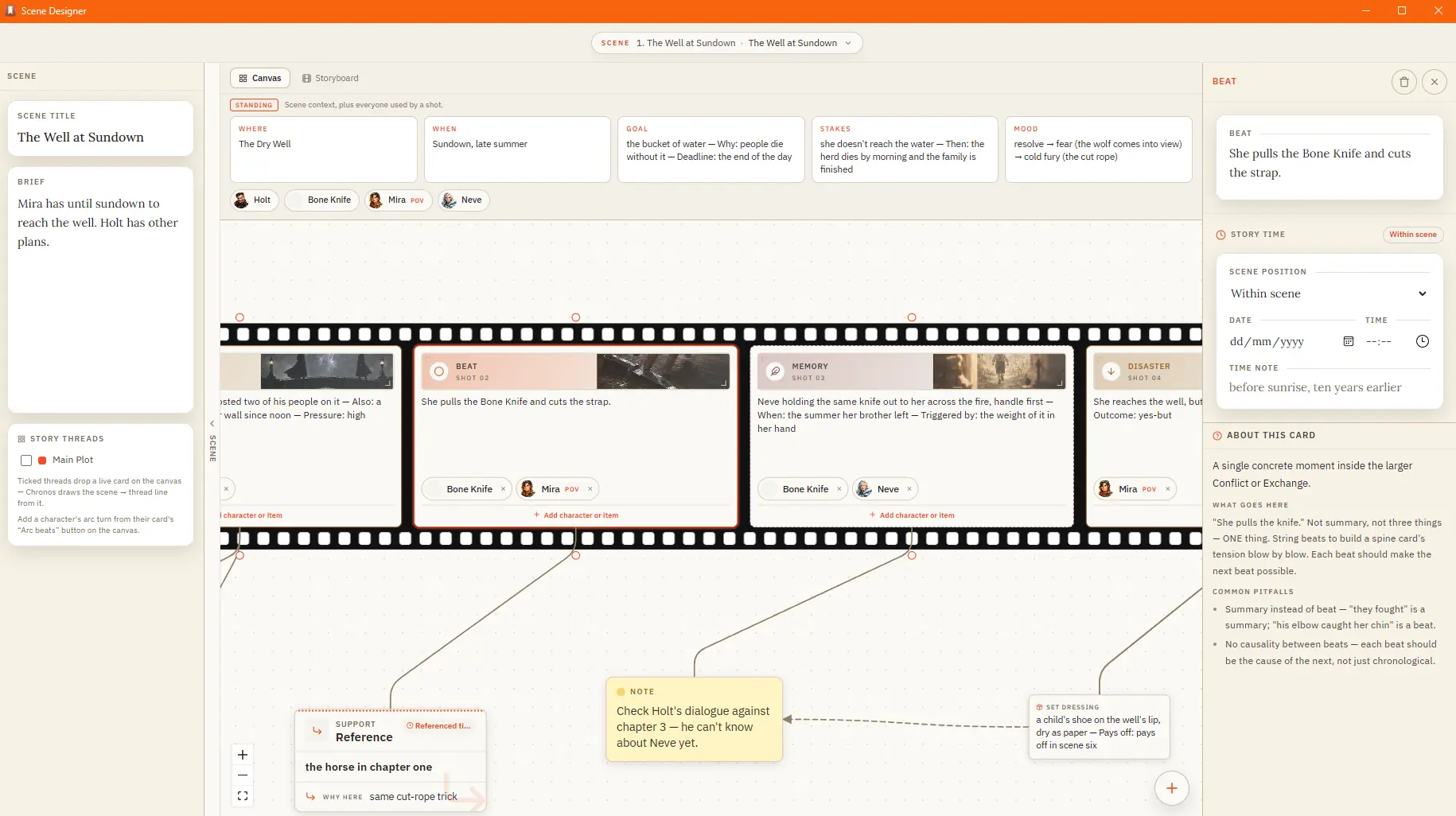
Plan a Scene Beat by Beat

✦Quick start 1Open Scene Designer from the Story menu, then pick a chapter and create a scene. 2Give the scene a name and, if you like, a short idea.

CMwww.chaptermuse.com › Help › Storage and resets

Back Up, Restore and Manage ChapterMuse Data

Export . muse — save your whole library, including chapter snapshots, revision passes, writing targets, sessions, and the progress ledger, to one portable backup file If a referenced image, file, or audio asset cannot be read,…

CMwww.chaptermuse.com › Help › Read aloud

Listen to Your Manuscript with Read Aloud

Read Aloud does it for you: a natural-sounding voice reads the current chapter in Single chapter view, or continues through the full book in manuscript order when you are in Continuous manuscript.