CMwww.chaptermuse.com › Help › Writing progress
Set Writing Targets and Track Writing History
Updated 4 September 2026 Open Targets & Writing History from the progress icon beside Chapter History in the main toolbar.
About 72 results (0.025 seconds)
CMwww.chaptermuse.com › Help › Writing progress
Updated 4 September 2026 Open Targets & Writing History from the progress icon beside Chapter History in the main toolbar.
CMwww.chaptermuse.com › Help › Todos
There is no panel around them — no background, no border, just the cards — and they sit behind the manuscript and behind every other panel, so nothing you are writing is ever covered.
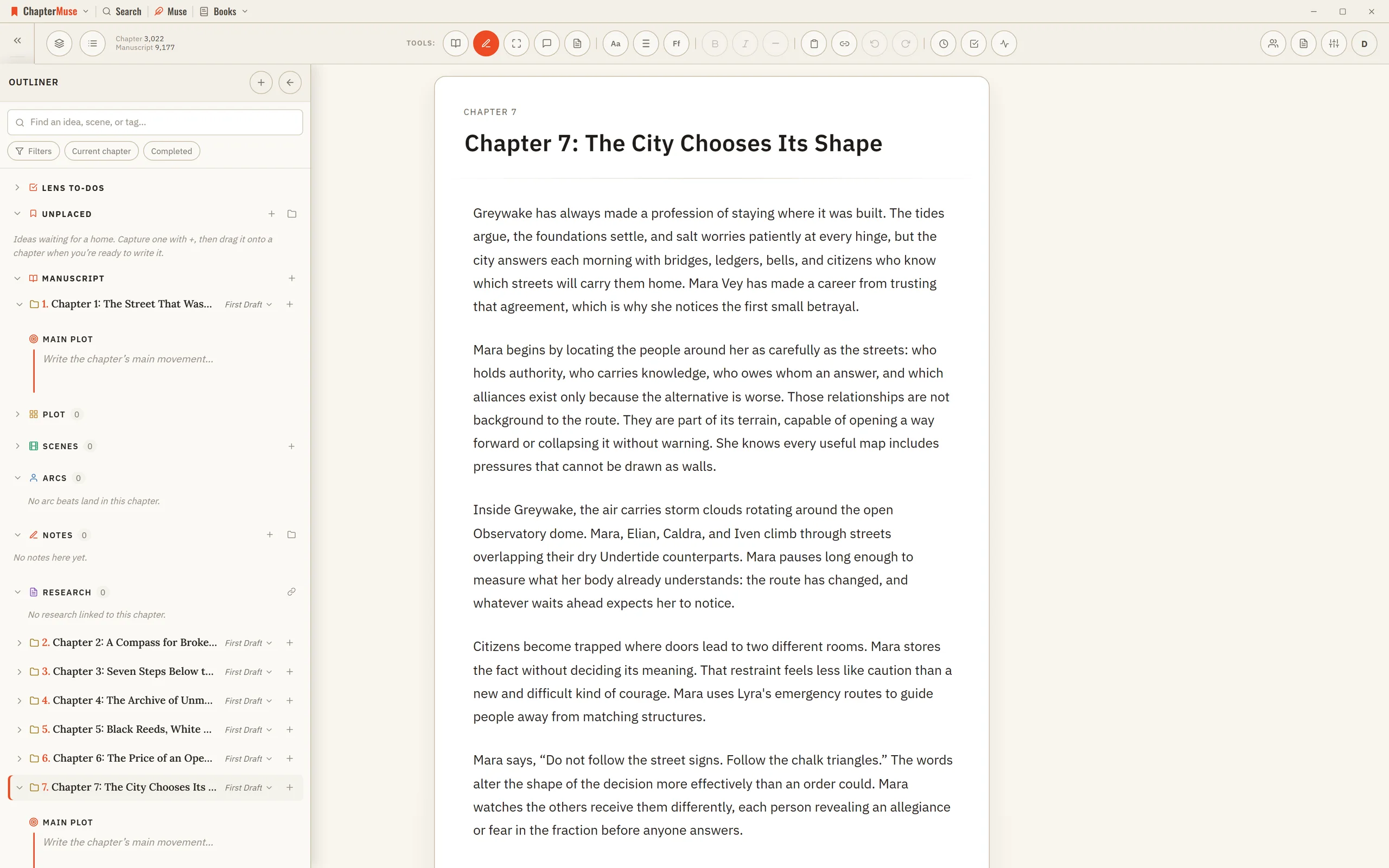
CMwww.chaptermuse.com › Help › Outliner
It occupies the left side of the writing canvas while the active chapter remains in the centre. Unlike the temporary Chapter Outline drawer, it stays open while you work and adds scenes, logical sections, narrative intentions,…
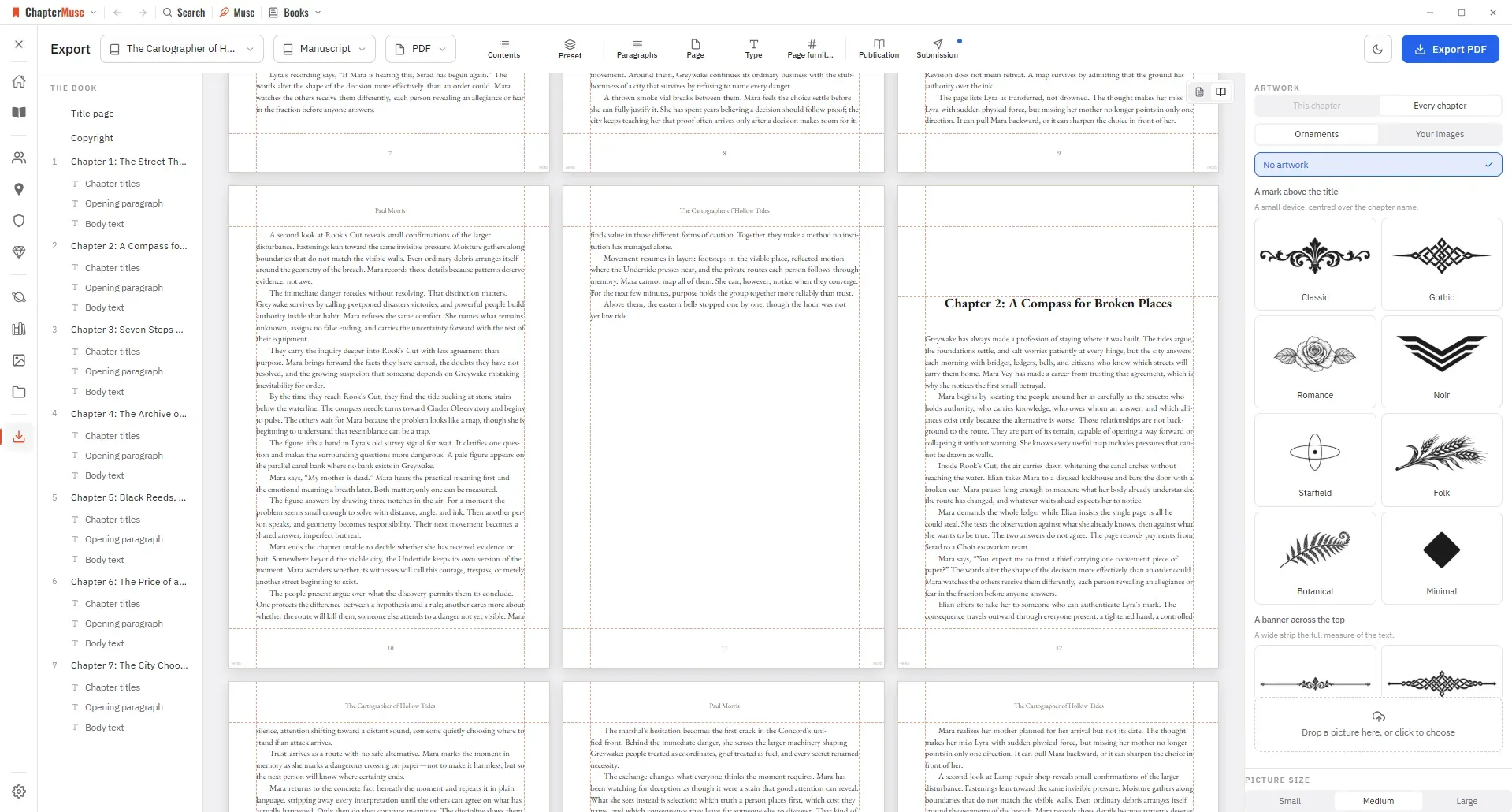
CMwww.chaptermuse.com › Help › Export
Manuscript — Word (DOCX), reading PDF, EPUB, press-ready Print Edition PDF, Markdown, RTF, ODT, LaTeX, or plain text Story World dossiers — Characters, Locations, Factions, and Items as Word, PDF, or Excel (Excel spreads across…
CMwww.chaptermuse.com › Help › Canvas
Continuous auto-save — a small indicator shows when a save is in progress, and a live word count sits in the toolbar Closing the manuscript waits for every editor pane to save.
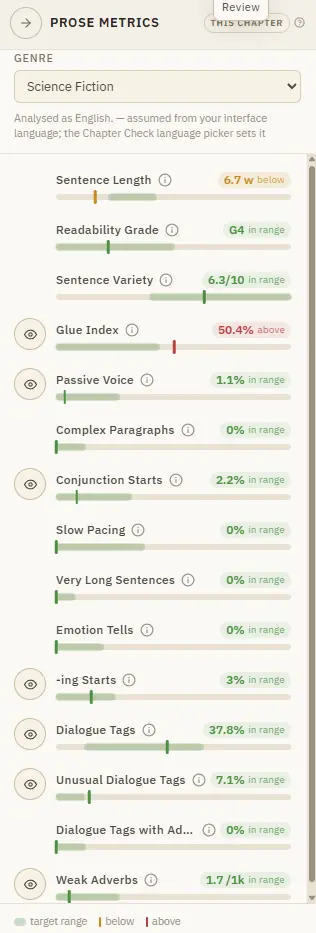
CMwww.chaptermuse.com › Help › Metrics
Targets are relative to your genre, because a thriller and a literary novel breathe differently. It runs on your machine and costs nothing.
CMwww.chaptermuse.com › Home
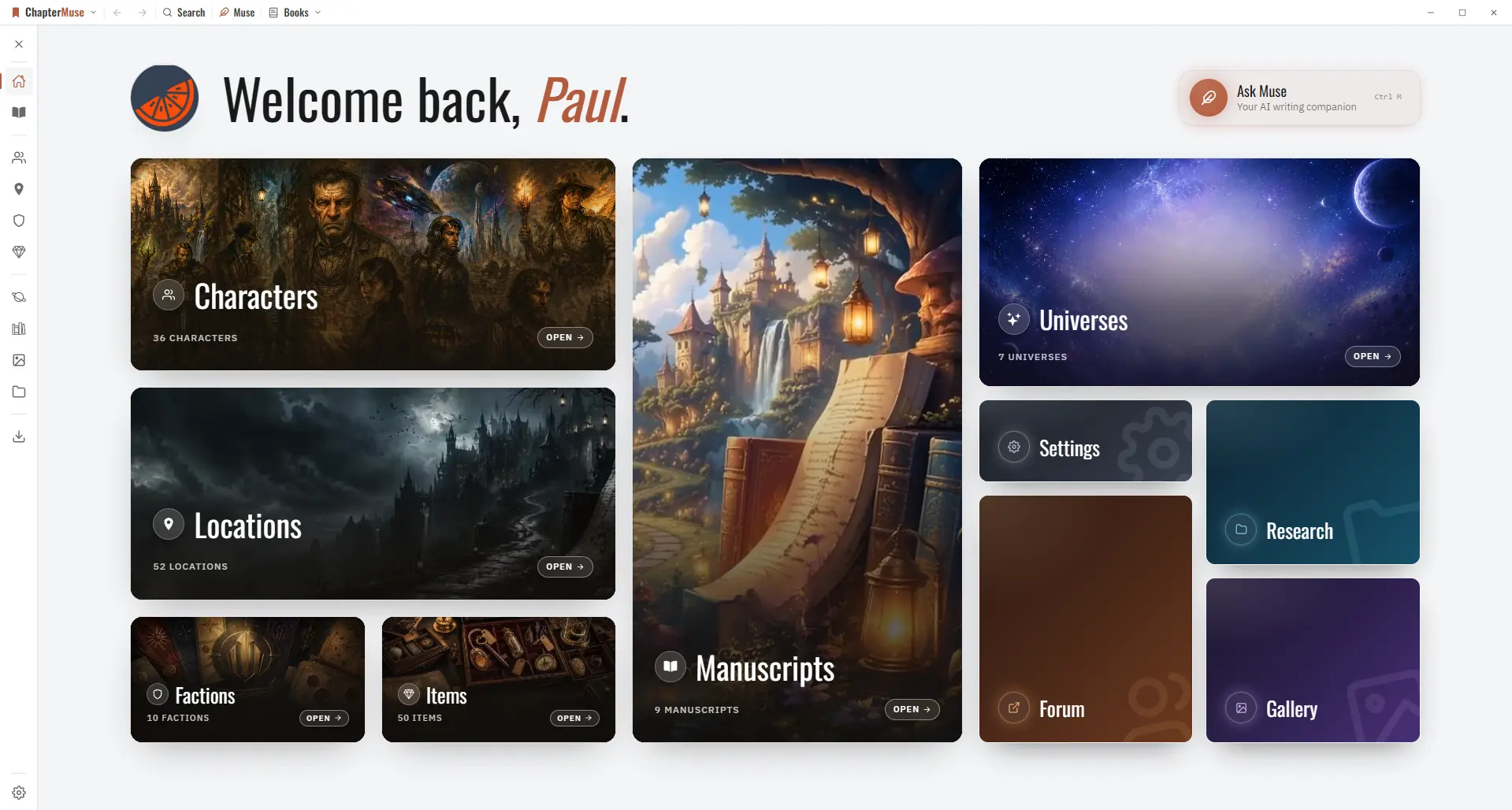
Every feature PlanningPlot Grid Outliner Chronos timeline Mind map WritingFocus mode Background Zen Chapter variants Writing progress WorldbuildingCharacters Locations Universes Museiki wiki ResearchResearch Center Story Recall…
CMwww.chaptermuse.com › Help › Muse
It reads versioned, passage-sized evidence in resumable batches and proposes what it finds, so a book you've been writing for months can have its cast, places, and links caught up in one pass.
CMwww.chaptermuse.com › Help › Storage and resets
muse — save your whole library, including chapter snapshots, revision passes, writing targets, sessions, and the progress ledger, to one portable backup file If a referenced image, file, or audio asset cannot be read, the backup…
CMwww.chaptermuse.com › Help › Cloud backup
Your cover art and images are uploaded once and then recognised, so a normal backup is a small amount of text rather than your whole library You can keep writing during an upload.